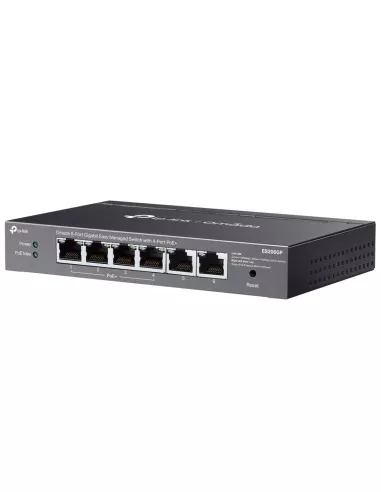
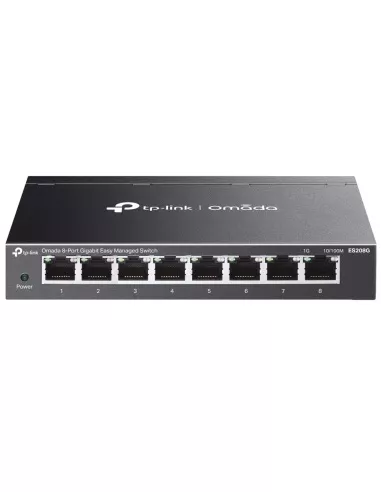
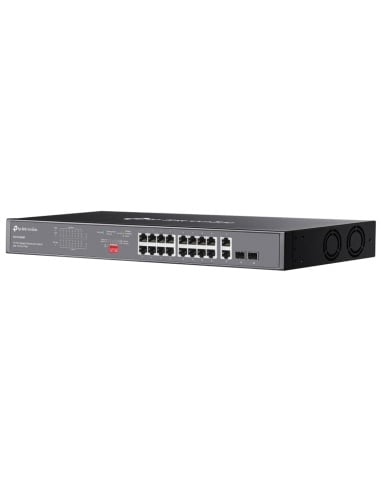
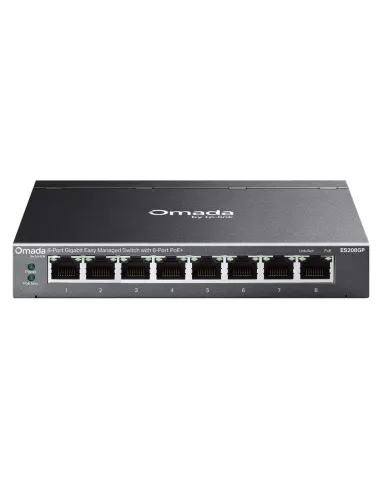
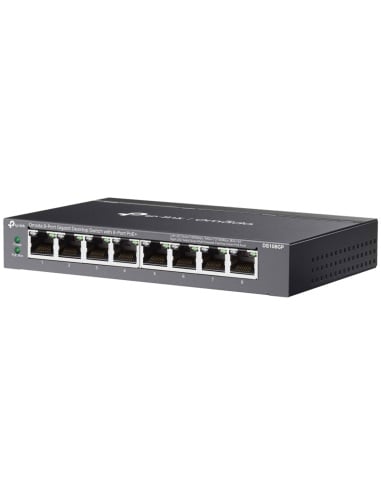
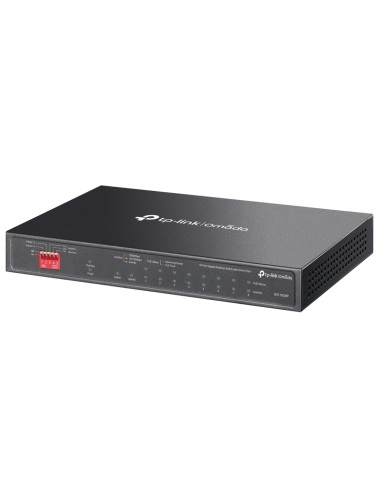
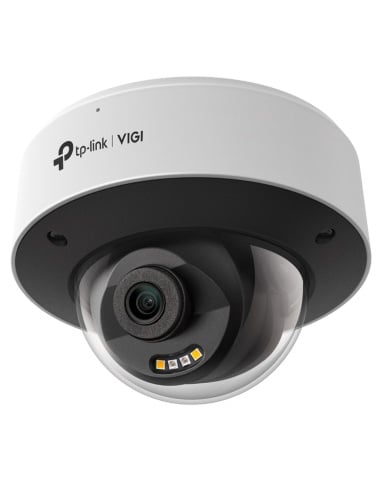
TP-Link Omada ES206GP 6-Port Gigabit Easy Managed Switch with 4-Port PoE+
4× PoE+ Ports | 65W PoE Budget | Centralised Cloud Management | Fanless Design
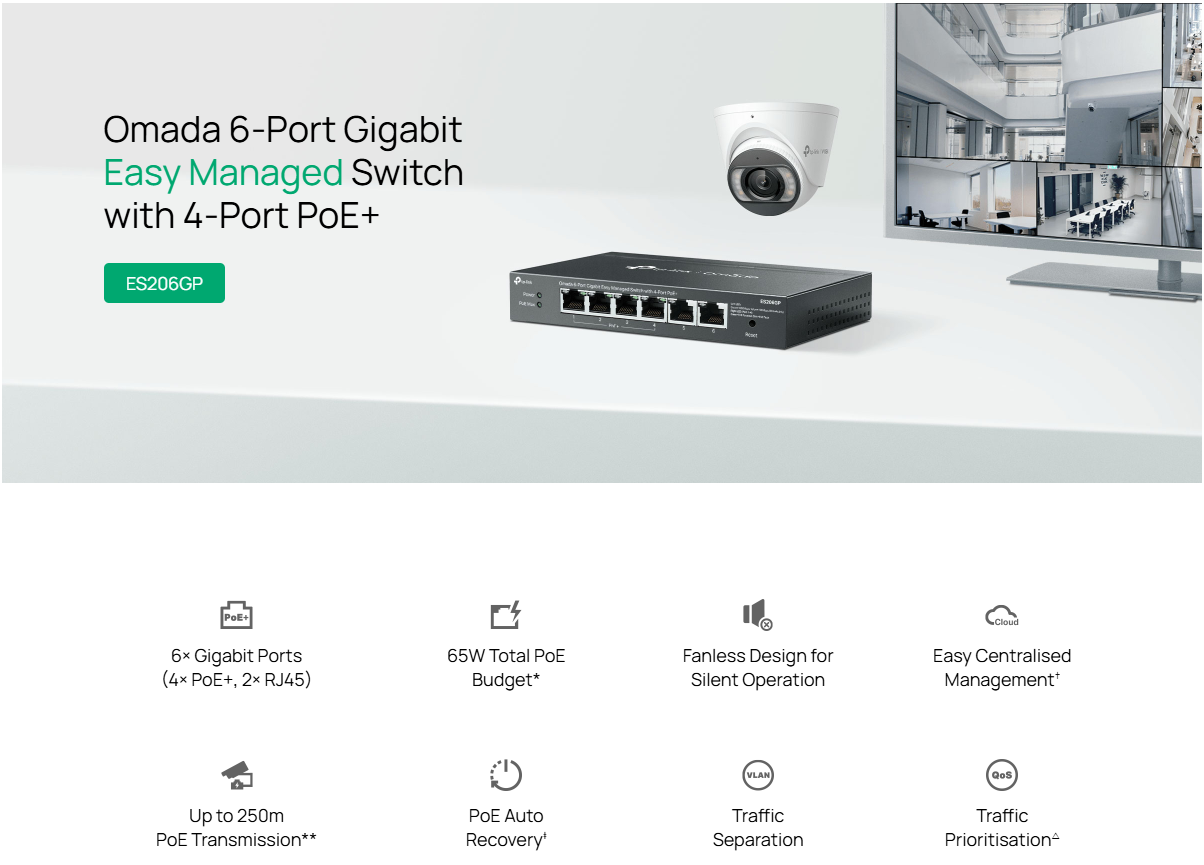
The TP-Link Omada ES206GP is a 6-port Gigabit Easy Managed Switch, featuring 4 PoE+ ports with a total power budget of 65W. Designed for small to medium-sized businesses, it offers centralized cloud management, silent fanless operation, and robust features like PoE Auto Recovery and extended PoE transmission up to 250 meters, making it ideal for surveillance and networking applications.
Key Features & Benefits
- 6× Gigabit Ports — Includes 4× PoE+ ports (802.3af/at) and 2× standard RJ45 ports for high-speed wired connectivity.
- 65W PoE Power Budget — Provides up to 30W per PoE+ port, perfect for powering IP cameras, access points, or VoIP phones.
- PoE Auto Recovery — Automatically reboots unresponsive PoE devices to maintain stable operation.
- Extended PoE Transmission — Up to 250m PoE transmission distance for remote IP surveillance or access points beyond standard Ethernet limitations.
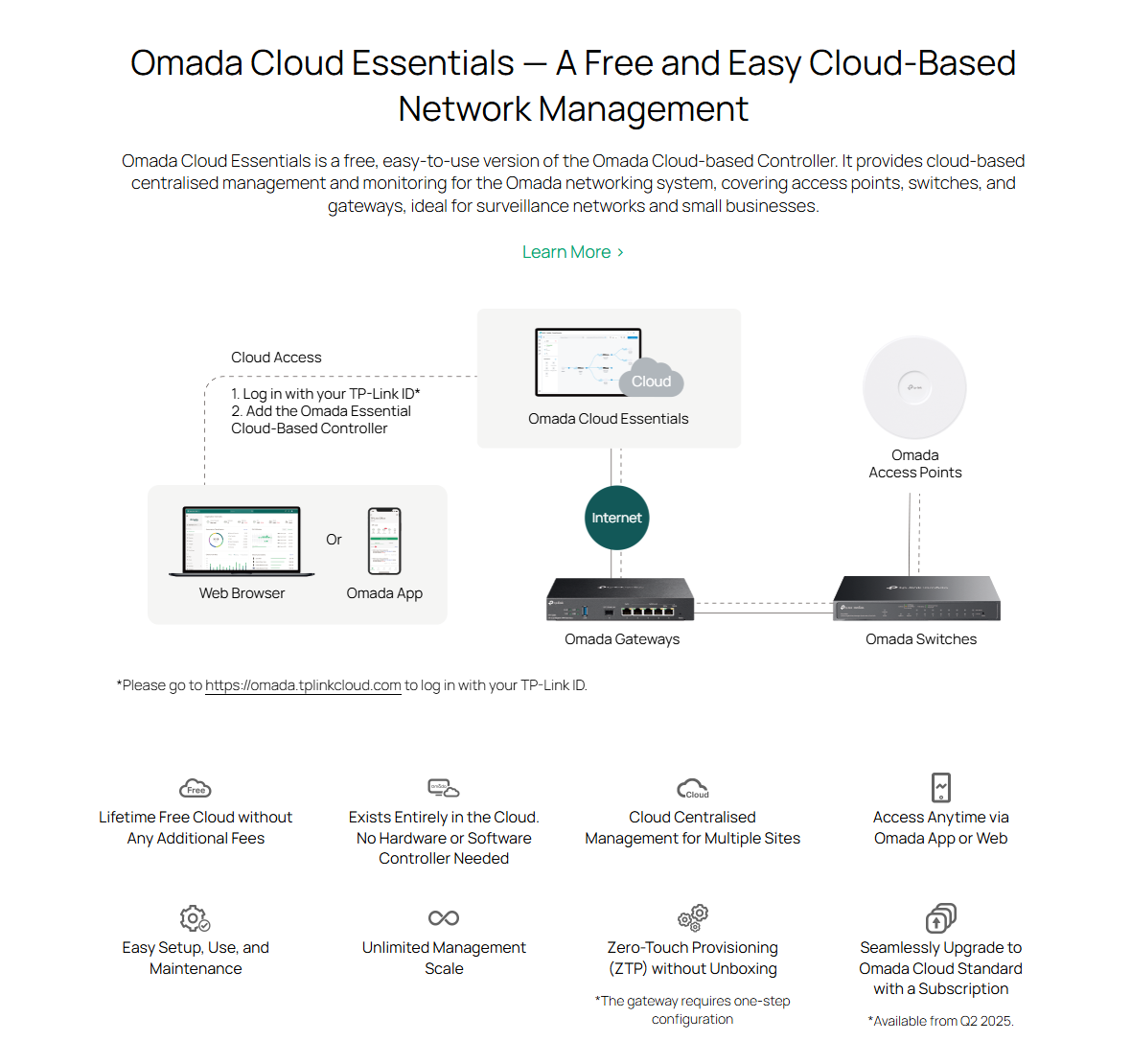
- Centralised Cloud Management — Supports lifetime-free centralized management via the Omada Cloud Essentials platform—no hardware controller required.
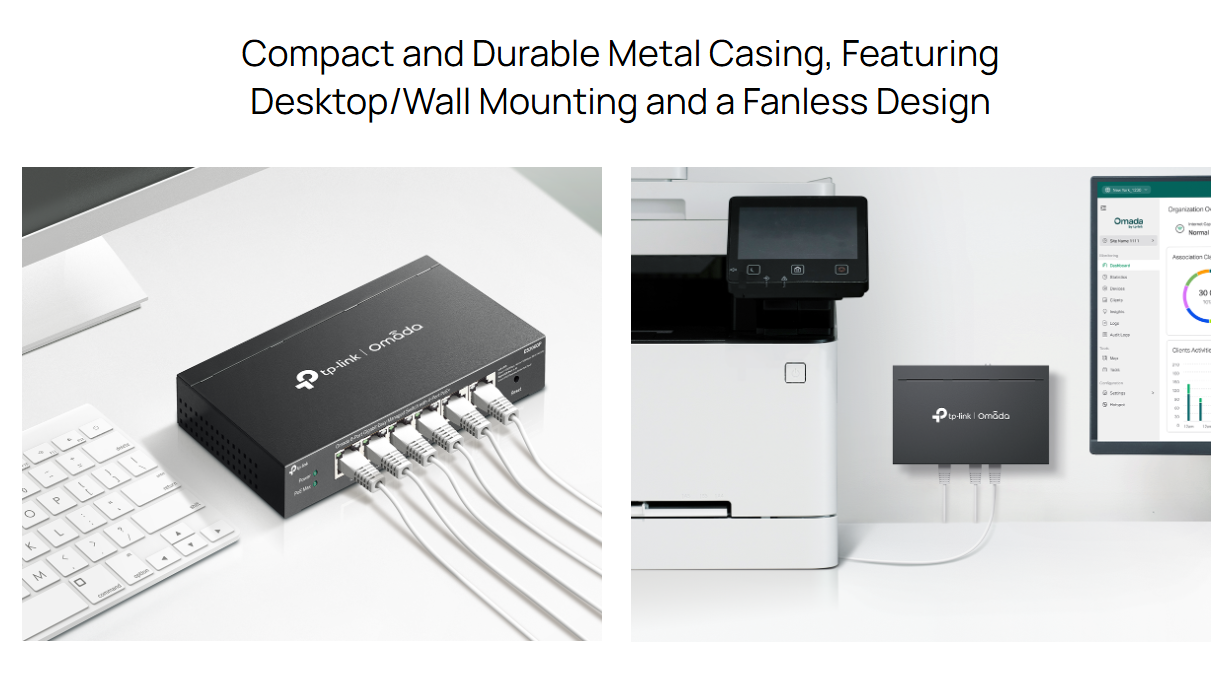
- Fanless Design — Silent operation with efficient passive cooling, ideal for offices, retail, or homes.
- Advanced Traffic Control — Includes QoS, Port Isolation, IGMP Snooping, Storm Control, and 802.1Q VLAN tagging for optimized and secure data flow.
- Durable, Compact Build — Sturdy metal casing, desktop/wall-mountable, and space-saving (158×101×25 mm).
- Zero-Touch Provisioning (ZTP) — Deploy switches remotely without unboxing using Omada Cloud.
Real-World Applications
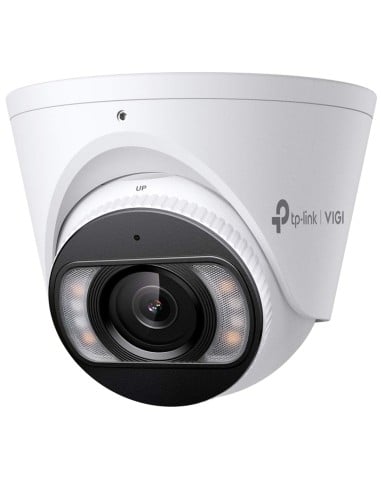
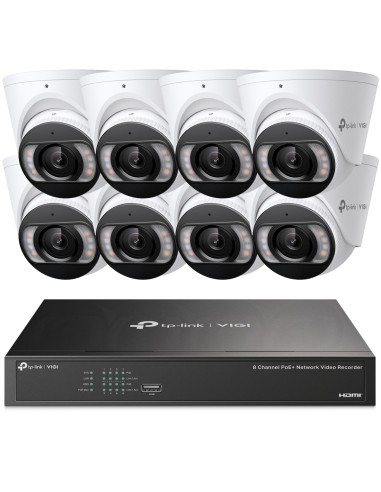
Surveillance Systems — Power and manage IP cameras with extended PoE reach and auto recovery features.
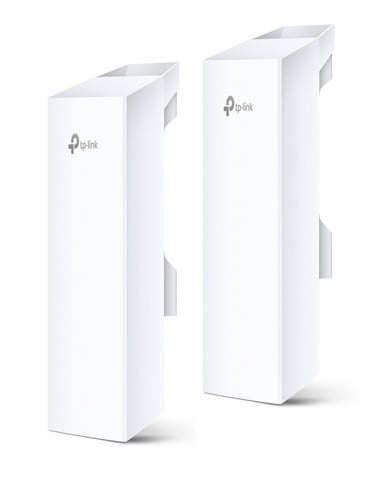
Wireless Coverage Expansion — Seamlessly integrate with access points for broader Wi-Fi coverage.
Business-Grade Wired Networks — Connect and manage devices like printers, PCs, and POS systems efficiently.
Smart Network Management
- Quality of Service (QoS) — Prioritize video or critical data streams for optimal performance.
- VLAN Support — Enhance network security and traffic separation with Port-Based, MTU VLAN, and 802.1Q Tag VLAN.
- IGMP Snooping — Optimized multicast traffic for IP cameras and IPTV.
- Loop Prevention — Maintains stable, loop-free networks.
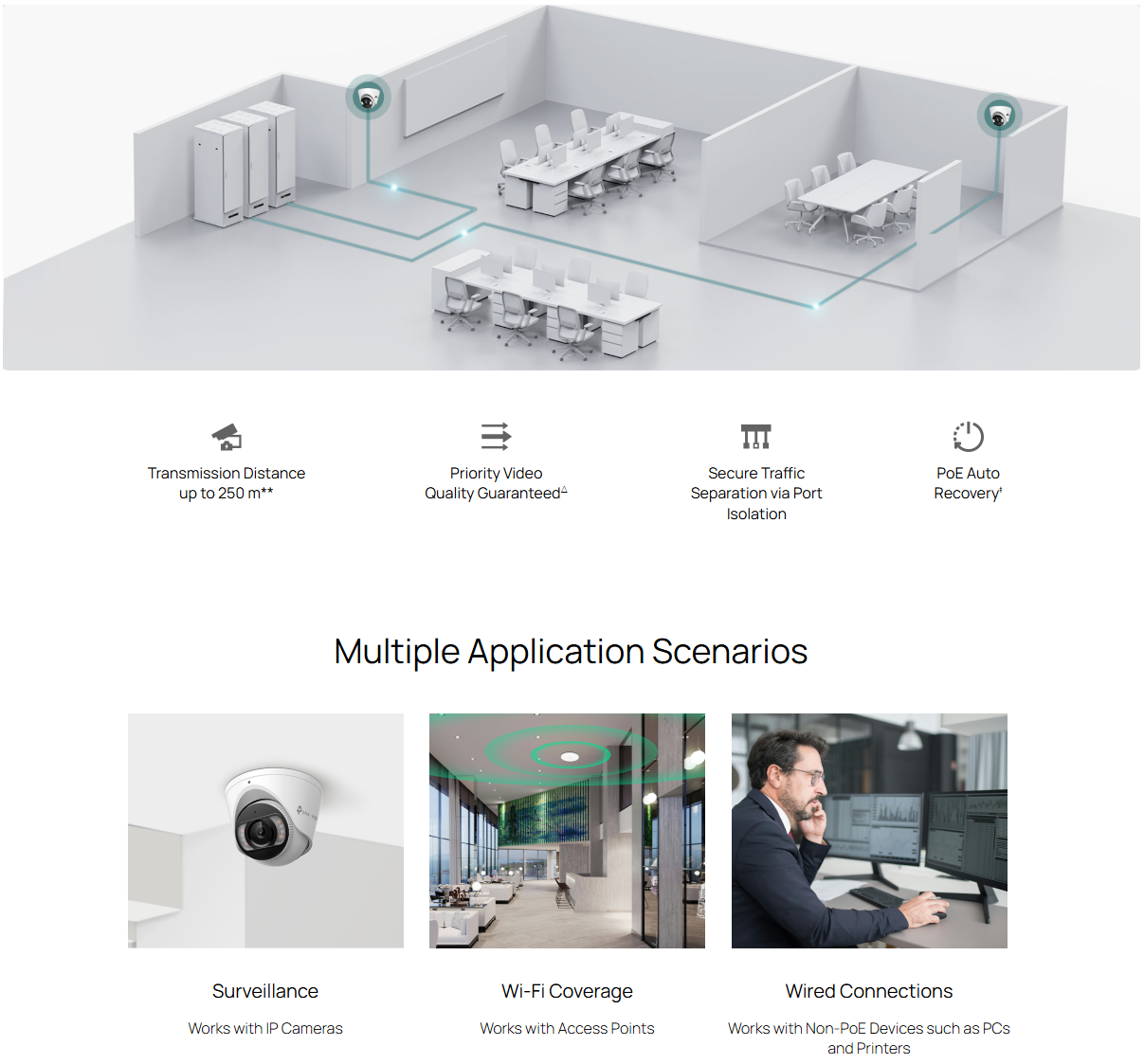
Efficient and Reliable Networking Solution — The TP-Link Omada ES206GP offers a robust and silent networking solution with advanced features, making it ideal for various applications including surveillance, wireless coverage expansion, and business-grade wired networks.