Guides
Grandstream
Grandstream IP phones, networking, and unified communications.

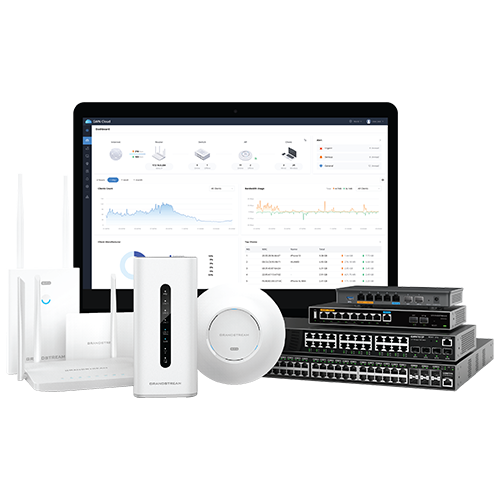
Our product search tool allows you to browse and filter through device capabilities, certifications, and features to find the right set of devices for deployment. Visit product webpages and create product comparison charts with just one click to further decide on the devices that are right for your solution.
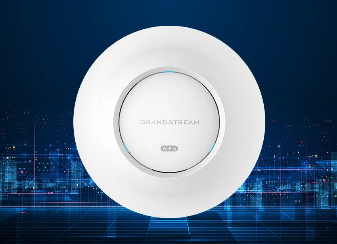
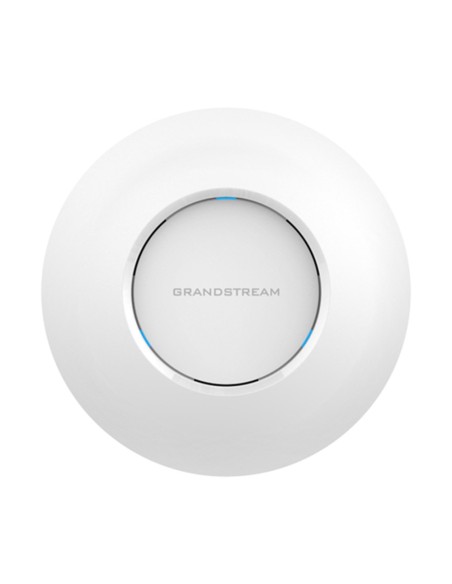
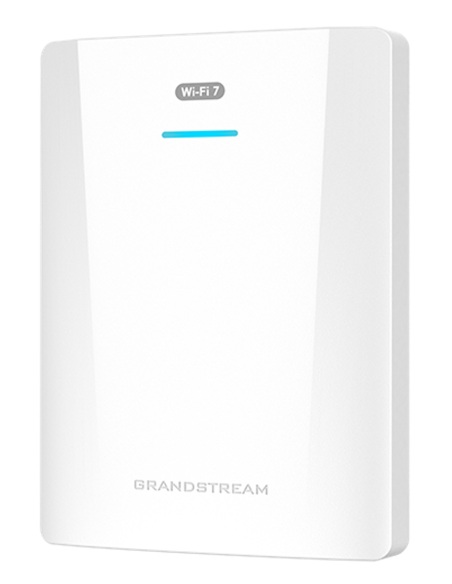
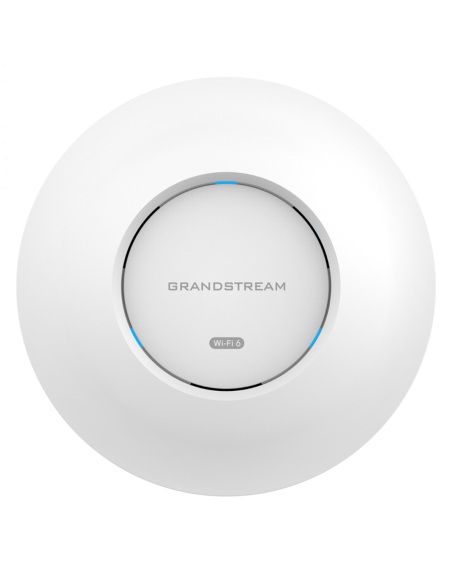
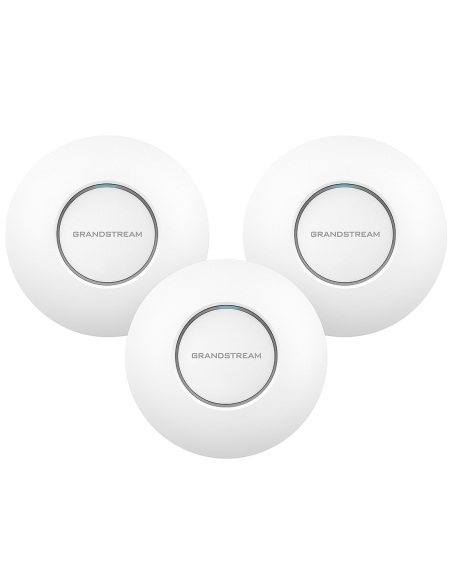
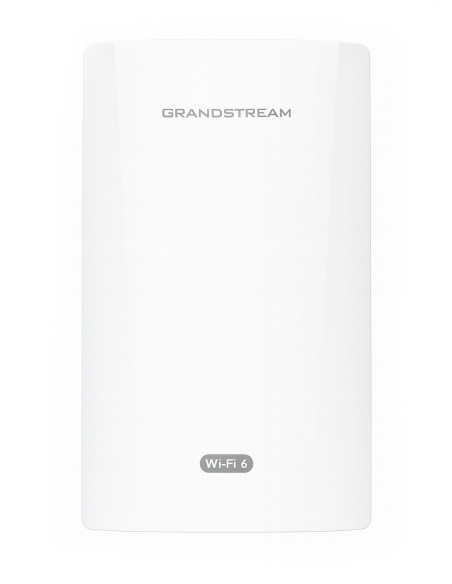
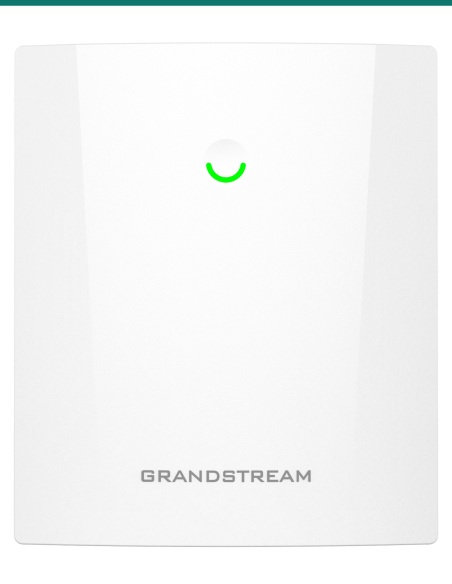
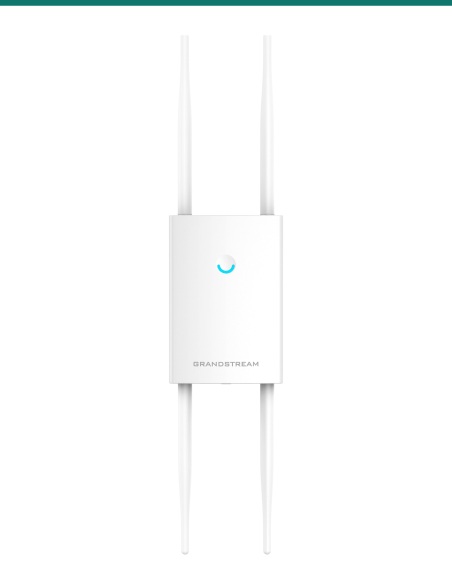
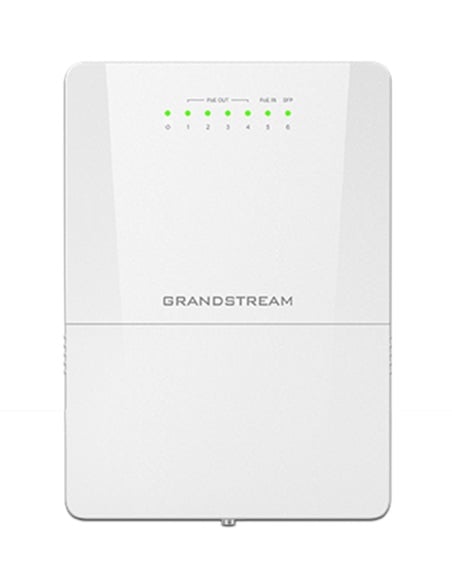
Wi-Fi Access Points
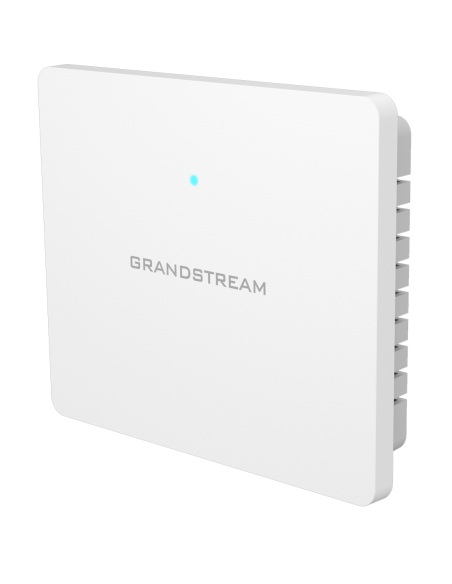
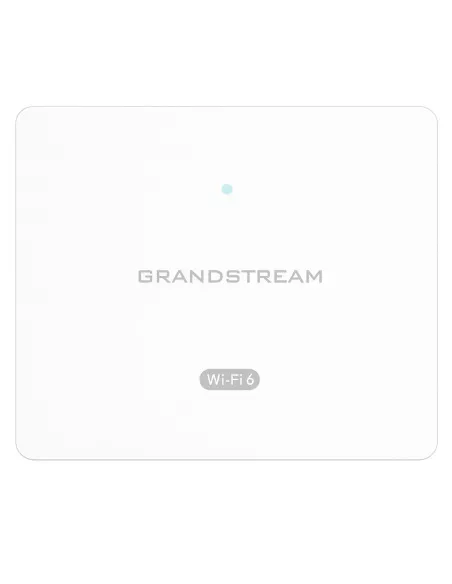
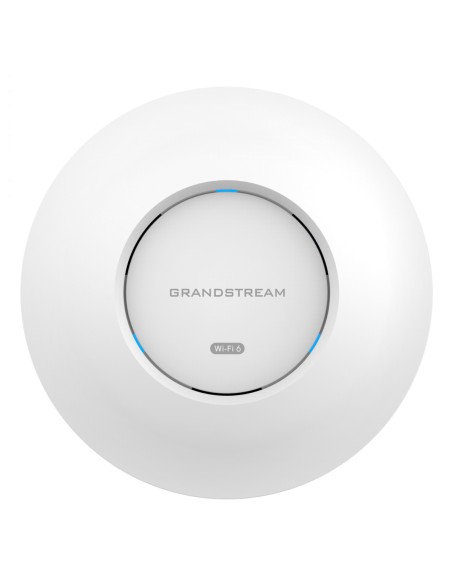
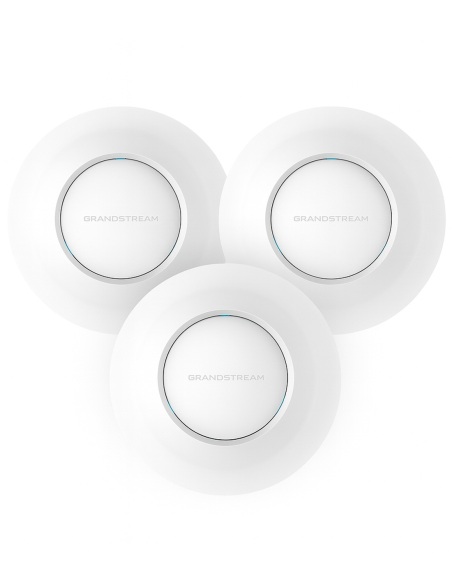
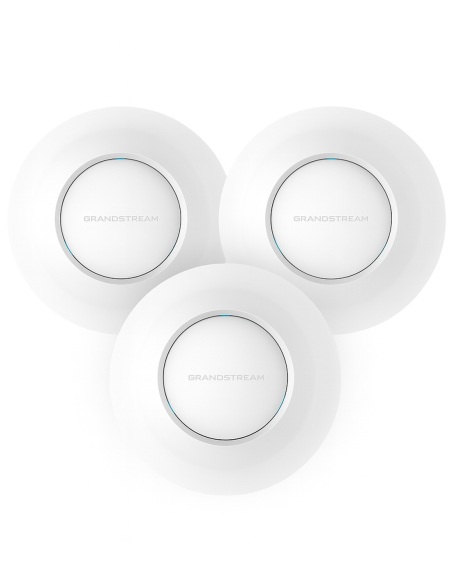
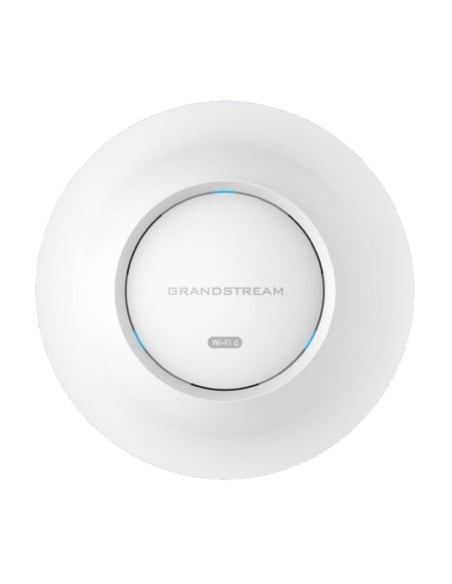
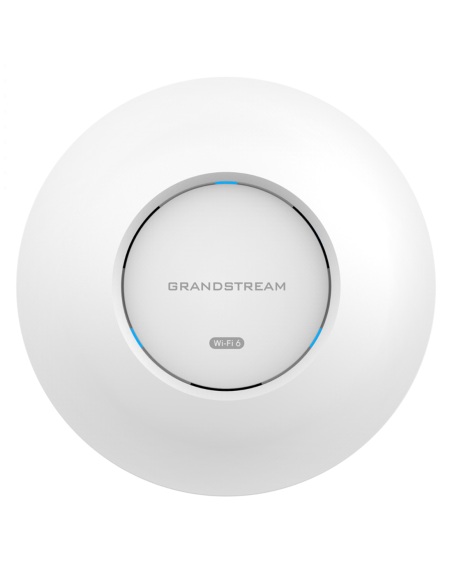
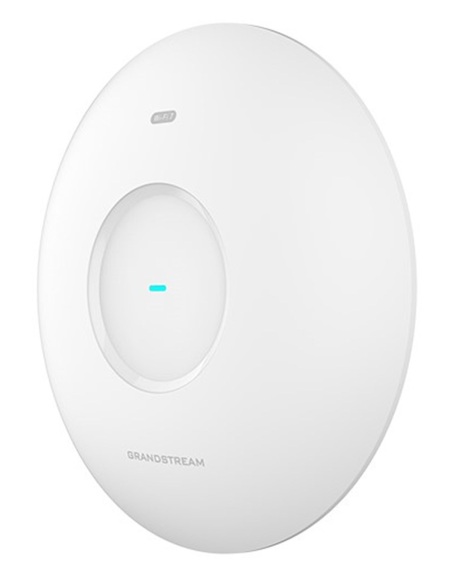
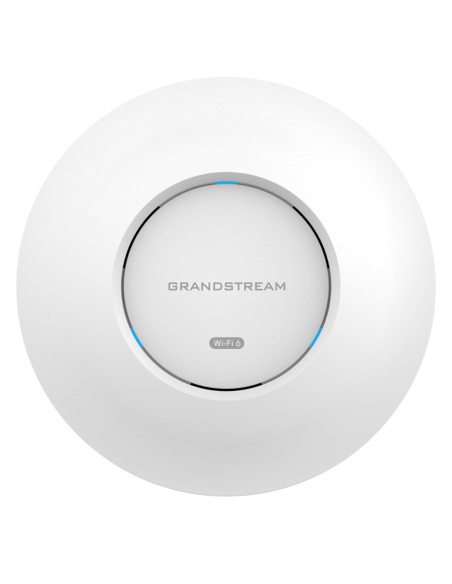
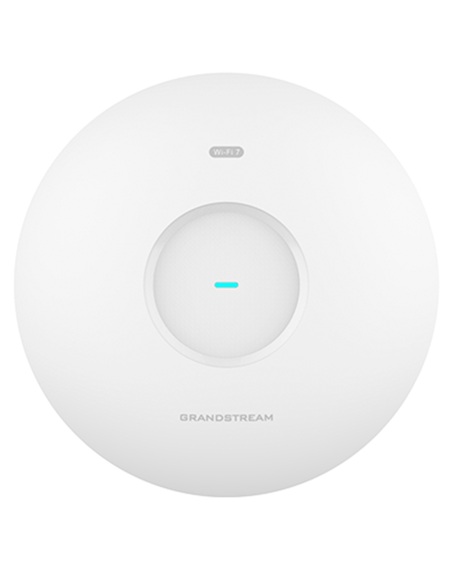
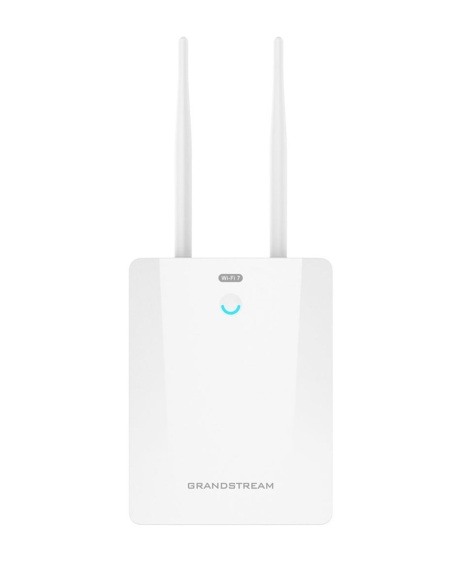
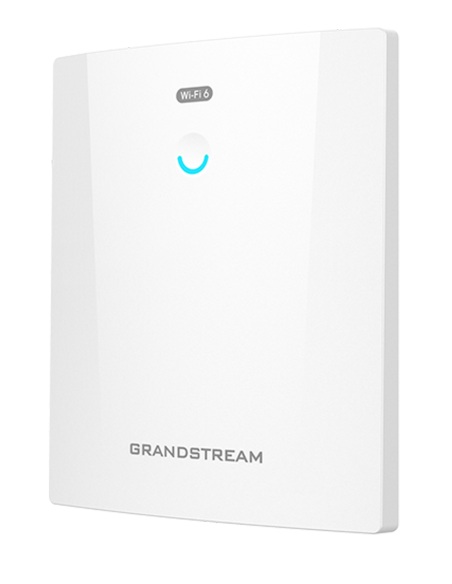
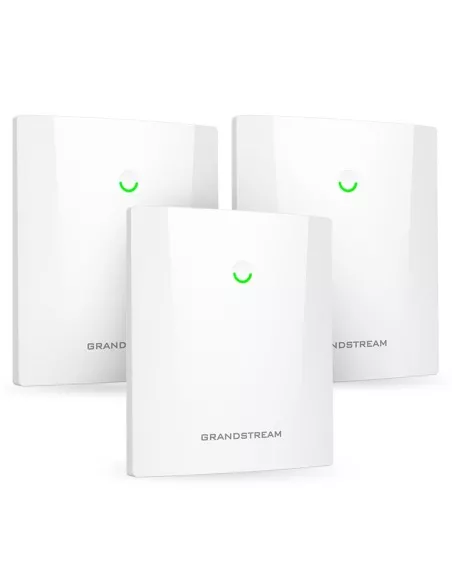
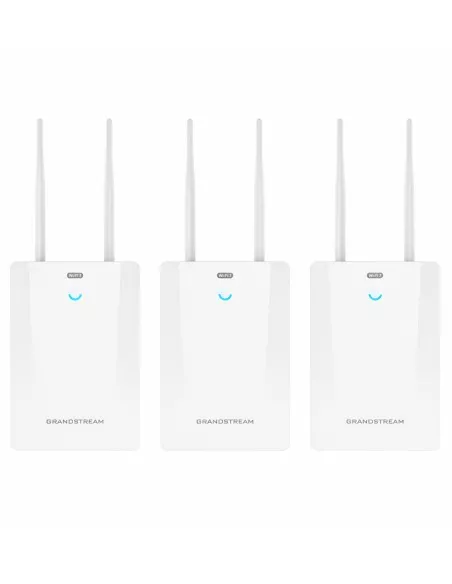
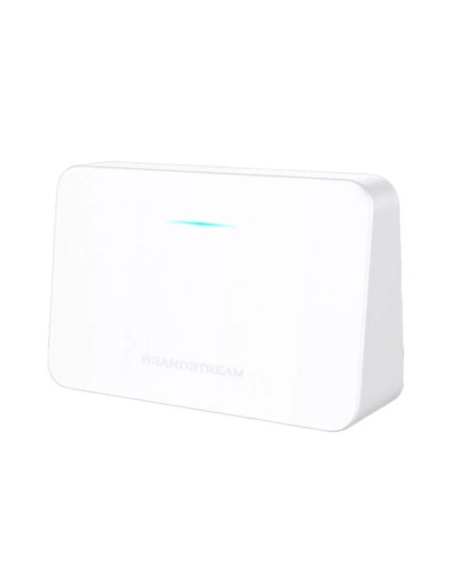
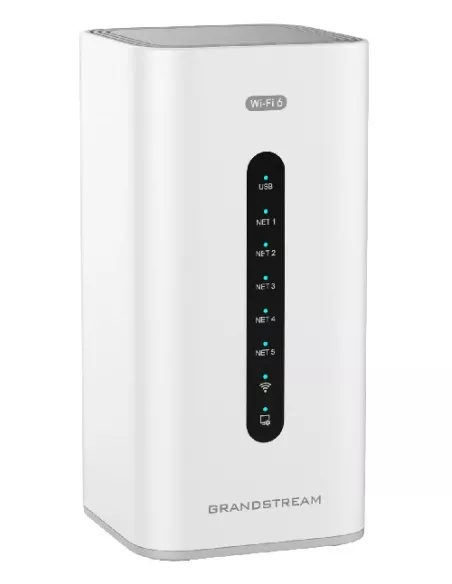
<p style="text-align: left;">Grandstream's powerful indoor Wi-Fi Access Points offer high-performance networking with tremendous long range Wi-Fi coverage range.</p>
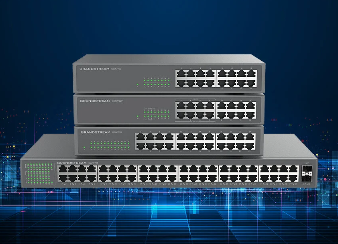
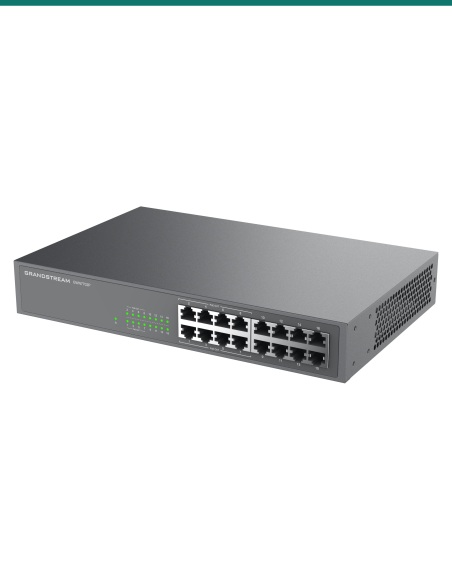
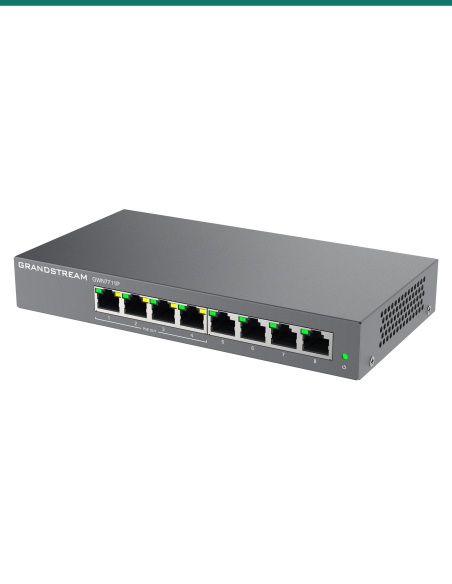
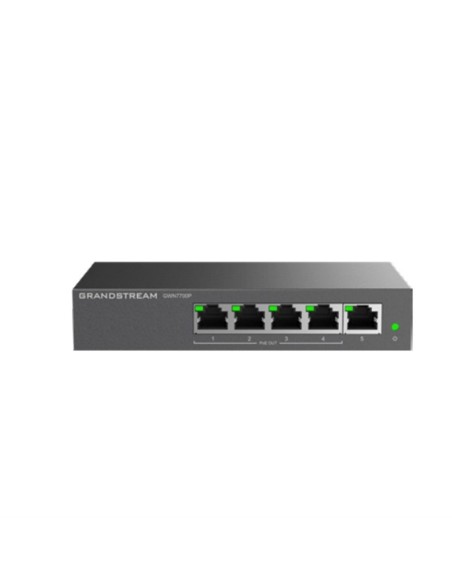
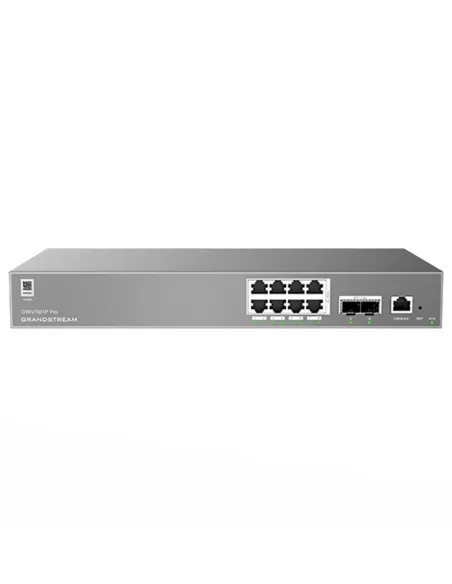
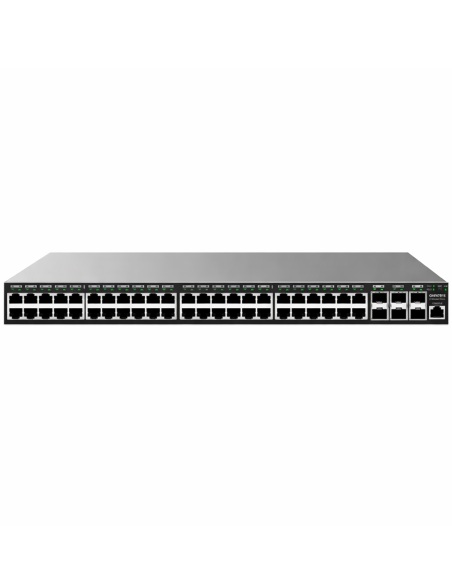
Unmanaged Switches
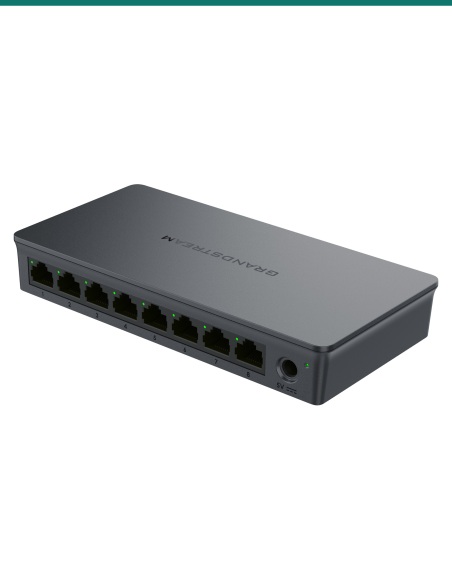
<p>Grandstream’s indoor Wi-Fi access points deliver powerful, high-performance networking with extensive long-range wireless coverage.</p><p></p>
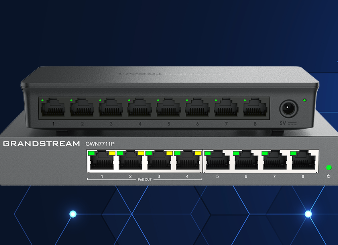
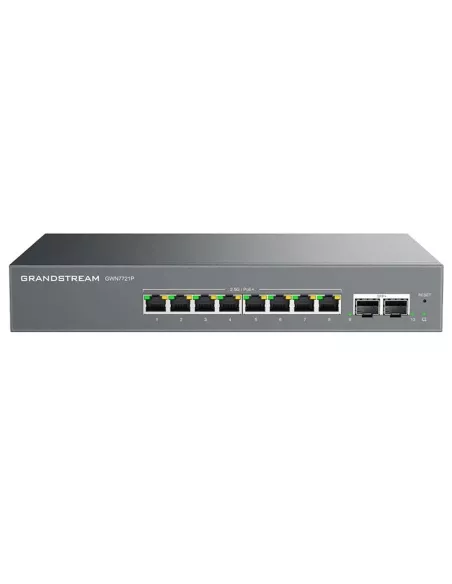
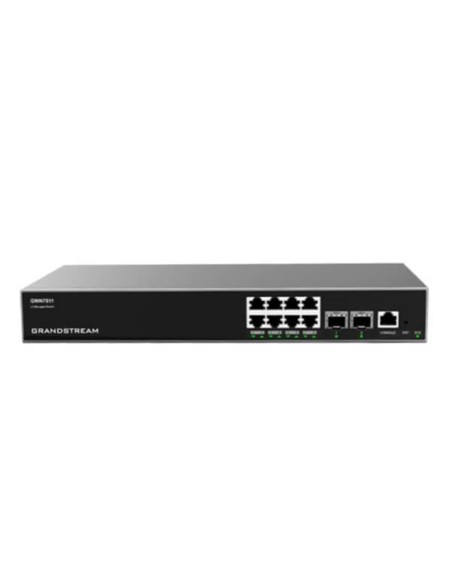
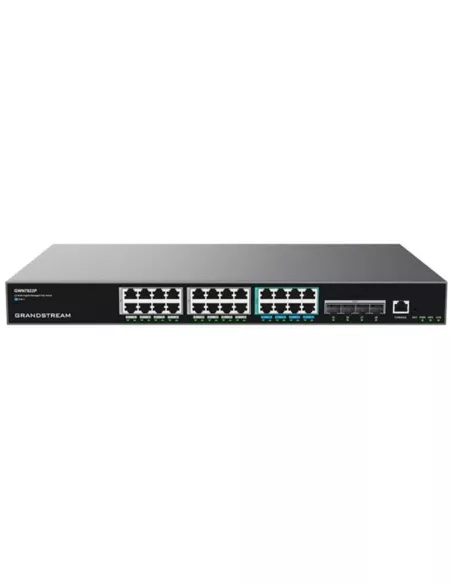
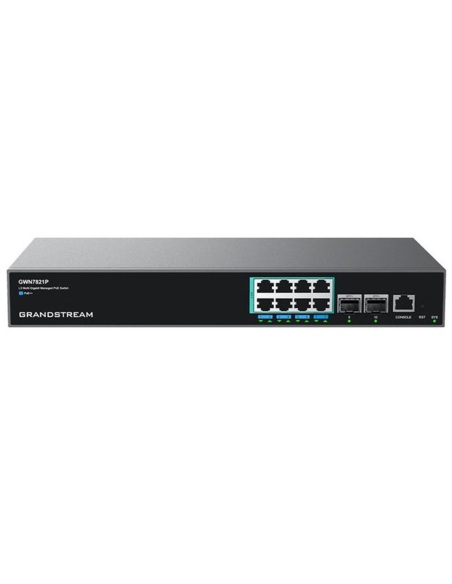
Layer 2 Lite Switches
<p>Layer 2 Lite managed network switches that allow small-to-medium businesses to build scalable, secure, and smart business networks.</p><p></p>
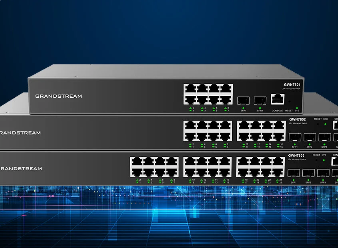
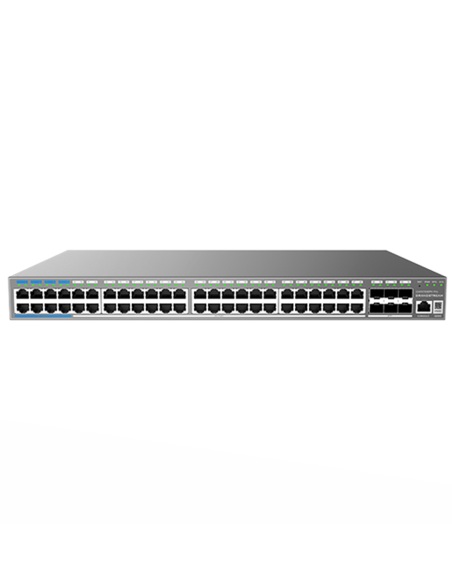
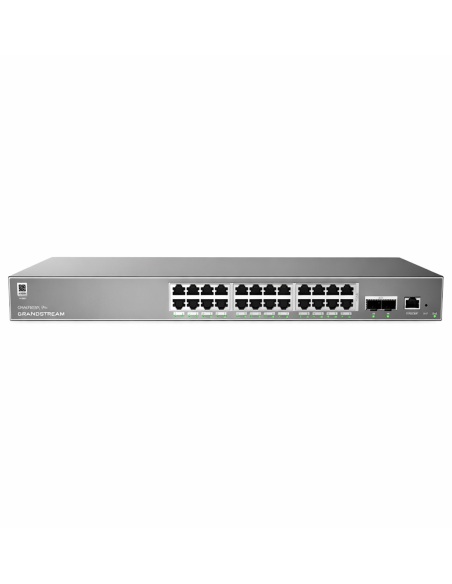
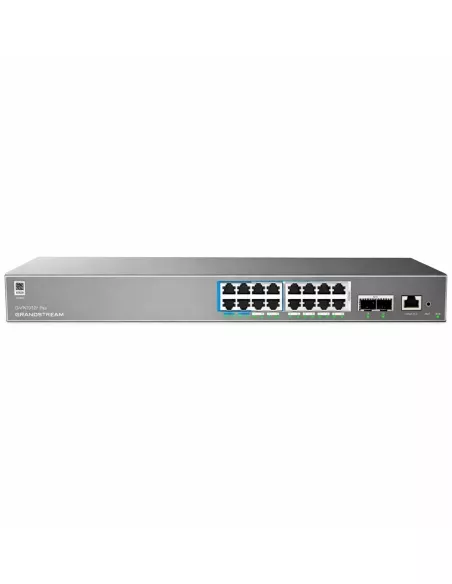
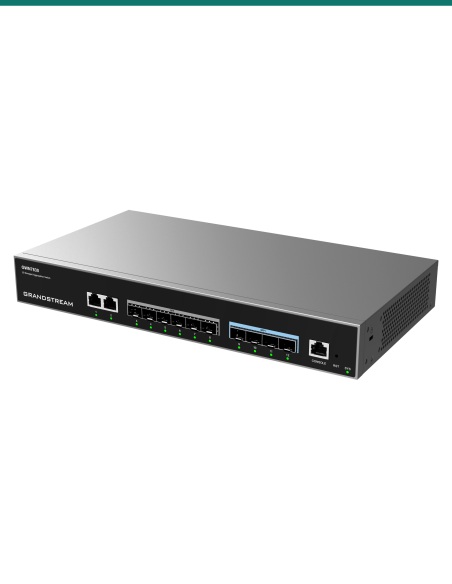
Layer 2+ Switches
<p>Layer 2+ managed network switches support advanced VLAN for flexible traffic segmentation, QoS for prioritization, IGMP Snooping, and more.</p><p></p>
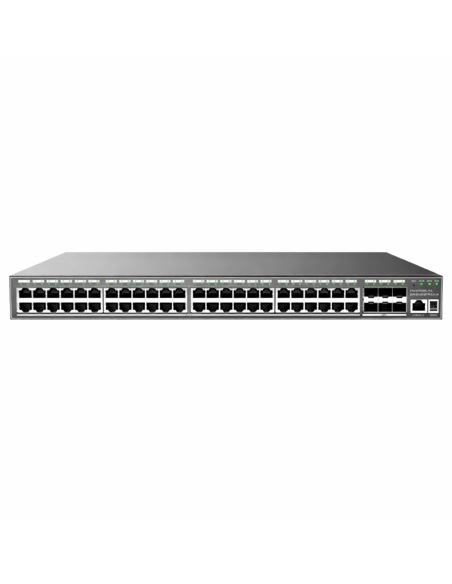
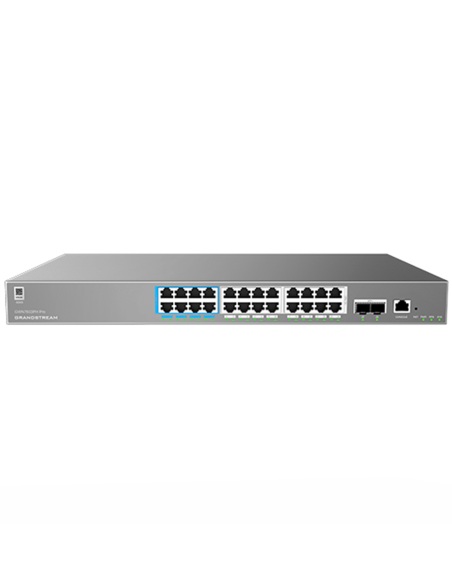
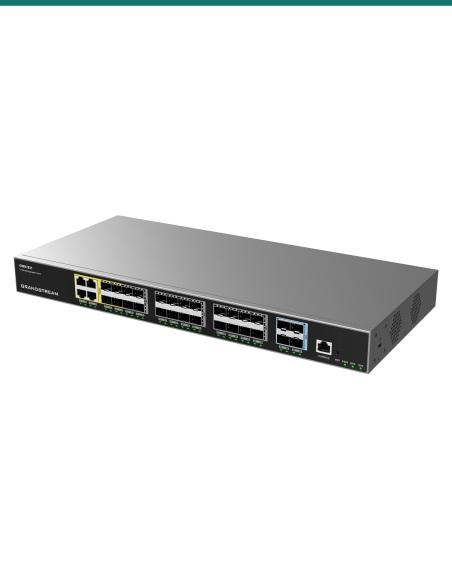
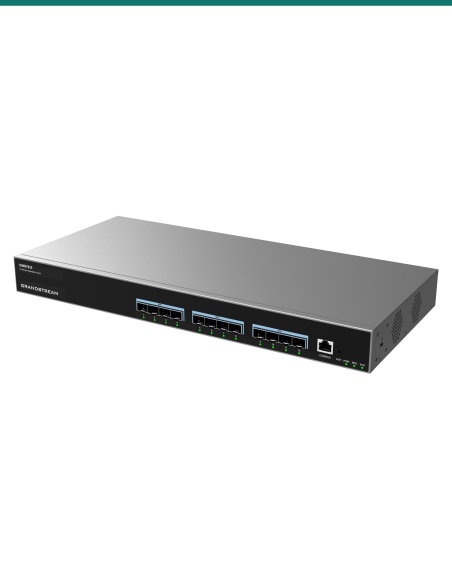
Layer 3 Switches
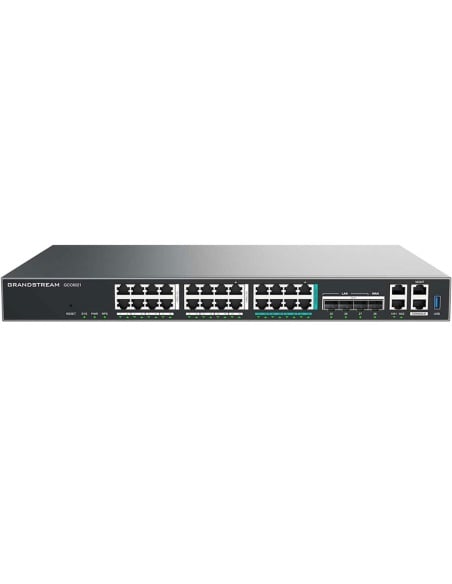
<p>Layer 3 managed network switches that allow enterprises to build scalable and smart business networks that are fully manageable.</p><p></p>
GDMS Networking
<p>GDMS Networking is a FREE enterprise-grade, management platform for Grandstream GWN series devices. Thanks to streamlined monitoring and maintenance, managing your network across multiple locations has never been easier.</p>
Captive Portal
<p><span style="color: #1a202c; font-family: 'Open Sans', sans-serif; font-size: 14px; text-align: center;">Define a Portal Web Page that will be displayed on Wi-Fi clients’ browsers when accessing the Internet. Authetications include: RADIUS, Social, Voucher, or the</span><br style="box-sizing: border-box; color: #1a202c; font-family: 'Open Sans', sans-serif; font-size: 14px; text-align: center;" /><span style="color: #1a202c; font-family: 'Open Sans', sans-serif; font-size: 14px; text-align: center;">option for No Authentication.</span></p>
APP and Content Policies
<p><span style="color: #1a202c; font-family: 'Open Sans', sans-serif; font-size: 14px; text-align: center;">GWN routers support enhanced content screening. Deep Packet Inspection (DPI) helps catch malicious inbound traffic before it reaches the network, and system admins can filter traffic by DNS, web/software applications, URLs, and more, for fully customized security.</span></p>
VLAN Support
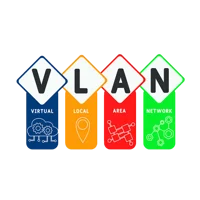
<p><span style="color: #1a202c; font-family: 'Open Sans', sans-serif; font-size: 14px; text-align: center;">Create VLANs with GWN switches to virtually segment networks, allowing you to fine-tune network performance and create added layers of deployment security.</span></p>
Security
<p><span style="color: #1a202c; font-family: 'Open Sans', sans-serif; font-size: 14px; text-align: center;">Powerful firmware security antihacking protection will block illegal changes to the firmware as well as encrypt files to add extra layers of security.</span></p>
Firewall
<p><span style="color: #1a202c; font-family: 'Open Sans', sans-serif; font-size: 14px; text-align: center;">Strong Firewall including: Traffic Matching (MAC, IP, Port, Protocol) Action (SNAT, DNAT, Port Trigger, Route, Drop, Reject), DMZ Host, Forwarding Rules, Inter-VLAN Routing, and SYN Flood Protection.</span></p>
Virtual Private Network
<p><span style="color: #1a202c; font-family: 'Open Sans', sans-serif; font-size: 14px; text-align: center;">Create secure networks through VPN Server/Client: OpenVPN, PPTP, L2TP/IPSec (client only), and Site-to-Site VPN options.</span></p>
Client Bridge
<p><span style="color: #1a202c; font-family: 'Open Sans', sans-serif; font-size: 14px; text-align: center;">Client bridge allows an access point to be configured as a client for bridging wired only clients wirelessly to the network. This allows the AP to share a Wi-Fi connection to the LAN ports transparently.</span></p>
Client Connection Permissions
<p><span style="color: #1a202c; font-family: 'Open Sans', sans-serif; font-size: 14px; text-align: center;">Enhanced Wi-Fi client blacklist configuration empowers the</span><br style="box-sizing: border-box; color: #1a202c; font-family: 'Open Sans', sans-serif; font-size: 14px; text-align: center;" /><span style="color: #1a202c; font-family: 'Open Sans', sans-serif; font-size: 14px; text-align: center;">system administrator to set a</span><br style="box-sizing: border-box; color: #1a202c; font-family: 'Open Sans', sans-serif; font-size: 14px; text-align: center;" /><span style="color: #1a202c; font-family: 'Open Sans', sans-serif; font-size: 14px; text-align: center;">fixed time to allow connection</span><br style="box-sizing: border-box; color: #1a202c; font-family: 'Open Sans', sans-serif; font-size: 14px; text-align: center;" /><span style="color: #1a202c; font-family: 'Open Sans', sans-serif; font-size: 14px; text-align: center;">to the access point.</span></p>


Find the Product to Suit Your Networking Requirements
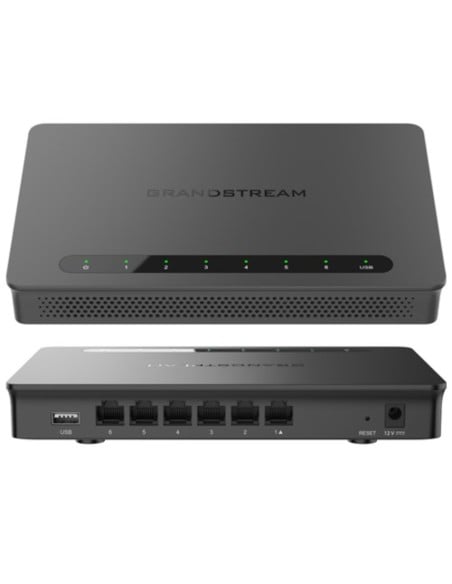
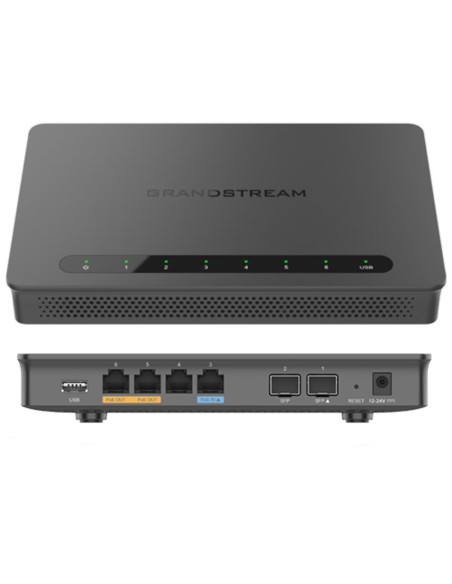
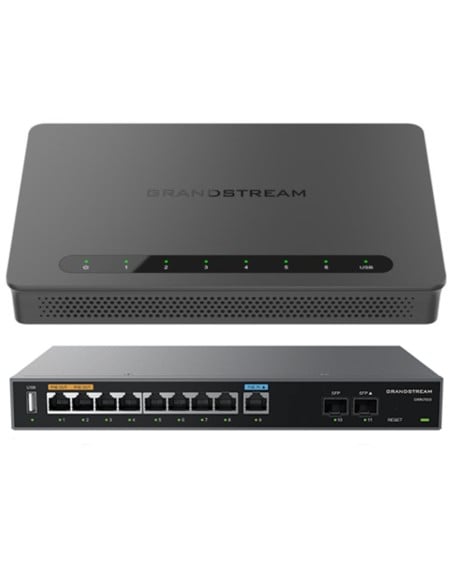
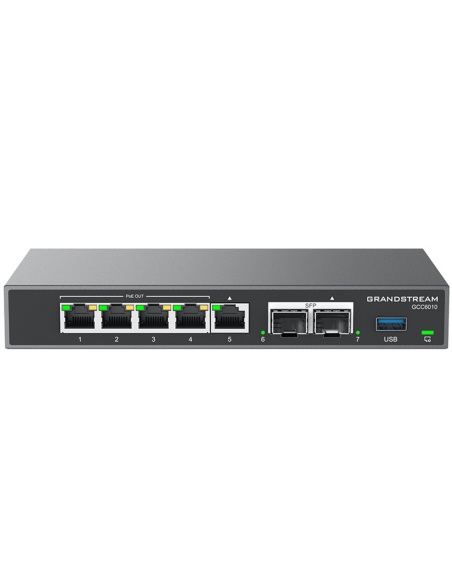
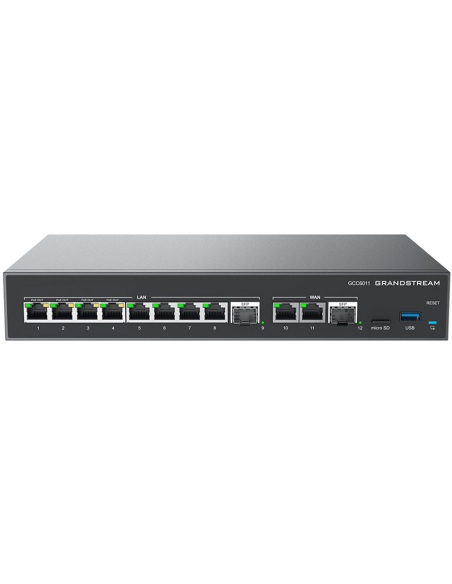
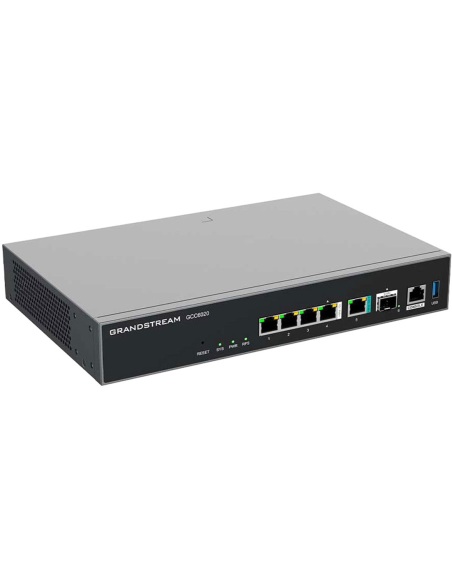
Grandstream Multi-WAN Gigabit VPN Routers
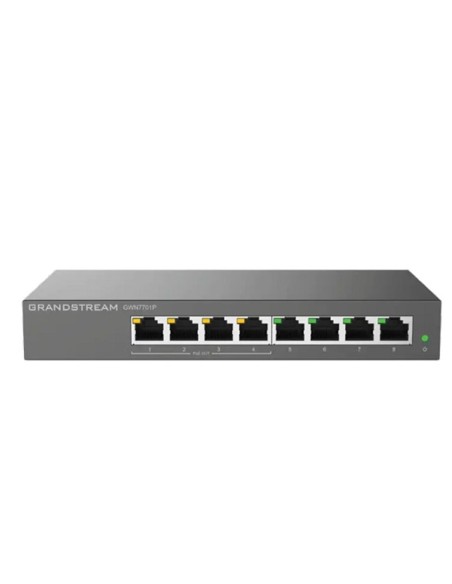
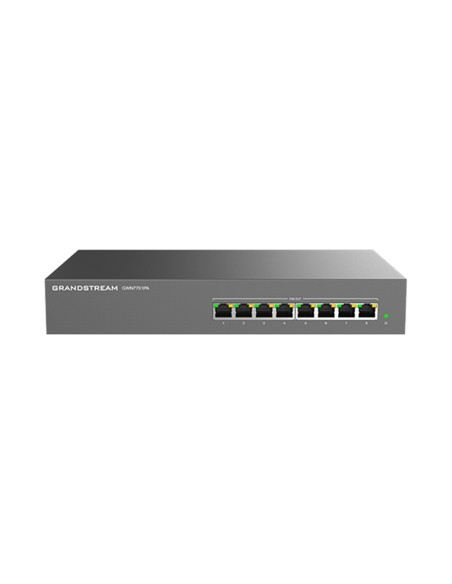
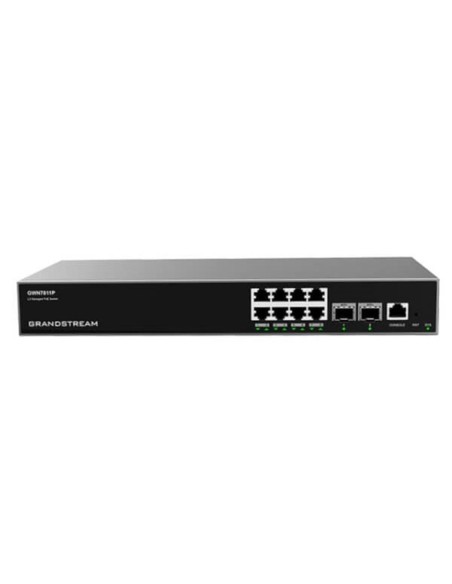
Grandstream POE Network Switching Entry
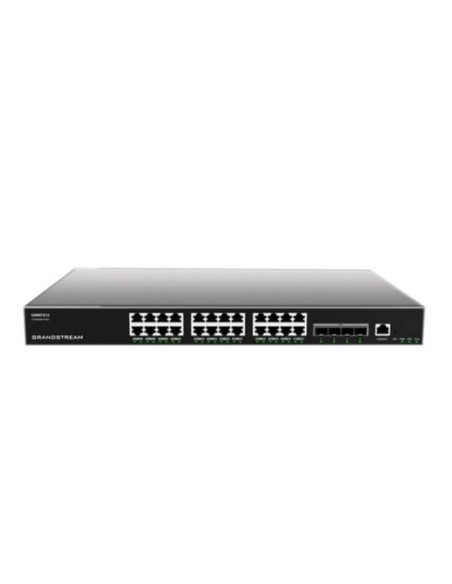
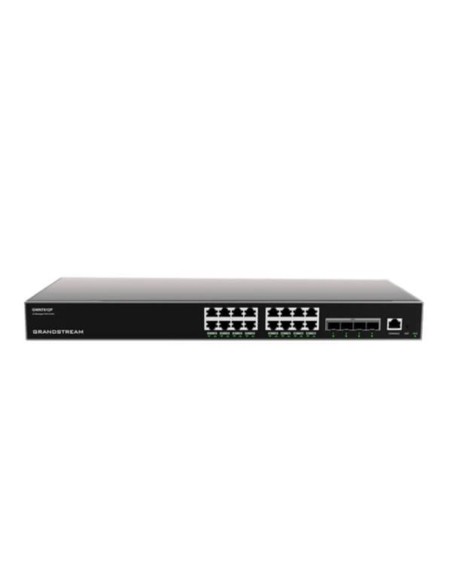
Grandstream POE Network Switching L2 Managed
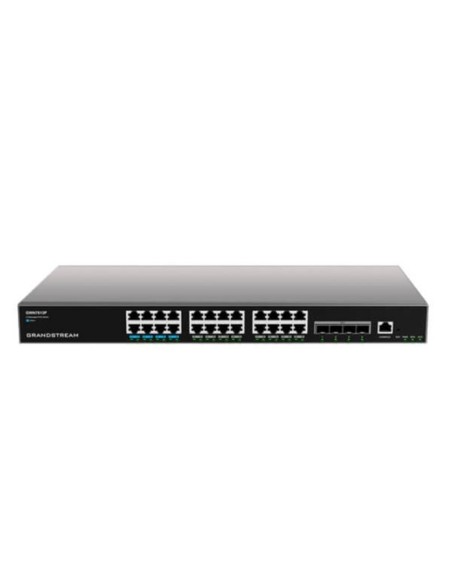
Grandstream POE Network Switching L3 Managed
Do you need help?
We understand this can be confusing. Contact us today to discuss your requirements and see how a Grandstream solution can meet your long-term needs.