
Your cart
There are no more items in your cart

Reolink Doorbell Camera
Reolink Doorbell Cameras Australia – Complete Buyer’s Guide (PoE & Wi-Fi)
Searching for a Reolink doorbell that delivers 2K+ clarity, local recording, and dependable alerts? This guide covers the Reolink PoE doorbell and Reolink Wi-Fi doorbell for Australian homes and small businesses: how to choose, wire, record 24/7, connect to an NVR, and tune motion so you always capture people and parcels at the front door.
Reolink doorbell AustraliaReolink PoE doorbellReolink Wi-Fi doorbell
Reolink doorbell 24/7 recordingReolink doorbell no subscriptionReolink chime
Reolink doorbell NVRRTSP ONVIF doorbellbest Reolink doorbell
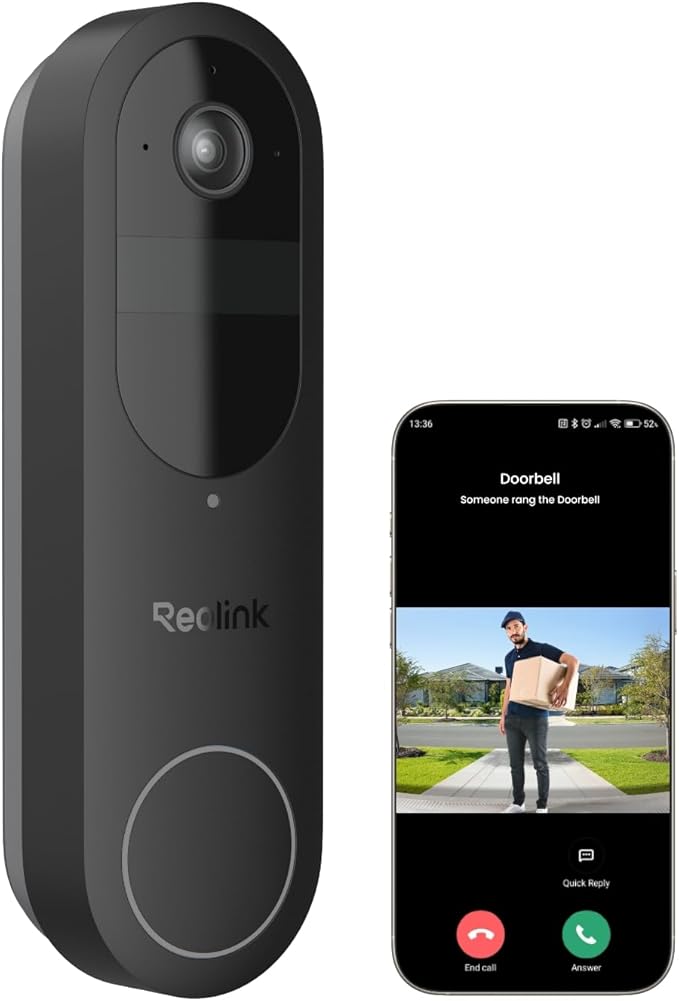
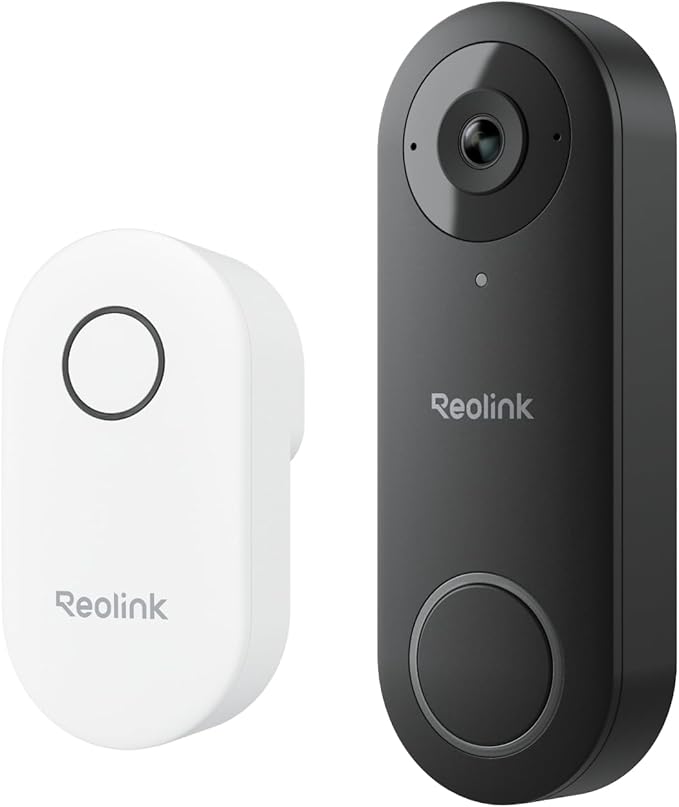
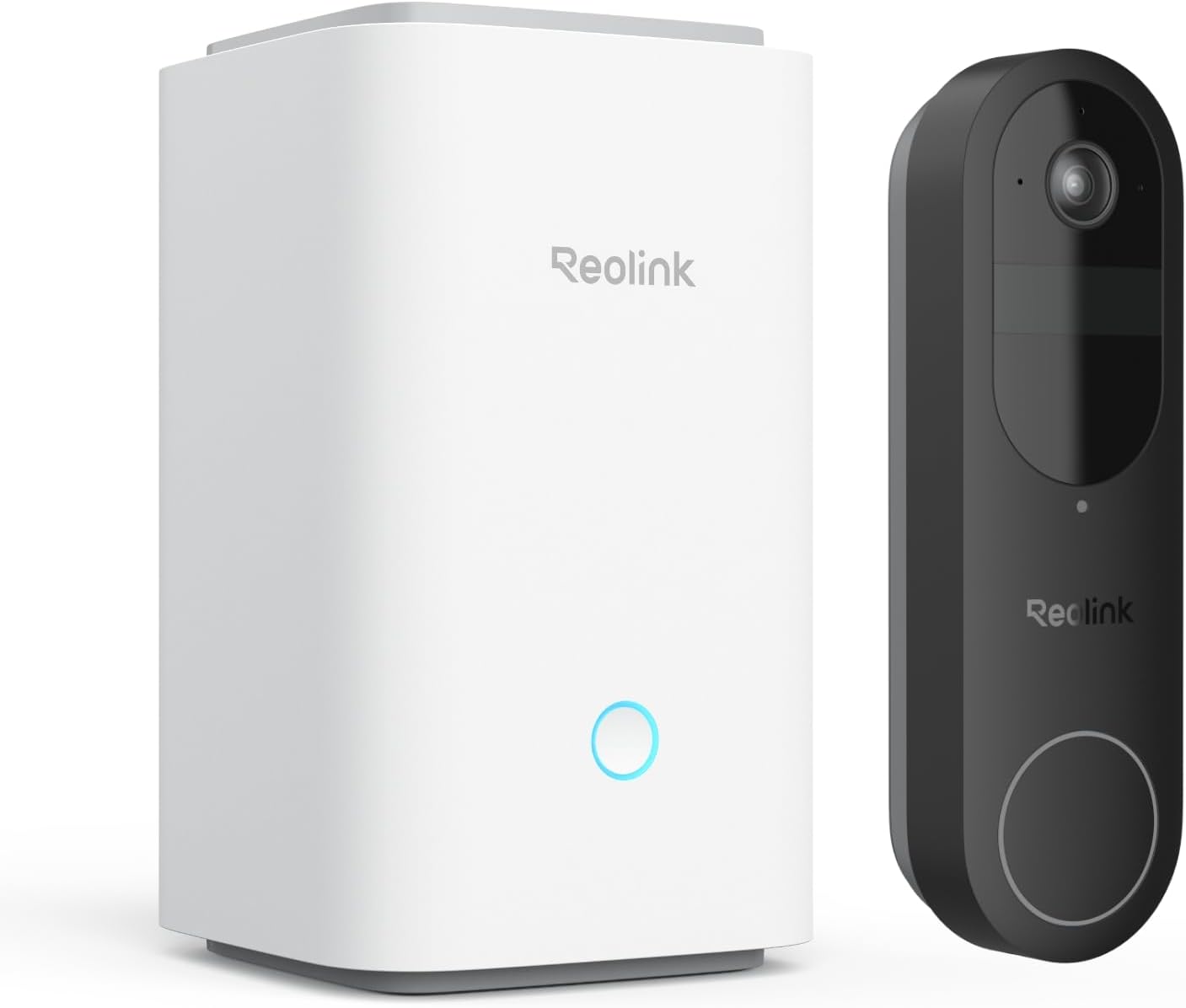
Why choose a Reolink doorbell
Reolink stands out for local storage with no mandatory subscription, crisp 2K+ video, and a rare option in the doorbell market — a hard-wired PoE model that behaves like a front-door CCTV camera. Whether you prefer simple app alerts or a full 24/7 recording workflow into an NVR, Reolink covers both.
- Local recording first: microSD or NVR/NAS — you control retention and quality.
- 24/7, motion, or schedule: tune capture to your needs.
- PoE for reliability or Wi-Fi for fast retrofits.
- Smart detection, pre-motion buffer, two-way audio, and optional chime.
- Third-party viewing via RTSP and ONVIF, plus Google/Alexa support.
Core features that matter
Sharp, tall video
The 2K+ (5 MP) image with a tall aspect makes it easier to see faces and parcels on the mat. HDR and night vision help in tricky porch lighting, keeping details readable day and night.
Power & wiring options
PoE uses IEEE 802.3af for power and data over one Ethernet cable. Wi-Fi models use 12–24 VAC doorbell power or a 24 V DC adapter. If you’re unsure, consult a licensed electrician.
Smart alerts you control
Use person detection, motion zones and sensitivity to reduce false alerts. Pre-motion capture shows what happened just before the event.
Local storage without fees
Drop in a high-endurance microSD for quick wins, or connect to a Reolink NVR for continuous 24/7 capture and longer history.
PoE vs Wi-Fi: which model to buy
Pick PoE when you want:
- Maximum reliability with one-cable power + data and no Wi-Fi drop-outs.
- Full CCTV workflow with an NVR for 24/7 timeline playback.
- Better upstream performance for remote viewing.
Pick Wi-Fi when you want:
- Fast retrofit using existing doorbell wiring or a plug-in adapter.
- Flexible placement where running Ethernet is impractical.
- Quick setup with dual-band 2.4/5 GHz connectivity.
Recording: microSD, NVR, NAS
- microSD — simple and inexpensive. Use U3/high-endurance cards and enable overwrite.
- Reolink NVR — best for 24/7 capture, multi-camera playback and long retention.
- NAS / RTSP — power users can ingest the stream into compatible recorders.
Motion-only increases retention; 24/7 needs an NVR and suitable HDD capacity.
Integrations: RTSP, ONVIF, voice assistants
Reolink doorbells stream via RTSP and support ONVIF for third-party viewers and VMS. Use Google Assistant or Amazon Alexa to show your door on smart displays hands-free.
- Create a dedicated app user with strong credentials.
- Reserve the doorbell’s IP (DHCP reservation) for stable NVR bindings.
- Consider a VLAN or IoT SSID for larger multi-camera homes.
Installation guides
PoE doorbell
- Run Cat6 to a PoE switch/injector (802.3af).
- Mount the wedge for a head-to-toe angle; avoid pointing into harsh backlight.
- Add the doorbell in the Reolink app, update firmware, set a strong password.
- Enable 24/7 or motion recording on the NVR; confirm time sync and zones.
Wi-Fi doorbell
- Confirm 12–24 VAC transformer or use a compliant 24 V DC adapter.
- Connect to 2.4/5 GHz Wi-Fi; reserve IP in your router.
- Insert high-endurance microSD; enable overwrite; tune motion and notifications.
Australian compliance: mains work must be done by a licensed electrician.
Troubleshooting & tips
- No power (PoE): verify 802.3af, check terminations, test a short patch cable.
- Chime issues: complete chime pairing; use the Reolink chime for consistent results.
- Wi-Fi drops: move the AP closer, fix channel width, or switch to PoE.
- Glare/IR washout: angle slightly down; reduce IR intensity if available.
- Missed motion: widen zones, increase sensitivity, enable pre-motion buffer.
Reolink vs subscription brands
Prefer local storage without monthly fees? Reolink is a strong fit. If you want a fully managed cloud history across multiple devices, subscription brands like Ring/Arlo can suit — with ongoing costs. For a pro-grade front-door camera inside a complete CCTV system, see our iVSEC PoE range.
Recommended accessories
- High-endurance microSD (U3 / endurance-rated).
- 802.3af PoE switch/injector for PoE installs.
- 12–24 VAC transformer or compliant 24 V DC adapter for Wi-Fi models.
- Mounting wedges/shims and a weatherproof junction box for neat cabling.
Privacy, security & updates
- Change defaults; use long, unique passwords in the app and NVR.
- Keep firmware current and enable automatic updates.
- Prefer the official app or a VPN for remote access; avoid exposing ports.
- Position to respect neighbour privacy and local signage rules.
FAQs
Do Reolink doorbells record 24/7?
Yes. Run continuous 24/7 to microSD or to a Reolink NVR, or choose motion/schedule recording.
Which is better — Reolink PoE or Wi-Fi?
PoE for reliability and NVR workflows; Wi-Fi for quick retrofits where pulling cable is hard.
Do they work with RTSP/ONVIF?
Yes — view in compatible apps/recorders or use the Reolink app for simplicity.
Do I need a subscription?
No. Local recording is standard. Cloud features are optional.
Who handles warranty if purchased via the link?
Warranty/returns are handled by the retailer/manufacturer. We don’t provide product support or setup assistance for Reolink.
Affiliate disclosure: As an Amazon Associate we earn from qualifying purchases.
Accuracy disclaimer: Specs, compatibility and availability can change without notice. Always verify suitability with the manufacturer before purchase. No support or setup assistance is offered.
There are no products.

