Preview · ?test=1

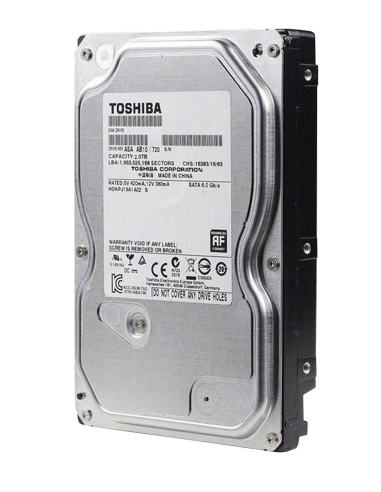
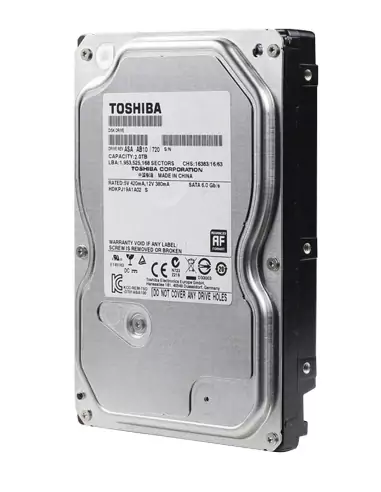
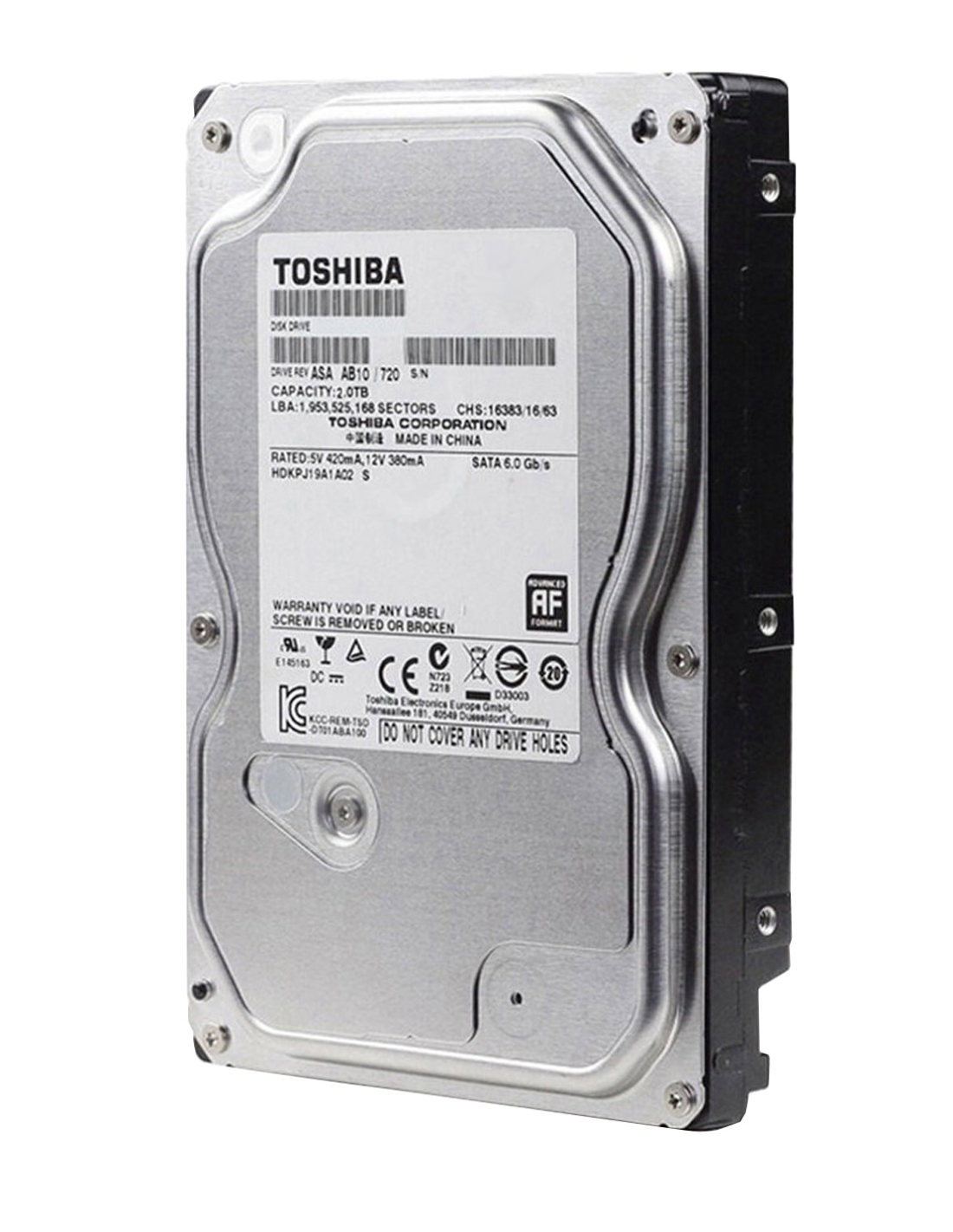
Swann Replacement Toshiba Hard Disk Drive to suit all DVR & NVR models - 2TB HDD

InFront SKU: HD2TB-TOSH
★★★★★No reviews yetBe the first to review
Swann Replacement Hard Disk Drive to repair faulty NVR and DVR units Original 3.5" OEM Swann Hard Disk Drive for use with Swann CCTV Recorders Compatible replacement drive for all Swann NVR and DVR models 2TB Toshiba 3.5" SATA Surveillance Drive, supplied as OEM…
In Stock · Same-day dispatch (order before 2pm AEST)
$ 248.00inc. GST
$225.45 ex. GST

4 interest-free payments ofwith

Free shipping over $200Same-day dispatch · Australia-wide
Manufacturer warrantyGenuine, locally-supported stock
30-day returnsUnopened items · view policy
Secure checkoutVisa · Mastercard · Afterpay · Zip · PayPal
Trade pricing availableSign in or apply for a trade account to see your trade rate.
Overview

Swann 2TB Hard Drive Replacement for DVR/NVR – Toshiba 3.5" Surveillance HDD

Reliable Surveillance Storage | 2TB Capacity | 24/7 Operation | Optimized for DVR/NVR Systems

Swann 2TB HDD Replacement

Why Choose a Surveillance HDD?

The 2TB Toshiba 3.5" SATA Surveillance Hard Drive is designed for continuous 24/7 use, ensuring reliable data storage for Swann DVR/NVR systems. Unlike standard desktop drives, surveillance drives are optimized for heavy workloads, making them ideal for security systems that require constant data writing without interruptions.

This replacement drive is compatible with Swann DVR and NVR models, providing seamless integration and optimal performance. Ideal for upgrading your system’s storage capacity or replacing a faulty drive.

Key Features

  • 2TB Capacity – Stores up to 450 hours of 720p footage or 200 hours of 1080p footage
  • 24/7 Continuous Operation – Optimized for Surveillance Systems
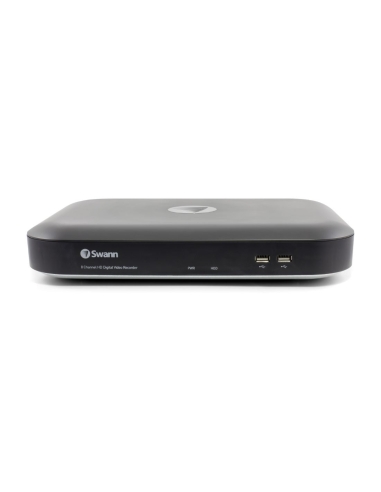
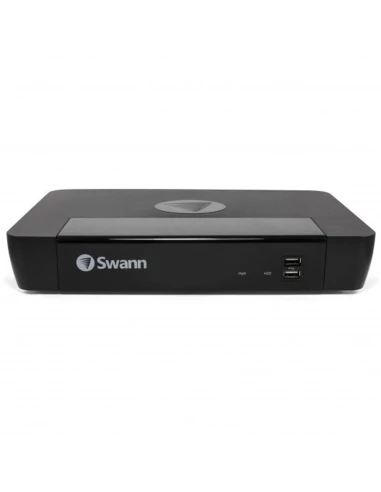
  • Compatible with Swann DVR/NVR Systems (4, 8, 16 Channel Models)
  • SATA Interface – Easy Installation
  • Enhanced Durability – Built for Extended Use and Reduced Wear
Swann 2TB HDD Replacement

How to Replace Your Swann HDD

  1. First, power off and unplug your Swann DVR/NVR. This is crucial for safety and to prevent any damage to your system.
  2. Next, unscrew the 2 screws on each side of the unit and the 5 or 6 screws at the back that hold the casing in place.
  3. Slide the cover off to expose the inside of the DVR/NVR.
  4. Locate the existing hard drive inside the unit. You’ll see it connected with a SATA power and data cable. Carefully unplug these cables from the drive.
  5. Remove the screws securing the hard drive in place. These screws are usually located either on the sides or underneath the drive, depending on your model.
  6. Once the old hard drive is removed, place the new one in its position and secure it with the screws.
  7. Reconnect the SATA power and data cables, making sure the connections are firm and correctly aligned.
  8. Finally, reassemble the unit by sliding the cover back on and replacing the screws you removed earlier.

How to Format the Hard Drive

  1. Power on your DVR/NVR and enter the Main Menu by using the remote or directly from the device.
  2. Navigate to the Device section of the menu.
  3. Select the option to Format the new hard drive. Make sure you choose to format the entire drive so it can store recordings properly.
  4. Click OK and you’ll be prompted to enter your DVR/NVR’s password. After entering your password, click Authenticate.
  5. A message will appear warning you that all data on the drive will be erased. Since this is a new hard drive, there won’t be any data to lose, so click OK to proceed.

After completing these steps, your new hard drive will be fully formatted and ready to record footage from your Swann cameras. Remember that this process can be repeated whenever you upgrade or replace a hard drive, ensuring that your system is always ready for operation.

Optimizing Your Hard Drive for Surveillance

  • Choose the Right Capacity – 2TB for moderate use, 4TB+ for extensive camera setups.
  • Regular Maintenance – Check drive health periodically to avoid data loss.
  • Backup Critical Footage – Export essential recordings to an external drive.

Documents & Resources

No downloadable documents are attached to this product. Datasheets, user manuals and certificates are typically available on request. Contact our team with the part number HD2TB-TOSH and we'll send what's available.

Shipping & Returns

We dispatch from Sydney and the Gold Coast. Most orders placed before 2pm AEST on a business day go out the same day.

Free shippingOn orders over $200 (standard, AU only)
Same-day dispatchFor orders placed before 2pm AEST, Mon–Fri
Standard delivery2–7 business days (metro & regional AU)
Express delivery1–3 business days (calculated at checkout)
Returns30 days on unopened, resaleable goods · view policy
Warranty claimsHandled directly with InFront — no need to deal with the manufacturer

Customer Reviews

No reviews yet for this product.

Write a review
Product added to wishlist
Product added to compare.