- New Products
- Swann Spare Parts
- Deals & Promos
- IVSEC Security
- Uniview
- Uniarch
- VIP Vision
- TP-Link
- Swann CCTV Security Australia
- Dahua Australia
- Akuvox Intercoms
- Hikvision Australia
- Grandstream
- Grandstream Wi-Fi Routers
- Grandstream Multi-WAN Gigabit VPN Routers
- Grandstream Compact WAPs
- Grandstream Internal WAPs
- Grandstream External WAPs
- Grandstream POE Injector
- Grandstream Non POE Network Switching Entry
- Grandstream POE Network Switching Entry
- Grandstream Non POE Network Switching L2 Managed
- Grandstream POE Network Switching L2 Managed
- Grandstream POE Network Switching L3 Managed
- Grandstream SFP Modules
- Grandstream IP Telephony Range
- Surveillance Accessories
- Cat5e Camera Cables (NVR)
- Cat6 Camera Cables (NVR)
- BNC Camera Cables (DVR)
- Power Supplies, Splitters
- HDMI Cables & Products
- Adaptors, Baluns & POE Injectors
- UPS Battery Backups
- HDD, SD & USB Storage
- CCTV Monitors & Brackets
- Infrared Illuminator Boosters
- Security Camera Brackets & Adaptors
- Installation Tools & Test Equipment
- Surveillance Accessories
- LED Lighting
- Video & Audio Intercoms
- Networking & Communications
- Clearance Deals
- iVSEC Support Software
- iVSEC Support Page | Manuals | Downloads
- Home
- Surveillance Accessories
- Cat5e Camera Cables (NVR)
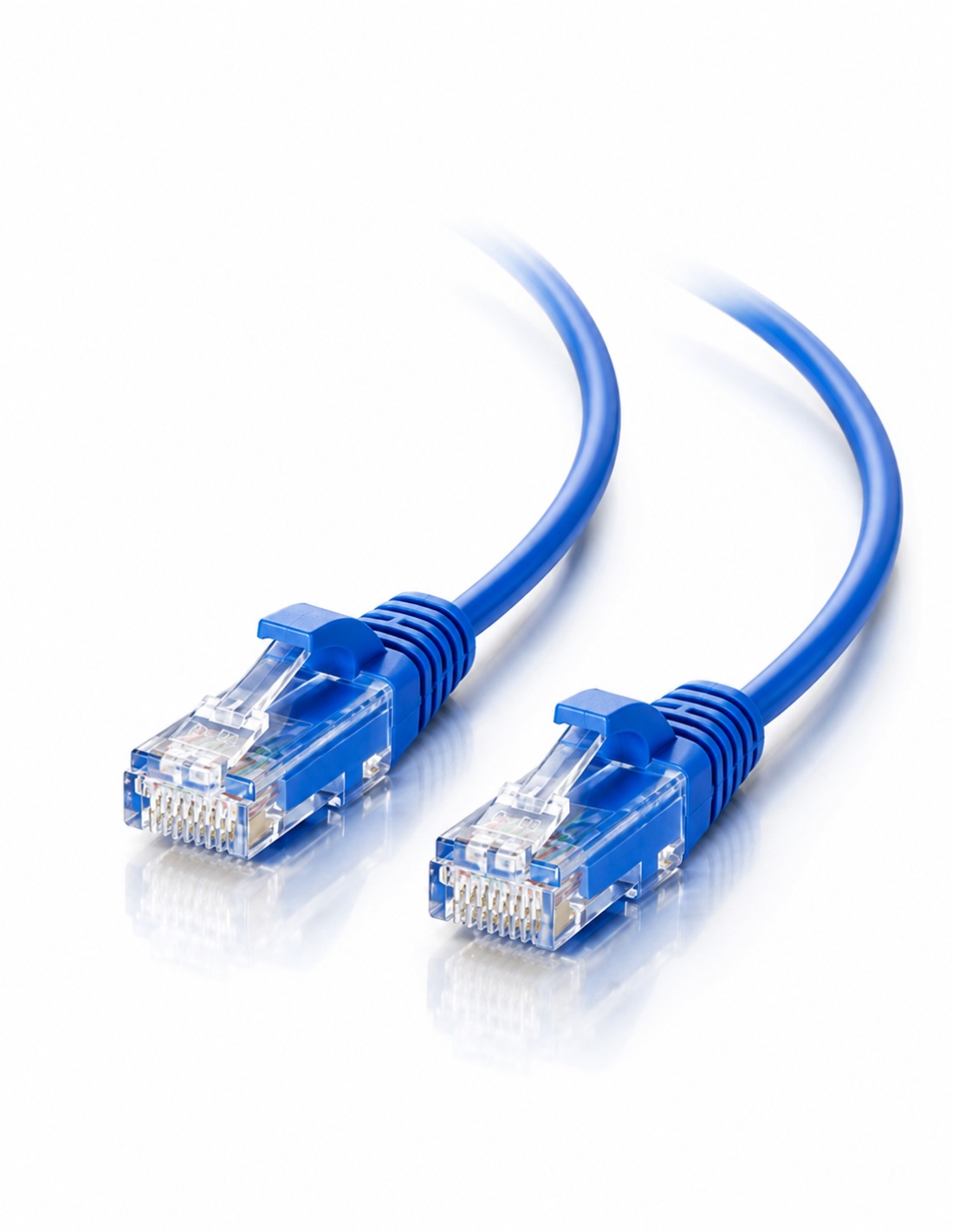
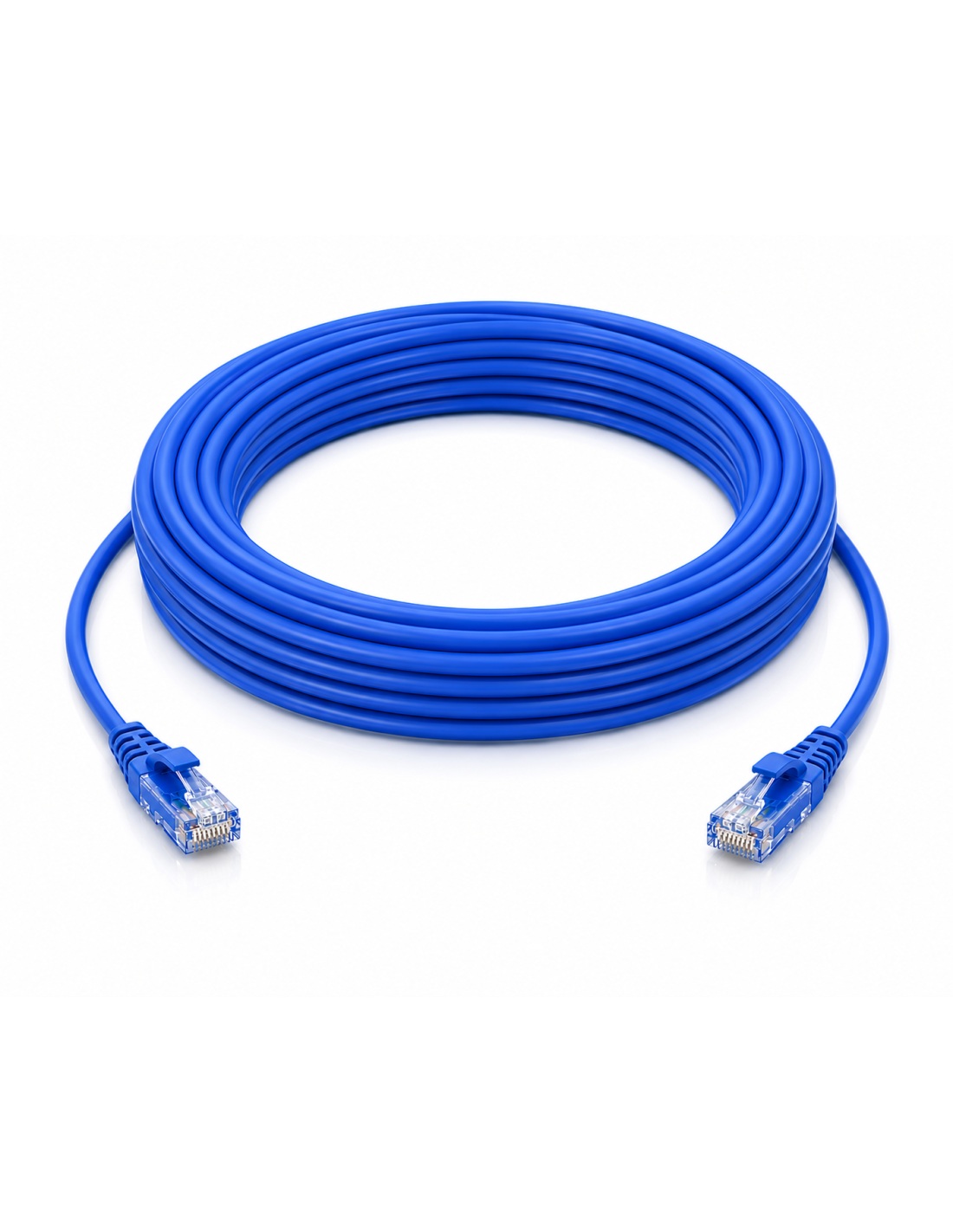
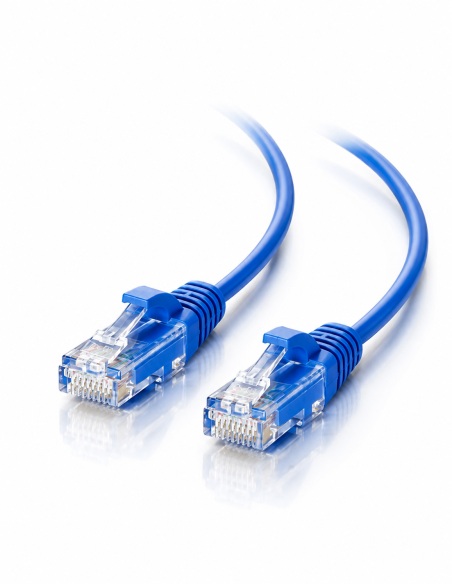
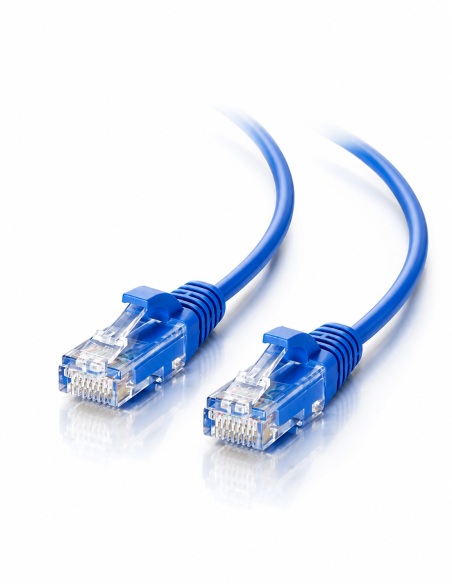
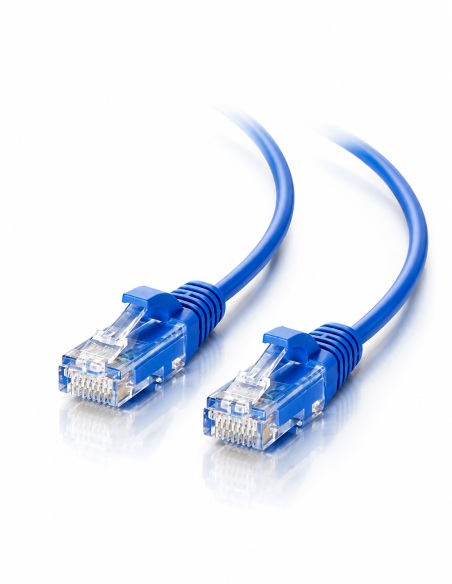
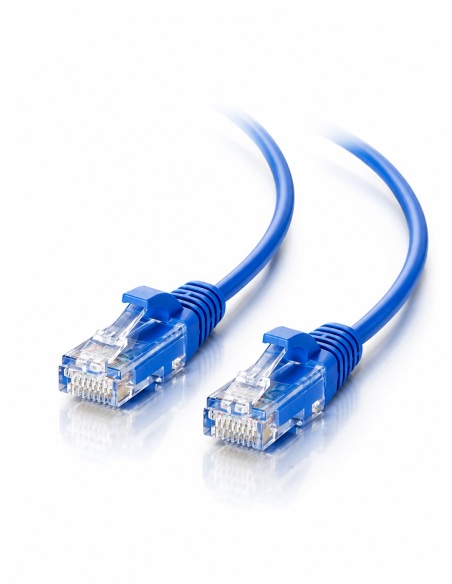
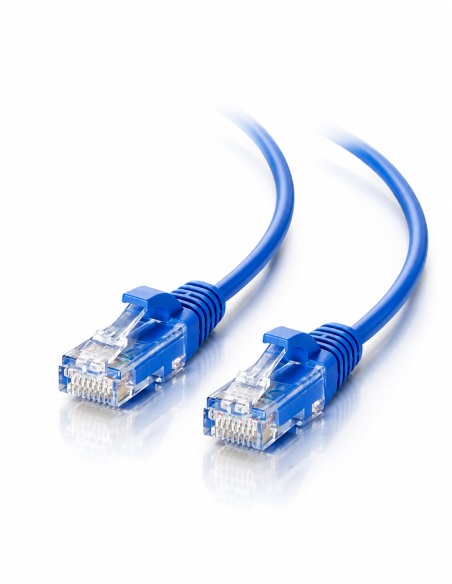
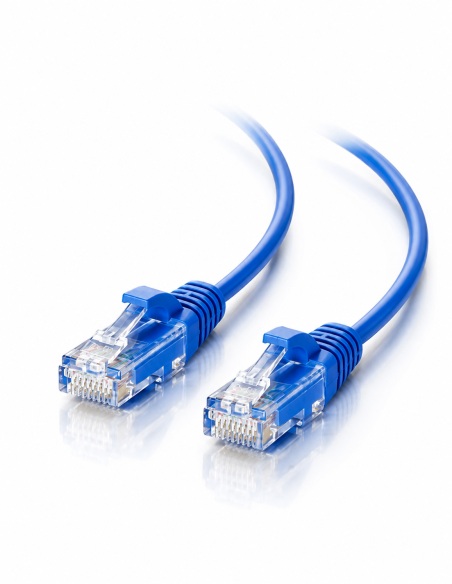
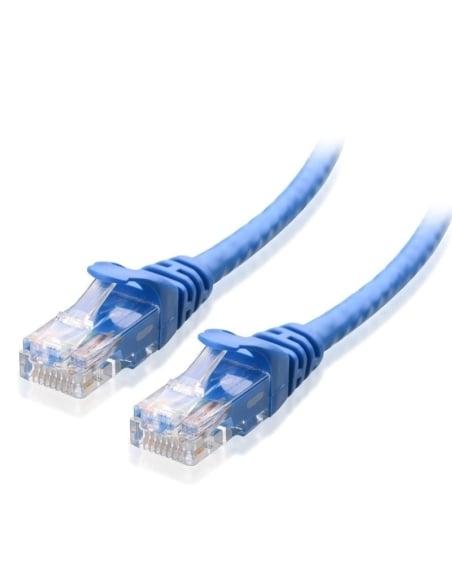
- Cat5e 15 Metre Ethernet Cable with RJ45 plugs to suit IP Cameras & Networking - Blue
Cat5e Ethernet Cable 15 Metre Blue to suit IP Cameras
Designed for use with Swann Network Video Recorders (NVR's), IP Cameras or a range of other Swann Products as below.
Supplied complete with factory molded RJ45 ends, the cable will simply clip into the ethernet port.
Cat5e is good for network data speeds of up to 100mbps - should you require 1GB fast speeds we recommend Cat6 Cable.
Installation for Door Video Intercoms
If you are using this cable with the Swann Door Phone Intercoms, you will need to cut off the ends and strip back the cable.
Use this cable for Swann Door Phone Range
- SWHOM-DP860C
- SWHOM-DP880C
Using this cable with Analogue CCTV Cameras:
- To use this cable with Analogue Video Cameras, you will need to purchase Video Baluns, cut the cable and use a pair to run the video signal. The remaining 6 conductors can be twisted together to make 2 sets of 3 conductors, using a DC plug you can run the power through these.
It is important to remember when calculating the length of cable you need to allow for the vertical distance your cable will need to run as well as the horizontal distance from the camera to the NVR. It is always better to get a cable a few metres longer than you think you might need to allow for any unseen twists or turn you might have to get around when running the cable.


Need help choosing?
Tell us about your property and we'll recommend the right cameras and recorder.
07 5609 4910Sydney 02 8814 6008
[email protected]
Mon–Fri, 9am–5pm AEST
8 suggested items
Suggested add-ons / alternatives

20 related items
More in this category

Cat5e 10 Metre Ethernet Cable with RJ45 plugs to suit IP Cameras &...
CAB-CAT5E-10GRY
Cat5e 10 Metre Ethernet Cable with RJ45 plugs to suit IP Cameras &...
CAB-CAT5E-10BLU
Cat5e 20Metre Ethernet Cable with RJ45 plugs for IP Cameras and...
CAB-CAT5E-20BLU
Cat5e 0.5 Metre Patch Ethernet Cable with RJ45 plugs to suit IP Cameras
CAB-CAT5E-05BLU
Cat5e 30 Metre Ethernet Cable with RJ45 plugs to suit IP Cameras - Blue
CAB-CAT5E-30BLU
Cat5e 1 Metre Ethernet Cable with RJ45 plugs for IP Cameras and...
CAB-CAT5E-1BLU
Cat5e 50 Metre Ethernet Cable with RJ45 Plugs to suit IP Cameras - Blue
CAB-CAT5E-50BLU
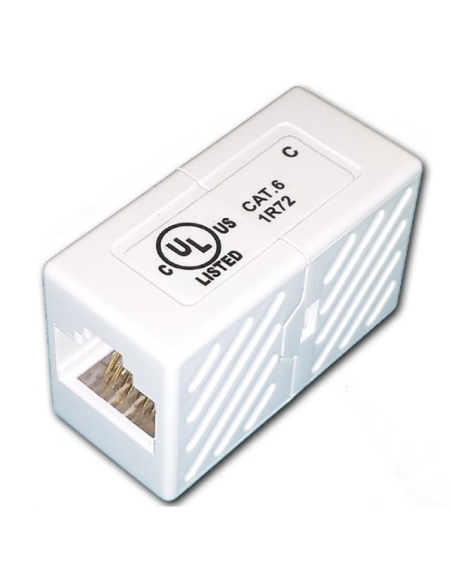
Cat5e Cat6 Female to Female Inline Joiner - extend your Ethernet Cable
CAB-CAT6-JOINER
Cat5e 40 Metre Ethernet Cable with RJ45 plugs to suit IP Cameras - Blue
CAB-CAT5E-40BLUMore from the parent category—Surveillance Accessories

Cat6 2Mtr Ethernet Cable Snag-Less Style High Quality suit NVR IP
CAB-CAT6-02-Blu
HDMI Cable 5M - V1.4a High Speed 4K2K 30hz 3D support with Ethernet
CAB-HDMI-5E-01
Cat6 70Mtr High Grade NVR Ethernet IP Camera Cable suit NVR/Camera...
CAB-CAT6-70-BluInspired by your browsing
Your browsing history
Loading your history…