1 / 3

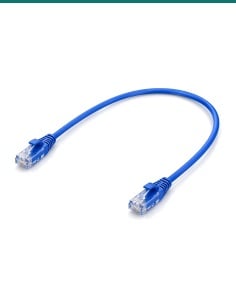
Cat5e 50 Metre Ethernet Cable with RJ45 Plugs to suit IP Cameras - Blue

SKU CAB-CAT5E-50BLU In Stock - Ready to Ship
$58.00 inc GST

CAB-CAT5E-50BLU: 50 m blue Cat5e Ethernet cable with factory-made RJ45 plugs and pure copper conductors, for IP cameras, NVRs, door intercoms, PoE switches and your PC or laptop.

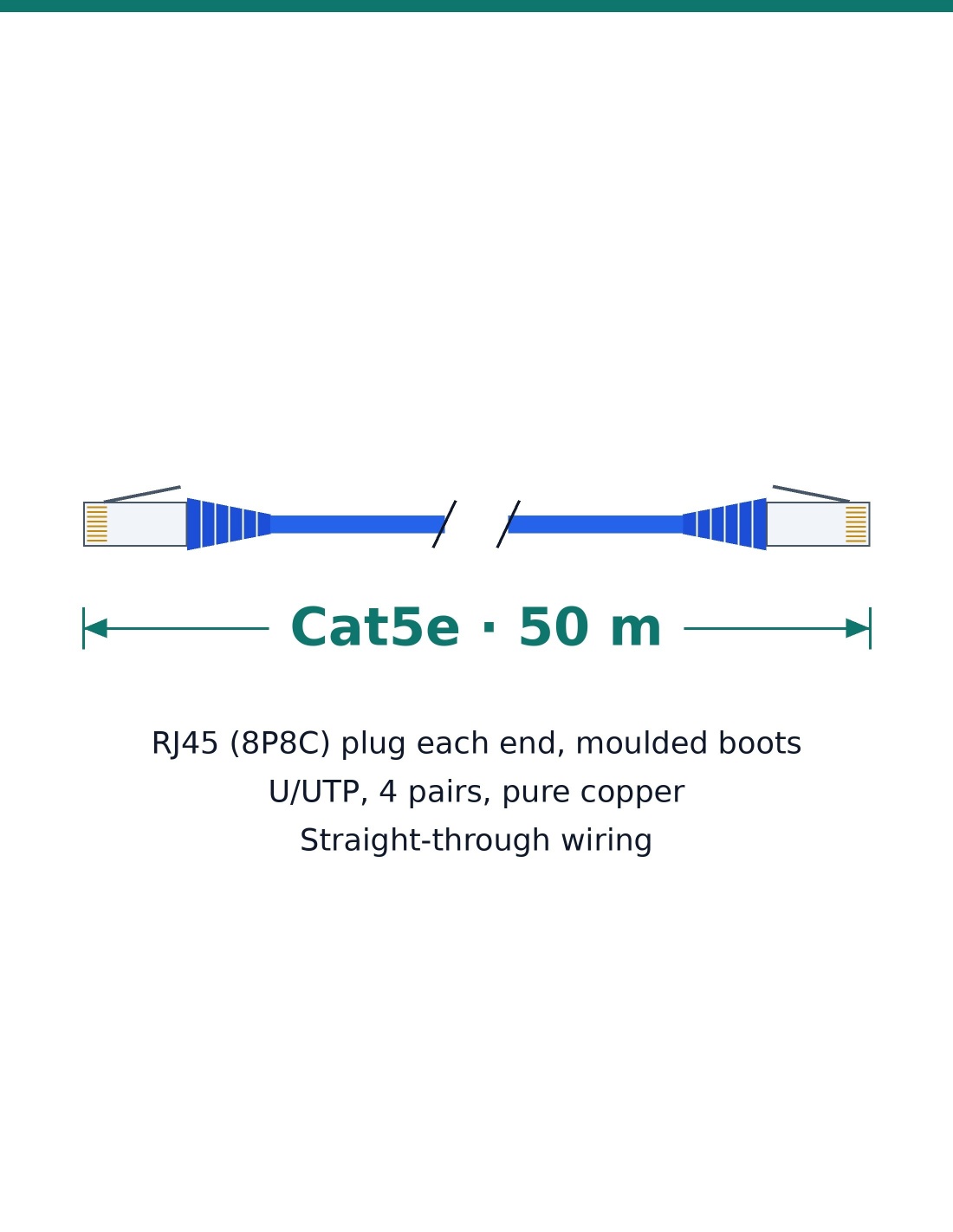
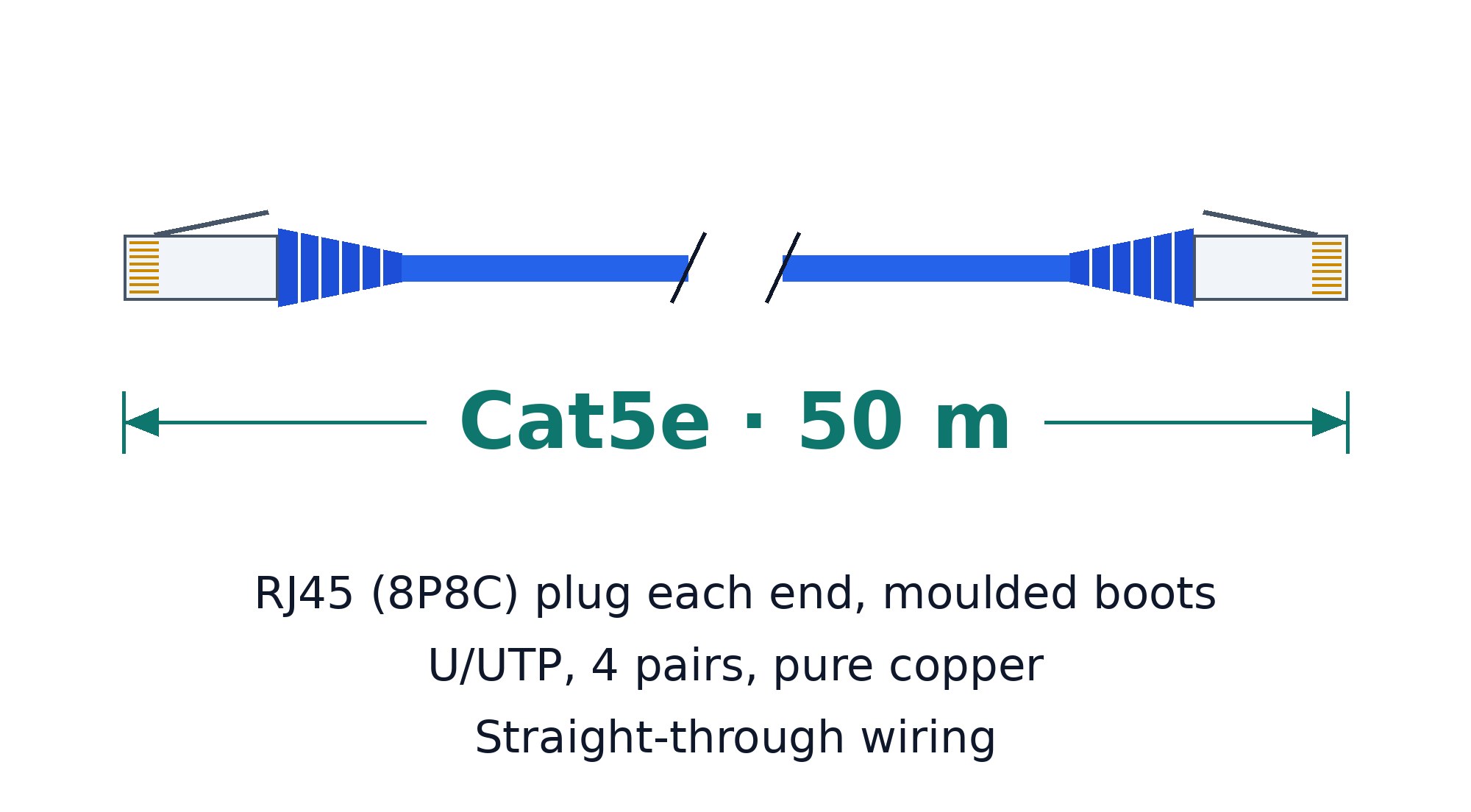
  • ✓Cat5e U/UTP, 4 pairs, pure copper conductors
  • ✓Up to 1 Gbps (10/100/1000), 100 MHz
  • ✓Factory-moulded RJ45 plugs with snagless latch protectors
  • ✓Suits IP cameras, NVRs, door intercoms, PCs, laptops and routers
  • ✓50 m, blue; carries PoE; runs up to 100 m in total
  • ✓1-year warranty; Australian support; bulk quantities on request

Quantity Unit price You Save
5 $ 52.20 $ 29.00
 

Description

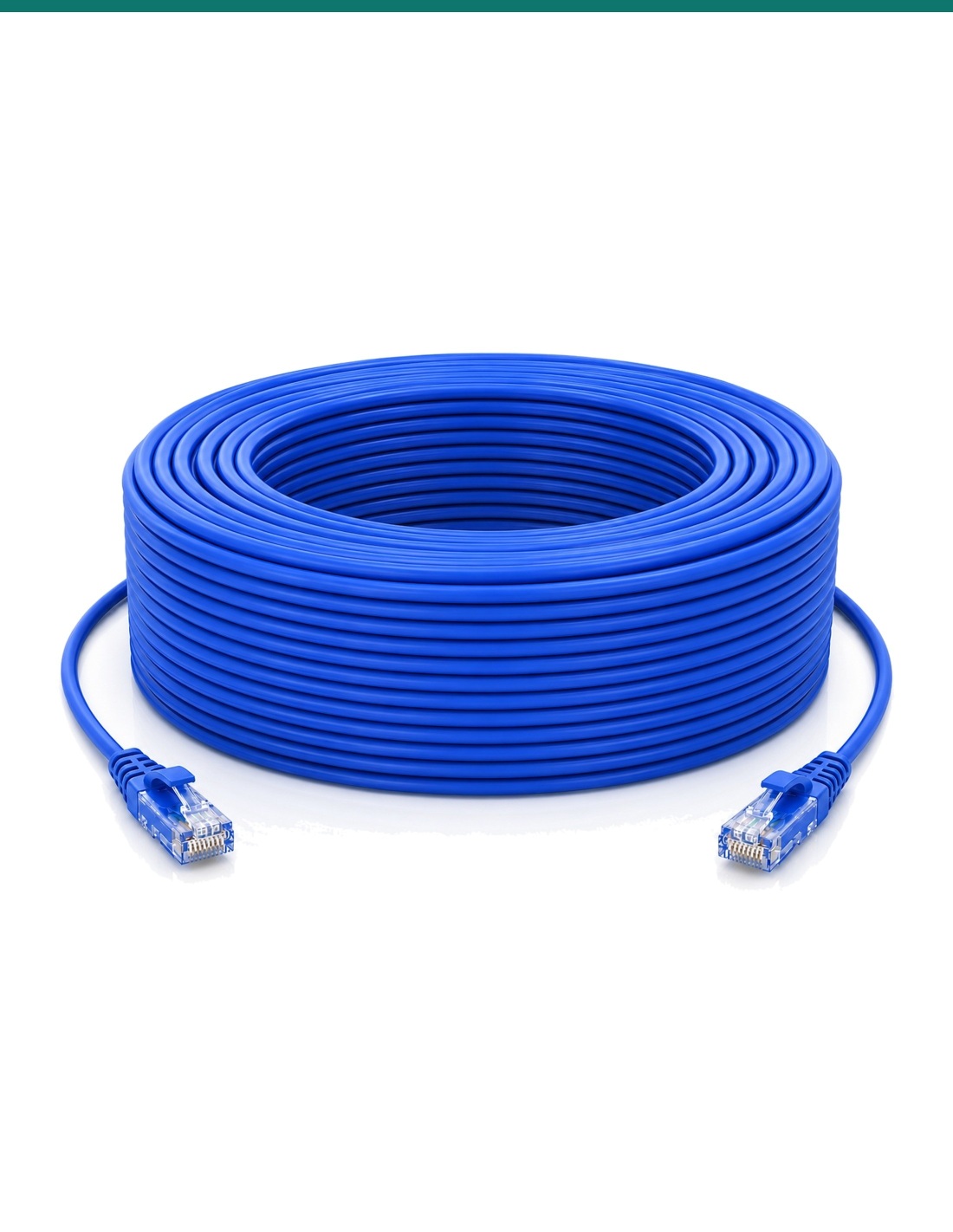
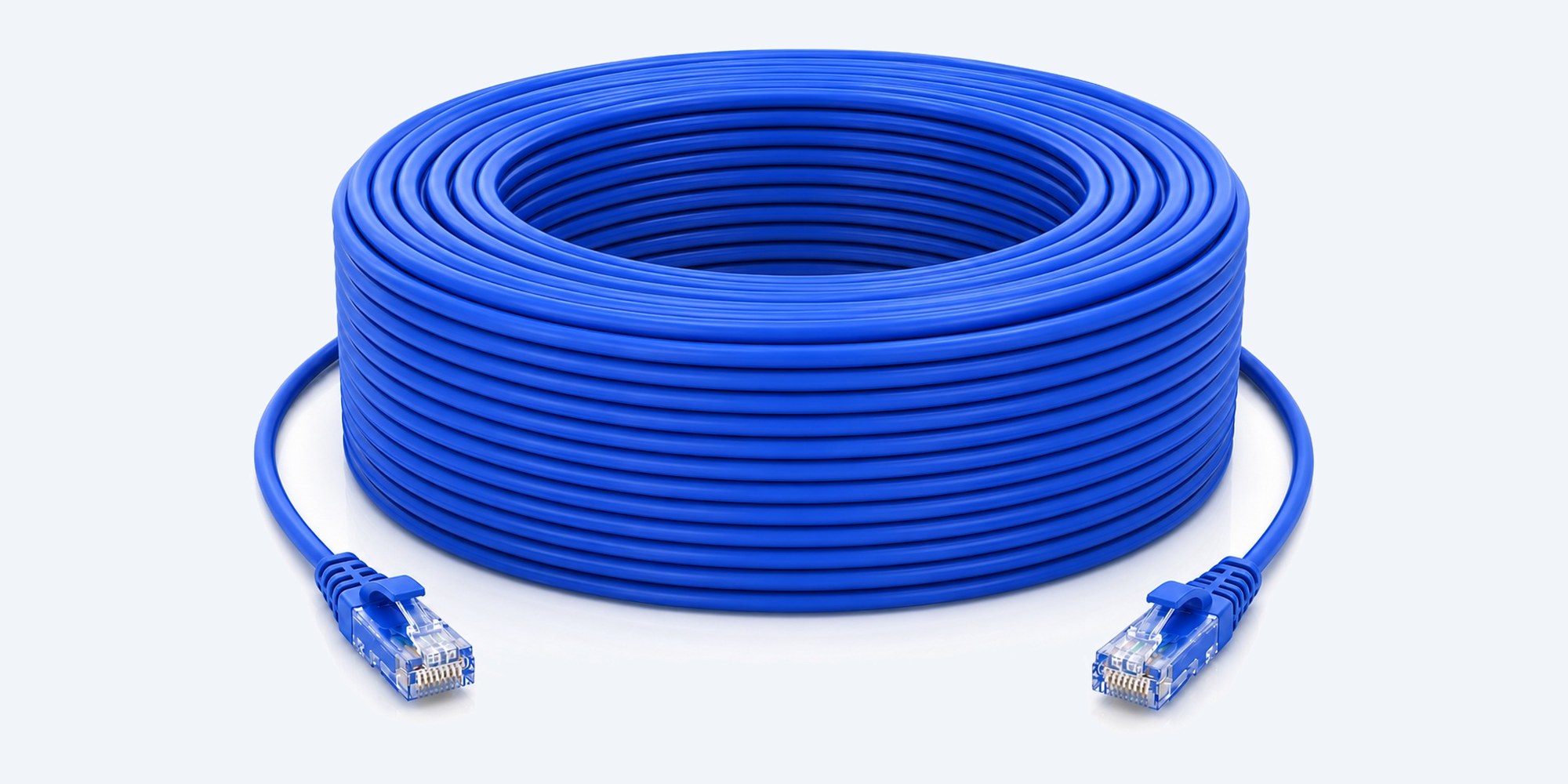
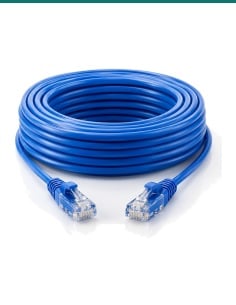
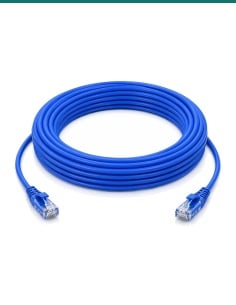
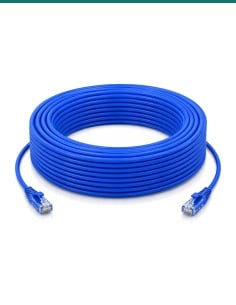
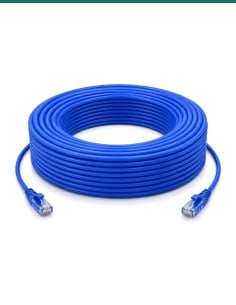
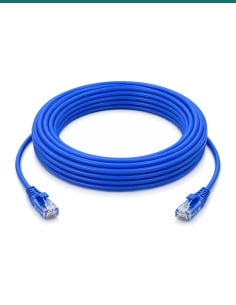
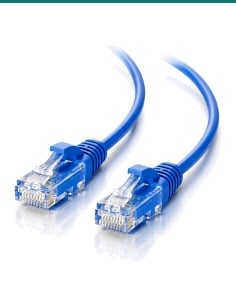
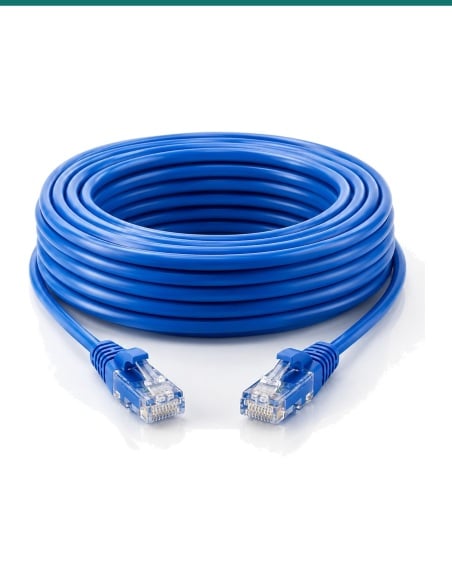
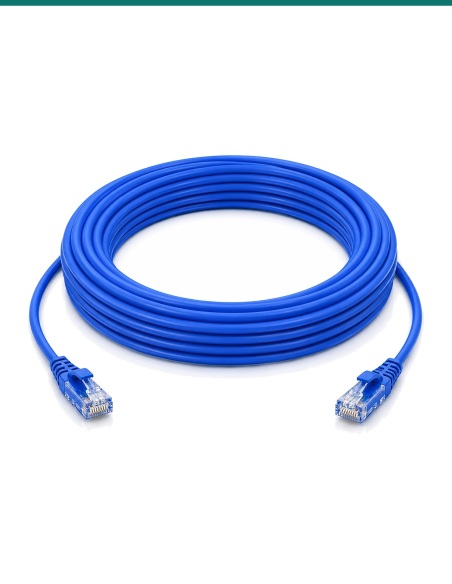
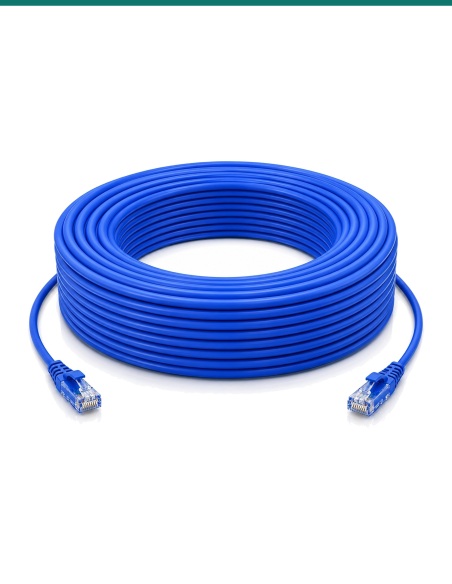
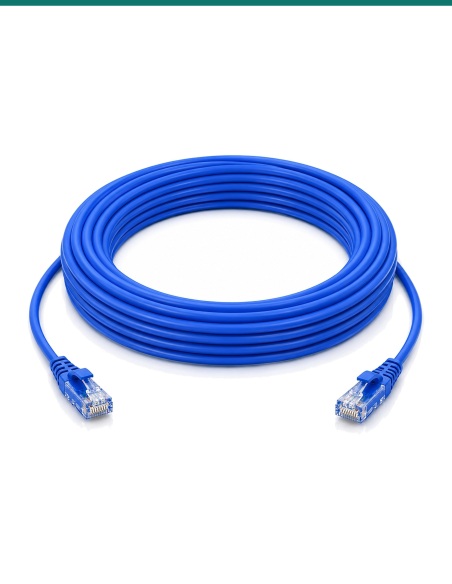
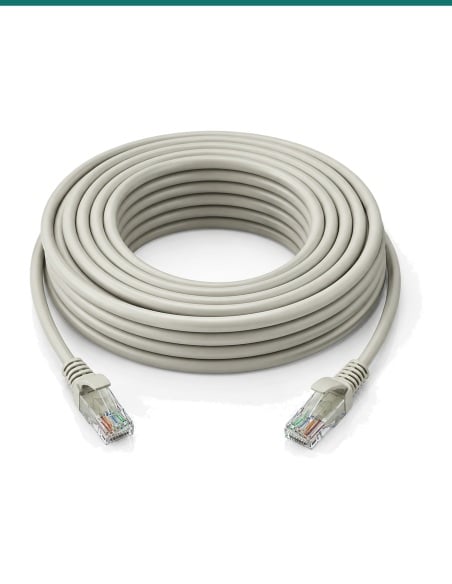
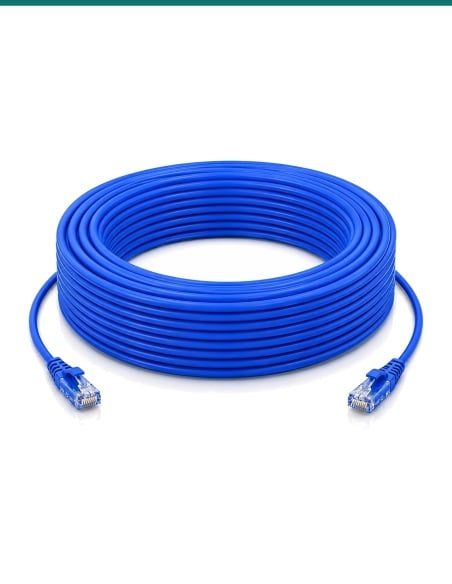
CAB-CAT5E-50BLU 50 m blue Cat5e network cable, coiled, with an RJ45 plug at each end
Network cable · Cat5e · Pure copper

50 m of Cat5e, plugs fitted.
Gigabit and PoE, ready to clip in.

A 50 m blue Cat5e cable with factory-moulded RJ45 plugs, pure copper conductors and gigabit speed. It powers and connects IP cameras over PoE, and suits NVRs, switches, routers, PCs and laptops.

In one sentence: the CAB-CAT5E-50BLU is a 50 m blue Cat5e U/UTP network cable with an RJ45 plug at each end and pure copper conductors, carrying gigabit Ethernet and PoE for IP cameras, recorders and network gear.

Plugs fitted at both ends.

Clip one end into the camera, recorder or switch and the other into the device. A network run can be up to 100 m in total.

In the box
  • 1 × 50 m blue Cat5e cable with moulded RJ45 plugs
You also need
  • A PoE recorder, switch or injector to power a camera
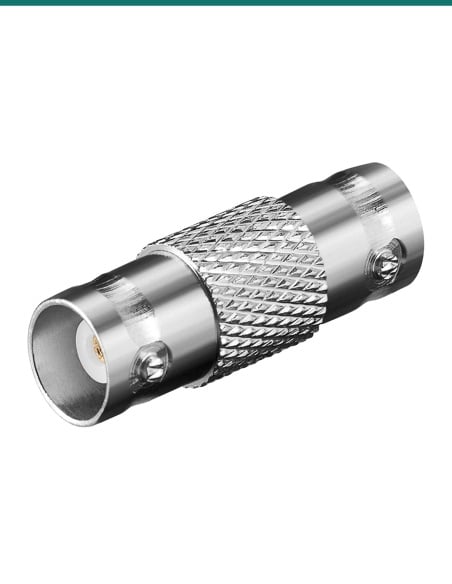
  • An inline joiner if you are adding it to an existing lead
  • A licensed cabler for runs inside walls or ceilings

The cable is the part you only want to run once.

Pure copper conductors carry PoE without the voltage drop of cheaper copper-clad aluminium cable, and the factory-moulded plugs with snagless boots pull through walls and ceilings without catching the latch. Cat5e carries gigabit to 100 m.

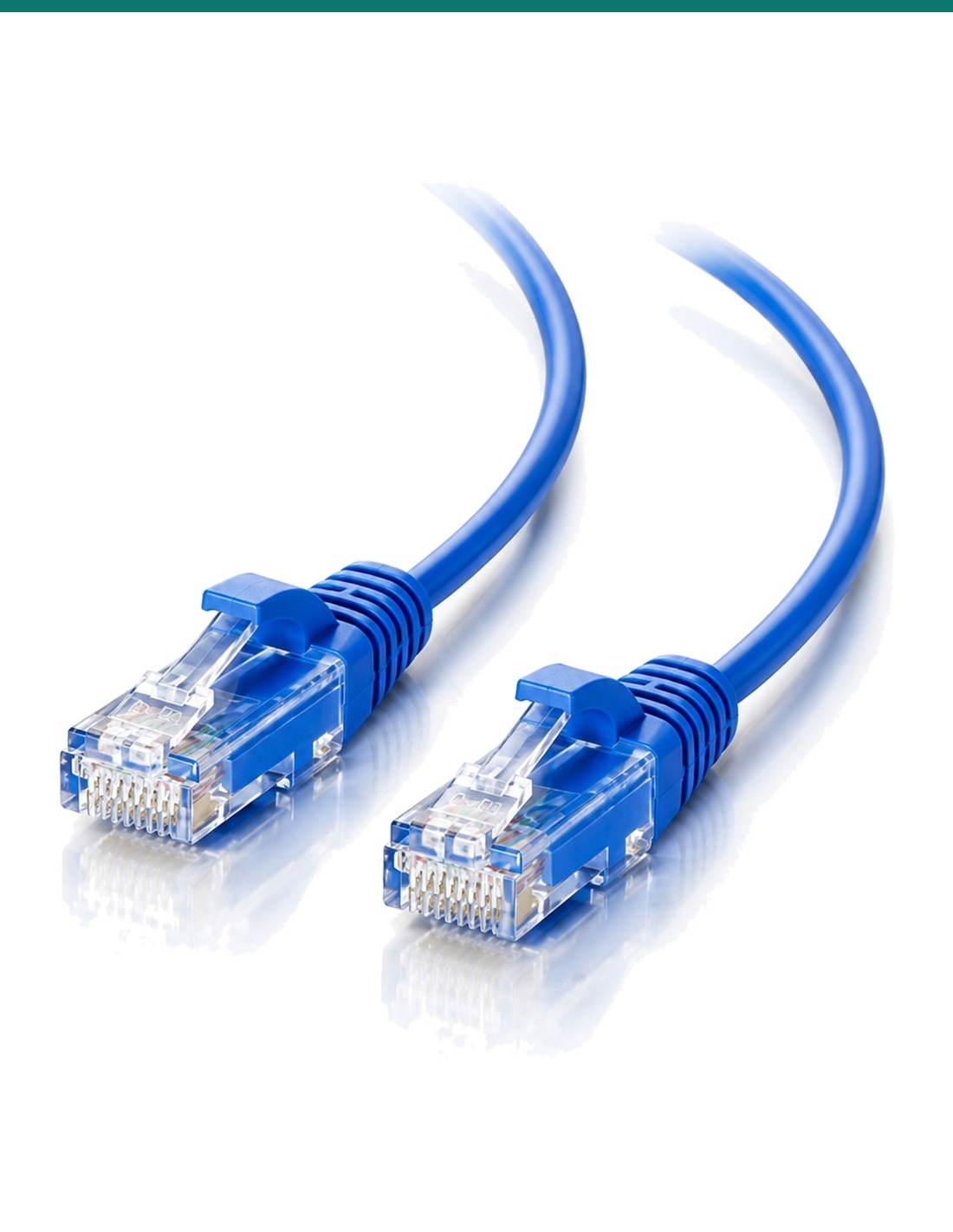
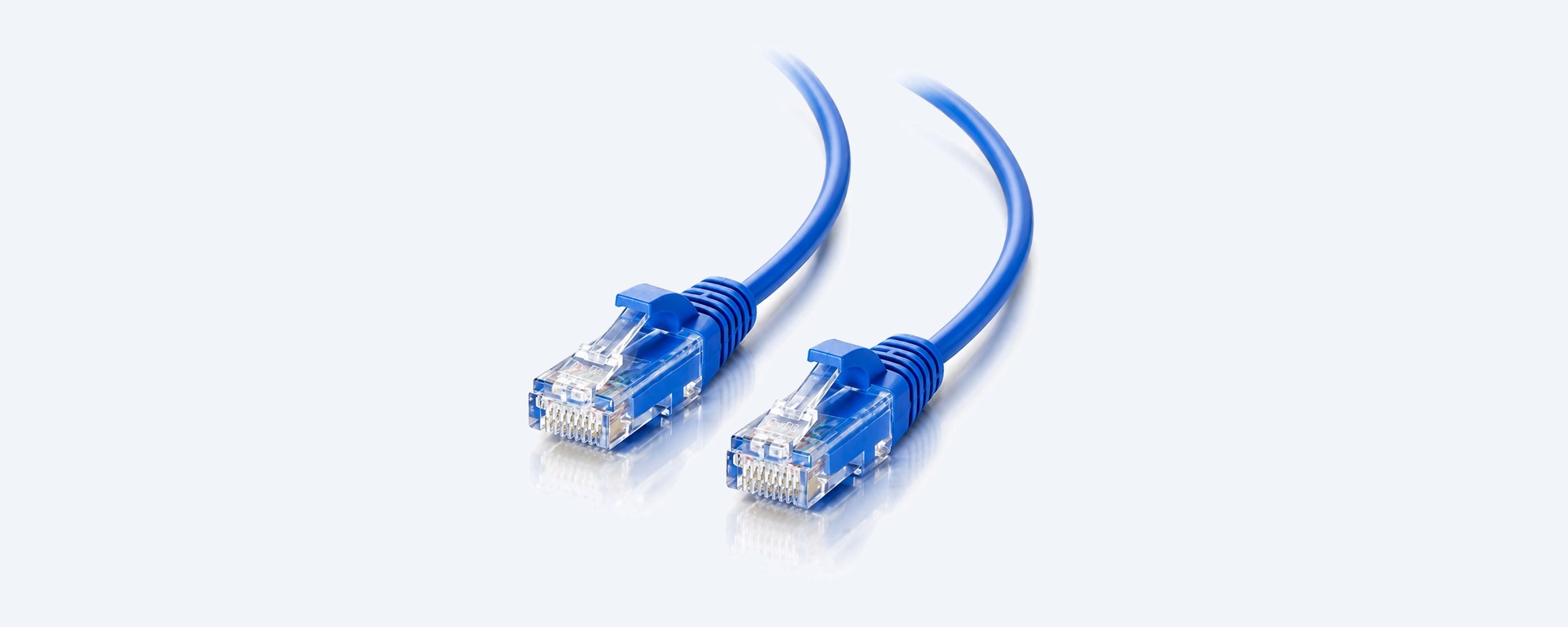
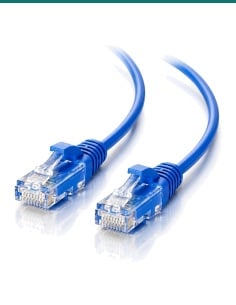
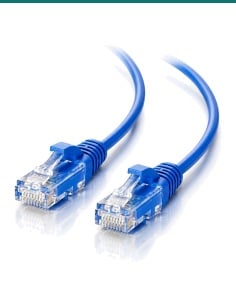
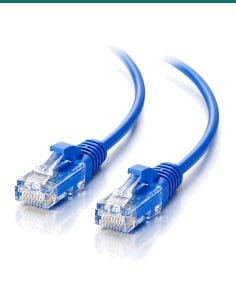
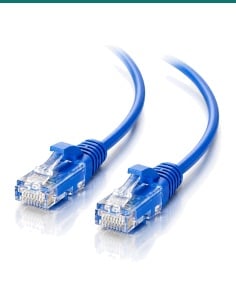
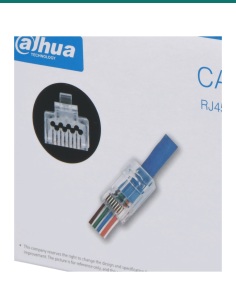
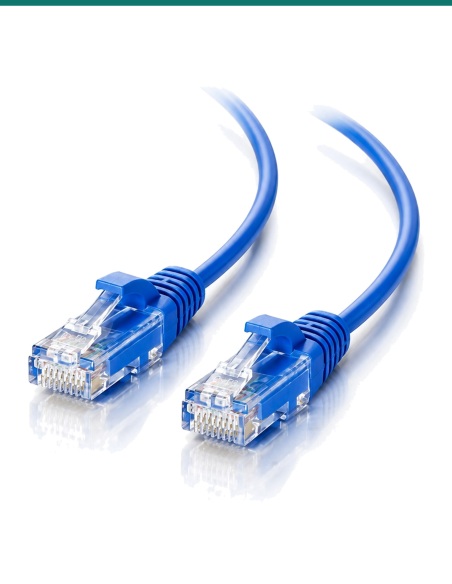
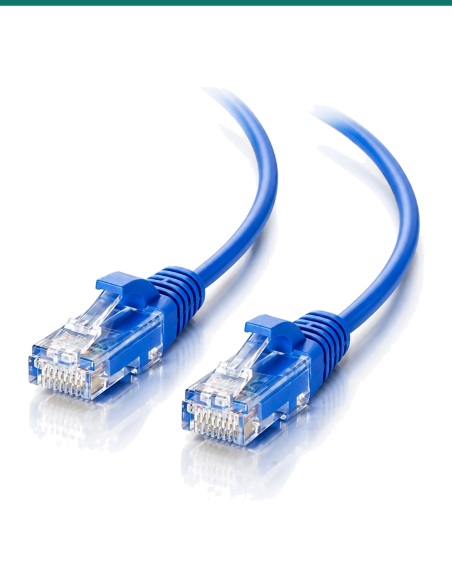
The two RJ45 plugs of the CAB-CAT5E-50BLU Cat5e cable

The plugs

RJ45 at both ends.

Male RJ45 (8P8C) plugs are fitted at the factory, so there is nothing to crimp. Plug in until it clicks.

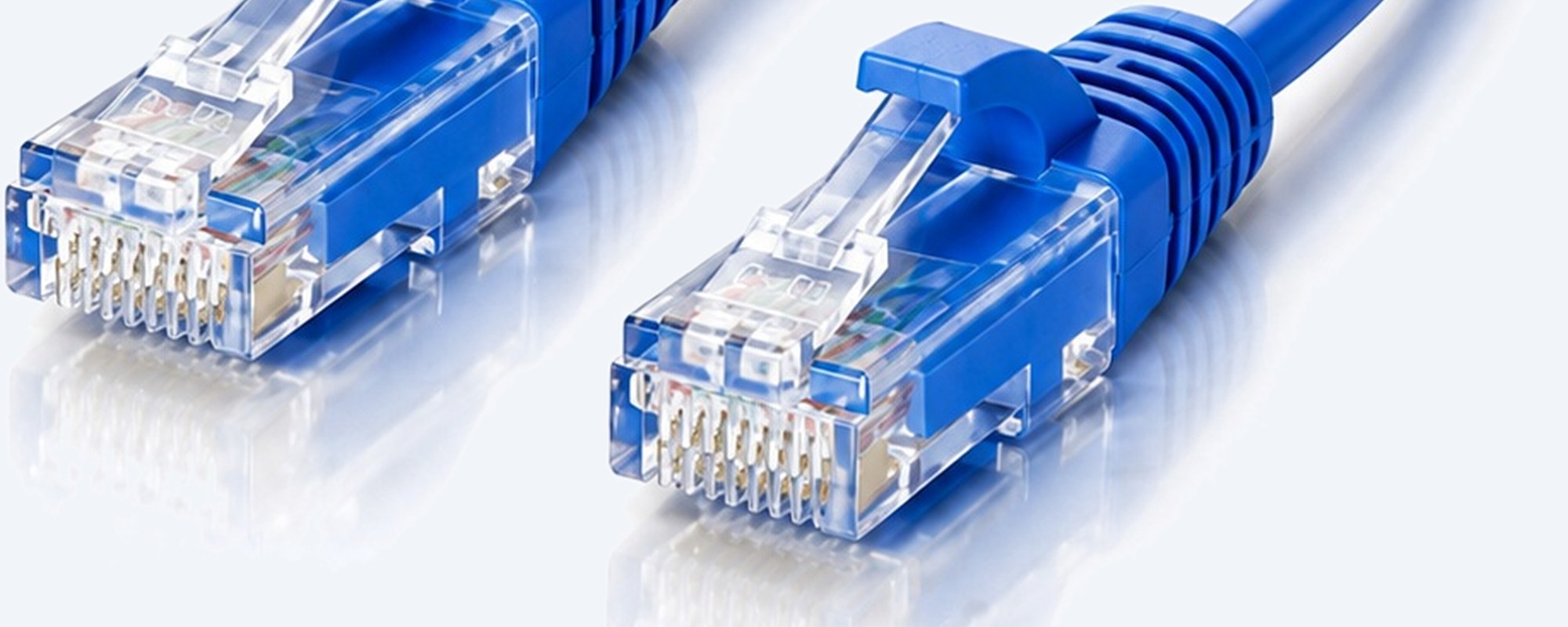
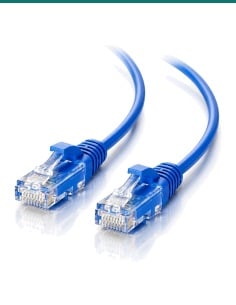
Close-up of an RJ45 plug on the CAB-CAT5E-50BLU cable: contacts and the boot

Close up

A latch that stays put.

Eight contacts and a latch protected by the boot, so the plug stays clipped in and pulls through a hole without snapping.

How it goes in

Measure, run, clip in.

01

Measure the route

Horizontal distance, plus the vertical runs up walls and through the ceiling, plus a few metres spare.

02

Run the cable

Pull it plug first, without kinking or crushing it, and keep it clear of mains power cables.

03

Clip in both ends

Push each RJ45 plug into its port until it clicks: camera or device at one end, recorder, switch or router at the other.

04

Check the link

The port lights come on and a PoE camera powers up and appears on the recorder.

Pair it with

Good to add

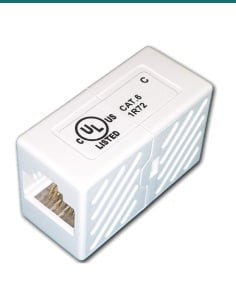
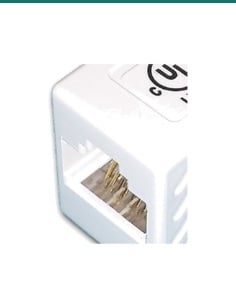
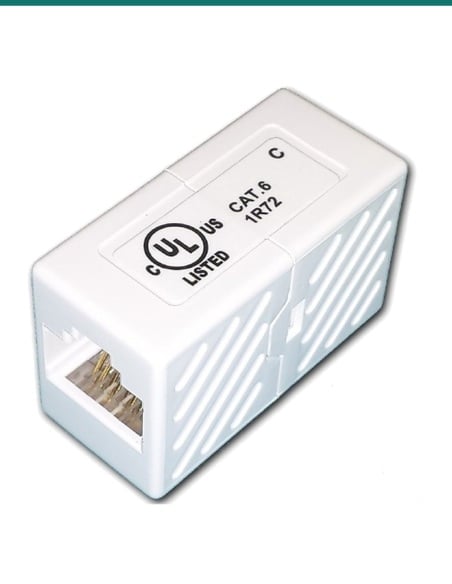
Join two leads

CAB-CAT6-JOINER

A female-to-female inline joiner extends a Cat5e or Cat6 lead; keep the total run under 100 m.

Re-terminate

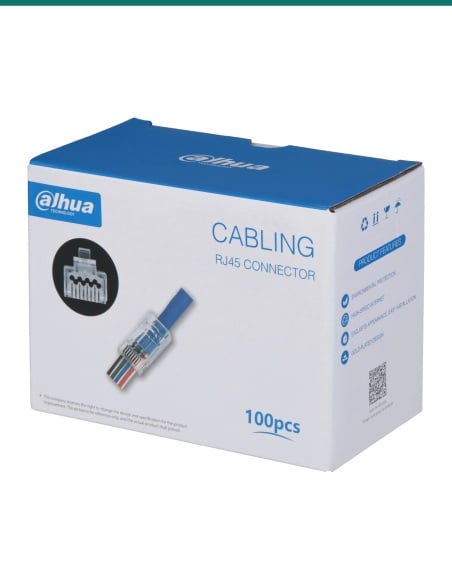
RJ45 pass-through plugs

RJ45-AC5P for Cat5e or RJ45-AC6P for Cat6, when you need to cut the cable to fit a small hole.

Custom runs

Cat6 305 m box

CABLE-CAT6-BU solid copper Cat6 for runs you terminate yourself or with your cabler.

Power

A PoE switch or injector

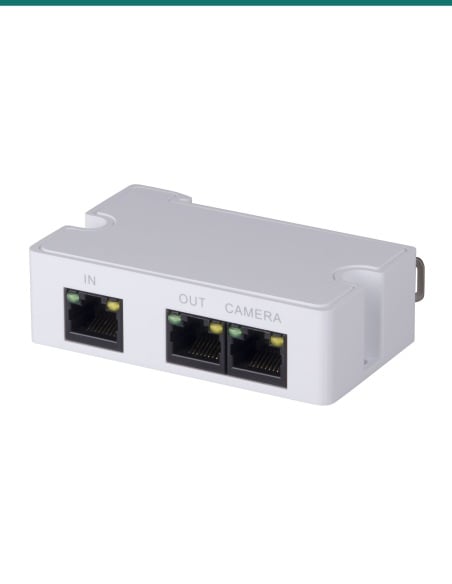
Powers cameras and access points over this cable when the recorder has no free PoE port.

Where it is used

Where a 50 m Cat5e cable fits.

Far-side cameras

Cameras on the far side of the house, the back fence or the driveway gate.

Sheds and garages

A camera or access point in an outbuilding, run back to the NVR.

Shops and warehouses

Long runs across a shop floor or warehouse to the comms cupboard.

Farms and acreage

Machinery sheds and gates, within 100 m of the recorder or a switch.

Wi-Fi access points

A ceiling or outbuilding access point powered by PoE.

Door intercoms

IP intercoms, and Swann DP860C, DP870C and DP880C door stations with the ends cut off.

CAB-CAT5E-50BLU or CAB-CAT6-50-Blu

CAB-CAT5E-50BLU (this cable)CAB-CAT6-50-Blu
CategoryCat5eCat6
Length and colour50 m, blue50 m, blue
Bandwidth100 MHz250 MHz
SpeedGigabitGigabit; 10 Gbps to about 55 m
PoEYesYes

Cat6 has tighter twists and a higher bandwidth rating than Cat5e, so it has more headroom on long or busy runs; both carry gigabit and PoE to 100 m. For camera runs over about 30 m we suggest Cat6.

Common questions

Cat5e or Cat6: which do I need?

Both carry gigabit Ethernet and PoE up to 100 m, which covers every IP camera. Cat6 is rated to 250 MHz (Cat5e 100 MHz), with tighter twists that resist interference, so it gives more headroom on long runs and can carry 10 Gbps up to about 55 m. For CCTV, Cat5e is fine for shorter runs; over about 30 m we suggest Cat6.

Will it carry PoE to my camera?

Yes. The pure copper conductors carry Power over Ethernet (802.3af, 802.3at and 802.3bt) from the NVR, PoE switch or injector, so the camera needs no power point.

Is it pure copper?

Yes. The conductors are pure copper, not copper-clad aluminium (CCA), which matters for PoE and long runs.

How long can a network run be?

100 m in total from the recorder or switch to the camera. Past that, put a PoE extender or switch in the middle. Joining two leads with an inline joiner is fine as long as the total stays under 100 m.

How do I work out the length I need?

Measure the horizontal distance from the camera to the recorder, add the vertical runs up walls and through ceilings, and allow a few metres extra for twists and turns you can't see. It is always better to have a cable a little longer than too short.

Are the plugs fitted?

Yes. Factory-moulded RJ45 plugs are fitted at both ends, with snagless boots that protect the latch when you pull the cable through a wall or ceiling. It simply clips into the Ethernet port.

Will it fit through a small hole?

The plug and boot need a hole a little bigger than the plug. For a smaller hole, cut the plug off, pull the cable through and fit a new RJ45 plug with a crimp tool; pass-through plugs make this easier.

Can I use it outside?

It is made for indoor use. Outdoors, run it in conduit out of the sun and keep the plugs dry inside a junction box or the camera's cable cover. It is not rated for direct burial.

Can I use it with a Swann door intercom?

Yes. For the Swann DP860C, DP870C and DP880C door intercoms, cut off the plugs and strip back the cable to connect it to the intercom terminals.

Can I use it with analogue CCTV cameras?

Yes, with video baluns. Cut the cable, use one pair for the video signal through the baluns, and twist the other six conductors into two sets of three to carry the camera's power with a DC plug.

Is it a straight-through or crossover cable?

Straight-through: both ends are wired the same, which is what cameras, recorders, switches, routers and PCs use.

What warranty does it have?

1 year. InFront Technologies handles warranty and support in Australia on 1300 736 970. For bulk quantities of Cat5e or Cat6 leads, call us.

Supported by InFront Technologies.
Australian-based support. Not sure which length or type you need, or after bulk quantities? Call 1300 736 970 or email [email protected].
Installation and safety

Cabling. Plugging leads into equipment is fine to do yourself. Cable fixed inside walls or ceilings is customer cabling under AS/CA S009 and needs an ACMA-registered cabler.

Power. PoE is extra-low voltage. Keep network cable apart from mains power cables, and never run it in the same conduit.

What it does not do. It is not shielded, not a crossover cable and not rated for direct burial.

Figures. Bandwidth and speed are the TIA-568 ratings for the category. Construction and warranty from InFront Technologies.

INFRONTTECH Promotional Banner INFRONTTECH Promotional Banner INFRONTTECH Promotional Banner

Need help choosing?

Tell us about your property and we'll recommend the right cameras and recorder.

07 5609 4910

Sydney 02 8814 6008
[email protected]

Mon–Fri, 9am–5pm AEST

Saved to your wishlist Find it any time in your account. View list