Category
VIP Intercom Accessories
VIP Vision intercom accessories and door hardware
The parts that turn an intercom kit into a finished install.
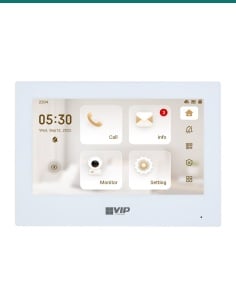
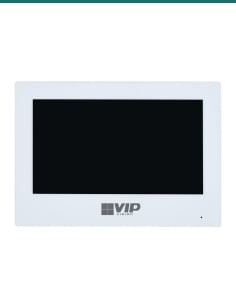
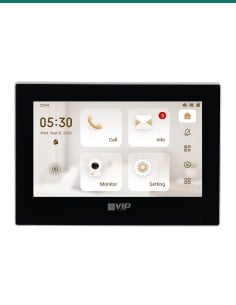
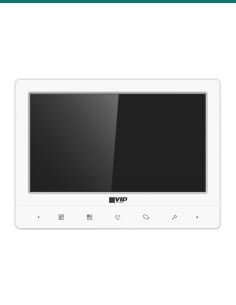
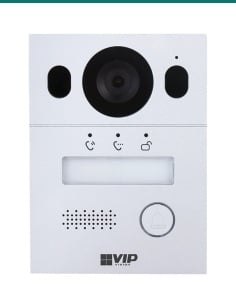
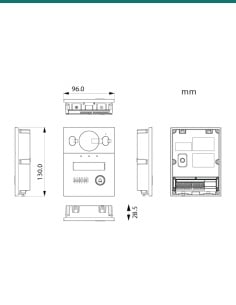
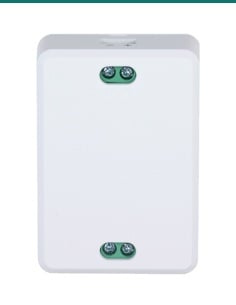
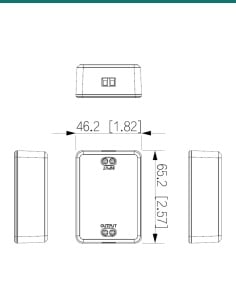
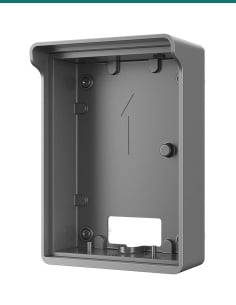
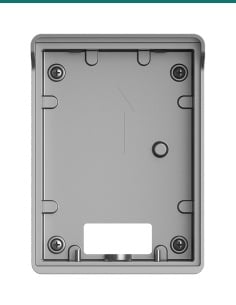
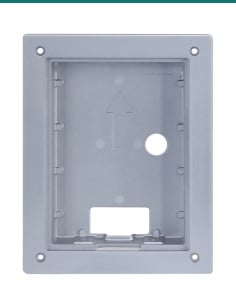
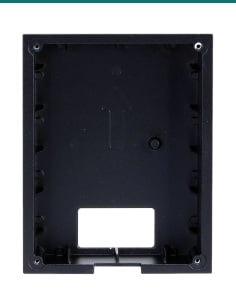
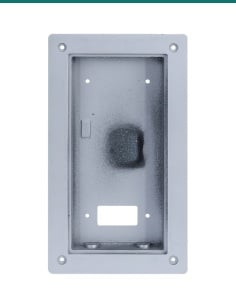
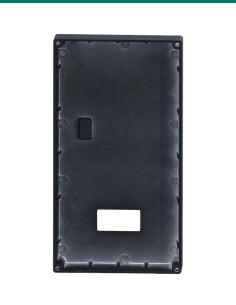
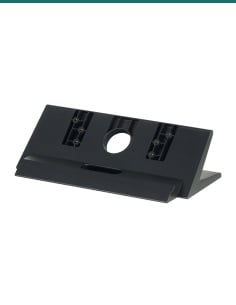
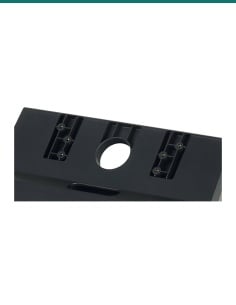
Mounting: surface (INTIPRDSGSB2) and flush (INTIPRDSGFB) boxes for the INTIPRDSG door station, a flush box (INTIPADSDFB) for the INTIPRDSD and a desktop stand (INTIPMONDH-B) for handset monitors. Expansion: extra 7" monitors in white (INTIPMONKW) or black (INTIPMONKB) and the INTIPPOE2W2 cascading 2-wire switch for up to 20 monitors and 2 door stations.
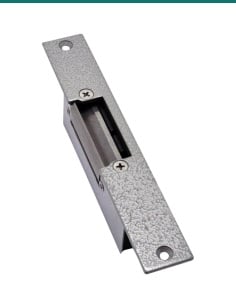
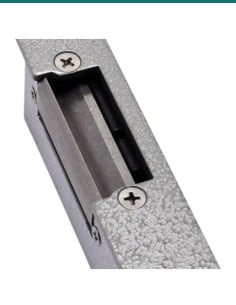
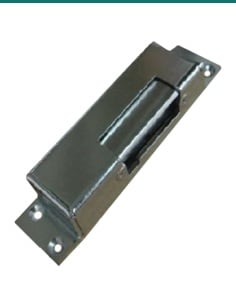
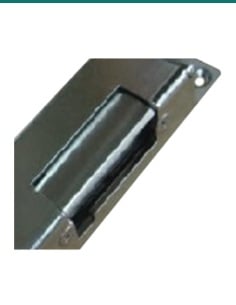
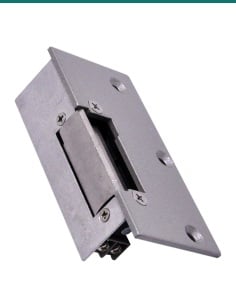
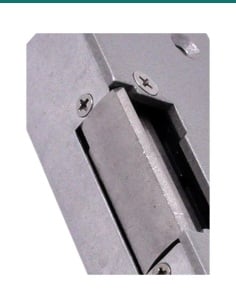
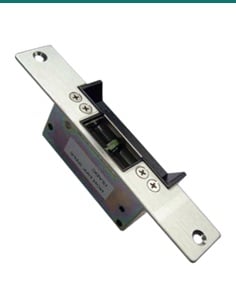
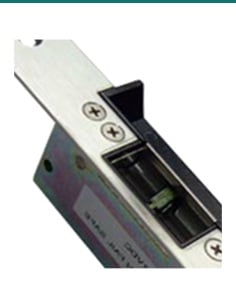
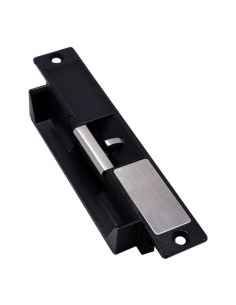
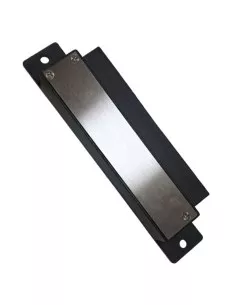
Door release: mortise and surface-mount electric strikes, including the monitored ACLOC105, and 125 kHz RFID keyfobs for compatible readers.
- Surface & flush boxes — a clean fit on brick, render or cladding
- Extra monitors — add a screen upstairs or in the garage
- 2-wire switch — cascade up to 20 monitors
- Door strikes — release the door from the intercom
- Mounting boxes
- Extra monitors
- Door strikes
- 4-year warranty
More VIP Vision intercoms
Add a monitor: INTIPMONKW 7" white touchscreen
7" capacitive touchscreen (1024 × 600) that records video calls and snapshots, logs every call and has a Do Not Disturb mode. Runs on PoE or 12 VDC.
- microSD storage up to 32 GB
- Alarm system integration
- Also in black: INTIPMONKB
VIP Intercom Accessories FAQ
Which mounting box do I need for my door station?
For the G-Series INTIPRDSG, use the INTIPRDSGSB2 surface box when the door station sits on the wall, or the INTIPRDSGFB flush box to recess it into the wall.
Which door strike should I use?
Fail-secure strikes stay locked when the power is off and suit most front doors. Fail-safe locks release when the power is off and are often used on exit paths. The ACLOC105 switches between both and reports door and lock status.
Will an extra monitor work with my kit?
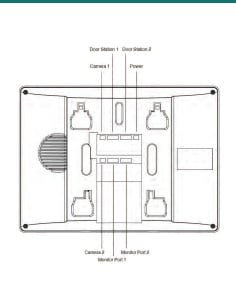
Yes. On the IP kits, connect the extra monitor to the PoE switch and the door station will call it along with the others.
Finish the job properly. Genuine VIP Vision mounting boxes and monitors fit first time and keep your 4-year warranty simple.