Category

Uniarch Accessories

11 products

Uniarch bullet, dome and turret cameras mounted on a home Uniarch Tri-Guard turret camera on a wall bracket Uniarch Tri-Guard turret camera with its warning lights on at night

Monitors · Brackets · Junction boxes · Cat6

Uniarch Monitors & Accessories

Screens, mounts and cable made to match Uniarch cameras and recorders.

The home and small-business range from Uniview, one of the world's largest CCTV makers.

  • 4MP to 8MP 4K
  • Tri-Guard light & sound alarm
  • PoE plug and play
  • Free app, no fees
How it fits together

One cable per camera, footage on your phone

  1. Uniarch IPC-B1E8-AF28K bullet camera 01 IP cameras Turret, dome, bullet and PTZ, 4MP to 8MP 4K. Shop cameras
  2. Uniarch NVR-108B-P8 8-channel PoE recorder 02 PoE recorder Powers every camera and records to a hard drive. Shop recorders
  3. Uniarch MT-24-V 24-inch CCTV monitor 03 Monitor Live view on site over HDMI or VGA. Shop monitors
Watch

See Uniarch in action

The Uniarch camera range

0:00 / 0:00
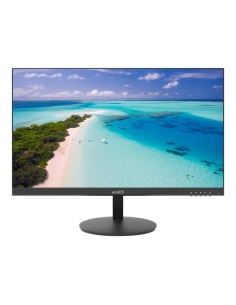
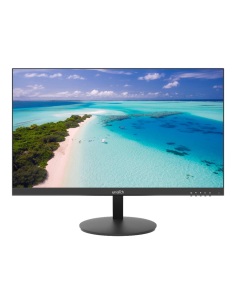
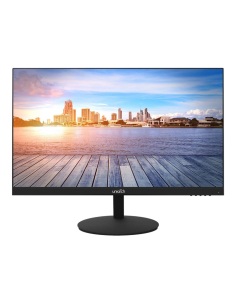
Uniarch MT-24-V 24-inch monitor
MT-24-V 24-inch monitor
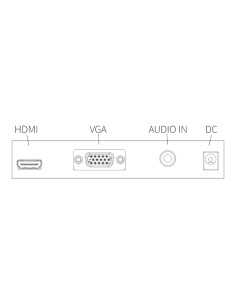
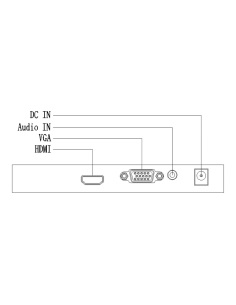
Uniarch MT-24-V rear inputs: HDMI, VGA, audio and power
HDMI, VGA and audio in
Featured

MT-24-V 24-inch CCTV monitor

A Full HD screen with speakers for watching your Uniarch recorder live on site.

  • 24-inch Full HD
  • HDMI and VGA inputs
  • Built-in speakers
View MT-24-V

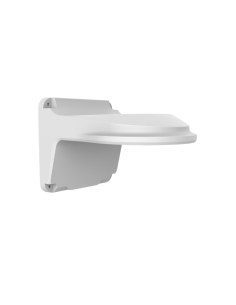
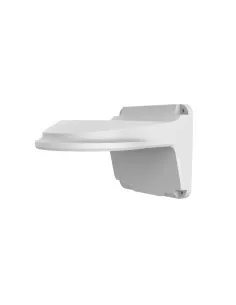
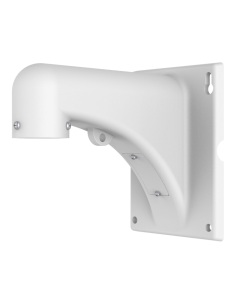
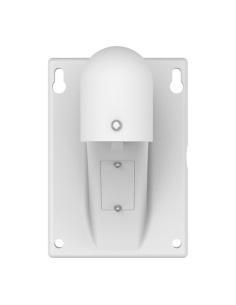
Uniarch monitors and accessories

Monitors, wall brackets, junction boxes and Cat6 cable for a neat Uniarch install.

Plug each camera into a Uniarch PoE recorder with one Cat6 cable. The recorder finds it, powers it and records it, and the free Uniarch app puts every camera on your phone.

Popular models: IPC-T1P8-AF28KC Tri-Guard turret, IPC-T1E8-AF28K 8MP turret, NVR-108B-P8 8-channel recorder and the MT-24-V monitor.

  • Turret & dome cameras — 5MP to 8MP 4K, Smart IR night vision
  • Bullet cameras — driveways, yards and long walls
  • Tri-Guard cameras — warning light, alarm and two-way talk
  • PoE recorders — 4, 8, 16 and 32 channels
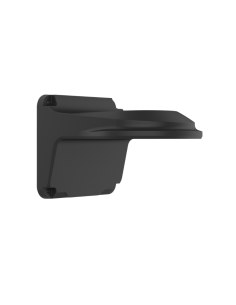
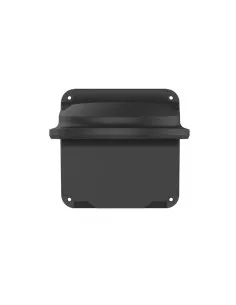
  • Monitors & accessories — screens, brackets, junction boxes and Cat6

Need help choosing? Call 1300 736 970.

Uniarch accessory questions

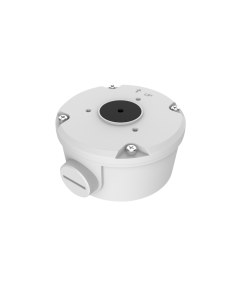
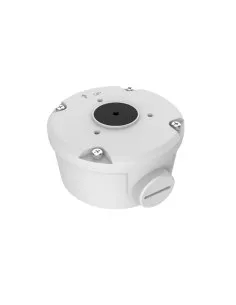
Do I need a junction box?

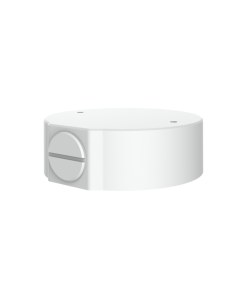
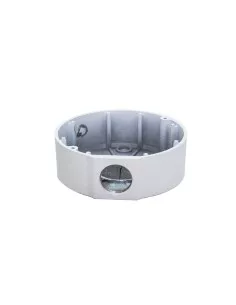
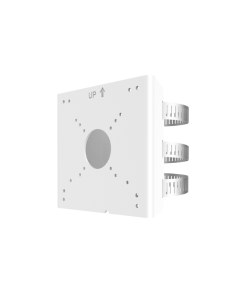
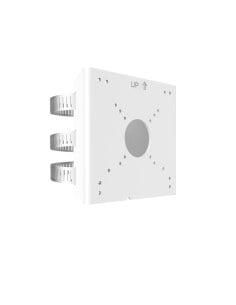
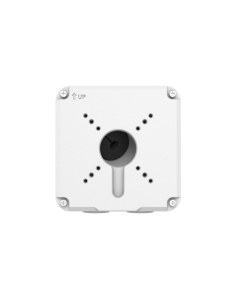
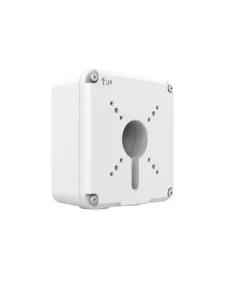
A junction box hides the cable joint behind the camera and keeps it dry. It is the neat choice on brick, weatherboard and soffits.

Which cable should I use?

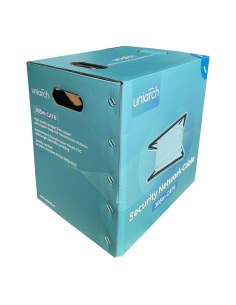
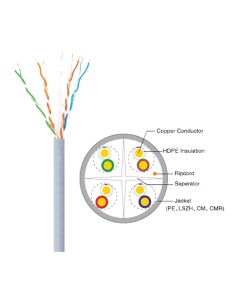
Cat6 UTP, up to 100 m from the recorder to each camera. Our Uniarch Cat6 comes in 305 m boxes.

What warranty do Uniarch products have?

Uniarch cameras and recorders carry a 3-year manufacturer warranty, handled in Australia through InFront. Contact us first and we organise any claim.

Is there a monthly fee for the Uniarch app?

No. The Uniarch app is free on iPhone and Android, with live view, playback and alerts. Footage is recorded to the hard drive in your recorder, not the cloud.

Are Uniarch and Uniview the same company?

Uniarch is the small-business and home range from Uniview (UNV). Uniarch cameras and recorders work together out of the box.

Australian stock and support. Help planning cameras, cabling and recorders: call 1300 736 970.

CCTV basics

How does a PoE camera system work?

PoE (Power over Ethernet) sends power and video down one network cable. Each Uniarch camera plugs into a port on the back of a Uniarch PoE recorder, and that one cable does everything.

  1. IP camerasOne Cat6 cable each
  2. PoE recorder (NVR)Powers and records them
  3. Screen & appMonitor on site, phone anywhere

Why it matters

  • No power points — cameras need no plug pack at the camera end, up to 100 m of cable.
  • Plug and play — Uniarch cameras are found and added by the recorder automatically.
  • Footage stays on site — recorded to a hard drive in the NVR, no monthly cloud fees.
  • Free app — live view, playback and alerts in the Uniarch app on iPhone and Android.

Mixing brands

Uniarch recorders work with other ONVIF cameras for video and basic motion. Smart events such as line crossing and intrusion work best camera-to-recorder within Uniarch and Uniview.

INFRONTTECH Promotional Banner INFRONTTECH Promotional Banner INFRONTTECH Promotional Banner

Need help choosing?

Tell us about your property and we'll recommend the right cameras and recorder.

07 5609 4910

Sydney 02 8814 6008
[email protected]

Mon–Fri, 9am–5pm AEST

Product added to wishlist