
Your cart
There are no more items in your cart
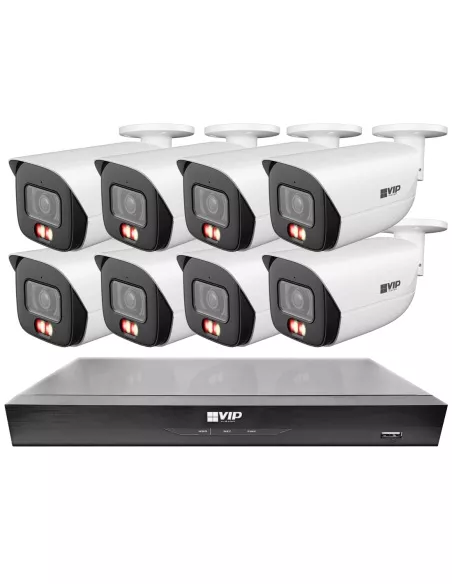

For most Australian small businesses, the right answer is an 8 camera PoE system with a local NVR recorder—the same configuration fitted in the majority of shops, offices, cafes and trade counters we supply every week, used across retail stores, offices and warehouses.
Most small businesses in Australia deploy 4 to 8 camera PoE systems with a central NVR, as this provides the best balance of coverage, reliability and cost.
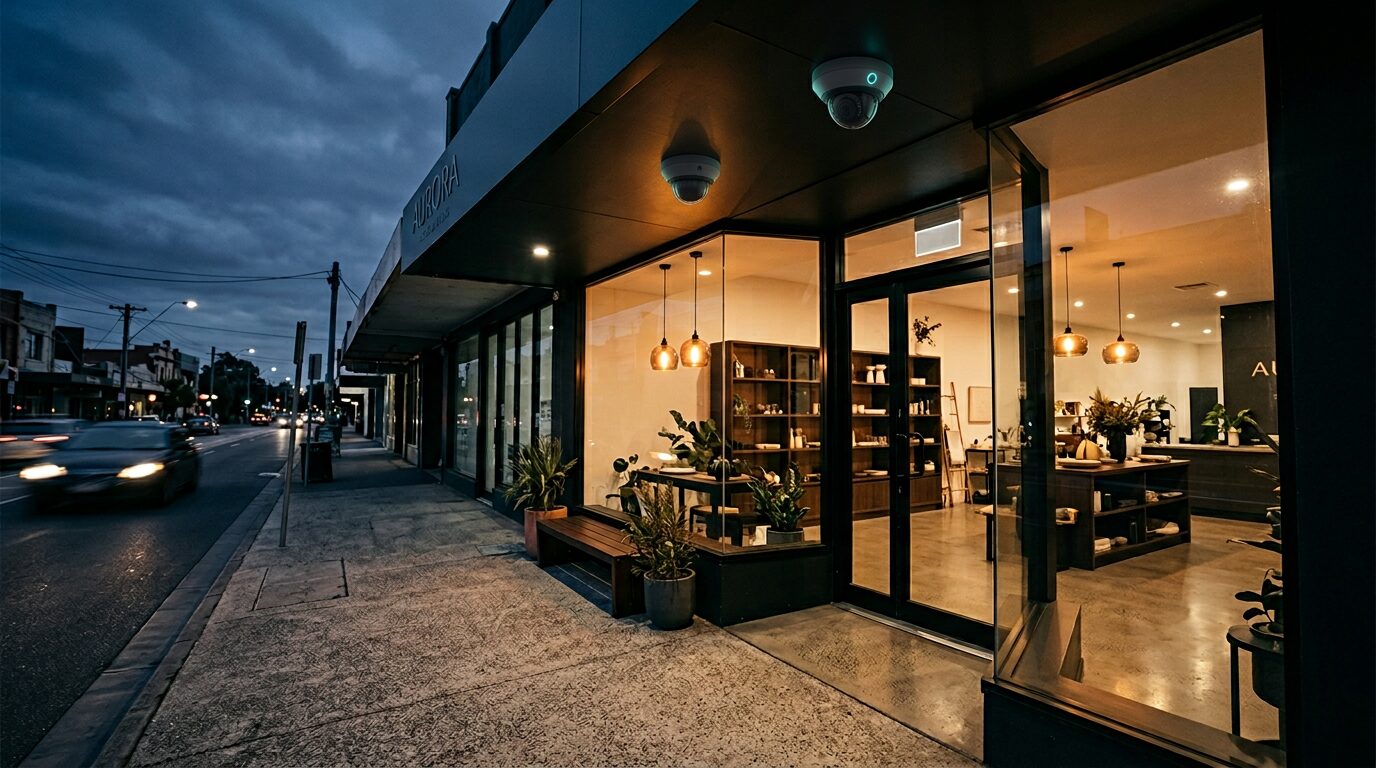
Eight cameras cover the positions that actually matter: front entrance, point of sale, stock room, rear exit, car park approach, high-value aisle, and blind corners. PoE wiring delivers power and video on a single cable per camera, so there are no wall-wart power adapters failing silently in the ceiling. For theft prevention, visible cameras change behaviour before a loss occurs. For staff safety, coverage at open, close, and cash-handling shifts means lone workers are never unwitnessed. From a liability and insurance standpoint, Australian businesses that can prove proportionate security measures are in a far stronger position after any incident. Eight PoE cameras paired with a reliable NVR recorder is where most owners start when they standardise on a wired CCTV system. For residential setups, see our best CCTV system for home guide.
Walk through any typical Australian retail store, office suite, or warehouse and count the positions that need a camera: main entrance, staff or fire exit, register area, stock room or safe, the aisle carrying highest-value product, car park or laneway approach, and at least one blind corner. That is six to eight positions before you consider future expansion. A 4 camera kit forces you to leave gaps. A 16 channel NVR is more infrastructure than most single-site operators need on day one.
Eight channels hit the sweet spot. You get full situational awareness across the premises right now, and the headroom to add a PoE camera when you open a new section, refit a loading area, or decide to monitor an outdoor zone you previously ignored. The cost-to-coverage ratio is significantly better at eight cameras than at four, because the NVR, cabling labour, and switching infrastructure are already in place—each additional camera is almost pure incremental value.
Scalability is the other reason. Businesses change. Retailers knock through into a neighbouring unit, offices add a new reception, warehouses open a yard. An 8-port PoE NVR—or one paired with a managed PoE switch—absorbs those changes without a forklift hardware upgrade. That is why professional installers across Australia consistently default to eight channels for standard commercial fit-outs. Browse our CCTV systems to see how the 8 camera kits are priced to reflect that efficiency.
The best security camera system for business is one that records reliably, stores footage predictably, and runs on hardware you can actually support in Australia. For the vast majority of small and medium sites, that means a wired NVR system with PoE cameras—equipment designed for Australian conditions—not a Wi-Fi kit marketed at home users, not a cloud-only subscription box, and not a consumer dashcam cable-tied to a bracket.
PoE explained simply. Power over Ethernet sends electrical power and video data down a single Cat5e or Cat6 cable from the NVR or PoE switch to the camera. One cable, one run, one connection at each end. No separate power adapters at the camera location, no extra power points in the ceiling. That single-cable approach means faster installation, cleaner management, and honest troubleshooting: if a camera goes offline, you check one cable and one port—not a chain of transformers and extension leads. Standard PoE supports runs up to 100 metres, with extenders available beyond that.
Centralised NVR recording. All footage writes to surveillance-rated hard drives inside the NVR sitting in your comms cabinet or back office. There is no dependence on cloud servers, no monthly subscription to view your own video, and no upload bandwidth bottleneck when you need to pull an hour of footage at full resolution. You own the hardware, you own the recordings.
Remote viewing. A properly configured NVR gives you live and playback access from a phone on the other side of the country. The key is security: change the default password, restrict open ports, keep firmware current, and consider VPN access if your IT setup supports it. Remote viewing should not mean remote vulnerability.
Wired versus wireless — the honest position. We sell wireless IP cameras too, but we will always give you the straight answer: wired PoE handles 95% of business installations better than Wi-Fi. Wireless is useful where cabling is physically impossible—heritage walls, temporary pop-ups, a single camera on an outbuilding across a driveway. Everywhere else, wired wins on stability, bandwidth, and long-term maintenance cost.
Many online “best CCTV system” lists focus heavily on wireless cameras, subscription-based systems and overseas brands that are not commonly used in real-world Australian installations. While these products can work for basic monitoring, they are often not suitable for reliable, long-term security.
In Australia, most homes and small businesses use wired PoE CCTV systems with a dedicated NVR. These systems are preferred because they offer stable connections, higher video quality, local storage without ongoing fees, and far greater reliability compared to wireless alternatives.
Professional installers and experienced users typically avoid relying on battery-powered or cloud-only systems for anything beyond simple use cases. Instead, they choose properly installed camera systems designed for continuous operation, consistent recording, and full property coverage.
When choosing a CCTV system, it’s important to focus on how the system will perform day-to-day, not just how it looks on a feature list. A well-designed wired system will always provide better long-term results than a basic plug-and-play wireless setup.
Our most popular complete CCTV kits for Australian small business — each bundle includes cameras and a recorder, not loose components. Live pricing and stock.
These CCTV systems are selected based on reliability, performance and suitability for small business environments, with a focus on complete camera and NVR kits rather than individual components.
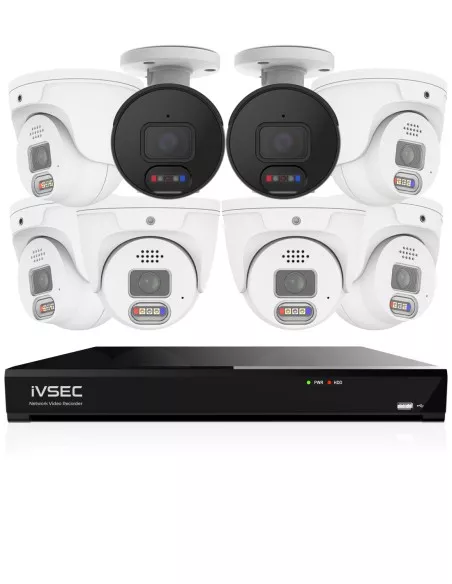
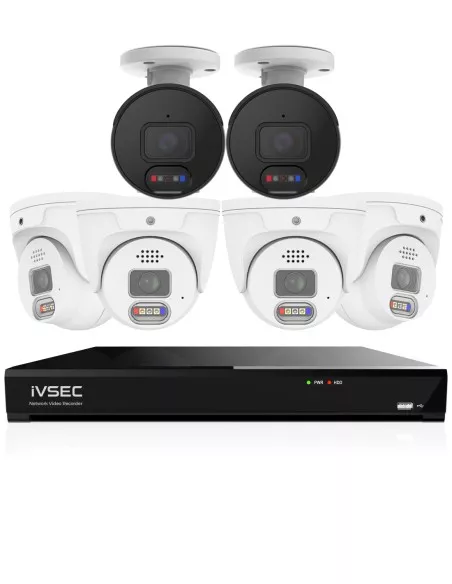
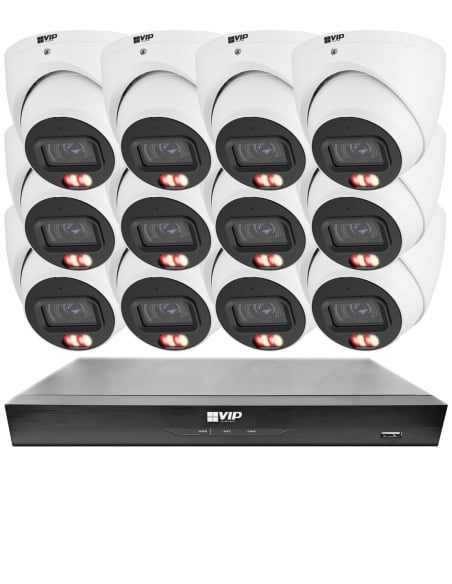
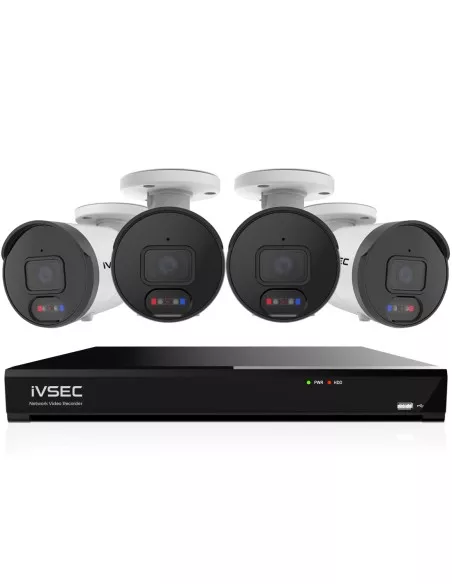

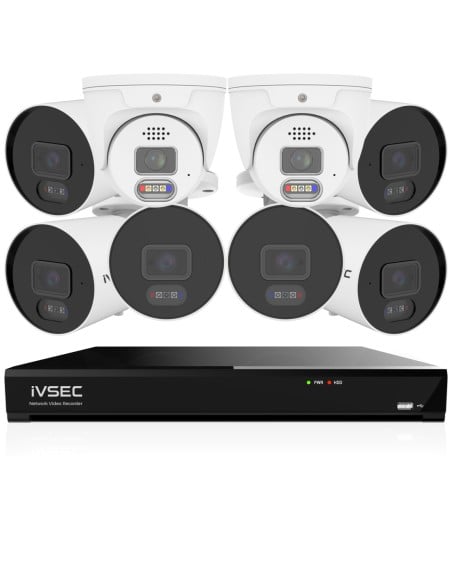
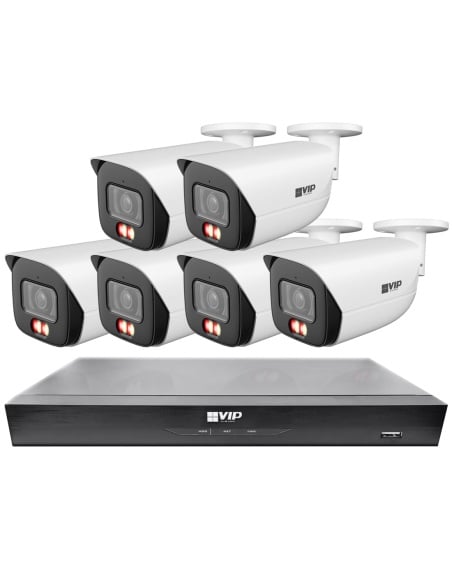

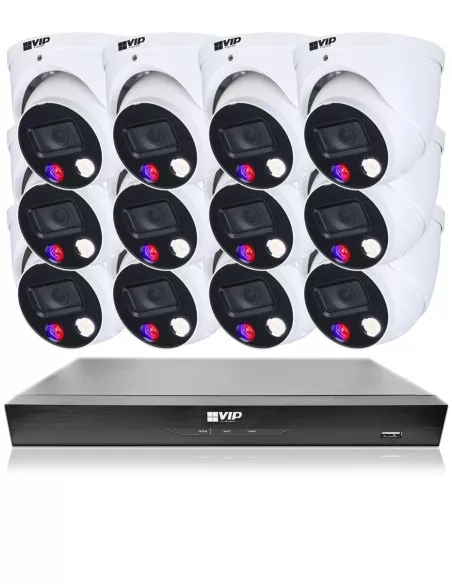
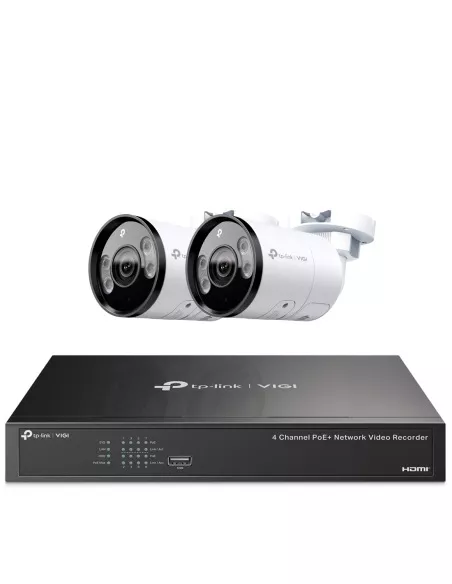
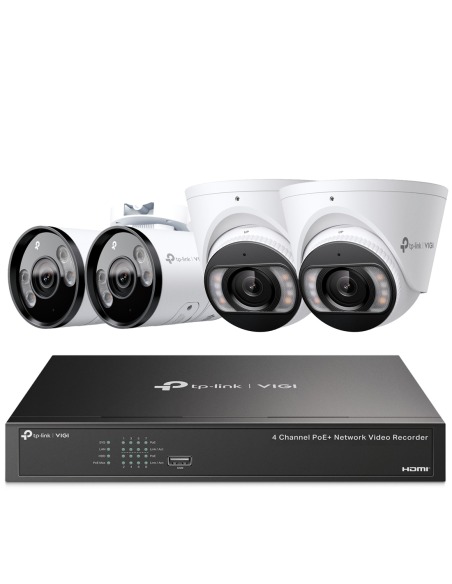
Most customers select systems based on channel capacity and camera count. A typical home or small business will use an 8 channel system with 4 to 6 cameras, allowing additional cameras to be added later if required. Larger properties may require 16 channel systems for full coverage.
Select a system based on your required number of channels and cameras:
Across hundreds of small business installations, the pattern is consistent: 4 to 8 camera PoE systems with an NVR dominate—configurations commonly deployed in Australian businesses. Retail shops use 6 camera systems to cover the register, entry, aisle and stock room, while most multi-room venues and trade counters step up to 8 camera systems. Very compact single-room sites can run on starter 4 camera systems. Offices monitor reception, server areas and external entry points; warehouses and workshops run them across dock doors, tool cribs, yard approaches and perimeter lines.
This is not a trend driven by marketing. It is driven by installers who know what actually works in Australian conditions—heat, dust, long cable runs through steel-frame buildings, and business owners who need footage that is there when they go looking for it. The PoE NVR setup is the standard because it delivers exactly that: reliable, local, accessible footage without ongoing subscriptions. See how our CCTV system packages are configured around this proven approach.
Wired PoE accounts for the overwhelming majority of professional CCTV installations in Australia. The reason is straightforward: a wired camera receives guaranteed bandwidth on a dedicated cable, is immune to radio interference from microwaves, Bluetooth, neighbouring Wi-Fi networks, and building materials like metal cladding or concrete block, and draws power from the same cable carrying its video. There is no battery to charge, no signal to negotiate, and no cloud relay to depend on.
Wireless cameras have a narrow, legitimate role: heritage buildings where drilling is restricted, temporary event sites, or a single outbuilding across a courtyard where running cable would cost more than the camera itself. Everywhere else, treat wireless as an exception, not a foundation. For the core of your security camera system, wired PoE is the architecture that keeps footage flowing.
Recording duration is a function of three variables: hard drive capacity, number of cameras, and recording mode. A single 2 TB surveillance drive in an 8 camera system recording at 4 MP with motion-triggered recording typically holds 10–14 days. Upgrade to a 4 TB or 6 TB drive and you push that to 20–30 days comfortably. Continuous 24/7 recording uses roughly 40–50% more space than motion-only, but gives you an unbroken timeline with no gaps to explain during an investigation.
For most small businesses, 14–30 days of retention is the practical target. Incidents are not always reported the same day—staff may not notice stock loss until a count, and customers can take a week to file a complaint. The cost difference between a 2 TB and 6 TB surveillance drive is modest relative to the value of having footage when it matters. Compare our NVR recorders to find models with single and dual drive bays.
Dome cameras are the standard for indoor and semi-sheltered locations: shop floors, reception areas, corridors, and ceilings above registers. Their compact housing is less visually intrusive, harder to tamper with because the lens direction is concealed, and typically IK10 vandal-rated for public-facing environments.
Bullet cameras are built for outdoor and perimeter use: car parks, loading bays, building exteriors, fences, and driveways. The protruding barrel design acts as a visible deterrent—people can clearly see where a bullet camera is pointed. Bullet housings generally offer better weather sealing and longer IR throw for night vision across open areas.
The best approach for most businesses is a mix: domes inside, bullets outside. Many of the CCTV system packages we stock ship with both housing types for exactly this reason. Browse the available IP cameras to compare dome and bullet options individually.
The price difference between a reliable branded system and a cheap no-name import is typically $200–$500—but the gap in firmware support, image quality, night performance, and warranty is enormous. See current pricing on our CCTV systems page.
IVSEC is our primary recommendation for small business CCTV in Australia—used across retail stores, offices and warehouses where owners want dependable PoE hardware. Purpose-built for the local market, priced realistically for SME budgets, backed by Australian distribution and warranty. No ongoing subscription fees for remote viewing—you buy the system, you own the system. Firmware updates arrive regularly, and the range covers everything from 4 camera kits to 16 channel NVR packages with analytics.
Dahua is a strong alternative when you need a broader range of camera housings, specialist lenses, or third-party VMS integration—often the next step on larger fit-outs preferred by professional installers. Well-supported through local distributors.
Avoid cheap, no-name, or grey-import cameras from marketplace sellers. Outdated firmware, no local warranty, and proprietary apps that vanish when the vendor moves on. The upfront saving looks attractive until you are staring at a blank screen explaining to your insurer why the footage is missing.
When buyers short-list CCTV, a handful of decisions cause almost all post-install regret. Choosing wireless because it looks easy—even when you could pull structured cable—often trades away stability at the exact moment the network is busiest. Buying too few cameras to cover a wide footprint leaves predictable blind spots where incidents later cluster. Ultra-cheap unknown brands can ship glossy specs but skimp on IR consistency, firmware updates and local warranty, so failures have no clean resolution path. Insufficient storage is just as costly as weak cameras: a drive that only retains a few days of motion cannot support delayed incident reports or weekend stock takes. Finally, poor camera placement—mounted too high, aimed into glare, or blocked by doors—wastes even premium sensors. Thinking through wiring, camera count, retention and mounting positions before you purchase keeps the system aligned with how the site actually runs day to day.
Find the right system for your site — every product ships Australia-wide with local warranty and support.