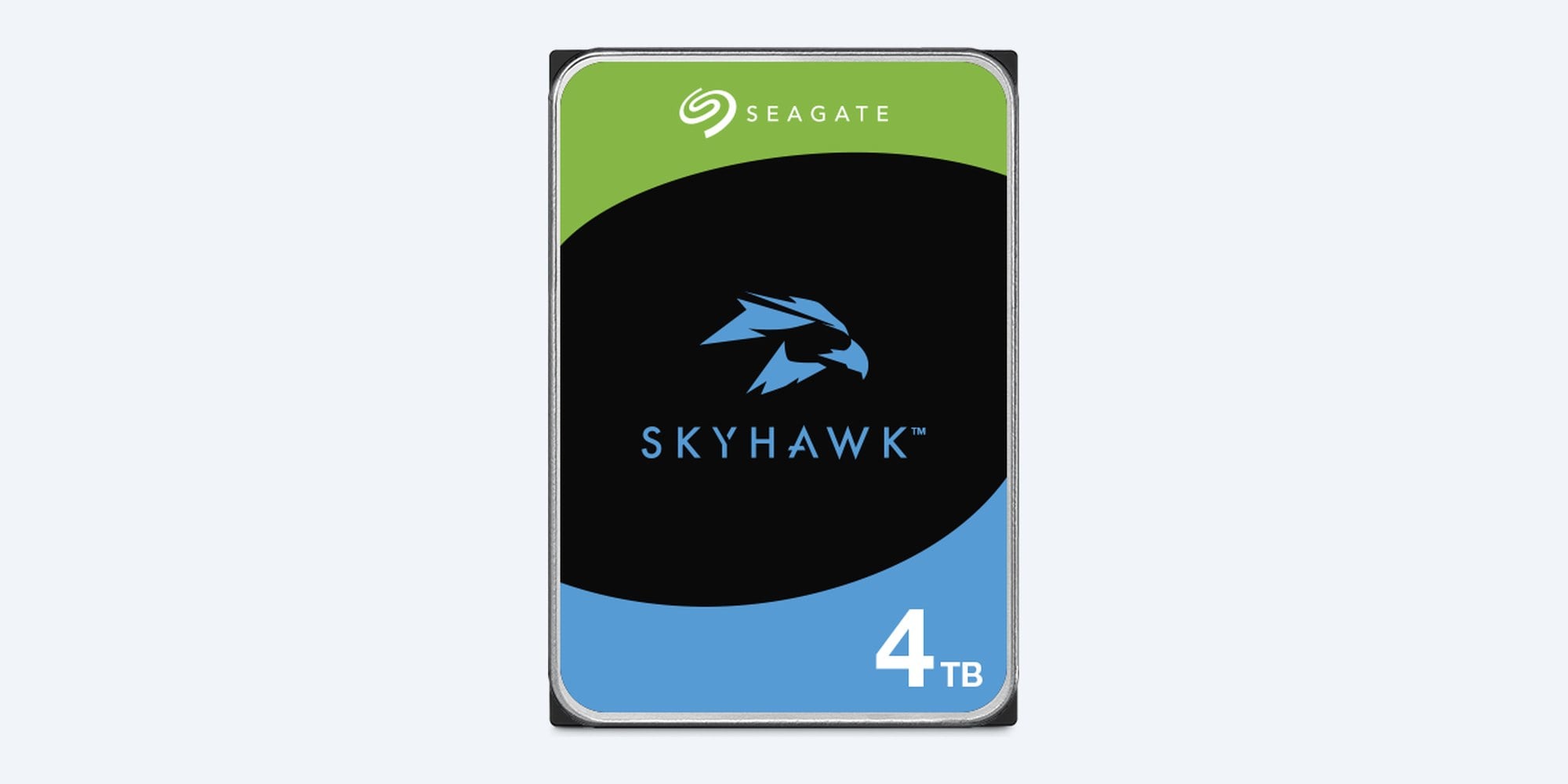
Seagate · SkyHawk · 4TB
4TB for 24/7 recording.
Up to 64 cameras.
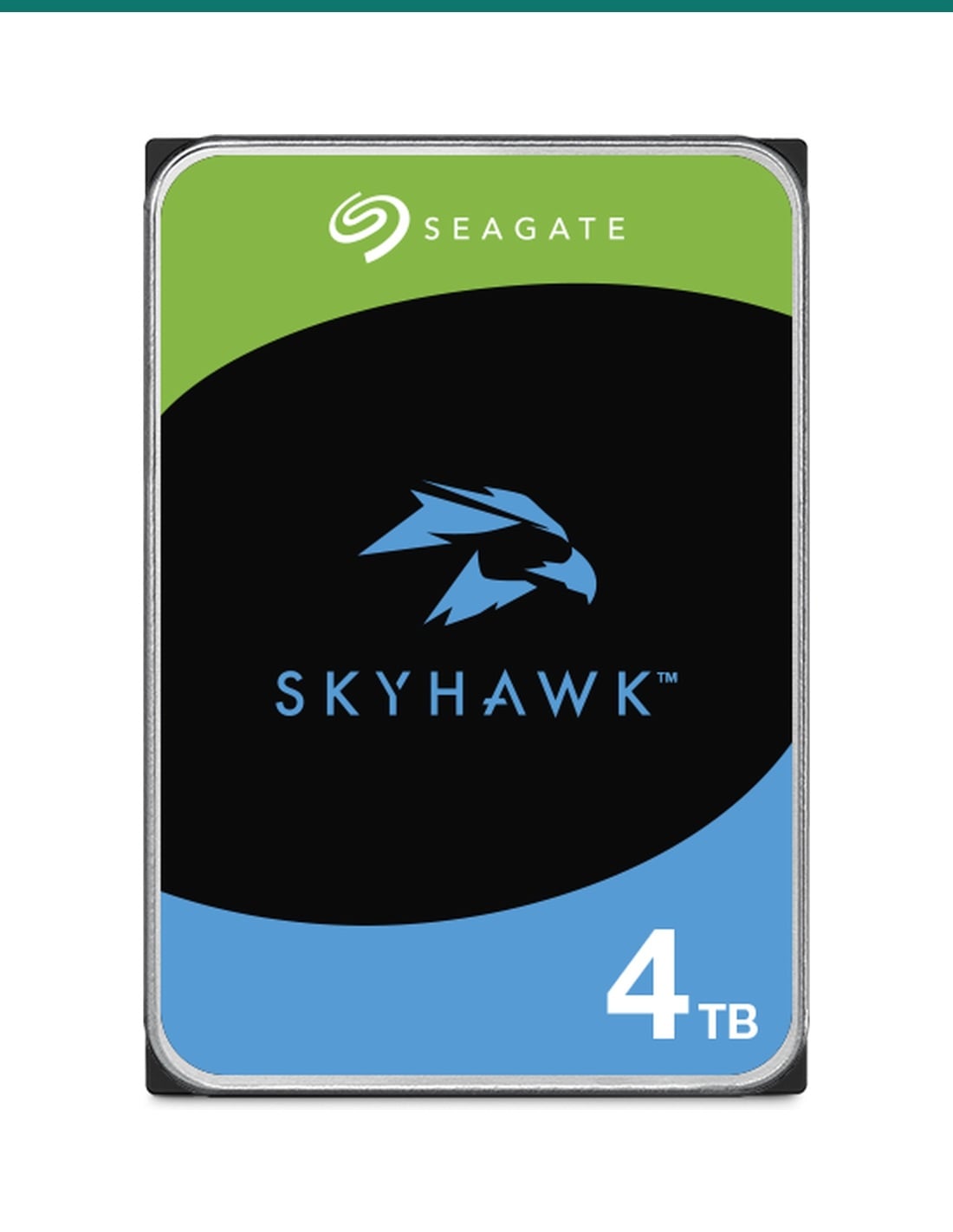
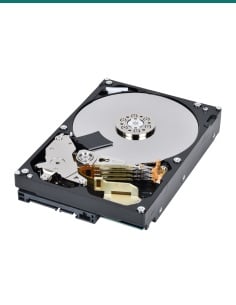
HD4TBSV is a Seagate SkyHawk 4TB 3.5-inch SATA drive made for DVRs and NVRs. It records around the clock with ImagePerfect firmware, a 180TB a year workload rating and a 3-year limited warranty.
In one sentence: HD4TBSV is a Seagate SkyHawk 4TB 3.5-inch SATA 6Gb/s surveillance hard drive for DVRs and NVRs, rated for 24/7 recording from up to 64 HD cameras, 180TB a year, 1 million hours MTBF and a 3-year warranty.
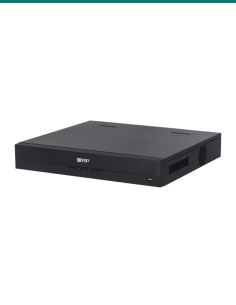
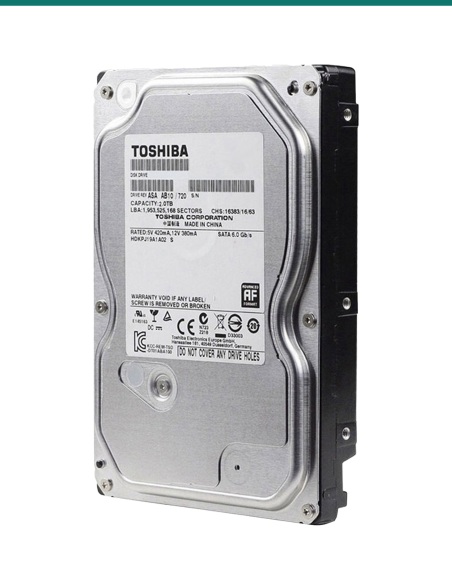
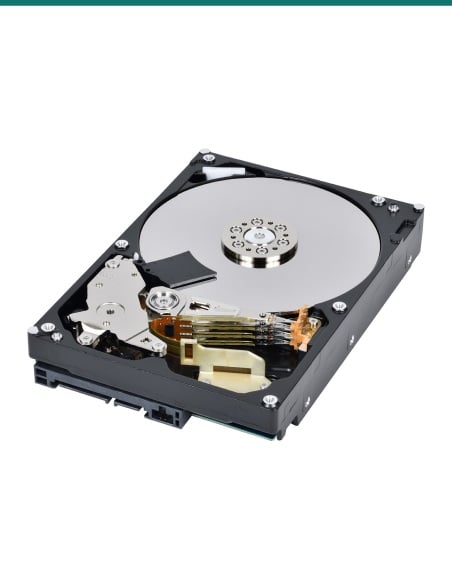
A bare internal drive. It goes inside a recorder.
This listing is one 4TB internal hard drive. Seagate makes the SkyHawk 4TB as three models (ST4000VX016, ST4000VX013 and ST4000VX007). Confirm with us which model is in stock if it matters for your recorder.
In the box- 1 × Seagate SkyHawk 4TB 3.5-inch SATA hard drive
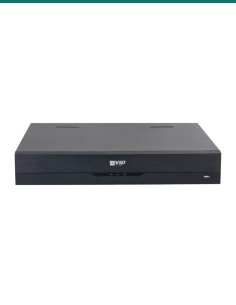
You also need- A DVR, NVR or server with a free 3.5-inch SATA bay
- The SATA data and power leads inside that recorder
- Mounting screws or a drive caddy for your recorder (confirm with us if you need them)
- A Phillips screwdriver
Made for video, not a desktop drive.
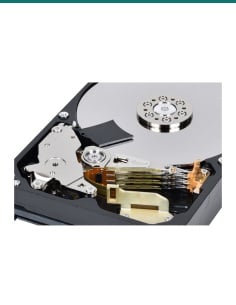
A recorder writes video from every camera all day and all night. SkyHawk is built for that steady load: ImagePerfect firmware keeps the footage smooth, rotational vibration sensors keep it steady in multi-bay recorders, and Seagate rates it for 180TB of data a year, 8,760 hours a year.
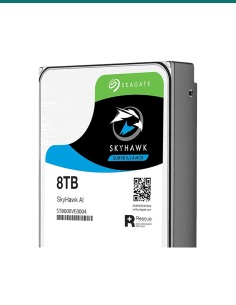
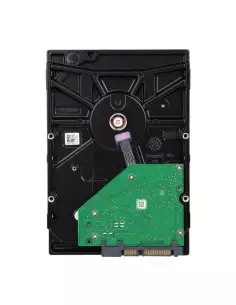
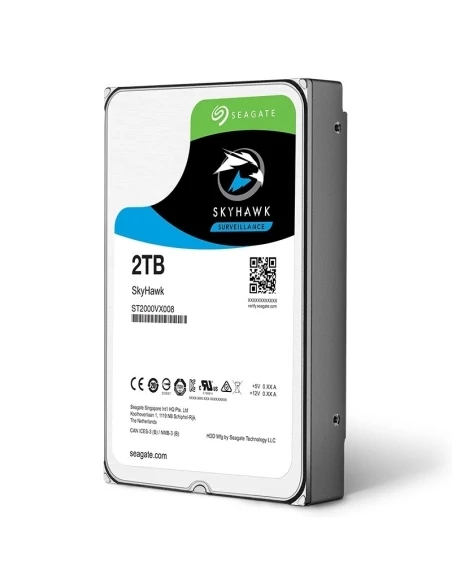
The label
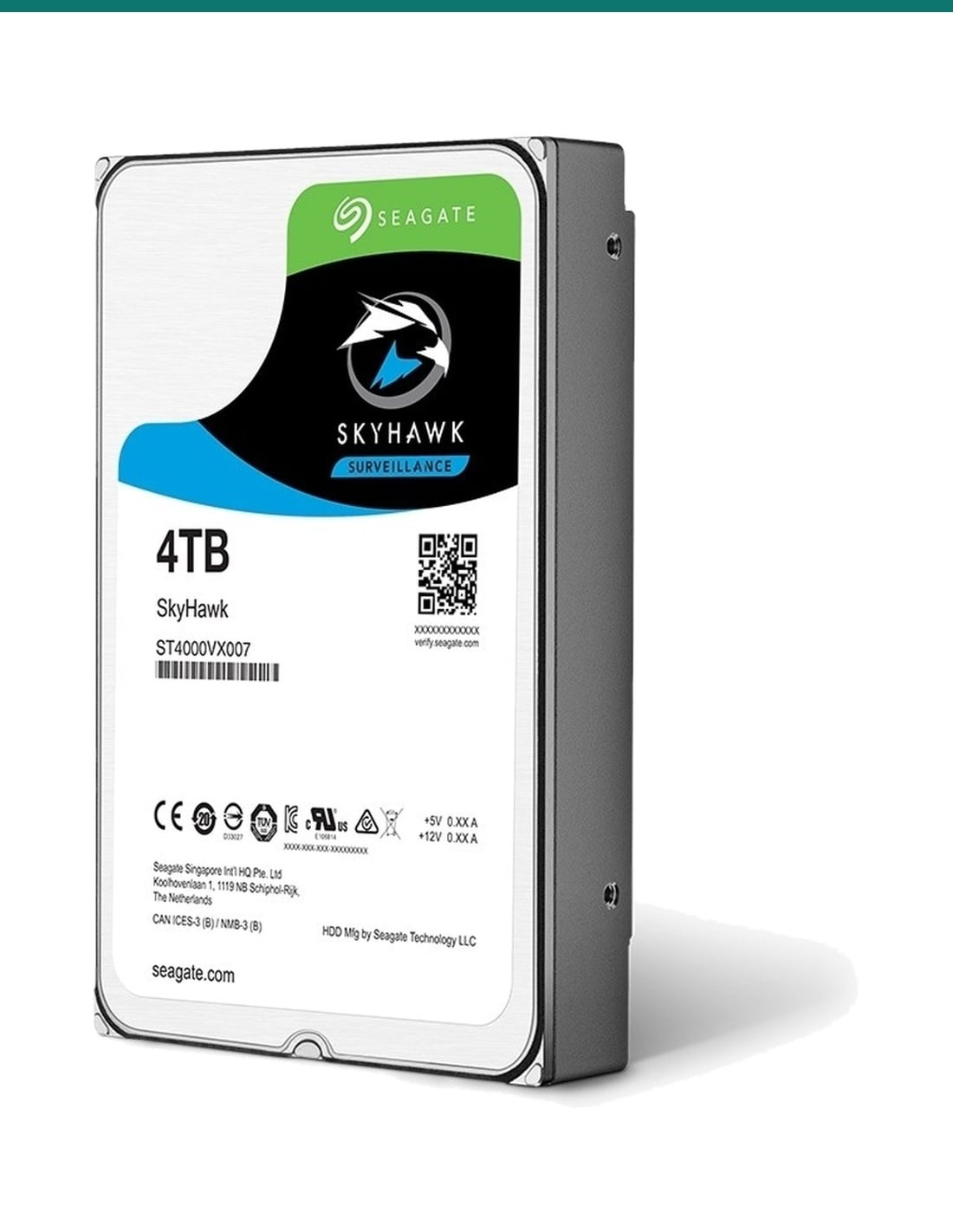
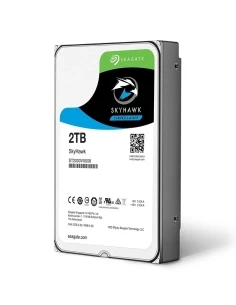
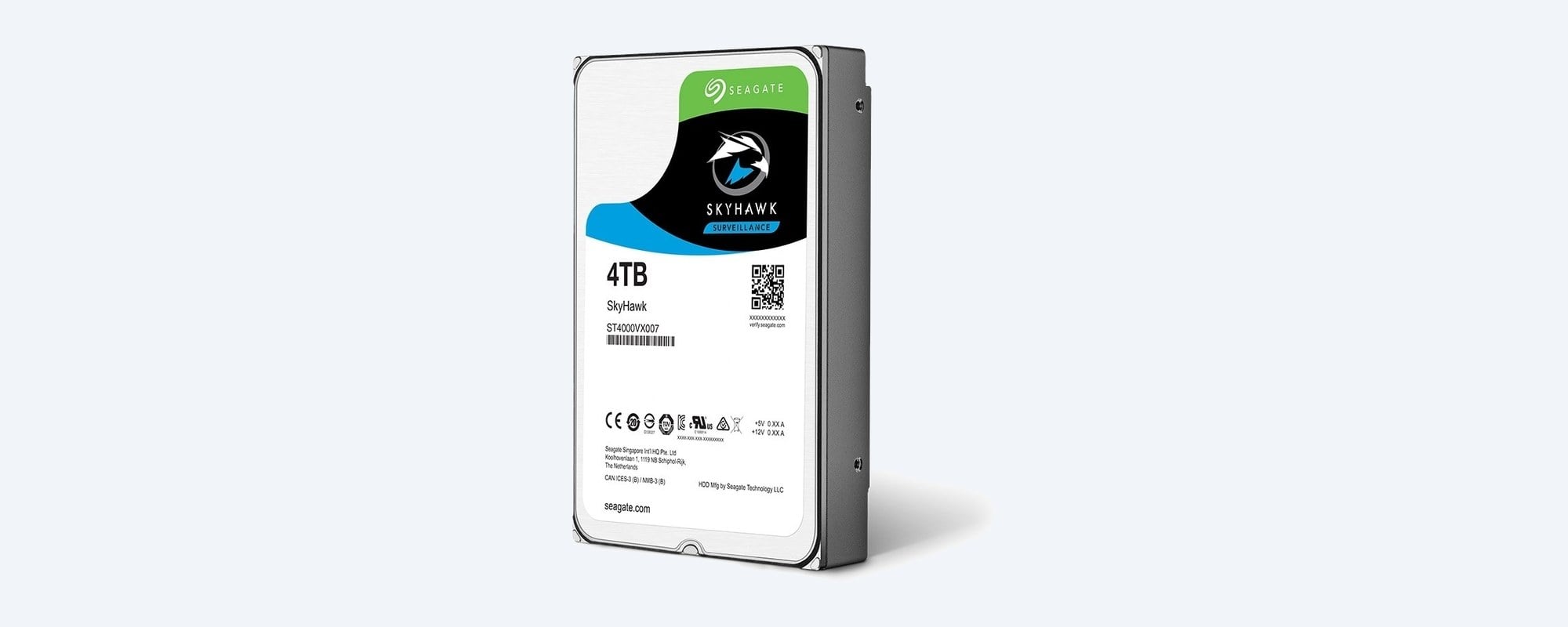
4TB SkyHawk, verified at seagate.com.
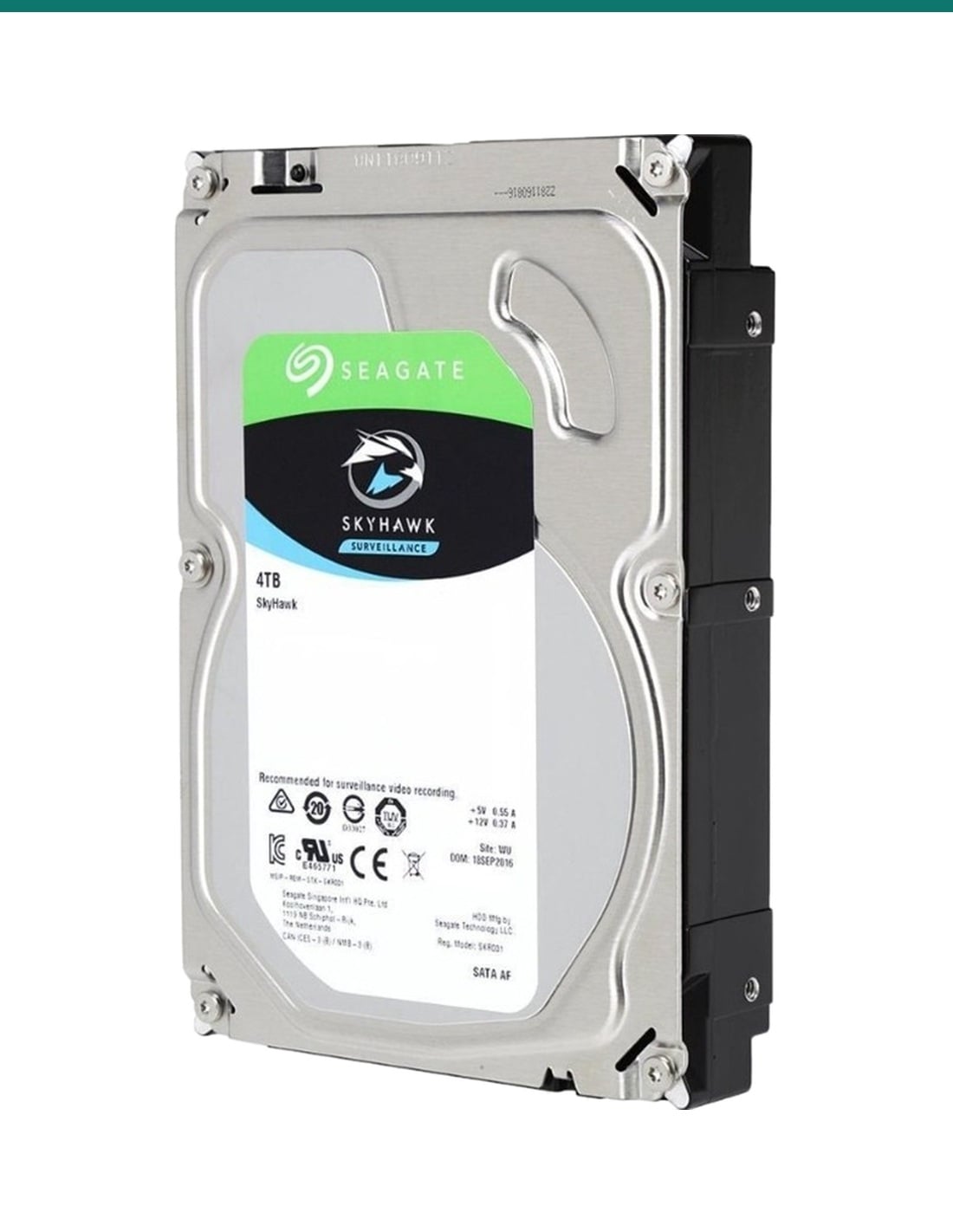
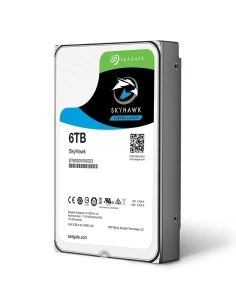
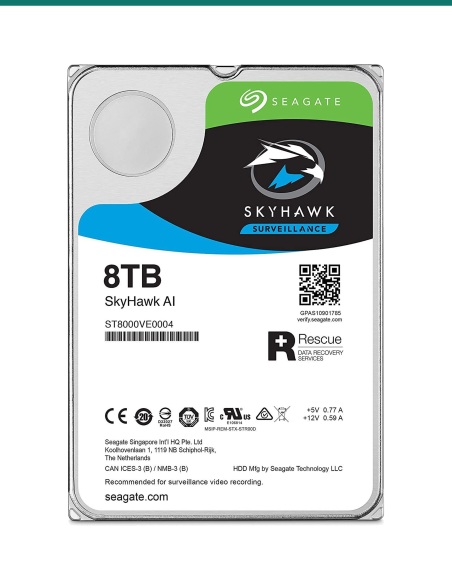
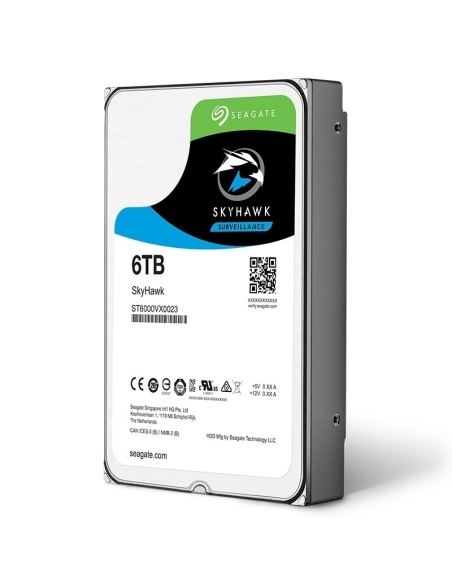
The label shows the capacity, the model number and a QR code to check the drive at seagate.com. This photo shows an ST4000VX007; the ST4000VX016 and ST4000VX013 are slimmer 20.2 mm drives with the same 3.5-inch footprint.

Fits a standard bay
Standard 3.5-inch mounting.
101.85 mm wide and 146.99 mm deep, with the usual side and bottom screw holes, so it fits the 3.5-inch drive bay or caddy in DVRs and NVRs. The SATA data and power connectors are on the back edge.
How it goes in
Fitted in four steps.
01
Power down
Shut the recorder down from its menu, then switch it off at the wall and unplug it. Never fit a drive while the recorder is powered.
02
Open the bay
Remove the cover or slide out the drive caddy, as your recorder's manual shows. Hold the drive by its edges.
03
Fit and connect
Screw the drive into the bay or caddy, then plug in the SATA data and power leads firmly. Close the recorder.
04
Format and record
Power up, open the storage menu, select the new 4TB drive and format it. Check the recording schedule is on and footage is being saved.
At a glance
Seagate SkyHawk 4TB
Show specs
Model numbers
ST4000VX016, ST4000VX013 or ST4000VX007; confirm with us which is in stock
Recording technology
CMR (ST4000VX016, ST4000VX007); SMR (ST4000VX013)
Cache
256MB (64MB on ST4000VX007)
Max sustained transfer rate
180MB/s (190MB/s on ST4000VX007)
Cameras supported
Up to 64
Drive bays supported
Up to 16, with rotational vibration sensors
Firmware
ImagePerfect, SkyHawk Health Management
Workload rate limit
180TB per year
Power-on hours
8,760 per year (24/7)
Non-recoverable read errors
1 per 10E14 bits read, max
Power
Startup 1.8A at 12V; 3.7W average (5.5W on ST4000VX007); 0.25W standby
Operating temperature
0°C ambient minimum; 65°C (ST4000VX016) or 70°C drive reported maximum
Size
101.85 × 146.99 mm; 20.20 mm high (26.11 mm on ST4000VX007)
Weight
490 g (608 g on ST4000VX007)
Warranty
3-year limited (Seagate)
Rescue Data Recovery
3-year plan in selected regions; confirm with us
Pair it with
What goes with this drive
Recorder
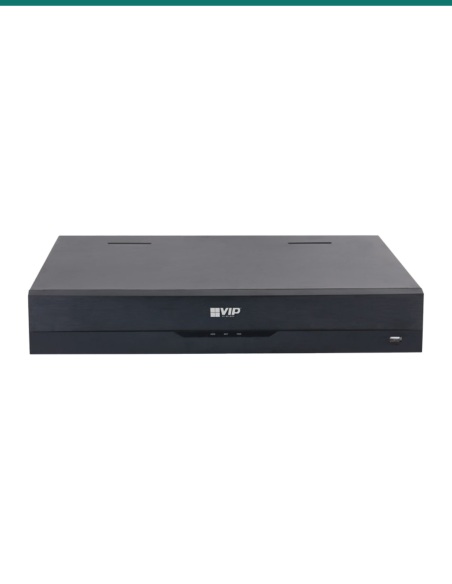
A DVR or NVR
Any recorder with a 3.5-inch SATA bay that supports 4TB. Ask us if you are not sure about yours.
More storage
A second drive
Add another SkyHawk for more days of footage in a multi-bay recorder, or step up to the 6TB.
Power
A UPS for the recorder
Keeps the recorder and drive running through short outages and lets it shut down cleanly in a long one.
Where it is used
Where a 4TB SkyHawk fits.
Homes
4 and 8-channel systems that need a few weeks of footage on hand.
Shops and cafes
Counters, doors and stockrooms recorded 24/7 for incident review.
Offices
Reception, car park and entry cameras on a small NVR.
Farms and sheds
Gates, sheds and machinery bays recorded day and night.
Replacement drives
Swap out a worn or full drive in an existing DVR or NVR.
Installers
A standard 4TB surveillance drive to keep on hand for new systems and service calls.
SkyHawk 4TB or 6TB
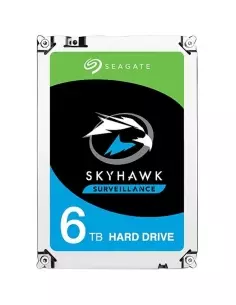
| 4TB (this drive) | 6TB ST6000VX001 |
|---|
| Capacity | 4TB | 6TB |
| Recording technology | CMR, or SMR on ST4000VX013 | CMR |
| Cache | 256MB (64MB on ST4000VX007) | 256MB |
| Max sustained transfer | 180MB/s (190MB/s on ST4000VX007) | 180MB/s |
| Average power | 3.7W (5.5W on ST4000VX007) | 5.0W |
| Height and weight | 20.20 mm, 490 g (26.11 mm, 608 g on ST4000VX007) | 26.11 mm, 610 g |
| Workload, MTBF | 180TB/year, 1,000,000 hours | 180TB/year, 1,000,000 hours |
| Warranty | 3 years | 3 years |
Both from Seagate's SkyHawk 3.5-inch datasheet DS1902.17. The 6TB keeps 50% more footage on the same recorder settings.
Common questions
Which model number will I get?
A Seagate SkyHawk 4TB: Seagate makes it as ST4000VX016, ST4000VX013 and ST4000VX007. Confirm with us which model is in stock if your recorder needs a particular one.
Will it fit my recorder?
Yes, if the recorder takes a 3.5-inch SATA drive and supports 4TB. Check the maximum drive size in its specifications, or send us the model and we will confirm.
How many cameras can it record?
Seagate rates SkyHawk for up to 64 cameras and recorders with up to 16 drive bays.
Is it CMR or SMR?
The ST4000VX016 and ST4000VX007 are CMR. The ST4000VX013 is SMR. Ask us which is in stock.
What is the workload rating?
180TB per year, for always-on recording 8,760 hours a year. For heavier workloads Seagate points to its SkyHawk AI and enterprise drives.
How long is the warranty?
Seagate gives a 3-year limited warranty. InFront Technologies handles warranty claims here in Australia.
What is Rescue Data Recovery?
A Seagate plan that gives access to its data recovery labs if the drive fails. Seagate lists a 3-year plan in selected regions, so confirm with us whether it applies to your drive.
Does it come with screws or a cable?
No. It is a bare internal drive. Your recorder supplies the SATA leads; ask us if you need mounting screws or a caddy.
Can I use it in a desktop PC?
It will work in a SATA computer, but it is designed for continuous video recording rather than general desktop use.
How much footage will 4TB hold?
It depends on the number of cameras, resolution, frame rate and compression. Tell us your system and we will estimate the days of recording.
Should I choose the 6TB instead?
Choose the 6TB ST6000VX001 if you want about 50% more days of footage on the same settings. Both have the same workload rating, MTBF and warranty.
Why does my recorder show less than 4TB?
Drive makers count 1TB as one trillion bytes, while recorders count in binary units, so a 4TB drive shows as about 3.6TB. Nothing is missing.
Supported by InFront Technologies.
Not sure the drive suits your recorder, or which model is in stock? Call 1300 736 970 or email [email protected]. The Seagate datasheet is on the Attachments tab.
Installation and safety
Power off first. Shut the recorder down and unplug it before you open it. Never fit or remove a drive while it is powered.
Handle with care. Hold the drive by its edges, keep it in its anti-static bag until fitting and do not drop or knock it.
Cabling. The drive only connects inside the recorder. Concealed camera cabling is customer cabling under AS/CA S009 and needs an ACMA-registered cabler.
Privacy. Recording people and conversations is covered by state and territory surveillance laws. Check them and use signage.
What it does not do. It is not an external or USB drive, has no case of its own and is not designed for heavy enterprise or AI analytics workloads.
Figures. From Seagate's SkyHawk 3.5-inch datasheet DS1902.17, 4TB columns.