
Best CCTV System for Home Australia
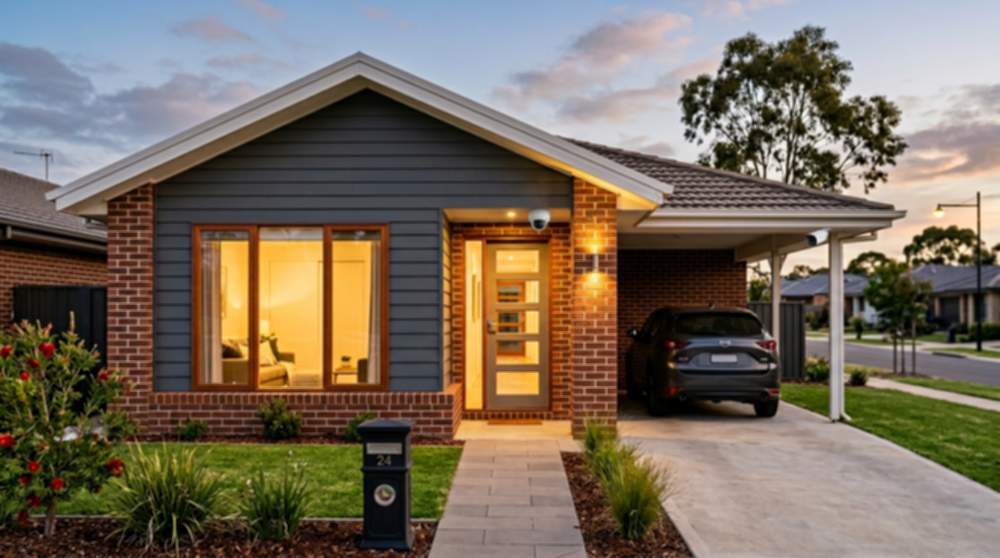
Most Australian homes are best served by a 6 camera setup on an 8 channel PoE NVR, providing full coverage with room to expand. Typical placements include the front door, an overview of the front yard, one view on each side of the house, and one or two angles across the back yard. A system this size delivers genuine home security, acts as a visible deterrent against opportunistic theft and package pilferage, and quietly adds to family safety by capturing who arrives, when deliveries are dropped off and how children come and go from school. Because the NVR records locally to a surveillance-grade hard drive, footage is available on demand — no ongoing subscription and no cloud account holding your data hostage. PoE wiring keeps the setup clean: one cable per camera carries power and video back to the recorder. Smaller properties and apartments can still be well served by a 2–4 camera setup, and acreage or two-storey builds commonly suit 8 cameras or more.
At a glance
Best overall: 6 Camera PoE CCTV System (8 Channel NVR)
Best for smaller homes: 4 Camera System
Best for larger homes: 8 Camera System
Best for apartments: Compact wired or wireless system where cabling is not practical
For commercial setups, see our CCTV systems for small business guide.
Why Most Homes Use 6 Camera Systems
6
Key angles covered
PoE
One cable per camera
$0
Ongoing subscription
Looking at a typical Australian home and counting the positions a camera genuinely earns its place gives a consistent answer. Common setups include a camera at the front door to record every visitor, courier and tradesperson, a view across the front yard for the approach from the street and vehicles in the driveway, one camera on each side of the house covering the side gates, meter box and fence paths, and one or two cameras across the back yard for the rear sliding door, pool gate and shed area. That is six cameras, and it is the size the vast majority of Australian homes settle on once the property is mapped out properly.
Six cameras is also the most cost effective step up from a basic kit, because the NVR, PoE switching and cabling path are already committed by the second camera. Adding the third through sixth simply extracts more value from the same infrastructure. Four cameras can still cover smaller homes cleanly, and eight or more is typical on larger blocks, but for a standard suburban house 6 cameras is where the coverage-to-cost curve flattens.
The architecture is also scalable by design. Most 6 camera home systems run on an 8 channel NVR, which leaves two spare PoE ports for a future camera to be added without replacing the recorder. Every 8 channel NVR worth buying records to a surveillance hard drive you can swap later and runs a free phone app. If the house is renovated, a pool is added or a new carport is fitted, a well-chosen 6 camera kit grows with the home rather than needing to be replaced. Browse our complete CCTV systems to see how 4, 6, 8 and 16 channel kits are configured.
What Is the Best CCTV System for a Home?
The best home security cameras record reliably, store footage predictably and run on hardware you can actually service in Australia. For the vast majority of houses and townhouses, that means a wired NVR paired with PoE IP cameras — not a set of battery Wi-Fi cameras marketed at renters, not a cloud-only subscription box and not an all-in-one smart doorbell wired to nothing else.
Channels vs cameras. Most modern CCTV systems are based on NVR channel capacity rather than fixed camera counts. For example, a typical 6 camera system will run on an 8 channel NVR, allowing additional cameras to be added later if needed. That is why the primary recommendation for most homes is “6 cameras on an 8 channel NVR” — the two spare channels are what makes the kit future-proof rather than locked to its shipping size.
PoE vs wireless. A PoE (Power over Ethernet) camera receives both power and video down a single Cat5e or Cat6 cable from the NVR, so there is no separate power adapter on the wall, no battery to recharge and no Wi-Fi signal fighting microwave interference and brick walls. Wireless cameras have a place — a short-term rental, a heritage facade where drilling is restricted, or a shed across a yard — but for a permanent installation at a home you own, wired PoE wins on every metric that matters: image consistency, uptime, bandwidth and ten-year maintenance cost. This is the same wiring approach used on our small business CCTV systems, scaled down for a residential site.
Reliability. A wired NVR sits quietly in the study, garage or comms cupboard and records 24 hours a day whether the internet is up or down. Footage is written to a surveillance-grade hard drive designed for continuous write cycles — a standard desktop drive will not last 12 months under CCTV load. With a PoE kit there are no AA batteries going flat at the worst possible moment and no quarterly firmware lottery on half a dozen cloud-tethered cameras.
Mobile viewing. Every modern NVR recorder includes a free iOS and Android app. The app scans a QR code on the recorder, establishes a secure peer-to-peer connection and delivers live video, playback and push notifications to your phone anywhere in the world. No static IP, no port forwarding and no monthly fee. You see the front door when the courier rings — even if you are interstate.
NVR storage. Footage lives on a hard drive inside the recorder, not in a vendor's cloud. A 2 TB surveillance drive on a 6 camera system typically holds 10–14 days of motion-triggered 4 MP video; step up to 4 TB and you comfortably exceed three to four weeks. You own the hardware, you own the recordings and the household is not paying $10–$30 per month simply to keep its own video accessible.
Why Many “Best CCTV System” Lists Get It Wrong
Many online “best CCTV system” lists focus heavily on wireless cameras, subscription-based systems and overseas brands that are not commonly used in real-world Australian installations. While these products can work for basic monitoring, they are often not suitable for reliable, long-term security.
In Australia, most homes and small businesses use wired PoE CCTV systems with a dedicated NVR. These systems are preferred because they offer stable connections, higher video quality, local storage without ongoing fees, and far greater reliability compared to wireless alternatives.
Professional installers and experienced users typically avoid relying on battery-powered or cloud-only systems for anything beyond simple use cases. Instead, they choose properly installed camera systems designed for continuous operation, consistent recording, and full property coverage.
When choosing a CCTV system, it’s important to focus on how the system will perform day-to-day, not just how it looks on a feature list. A well-designed wired system will always provide better long-term results than a basic plug-and-play wireless setup.
Recommended CCTV Kits for the Home
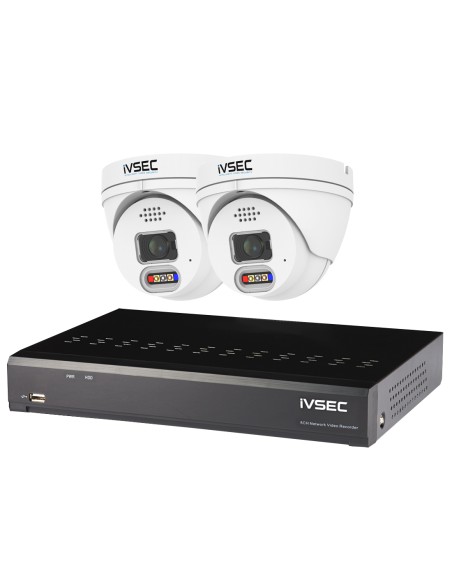
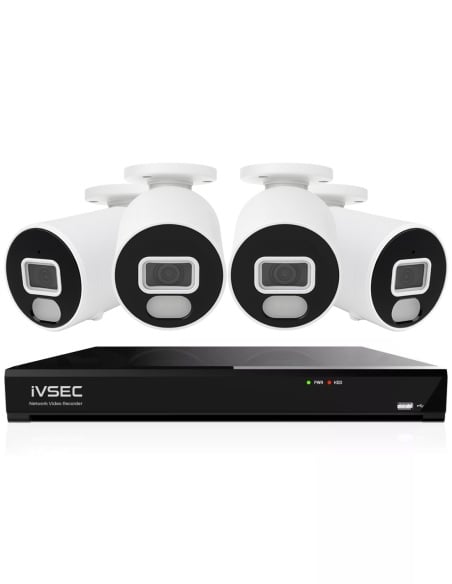
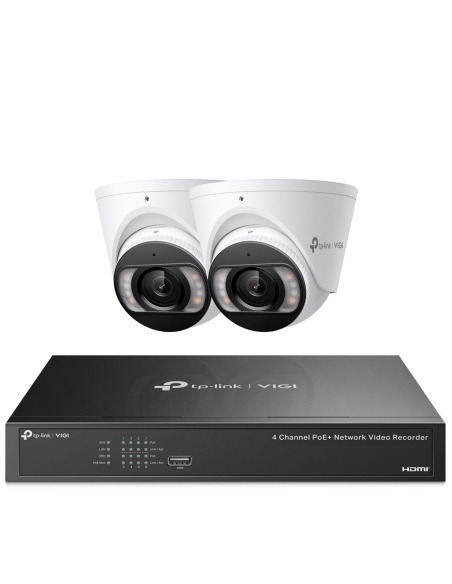
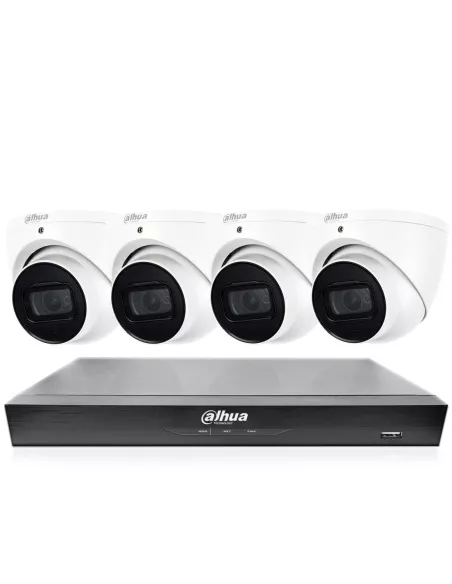
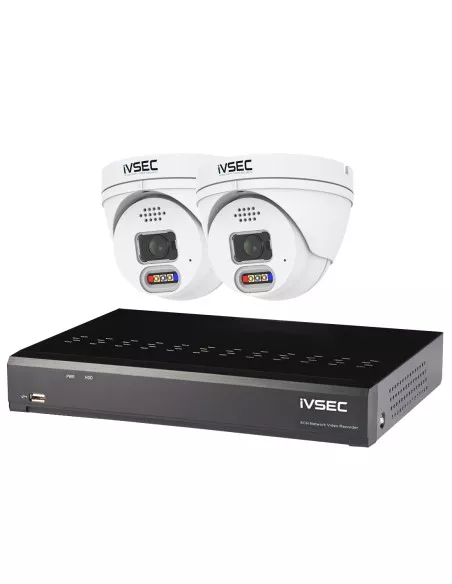
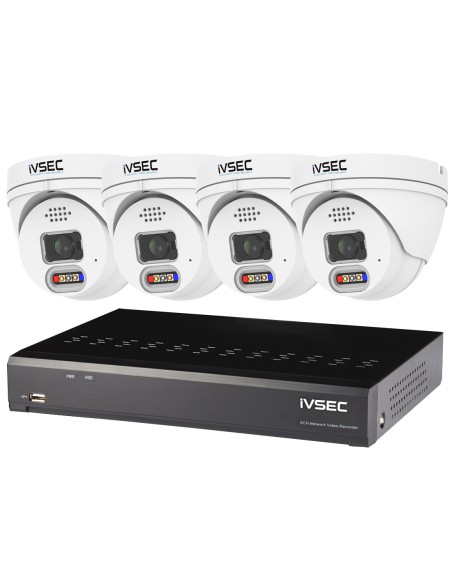
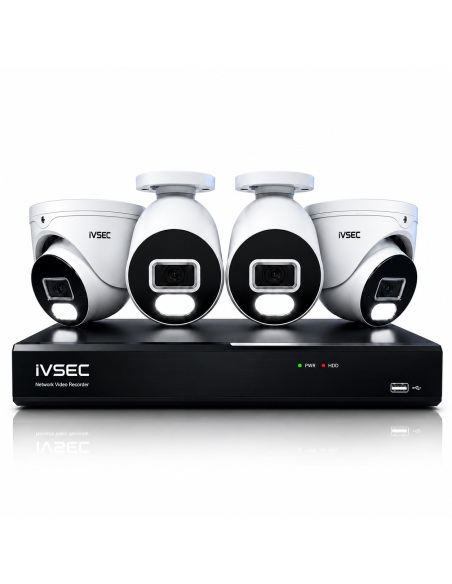
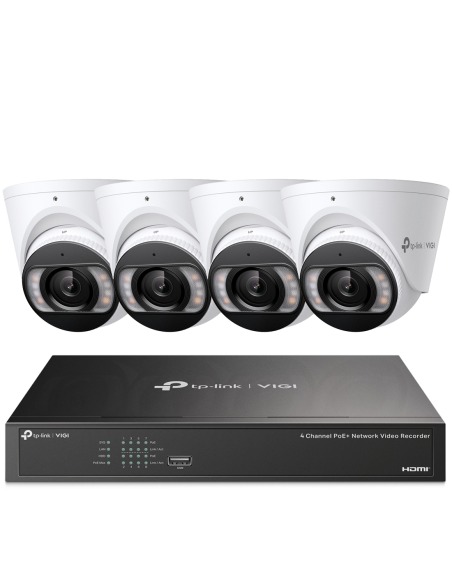
Entry-level CCTV kits for home — complete camera and recorder bundles with typical retail from $600 to $1,000. Live pricing and stock across our Australian catalogue.
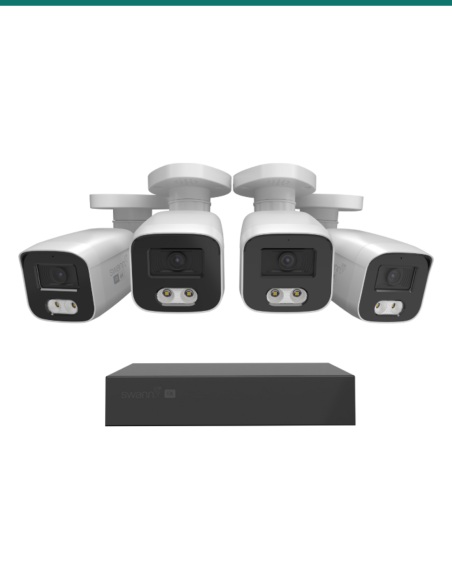
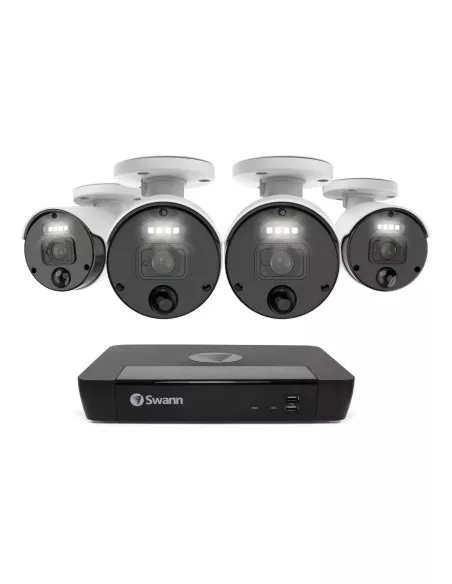
These CCTV systems are selected to match typical home installations in Australia, with a focus on complete 6 camera kits on 8 channel NVRs, along with smaller starter systems and larger upgrade options.

Choosing the Right CCTV System
Most customers select systems based on channel capacity and camera count. A typical home or small business will use an 8 channel system with 4 to 6 cameras, allowing additional cameras to be added later if required. Larger properties may require 16 channel systems for full coverage.
Browse CCTV System Options
Select a system based on your required number of channels and cameras:
- 4 Channel 4 Camera Systems
- 8 Channel 4 Camera Systems
- 8 Channel 6 Camera Systems
- 8 Channel 8 Camera Systems
- 16 Channel 8 Camera Systems
- 16 Channel 10 Camera Systems
Wired vs Wireless CCTV for Home Use
Wired PoE is the architecture behind the overwhelming majority of professional CCTV installations in Australia, and it is the right choice for any home where cable runs are possible. Wired cameras receive guaranteed bandwidth on a dedicated cable, are immune to interference from Wi-Fi networks, microwaves, Bluetooth speakers and metal roof sheeting, and draw power from the same cable carrying their video. There is no battery to charge every few weeks, no Wi-Fi credential to re-enter after a router swap and no cloud relay between you and your own front door.
Wireless IP cameras are the right call in a handful of specific situations: an apartment where cable runs to a central NVR simply are not possible, a rental where drilling is not permitted, a heritage cottage with solid double-brick walls, or a standalone granny flat across a driveway. Worth knowing, though: Wi-Fi CCTV is noticeably less reliable in built-up areas, because dense blocks of units have dozens of competing networks, lift motors, microwave kitchens and concrete floors all eating into signal quality. Even for apartments, if there is any cabling path at all — a skirting run, a ceiling void, a single dedicated Cat6 drop — always try to cable. Everywhere outside those edge cases, treat wireless as a compromise, not a foundation: it drops frames during congested periods, misses events when the router reboots and burns through camera batteries precisely when you want footage most. For a permanent system at a home you own, pay the extra hour of installation time and run cable — the next decade of stable recordings is worth it.
How Many Cameras Do You Need for a Home?
The right number of home security cameras comes down to the property's footprint, not its price bracket. Most Australian households land cleanly in one of three configurations, and buying the correct size up front is far cheaper than upgrading the NVR a year later.
- Apartment or compact home (2–4 cameras): a unit, townhouse or compact cottage. Two cameras usually cover the front door and one rear or balcony angle, and starter 4 camera systems are a good fit once there is a driveway or a second street-facing window. In an apartment it is rarely possible to run cable back to a central NVR, so apartment installs almost always rely on wireless cameras — workable, but worth knowing that Wi-Fi CCTV is noticeably less reliable in built-up areas where dozens of competing networks, lift motors and concrete floors chew into signal quality. Where any cabling path exists at all (a ceiling void, a skirting run, even a single dedicated Cat6 drop), take it. Wired is always the more dependable choice.
- Standard Australian home (6 cameras): the typical 3–4 bedroom house on a suburban block. Cameras at the front door, front yard, one each side of the house and one or two angles across the back yard cover every realistic approach. This is the configuration residential buyers land on most often, and it is worth browsing the complete 6 camera systems on an 8 channel NVR before settling on a smaller kit.
- Large home or acreage (6–8+ cameras): two-storey houses, corner blocks, homes with a pool, separate studio or long driveway. 8 camera systems paired with a bigger NVR recorder add coverage for the detached shed, pool gate, rear laneway or second street frontage. Spare PoE ports also leave room for a future camera when the kids move out and you convert the back room.
How Long Do CCTV Systems Store Footage?
Retention is HDD dependent. The NVR writes video continuously (or on motion) to a surveillance-grade hard drive, and when the drive is full it overwrites the oldest footage first. A 6 camera home system recording at 4 MP on motion detection with a 2 TB surveillance drive typically holds 10 to 14 days — inside the 7 to 30 day window residential buyers actually need. Swap in a 4 TB drive and you will usually exceed three to four weeks; a 6 TB drive pushes a 6 camera house comfortably past a full month.
Motion recording is the setting we recommend for most homes: the NVR only writes video when a camera detects movement in a zone you nominate, which means weeks of quiet footage do not eat drive space. Continuous 24/7 recording uses roughly 40–50% more space but gives you an unbroken timeline. Incidents are not always reported on the day they happen — a neighbour may mention something a week later, or a delivery dispute surfaces at the end of the month — so aim for at least two weeks of retention and tune from there. Compare drive-bay capacities on our NVR recorders page.
Indoor vs Outdoor Cameras
Outdoor cameras carry a weather rating — typically IP66 or IP67 — which means the housing is sealed against rain, dust and the occasional hose wash. They sit under eaves, on brick walls or on soffits, handle Australian summers and storms without complaint, and have longer infrared range for wider night coverage across a driveway or backyard. Bullet-style housings are the common outdoor choice because the visible barrel also acts as a deterrent.
Indoor cameras are purpose-built for monitoring inside the home — hallways, living rooms, stairwells, entryways or a home office during work hours. Housings are smaller, less visually intrusive and usually dome or turret shape. Indoor cameras are particularly useful for checking on pets, elderly parents or teenagers home from school before you arrive.
The practical answer for most households is a combination. Common setups include outdoor cameras at the main external angles, plus one or two indoor cameras for the living areas. The same NVR handles both types on the same app — you simply flip between tiles. Browse our IP cameras range to compare dome, bullet and turret options side by side.
How Much Does Home CCTV Cost in Australia?
Entry
$600–$1,000
2 to 4 camera kit with a basic NVR and single hard drive. Ideal for apartments, units and compact homes where the camera list is short.
Most Popular
Mid-Range
$1,000–$2,000
6 camera PoE system with a quality NVR, surveillance-rated drive and a dome + bullet mix. The tier we recommend most for standard Australian homes.
High-End
$2,000+
6 to 8 cameras, larger NVR with dual drive bays, 6 MP or 4K cameras and analytics. For two-storey homes, acreage and premium builds.
The price gap between a reliable branded system and a cheap marketplace import is usually only $200–$400 — trivial next to the difference in image quality, night performance, firmware updates and Australian warranty. See live pricing on our CCTV systems page.
What to Look for in a Home CCTV System
- 4 MP minimum resolution. 4 MP (2560×1440) is the sweet spot for home cameras — enough detail to identify faces at the door and crop in on a suspect without the footage turning to mud. Avoid 2 MP (1080p) on anything outside except overview angles.
- Genuine night vision. Check the infrared range against your actual driveway or yard. 30 m IR is fine for a front-door camera; a 20 m dome will not cover a long driveway. Colour night vision models — using a larger aperture and low-lux sensor — are increasingly worth it on entrance cameras.
- Realistic expectations around number plates at night. Reading a number plate on a moving car in low light is genuinely difficult on budget cameras — the combination of long exposure, headlight glare and slow shutter speeds usually produces a blurred plate even when the camera is 4 MP or higher. If capturing plates on the driveway after dark matters, step up to a camera with a faster shutter, a wider aperture or a dedicated ANPR lens rather than expecting entry-level hardware to do it.
- Free mobile app. Live view, playback, event timeline and push notifications on iOS and Android with no recurring subscription. QR-code pairing in under 10 minutes, multi-user logins and permission levels.
- Adequate storage. A single-bay NVR is fine for 4–6 cameras with a 2–4 TB surveillance drive. Step up to a dual-bay model if you plan on 8+ cameras or want 30+ days of continuous retention.
- Reliability and local support. Australian-distributed brands with regular firmware updates, local warranty and replacement parts available without a three-week overseas wait. See our NVR recorders for the recorder side of that recommendation.
Recommended CCTV Brands
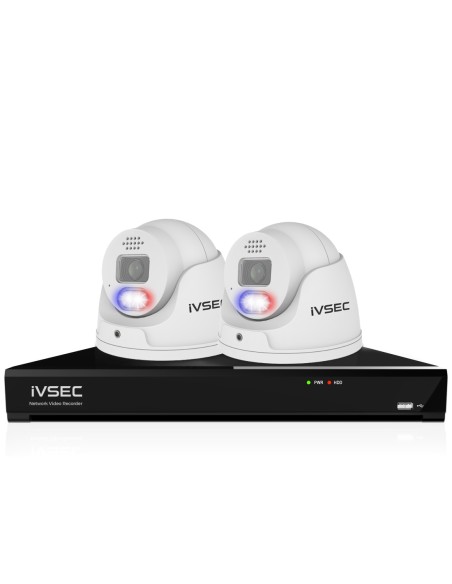
IVSEC is our primary recommendation for home CCTV in Australia. The range is built specifically for this market, priced realistically for residential buyers and supported by local warranty and firmware updates. There are no subscription fees to view your cameras — you buy the kit once, you own it and the recordings stay in your house. 6 camera systems on 8 channel NVRs are the most common setup for Australian homes, with 4 camera systems suited to smaller properties and 8 camera systems used for larger homes.
Dahua is a strong alternative when you need a wider choice of camera housings, specialist lenses or higher-end 6 MP and 4K models — a common step up on larger two-storey homes, renovations and premium builds. Distribution, firmware and warranty are well established through Australian partners.
Avoid cheap, no-name or grey-import cameras from marketplace sellers. The upfront saving looks attractive until the firmware stops updating, the app vanishes from the store or the warranty turns out to be a seller in another timezone who is no longer trading. Home CCTV is a ten-year purchase — buy a brand you can still get parts for in year five.
Common Mistakes When Buying Home CCTV
Almost every regret we hear from homeowners about a previous CCTV purchase traces back to one of four decisions. Overusing wireless cameras because they look easy to install — they drop frames, die on battery and miss the exact moment footage matters. Buying too few cameras to save $200, then leaving the rear of the property uncovered. Mounting cameras in poor placement — too high to see faces, pointed into afternoon glare or blocked by a tree branch. And selecting cheap systems with no firmware path and no local warranty. Thinking through these before you buy protects the whole investment.
Overusing wireless cameras
Every wireless camera is another dropped signal and another firmware lottery. Apartments often have no choice, but Wi-Fi quality falls apart fast in built-up areas — if any cabling path exists, take it.
Buying too few cameras
Most 4 camera home kits are sold to houses that really need 6. Under-speccing by one or two cameras to save a few hundred dollars is the single most common regret — gaps cluster at exactly the spots incidents happen.
Expecting number plates in low light
Budget cameras rarely read plates on moving cars after dark — motion blur and headlight glare defeat them. If driveway ANPR matters, pay for a faster shutter, wider aperture or dedicated plate-reader lens.
Poor camera placement
Cameras mounted too high, aimed into direct sun or hidden behind foliage waste expensive hardware. Mapping the angles on paper before the system is set up usually avoids this.
Choosing a cheap no-name system
Marketplace bargains often lack firmware updates, night performance and warranty support. Compared over ten years, branded systems are dramatically cheaper.
This guide provides general information on common CCTV system setups used in Australian homes. Installation requirements and surveillance laws may vary by state, so always ensure your system is used in accordance with local regulations.
Frequently Asked Questions
What CCTV system is best for a home?
For most Australian homes the best setup is a 6 camera PoE system running on an 8 channel NVR. That configuration covers the front door, front yard, both sides of the house and one to two angles at the rear, and leaves two spare channels on the recorder so an extra camera can be added later without swapping the NVR.
How many cameras do I need for a house?
Small homes and apartments are usually well served by 2 to 4 cameras. A standard 3–4 bedroom home on a suburban block typically suits 6 cameras. Two-storey houses, corner blocks and acreage commonly use 8 or more. Browse 6 camera systems or 8 camera systems to compare.
Do home CCTV systems need internet?
No. A wired NVR records footage to its internal hard drive over a local network with no internet connection required. Internet is only needed for remote viewing from your phone, motion-event push notifications, or cloud backup. Most homes run the NVR on the router's LAN so recording continues even if the internet drops out.
How long do recordings last?
A 6 camera home system recording at 4 MP on motion detection with a 2 TB surveillance-grade hard drive typically stores 10–14 days of footage before the oldest files are overwritten. A 4 TB drive extends that to three to four weeks, and a 6 TB drive pushes comfortably past 30 days. Continuous 24/7 recording uses roughly 40–50% more storage than motion-only.
What is PoE CCTV?
PoE stands for Power over Ethernet. A single Cat5e or Cat6 cable carries both power and video from the NVR or PoE switch to each camera, so there is no separate power supply at the camera end. PoE supports cable runs up to 100 metres, keeps installations tidier and makes troubleshooting simpler because there is only one cable per camera.
Are wireless cameras reliable?
Wireless cameras are acceptable for apartments, rentals or outbuildings where no cable path exists, but they are noticeably less reliable than wired PoE — especially in built-up areas where competing Wi-Fi networks, concrete floors and lift motors degrade signal quality. Where any cabling path exists, wired is the more dependable choice.
Can I install CCTV myself?
Many homeowners set up a 4 to 6 camera PoE kit themselves, especially in single-storey houses where cables can be run through a ceiling void or along eaves. PoE means one Cat5e/Cat6 cable per camera carries both power and video, with no mains wiring at the camera end. Two-storey houses, brick veneer with no accessible ceiling, or high external mounts are usually faster with a professional installer.
Where should I place cameras around my home?
Typical placements include the front door, an overview of the front yard, one view on each side of the house, and one to two cameras across the back yard. Mounting height of around 2.5–3 m under the eaves is common so faces remain identifiable while the camera stays out of easy reach.
Can CCTV help with deliveries and theft?
Yes. Visible cameras at the front door and driveway are a well-documented deterrent against opportunistic theft and package pilferage, and a clear recording of deliveries, couriers and visitors is useful for both disputes and peace of mind. Motion notifications to a phone also mean parcels dropped on the porch are captured in real time.
Can I expand my system later?
Yes, up to the spare PoE channels on your NVR. Buying a 6 camera kit on an 8 channel NVR leaves two spare ports, so adding a seventh or eighth camera later is plug-and-play. Stepping beyond the NVR's channel count means upgrading the recorder as well, which is why buying 25–30% extra capacity up front is the cheaper path.
Still deciding? If this is for a shop, office or trade counter rather than a house, read our companion guide to the best CCTV system for small business. Otherwise, browse complete CCTV systems, matching NVR recorders and IP cameras to build the kit that fits your home.
Ready to secure your home?
Find the right kit for your house or apartment — every product ships Australia-wide with local warranty and support.