
There are no more items in your cart

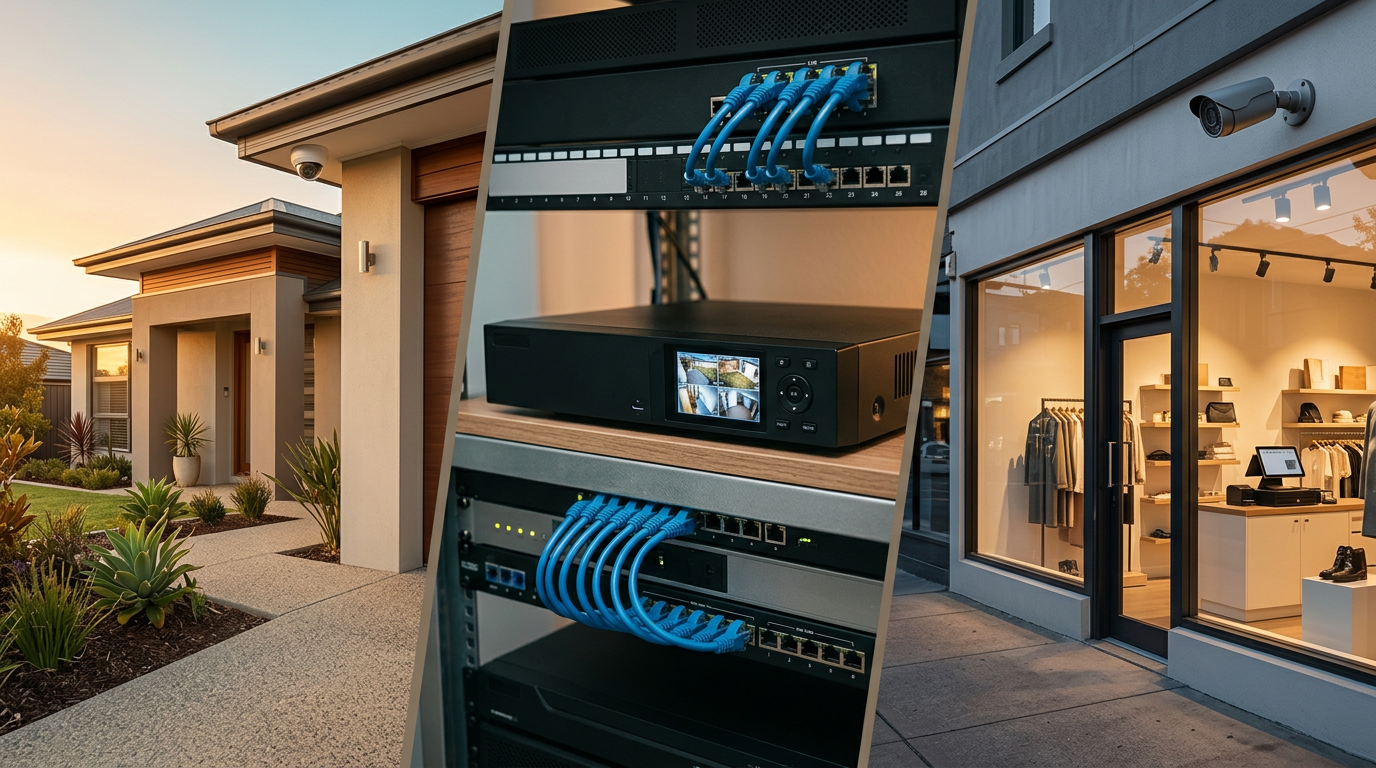
CCTV Buying Guides Australia
Most people start shopping for CCTV by comparing individual cameras. For the majority of Australian properties, that is the wrong starting point. A CCTV system is not a camera — it is a recorder, a fixed number of camera channels, on-board storage and the cameras themselves, all working together. The camera is the last decision, not the first. Choose the system platform first and the camera choice becomes obvious.
Most real-world Australian CCTV systems are built around an NVR with a fixed channel capacity, surveillance-grade storage and a matched set of PoE cameras. Homes and small businesses overwhelmingly end up on an 8 channel NVR platform because it comfortably fits the 4, 6 or 8 camera layouts those sites actually need. Many installs begin with 4 to 6 cameras and expand later on spare PoE ports — a far cheaper path than replacing the recorder. Wired PoE systems are generally preferred where reliability matters: they record continuously to the local NVR regardless of Wi-Fi, internet or cloud status.
This hub is built to help you choose the right guide for your property, your system size and your long-term needs. Each section below explains how CCTV systems actually work, what most Australian customers end up buying, and which of our detailed guides fits your environment — homes, small businesses, retail stores, schools and childcare centres. Start wherever matches your situation; the rest of the hub links out from there.
How CCTV Systems Actually Work
A CCTV system is not just a set of cameras. A complete system is an NVR (the recorder), the cameras, and the storage inside the recorder — three parts that have to fit together. Miss one and the system does not do its job. The recorder is the core: it is what the cameras plug into, where footage is kept, and the point you open on a phone or monitor when you need to review anything.
The word that does the most work is channel. A channel is simply how many cameras can plug into the NVR. An 8 channel NVR accepts up to 8 cameras; a 16 channel NVR accepts up to 16. When people talk about "an 8 camera system", they almost always mean 8 cameras running on an 8 channel NVR. Channel count is the ceiling — once you run out, the only options are a second recorder or a full upgrade.
Storage is the other big variable. It sits as a surveillance-grade drive inside the NVR and is what determines how many days of footage you keep before the oldest files roll over. Camera count, resolution and recording mode all push storage up: a standard 6 camera system at 4 MP on motion-weighted recording typically hits a 30-day retention window on a 4 TB drive. Continuous recording uses about 40–50% more.
Camera count should match actual coverage needs, not a round number on a box. Most properties work out to 4, 6 or 8 cameras once you map front entry, driveway, sides, rear, the main indoor area and any high-value zone. Buying more cameras than the site needs wastes channels; buying fewer leaves gaps on day one.
Most real-world systems are built for expansion, not a fixed layout forever. That is why 8 channel NVRs are the most common foundation — they support 4, 6 or 8 camera layouts without requiring a full replacement if the property grows. Most real-world CCTV systems in Australia are built around an 8 channel NVR with 4 to 6 cameras installed initially, leaving room to expand later. That single pattern covers the majority of Australian homes and small businesses.

Start Here: What Most People Actually Buy
Homes most often start with 4 to 6 cameras on an 8 channel NVR. That configuration covers the front entry, driveway, both sides of the house and the rear, with one or two spare PoE ports on the recorder for a later add. Single-storey cottages commonly land on 4 cameras; standard family homes on 6; larger homes with a separate garage, pool area or outbuilding step up to 8.
Small businesses usually start with 4 to 8 cameras depending on layout. A trade counter, cafe or small office typically needs the front entry, the point of sale, a staff area and the rear/service door. Multi-room venues and sites with a stock room step up to 8 cameras and sometimes a 16 channel recorder for head-room.
Retail stores need strong coverage around the entry, the point-of-sale counter and the main aisles — plus a dedicated framed-over-POS camera for transactions. Most specialty retailers run 6 to 8 cameras on an 8 channel NVR with 30-day continuous recording; larger supermarkets and multi-entry stores move to 16 channels.
Larger sites — multi-room venues, childcare centres, schools, warehouses — usually need 16 channel or multi-NVR platforms depending on the building count, outdoor distances and entry points. The architecture is still NVR + PoE + surveillance-grade storage; there are just more cameras and more channels.
Most customers should decide in this order: environment first, then camera count, then expansion head-room. Pick the guide that matches your environment and the rest falls into place quickly.
- Buying for a home? Start with Best CCTV System for Home Australia.
- Buying for a small business? Start with Best CCTV System for Small Business Australia.
- Running a retail store? Start with Best CCTV System for Retail Stores Australia.
- Comparing wired and wireless? Read Wired vs Wireless CCTV Systems Australia.
- Trying to understand channels and recorders? Read Best NVR for 8 Camera Systems Australia.
Featured CCTV Buying Guides
The core guides most customers open first. Each one is self-contained, mobile-friendly and finishes with a complete-kit recommendation that actually suits the property type.
Home
Best CCTV System for Home Australia
Most homes use 4 to 6 cameras on an 8 channel NVR, covering entry points, driveway, sides, rear and general yard coverage. This guide helps homeowners choose the right configuration and work out where cameras are typically placed. Read guide ›
Best for: Homeowners comparing 4, 6 and 8 camera home kits.
Most read
Small business
Best CCTV System for Small Business Australia
Most small businesses start with 4 to 8 cameras depending on layout. This guide explains how business owners typically balance coverage, storage and expansion on an 8 channel NVR without over-buying on day one. Read guide ›
Best for: Small businesses, offices and light commercial setups.
Retail stores
Best CCTV System for Retail Stores Australia
Most retail stores need strong coverage around the entry, POS counter and main aisles with 30-day continuous recording. This guide shows how retailers size an 8 or 16 channel system and which kits match real shop-floor layouts. Read guide ›
Best for: Retail stores, specialty shops and front-of-house environments.
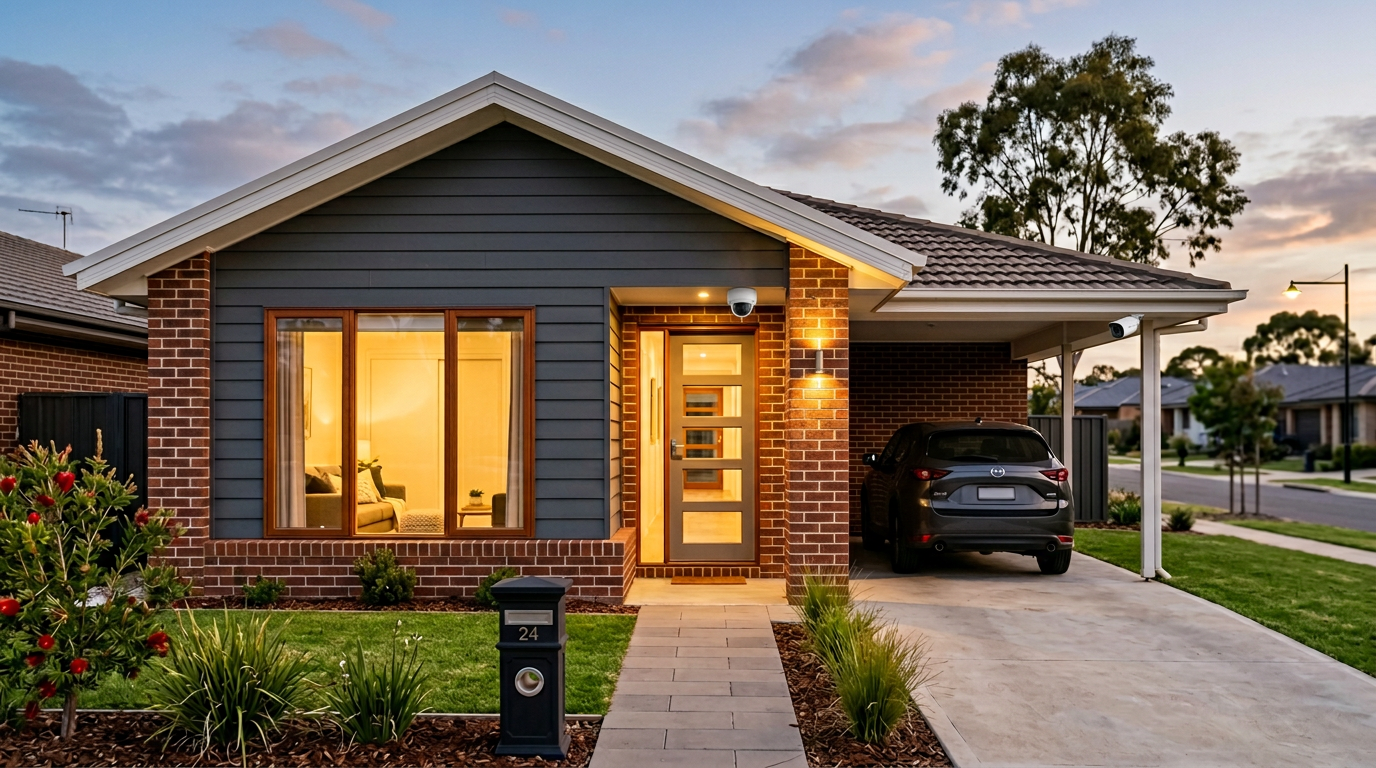
Wired vs wireless
Wired vs Wireless CCTV Systems Australia
Wired PoE systems are the default for continuous recording and long-term reliability; wireless has a narrow role for apartments and hard-to-cable sites. This guide compares both architectures head-to-head so the decision is clear before you spend. Read guide ›
Best for: Anyone deciding between convenience and long-term performance.
NVR selection
Best NVR for 8 Camera Systems Australia
8 channel NVRs underpin most Australian home and small-business CCTV systems. This guide explains channels, camera count, storage and expansion in plain English so you pick the recorder the property actually needs — not one you outgrow in a year. Read guide ›
Best for: Customers sizing 4, 6 and 8 camera systems and working out their recorder.
Industry and Specialised CCTV Guides
Some environments have coverage priorities and system sizes that differ from a standard home or shop. Education sites in particular tend to run larger wired PoE systems across multiple buildings. The guides below are written as general planning information rather than licensed consulting advice.
Childcare
CCTV Systems for Childcare Centres Australia
Most centres run 8 to 10 cameras on a 16 channel NVR, covering entry, reception, common areas and outdoor play. This guide walks through the sizing decision and the systems that scale as the centre grows. Read guide ›
Best for: Operators researching general CCTV system options for childcare environments.
Schools
School CCTV Systems Australia
Most school sites run 16 or 32 channel NVRs with 12 to 30+ cameras across entries, pathways, admin and car parks. This guide walks through campus-scale planning and the wired PoE architecture that holds up at that size. Read guide ›
Best for: Schools and larger education environments.
Placement primer
Where Should CCTV Cameras Be Placed?
A general overview of common camera placement zones for education sites — entries, reception, corridors, outdoor pathways and car parks — written as a planning companion to the system-level guides. Read guide ›
Best for: Customers planning camera coverage priorities on an education site.

Why Most Customers End Up Choosing Wired NVR Systems
Wired PoE systems are generally preferred where reliability matters. Each camera runs on its own dedicated Cat6 cable carrying both power and video back to the NVR, recording is kept locally on a surveillance-grade drive, and the system keeps working through Wi-Fi drops, internet outages and cloud-service changes. There is no shared radio, no battery to fail, and no third-party cloud dependency.
NVR-based systems are also easier to manage as complete systems. The cameras, the recorder and the storage are designed to work together: one login gives you every camera live, every timeline for playback, and one export workflow for incidents. That is a noticeably simpler operational experience than stitching together a handful of separate wireless cameras and cloud accounts. For the architecture comparison, see wired vs wireless CCTV.
Wireless cameras are often marketed heavily for convenience, but serious long-term setups usually favour wired where cabling is practical. Continuous recording, local storage and a stable connection are the three reasons customers end up on a PoE/NVR platform — for the channel-and-expansion logic that sits behind it, see the NVR guide.
This applies across home, business, retail and larger sites. A typical home install and a typical small-business install both land on the same architecture for the same reasons — reliability, retention and room to grow. Wireless has a narrow but legitimate role for apartments, rentals and heritage buildings where cabling is genuinely impractical; everywhere else, wired PoE is the default.

How to Choose the Right CCTV System Size
Sizing the system is the decision that quietly drives everything else — kit price, storage, cabling and how easily you can expand later. The right answer is driven by entrances, key activity zones, storage needs and how much the site is likely to grow.
4 camera systems suit smaller properties or focused coverage — compact homes, single-room shops, a trade counter with one entry and a service door. They are the most efficient starting point when the site has a small number of defined coverage zones and no planned expansion. Browse 4 camera systems.
6 camera systems are the common sweet spot. They cover front entry, driveway, two sides, rear and a main indoor area on an 8 channel NVR with two spare PoE ports for later. This is the single most popular configuration we ship for Australian homes and small businesses — see 8 channel / 6 camera systems.
8 camera systems suit larger homes or more demanding business layouts: a double-storey home with pool, a multi-room office, a specialty retailer with both front and back-of-house. They use every PoE port on an 8 channel NVR, so plan the next recorder upgrade if further growth is likely. Browse 8 camera systems.
16 channel systems suit broader coverage or staged expansion: larger homes with multiple outbuildings, multi-room venues, trade counters, childcare centres and smaller schools. Starting with 8 cameras on a 16 channel NVR leaves room to double without touching the recorder — see 16 channel / 8 camera systems or 16 channel / 10 camera systems.
A practical rule: aim for 25–30% spare PoE capacity at purchase. Adding a camera to an NVR with spare ports is plug-and-play; replacing the recorder because it ran out of channels is not.
Browse CCTV System Options
If you already know roughly how many cameras and channels your site needs, skip straight to the matching complete-kit pages below. Each link lists only kits of that specific configuration.
- 4 Camera Systems — compact homes, small shops, single-room sites.
- 8 Channel / 4 Camera Systems — 4 cameras on an 8 channel NVR with spare PoE ports for expansion.
- 8 Channel / 6 Camera Systems — the most common Australian home and small-business configuration.
- 8 Camera Systems — full 8 channel deployment for larger homes and standard retail stores.
- 16 Channel / 8 Camera Systems — 8 cameras on a 16 channel NVR, room to double.
- 16 Channel / 10 Camera Systems — multi-zone homes, larger venues and childcare centres.
Why Buy CCTV From a Specialist Retailer?
For many customers, the hardest part is not choosing a camera, but choosing the right system platform. Channels, camera counts, storage, PoE power budgets, NVR compatibility and future-expansion head-room all have to line up — and most of that is invisible when you are looking at a single camera on a generic product page.
Infront Technologies is a specialist online retailer focused on complete CCTV systems, not just individual cameras. Every kit on the site is built as a coherent system: an NVR with the right number of PoE camera inputs, the cameras matched to the recorder, the cabling and a surveillance-grade drive sized for realistic retention windows. The parts work together on day one, which is the whole point of buying a kit rather than assembling one piece-by-piece.
Understanding how channels, storage and camera counts work together can make system selection much clearer. Comparing complete systems side-by-side is often more useful than comparing individual cameras in isolation — an 8 channel NVR with 6 cameras is a very different product to a 4 channel NVR with 4 cameras, even if the cameras themselves look similar on a spec sheet. A specialist retailer focused on CCTV systems can help present complete options more clearly than a general electronics store, where CCTV sits beside kitchen appliances and smart bulbs.
A note on scope: we are a product retailer and CCTV system specialist. The guides in this hub are written to help you reach a confident hardware specification for your property — the practical platform, size and configuration decisions — so you can shop with a clear picture of what each kit actually contains.
Most Popular CCTV Reading Paths
Most customers read the same two or three guides before buying — the one that matches their environment, the architecture guide, and the NVR guide that ties the system together. The four reading paths below are the most common routes through the hub. Pick the path that matches your situation and read them in order.
Path 1
Home buyer
Path 2
Business buyer
Path 3
Retail buyer
Path 4
Education / site planning
Frequently Asked Questions
What is the best CCTV system for home use?
For most Australian homes, a 4 to 6 camera PoE system on an 8 channel NVR is the practical baseline. It covers the front entry, driveway, both sides and the rear with spare PoE ports left for future cameras. See the best CCTV system for home guide for a full walk-through.
What is the best CCTV system for a small business?
Most small businesses are best served by a 6 to 8 camera PoE system on an 8 channel NVR. That configuration covers the entry, point of sale, rear/service door and main trading floor. Larger venues step up to a 16 channel NVR — see the small business guide.
Should I choose wired or wireless CCTV?
For long-term reliability and continuous recording, wired PoE is the standard. Wireless cameras have a narrow role for apartments, rentals and heritage buildings where cabling is impractical. Where cabling is possible, wired is almost always the better long-term investment — see wired vs wireless CCTV.
What is an NVR and why does it matter?
An NVR is a network video recorder. It accepts video from each IP camera, records continuously to surveillance-grade hard drives and makes the footage available for local and remote playback. It is the foundation of a wired CCTV system. The NVR guide covers channels, storage and expansion in detail.
What does 8 channel mean?
“Channel” simply refers to how many cameras can plug into the NVR. An 8 channel NVR accepts up to 8 cameras — no more, no less — and almost always includes 8 built-in PoE ports. It is the most common recorder size in Australian homes and small businesses because it fits 4, 6 or 8 camera layouts without being oversized.
Is a 6 camera system enough for most properties?
For most standard Australian homes and small businesses, yes. 6 cameras comfortably cover front entry, driveway, both sides, rear and one indoor overview. Running on an 8 channel NVR leaves two spare PoE ports for later, which is why 6 camera systems are the single most popular configuration we ship.
Can I add more cameras later?
Yes, up to the NVR's channel capacity. Adding a camera to a PoE system with spare ports is plug-and-play: run a Cat6 cable, connect it to a free PoE port on the NVR, and the recorder auto-registers the camera. Planning for expansion at purchase is substantially cheaper than replacing the recorder later.
How long does CCTV footage usually last?
Thirty days is the common baseline. A 6 camera system at 4 MP on motion-weighted recording typically hits that window on a 4 TB surveillance drive. Continuous recording uses about 40 to 50 per cent more storage. Retention is a function of drive size, camera count and recording mode.
Are PoE systems better than wireless systems?
For reliability, sustained video quality and long-term cost of ownership, yes. PoE cameras run on a dedicated cable carrying both power and data, with recording kept locally on the NVR. Wireless cameras share Wi-Fi bandwidth, depend on batteries or cloud services, and can drop frames during busy network periods.
Which guide should I read first?
Start with the guide that matches your property. For homes, the home guide. For a shop, the retail stores guide. For offices and trade counters, the small business guide. Anyone weighing up system type should read the wired vs wireless guide, and the NVR guide explains what recorder you actually need.
What is the difference between 4, 6 and 8 camera systems?
The number refers to how many cameras ship with the kit. A 4 camera system fits a small home or compact shop. A 6 camera system covers a standard home or small business. An 8 camera system is the common choice for larger homes, standard retail stores and small offices, and is almost always built on an 8 channel NVR.
Do I need professional installation for CCTV?
Not always. Many single-storey sites are within reach of a competent DIYer, especially with PoE kits where a single Cat6 cable carries both power and video. Two-storey houses, difficult cable paths, external trenching or height work are usually faster and cleaner with a licensed installer.
What Should You Do Next?
The fastest, clearest path is to start with the guide that matches your environment. That gives you the camera-count ranges, coverage zones and storage expectations for your property type — before you look at any individual product.
From there, compare likely system sizes against the site: how many entries, how many activity zones, how much head-room for later. That usually narrows the choice to either an 8 channel or a 16 channel platform. If the site is a standard home, small business or specialty shop, an 8 channel NVR is almost certainly enough; if it is a larger venue, childcare centre, school or a site that will grow, step up to 16.
Finally, review wired vs wireless if you are genuinely weighing both. Most customers end up on a wired NVR-based system — it is the architecture that gives continuous recording, local storage, and room to add cameras without re-buying the recorder.
- Start with the home CCTV guide.
- Compare business options in the small business CCTV guide.
- Understand channels and expansion in the NVR guide.
This page provides general information on CCTV systems and guide topics commonly relevant to homes, businesses and other environments. Requirements may vary depending on your premises, location and intended use, so always ensure any system you choose is suitable for your needs and used in accordance with local laws and regulations.
Ready to pick a system?
Browse complete wired PoE kits for homes, small businesses, retail stores and larger sites — every system ships Australia-wide with local warranty and support.