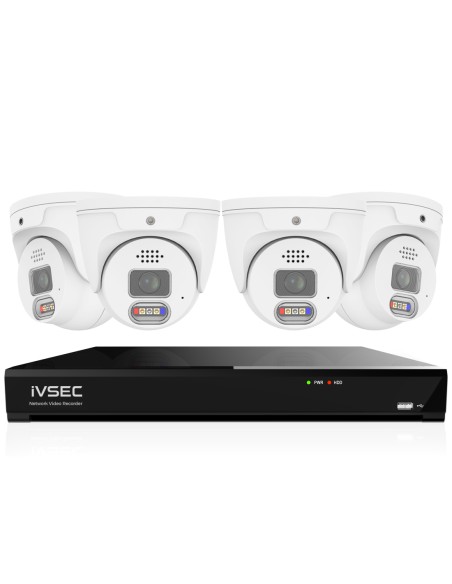
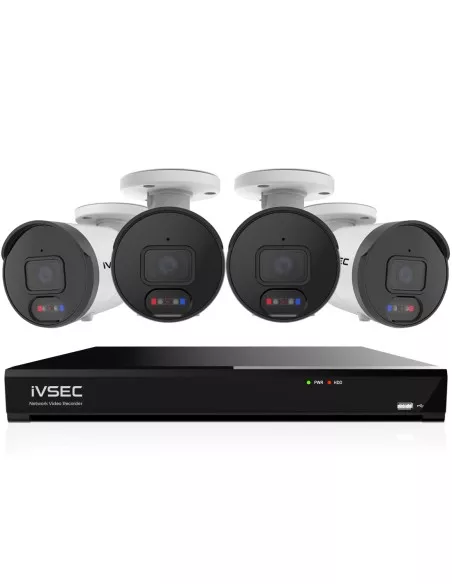
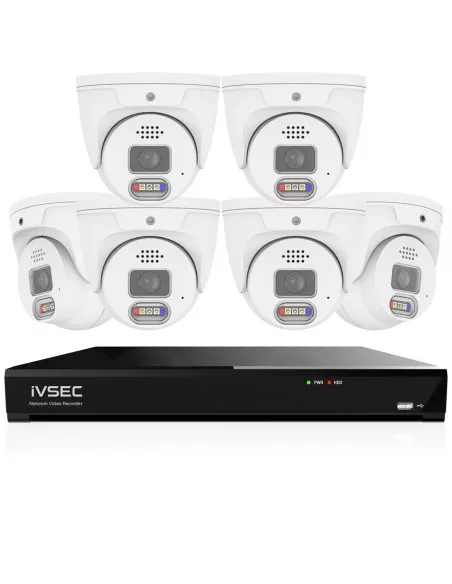
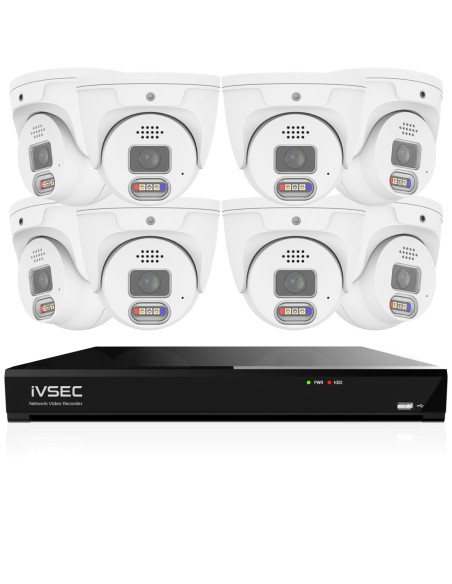
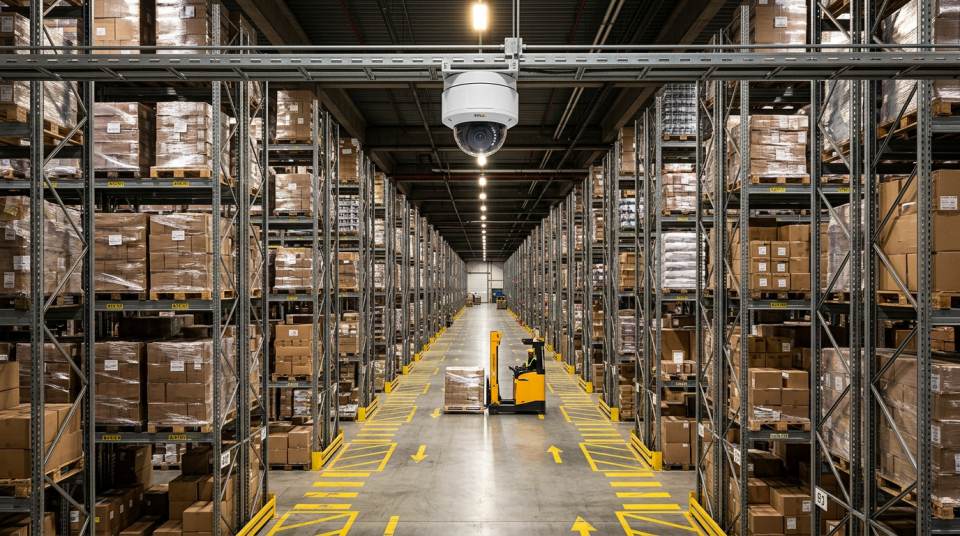
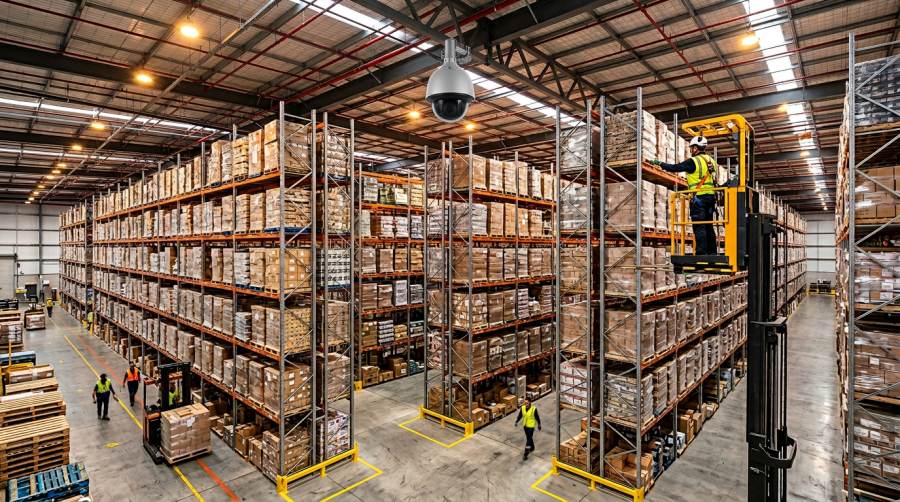
For most warehouses in Australia, the best CCTV system is a 16 camera PoE system with an NVR. That is the configuration we supply most often to 3PLs, trade warehouses, freight depots and distribution centres across QLD, NSW and VIC, because it covers the combinations warehouse operators actually worry about — internal and external theft, forklift incidents, dock-shunt damage, stock shrinkage and inventory protection, staff monitoring and lone-worker safety — without expensive redesign when the site grows. A 16 channel NVR paired with long-range PoE bullet cameras on the external walls and overhead domes inside the racking gives you unbroken coverage of every entry point, loading dock, aisle and storage zone, night-vision footage that is usable against Australian insurers and police, and 30+ days of retention on surveillance-grade drives. Smaller single-zone warehouses under 500 m² can still run on 8 cameras, and larger sites — cross-docks, cold stores, high-bay DCs and multi-bay freight depots — routinely run 16 to 32 cameras or more on paired NVRs or a commercial VMS, scaling to 64, 128 or 256 camera configurations which Infront Technologies supplies for campus warehouse precincts, national 3PL networks and multi-site fulfilment operations.
At a glance
Best overall:16 Camera PoE System on a 16 Channel NVR
Small warehouse (under 500 m²):8 Camera System on 8 Channel NVR
Large distribution / 3PL:24–32 cameras on paired or 32 channel NVRs
Enterprise / multi-site:64, 128 or 256 camera VMS builds supplied by Infront Technologies
Retention baseline:30 days continuous on surveillance-grade drives
A warehouse is not a shop with more square metres — it is a fundamentally different surveillance problem. A retail site has a shop front, a till and a back-of-house; a warehouse has long aisles, high racking, rolling freight, moving forklifts, multiple external entry points and shift-based staffing, and every one of those introduces a coverage challenge that residential or small-business CCTV simply does not have to solve.
Scale. A typical Australian light-industrial unit runs 400 to 1,500 m²; a mid-sized distribution warehouse sits in the 2,000–6,000 m² band; a 3PL DC or freight hub easily exceeds 10,000 m² with pick aisles up to 100 metres long and racking pushing 9 or 12 metres high. Eight cameras cannot cover that floor plan — you end up with overlapping wide-angle shots at the front and a completely blind back half.
High ceilings. Roof trusses and portal frames in warehouses are commonly 6 to 12 metres above the slab. Cameras mounted that high need long focal lengths, large sensors and genuine IR range. A consumer-grade dome designed for a suburban garage ceiling simply cannot resolve faces or number plate detail at that distance, and its IR LEDs will flare off the nearest roof beam and wash out everything behind it.
Long aisles and repetitive backgrounds. Pick aisles look the same frame after frame — pallet racks, shrink-wrap, barcode labels, identical blue drums — which makes motion detection noisy and event review slow. A warehouse system has to be designed so each aisle has one camera at its head with a focal length tuned to the aisle length, not a generic fish-eye mounted to “cover a lot”.
Forklift movement and yard traffic. Forklifts, order pickers, reach trucks and walkie stackers create constant motion across the lens, and yard gates see trucks, tail-lifts and pedestrians every few minutes. Cameras need a high frame rate (15–25 fps minimum) and genuine WDR so a worker under a roller door is not silhouetted against bright daylight. This is a harder optical environment than a shop front.
Risk zones. Warehouses cluster their highest-value activities in specific locations: the NVR cabinet, the pick-and-pack bench, the returns area, the stationery-and-IT cage, the cash office (if any) and the main dock mouth. Treat those as named zones with dedicated cameras and clear evidential framing, not as “in the background of a wide shot”.
Compliance surface area. Unlike a home, a warehouse has employees, contractors and visitors. That brings warehouse CCTV squarely into the Privacy Act 1988 for any business with turnover above the $3 million threshold (and best practice for every other operator), plus state-level workplace surveillance legislation — notably the Workplace Surveillance Act 2005 (NSW), Surveillance Devices Act 1999 (VIC) and equivalents elsewhere. Clear signage at every public entry, written notification in employment contracts, restricted placement (no cameras in bathrooms or change rooms), no covert recording without authorisation and documented retention are all table stakes before the first camera is energised.
How Warehouse CCTV Systems Are Actually Designed
Every competent warehouse CCTV project goes through the same five-step process before a single bracket goes on a wall. This is the discipline that separates a system that earns its place when an incident happens from one that produces hours of unusable low-resolution footage nobody can identify anyone from.
1. Risk assessment. Walk the site with the operations manager and the shift supervisor. Identify the activities the cameras exist to record: stock picking, dock-in, dock-out, returns, container unloading, forklift operation, contractor access, after-hours perimeter. Rank them by financial exposure (stock value, shrinkage history, incident frequency) and regulatory exposure (chain of responsibility, dangerous goods, cold-chain). A risk assessment is not a tick-box — it tells you where to put the 4 MP cameras and where a 2 MP overview is enough.
2. Coverage mapping. Print a site plan and draw the lens cones. Every aisle head gets a camera. Every dock door gets a camera. Every man door and pedestrian gate gets a camera. The perimeter gets one long-range bullet per external wall section up to 40–50 m. Count them — if the first pass lands on 14, round up to 16 so you leave spare PoE capacity. If it lands on 18, round to 24 because a 16 channel NVR is capped.
3. Camera positioning. Mount height matters. Internal domes at 4–5 m clear the top of standing forklift masts and keep the lens out of reach. External bullets sit at 3–3.5 m under the eaves, aimed 15–20° down so the sensor isn't staring into direct sun at midday. Aisle cameras go at the head of the aisle, not halfway down — racking blocks the shot of anything behind the camera. Dock cameras sit inside the door frame and look out, not outside looking in, so headlights and daylight don't white out the scene.
4. Lighting considerations. A good warehouse CCTV design assumes the building's daytime LED high-bays will be switched off after hours. At night you are relying on the camera's IR illuminator. Specify cameras with a minimum of 30 m of effective IR range for aisles and 50 m+ for external bullets; budget models with 10–15 m of IR will deliver silhouettes, not identifications, at 25 m. Where possible, pair high-risk zones (cash office, dock mouth, compound gate) with dusk-to-dawn motion-activated floodlights, so the camera has full colour footage of incidents instead of monochrome IR.
5. Blind-spot elimination. Walk the finished coverage plan a second time and deliberately hunt blind spots: behind the racking shadow of the mezzanine, under the pallet wrapper, inside the returns cage, the corner between the boxed goods and the office wall, the dead ground behind the loading tug. Every blind spot a thief knows about will be used. Either reposition a camera to cover it, add one, or lock the space down physically so it is not a hiding place. A system designed this way produces incident footage that genuinely stands up when handed to police or an insurer.
What Is the Best CCTV System for a Warehouse?
The best CCTV system for a warehouse records reliably, stores footage predictably, scales cleanly and survives the physical environment of a working industrial site. In practice, that always means a wired PoE system with a dedicated NVR — not a Wi-Fi kit marketed at SMB offices, not a cloud-only subscription service, and not a hybrid analogue-plus-IP system cobbled together on top of existing coaxial cable.
PoE is mandatory, not a preference. Power over Ethernet delivers both power and data down a single Cat6 cable up to 100 m, and on a warehouse floor that matters for three reasons. First, there are no power points at the camera end of the run — you do not want an electrician installing a GPO under the eaves of every external wall. Second, a PoE switch inside the NVR (or a standalone managed PoE switch for larger sites) gives you centralised power-cycling for every camera, which is invaluable when a firmware update needs to reboot 16 devices at once. Third, the whole system can be put behind a UPS so cameras keep recording through power interruptions — you cannot do that cleanly with half-a-dozen individual plug-packs scattered across the site.
NVR centralisation. All streams terminate at a single 16 or 32 channel NVR recorder sitting in a locked comms cabinet in the office or server room. Footage writes to dual surveillance-grade hard drives in a RAID-1 mirror on mid-size sites, or to four drives in RAID-5/10 on larger deployments. The operator sees every camera on one screen, exports evidence from one interface, manages user accounts once, and applies motion rules once. A decentralised system of cloud cameras requires logging into six different apps to pull an hour of footage from a single shift — that is a non-starter in a real operational incident.
Reliability vs wireless. Wi-Fi on a warehouse floor is a losing battle. Steel racking, metal mezzanine decking, refrigerated units, forklift battery chargers and pallet wrappers all introduce RF interference; dense buildings end up with dead zones the moment the rack layout changes. Wired PoE gives you a guaranteed 1 Gbps per camera, not a best-effort share of a contested channel, and there is no firmware drama when a new Wi-Fi router is added at the front of the building. Wireless has a narrow role on a warehouse — a heritage facade, a caravan across a shared yard, or a temporary pop-up — and we can supply the right kit if that fits your site, but the core system should always be wired.
Continuous recording. Unlike homes, warehouses should run continuous 24/7 recording, not motion-only. Stock incidents are rarely reported the day they happen — a forklift nudge, a missing carton, a contractor swapping a part — and motion-only recording is too easy to game. A 16 camera system at 4 MP continuous uses roughly 8–12 TB for 30 days of retention, which is trivial on a modern dual-bay NVR with two 8 TB surveillance drives.
Mobile and desktop access. A properly configured NVR delivers live views and playback to phones, tablets and the manager's desktop through the manufacturer's secure relay — no port forwarding, no public IP. For sites that want offsite redundancy on top, the NVR can sync a subset of cameras (typically the dock-mouth and the perimeter) to a cloud archive, but the primary footage store always stays local and under the operator's physical control.
Why Most “Best CCTV” Lists Get It Wrong
Type “best warehouse CCTV” into a search engine and the top results are almost always written by affiliate sites that have never set foot on a warehouse floor. Three mistakes repeat on every list, and understanding them is the fastest way to avoid buying the wrong system.
They recommend wireless cameras for warehouses. Wireless CCTV sells well because it is easy to install on a kitchen bench and looks impressive in a product photo. On an actual industrial site it is almost useless: steel racking attenuates 2.4 and 5 GHz signal, refrigeration compressors drop packets every time they cycle, battery-powered cameras run flat inside a month when they are triggered by every forklift pass, and the whole system relies on a building Wi-Fi network the operations team cannot control. Any list that recommends a battery Wi-Fi kit for a 2,000 m² warehouse has not designed a warehouse system.
They promote subscription-only systems as “easy”. Cloud-only CCTV vendors charge per camera per month, lock the footage behind their portal and usually cap retention at 7 to 14 days unless the operator pays to upgrade. For a 16 camera warehouse that is typically $200–$500 per month forever, and the evidence lives on someone else's server. A local NVR with 30 days of on-site retention costs nothing per month, stays the operator's property and can be handed to police or insurers directly.
They recommend unrealistic setups. “4 cameras will cover your warehouse” is a common headline because it keeps the product price under $500. It doesn't cover a warehouse. Four cameras will cover one dock door, one aisle and two external overviews — the remaining 80% of the floor plan is a blind spot the first shift will notice. Real-world Australian warehouse fit-outs sit between 8 and 24 cameras, and any guide that stays below that range is optimising for clicks, not coverage.
A well-designed warehouse system is boring. It is wired, local, over-specified by 25%, documented, signed-off against the Privacy Act and workplace surveillance obligations, and it keeps recording whether the internet is up, the router is rebooting or head office changed the Wi-Fi password. That is the version that stands up the day it is needed.
Recommended CCTV Kits for Warehouses
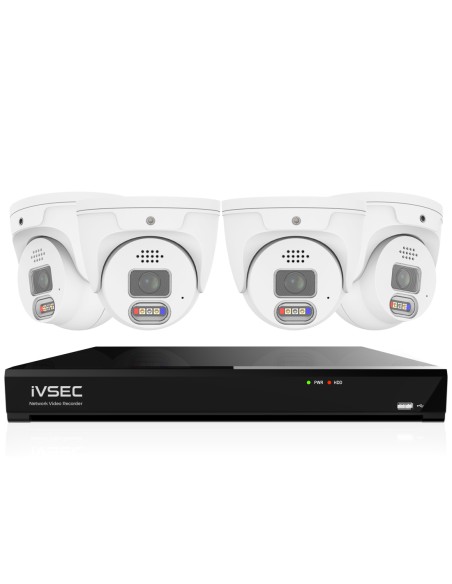
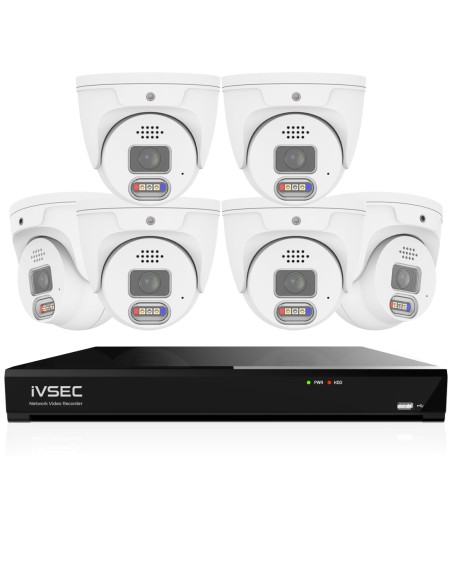
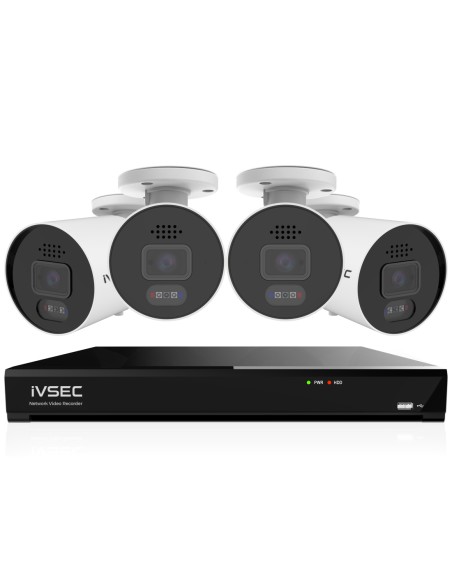
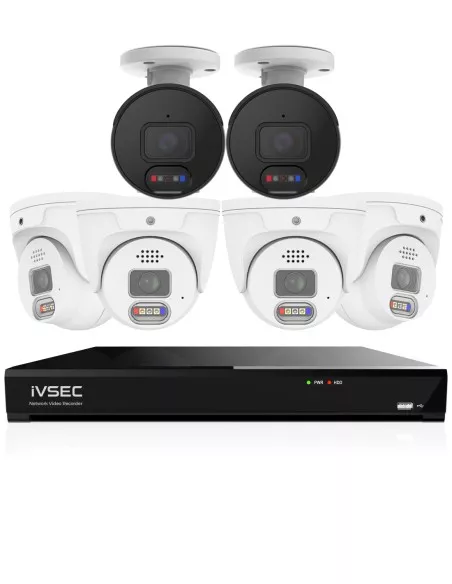
Entry-level warehouse CCTV kits — 4 to 8 camera bundles with an 8 channel NVR from $1,000 to $2,000 retail, suitable for very small warehouses, trade workshops and single-bay units. Live pricing and stock across our Australian catalogue.
These are complete system kits — NVR, surveillance-grade hard drive, PoE cameras, cabling considerations and the switching required to run them — chosen specifically for the coverage, IR range and continuous-recording duty cycle that warehouse environments demand. Smaller 4 and 8 camera kits are listed for compact single-zone sites, contractor yards and trade workshops; 16 camera configurations and above are the baseline for standard distribution warehouses.
Strip away marketing and look at what is physically in the roof space of Australian warehouses fitted out in the last three years and you see a consistent pattern. Integrators default to it because it works; operations managers approve it because it is maintainable; insurers accept it because it produces evidence.
Light-industrial unit, 400–800 m² (8 cameras): single-bay workshop, trade supplier, small fulfilment operator. Four external bullets cover the roller doors, man door and yard; four internal domes cover the workshop floor, stock cage and office entry. Runs on an 8 channel NVR with a single 4 TB surveillance drive. See the 8 camera kits that suit this configuration.
Standard distribution warehouse, 1,500–4,000 m² (16 cameras): this is the default. Eight cameras run externally — two per wall on a square footprint, more on long rectangular sites — and eight run internally across aisle heads, dock-in, dock-out, the pick-and-pack bench and the returns area. A 16 channel NVR with dual 8 TB drives delivers 30+ days of continuous retention. This is the configuration we supply most often for any warehouse that cannot articulate a specific reason to deviate. Compare complete 16 camera systems to benchmark the spec.
Large distribution or 3PL site, 5,000 m²+ (24–32 cameras): dual NVR deployment, typically 16 + 16 or a 32 channel recorder on a single appliance. Cameras are clustered by function — a dock-mouth group covering all in/out bays with WDR, a perimeter group with long-range bullets on the external walls, an aisle group with tightly focused domes at each aisle head, and a staff-amenities group covering break rooms, change rooms and locker areas (subject to workplace surveillance obligations). Typically 16–24 TB of storage in a RAID configuration, connected to a UPS so the system keeps recording through short grid interruptions.
Cold store, bonded warehouse, high-bay DC: specialist deployments. Cold-store cameras need a heater and condensation management; bonded warehouses have biosecurity and customs inspection records to support and typically require 60–90 days of retention; high-bay DCs need longer focal-length cameras because racking pushes above 9 m. The 16-camera baseline is the starting budget, not the finished system.
Very large and multi-site operations (64, 128 or 256 cameras): campus warehouse precincts, national 3PL networks, multi-DC fulfilment operators and any site whose channel count exceeds a single 32 channel recorder. These systems are built around a cluster of NVRs or a commercial VMS, RAID-protected storage arrays sized for 60–90 days of retention, redundant power, and fibre backbones between the dock, the compound and the head-end rack. Infront Technologies supplies 64, 128 and 256 camera configurations sized to this specification — contact us with a site plan and camera count for a tailored system build.
Browse the full CCTV systems range to benchmark 8, 16 and 32 channel options against your site's camera count, and see our small business CCTV guide if this is for a trade counter or shop front rather than a back-of-house warehouse.
Camera Placement Strategy for Warehouses
Placement is where warehouse CCTV projects succeed or fail. The hardware matters, but a 4 MP camera pointed at the wrong part of a loading dock is worse than a 2 MP camera framed correctly. Work through these zones in this order — it is the order an experienced installer walks a site.
Entry points
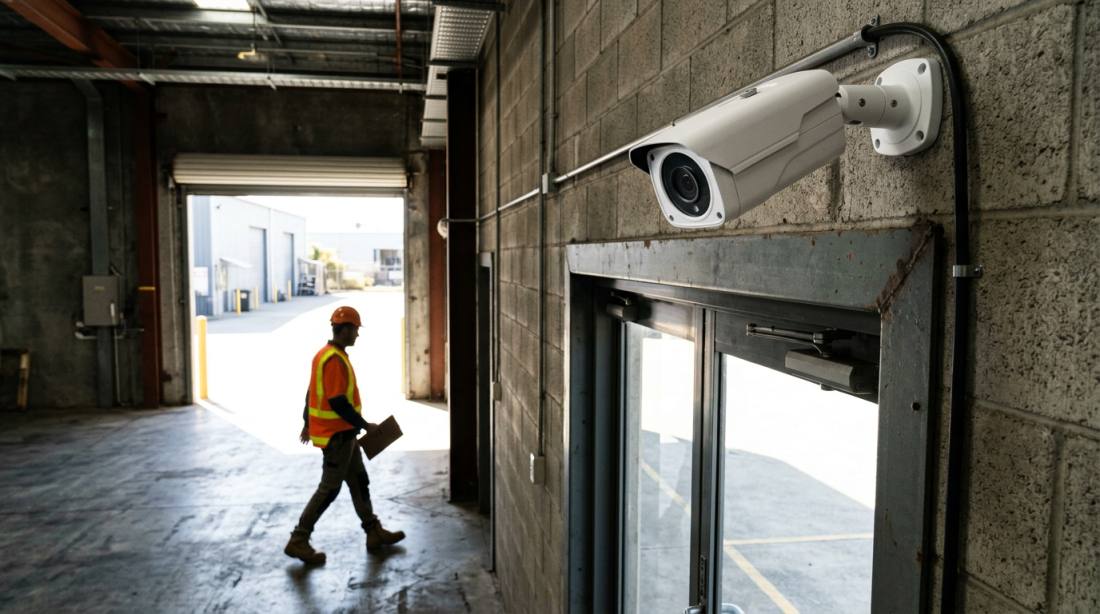
Every pedestrian door, roller door, sliding gate and dock door gets a dedicated camera. Cameras mount inside the building looking outward at shoulder height, not outside looking in — that framing captures faces of everyone entering, not just the top of their heads. External gates get a second camera at 3 m covering the approach, angled 15° down so headlights at night don't blow out the exposure. This is the single highest-value zone in the system: 80% of identifiable incident footage comes from entry-point cameras.
Loading docks
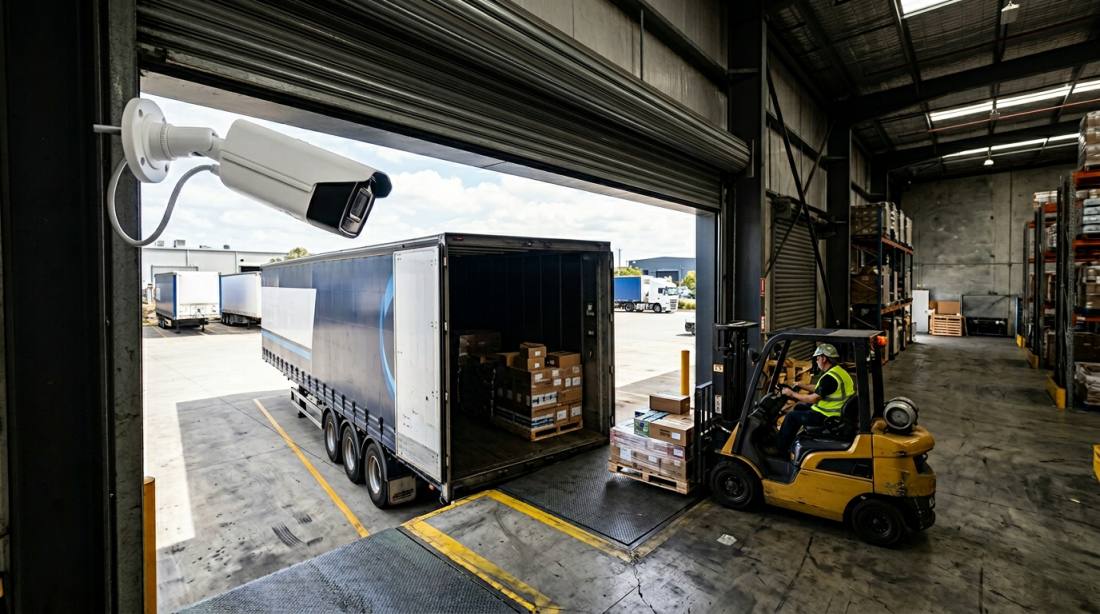
Each dock door needs a camera in the top corner of the door frame, aimed along the length of the trailer, so it records the driver, the dock handler, every pallet crossing the threshold and any items moving in or out of the tail-lift. WDR (wide dynamic range) is mandatory here because daylight on the truck deck will otherwise silhouette anything in the darker dock mouth. For 3PLs and freight depots, add a second camera covering the yard approach to the dock so the sequence of arrival, reversing, manoeuvre and stop is recorded end-to-end. That continuity is what resolves chain-of-responsibility disputes.
Internal aisles
One camera per aisle, mounted at the aisle head, with a focal length tuned to the aisle length. A 2.8 mm lens is standard for aisles under 15 m; step up to 4–6 mm for 20–30 m aisles and 8–12 mm varifocal for deep pick aisles in high-bay DCs. Mount at 4.5–5 m above floor level so the top of a forklift mast does not obscure the view of the far end. Label the camera name in the NVR to match the physical aisle identifier (A12, B03 etc.) — a small detail that saves hours during incident review.
Storage zones and blind spots
Deliberately hunt blind spots. The dead ground behind pallet-wrapper machines, the corner between the mezzanine staircase and the wall, the space behind freestanding racking islands, the area under the returns conveyor, and the external skips and compactor are all classic warehouse blind spots. Cover them with a dedicated camera, relocate an existing one, or eliminate the blind spot physically with a shelving change or a bollard. A blind spot that cannot be covered and cannot be eliminated is a known vulnerability — put it in the site security plan and decide what other control mitigates it.
High racking and aisle height
Racking that pushes above 6 m introduces a coverage problem overhead. Stock stored at the top can be tampered with from a man-up forklift and will not be captured by a floor-angle camera. On high-bay sites, add ceiling-mounted domes at aisle intersections looking straight down — a “plan view” angle that shows who is in the aisle and what they are touching. These are less common in low-bay warehouses, but for any site with racking above 7 m they are the difference between a complete system and one with an obvious gap.
Mount height and tilt angle
Internal cameras: 4–5 m above floor, tilted 5–10° down. External bullets: 3–3.5 m above ground, tilted 15–20° down. Roof-truss cameras on a high-bay site: 8–10 m, with varifocal lenses and a tilt angle that keeps the effective identification zone within the first 20 m of field of view. Always keep direct sun out of the sensor — if a camera can see the sun at any time of day, it is either blown out or in iris hunt; face it the other way or shield it with an eyebrow.
Storage & Recording Requirements
Warehouses have the highest retention requirements of any commercial site we supply, and storage sizing is where a lot of cheap quotes quietly cut corners. The honest targets below are the ones that survive an insurance claim or a WHS audit.
30-day retention is the minimum. For general warehouse operations, 30 days is the baseline. Shrinkage is often discovered at monthly stock-take, a forklift incident may not be reported until the driver's next shift rotation, and WHS investigations can take two to three weeks to request footage. If the NVR has already overwritten it, the evidence is gone. Sites handling controlled goods, bonded stock or cold-chain product commonly target 60 or 90 days for the same reason.
High camera counts eat storage fast. A 4 MP camera at 15 fps H.265 with continuous recording burns roughly 8–10 GB per 24 hours. Multiply by 16 cameras and you are writing 128–160 GB per day, or around 4 TB per month. For a 30-day retention window with a sensible safety margin, size for 6 TB of usable storage; for 60 days, size for 12 TB; for 90 days, 18 TB. Always use surveillance-grade hard drives (WD Purple, Seagate SkyHawk) — a desktop drive will not survive the 24/7 write workload.
Continuous vs motion-triggered recording. On a warehouse floor we strongly recommend continuous recording rather than motion-only. Motion detection is too easy to bypass (walk quietly, wait for the timeout) and too easy to flood with false positives (forklift passes, pallet wrapper shadows, shift-change foot traffic). Continuous recording gives you a complete timeline that can be scrubbed with confidence when an incident is reported three weeks later. The cost is ~40% more storage — trivial compared to the cost of missing footage.
RAID and dual-drive recorders. Mid-size warehouses should specify a dual-bay NVR configured in RAID-1 mirror, so a single drive failure does not lose footage. Larger 3PLs commonly run 4-bay NVRs in RAID-5 or RAID-10. The cost delta is a few hundred dollars on an $8,000 system, and it turns a drive failure from “we lost the last 30 days” into a non-event. Compare dual-bay options on our NVR recorders page.
UPS backup. Put the NVR and the PoE switch on an uninterruptible power supply, not a bare GPO. A 1000–1500 VA UPS will keep a 16 camera system recording for 30–90 minutes, long enough to ride out most short grid events and — critically — capture any incident that happens during the event itself. A warehouse that loses 90 seconds of footage every time the power flickers is not an evidence system, it is a hope system.
Camera Types for Warehouses
Warehouse camera selection is a specification task, not a styling one. Different zones have different optical requirements, and the right camera for a perimeter bullet is completely wrong for an internal aisle dome.
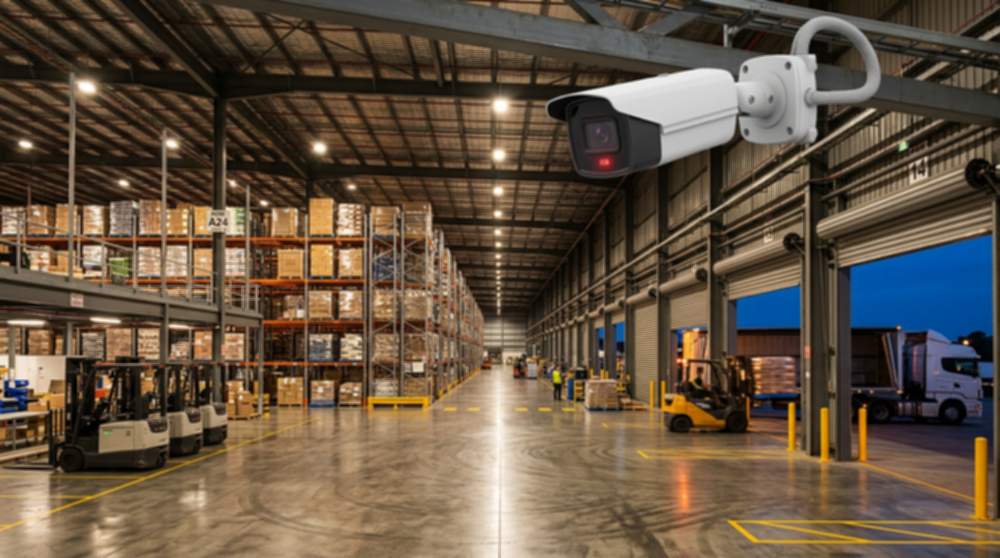
Bullet cameras (external walls, yards, dock approaches). Long-body PoE bullet cameras are the workhorse of the warehouse perimeter. Their visible barrel is a deterrent, their housing handles weather and hose-wash, and the physical form allows for long-throw optics and high-power IR illuminators — typically 40–60 m of effective night range on a professional model, 80 m+ on specialist long-range units. For any external wall, yard light pole or compound gate, specify a 4 MP or higher bullet with a varifocal lens and at least 40 m of IR range. Browse the IP cameras range to compare IR performance side by side.
Dome cameras (internal aisles, office areas, mezzanine). Ceiling-mounted domes sit flush against the roof or the mezzanine deck, handle the lower ceiling heights of interior spaces cleanly and are vandal-resistant in areas accessible to forklifts and material-handling equipment. Use 4 MP fixed-lens domes for aisle heads under 15 m and varifocal domes for deeper aisles. For high-bay sites with racking above 7 m, specify ceiling-mount turret cameras — the form factor delivers better IR performance and less night-time glare than a classic dome behind a bubble.
Turret cameras (dock mouths, areas needing best night performance). A turret (or “eyeball”) camera separates the IR LEDs from the lens, which eliminates the internal reflection that often blows out dome cameras at night. For the dock mouth — the most evidence-critical zone in a warehouse — turrets are usually the best technical choice.
IR night vision. Every warehouse camera should have built-in IR. The practical targets are 30 m of IR for internal zones and 40–60 m for external. Cheap cameras advertise impressive IR numbers by measuring to the first point of reflection, not to an identifiable face — always specify the effective identification distance, not the gross IR spec. Where the budget allows, specify “full colour night” cameras with a large aperture and low-lux sensor for dock mouths, cash offices and critical perimeter gates; the ability to record colour of clothing, vehicles and plates at night is often the single piece of evidence an investigator actually needs.
What to avoid. Pan-tilt-zoom (PTZ) cameras look impressive in product photos but are the wrong choice for 95% of warehouse positions: they are always pointing somewhere else when an incident happens, and the preset positions degrade over time. Use PTZ only where a human operator is actively live-monitoring 24/7, which is uncommon outside of large DCs and security control rooms. Similarly, avoid fisheye 360° cameras for forensic framing — they are acceptable for overview dashboards but their image distortion and reduced per-pixel resolution make them poor for identification evidence.
These figures are for supplied hardware only. Professional installation by a licensed Australian security installer typically adds $1,500–$4,000 for a standard 16 camera system and more for sites with difficult cable runs, multi-level mezzanines or external trenching. Factor in a quality UPS ($400–$800), a locked comms cabinet and a surveillance-grade DIN-rail PSU where a managed PoE switch is used. See live pricing on our CCTV systems page.
Common Mistakes in Warehouse CCTV
Across hundreds of Australian warehouse fit-outs the same few mistakes appear repeatedly. Knowing them in advance is the cheapest way to specify a system that works the first time.
Underestimating camera count. Four cameras cannot cover a warehouse. Eight cameras struggle on anything larger than a 1,000 m² single-bay unit. The true baseline for an operational warehouse is 16 cameras on a 16 channel NVR — budget for that up front and avoid the $3,000 rip-and-replace 12 months later.
Using wireless where wired is required. Warehouse floors are the hardest RF environment a Wi-Fi camera will ever see, and battery Wi-Fi cameras are a non-starter for continuous recording. Wired PoE is the only sensible core architecture.
Poor camera placement. Cameras aimed at the middle of empty floor, external bullets staring into the sun, dock cameras mounted outside the door instead of inside, and aisle cameras at the wrong end of the aisle. Placement is a design decision, not a guess — spend the 30 minutes walking the site plan before anyone drills a hole.
Insufficient storage. A single 2 TB drive on a 16 camera system gives roughly a week of continuous recording at 4 MP. Undersized storage is the commonest cause of “we had cameras, but the footage from three weeks ago is already gone”. Size to 30 days minimum.
No UPS. Every short power interruption erases the most recent minutes of recording and takes the whole system offline until the NVR finishes booting. A modest UPS eliminates this entirely.
Skipping compliance. No signage, no written staff notification, cameras pointing at neighbouring properties, or covert recording without documented authorisation — any of these will be a problem when the footage is relied on in a dispute. Comply up front; there is no retrofitting a Privacy Act obligation.
Buying grey-market hardware. Parallel-imported cameras and NVRs from overseas sellers frequently ship with firmware locked to non-Australian servers, no local warranty support and no guaranteed firmware update path. The $200 saving per camera becomes a $3,000 replacement exercise the day the first unit fails.
Frequently Asked Questions
How many cameras does a warehouse need?
Sixteen is the baseline for a standard Australian warehouse. Eight cameras are enough for a single-bay unit under 500 m² — four external covering the roller door, man door and yard, plus four internal covering the main floor, stock cage and office entry. A standard 1,500–4,000 m² distribution warehouse typically needs 16 cameras: four external walls with two cameras each, the dock doors, aisle heads, the pick-and-pack bench and the returns area. Larger sites above 5,000 m² — 3PLs, high-bay DCs, freight hubs — run 24–32 cameras on paired NVRs. Always specify 25–30% spare PoE capacity at purchase; adding a camera later is plug-and-play, replacing the NVR because it ran out of channels is not.
How long should warehouse footage be stored?
Thirty days is the baseline for most Australian warehouse operations; 60 to 90 days is increasingly common for 3PLs, bonded stores and cold chain. The reasoning is operational, not regulatory: stock incidents are often discovered at monthly stock-take, WHS investigations can take two to three weeks to request footage, and insurance claim timelines frequently exceed two weeks from the incident. A 16 camera system at 4 MP continuous uses roughly 4 TB per month — so size for 6 TB usable storage for 30-day retention with safety margin, 12 TB for 60 days and 18 TB for 90 days. Always use surveillance-grade drives (WD Purple, Seagate SkyHawk) designed for continuous write workload.
Can CCTV monitor large open areas?
Yes, but not with a single camera. Large warehouse spaces — open floor plans, cross-dock areas, external compounds — need layered coverage: a wide overview camera (typically a 2.8–3.6 mm lens) for situational context, plus tighter identification-framed cameras at each entry, exit and activity hub. A 100 m pick aisle is not covered by one fish-eye in the middle; it is covered by a 4–6 mm focal-length camera at the aisle head aimed along its length. On very deep aisles, specify a varifocal camera (2.8–12 mm) so the install team can dial the zoom to the actual aisle length during commissioning. Coverage is about framing, not megapixels.
What cameras work best at night?
For warehouse external bullets, specify a model with a minimum 40 m of effective IR range and at least a 1/2.8″ sensor — cheap cameras advertising 30 m IR often deliver identifiable footage only out to 15 m. For critical zones — dock mouths, cash offices, compound gates — specify “full colour night” cameras that hold true-colour imagery at low lux using a larger aperture and starlight sensor; being able to record the colour of clothing, a vehicle or a registration plate at night is frequently the single piece of evidence an investigator needs. Pair high-risk zones with dusk-to-dawn motion-activated floodlights wherever possible so the camera has full colour footage during incidents instead of monochrome IR.
Do warehouse CCTV systems need internet?
No. A PoE system with a local NVR records 24/7 to its internal hard drives over a closed wired network regardless of internet status. Internet is only required for remote viewing from a phone, push notifications on motion events, or optional cloud backup. Many warehouse operators deliberately keep the CCTV network completely isolated on its own VLAN with no internet routing, and only expose it through a VPN when remote access is needed. That gives you a system that keeps recording the day the NBN fails, the router is updated or the office internet is offline, which is exactly what an evidence system is supposed to do.
Is workplace CCTV legal in Australian warehouses?
Yes, subject to state-level workplace surveillance legislation and, where applicable, the Privacy Act 1988. Obligations typically include: clearly visible signage at every public entrance, written notification to employees in employment contracts and induction, a documented purpose for recording (security, safety, loss prevention), no cameras in bathrooms, change rooms or designated private staff areas, no audio recording without explicit consent in most states, secure storage of footage, and restricted access based on role. Covert surveillance — recording without notification — requires authorisation and is rare in a standard warehouse. Comply up front and document it in the site security plan; retrofitting compliance when footage is needed as evidence is far harder than specifying it correctly on day one.
Can CCTV help prevent internal theft and shrinkage?
Yes — visible professional CCTV is one of the few loss-prevention measures with documented deterrent effect against both opportunistic and organised shrinkage. In warehouse operations the high-value zones are specific and predictable: the pick-and-pack bench, the returns cage, the rubbish compactor (a classic goods-out diversion point), the smoke door and the IT cabinet. Framing cameras so these zones are unambiguously recorded, pairing them with a visible monitor at the dispatch office and keeping footage retention at 30+ days so patterns emerge at stock-take, changes behaviour before losses occur. Footage also materially speeds up HR investigations when an incident does occur, because the conversation moves from “he said / she said” to a timestamped recording.
How long does a warehouse CCTV install take?
A 16 camera wired PoE fit-out on a single-level warehouse typically takes two to three days for a two-person licensed install team — roughly one day of cable pulling, one day of camera and NVR commissioning, and a half-day of walkthrough, focus adjustment, naming and handover training. Sites with difficult cable paths (two-storey buildings, sealed concrete ceilings, external trenching to a gatehouse) can extend that to a week. Pre-build of the NVR and drives in the workshop before arrival on site materially shortens the on-site component, and most professional installers will offer a fixed quote rather than time-and-materials for standard warehouse configurations.
Can I expand a warehouse system later?
Yes — up to the spare PoE channel capacity of the NVR. Specifying a 16 channel NVR for a 12 camera deployment leaves four spare ports, which is enough to add cameras as the site grows without replacing the recorder. Beyond the NVR's channel count you either add a second NVR and manage them as a pair in a VMS, or step up to a 32 channel appliance. The cheapest route is to over-specify the recorder at day one: the cost delta between a 16 and 32 channel NVR is far smaller than the cost of replacing a fully commissioned 16 channel system when the site reaches 18 cameras.
Find the right 16 camera PoE system for your site — every kit ships Australia-wide with local warranty and support, and can be scaled to 32 channels for larger DCs and 3PLs.