
Best NVR for 8 Camera Systems Australia
An 8 channel NVR is the standard foundation for most CCTV systems in Australia, supporting 4 to 8 cameras with room to expand.
The NVR is the central recorder that sits behind every wired PoE CCTV system — it accepts video from each camera, writes it to a surveillance-grade hard drive and makes playback available on a screen or phone. Because the NVR does the recording, it defines the ceiling on your whole system: how many cameras it supports, how long footage is retained, how stable playback feels and how cleanly you can add a camera later. Eight channel NVRs dominate Australian residential and small-business installs because they hit the sweet spot for the camera counts real sites actually run, and they cost only a little more than 4 channel units. Choosing the right recorder matters more than agonising over any individual camera — the camera can be swapped later, the NVR is the spine.
At a glance
Standard foundation: 8 channel PoE NVR
Channel capacity: Up to 8 cameras
Most common deployment: 6 cameras, 2 spare channels for expansion
Architecture: Wired PoE cameras + local NVR + surveillance drive
What is an NVR and How Does It Work?
An NVR (Network Video Recorder) is the central device that records footage from every camera on your CCTV system. It sits in a cabinet, on a shelf or in a comms rack, and it is the single box that makes a CCTV system useful rather than a pile of cameras.
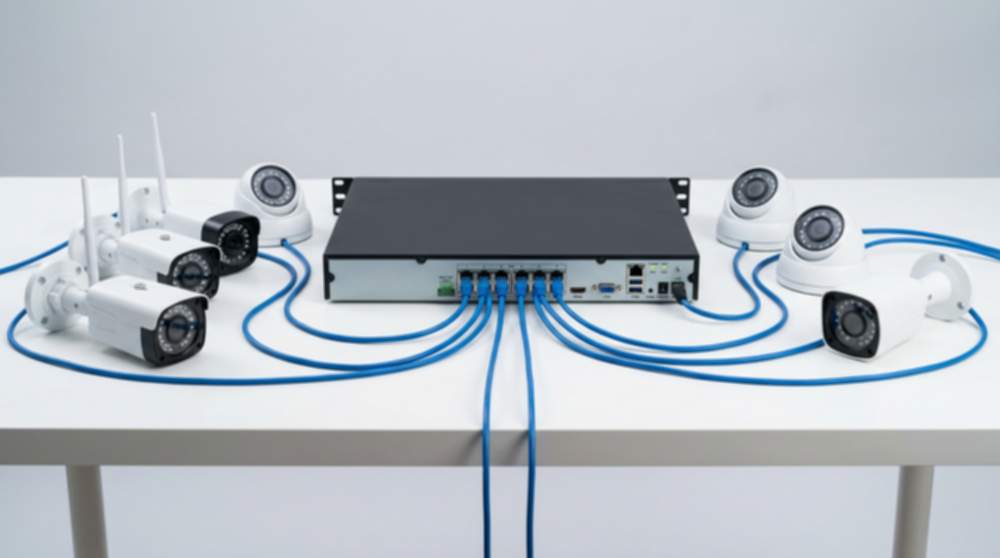
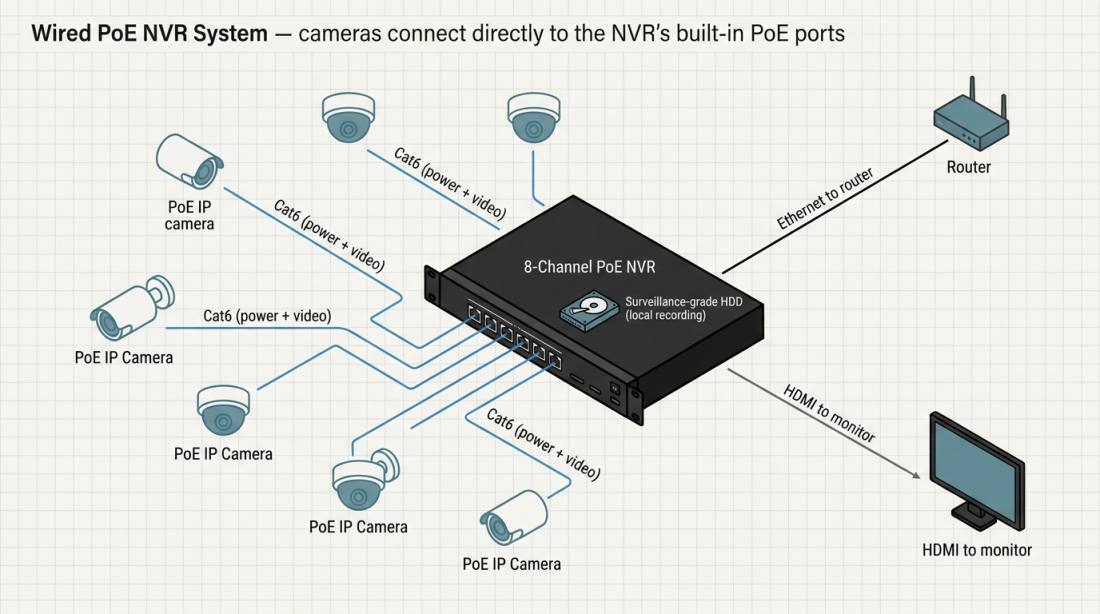
Each camera has a Cat6 cable running back to the NVR. That cable carries both power (PoE) and video. The NVR receives each camera's stream, records it to an internal surveillance-grade hard drive, and indexes the footage by time and motion events.
Playback is equally simple. You plug a monitor into the NVR for local review, log in through a browser on the same network, or use the vendor app on a phone for remote viewing. The NVR also controls retention — how many days of footage it keeps before overwriting the oldest files — and manages basic settings such as motion zones, user accounts and camera names.
Because the NVR is doing the recording on a local network, the system keeps running through internet outages, router reboots and firmware updates. That is the operational reason NVRs dominate serious CCTV deployments — from homes to retail stores, small businesses, schools and warehouses. Browse recorder options on our NVR recorders page.
What Does “8 Channel” Actually Mean?
A channel is one camera input on the NVR. An 8 channel NVR has 8 PoE ports on the back — one for each camera. That is it. There is no trick and no fine print.
An important detail that often trips up first-time buyers: an 8 channel NVR does not mean you install 8 cameras. The channel count is the maximum the recorder can accept; the number of cameras you actually deploy is a separate decision based on your site's layout.
In practice, most systems use fewer cameras than their NVR can hold:
- 4 cameras on an 8 channel NVR — small homes, compact shops, studios. Four of the eight PoE ports are used.
- 6 cameras on an 8 channel NVR — the single most common configuration in Australia. Six of the eight PoE ports are used.
- 8 cameras on an 8 channel NVR — full capacity for larger homes, mid-sized retail stores and trade counters.
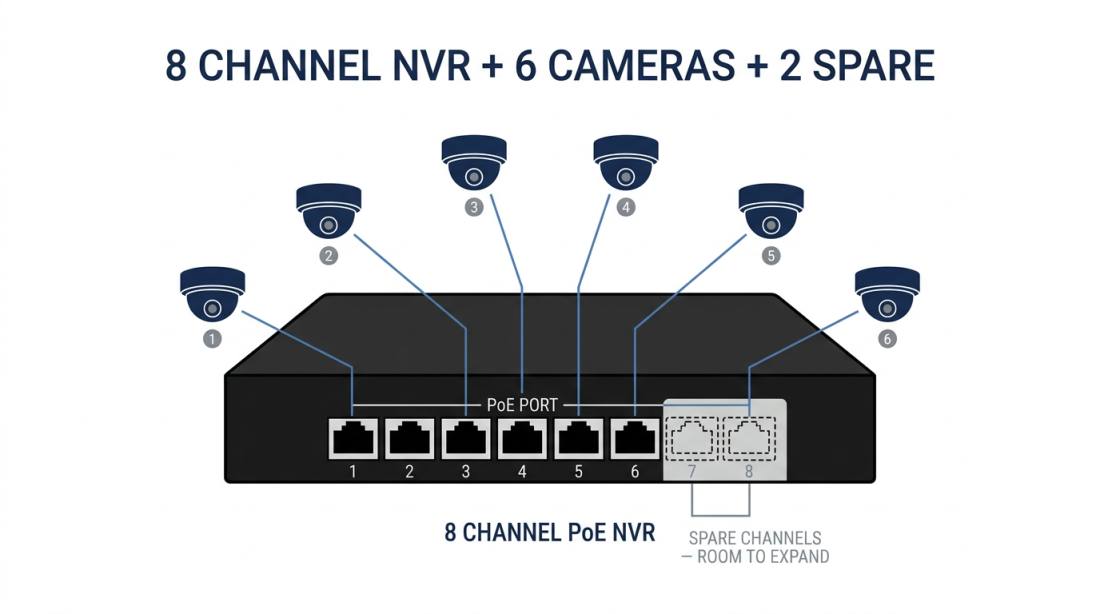
The key principle: a typical 6 camera system will run on an 8 channel NVR, leaving 2 spare channels for future expansion. Those two spare ports are the whole reason people choose an 8 channel recorder over a 4 channel one. Adding a camera later is plug-and-play — you run a Cat6 cable, plug it into a spare PoE port, and the NVR auto-registers the device.
The alternative — replacing the whole NVR when you hit its channel limit — is significantly more expensive than buying one tier larger at the start. This is why the best CCTV system for home and best CCTV system for small business guides both default to an 8 channel NVR even for sites that start with fewer cameras.
Why 8 Channel Systems Are the Standard
Eight channel NVRs dominate the Australian market because they match the camera counts real sites actually run, and the price jump from a 4 channel NVR is small.
Flexibility. Eight PoE ports covers everything from a 4 camera starter kit to a fully populated 8 camera site. One recorder, five deployment patterns, no need to decide your final camera count on day one.
Cost efficiency. The price gap between a 4 channel and an 8 channel NVR is typically under $100 — trivial compared with the cost of replacing an undersized recorder later. Stepping up from 8 to 16 channels is a bigger jump, which is why 8 is the sweet spot for residential and small-business sites.
Scalability. Spare channels are what make expansion painless. Adding a seventh or eighth camera to an 8 channel NVR is a 30-minute job: run a cable, plug it in, the camera auto-registers. Outgrowing a 4 channel NVR means swapping the whole recorder.
Covers most real sites. Standard Australian homes land at 6 cameras. Standard retail stores run 6 to 8. Small offices are at 4 to 8. Cafes and service counters sit in the same range. One NVR tier covers all of them. For retail specifically, see our retail CCTV guide.
Larger sites — warehouses, multi-block schools, multi-room businesses — step up to 16 or 32 channel NVRs. For everything else, 8 channels is the standard answer.
Why Wired PoE NVR Systems Are Preferred
The architecture decision matters as much as the channel count. Wired PoE NVR systems are the default across Australian CCTV installs for four reasons.
Stable connection. Each camera runs on its own dedicated Cat6 cable carrying both power and video. There is no shared Wi-Fi, no radio contention and no competing devices. The connection simply does not drop.
No Wi-Fi dropouts. Wireless cameras share bandwidth with every phone, tablet, EFTPOS terminal and smart device on the site. When the network gets busy, wireless cameras reduce bitrate and sometimes drop frames. A wired PoE camera is unaffected because it is not on Wi-Fi at all.
Continuous recording. An NVR on a wired PoE system records 24/7 to a surveillance-grade drive. Wireless systems, especially battery-powered ones, often record only on motion triggers — which means any event that starts before the trigger or happens while the battery is flat is simply not recorded.
Business-grade reliability. Wired PoE systems are what professional installers fit in shops, offices, warehouses and schools. The system keeps running through internet outages, firmware updates and router swaps. That reliability is the whole point of a recording system.
Wireless CCTV has a narrow, supplementary role — apartments with no cable paths, short-term rentals, heritage buildings with restricted drilling. For any site you own and expect to run for years, wired PoE is the default. See our wired vs wireless CCTV guide for the deeper comparison.
How Much Storage Does an NVR Need?
Storage is determined by four things: drive size, camera count, recording mode and retention target. Get those right and the rest is arithmetic.
Drive size. Most 8 channel NVRs use a single 3.5″ surveillance-grade hard drive in capacities from 2 TB to 10 TB. Larger drives extend retention; dual-drive NVRs double the available storage.
Camera count. More cameras means more footage per hour. A 4 camera site generates roughly half the storage load of an 8 camera site at the same resolution.
Recording mode. Motion-weighted recording — only writing when movement is detected — uses significantly less space than continuous 24/7 recording. Continuous recording uses roughly 40 to 50 per cent more space.
Retention target. Most Australian homes target 2 to 4 weeks. Most small businesses and retail stores target 30 days. Larger sites commonly extend to 60 or 90 days.
A useful baseline: a 6 camera system at 4 MP on motion-weighted recording hits roughly 30 days on a 4 TB surveillance drive. Upsize to 6 TB for continuous recording, or step to a dual-drive NVR for longer retention.
Always specify surveillance-grade drives (WD Purple, Seagate SkyHawk). Consumer desktop drives fail fast under continuous NVR write workload.
How Many Cameras Should You Run on an 8 Channel NVR?
The answer depends on your site, not your NVR. An 8 channel recorder supports anywhere from 1 to 8 cameras, and real deployments cluster in three patterns.
4 cameras — small systems. Small homes, apartments, compact shops, studios and single-room offices. Four cameras cover the front, rear and two side or internal angles. A 4 camera system on an 8 channel NVR leaves four spare PoE ports for future growth.
6 cameras — most common. The single most popular configuration in Australia. Standard 3–4 bedroom homes, standard retail stores, small offices and cafes. A 6 camera system on an 8 channel NVR covers the key angles with two spare PoE ports for expansion.
8 cameras — full capacity. Larger homes, two-storey builds, bigger retail stores, trade counters and mid-sized offices. An 8 camera system on an 8 channel NVR fills every port — at this point, either accept zero expansion capacity, or step up to a 16 channel NVR instead.
The expansion logic is the whole reason 8 channel NVRs dominate. Running 4 cameras today and 6 or 7 tomorrow is a 30-minute cable run. Running 8 cameras today and needing 9 tomorrow is a full NVR replacement. Plan for the site you will have in two years, not the one you have today.
Recommended NVR-Based CCTV Systems
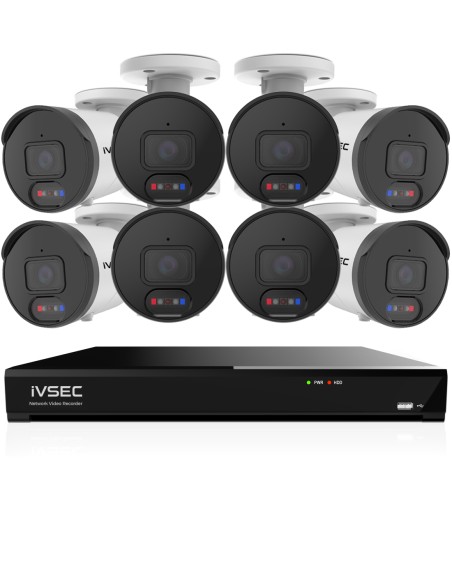
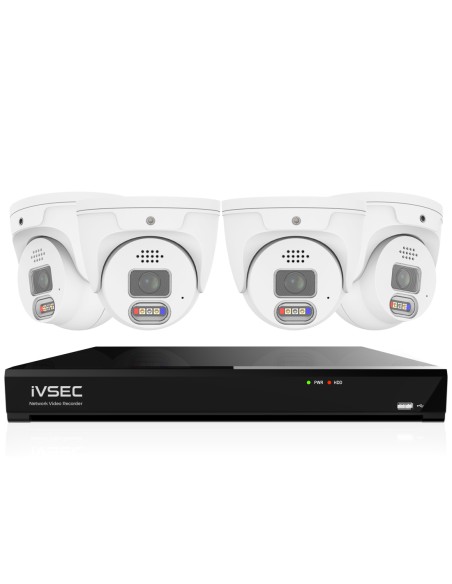
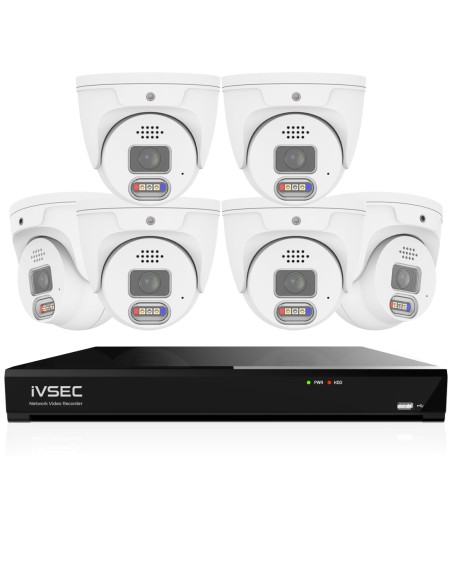
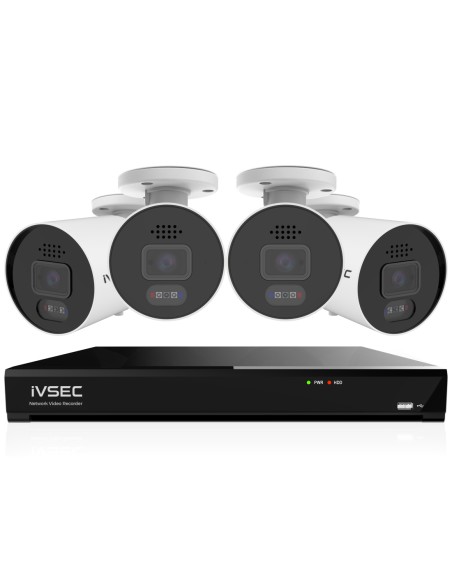
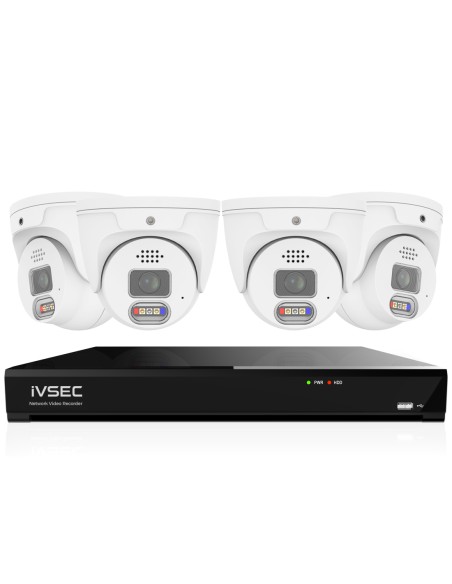
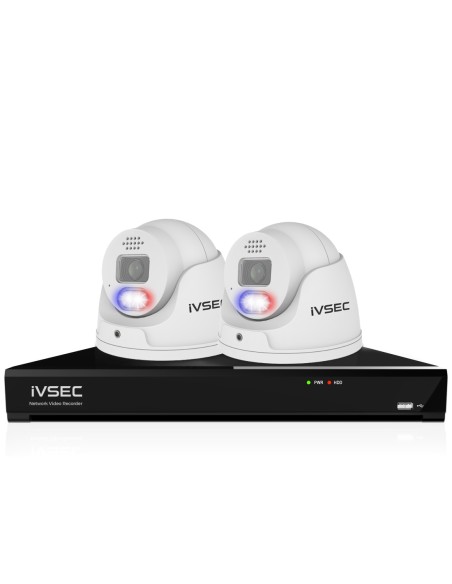
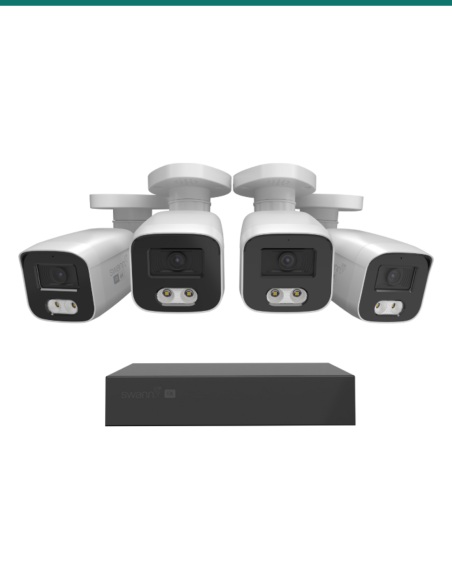
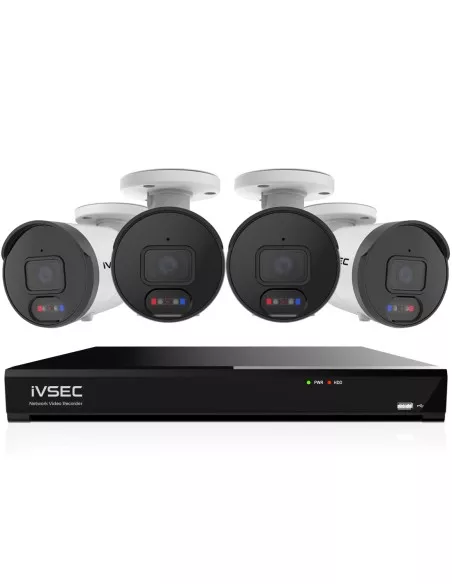
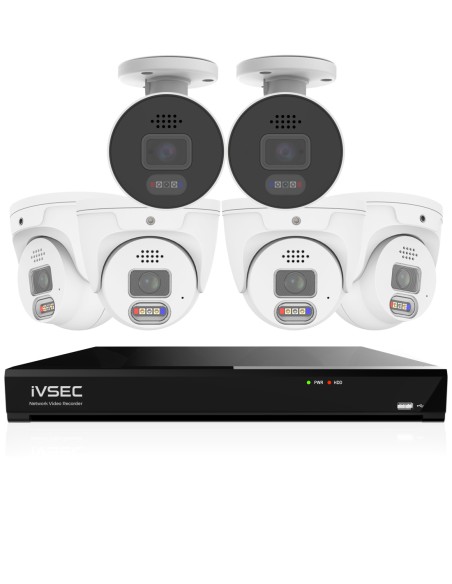
Our most popular 8 channel NVR CCTV kits — each bundle ships as a complete system (NVR, surveillance-grade drive and PoE cameras), with 4, 6 and 8 camera configurations so you can pick the starting point that matches your site. Live pricing and stock.
These systems are built around reliable NVR platforms designed for continuous recording and scalable camera setups.
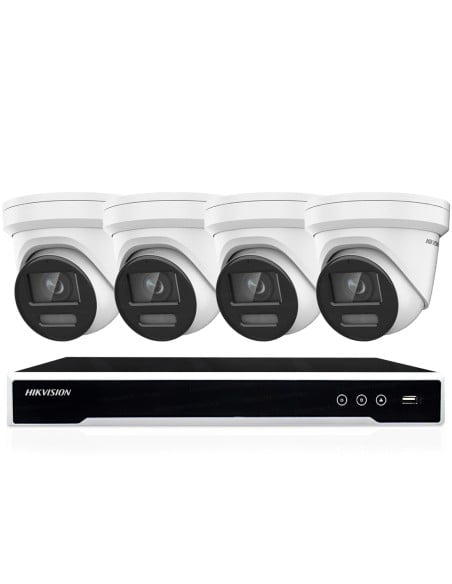
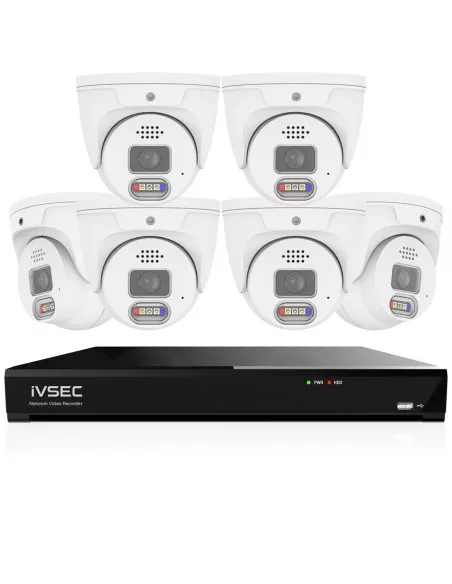
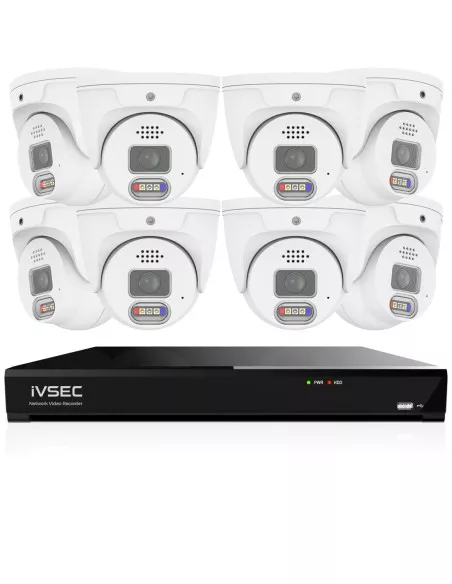
Choose Your System
Pick a system by channel count and camera count:
- 4 Camera Systems
- 8 Channel / 4 Camera Systems
- 8 Channel / 6 Camera Systems (Most Common)
- 8 Camera Systems
- 16 Channel Systems
Common Mistakes When Choosing an NVR
Buying an NVR that is too small
A 4 channel NVR is full at 4 cameras. Every time you add a fifth camera you replace the whole recorder. Start with 8 channels unless you are absolutely certain the site will never grow.
Ignoring storage sizing
A 2 TB drive on a busy 8 camera site hits capacity quickly and overwrites footage you needed. Size the drive for your target retention window, and use surveillance-grade drives only.
Choosing a wireless system instead of PoE
Wireless systems trade reliability for convenience. They drop frames during busy periods, depend on batteries or cloud services, and are not suitable for continuous recording. Wired PoE is the serious-system default.
Not planning expansion
Most sites add a camera or two over time — a new angle, a renovated space, a new entry. Specifying 25–30% spare PoE ports at purchase is far cheaper than upgrading the NVR later.
This guide provides general information on CCTV systems and NVR configurations. Requirements may vary depending on your premises, so ensure your system is suitable for your specific needs and local regulations.
Frequently Asked Questions
What is an 8 channel NVR?
An 8 channel NVR is a network video recorder with 8 PoE camera inputs. It accepts video from up to 8 cameras, records each stream continuously to a surveillance-grade hard drive, and makes the footage available for local and remote playback.
Can I run 6 cameras on an 8 channel system?
Yes — that is the single most common configuration in Australia. A 6 camera system on an 8 channel NVR covers the key angles and leaves 2 spare PoE ports for future cameras. See our 8 channel 6 camera systems.
Is an 8 channel system enough?
For most Australian homes, small businesses and retail stores, yes. Standard deployments run 4 to 8 cameras, all of which fit on an 8 channel NVR. Larger sites such as warehouses and multi-block schools step up to 16 or 32 channel NVRs.
Can I upgrade later?
Yes, up to the NVR's channel capacity. Adding a camera to an 8 channel NVR with spare PoE ports is plug-and-play — a 30-minute cable run. Beyond 8 cameras you either add a second NVR or step up to a 16 channel appliance.
How much storage do I need?
A 6 camera system at 4 MP on motion-weighted recording typically hits 30 days on a 4 TB surveillance drive. Continuous recording adds around 40 to 50 per cent more storage. Size the drive for your target retention window and always use surveillance-grade drives.
Are wireless NVR systems reliable?
Wireless systems are less reliable than wired PoE for continuous recording. They share bandwidth on Wi-Fi, depend on batteries or cloud services, and drop frames during busy periods. Wired PoE on an NVR is the standard for serious, long-term CCTV. See our wired vs wireless CCTV guide.
What is PoE CCTV?
PoE stands for Power over Ethernet. A single Cat5e or Cat6 cable carries both power and video from the NVR to each camera — no separate power supply at the camera end. PoE supports cable runs up to 100 metres and keeps installations simpler.
Do I need internet for an NVR?
No. An NVR records locally to its internal drive regardless of internet status. Internet is only required for remote viewing from a phone, push notifications, or optional cloud backup. The system keeps recording through any outage.
Can I mix camera types?
Yes. Most NVRs accept a mix of dome, bullet and turret cameras at various resolutions from the same vendor. The practical advice is to stay within one brand and one generation — mixing vendors can complicate firmware updates and app management.
What is the best NVR for home or business?
For almost every Australian home or small business, an 8 channel PoE NVR with a surveillance-grade drive is the right answer. Homes typically run 4 to 6 cameras on it; businesses run 6 to 8. See our best CCTV system for home and best CCTV system for small business guides for full specifications.
Need a system specific to your site? See the best CCTV system for home, best CCTV system for small business or best CCTV system for retail stores guides. For the architecture decision behind all of them, read wired vs wireless CCTV. Or browse complete CCTV systems, NVR recorders and IP cameras.
Ready to pick an 8 channel NVR kit?
Choose a complete wired PoE system built around an 8 channel NVR — every kit ships Australia-wide with local warranty and support, and leaves room for your site to grow.