Your cart
There are no more items in your cart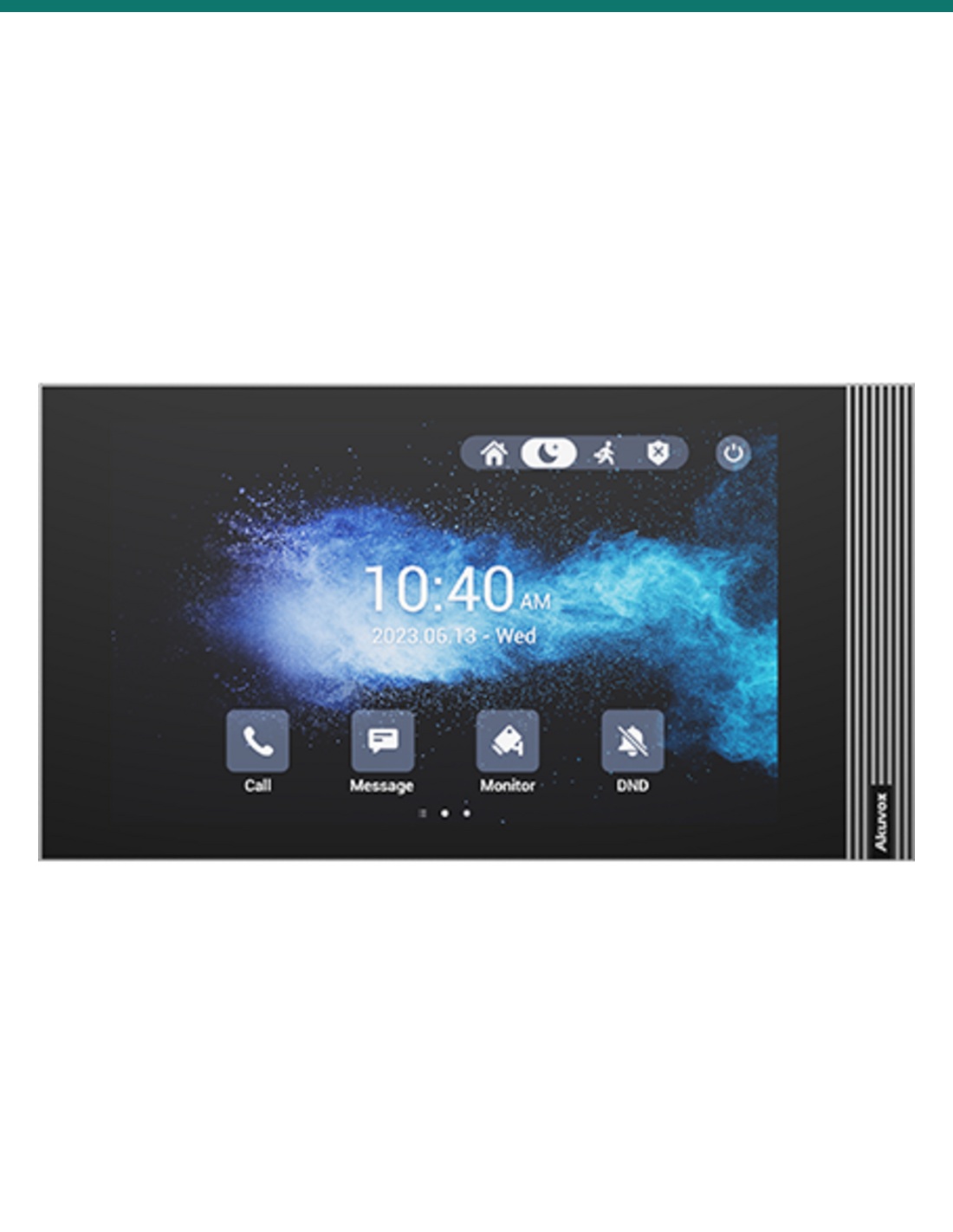




7" SIP INDOOR MONITOR IN GREY LINUX VERSION
Akuvox S562-GREY — SIP video intercom / access hardware.
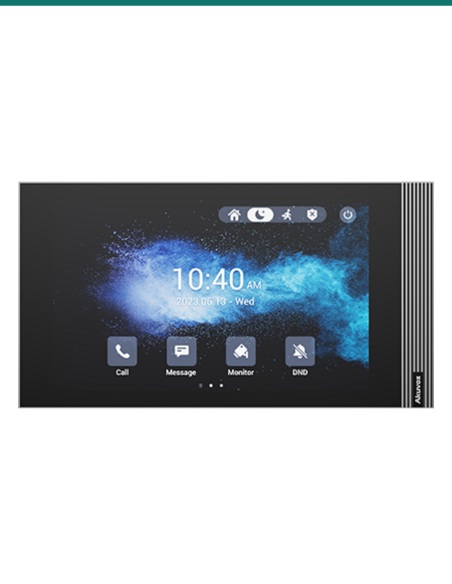
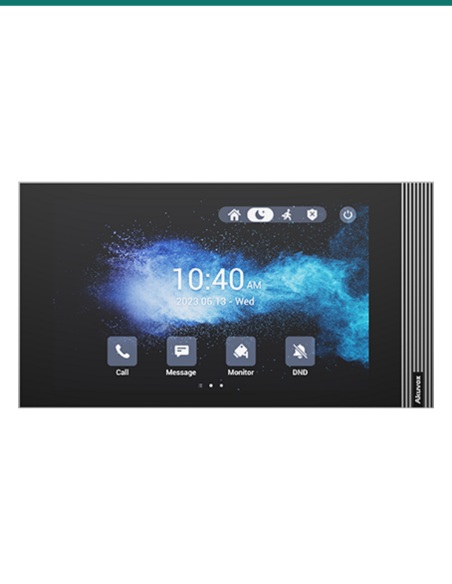
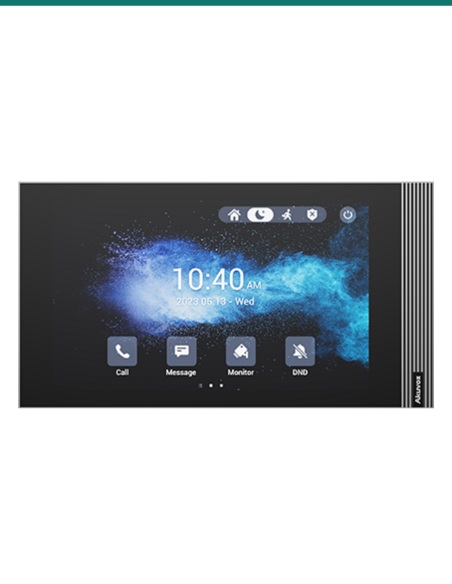
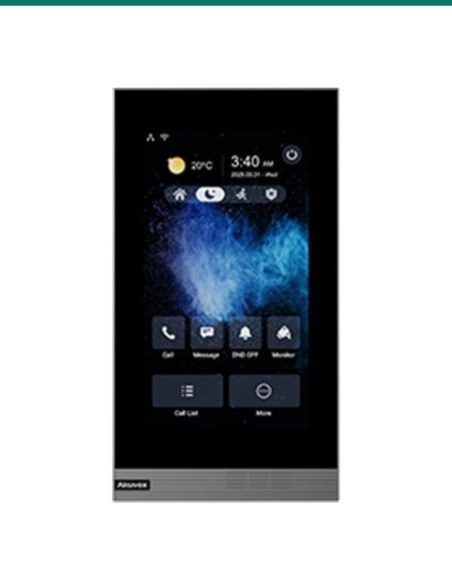
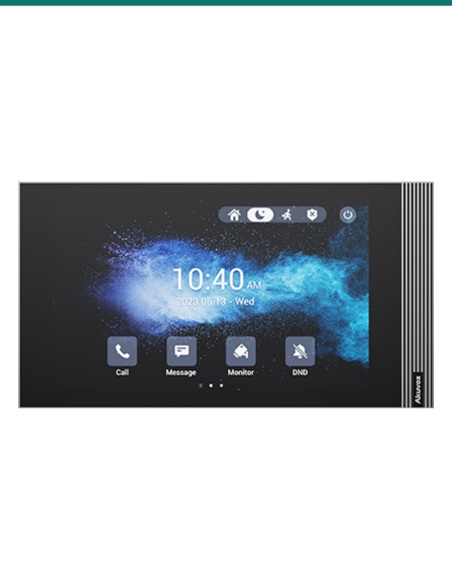
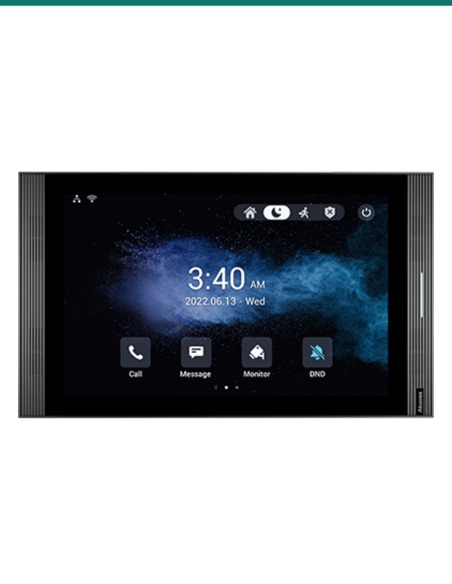
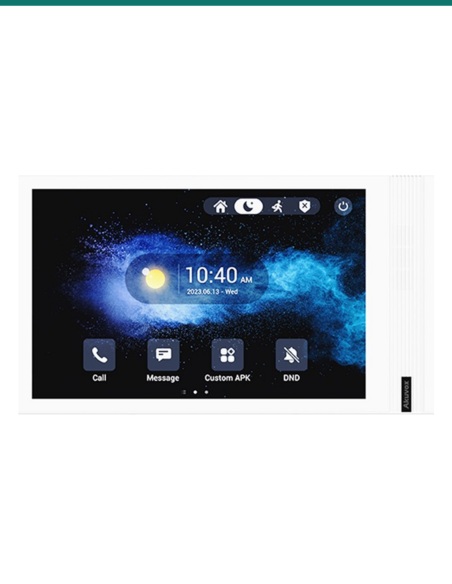
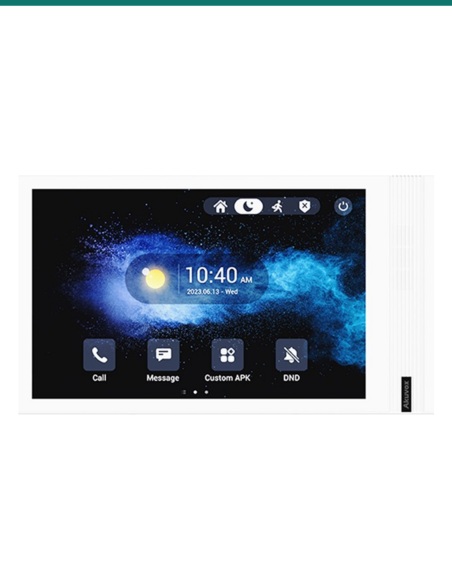
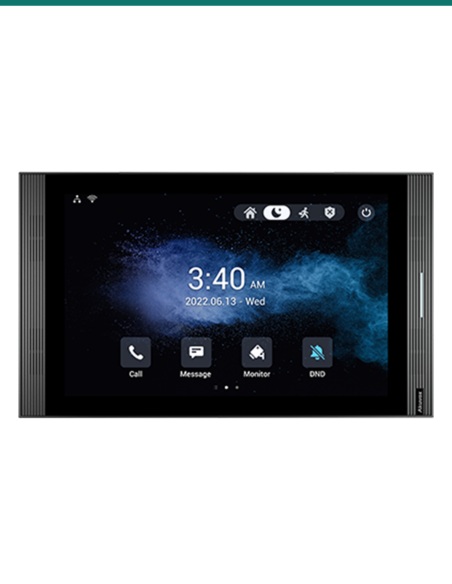
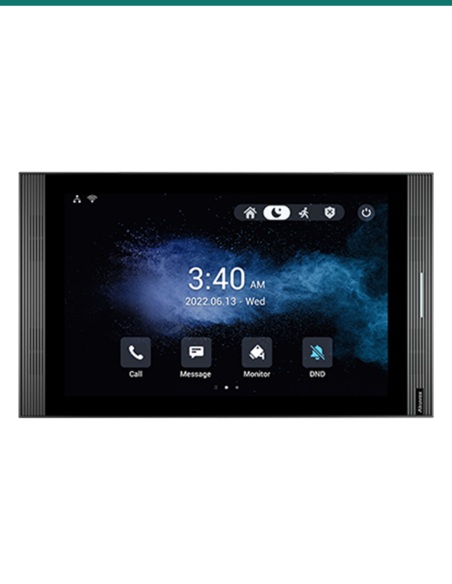
The Akuvox AK-S562-GREY is a 7-inch SIP indoor monitor designed for residential, multi-dwelling and light commercial intercom deployments where a clean internal calling point is required. This Linux version provides a dedicated indoor station format for door communication, call answering and system integration within compatible Akuvox SIP environments.
Product shot may differ from supplied regional packaging or firmware presentation.
In practical deployments, the S562 sits inside the apartment, office, reception area or secure internal zone and provides a fixed touchscreen-style answering point for compatible door stations. The verified headline details for this model are straightforward: a 7-inch display, SIP indoor monitor format, Linux operating platform, grey housing and Akuvox branding. For installers, that means a purpose-built internal station intended to sit within a wider SIP intercom topology rather than a general consumer tablet substitute.
Infront Technologies Australia supports trade, integrator and project buyers with advice around compatible Akuvox intercom endpoints, deployment fit and accessory selection, helping ensure the monitor is matched correctly to the intended SIP door entry workflow.
The core verified hardware point here is the 7-inch screen size. In an intercom context, that matters because the indoor station must be easy to read at a glance when a call arrives from a door station, gate panel or building entry point. A 7-inch class monitor gives a noticeably more legible user interface than compact handset-style indoor units, particularly where occupant turnover, visitor management or multi-user familiarity are factors.
Because this is sold explicitly as a SIP indoor monitor, the unit is positioned as part of a VoIP-based intercom architecture. That makes it relevant for installers standardising on SIP endpoints for call routing, internal answering and integration consistency across apartment, townhouse, office or mixed-use deployments using Akuvox-compatible intercom infrastructure.
This model is identified as the Linux version, which is important when matching indoor stations to project requirements. In the field, operating platform affects application handling, interface style, provisioning approach and compatibility expectations across an intercom estate. A Linux-based indoor station is commonly selected where the brief calls for a dedicated intercom appliance rather than an open-ended smart panel concept.
For consultants and installers, calling out the Linux variant up front reduces ambiguity during quoting and replacement planning. When an indoor monitor is being added to an existing Akuvox project, the exact version matters; specifying the AK-S562-GREY helps maintain consistency in appearance, user interaction and device class within the installed system.
The finish is not just a cosmetic detail. In premium residential and commercial projects, indoor intercom hardware is always visible to occupants, tenants or staff. Specifying the grey AK-S562-GREY variant allows a closer match to muted contemporary interior palettes, darker joinery schemes or fit-outs where a bright white wall device would be visually intrusive.
For replacement and expansion work, the exact colour reference also helps maintain consistency across multiple apartments or staged building upgrades. If the existing project standard is grey Akuvox indoor stations, ordering against the AK-S562-GREY reference reduces the risk of mismatched presentation on completion.
The indoor monitor operates as the internal user-facing station within a compatible door entry system. Exact feature behaviour depends on the wider Akuvox environment and programming, but the deployment logic is consistent.
A visitor initiates a call from a compatible SIP door station or building entry panel.
The S562 receives the SIP intercom event and presents the call on its 7-inch display interface.
The resident, tenant or staff member answers the call through the indoor station as programmed within the system.
The station participates in the configured entry workflow, subject to system programming, connected hardware and site permissions.
Verified specifications and product identifiers available from the supplied source context.
Common terms relevant to indoor intercom monitors and SIP door entry projects.
Physical dimensions were not provided in the supplied source context, so cabinet size, wall footprint and mounting depth should be confirmed before rough-in, bracket positioning or retrofit replacement planning. If you are matching an existing apartment fit-out or joinery recess, verify measurements from the official manufacturer documentation prior to installation.
Typical product categories this indoor monitor is paired with in a complete deployment.
External SIP entry panel or villa station that originates the visitor call handled by the S562 monitor.
Structured switching and IP network hardware appropriate for SIP endpoint connectivity and project segmentation.
Locks, controllers or relay-driven entry devices integrated into the site’s broader door release workflow.
Final placement should account for viewing height, user access, cable route and fit-out finish requirements.
It is an indoor monitor. The product is specified as an Akuvox 7-inch SIP indoor monitor for use inside the premises as part of a door entry system.
The confirmed display size from the supplied product context is 7 inches.
This specific unit is the Linux version, which should be considered when matching to existing site standards or replacement requirements.
The supplied finish is grey, as indicated by the model reference and source description.
Compatibility should always be confirmed against the intended Akuvox system design, firmware set and deployment method. The source context confirms use within Akuvox SIP intercom systems, but final interoperability should be checked at project stage.
No detailed dimensional, power or network interface specifications were provided in the supplied source context. Those items should be verified from official manufacturer documentation before installation or tender finalisation.
Confirm system compatibility, powering method, mounting requirements and any door release wiring obligations against official Akuvox documentation and applicable Australian installation standards before deployment.
17 related items