Your cart
There are no more items in your cart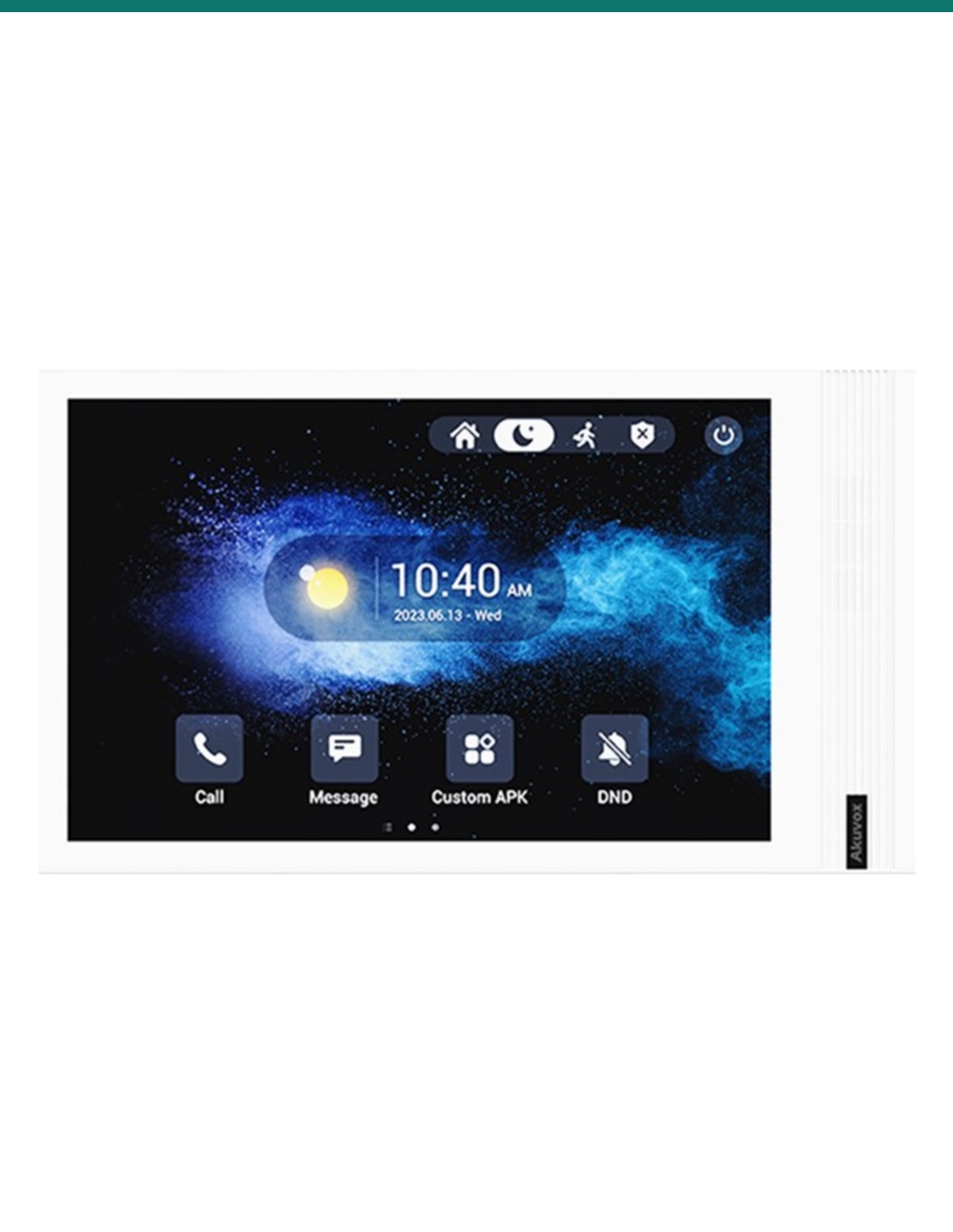


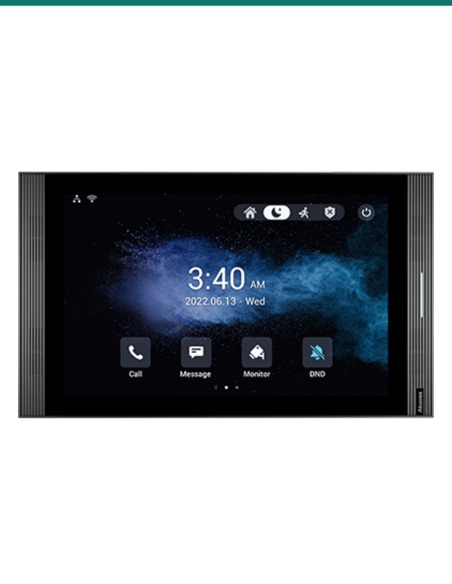


10.1" SIP INDOOR UNIT IN GREY ANDROID 12 VERSION
Akuvox S567-GREY — SIP video intercom / access hardware.
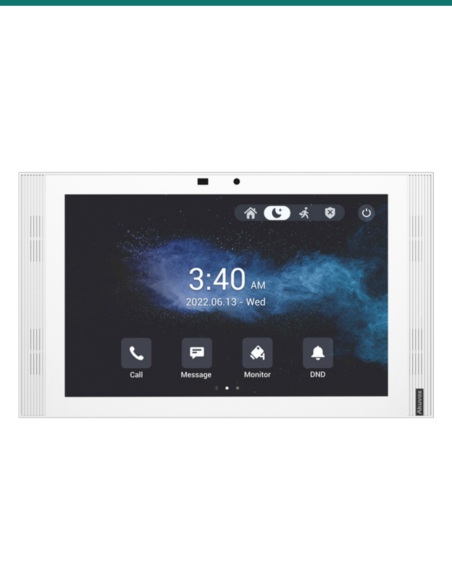
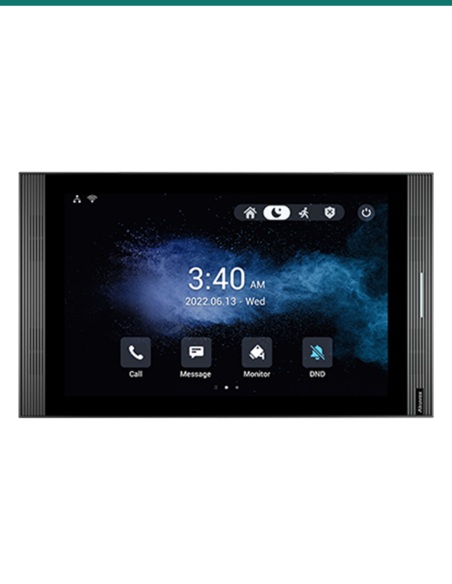
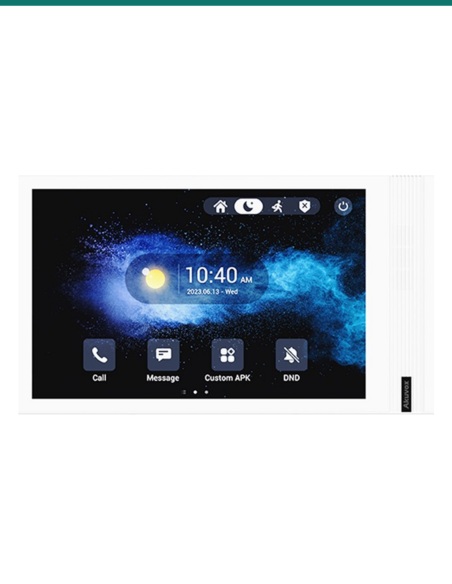
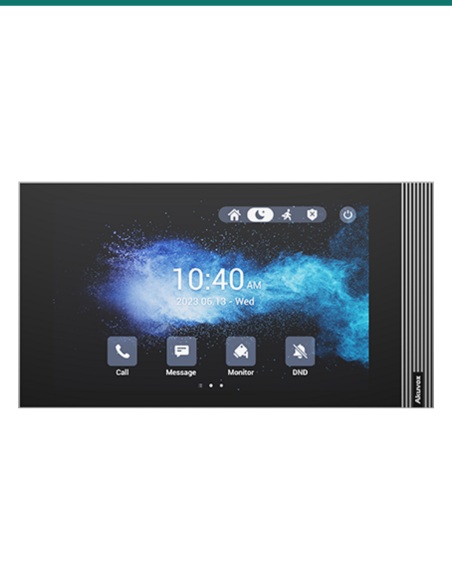
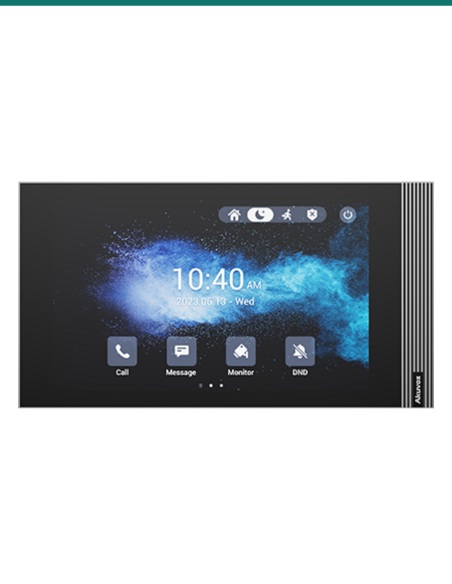
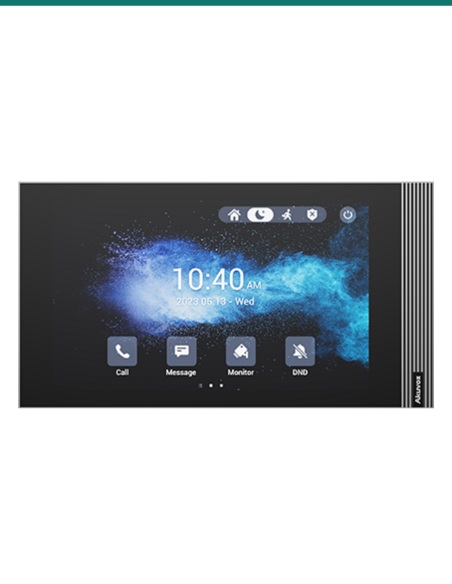
The Akuvox AK-S567-GREY is a wall-mounted SIP indoor monitor designed for door communication, apartment intercom deployments and smart access workflows where a larger touchscreen and Android platform are preferred. It combines a 10.1-inch display, Wi-Fi connectivity and Android 12 in a slim indoor station suited to modern residential and commercial installations.
Product shot may differ from supplied regional hardware revision or firmware presentation.
In practical terms, the S567 sits inside the premises as the day-to-day user interface for SIP intercom calls, remote unlocking workflows, live door station viewing and on-wall touch interaction. The 10.1-inch screen gives occupants more usable space for call controls, building functions and Android-based applications than smaller indoor monitors, which can be important in apartments, medical reception areas, offices, aged care environments and premium residential projects.
For Australian integrators, Infront Technologies Australia can support specification alignment for SIP intercom systems, indoor monitor selection, access control compatibility planning and broader networked security deployment requirements across single-site and multi-dwelling installations.
The headline hardware point is the 10.1-inch touchscreen. In intercom terms, that screen size matters: it gives users more visual context when answering calls, viewing door station video, navigating call logs, selecting building contacts or interacting with access-related functions. On projects where indoor stations are expected to do more than simply answer a ring event, a larger touch panel generally delivers better readability and lower user friction.
As a SIP indoor monitor, the S567 is intended to operate within IP-based intercom ecosystems rather than legacy analogue apartment audio systems. That makes it relevant where installers need structured-network integration, extensibility and compatibility with SIP-capable door stations, PBX environments or broader unified access deployments.
This model is identified as the Android 12 version, which is significant for sites standardising on newer software environments. An Android-based indoor unit can support richer interface design, application-layer functionality and future workflow options than a fixed-function monitor, especially where the indoor station may also participate in concierge, automation, directory or custom app scenarios.
For consultants and installers, that means the S567 is not just a call answering screen. It is a networked endpoint with a contemporary operating platform, intended for installations where software relevance and user-facing functionality are part of the specification. Wi-Fi support also gives another deployment option in retrofit or architecturally constrained environments where cabled network paths may be limited at the final indoor location.
The S567 is best understood as one endpoint inside a larger door communication chain. In a typical deployment, an external SIP door station initiates the call, the indoor unit receives audio and video, the occupant verifies the visitor and a door release event is triggered through the access side of the system where authorised. Because it is an indoor wall unit with SIP foundations, it fits the architecture commonly used in contemporary IP intercom projects.
The grey finish also matters for fit-out driven projects where white hardware may not match interior palettes. For premium residential and design-conscious commercial sites, colour consistency can be part of the approval process. Combined with its larger display and Android 12 platform, this model suits specifications where appearance, user experience and networked functionality all carry weight.
For projects being scoped or upgraded, the operating sequence is straightforward: networked door station at the entry, SIP signalling across the IP layer, indoor touchscreen interaction at the destination point and controlled release action where system permissions allow.
A compatible SIP door station calls the indoor endpoint when a visitor presses the programmed button or directory contact.
The 10.1-inch touchscreen presents the live call interface so the occupant can identify the visitor and navigate response options clearly.
Using the SIP indoor monitor, the user answers the call, communicates with the visitor and confirms whether access should be granted.
If the installation is configured for door control, the occupant can trigger the associated access action from the indoor unit interface.
A few terms commonly encountered when specifying indoor intercom monitors and IP door communication endpoints.
Physical dimensions were not verified from source material provided here. For wall rough-in planning, mounting height, back-box selection and cable exit alignment, confirm the current Akuvox mechanical drawing or installation manual before final fit-off.
Typical system companions for an Android SIP indoor unit like the S567 in Australian intercom and access projects.
Primary front-end pairing for audio/video call origination at the gate, lobby, tenancy door or reception entry point.
Required where the wider intercom estate includes IP door stations, control devices and centralised provisioning across the premises.
Used where the indoor unit workflow includes authenticated remote release of a door, gate or controlled entry point.
Important when using the monitor on wireless connectivity rather than a strictly cabled indoor network topology.
It is an indoor wall-mounted SIP monitor intended to be installed inside the premises, not at the exposed entry point.
The unit is specified with a 10.1-inch touchscreen, giving a larger interface than compact apartment handsets or smaller indoor panels.
Yes. It is described as a SIP indoor monitor, which places it in IP-based intercom and VoIP-oriented door communication environments.
Android 12 indicates a current software platform for the device, which can matter when projects require modern UI behaviour, application capability or longer platform relevance.
Potentially yes, particularly because Wi-Fi is noted in the product summary. Final suitability still depends on power, mounting position, site wireless performance and system design.
Confirm the intended Akuvox door station compatibility, powering method, network architecture, mounting details, access control interface requirements and any project-specific firmware or provisioning standards.
17 related items