• New
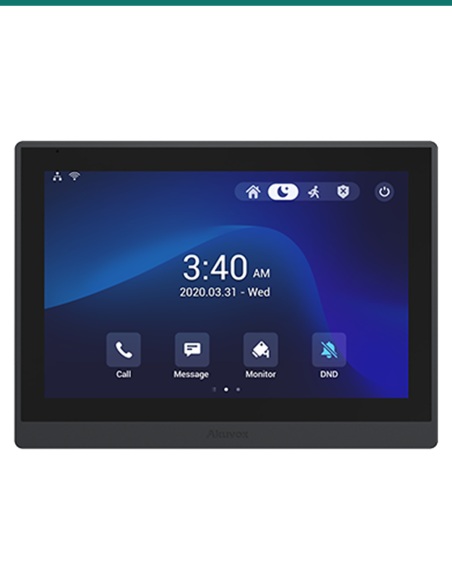
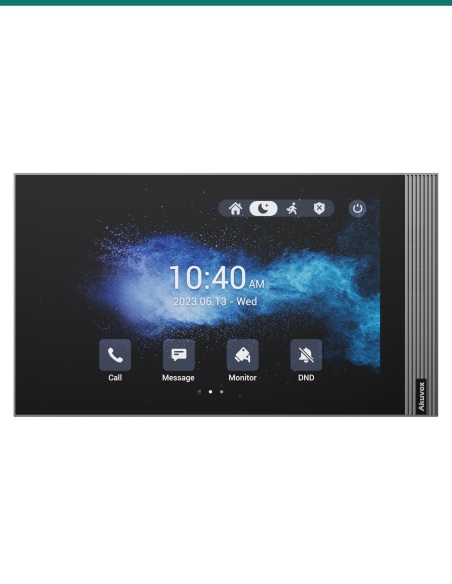
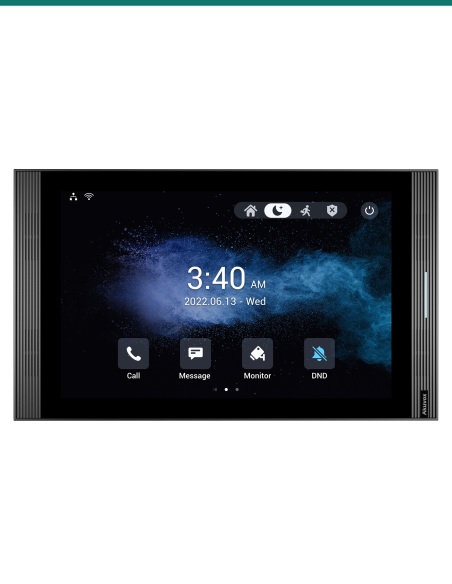
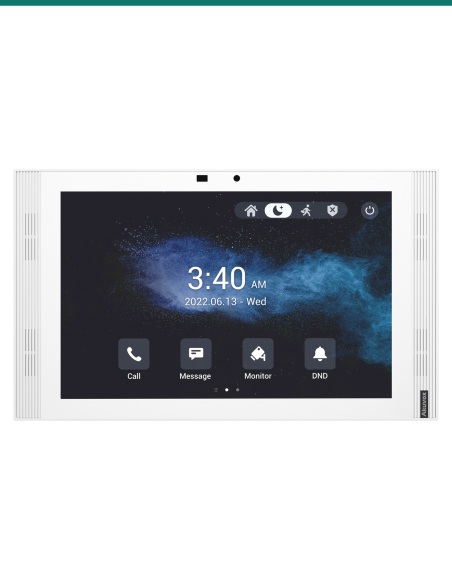
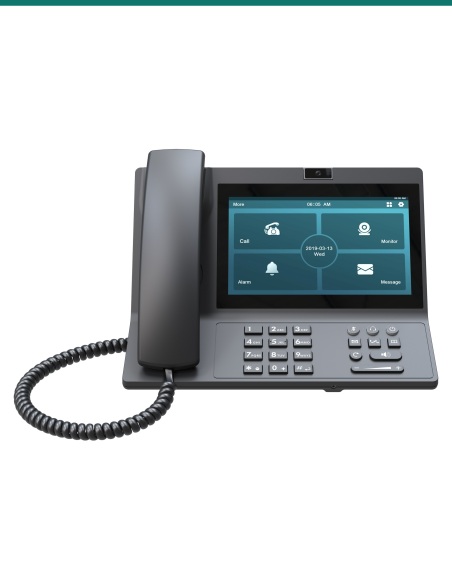
Akuvox 15.6" Android indoor SIP monitor with Wi-Fi and camera HDMI input — AK-X937A

Akuvox 15.6" Android indoor SIP monitor with Wi-Fi and camera HDMI input — AK-X937A

AK-X937A
In Stock - Ready to Ship
$ 2,267.71
inc-GST

15.6" ANDROID INDOOR SIP MONITOR WITH WI-FI AND CAMERA HDMI INPUT

Akuvox X937A — SIP video intercom / access hardware.

  • Akuvox X937A OEM model
  • SIP-compatible residential & commercial use
  • Australian stock — Infront Technologies

 
Akuvox Indoor SIP Monitor

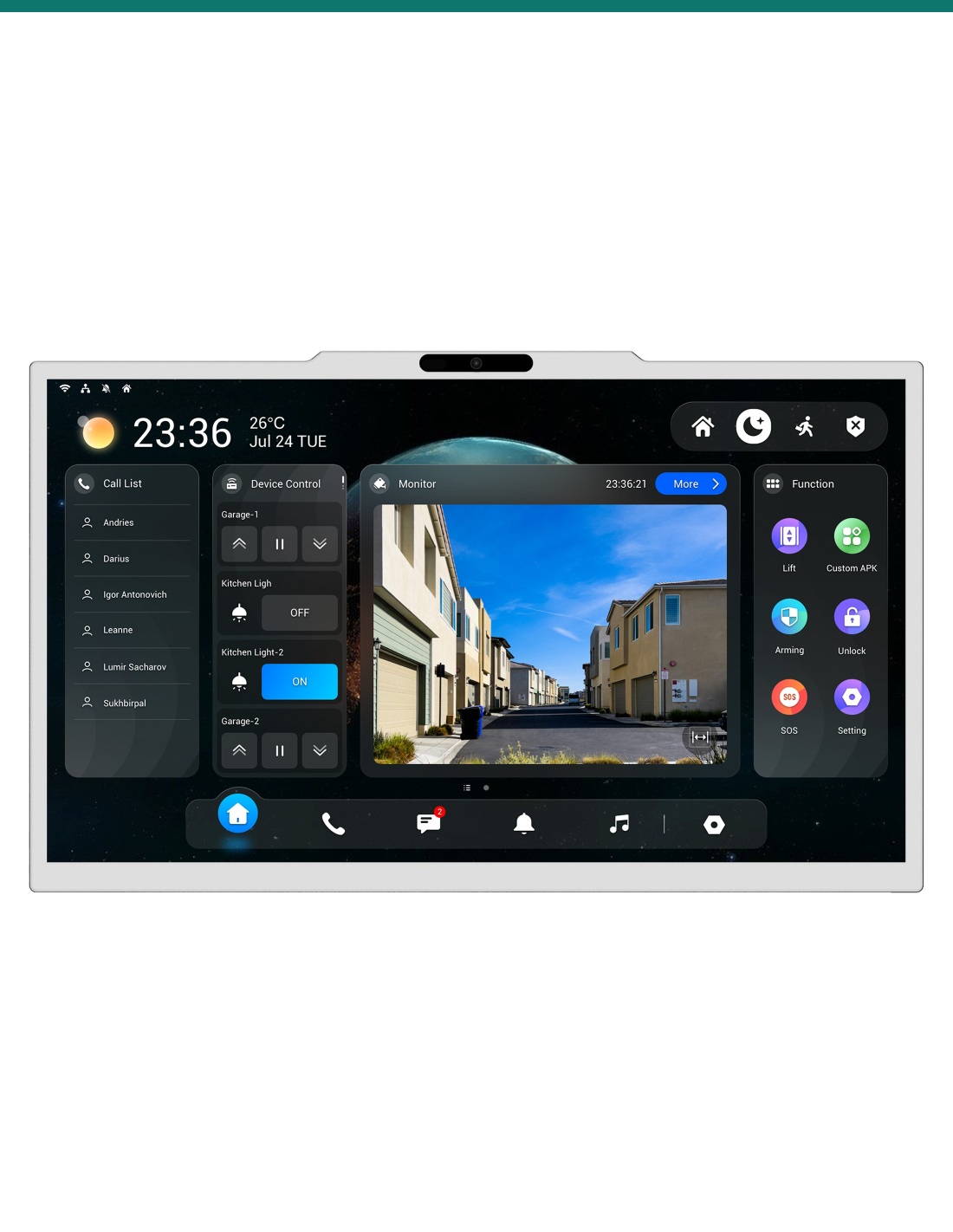
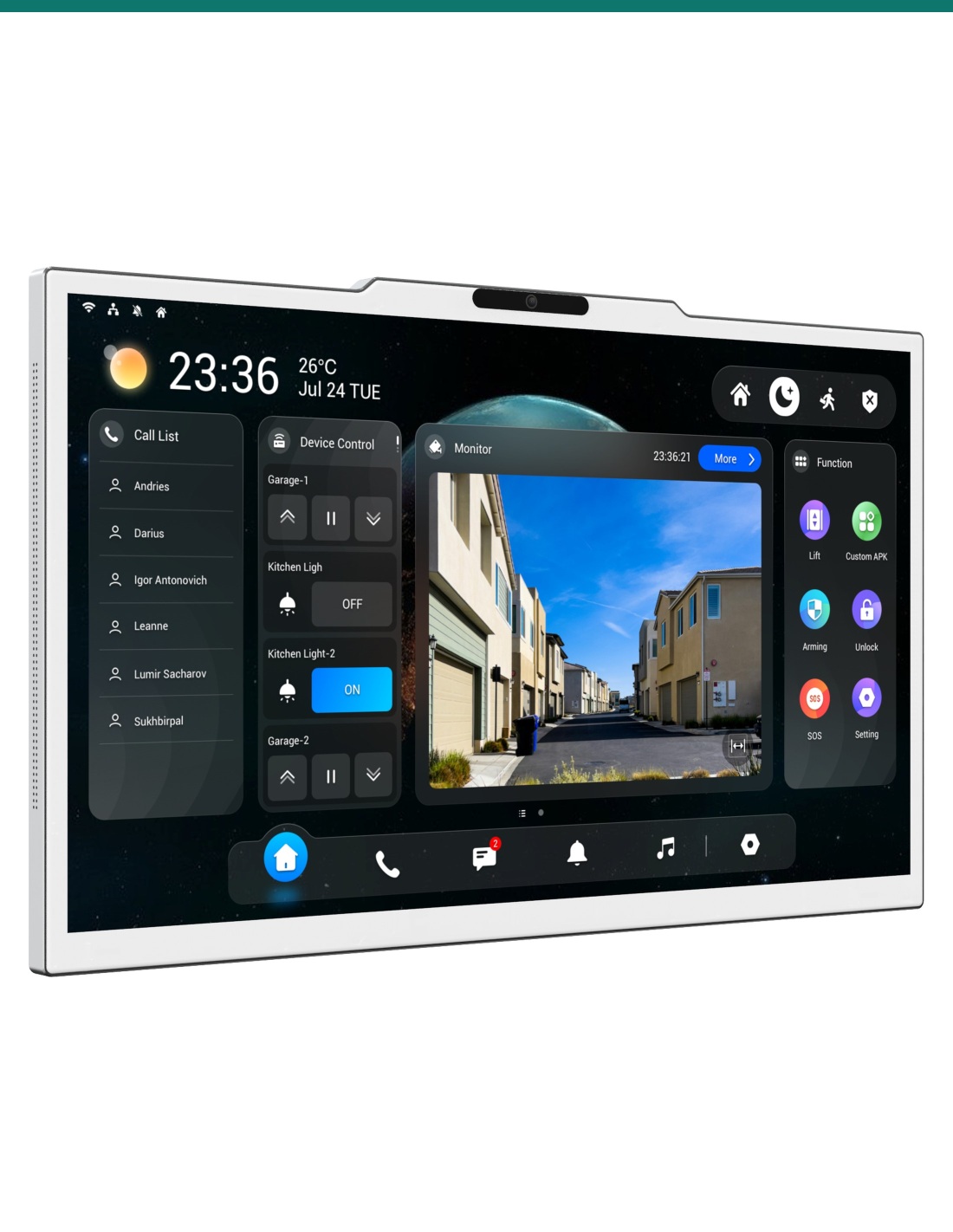
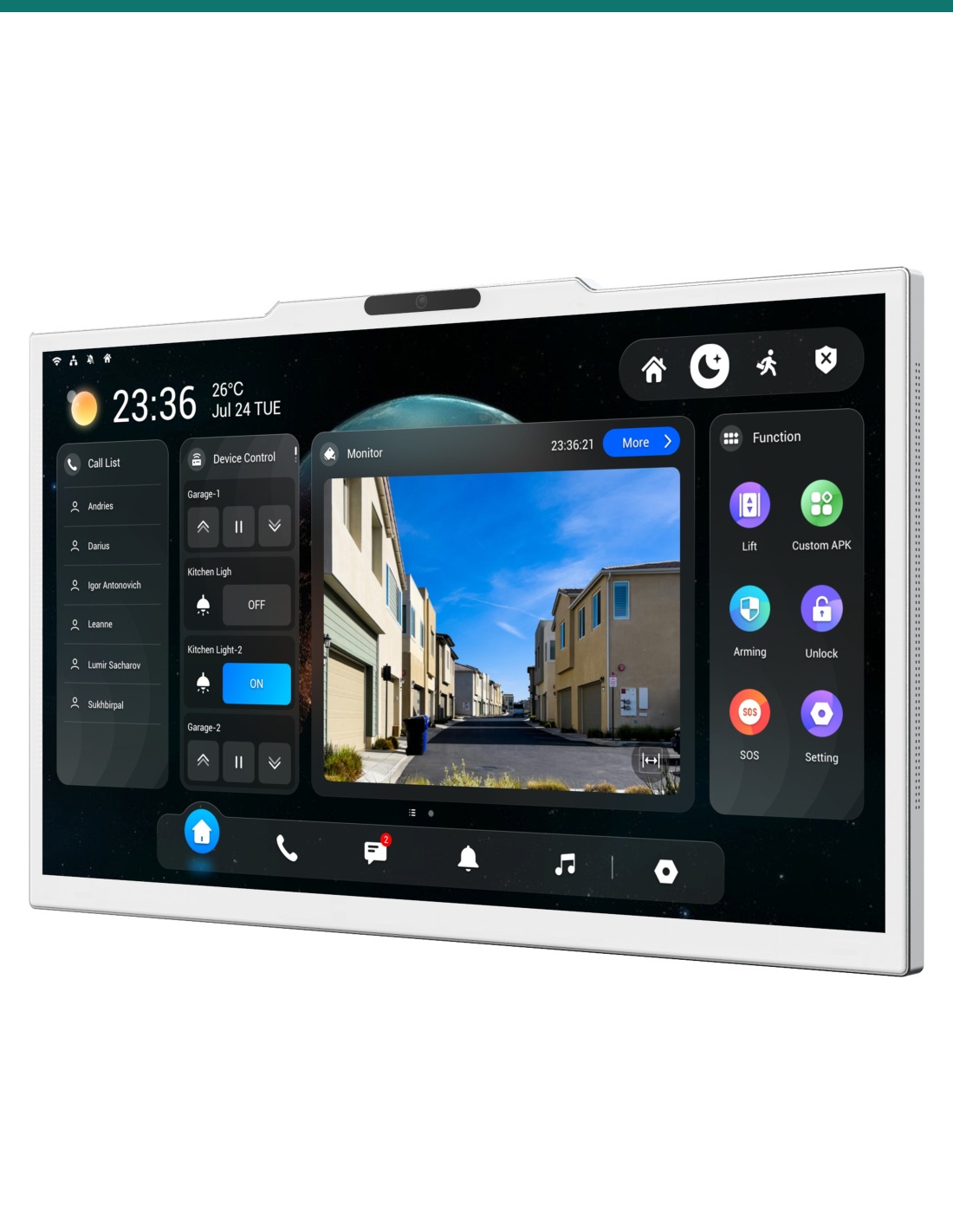
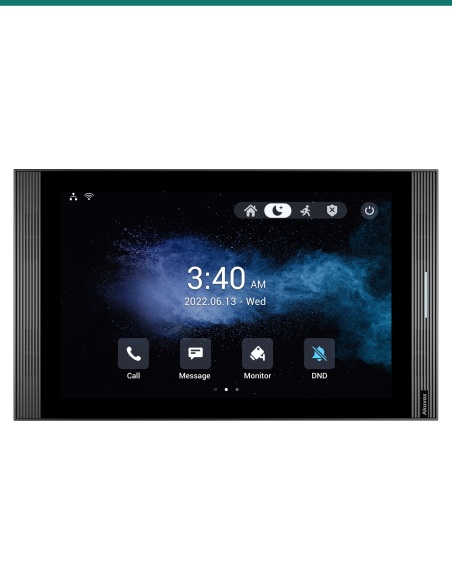
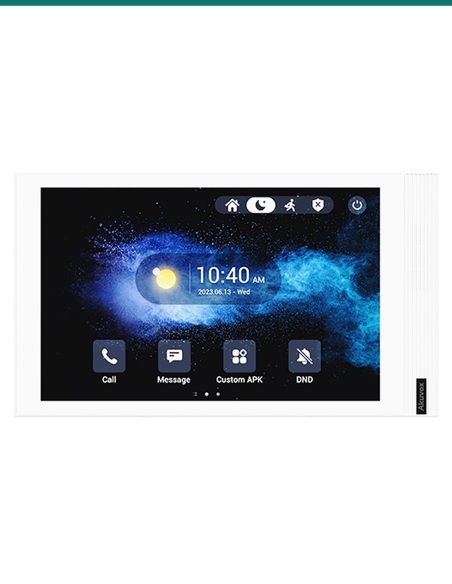
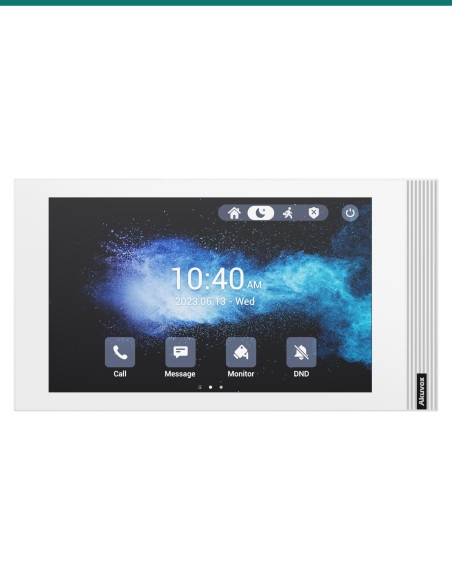
Akuvox AK-X937A 15.6" Android Indoor Monitor
Wi-Fi connectivity with HDMI camera input

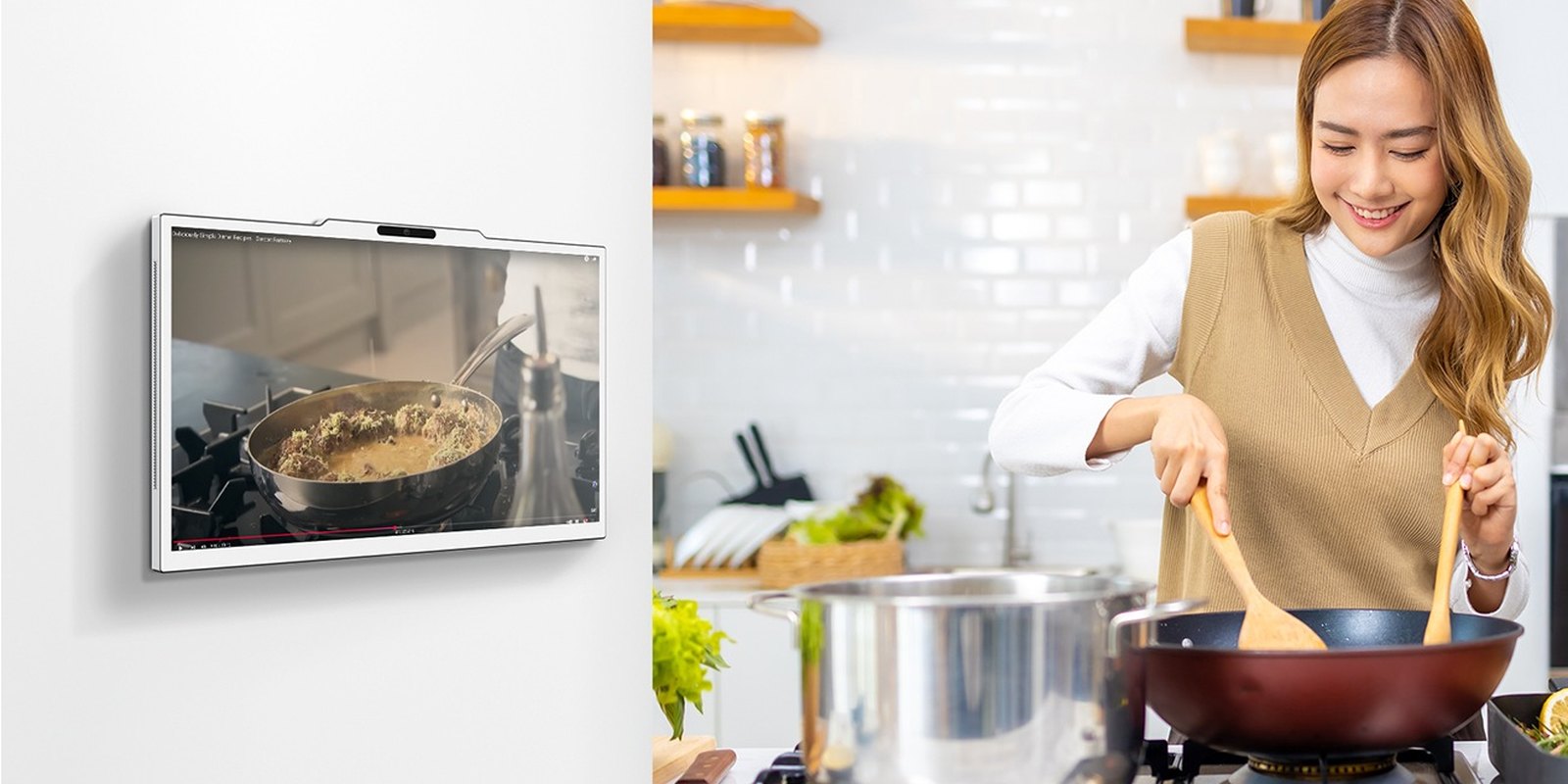
The Akuvox AK-X937A is a large-format indoor intercom monitor designed for SIP-based apartment, office, and gated-entry deployments where operators or occupants need a bigger touchscreen surface, app-driven Android workflow, and local wireless network connectivity. Its 15.6-inch display suits reception desks, luxury residential interiors, common-area concierge points, and room-control positions where visibility and touch accuracy matter.

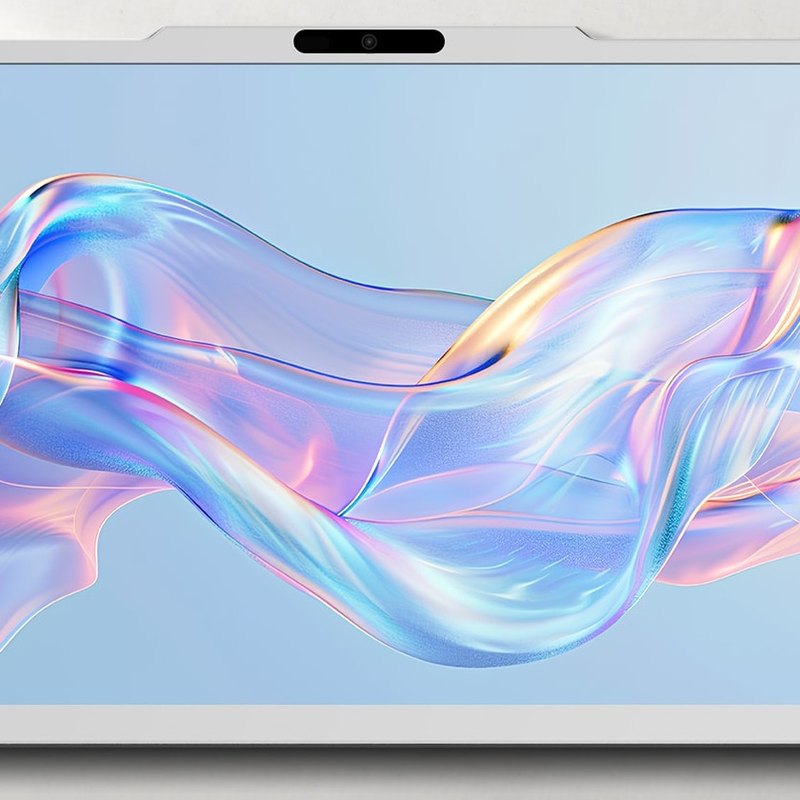
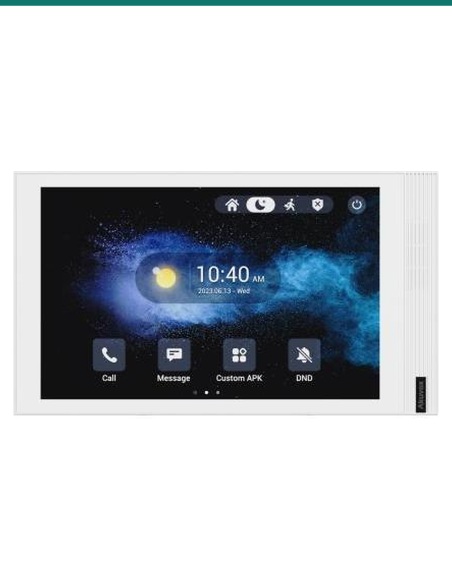
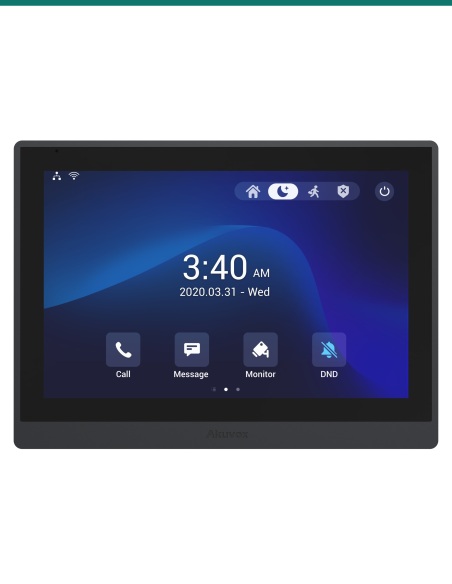
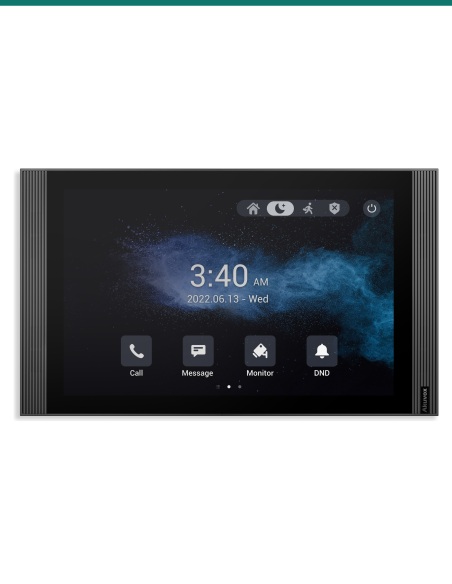
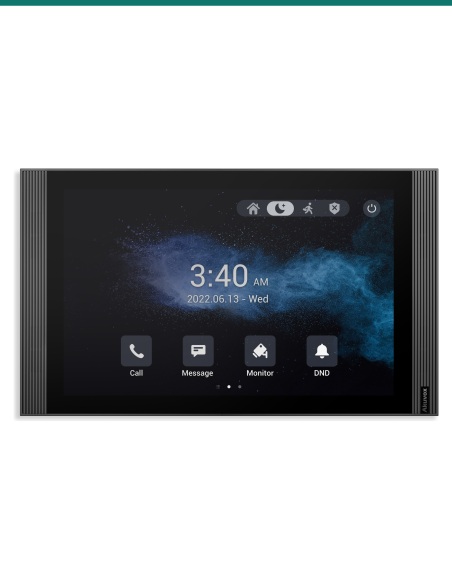
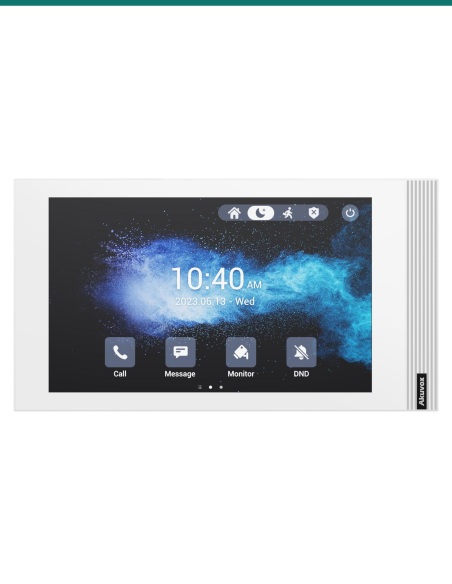
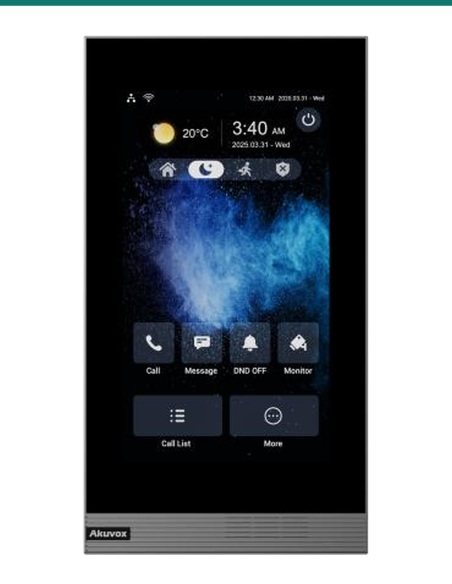
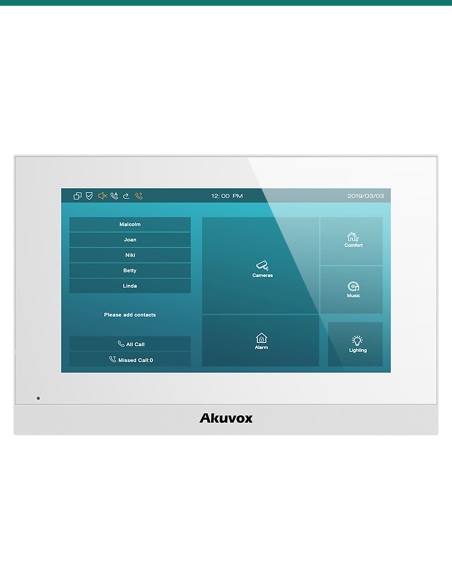
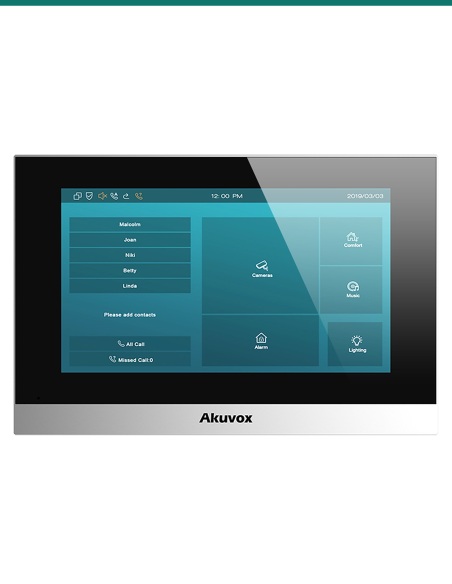
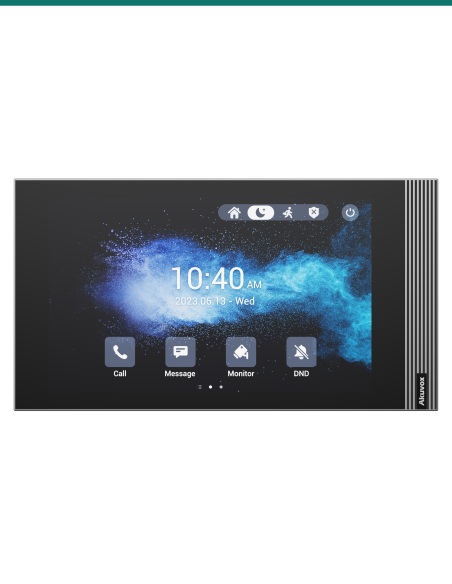
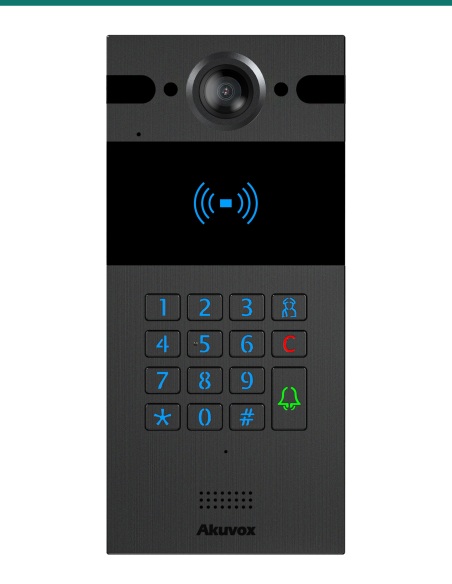
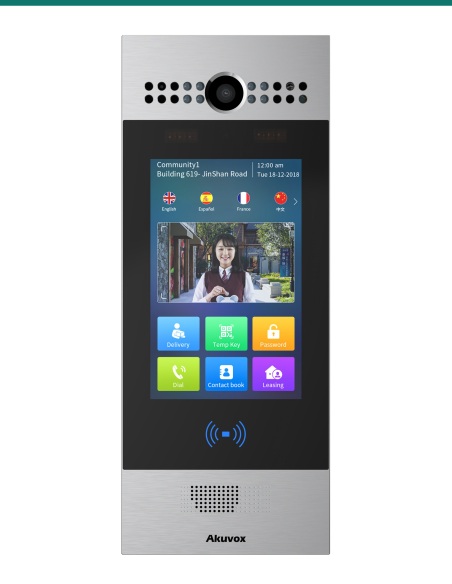
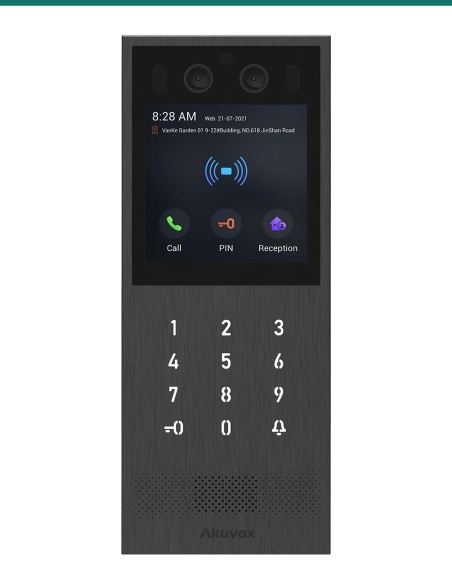
Product shot may differ from supplied regional variant or firmware presentation.

A large-screen indoor endpoint for SIP door entry and room-side control

For projects that need more than a compact wall station, the AK-X937A gives installers a 15.6-inch Android-based interface for intercom answering, internal SIP communication, camera viewing via HDMI input, and touchscreen interaction in a format that is easier to read across a room. This is particularly relevant in premium homes, serviced apartments, medical consult rooms, meeting suites, and building management spaces where the monitor may act as both a communication endpoint and an information display.

Infront Technologies Australia supports specification-driven deployments with practical product guidance for SIP intercom ecosystems, helping integrators match indoor monitors to compatible door stations, network topology, mounting considerations, and user workflow expectations before installation begins.

15.6
inch touchscreen format for high-visibility indoor use
SIP
IP intercom architecture for door entry and room communication
Wi-Fi
built in for flexible network placement where cabling options vary
HDMI
input available for external camera or video source display
Clarity · 01

Large-screen operation where small indoor stations are not enough

The defining characteristic here is the 15.6-inch touchscreen. In practical installation terms, that means larger on-screen call controls, clearer visitor preview visibility, more comfortable operation for users at distance, and a stronger fit for concierge-style or shared-space use than compact 7-inch class monitors. For accessibility, wayfinding, or multi-user residential environments, a bigger touch interface can materially reduce operator error and improve response speed.

Because the unit is positioned as an indoor monitor rather than a general-purpose tablet, the focus remains on SIP communication and entry workflow. It is intended to serve as a fixed endpoint within a structured intercom deployment, giving users a dedicated screen for answering calls, monitoring entry points, and interacting with room-side functions without handing those tasks off exclusively to mobile devices.

Control · 02

Android platform flexibility with SIP workflow at the core

The Android operating environment broadens the device beyond a single-purpose handset-style station. For integrators already standardising on Akuvox ecosystems or app-aware room interfaces, Android can support a more intuitive graphical experience and a richer service layer than legacy button-driven indoor monitors. In a deployment context, that matters when the indoor endpoint must present communication, monitoring, and interface functions in one screen-led device.

SIP remains the key technical anchor. Using SIP-based intercom architecture helps align the monitor with IP door stations, internal calling structures, and broader VoIP-aware environments. For mixed residential and commercial projects, this is useful where the indoor monitor has to coexist with other SIP-capable endpoints, building communication systems, or centralised intercom management platforms.

Android
touch-first operating environment for modern indoor user interaction
IP
network-based deployment for structured intercom installations
Touch
direct-screen call handling, monitoring, and navigation workflow
Wi-Fi
supports installations where fixed data cabling may be constrained
1
HDMI camera input for local video presentation from a compatible source
Wall
indoor monitor format suited to fixed room or apartment placement
SIP
door entry communications over IP infrastructure
Integration · 03

Wireless placement options plus direct HDMI video input

Built-in Wi-Fi gives the AK-X937A useful flexibility in retrofit and design-led interiors where hardwired network points may not exist at the preferred wall position. Installers should still assess RF conditions, VLAN policy, roaming behaviour, power availability, and intercom traffic reliability, but native wireless capability can simplify positioning in apartments, reception upgrades, and finished spaces where additional cabling would be costly or visually intrusive.

The HDMI camera input is an important differentiator for projects that need a local video feed presented on the indoor display. That can be useful for viewing a dedicated entrance camera, a surveillance source, or another compatible HDMI-output device alongside the core intercom role. For integrators, it expands the monitor from a call-answer station into a more capable room-side viewing point, especially in front-of-house or high-end residential monitoring scenarios.

How it works in a SIP entry deployment

The AK-X937A operates as the indoor touchpoint for networked door entry, internal communication, and room-side video presentation.

01

Connect to the IP network

The indoor monitor joins the site network using the available connection method, with Wi-Fi offering flexibility where network cabling is limited or aesthetics are critical.

02

Register within the SIP system

The unit is configured as an indoor endpoint so it can receive calls from compatible Akuvox or SIP-connected door stations and internal intercom destinations.

03

Use the touchscreen to answer and manage calls

Visitors, internal calls, and interface prompts are handled on the 15.6-inch display, giving users clear call controls and easier visual confirmation.

04

Display an external video source via HDMI

Where required, the HDMI input allows a compatible camera feed or video source to be shown locally, extending the monitor’s role beyond intercom-only use.

At a glance

Verified product details for quoting, comparison, and preliminary system design.

BrandAkuvox
ModelAK-X937A
Product typeIndoor SIP monitor
Display size15.6-inch touchscreen
Operating systemAndroid
Communication protocolSIP
Wireless networkingBuilt-in Wi-Fi
Video inputHDMI camera input
Form factorIndoor monitor format
ApplicationDoor entry, room control, internal communication
ReferenceAK-X937A

Jargon, decoded

Key terms installers and specifiers commonly encounter when planning IP intercom and indoor monitor deployments.

SIP
Session Initiation Protocol, the signalling standard widely used for IP voice and intercom call setup between compatible endpoints.
Indoor Monitor
A fixed indoor station with screen, audio, and control functions used to answer door calls and manage entry-related actions.
Android OS
A touchscreen operating platform that can support a modern graphical interface and broader application-layer capability than basic firmware-only stations.
Wi-Fi
Wireless LAN connectivity used where Ethernet runs are difficult, though installers must still validate coverage, latency, and network policy.
HDMI Input
A digital video input allowing a compatible external video source to be displayed on the indoor monitor screen.
Touchscreen UI
The on-screen interface layer users interact with for call answering, menu navigation, and control functions.
Door Station
The external entry device at a gate, lobby, or door that initiates calls to indoor monitors over the network.
Endpoint Registration
The process of enrolling the indoor monitor with a SIP server or compatible intercom platform so it can place and receive calls.
IP Network
The local data infrastructure carrying signalling, audio, video, and management traffic between intercom devices.
Room Control
A broad term for using an indoor panel as a local interaction point for selected space functions alongside intercom operation.

Dimensions

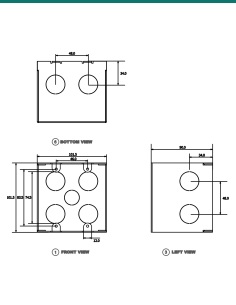
Exact physical dimensions were not supplied in the verified source context for this listing.

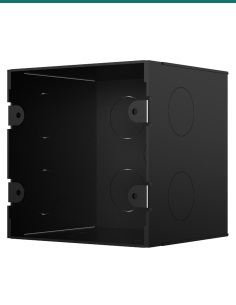
For fit-off planning, allow for a large-format 15.6-inch indoor screen footprint, appropriate viewing height, cable or power service access, Wi-Fi performance at the mounting location, and sufficient clearance for touch operation in residential or commercial wall positions.

Recommended pairings

Typical categories to consider when specifying the AK-X937A into a complete intercom solution.

Entry

Akuvox SIP door stations

Pair with compatible Akuvox entry panels for apartment, villa, gate, or office reception door calling.

Network

Managed switching and VLAN-ready LAN

Best suited to structured IP environments where SIP devices, security hardware, and wireless services can be segmented and managed properly.

Video

Compatible HDMI video source

Useful where the installation requires an external camera or video feed to be presented directly on the indoor screen.

Power & Mounting

Appropriate wall location and power provision

Confirm mounting height, cable path, power method, and user reach so the large screen remains practical for everyday call handling.

FAQ

Is the AK-X937A just a monitor, or can it work within an intercom system?

It is an indoor SIP monitor intended for use within a SIP-based intercom environment, not merely a passive display. Its role is to receive and manage door-entry and internal communication events through a touchscreen interface.

What does the 15.6-inch screen size change in practice?

A larger display improves visibility of visitor video, enlarges touch targets, and better suits concierge desks, shared areas, luxury homes, or rooms where users interact from slightly farther away.

Can it connect via Wi-Fi?

Yes. Built-in Wi-Fi is one of the verified features. That said, installers should still assess coverage quality, interference, site policy, and whether a wired network path is preferred for critical communications.

What is the HDMI input used for?

The HDMI camera input allows the monitor to display a compatible external video source locally. This can be valuable where a dedicated camera view or another HDMI-output feed needs to be shown on the indoor panel.

Does Android mean it behaves like a consumer tablet?

Not exactly. While Android provides a more flexible software environment and modern interface layer, the product is still positioned as a fixed indoor monitor for intercom and room-side operational tasks.

Where is this model best deployed?

It is well suited to premium residential projects, apartment common areas, office reception points, meeting spaces, and any SIP intercom site that benefits from a large touch display and optional local video input.

Confirm network design, power method, mounting conditions, and compatibility with the intended SIP platform and HDMI source before installation. Final functionality may depend on firmware version, site configuration, and the broader intercom ecosystem.

AI
We will add a note at the bottom of the message form to inform you that you can email us at [email protected] to raise objections at any time.
Cat
We will add a note at the bottom of the message form to inform you that you can email us at [email protected] to submit a request to modify/withdraw your consent at any time.
Signal-to-Noise Ratio
You have the right to know the situation of your business contact information that we collect and the way we process it.
Provide
We will provide specific data information and processing methods in the form of data records.
Access
We will add a note at the bottom of the message form to inform you that you can email us at [email protected] to submit requests for access/correction and/or erasure at any time.
INFRONTTECH Promotional BannerINFRONTTECH Promotional Banner

Do you need help?

We understand that the world of CCTV can be overwhelming and very confusing

Call us for a chat today.

Available Mon-Fri 9-5PM

Product added to wishlist