Your cart
There are no more items in your cart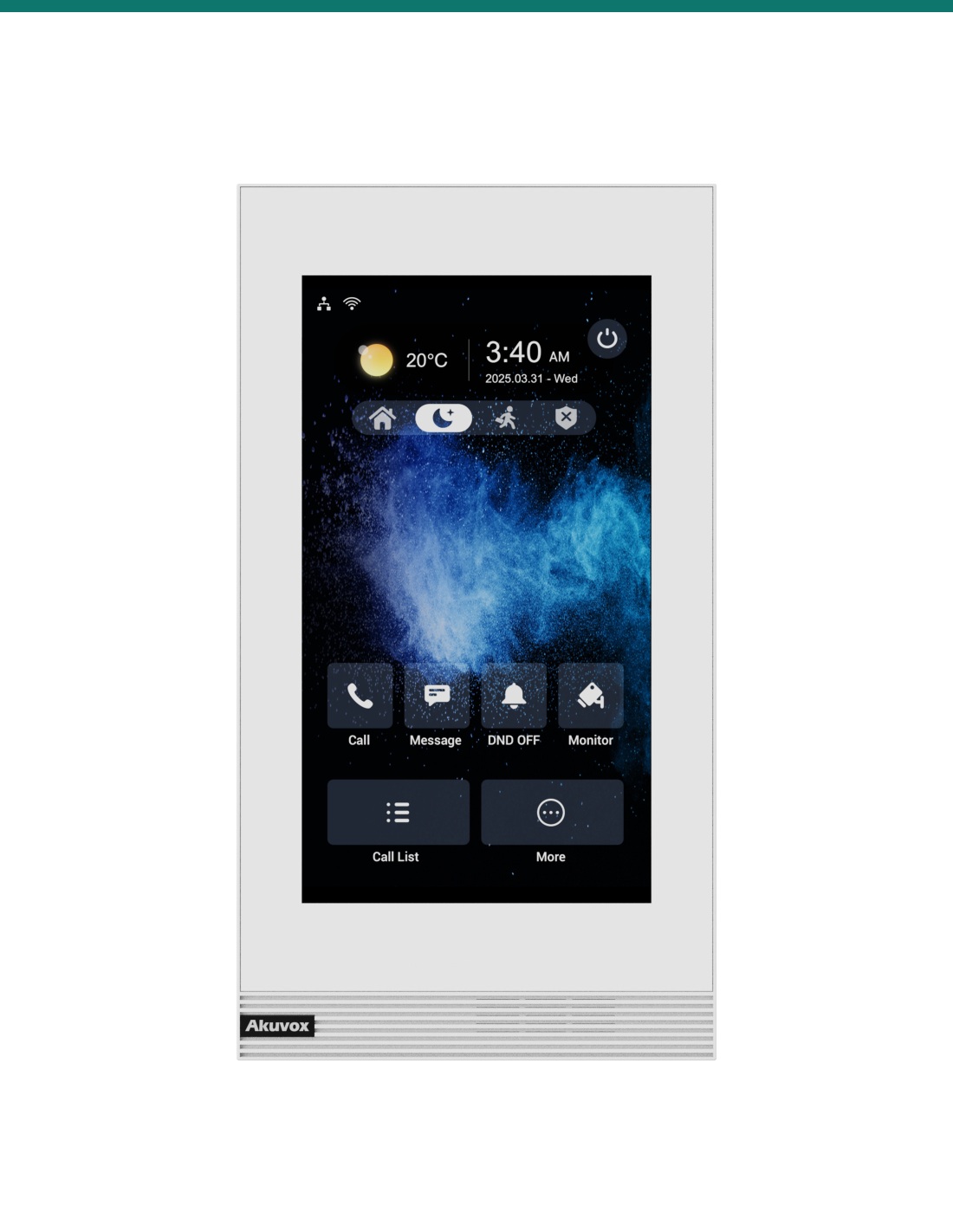




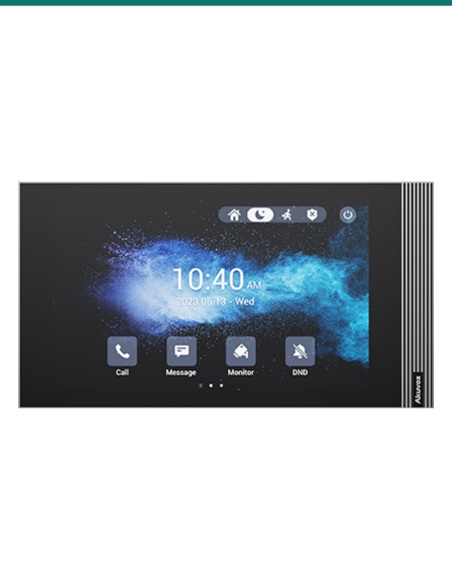
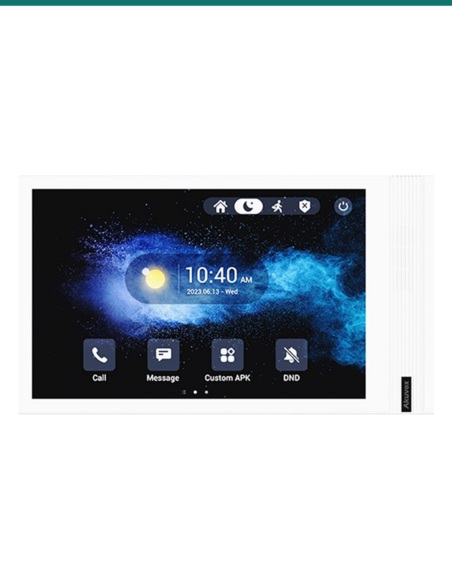
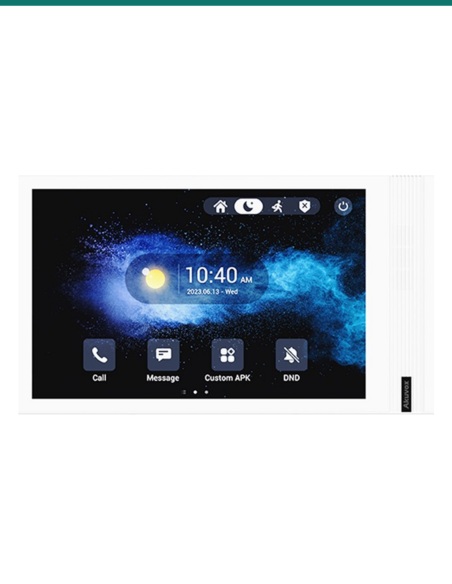
7" SIP INDOOR MONITOR IN WHITE LINUX VERSION VERTICAL
Akuvox S562-V-WHITE — SIP video intercom / access hardware.
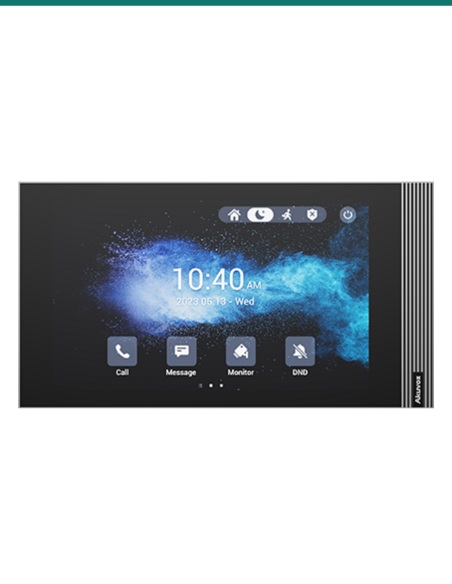
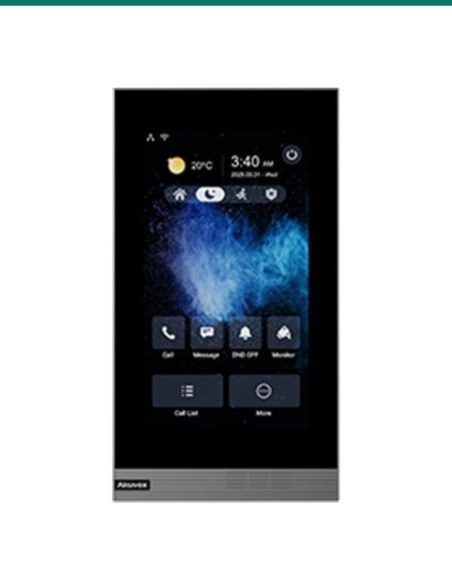
The Akuvox AK-S562-V-WHITE is a slim indoor intercom monitor designed for SIP-based door communication where a portrait-format screen is preferred. It combines a 7-inch display, Linux operating system and white finish in a format suited to apartments, offices, medical rooms, education spaces and light-commercial reception points that need reliable internal answering without the overhead of a more app-centric Android platform.
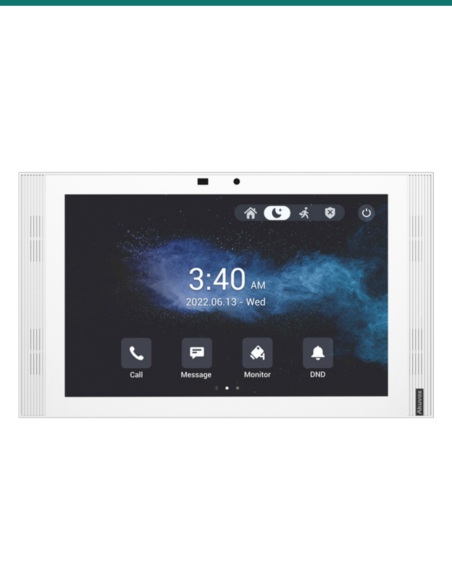
Product shot may differ from supplied regional version or firmware presentation.
For installers deploying IP intercom systems, the key requirement is straightforward: fast answering, clear identification of visitors, practical on-wall placement and dependable SIP interoperability. The AK-S562-V-WHITE addresses that brief with a 7-inch touch display in a vertical layout that suits narrow wall spaces near doorways, cabinetry runs and apartment entries where a landscape monitor can feel oversized. Linux-based operation also appeals to projects that prioritise appliance-like behaviour, stable call handling and consistent day-to-day user interaction.
Infront Technologies Australia supports security, intercom and structured cabling integrators with supply focused on real installation outcomes. For SIP-based apartment, office and gated-entry jobs, selecting an indoor monitor is not just about screen size; it is about fit, workflow, mounting orientation, network compatibility and keeping the user experience simple once handover is complete.
A 7-inch indoor monitor sits in the sweet spot for modern intercom jobs: large enough to identify callers and operate on-screen controls, but still compact enough for apartment entries, aged-care rooms, office suites and private consult spaces. In this model, the vertical format is the key design difference. Portrait mounting is often easier beside entry doors, light-switch banks or slim hallway sections, and it can produce a cleaner visual outcome in architectural interiors where horizontal wall hardware is undesirable.
Because the unit is SIP-based, it is suited to ecosystems that need consistent signalling between door stations, indoor monitors and supporting PBX or intercom infrastructure. For the installer, that means easier alignment with IP voice design principles, cleaner expansion paths and better compatibility planning across multi-tenant and business environments where standardised communications architecture matters.
On intercom projects, not every site needs the broader app framework associated with Android indoor panels. A Linux indoor monitor is often selected where the objective is a focused intercom appliance: answer the call, view the visitor, communicate clearly and trigger configured access actions with minimal user confusion. This can be especially useful for residential towers, boutique developments, managed facilities and office environments where straightforward operation and controlled feature scope are more important than open-platform customisation.
The white finish also matters in fit-out terms. White indoor stations tend to disappear more neatly into painted plasterboard, joinery-adjacent installs and healthcare or education interiors where black hardware can draw unnecessary attention. For builders and integrators working to a finished design brief, the combination of white casing and portrait proportions can reduce visual bulk without sacrificing day-to-day functionality.
An indoor monitor like the AK-S562-V-WHITE is typically positioned as the user-facing endpoint in a wider building entry system. It allows occupants or staff to receive calls from a door station, verify the visitor on screen and communicate before granting entry according to the system configuration. In multi-dwelling or mixed-use projects, the consistency of SIP architecture can simplify deployment logic across indoor endpoints, concierge points and associated network services.
For Australian installers, practical project questions usually include mounting orientation, wall aesthetics, user training burden and whether the panel is matched to a dedicated intercom task rather than a broad smart-home brief. This model aligns strongly with those criteria: it is recognisably an intercom station first, uses a compact vertical profile and delivers the screen real estate needed for day-to-day operation without introducing unnecessary complexity into the handover stage.
The indoor monitor acts as the occupant-facing endpoint between the entry panel and the building network, giving users a clear workflow from incoming call to access decision.
A compatible SIP door station calls the assigned indoor monitor when the visitor selects the tenant, room or station destination.
The user receives the incoming call at the indoor station, views the visitor feed and answers using the touch interface.
The occupant speaks with the caller and makes an access decision based on the live audio-video interaction and configured system logic.
Where the overall system supports it, the occupant can release a connected door or gate relay from the indoor monitor interface.
Verified product details drawn from the supplied product context. Where a specification is not confirmed, it is intentionally not stated as fact.
Common intercom and IP access terms relevant to selecting and installing an indoor monitor.
Exact physical dimensions were not supplied in the verified source context, so they are not reproduced here. For fit-off planning, what is confirmed is the vertical installation format, which is particularly useful when allocating space between trims, switch plates, architraves or narrow return walls.
If you require cut-over measurements, rough-in planning or wall placement advice for a live project, confirm the final manufacturer dimensional drawing before first-fix or cabinetry completion.
Typical categories this indoor monitor is paired with in a complete IP intercom deployment.
Used at the building or tenancy entrance to place calls through to the S562-V indoor endpoint.
Supports the wider IP intercom environment, VLAN segmentation and device connectivity as required by system design.
Connected through the overall access design so authorised users can release an entry point from the indoor station workflow.
Cat-rated data cabling, patch leads and correctly planned outlet locations remain central to a clean indoor monitor installation.
For intercom, access control and low-voltage installations, confirm compatibility, power requirements, network design, door hardware interface and local compliance obligations before deployment. Final commissioning should be completed by suitably qualified technicians.
17 related items