Swann Antenna — USB Wi-Fi for DVR & NVR
Model SWACC-USBWIFI-GL · 2.4GHz USB Wi-Fi antenna
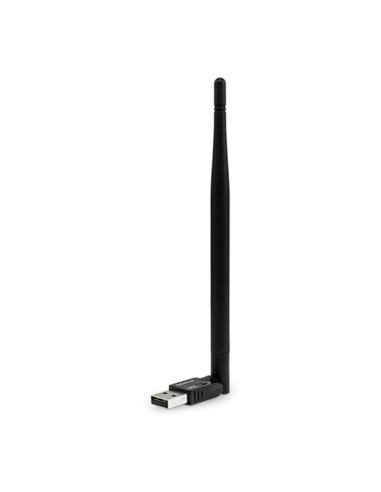
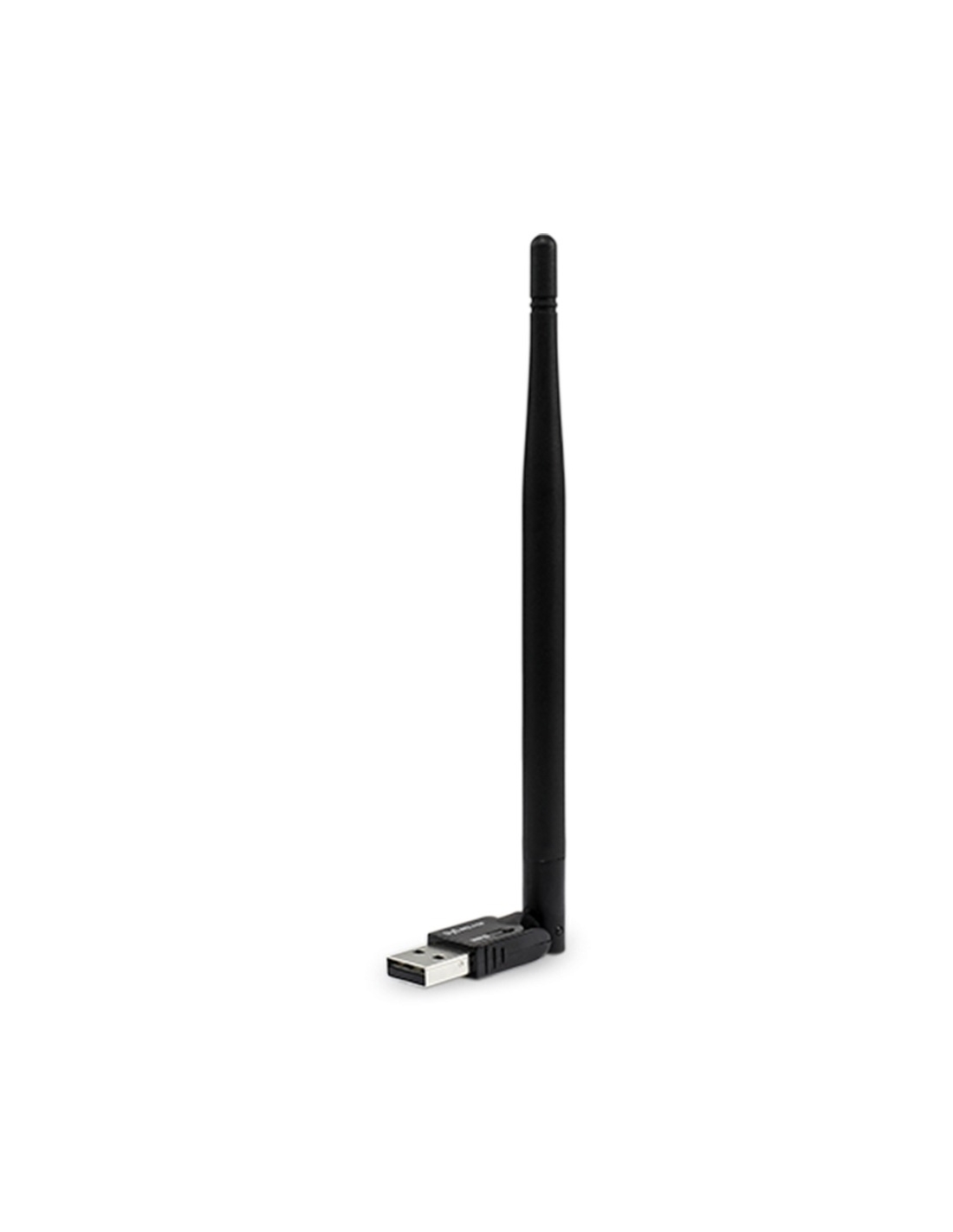
The SWACC-USBWIFI Swann antenna plugs into a free USB port and puts your DVR or NVR on the home or business 2.4GHz Wi-Fi network. Hide the box, skip the Ethernet run, and keep the Swann app working.
SWACC-USBWIFI
Genuine Swann USB antenna
No Cables
Wireless internet to the recorder
Plug & Play
USB port on the DVR / NVR
2.4GHz
The band these recorders use
Why this Swann antenna
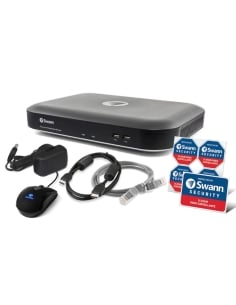
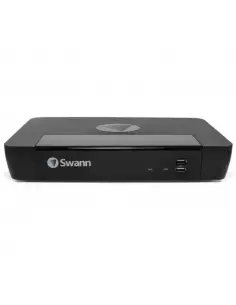
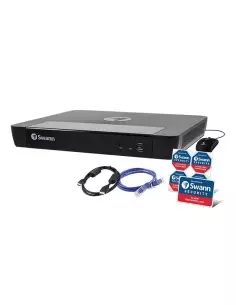
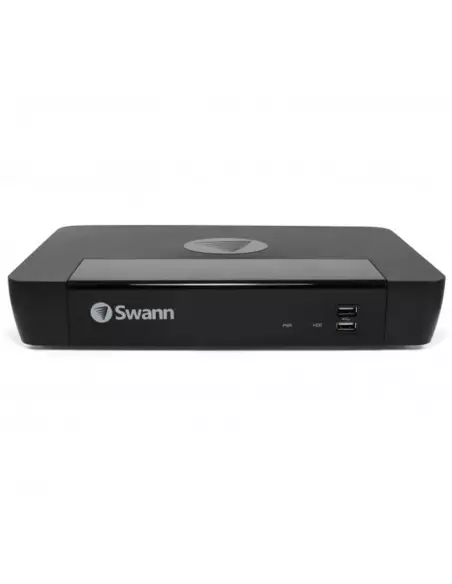
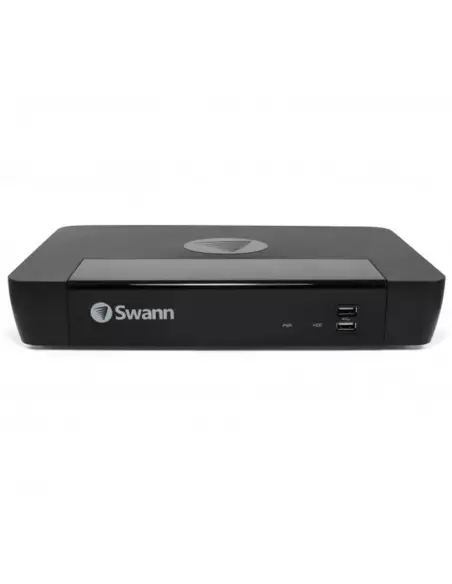
Most Swann systems in Australian homes and shops are wired DVR-4480 / 4580 / 4680 / 5580 / 5680 and NVR-8580 / 8780 class recorders. Those units use this SWACC-USBWIFI USB antenna. If your recorder is in the table below, this is the correct part.
How it connects
Your DVR/NVR already supports the Swann Security app — it normally needs an Ethernet cable to the router. This antenna replaces that cable. Plug it into a USB port, open Network Settings, choose Wi-Fi, and join your 2.4GHz network. Firmware should be V8 or newer.
Key features
Cable-free setup
Replaces the Ethernet cable between router and recorder. No ceiling run required.
Hide the recorder
Place the DVR/NVR anywhere in 2.4GHz Wi-Fi range — cupboard, study, or out of sight.
Genuine Swann USB antenna
Made for Swann recorders. Generic USB Wi-Fi dongles are not supported.
Jaycar Concord NVR
Also used as the USB Wi-Fi antenna on compatible Jaycar Concord NVRs.
Set up in under a minute
- Power down the Swann DVR or NVR if your model needs it.
- Plug the antenna into a free USB port (front or back).
- Power up — wait a few seconds for the recorder to detect it.
- Open Network Settings and switch from Wired to Wi-Fi.
- Select your 2.4GHz network, enter the password, Apply.
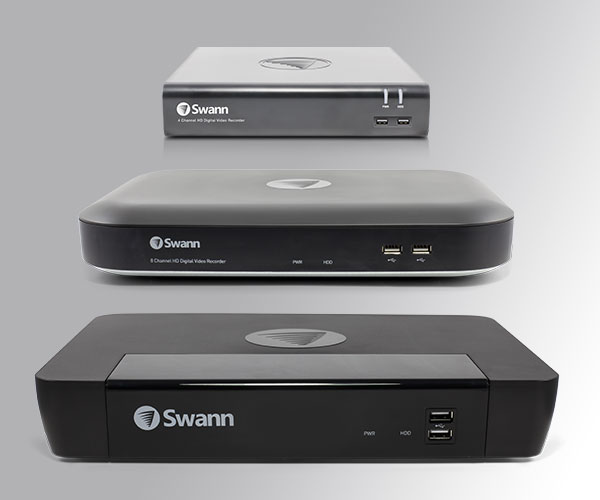
Plug SWACC-USBWIFI into a USB port on the front or back of a compatible Swann DVR or NVR.
Compatible Swann recorders
This SWACC-USBWIFI Swann antenna works with the wired DVR and NVR series below. Each series is typically 4 / 8 / 16 channel — all are supported when firmware is current (V8+).
| Series |
Description |
Channels |
| Wired DVRs — 1080p |
| DVR-4480 RN | 1080p Wired DVR (SD card storage) | 4 / 8 / 16 ch |
| DVR-4580 RN | 1080p Wired DVR (max 3MP) | 4 / 8 / 16 ch |
| Wired DVRs — 1080p / 2K |
| DVR-4880 RN | 1080p / 2K Wired DVR | 4 / 8 / 16 ch |
| DVR-4685 RN | 1080p / 2K Wired DVR (SD card storage) | 4 / 8 / 16 ch |
| DVR-4685 XU | 1080p / 2K Wired DVR (SD card storage) | 4 / 8 / 16 ch |
| DVR-4680 RN / RU | 1080p / 2K Wired DVR | 4 / 8 / 16 ch |
| Wired DVRs — up to 4K |
| DVR-4680 X / XN | Up to 4K Wired DVR | 4 / 8 / 16 ch |
| DVR-4680 XU | Up to 4K Wired DVR | 4 / 8 / 16 ch |
| DVR-5580 RN / RU | Up to 4K Wired DVR | 4 / 8 / 16 ch |
| DVR-5680 RN / RU | Up to 4K Wired DVR | 4 / 8 / 16 ch |
| DVR-5680 X / XN | Up to 4K Wired DVR | 4 / 8 / 16 ch |
| DVR-5680 XU | Up to 4K Wired DVR | 4 / 8 / 16 ch |
| Wired NVRs |
| NVR-ADVANX | AdvancedX 5MP / 4K Wired NVR | 4 / 8 / 16 ch |
| NVR-8580 RN / RU | Wired NVR (max 6K / 12MP) | 4 / 8 / 16 ch |
| NVR-8780 RN | Wired NVR (max 6K / 12MP) | 4 / 8 / 16 ch |
| NVR-8600 RU | Wired NVR (max 6K / 12MP) | 4 / 8 / 16 ch |
4, 8 and 16-channel variants of each series are supported. Update recorder firmware before install.
Swann makes a newer Version 2 antenna as well. That Version 2 does not work on every DVR and NVR. The product on this page is the standard SWACC-USBWIFI antenna. If your recorder is in the table above, this is the correct part — it is guaranteed to work on those models.
Swann antenna FAQ
Should I buy the Version 2 or this antenna?
Buy this antenna. SWACC-USBWIFI is the USB Wi-Fi antenna wired Swann DVR and NVR recorders actually use. It is a dedicated 2.4GHz stick that runs with the recorder’s network menu and the Swann app. Version 2 is not compatible with every DVR and NVR. If your recorder is in the table above, this is the correct part.
Will a generic USB Wi-Fi dongle work?
No. Swann recorders only accept the genuine Swann USB antenna.
Does it work on 5GHz-only Wi-Fi?
No. This antenna is 2.4GHz only — and that is a strength, not a limitation. 2.4GHz is the more reliable band for a DVR or NVR: it travels further and holds a stable link through walls, floors and cupboards. 5GHz is faster in the same room and drops off with distance. Most Australian dual-band routers still broadcast a 2.4GHz name; connect the recorder to that SSID.
How do I set it up?
Plug it into a USB port, open Network Settings, switch to Wi-Fi and join your 2.4GHz network. Firmware should be V8 or newer.
Which recorders is it for?
The wired Swann DVR and NVR series in the table above, plus compatible Jaycar Concord NVRs. It is not for Swann wireless NVR / SWNVW / MaxRanger hubs.
What’s in the box
- ✓ 1 × Swann USB Wi-Fi antenna (SWACC-USBWIFI-GL)
- ✓ Operating instructions
Perfect for
Family homes
Modem and recorder in different rooms — no cable through the ceiling.
Renters & apartments
No drilling. Take it with you when you move.
Hidden recorder
Wardrobe, study or cupboard — keep footage out of easy reach.
Small business
Recorder off the counter, still on the shop Wi-Fi.
Before you order
- Confirm your Swann recorder is in the table above.
- Your router must broadcast 2.4GHz.
- Check Wi-Fi signal at the planned recorder location.
- Update recorder firmware first (V8+).
Not sure if this fits your recorder? Send us the exact DVR or NVR model printed on the box or the underside sticker and we will confirm.
Sold & supported by InFront Technologies
Australian stock · Fast shipping · Interest-free options
Wireless performance depends on signal, distance, walls and interference. SWACC-USBWIFI is a 2.4GHz Swann USB antenna for wired DVR/NVR. It does not support 5GHz-only networks.