There are no more items in your cart
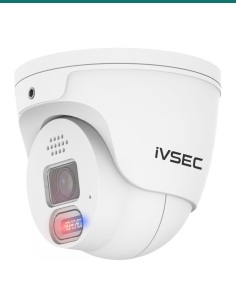
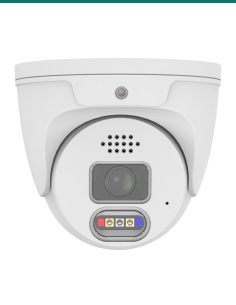
In Stock - Ready to Ship
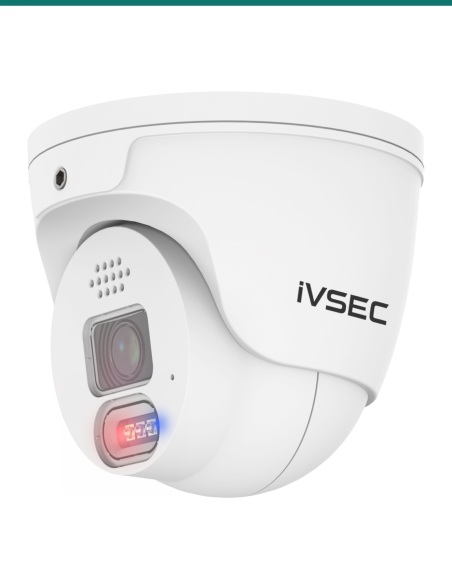
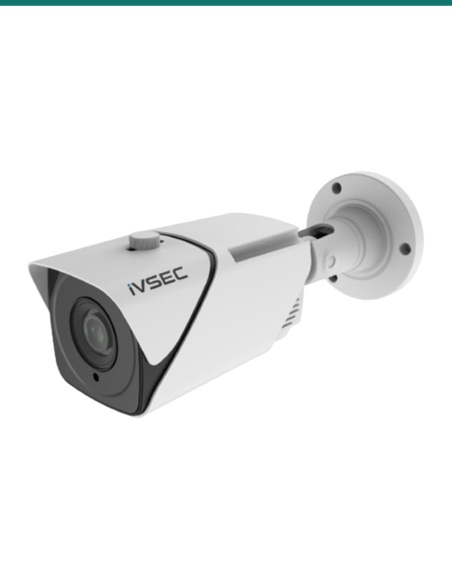
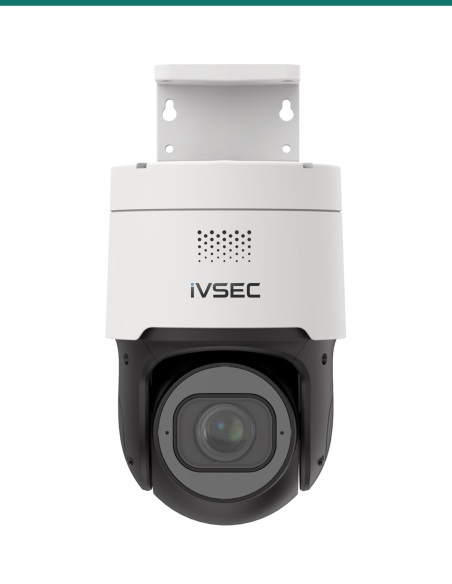
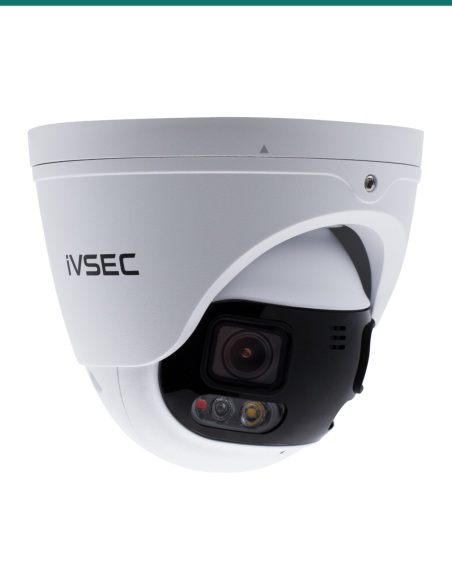
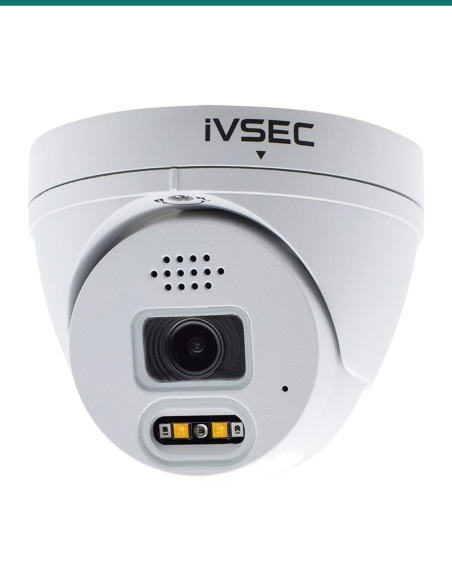
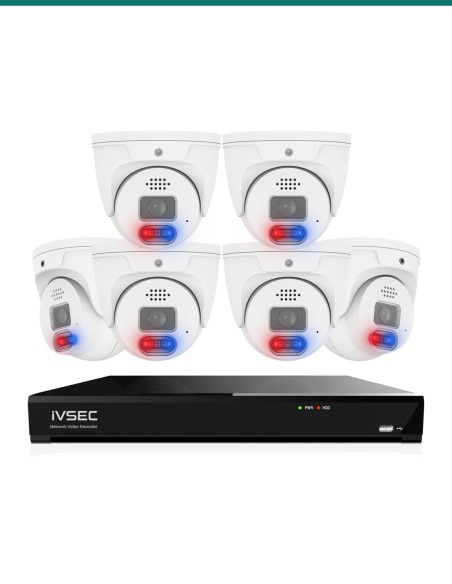
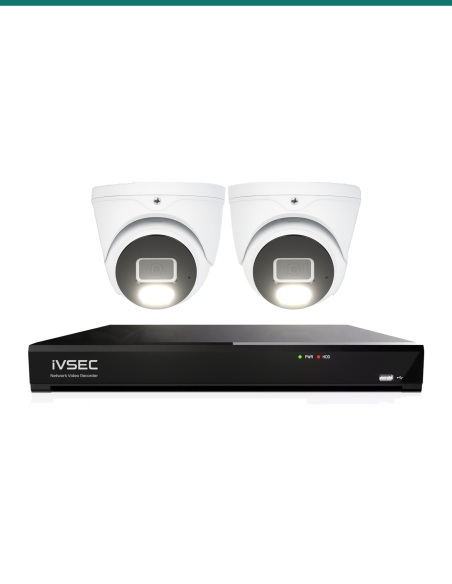
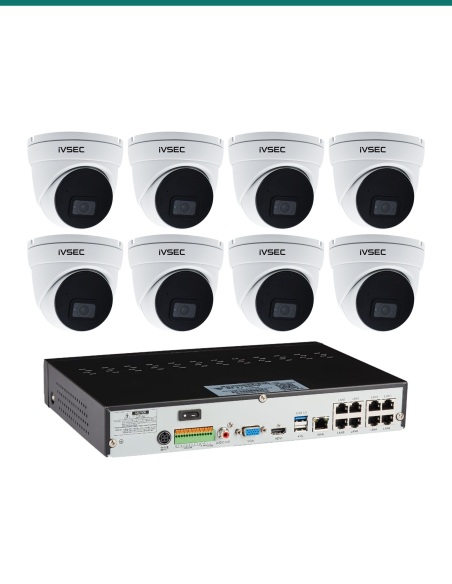
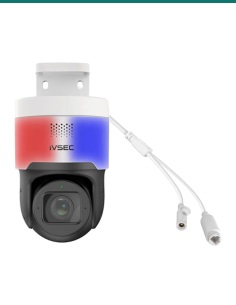
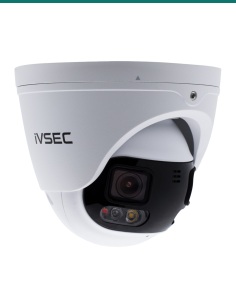
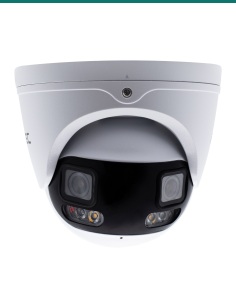
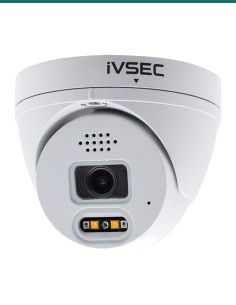
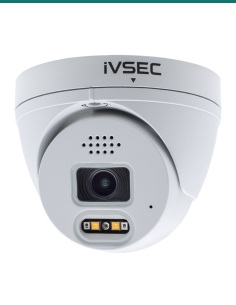
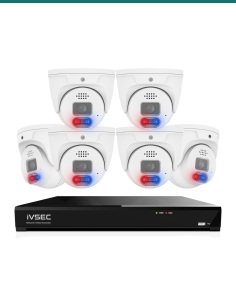
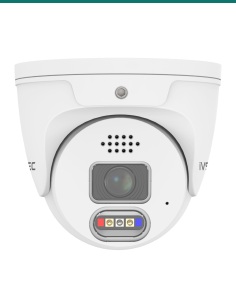
iVSEC 850 8MP AI IP Camera Series


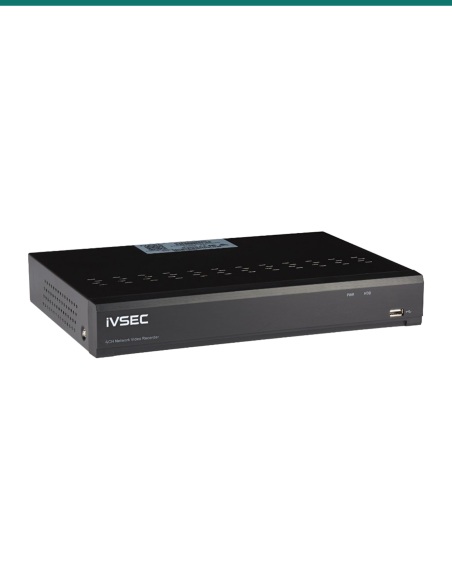
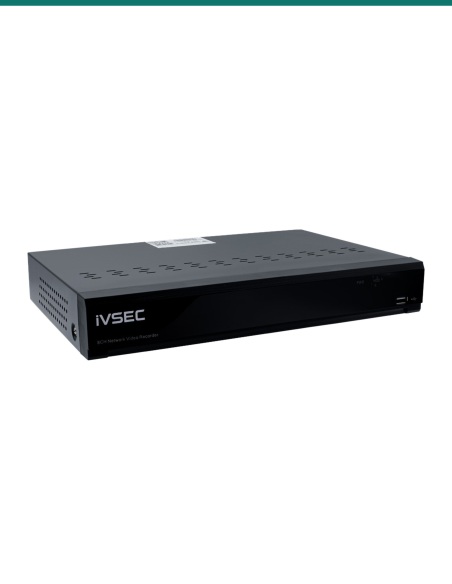
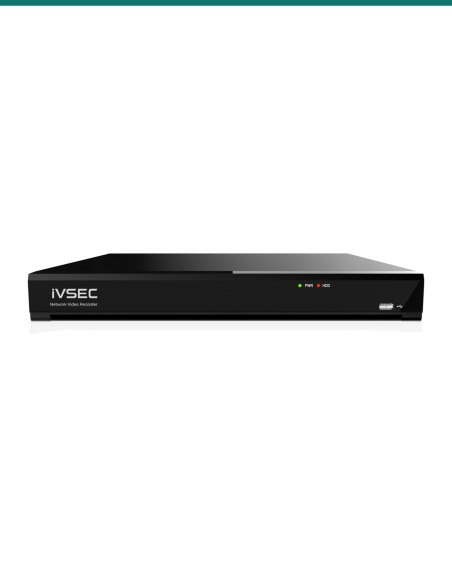
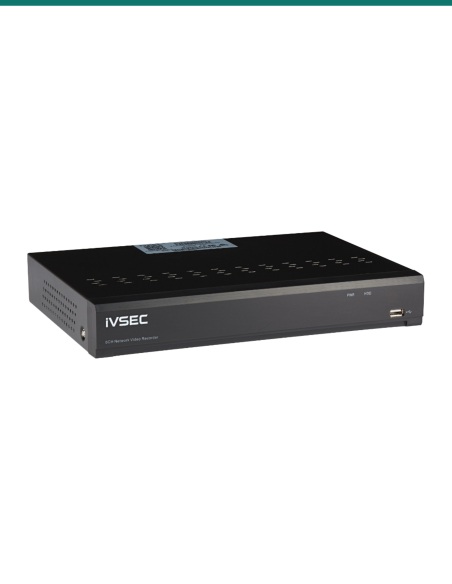
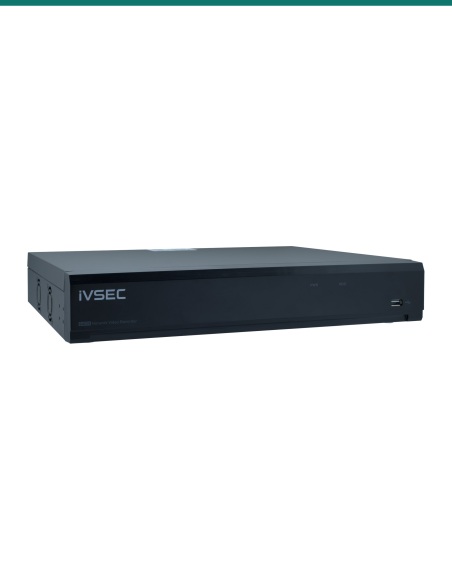
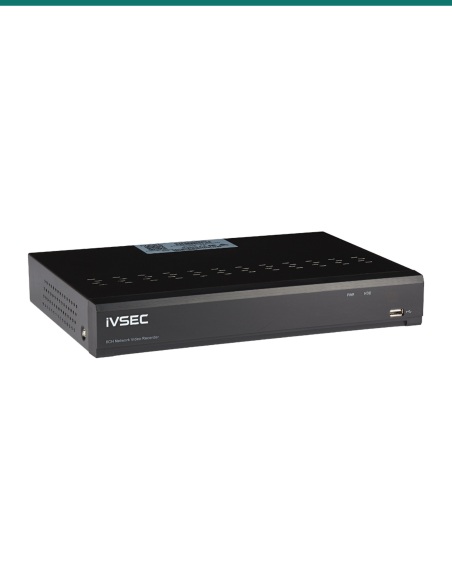
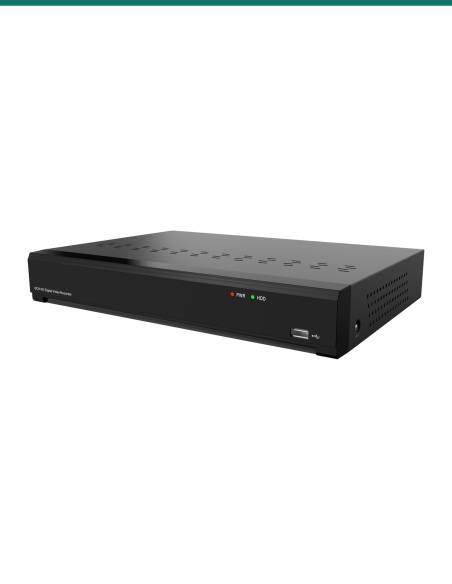
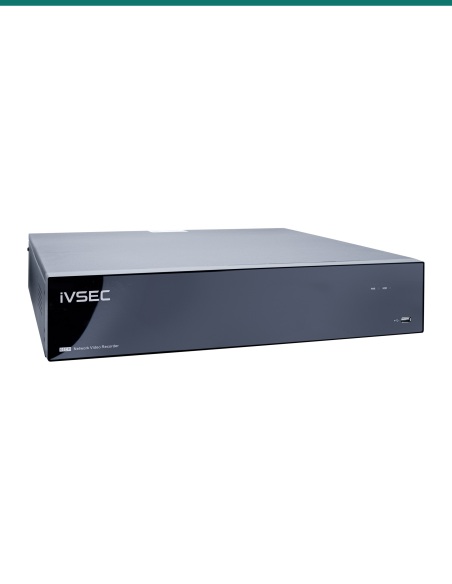
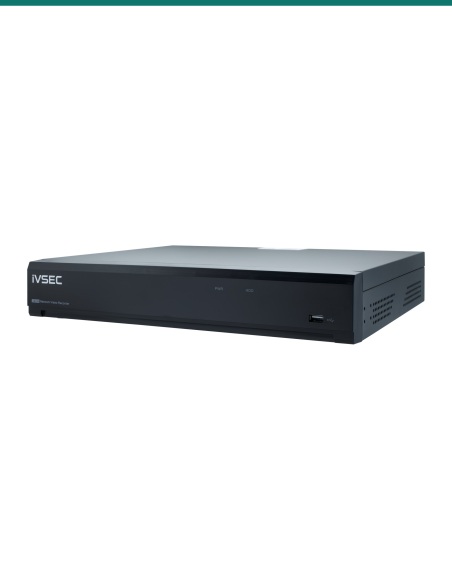
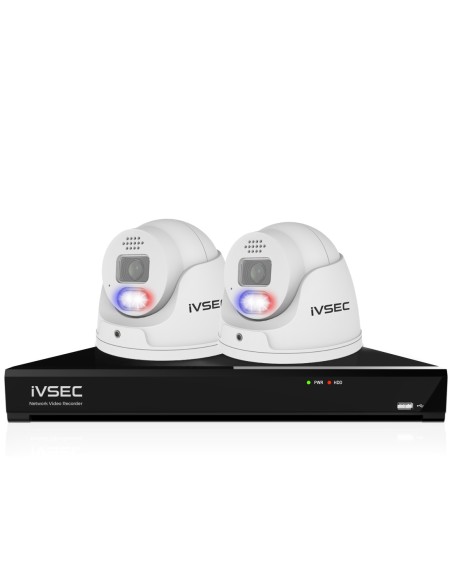
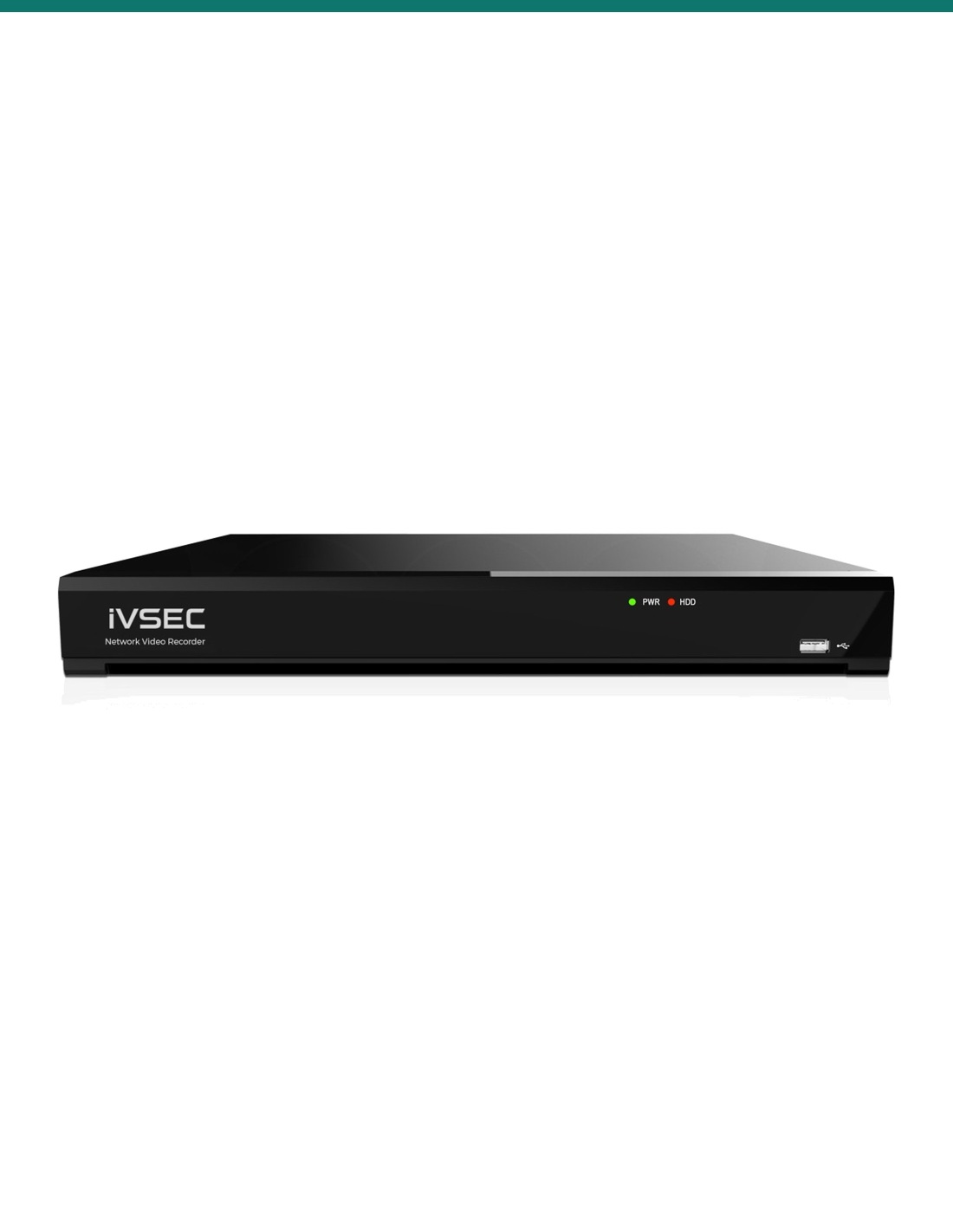
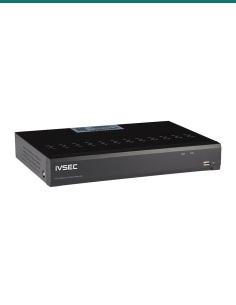
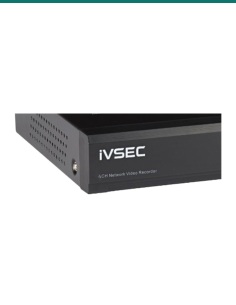
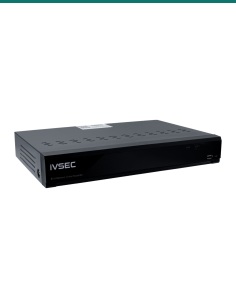
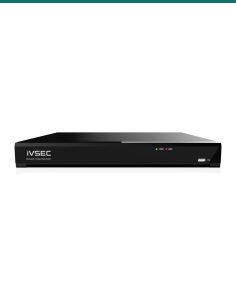
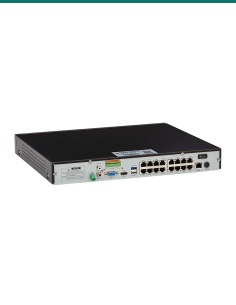
IVSEC NVR 8000: the 8-channel AI recorder used in IVSEC 850 and 1250 kits. Eight PoE+ ports, cameras up to 12MP and a 2TB drive fitted as standard.

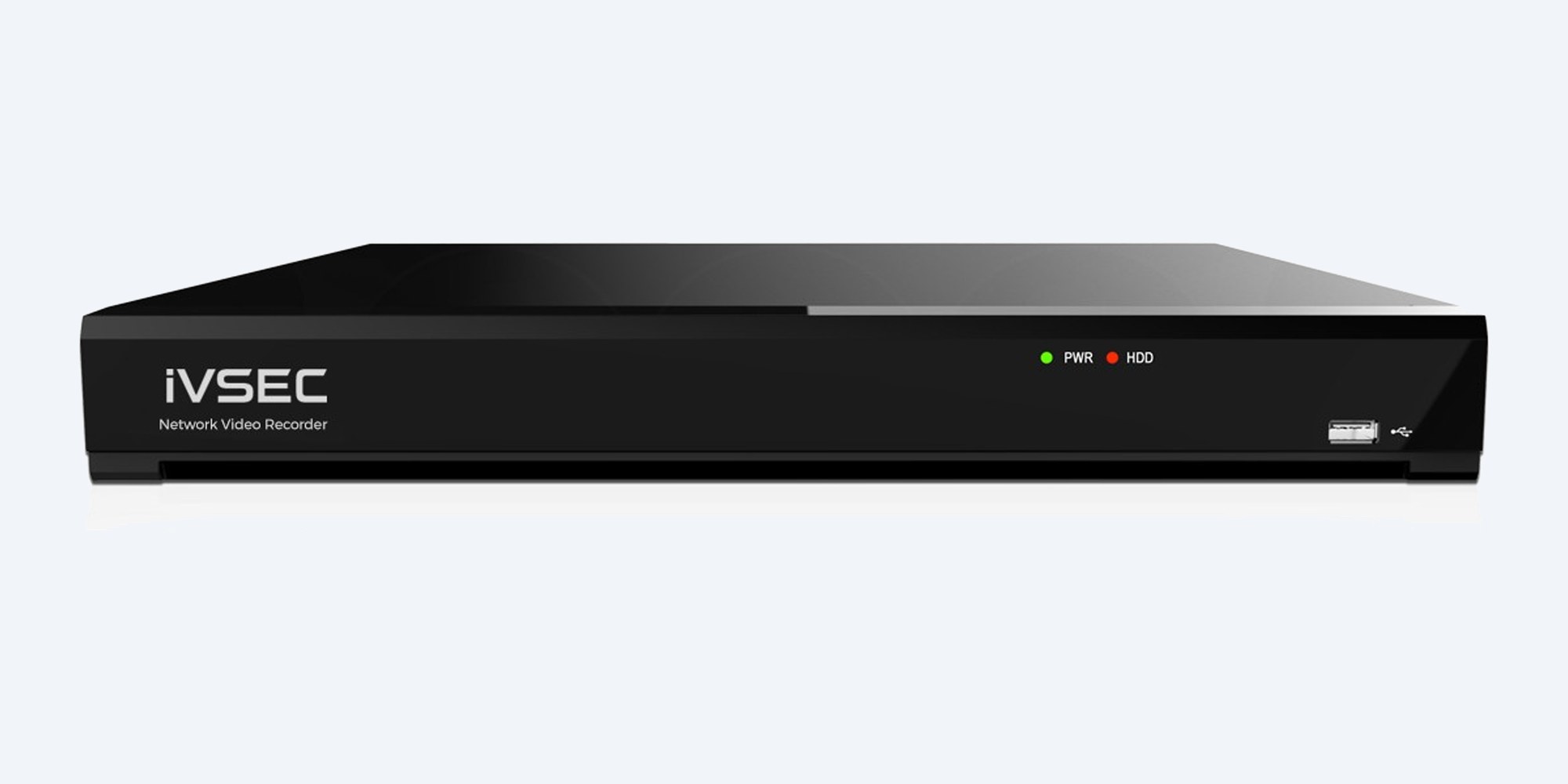
The IVSEC NVR 8000 powers and records up to eight IP cameras at up to 12MP through eight built-in PoE+ ports, with 128 Mbps of incoming bandwidth. It comes with a 2TB drive fitted, or choose another size above.
In one sentence: the IVSEC NVR 8000 (IVNR8-8000-2T) is an 8-channel AI network video recorder with eight built-in PoE+ ports, 128 Mbps incoming bandwidth, IP cameras up to 12MP and one SATA bay up to 16TB, 2TB fitted.
Drive fitted, PoE built in.
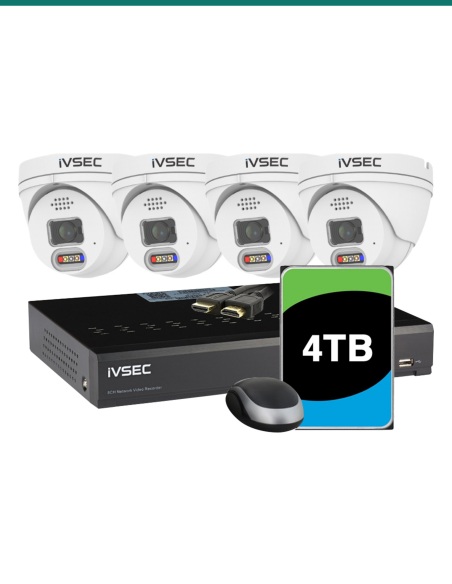
The 2TB option comes with the drive installed; No HDD and 4TB to 14TB are in the options above. The eight PoE+ ports power the cameras, so no PoE switch is needed.
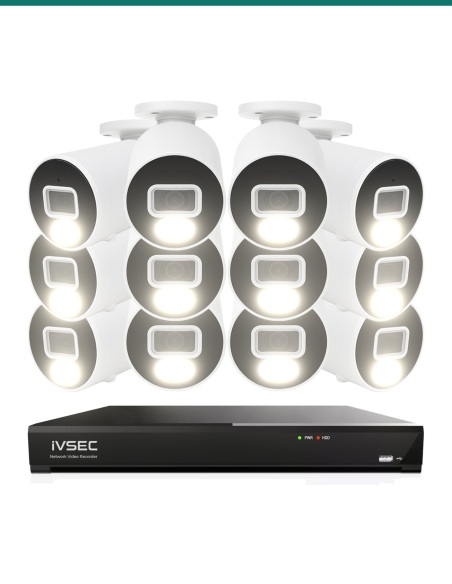
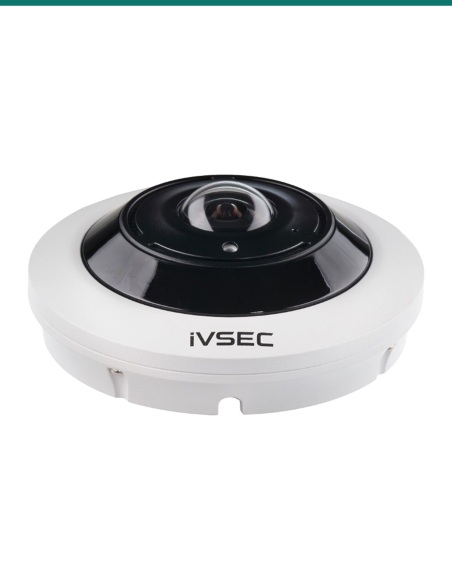
IVSEC 850, 880 and 1250 Series cameras plug straight in, including PTZ and motorised varifocal models. ONVIF cameras from other brands can be added over the network.
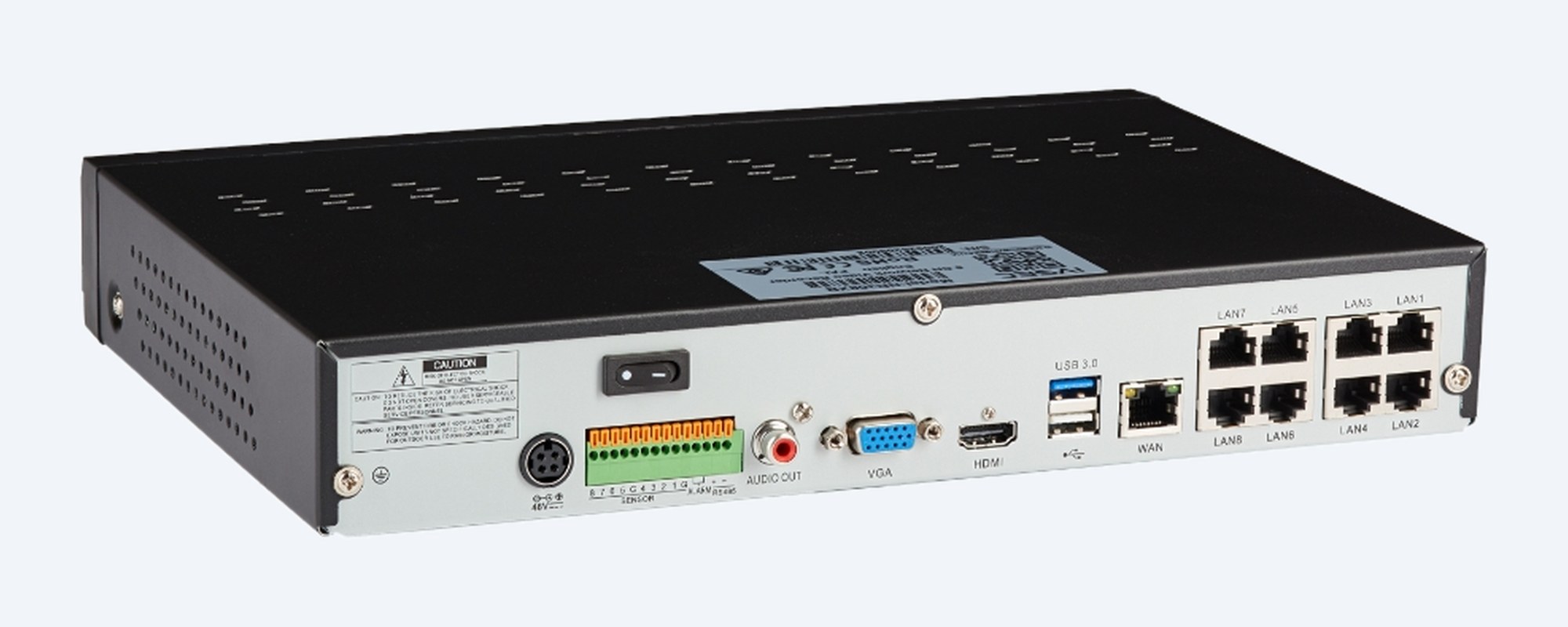
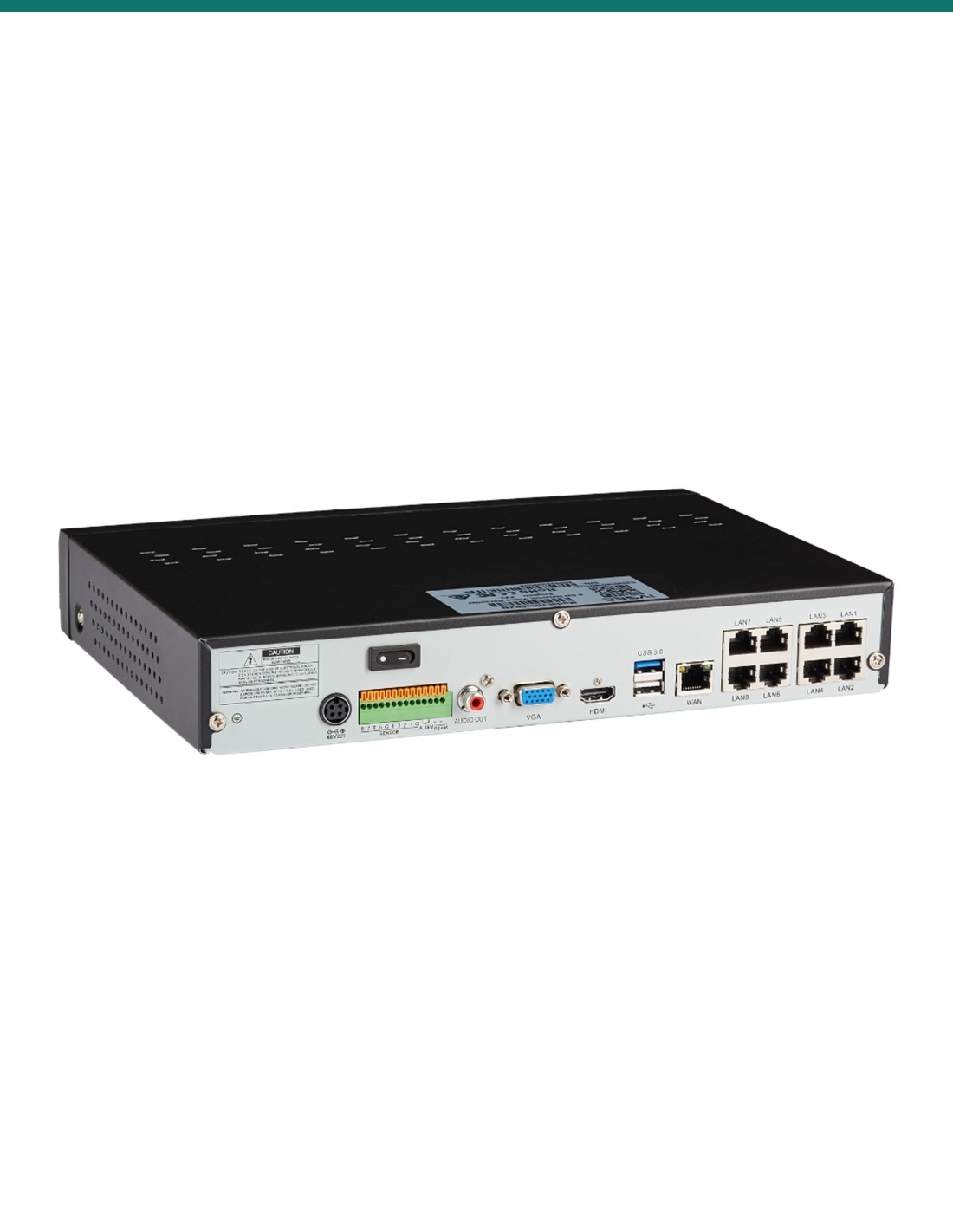
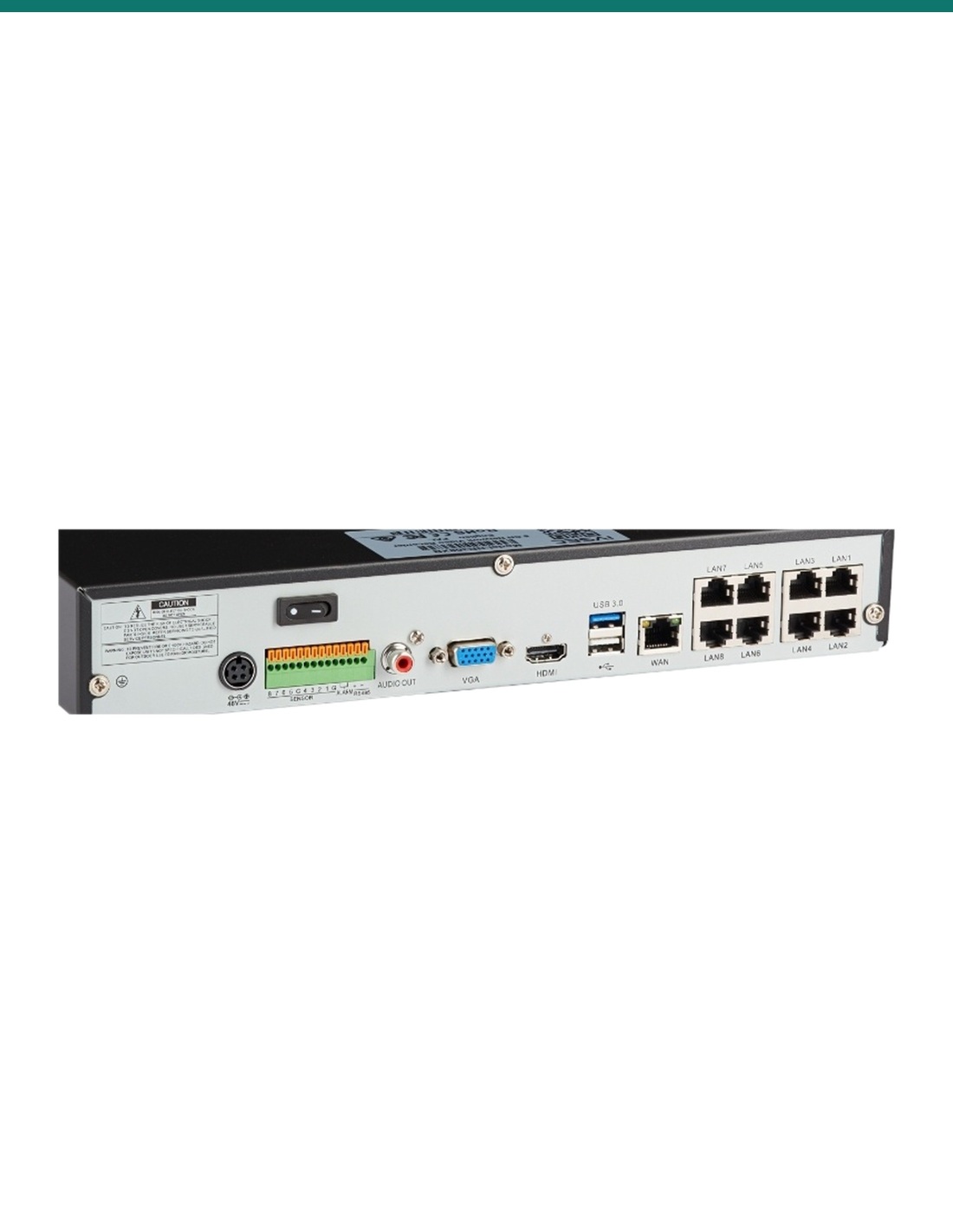
The connections
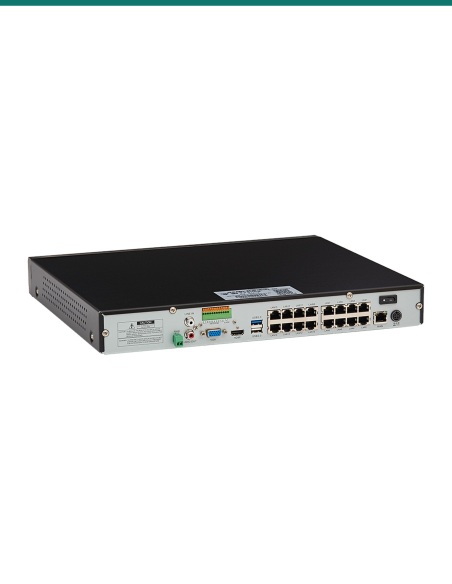
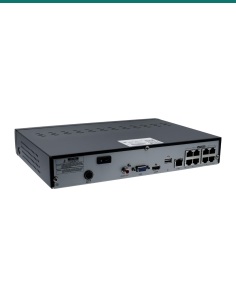
Eight PoE+ camera ports, a gigabit network port, HDMI and VGA outputs up to 4K, two USB 2.0 and one USB 3.0 port, audio out and alarm terminals.
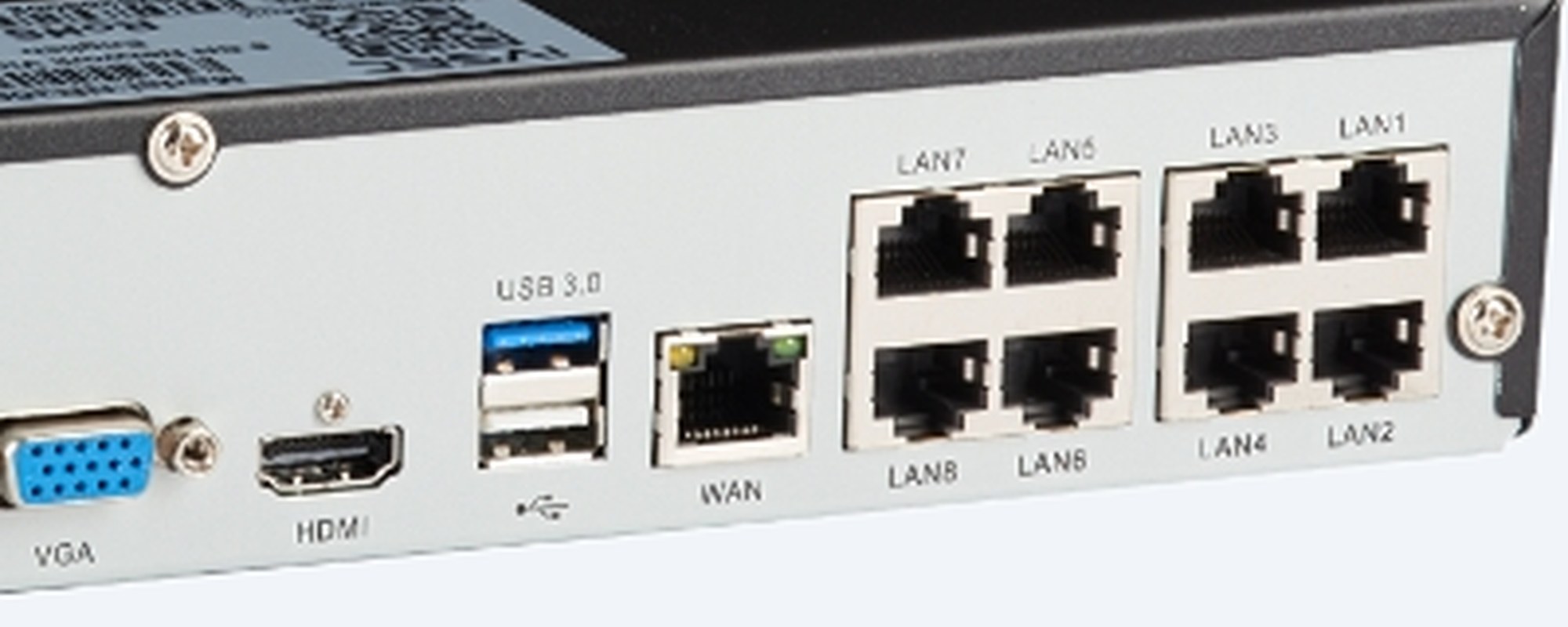
Power over Ethernet
Each camera runs on one network cable for power and video, up to 100 m. Recording is up to 12MP per channel with H.265 compression to save drive space.
How it goes in
01
Put the recorder near your router and a TV or monitor. The drive you chose comes fitted inside.
02
Run one network cable from each camera to a PoE port on the back (eight PoE+ ports). The recorder powers the camera on the same cable, up to 100 m per run.
03
Connect a TV or monitor with HDMI or VGA, plug in the mouse and power. Set the password, date and time; IVSEC X cameras appear by themselves.
04
Plug the recorder's network port into your router, scan its QR code with the free IVSEC mobile app, then set up your detection alerts.
At a glance
Show specs
Model
IVSEC NVR 8000 (NR8-8000) network video recorder
Channels
8 IP cameras
PoE ports
8 × PoE+ built in
Camera resolution
Up to 12MP
Incoming bandwidth
128 Mbps
Compression
H.265, H.264
Video output
HDMI and VGA, up to 4K
Smart detection
IVS, human and vehicle, face and number plate detection, depending on the camera (see the questions below)
Interoperability
ONVIF cameras over the network
Storage
1 × SATA bay, up to 16TB; 2TB fitted as standard
Ports
Gigabit RJ45, HDMI, VGA, 2 × USB 2.0, 1 × USB 3.0, audio out, alarm terminals
Software
IVSEC X app (no account registration), PC client, web browser
Power
48 V DC, 2 A; 8 W without a drive
Operating environment
5 °C to 45 °C, 20 to 80% humidity
Size
300 × 227 × 53 mm (weight: confirm with us)
Warranty
3 years
Pair it with
Cameras
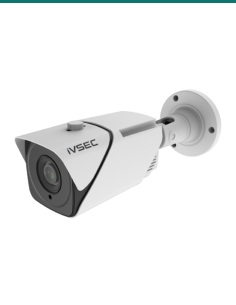
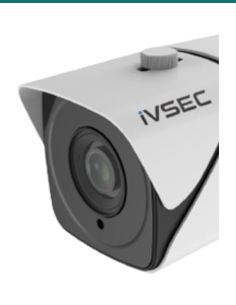
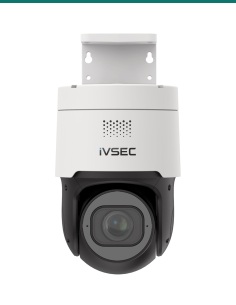
The cameras sold in IVSEC kits with this recorder. 880 Series cameras run their AI on the camera itself.
Cabling
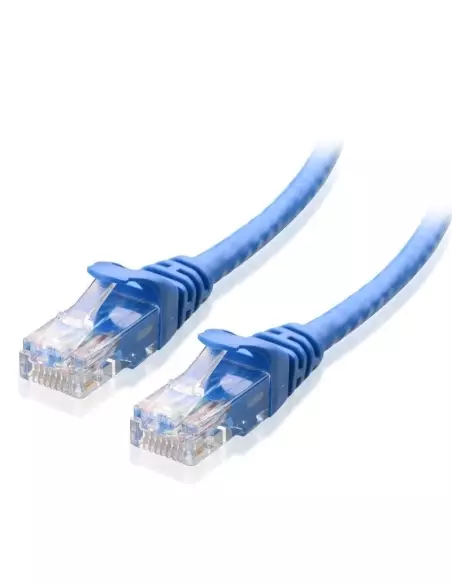
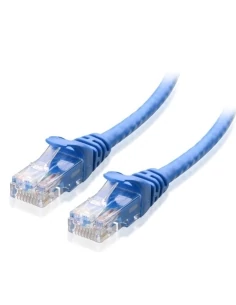
One network cable from each camera back to a PoE port, up to 100 m per run. We stock Cat6 leads and bulk cable.
Security
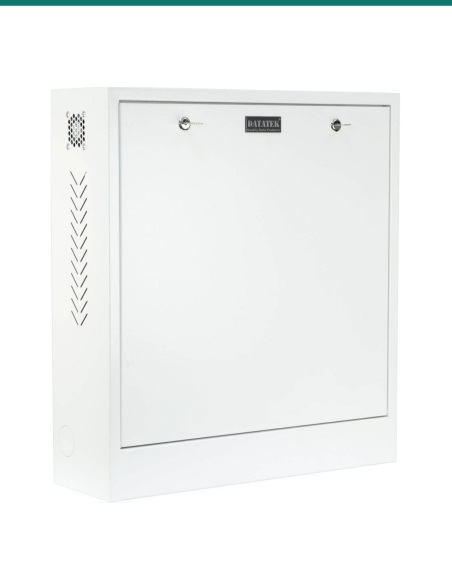
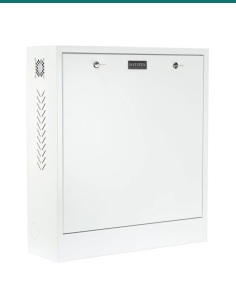
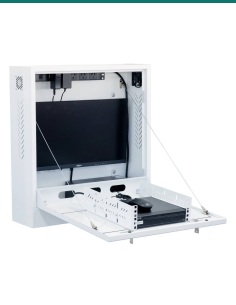
Keep the recorder out of reach so a thief can't take the footage with it. Ask us about the 24SECCAB security cabinet.
Power
Keeps the recorder and every PoE camera running through short power cuts, and protects the drive from sudden shutdowns.
Where it is used
Every side of the house, the driveway, the pool gate and the back fence.
Counter, door and stockroom, with face and plate detection where it matters.
Entries, reception and car park, with footage on your phone.
Roller doors and yards, with PTZ or varifocal cameras for long views.
House, sheds and gates within cable reach, up to 100 m per run.
A second recorder, or a replacement, for an IVSEC 850 or 1250 kit.
| IVSEC NVR 8000 (this recorder) | IVSEC NVR 9000 | |
|---|---|---|
| Channels and PoE+ ports | 8 | 16 |
| Incoming bandwidth | 128 Mbps | 160 Mbps |
| Drive bays | 1, up to 16TB | 2, up to 16TB each (32TB) |
| Power supply | 48 V, 2 A | 48 V, 3.75 A |
| Size | 300 × 227 × 53 mm | 300 × 302 × 54 mm |
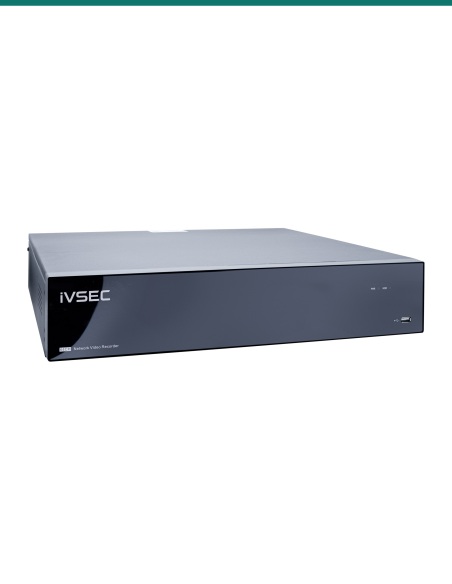
Up to eight cameras: the NVR 8000. More than eight, or two drives for longer recording: the NVR 9000.
Eight IP cameras, on the eight built-in PoE+ ports.
Yes, the 2TB option comes fitted. You can also choose No HDD or 4TB to 14TB in the options above. The single SATA bay takes up to 16TB.
No. The eight PoE+ ports power the cameras over the same network cable that carries the video.
Up to 12MP per camera, with 128 Mbps of incoming bandwidth across the eight channels.
IVSEC IP cameras, including the 850, 880 and 1250 Series, fixed lens, motorised varifocal and PTZ models.
Yes, ONVIF cameras can be added over the network. Viewing and recording work; smart features depend on the camera.
IVSEC 880 cameras run their AI on the camera, so it works on every channel, one AI function per channel. 850 and 1250 cameras use the recorder, which runs face or number plate detection on one channel only.
Yes, with the free IVSEC X app. Scan the QR code or enter the IP address; no account registration and no monthly fee.
Yes, on HDMI or VGA up to 4K.
Yes, to a USB stick or drive on the USB 2.0 or USB 3.0 ports.
About 8 W without a drive, from the 48 V 2 A power supply. The PoE cameras add to that.
Three years. InFront Technologies handles warranty and technical support in Australia on 1300 736 970.
Not sure which cameras or drive size to choose? Send us your camera list and how long you want to keep footage: call 1300 736 970 or email [email protected].
Power. The recorder runs from its 48 V plug-in power supply. There is no mains wiring in the recorder; a new power point needs a licensed electrician.
Cabling. Network cable run inside walls or ceilings is customer cabling under AS/CA S009 and needs an ACMA-registered cabler.
Privacy and audio. Recording people and conversations is covered by state and territory surveillance laws. Point cameras at your own property, put up signage, and check the rules before you record audio.
What it does not do. It has no analogue (coax) inputs. Face and number plate detection with 850 or 1250 cameras runs on one channel at a time.
Figures. IVSEC does not publish a datasheet PDF for the NVR 8000. These figures are IVSEC's NVR 8000 specifications as we list them; the general IVSEC NVR user manual is attached. Ask us about anything not shown here.
Sale ends Fri 20 Nov




Click on a thumbnail to load the video


Need help choosing?
Tell us about your property and we'll recommend the right cameras and recorder.
07 5609 4910Sydney 02 8814 6008
[email protected]
Mon–Fri, 9am–5pm AEST
20 related items