There are no more items in your cart
- On sale!
- -20%
In Stock - Ready to Ship
7680 Series - 4K IP Upscaled Master Series
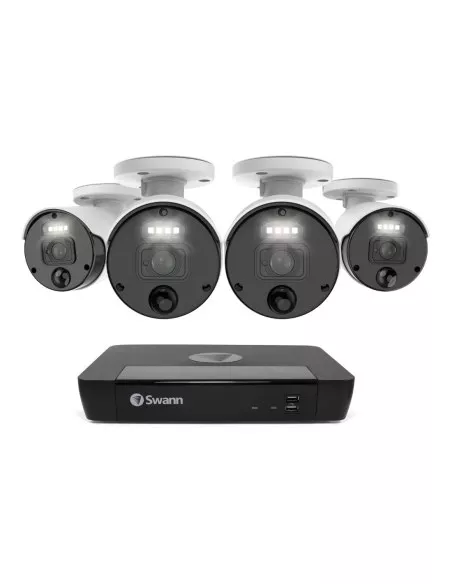
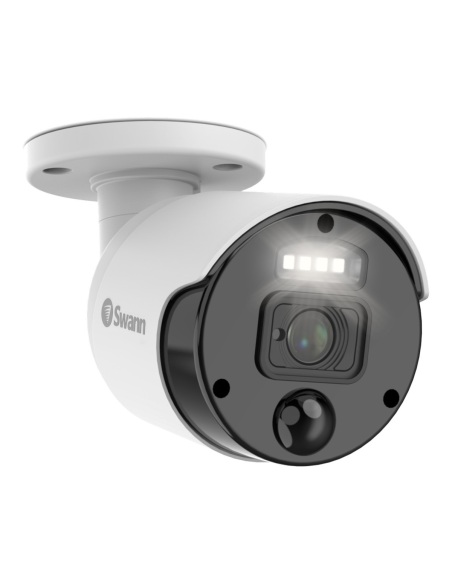
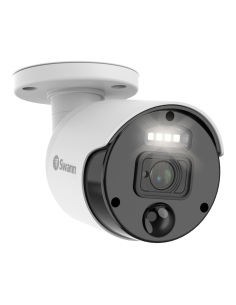
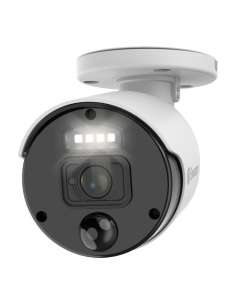
Swann NHD-875WLB 4K Add-On / Replacement Bullet Camera with Spotlight & Night2Day -...
$ 134.80 $ 168.50
Sale ends Fri 20 Nov


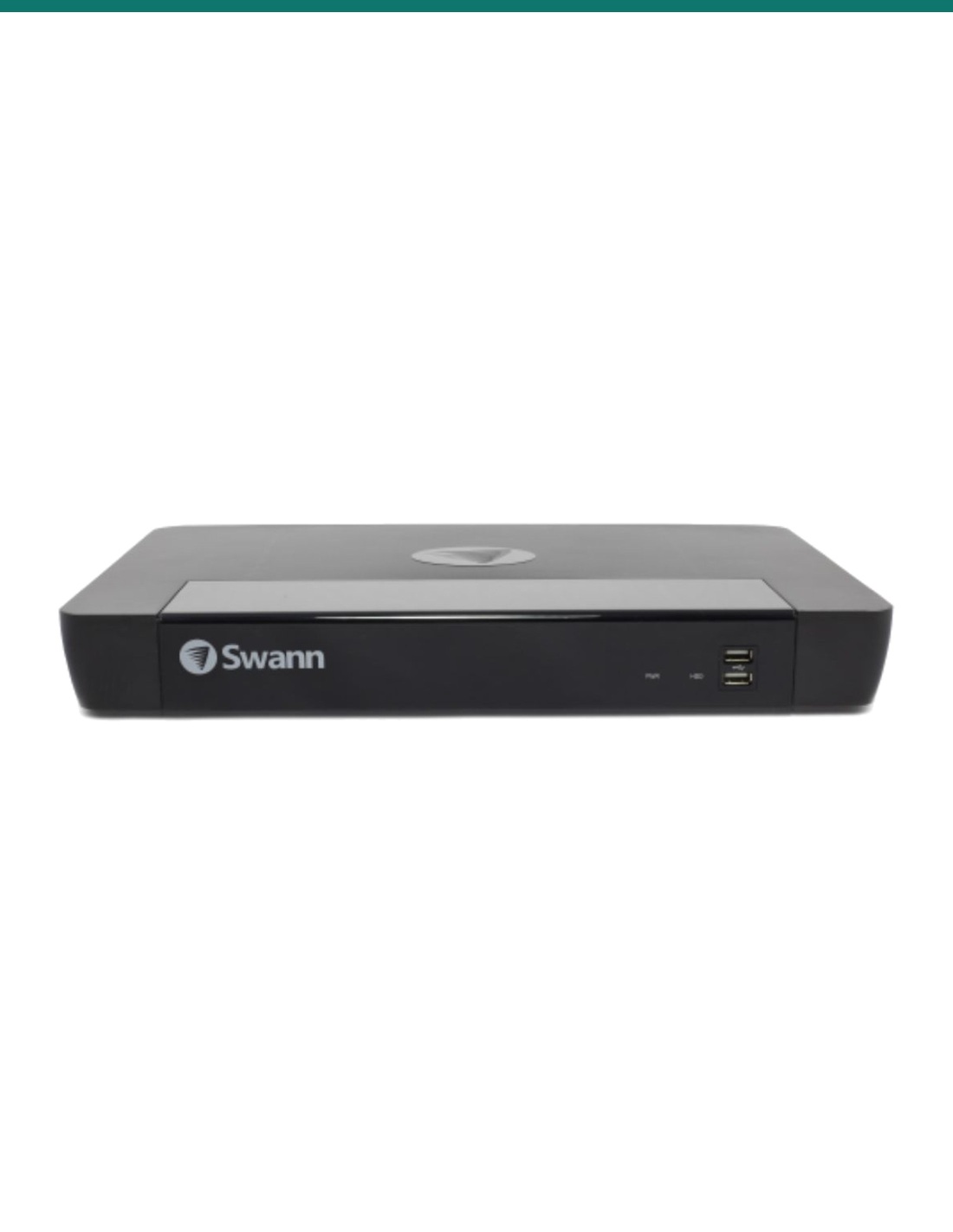
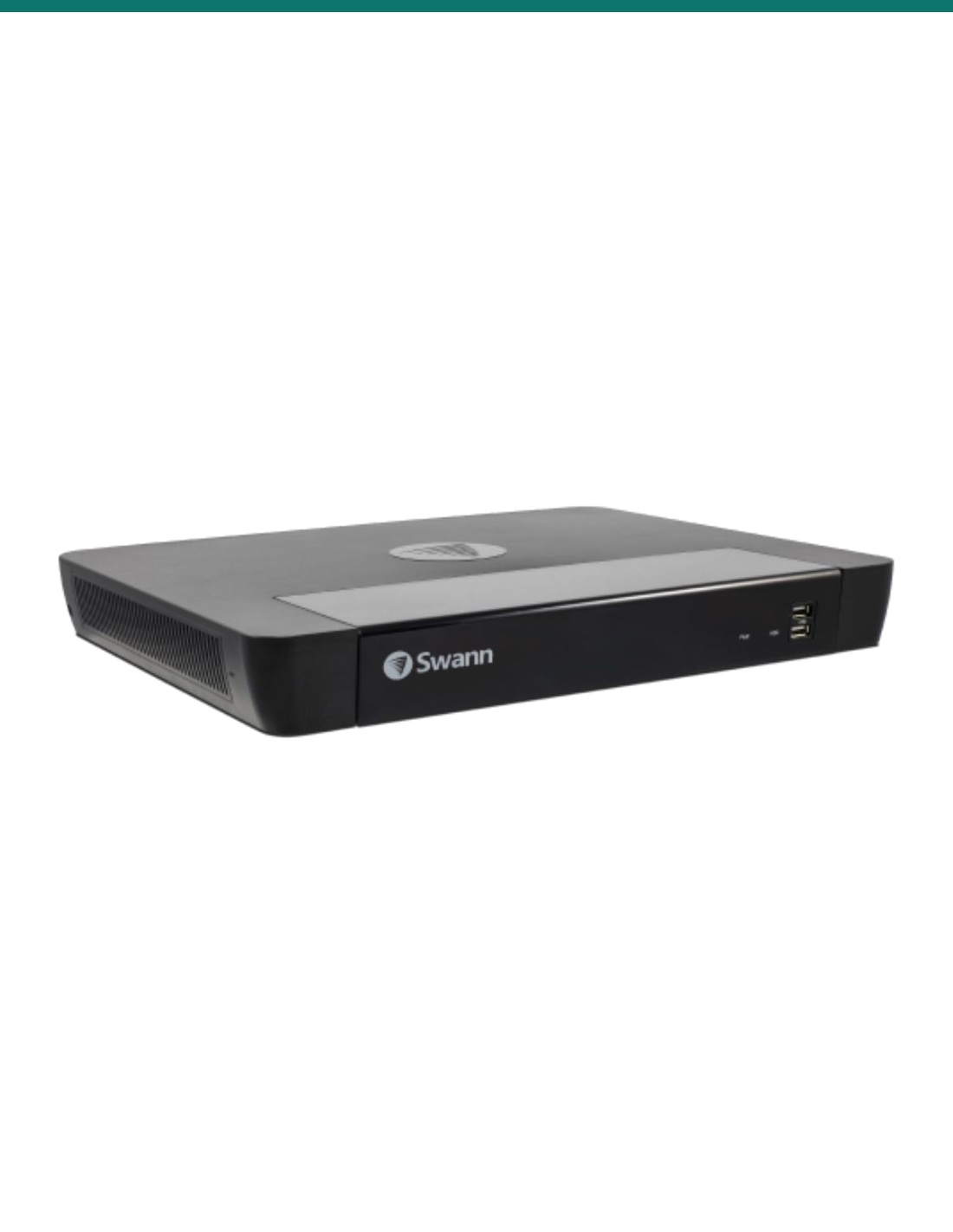
The Swann NVR-8580 16-channel PoE recorder (RN version) with a 2TB drive installed, sold without cameras. Two drive bays for up to 16TB.
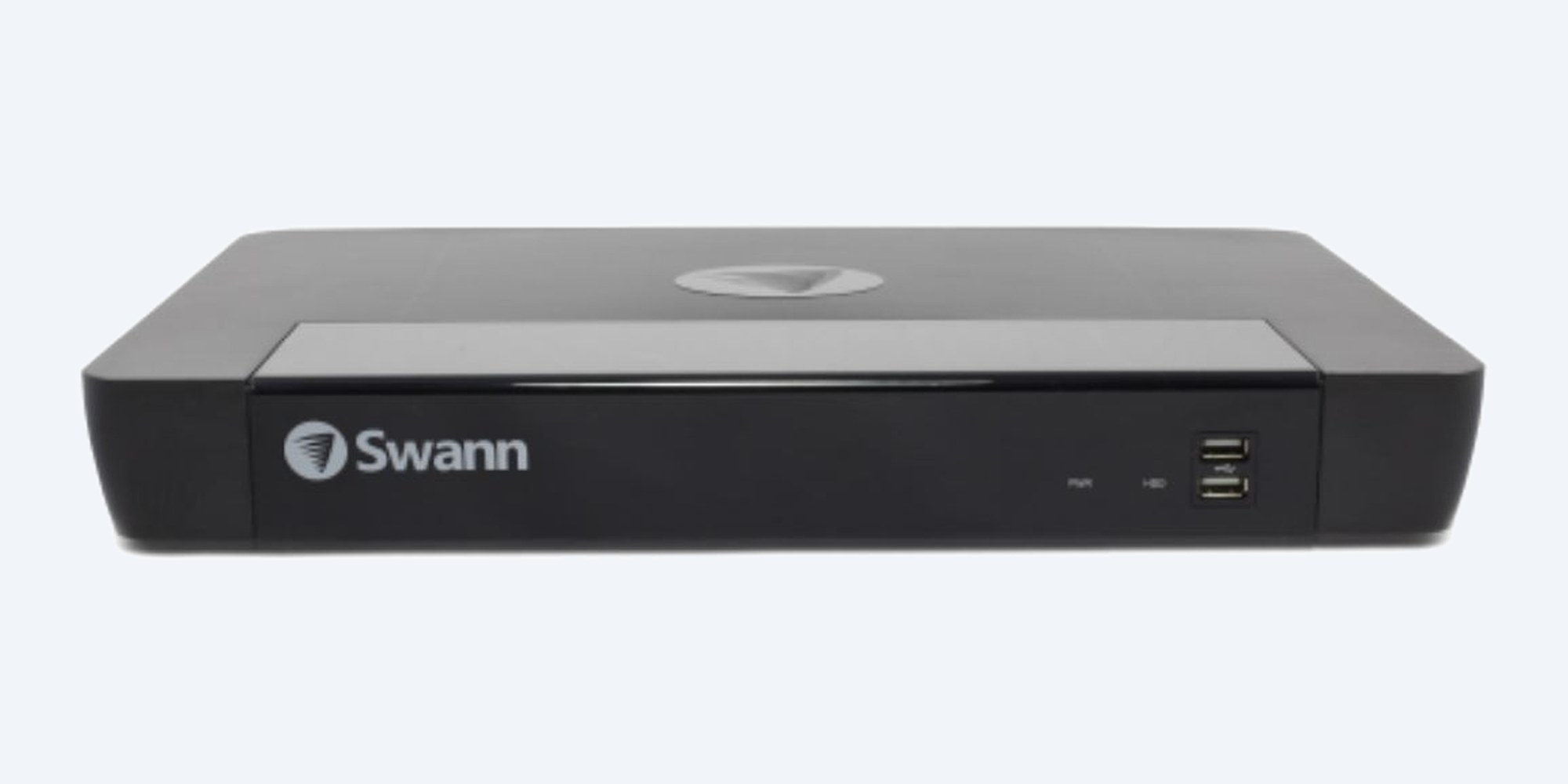
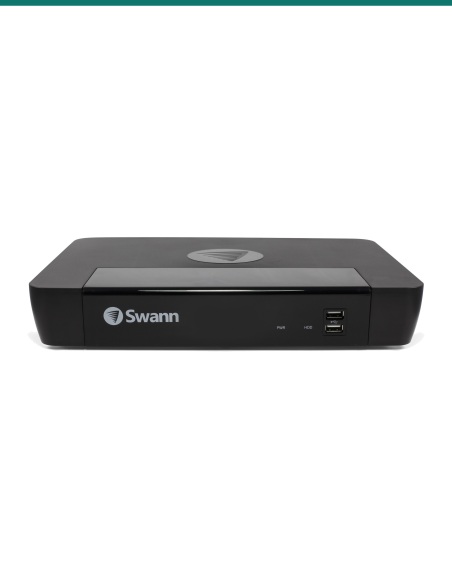
SONVR-168580H-2TB is the Swann NVR-8580 16-channel recorder (RN version) with a 2TB drive installed. Sixteen PoE ports power and record up to sixteen Swann IP cameras, and a second drive bay lets you take storage up to 16TB.
In one sentence: the SONVR-168580H-2TB is a Swann NVR-8580 RN 16-channel PoE network video recorder with a 2TB drive and two drive bays (up to 2 × 8TB), H.265 recording, HDMI and VGA output up to 4K, for Swann NHD IP cameras.
Recorder only, for Swann IP cameras.
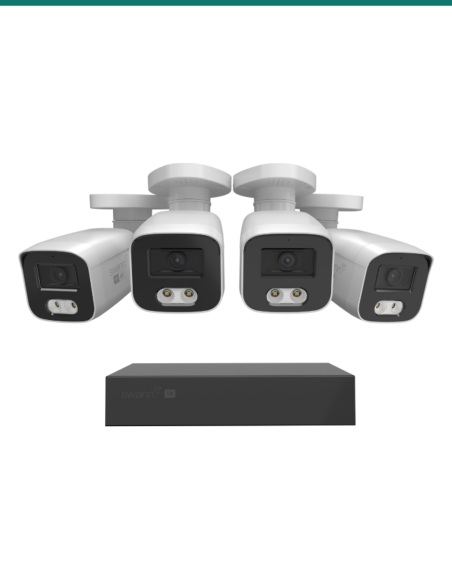
No cameras are included. It records Swann NHD network (PoE) cameras listed for the NVR-8580 RN / RU on Swann's compatibility chart, such as the NHD-875WLB and the 12MP NHD-1200 range. It does not take analogue BNC cameras. The 2TB drive comes installed: choose the drive size, and a second drive if you want one, in the options.
It is the 16-channel recorder Swann supplies in its 8580 NVR kits, sold on its own. Start with a few cameras and keep adding them to the one recorder, or replace the recorder in a 16-channel Swann 8580 kit when the cameras on the walls are still fine.
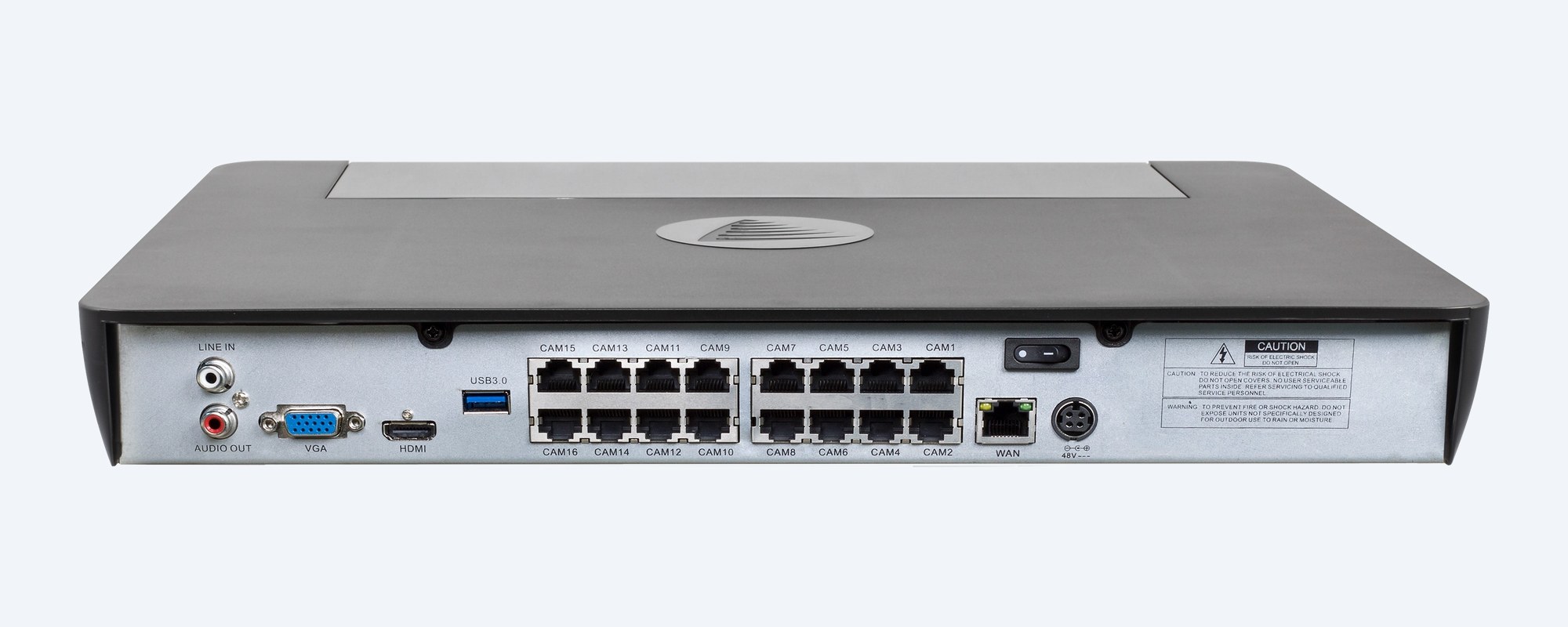
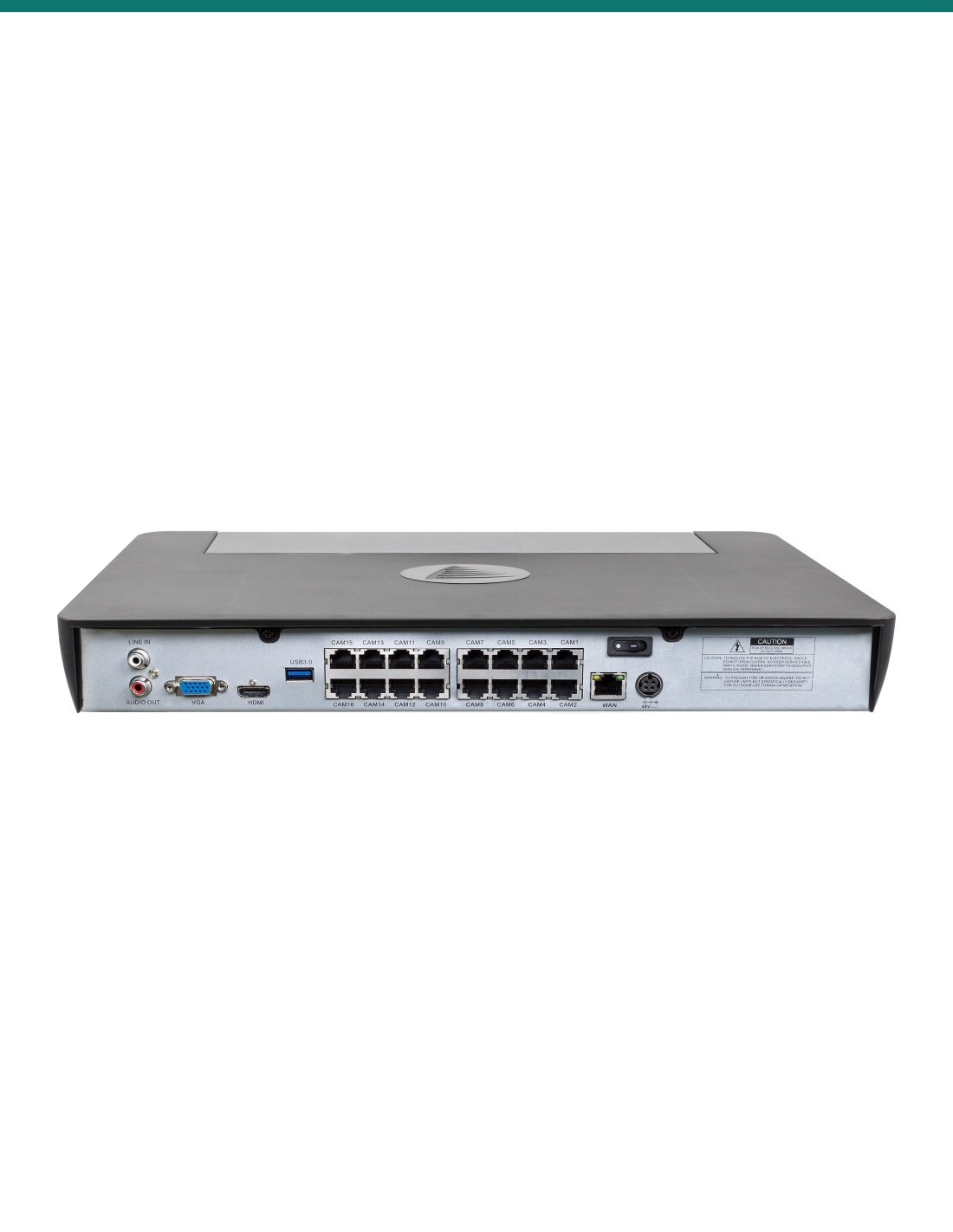
Rear panel
Each camera plugs into its own PoE port, which carries power, video and audio. Beside them sit HDMI and VGA for a screen, line in and audio out, a USB 3.0 port and the network port for your router.
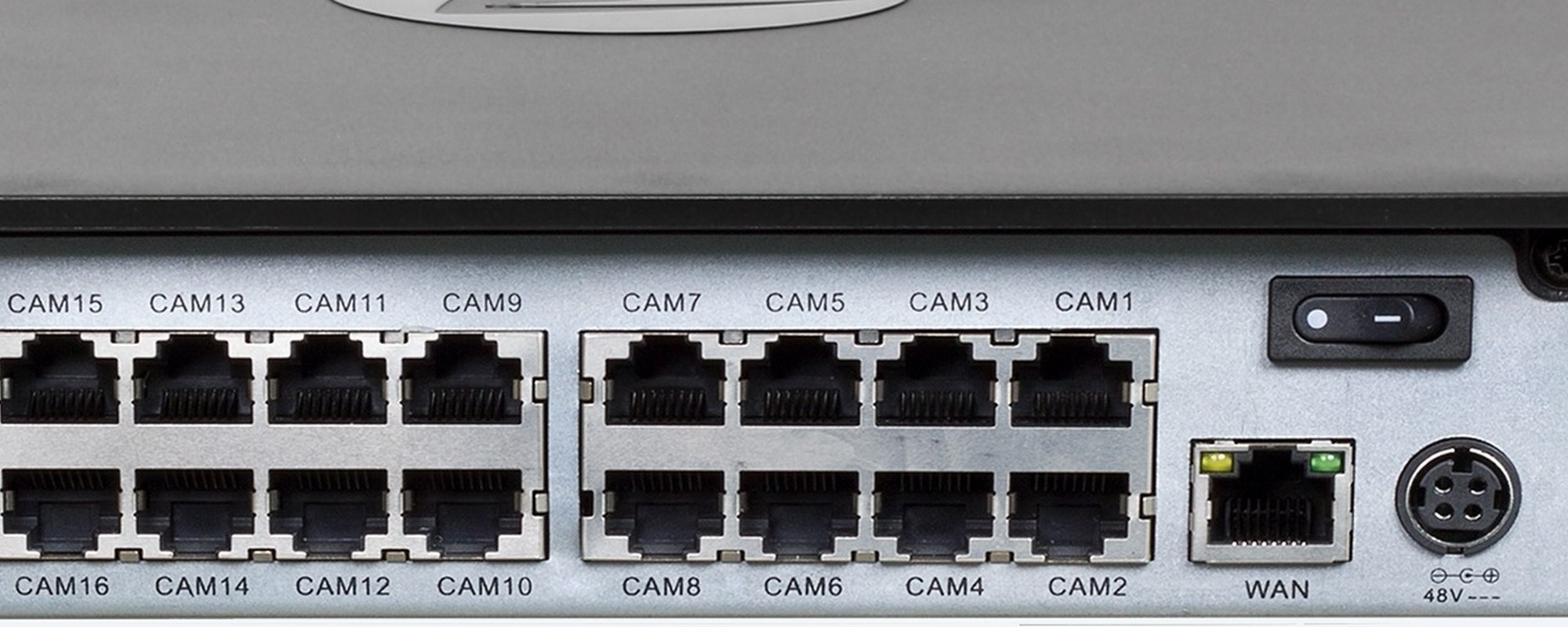
Camera ports
The ports are labelled CAM1 to CAM16. Plug the front door into CAM1 and the driveway into CAM2 and the channel numbers on screen match the cables at the back.
How it goes in
01
Somewhere cool, dry and out of sight, such as a cupboard or a security cabinet, close to your router and a power point.
02
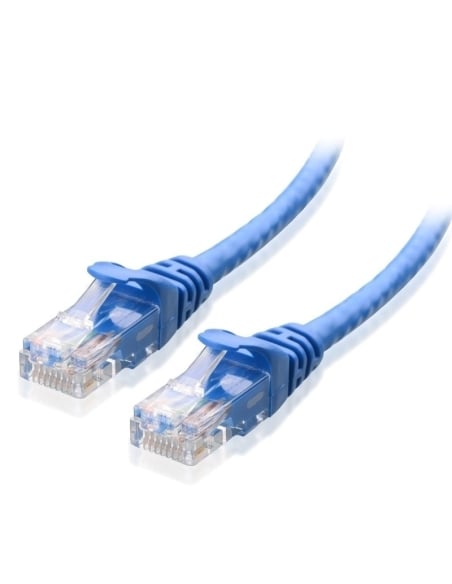
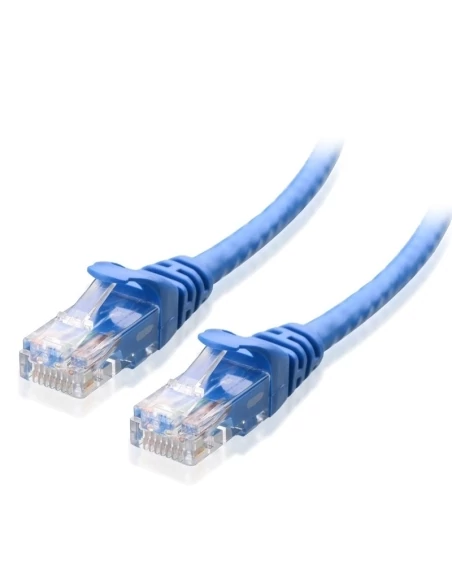
Plug in a TV or monitor with the HDMI cable, then connect the network port to your router with the short Ethernet cable.
03
Run one Ethernet cable from each Swann camera to a PoE port on the back. The recorder powers the cameras and finds them.
04
Power it on, follow the start-up wizard to set the date, time and password, then add the recorder to the Swann Security app.
At a glance
Show specs
Channels
16 cameras
Camera ports
16 PoE ports (power, video and audio over one cable)
Recording resolution
Up to 12MP with compatible Swann 12MP cameras
Compression
H.264 / H.265
Video output
HDMI and VGA, display up to 4K
Audio
16 inputs through the PoE ports; 1 × RCA output
Hard drives
2TB installed; 2 bays, up to 16TB (2 × 8TB)
Network
1 × RJ45
USB
2 × USB 2.0 (front), 1 × USB 3.0 (rear)
Remote viewing
Swann Security app for iOS and Android; Windows and Mac
Dimensions
400 × 320 × 50 mm
Compatible cameras
Swann NHD IP cameras listed for NVR-8580 RN / RU
Barcode (EAN)
840236123964
Pair it with
Camera
The Master-Series spotlight camera with True Detect heat sensing. Plugs straight into a PoE port on this recorder.
Cable
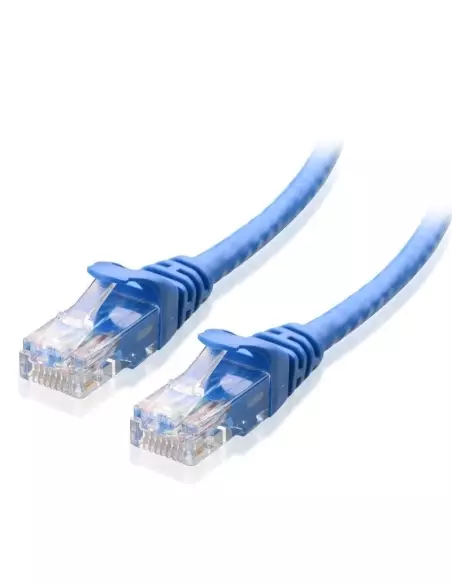
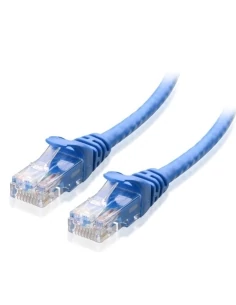
Ready-made Ethernet cable from the recorder to each camera position.
Security
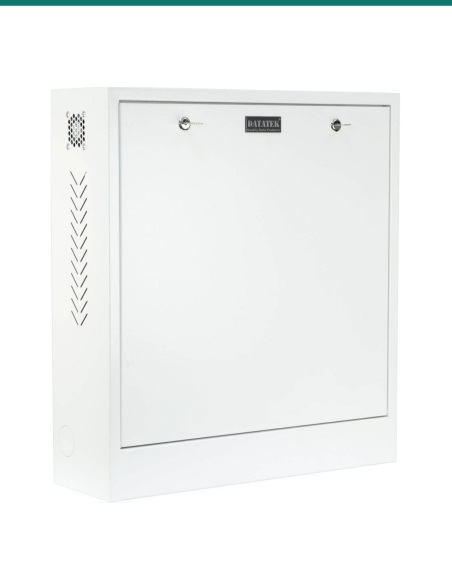
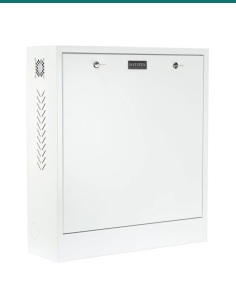
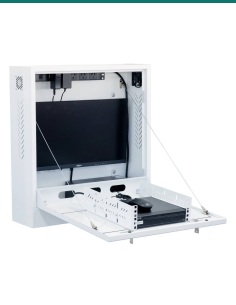
A lockable wall cabinet keeps the recorder out of reach, so a thief cannot take the footage with them.
Wi-Fi
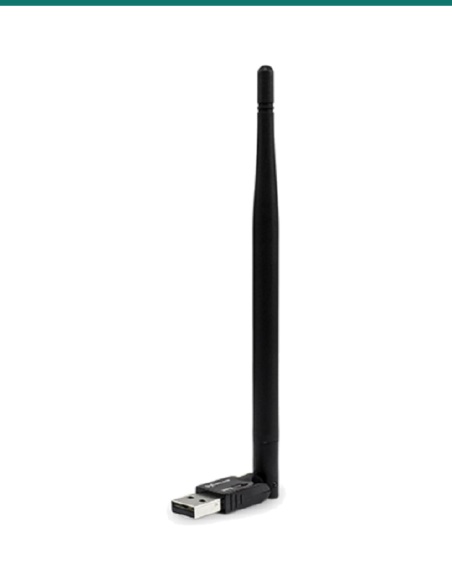
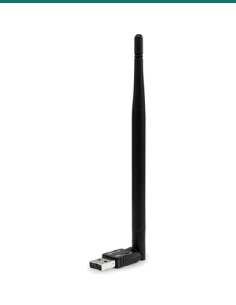
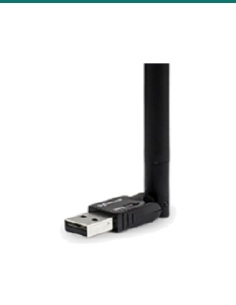
Plugs into a USB port on the recorder and joins it to your home Wi-Fi, for sites where a network cable cannot reach the router. Swann lists the 8580 series as compatible.
Where it is used
The cameras still work but the NVR does not. Swap in this recorder, plug the same cables in and add the cameras again.
All eight ports full? Move the cameras across to this recorder and keep going up to sixteen.
Every door, the driveway, sheds, pool and back fence on the one recorder and app.
Counter, doors, racking aisles, loading bay and car park, with footage you can copy to USB.
Gates, sheds, machinery and stock yards, recording to the drives in the office.
Entrances, reception and car park covered, with longer recording from a second drive.
| SONVR-168580H-2TB (this recorder) | SONVR-88580H-AU (8 channel) | |
|---|---|---|
| Cameras | Up to 16 | Up to 8 |
| PoE camera ports | 16 | 8 |
| Drive included | 2TB | 2TB |
| Drive bays | 2 | 1 |
| Maximum storage | Up to 16TB (2 × 8TB) | Up to 8TB |
| Best for | Bigger homes, farms and businesses | Homes and small shops |
Both are Swann NVR-8580 RN recorders and take the same Swann NHD cameras. The 16-channel model leaves room to grow and holds a second drive.
No. This is the recorder on its own, with the hard drive installed. Add Swann NHD PoE cameras, or choose one of the Swann 8580 kits if you want cameras in the box.
Swann NHD network cameras listed for the NVR-8580 RN / RU on Swann's compatibility chart, including the NHD-875WLB and the 12MP NHD-1200 range. Send us your camera model if you are not sure and we will check.
Yes, if your kit came with a 16-channel NVR-8580. Plug the existing cameras into the new recorder's PoE ports and add them again. Old recordings stay on the old drive.
No. It is a network video recorder for IP cameras on Ethernet cable. Analogue cameras need a Swann DVR.
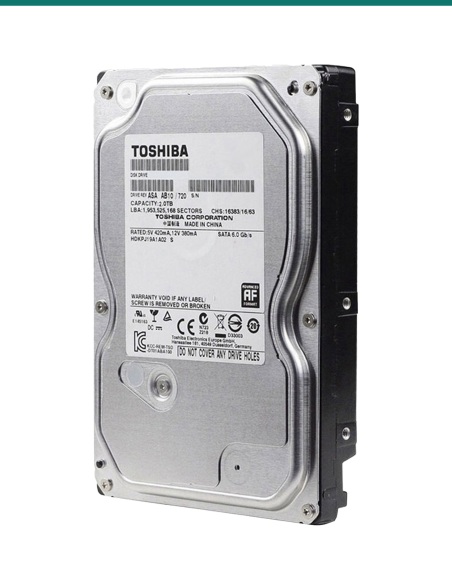
It comes with 2TB installed and has two drive bays, for up to 16TB (2 × 8TB). Choose a bigger first drive and a second drive in the options when you order.
More drive space means more days of footage before the recorder starts writing over the oldest video. With sixteen cameras recording, a second drive makes a real difference.
RN is the hardware version on the label under the recorder, for example NVR16-8580RN. Swann's compatibility chart lists cameras by version, so quote it when you buy cameras later.
Yes. Connect the recorder to your router and add it to the free Swann Security app on iOS or Android to watch live, play back and get alerts.
No. Video is stored on the recorder's hard drive and the app is free to use, with no monthly fee.
Yes. The HDMI output runs up to 4K on a 4K TV or monitor. VGA is there for an older monitor.
Yes, from cameras that have a microphone. Audio comes in through the PoE cable and plays out through the RCA audio output or your HDMI screen.
Plug a USB stick into a front USB port, find the clip in playback and back it up to the stick. You can also download clips through the app.
Replacing a Swann recorder or adding cameras? Send a photo of the label under your old NVR or camera to [email protected] or call 1300 736 970 and we will confirm the match before you order. The specification sheet is on the Attachments tab.
Power. Runs from its plug-in power adapter. The cameras take low-voltage power from the PoE ports.
Cabling. Concealed data cabling inside walls or ceilings is customer cabling under AS/CA S009 and needs an ACMA-registered cabler. Plugging ready-made cables into the recorder does not.
Ventilation. Keep the vents clear and do not stack other equipment on top. Heat shortens hard drive life.
Privacy. Aim cameras at your own property. Recording audio is covered by state and territory surveillance laws, so check the rules before turning it on.
What it does not do. No cameras included, no analogue (BNC) inputs, and it records Swann NHD cameras rather than other brands.
Figures. From Swann's published NVR-8580 16-channel specifications (au.swann.com) and Swann's camera compatibility chart.
Sale ends Fri 20 Nov
Sale ends Fri 20 Nov





Installation Tip:
Most 16 channel recorders & some 8 channel NVR's contain cooling fans to assist the product stay cool. These fans can be noisy, and it is never recommended these systems are installed in a room where you sleep or require quiet.
This recorder 168580 has a cooling fan and you will need to consider this when choosing a location to install the product.


Need help choosing?
Tell us about your property and we'll recommend the right cameras and recorder.
07 5609 4910Sydney 02 8814 6008
[email protected]
Mon–Fri, 9am–5pm AEST
12 related items