1 / 3

Swann Genuine USB Optical Mouse with Scroll suit DVR NVR Systems

SKU SR-MouseV1 In Stock - Ready to Ship
$15.80 inc GST

SR-MouseV1: a wired USB optical mouse with a scroll wheel for setting up and running Swann DVRs and NVRs. Powered from the USB port, no batteries or drivers needed.

  • ✓Wired USB-A optical mouse with scroll wheel
  • ✓Powered by the recorder's USB port
  • ✓No drivers or batteries needed
  • ✓Suits Swann DVRs and NVRs and most other recorders
  • ✓Symmetrical shape for either hand


Description

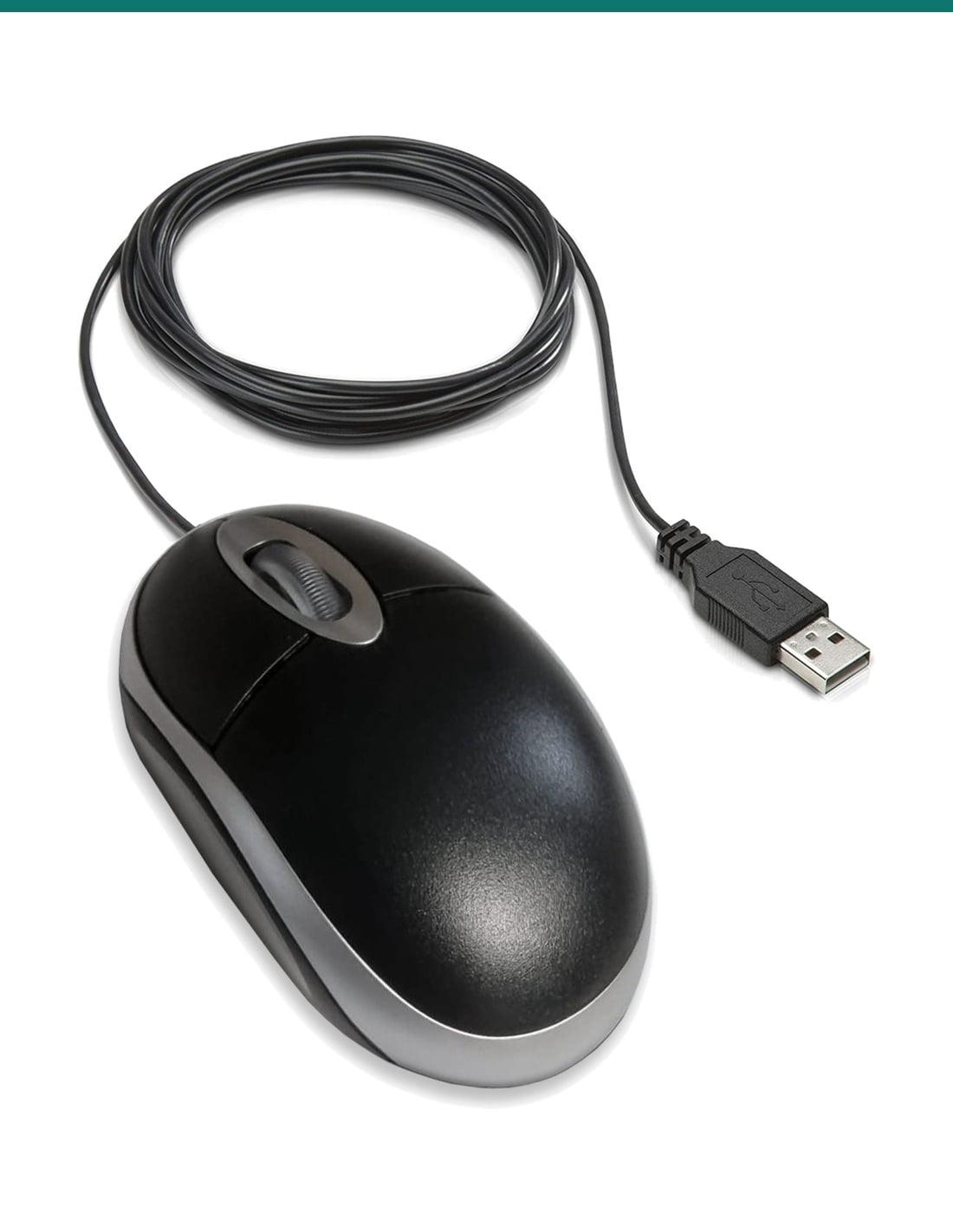
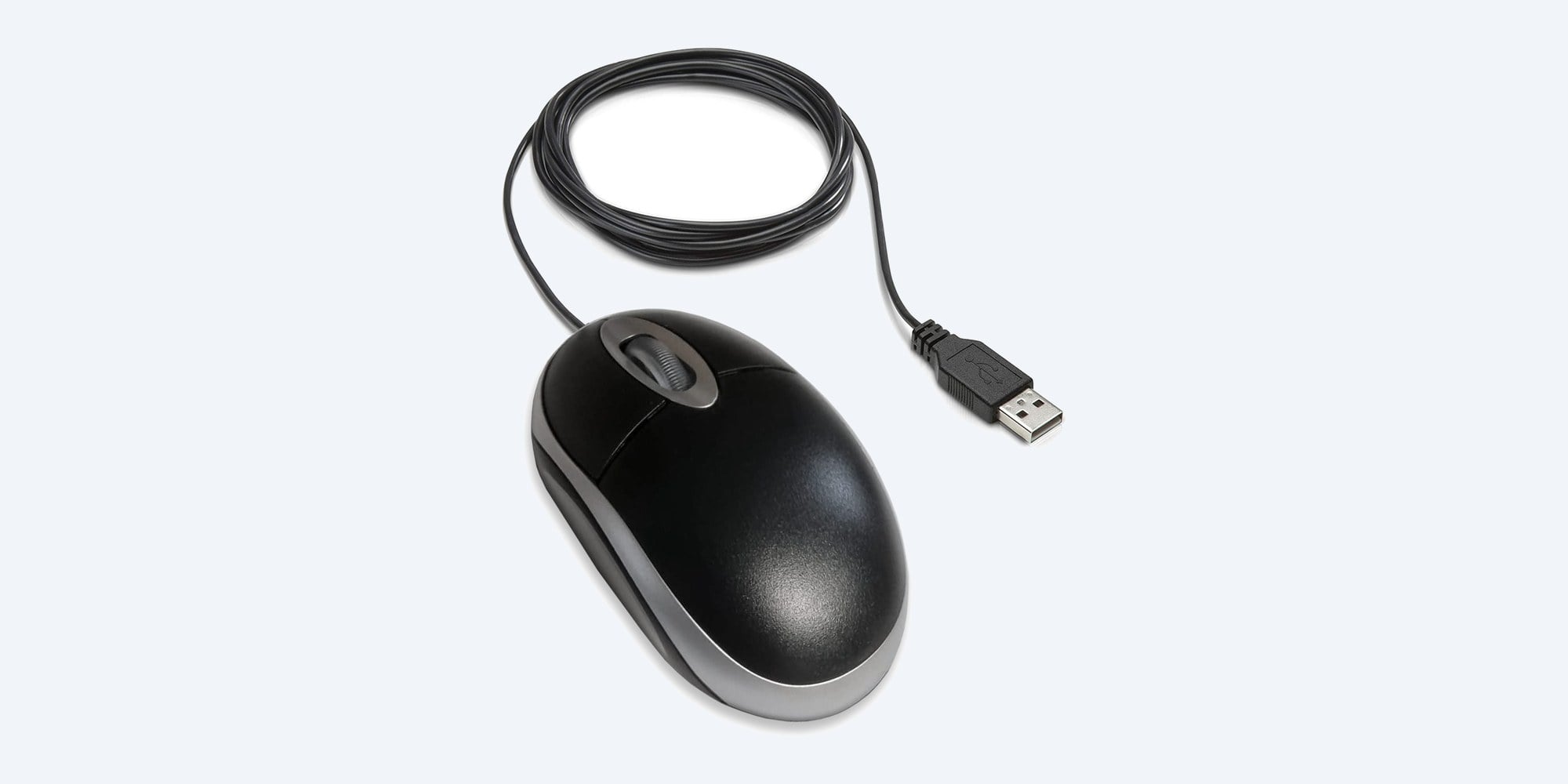
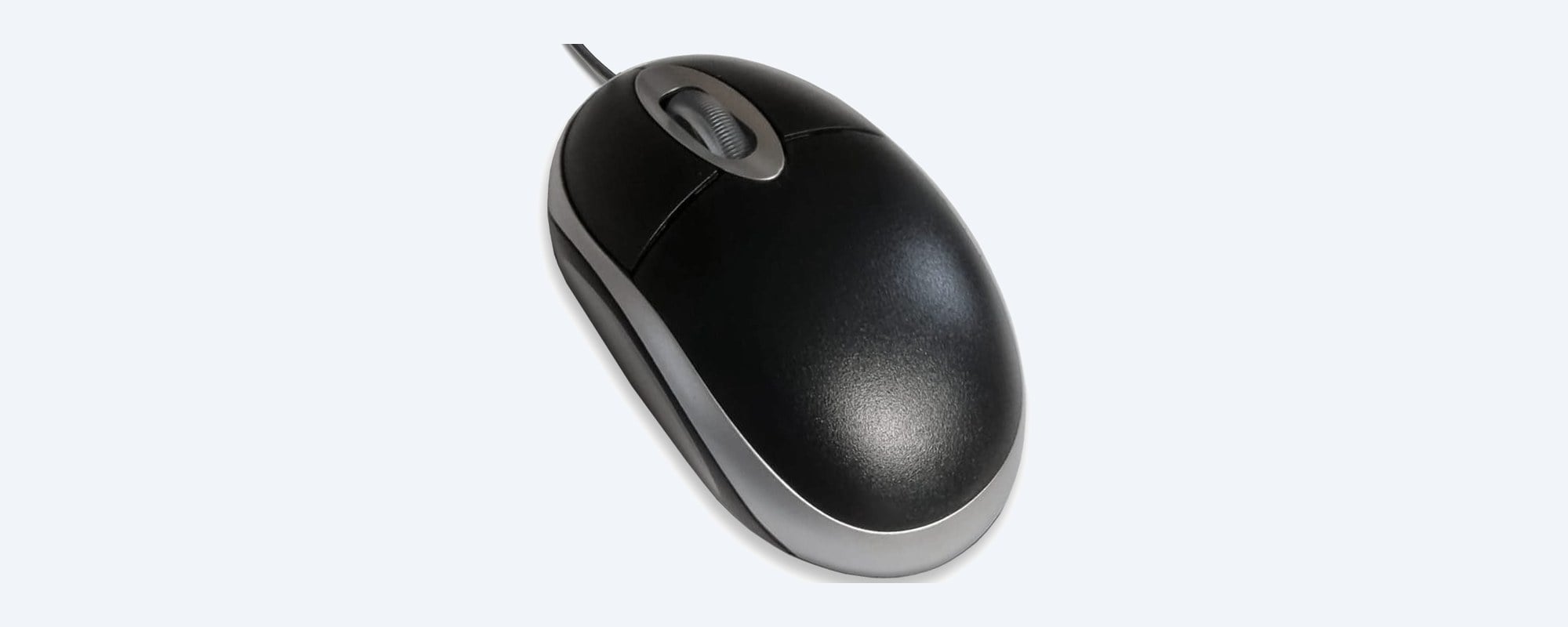
SR-MouseV1 wired USB optical mouse, black with silver sides, scroll wheel and USB-A plug on its lead
Suits Swann DVRs & NVRs · Wired USB · Optical

The mouse your recorder needs.
Wired USB. Optical. Scroll wheel.

The SR-MouseV1 is a wired USB optical mouse with a scroll wheel for running a Swann DVR or NVR. Swann says a USB mouse is needed to set up its recorders and move around their menus.

In one sentence: the SR-MouseV1 is a wired USB optical mouse with two buttons, a scroll wheel and a USB-A plug, powered from the port, for navigating Swann DVR and NVR menus, playback and setup.

A plain USB mouse that suits Swann recorders.

Swann recorders are set up and run with a USB mouse; Swann says a standard USB mouse is fine and does not sell a spare in its own store. The mouse pictured has no brand markings. It needs no batteries and no drivers.

In the box
  • Wired USB optical mouse
You also need
  • A free USB port on the recorder
  • A TV or monitor connected to the recorder

Lost or broken the mouse that came with the kit?

Without a mouse a Swann recorder can still record, but you cannot set it up, play back footage or change settings on the screen. Plug this one into the recorder's USB port and the cursor is back.

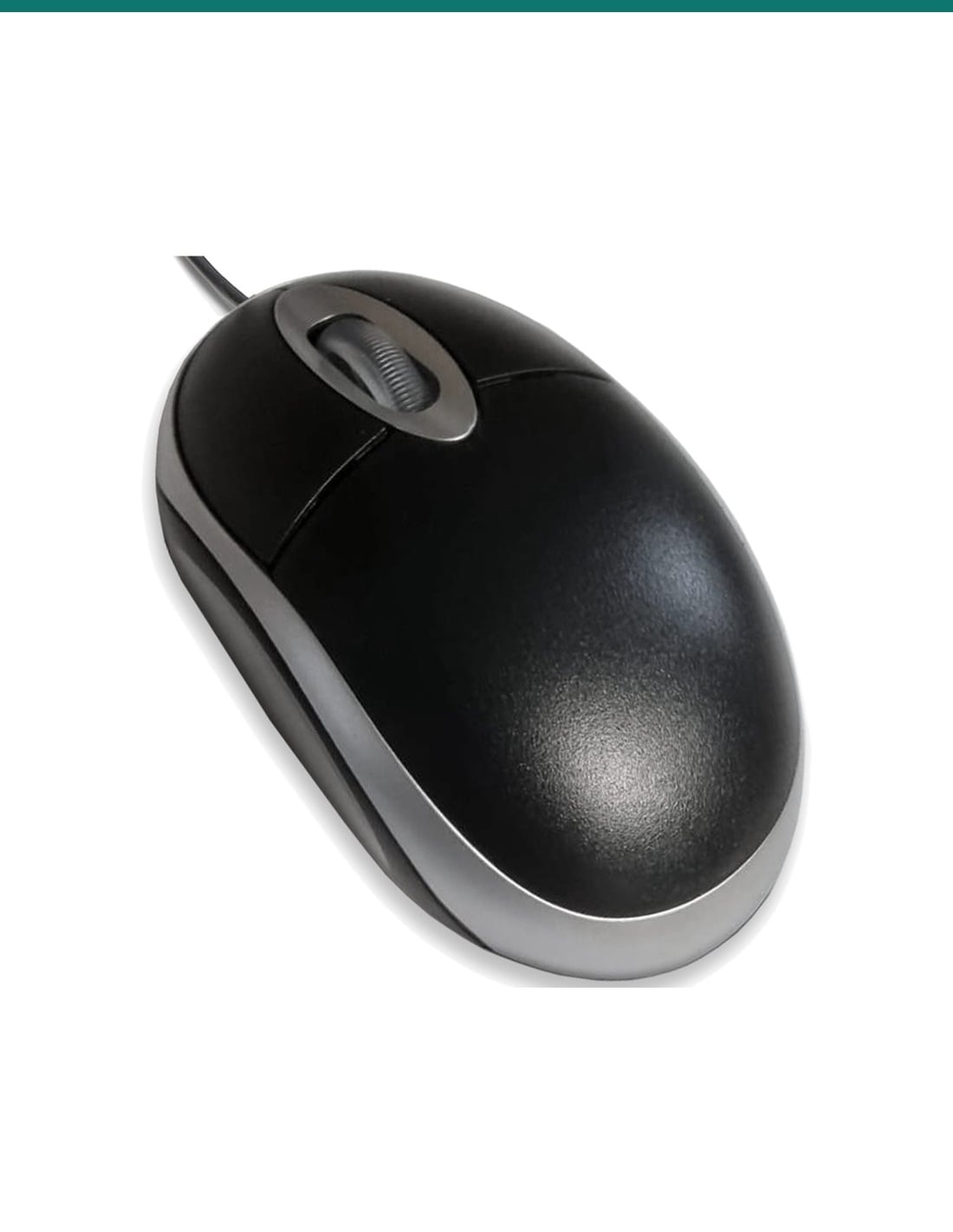
SR-MouseV1 close-up of the black top with the scroll wheel between the two buttons and silver side panels

Buttons and wheel

Two buttons and a scroll wheel.

Left click selects and the scroll wheel moves through lists and the playback timeline. On Swann recorders, a right click in live view opens the menu bar. The symmetrical shape suits either hand.

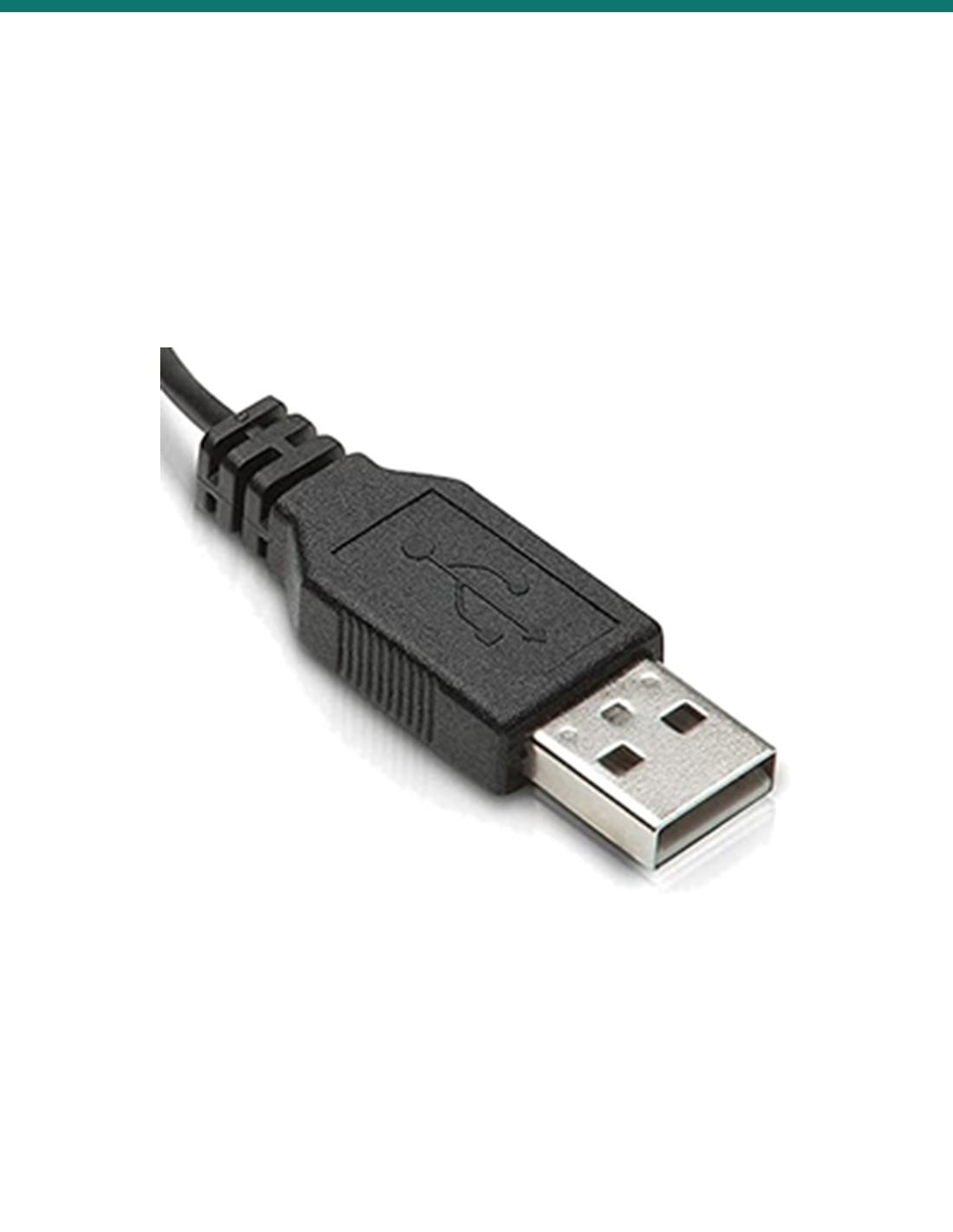
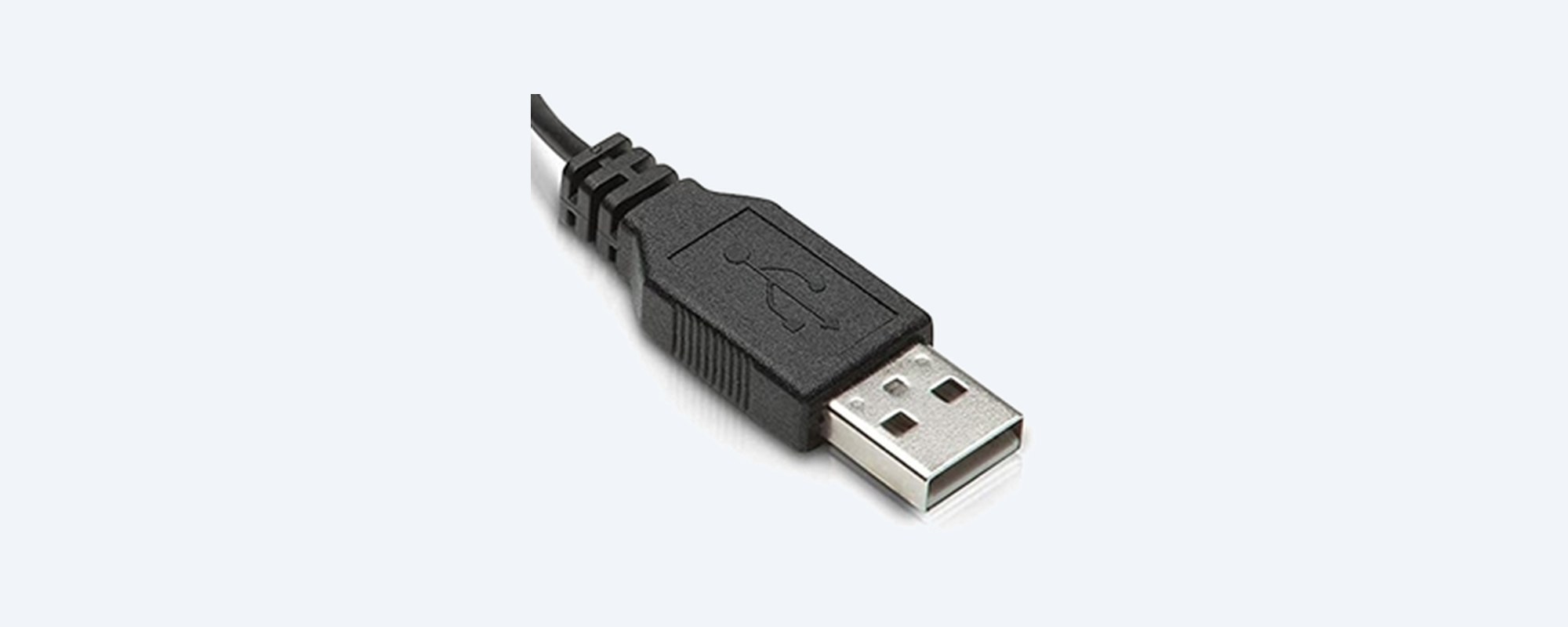
SR-MouseV1 USB-A plug with moulded strain relief on the end of the mouse lead

USB plug

Standard USB-A plug, powered by the port.

It plugs into any USB port on the recorder. If one port is labelled Mouse, Swann recommends using that one and keeping the other for backups.

How it goes in

Plugged in a few seconds.

01

Find the USB port

Use the port labelled Mouse if there is one; otherwise any free USB port on the recorder.

02

Plug it in

Push the USB plug in. Swann suggests connecting the mouse and screen before powering on the recorder.

03

Check the light

Turn the mouse over: a red light underneath means it is getting power from the port.

04

Move the cursor

Use it on a mouse pad or a flat, non-shiny surface, not glass. In live view, right click to open the recorder's menu bar.

Pair it with

Other parts for Swann recorders

Wireless

Logitech M185 wireless mouse

No cable to the desk: a USB nano receiver goes in the recorder. Swann says most wireless mice with a dedicated USB receiver work.

Recorder

Swann 8580 series NVRs

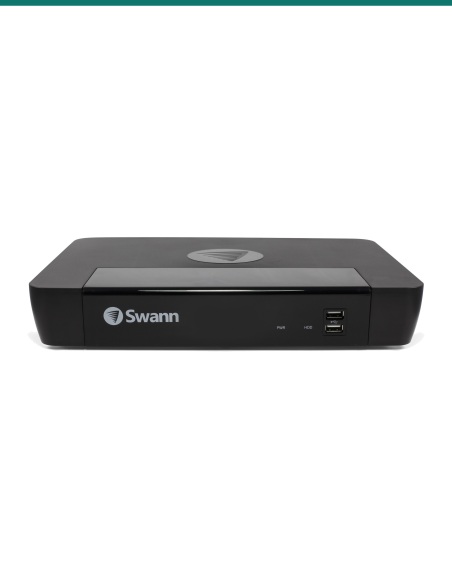
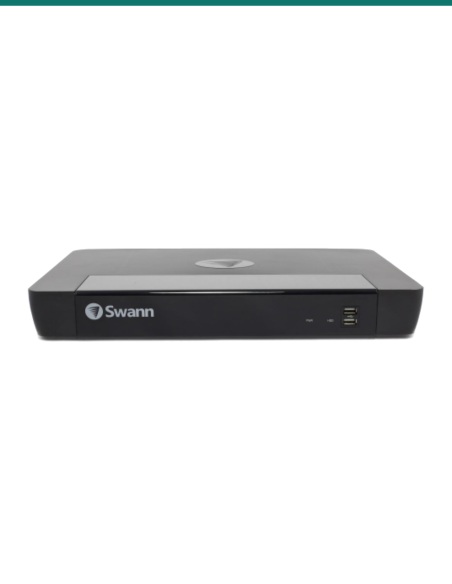
The SONVR-88580H-AU 8-channel and SONVR-168580H-2TB 16-channel 12MP NVRs, navigated with a USB mouse.

Power

Recorder power supplies

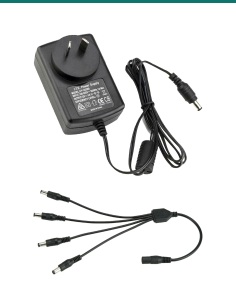
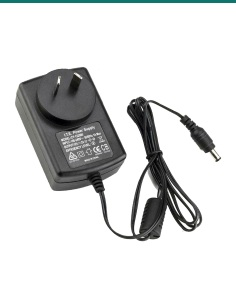
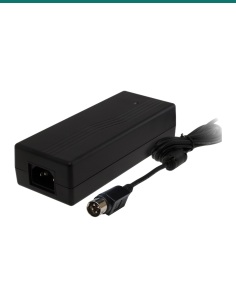
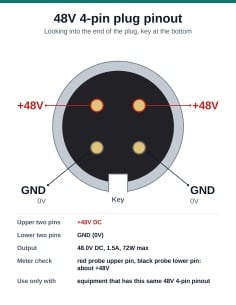
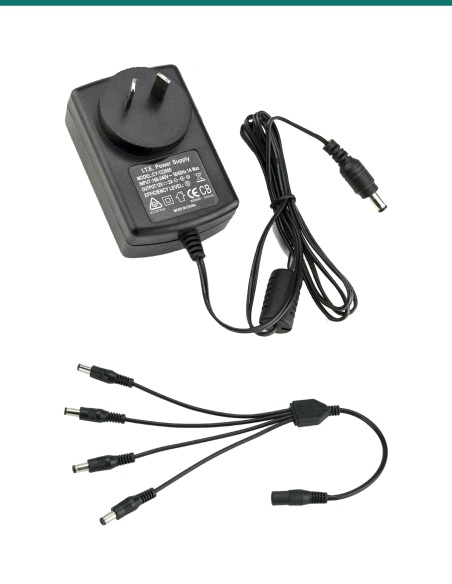
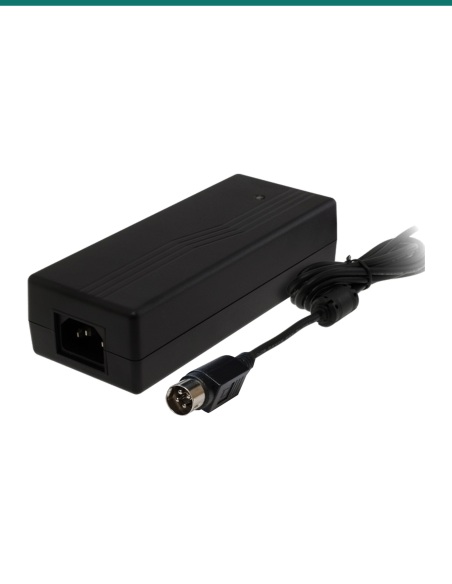
SR-PSU-12v2A-OEM for Swann 4 and 8-channel DVRs, SR-PSU-NVR48-1.5 for 8-channel 8580 NVRs.

Storage

Replacement hard drive

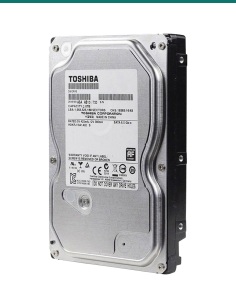
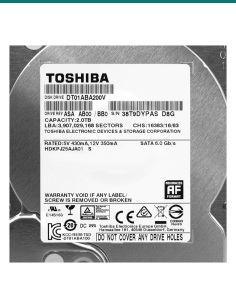
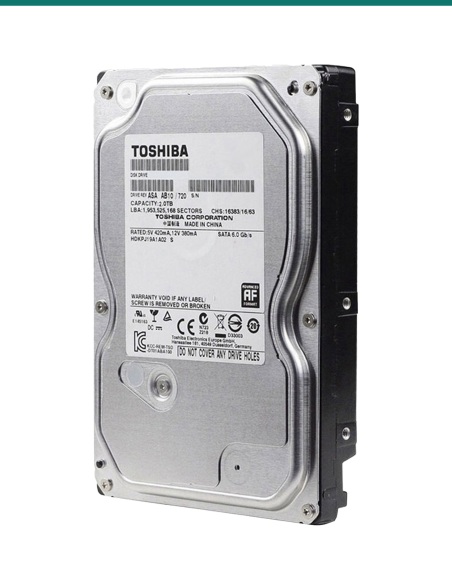
The HD2TB-TOSH 2TB Toshiba surveillance drive suits Swann DVRs and NVRs.

Where it is used

Where it is used

Replacing a lost mouse

Back in control of a Swann recorder when the kit's mouse has gone missing or stopped working.

Recorder setup

Swann's Setup Wizard, passwords, camera names and recording schedules all need a mouse.

Playback and backup

Scroll the timeline, find an event and export it to a USB stick.

Testing a fault

Swann's troubleshooting swaps in a known-good mouse to tell a faulty mouse from a faulty USB port.

Installer van stock

A spare for setting up recorders on site.

Other recorders

DVRs and NVRs from other brands that take a standard USB mouse.

SR-MouseV1 or the Logitech M185 wireless mouse

SR-MouseV1 (this mouse)Logitech-M185
ConnectionWired, USB-A plugWireless, USB nano receiver
PowerFrom the USB port1 × AA battery (supplied)
SensorOpticalOptical
Scroll wheelYesYes
BrandNo brand markingsLogitech M185
Best forA recorder on a desk or shelfA recorder in a cabinet or rack

Both work on Swann recorders. The wired mouse never needs a battery; the wireless one keeps the cable off the desk.

Common questions

Will it work with my Swann DVR or NVR?

Yes. Swann recorders take a standard USB mouse, and Swann says one is needed to set them up and navigate the menus. Plug it into any free USB port, ideally the one labelled Mouse.

Is it a Swann-branded mouse?

The mouse pictured has no brand markings. Swann does not sell a spare mouse in its own store and says a standard USB mouse is fine for its recorders. Ask us if you would like a photo of current stock.

Does it need batteries?

No. It is a wired mouse powered from the recorder's USB port.

Does it need drivers?

No. Plug it in and the cursor appears on the recorder's screen.

Which USB port should I use?

If one port is labelled Mouse, use that. Other ports may be for backups or storage, depending on the recorder.

The cursor will not move. What should I check?

Swann's steps: check the plug is firmly in, look for a red light underneath, avoid glass or shiny surfaces, try another USB port and restart the recorder. If it still fails on a computer, the mouse needs replacing.

Can I use a wireless mouse instead?

Yes. Swann says most wireless mice with a dedicated USB receiver work, as long as they need no drivers. Our Logitech M185 is one option.

Should I plug it in before switching the recorder on?

Yes, for a first-time setup. Swann recommends connecting the screen and the mouse before powering on the recorder, so the Setup Wizard appears with a working cursor.

Does it work with other brands of recorder?

Most DVRs and NVRs take a standard USB mouse. Check your recorder has a USB port for it, or ask us.

Can I use it on a computer?

Yes. It is a standard USB mouse, and Swann's own troubleshooting uses a computer to test a mouse.

Is it left or right handed?

Either. The shape is symmetrical.

How long is the lead?

Confirm with us if the length matters for your setup.

Supported by InFront Technologies.

Not sure it suits your recorder? Call 1300 736 970 or email the model on the recorder's label to [email protected].

Installation and safety

Low voltage. Powered from the recorder's USB port. No mains connection.

Surface. Optical mice track poorly on glass or shiny surfaces. Use a mouse pad or a flat desk.

What it does not do. It does not fix a recorder whose USB ports have failed: if the mouse works on a computer but not the recorder, the port is at fault.

Figures. From our listing and photos of this mouse, and Swann's support articles for how its recorders use a mouse. No manufacturer datasheet is published for it.

INFRONTTECH Promotional Banner INFRONTTECH Promotional Banner INFRONTTECH Promotional Banner

Need help choosing?

Tell us about your property and we'll recommend the right cameras and recorder.

07 5609 4910

Sydney 02 8814 6008
[email protected]

Mon–Fri, 9am–5pm AEST

Saved to your wishlist Find it any time in your account. View list