Suits Swann and other 12V CCTV · 1 to 2 · 2.1 mm
One supply, two cameras.
1 socket to 2 plugs. 2.1 mm.
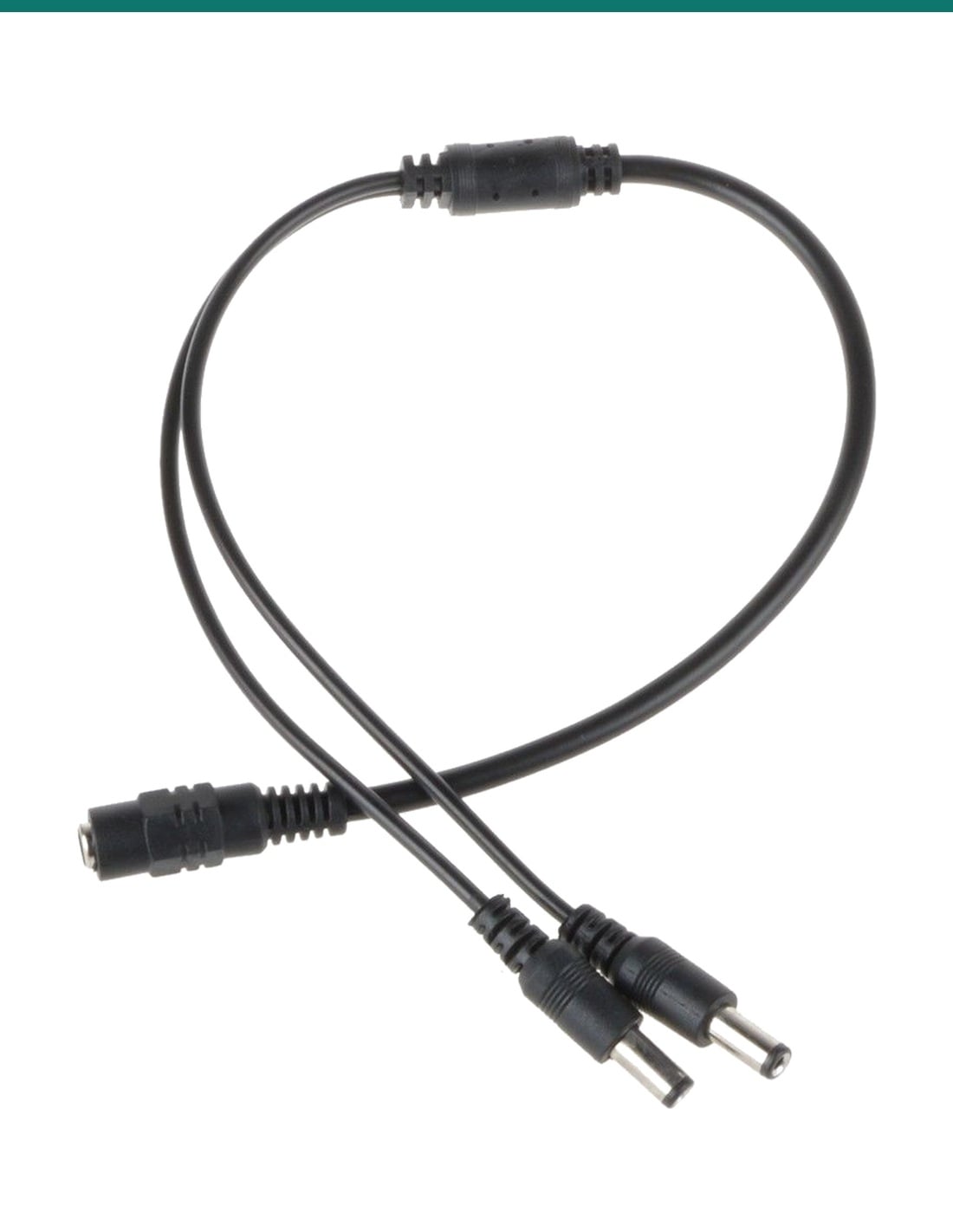
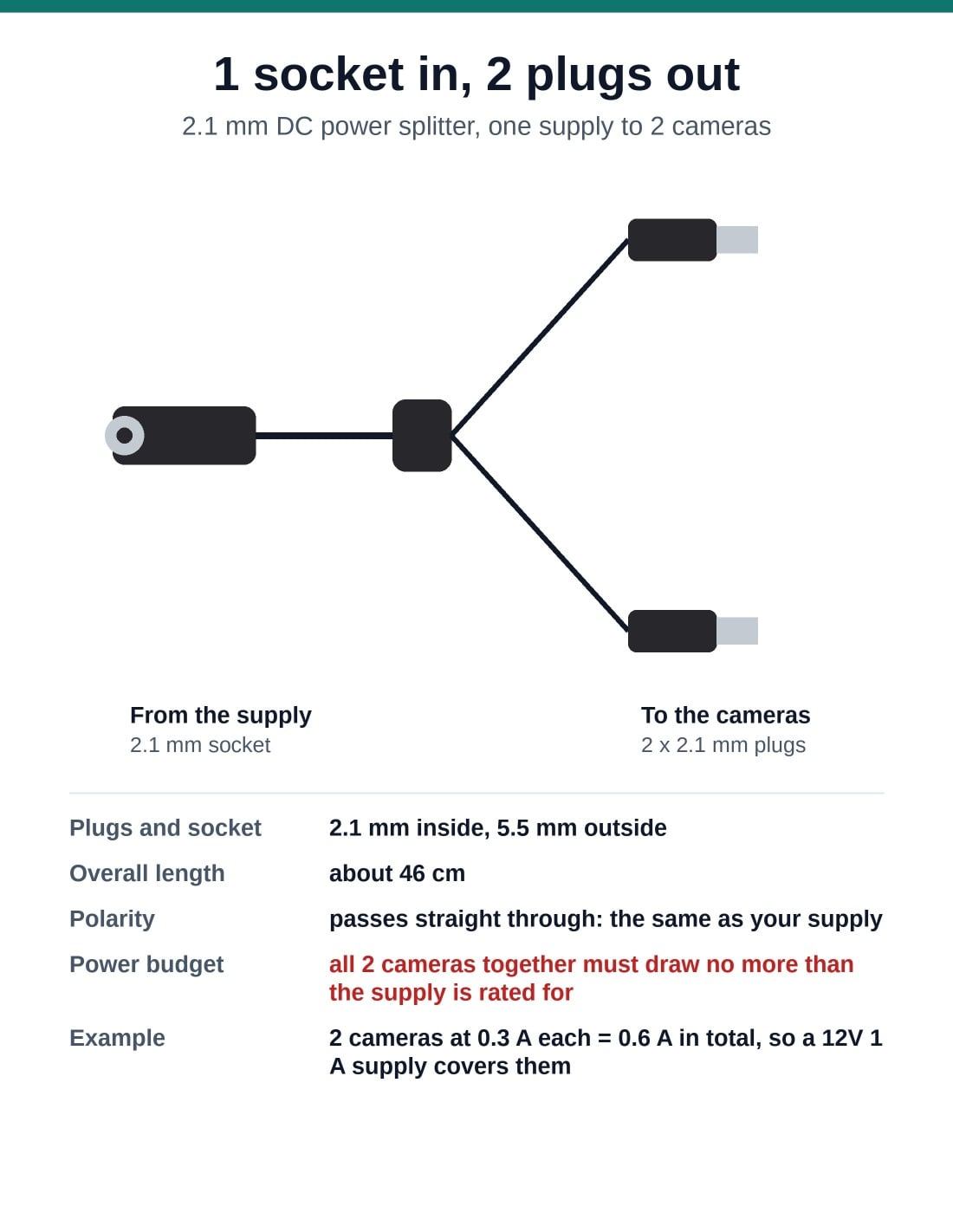
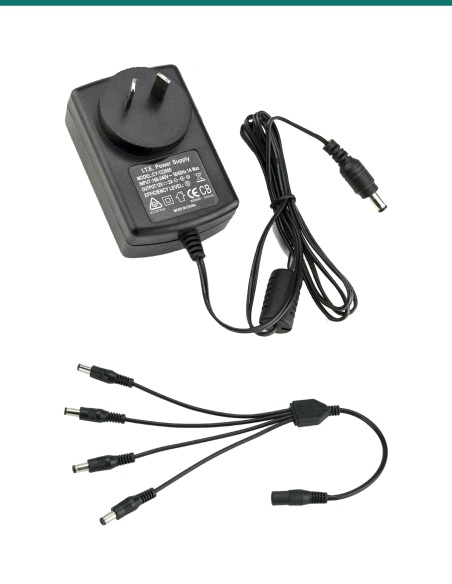
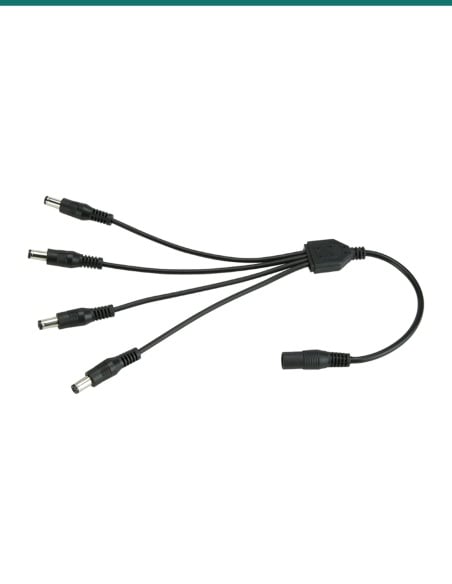
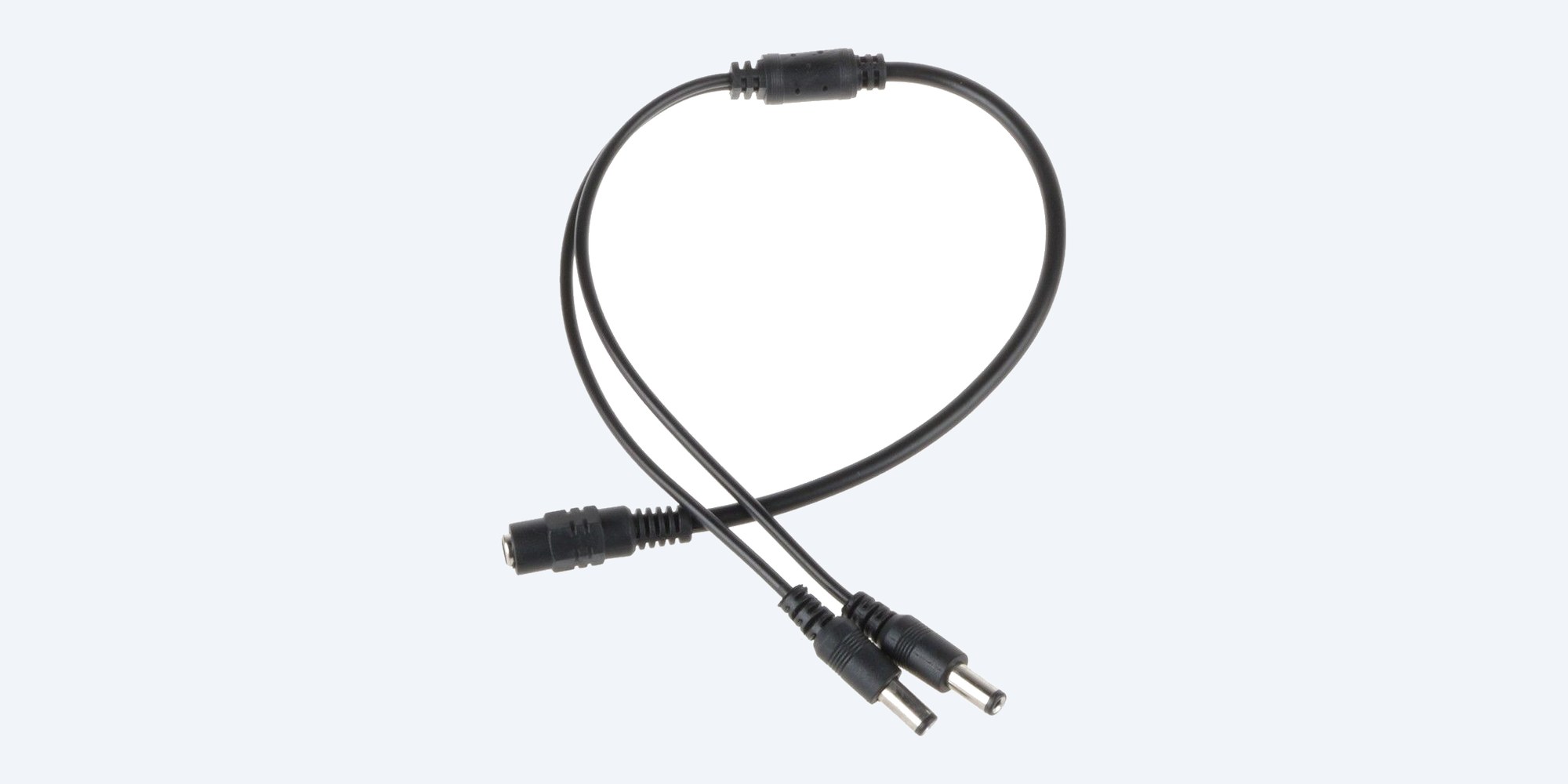
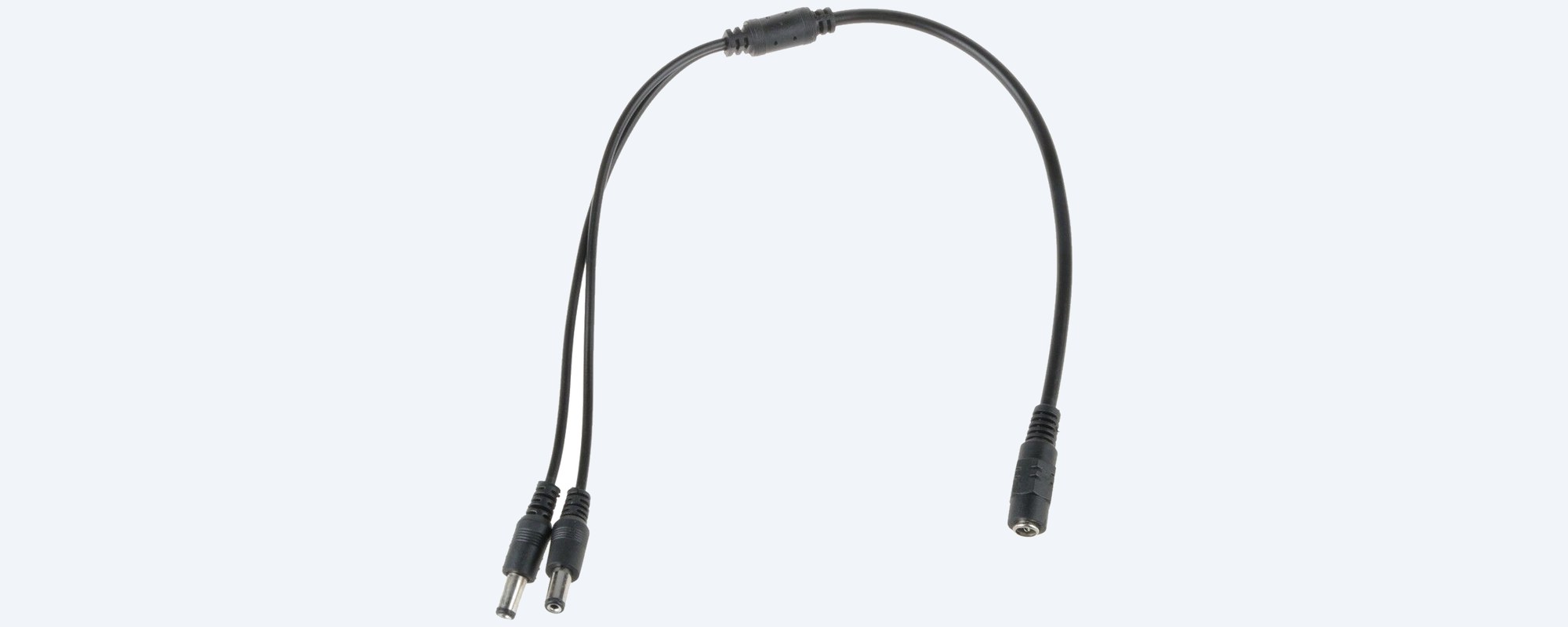
The SR-DCSP-1F2M splits one 2.1 mm DC power supply into two 2.1 mm plugs, so two CCTV cameras can share one plug-pack. It suits Swann and other 12V CCTV cameras with a 2.1 mm DC power connector.
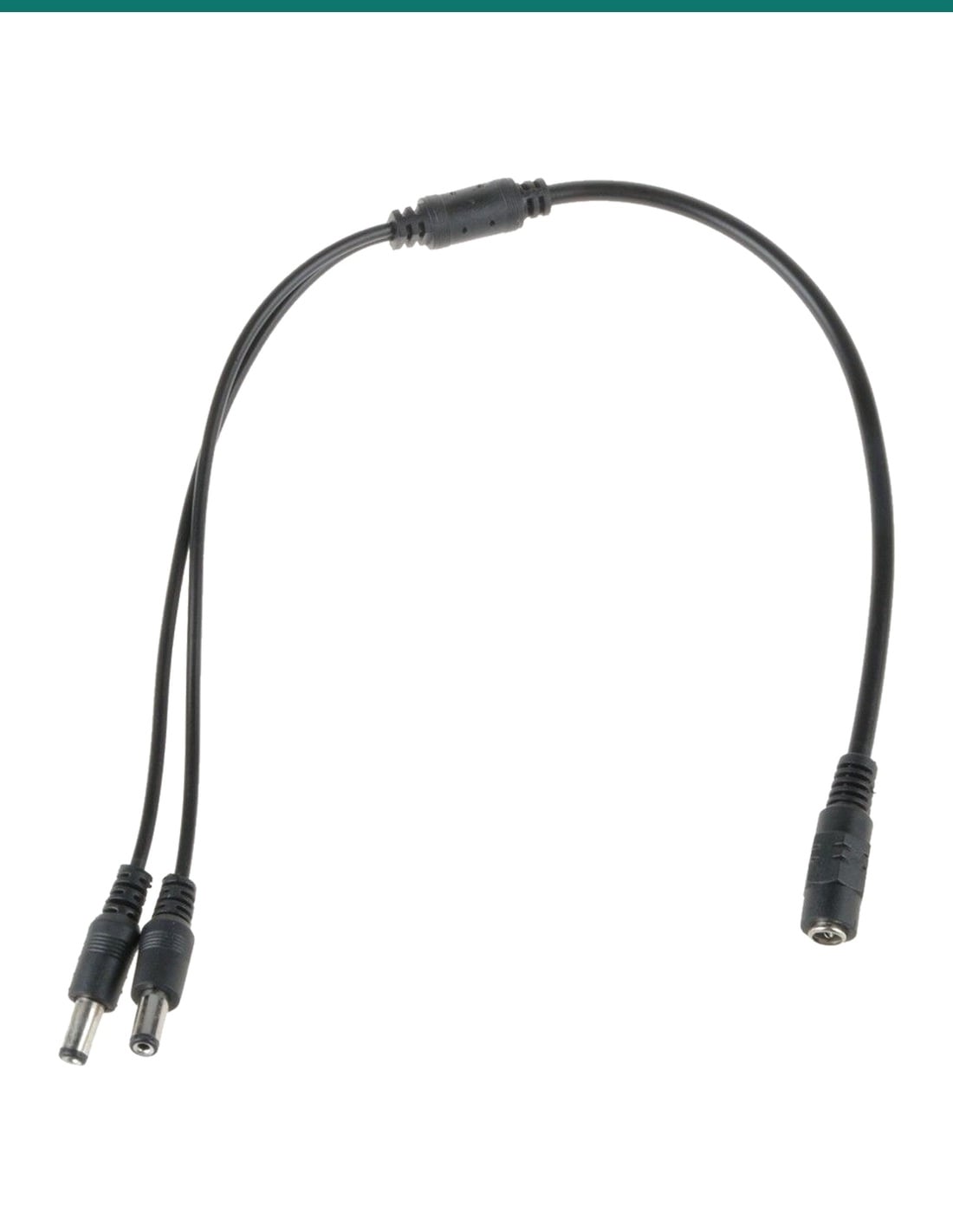
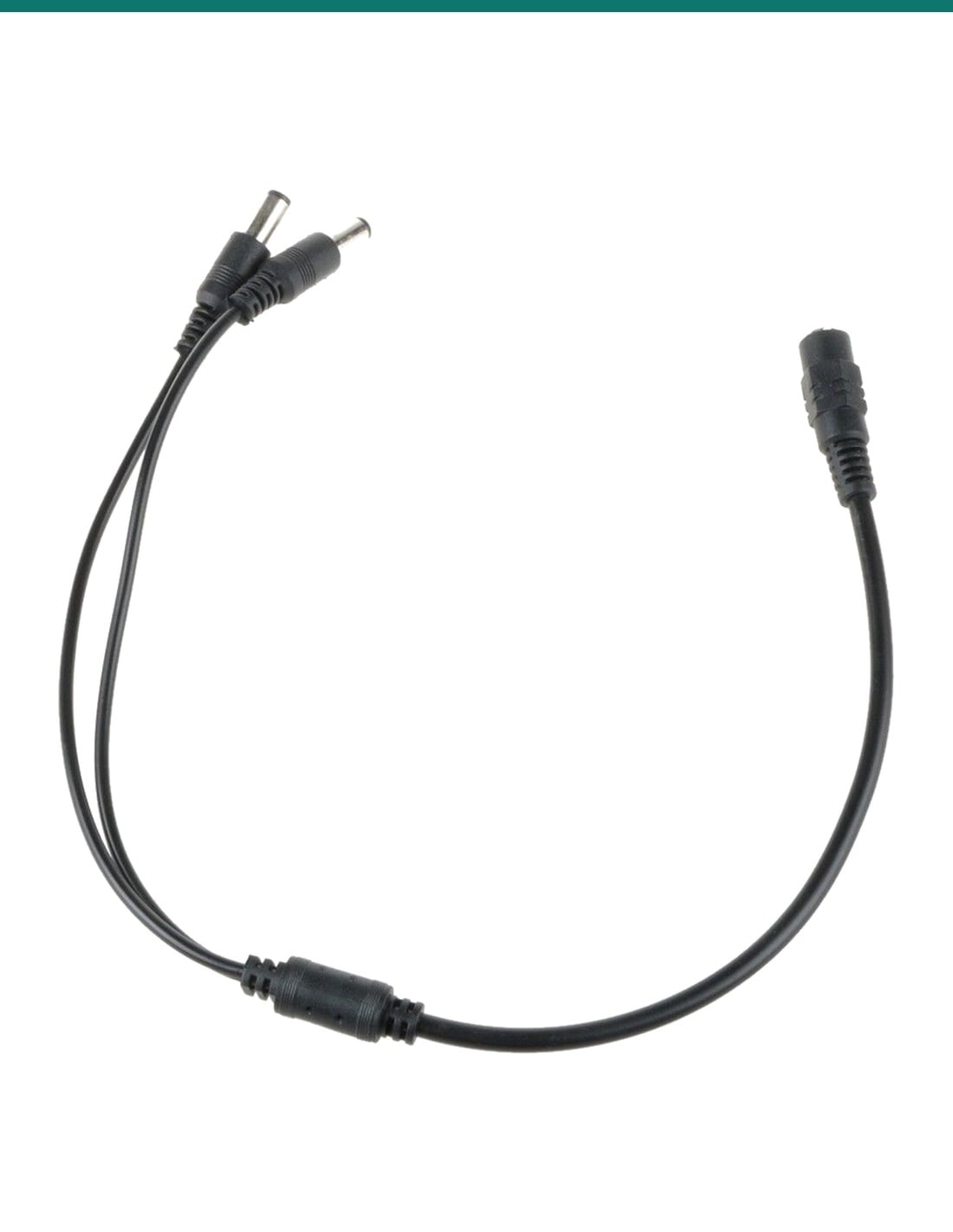
In one sentence: the SR-DCSP-1F2M is a 2-way DC power splitter cable, one 2.1 mm female socket to two 2.1 mm male plugs (5.5 mm outside), about 46 cm overall with a pure copper core, for running two CCTV cameras from one supply.
Splitter only. Your supply must cover both cameras.
This is the splitter cable on its own: it does not make power. Add up the current printed on each camera's label. Two cameras at 0.7 A each need 1.4 A, so use a supply of at least 1.5 A, preferably 2 A. Cameras with infrared draw more at night.
In the box- 1 x 2-way DC power splitter cable: 1 x 2.1 mm socket to 2 x 2.1 mm plugs
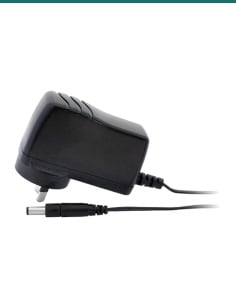
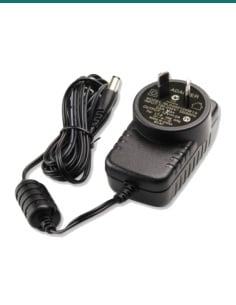
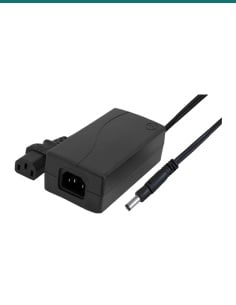
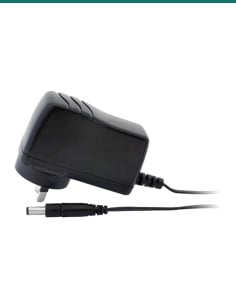
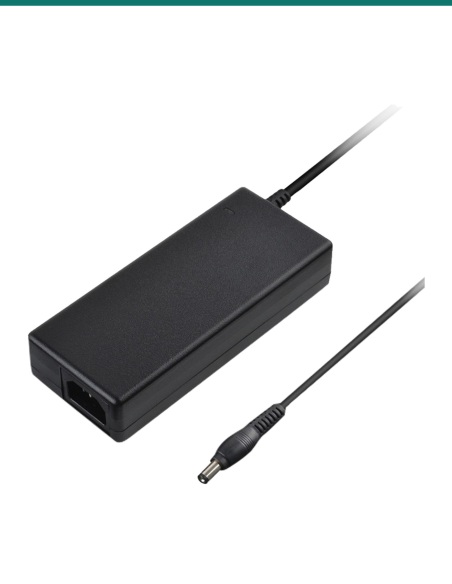
You also need- A DC supply with a 2.1 mm plug, rated for both cameras together
- Extension leads if a camera is further away than the splitter reaches
Add a second camera without a second plug-pack.
Two cameras from one supply means one less adaptor and one less power point. The supply plugs into the splitter's socket and each camera takes one of the two plugs. Polarity passes straight through, so both cameras see exactly what the supply gives.
The ends
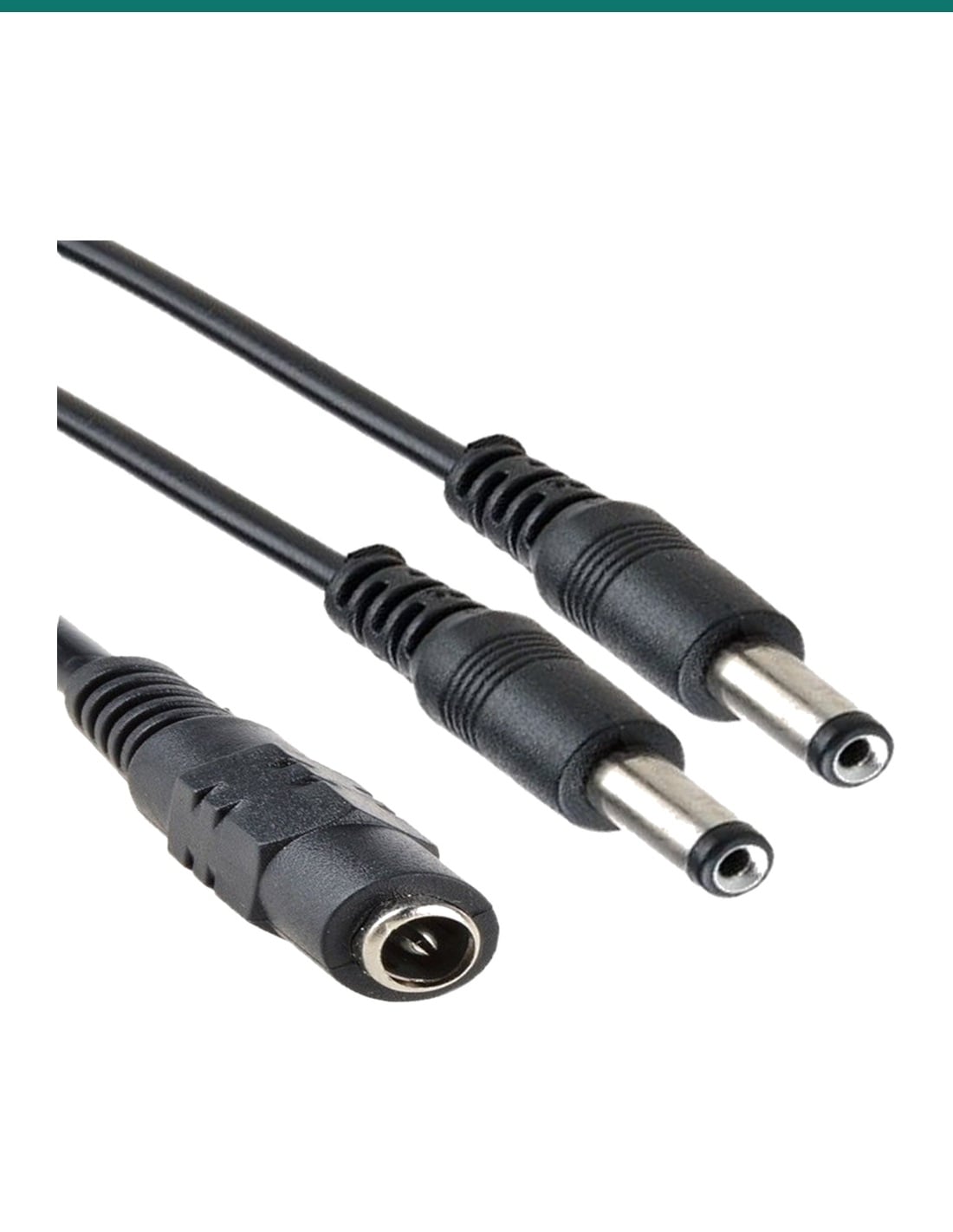
Moulded 2.1 mm plugs and socket.
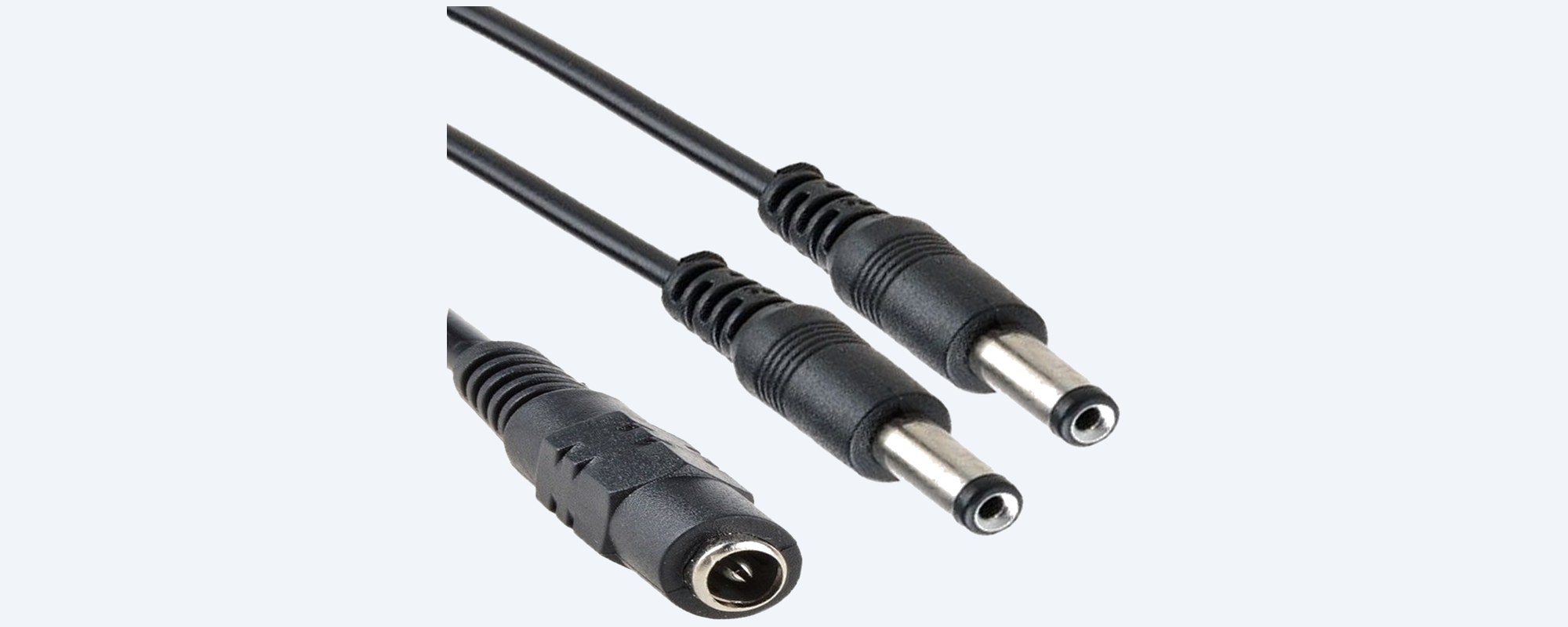
Two male plugs, 2.1 mm inside and 5.5 mm outside, go into the cameras. The female socket takes the supply's 2.1 mm plug. The wire has a pure copper core and a flame-retardant PVC jacket.
Length
About 46 cm overall.
Long enough to reach two cameras mounted close together, or to sit the join away from the supply. For a longer run, add a 2.1 mm DC extension lead between a plug and the camera.
How it goes in
Connected in a minute.
01
Add up the cameras
Read the current on each camera's label. The two together must be no more than the supply's rating.
02
Switch off the supply
Turn the supply off at the wall before you connect anything.
03
Connect the splitter
Push the supply's 2.1 mm plug into the splitter's socket, then one splitter plug into each camera's 2.1 mm power connector.
04
Power up and check
Switch on and check both cameras have a picture, by day and at night. A camera restarting at night means the supply is too small.
At a glance
SR-DCSP-1F2M
Show specs
Type
DC power splitter cable, 1 to 2
Input
1 x 2.1 mm female DC socket
Outputs
2 x 2.1 mm male DC plugs
Plug size
2.1 mm inside, 5.5 mm outside
Overall length
About 46 cm
Jacket
Flame-retardant PVC
Applications
12V to 48V DC
Polarity
Passes straight through: the same as your supply
Power
None of its own: both cameras share the supply's current
Suits
Swann and other 12V CCTV cameras with a 2.1 mm DC power connector
Not for
PoE network cameras, which take power through the network cable
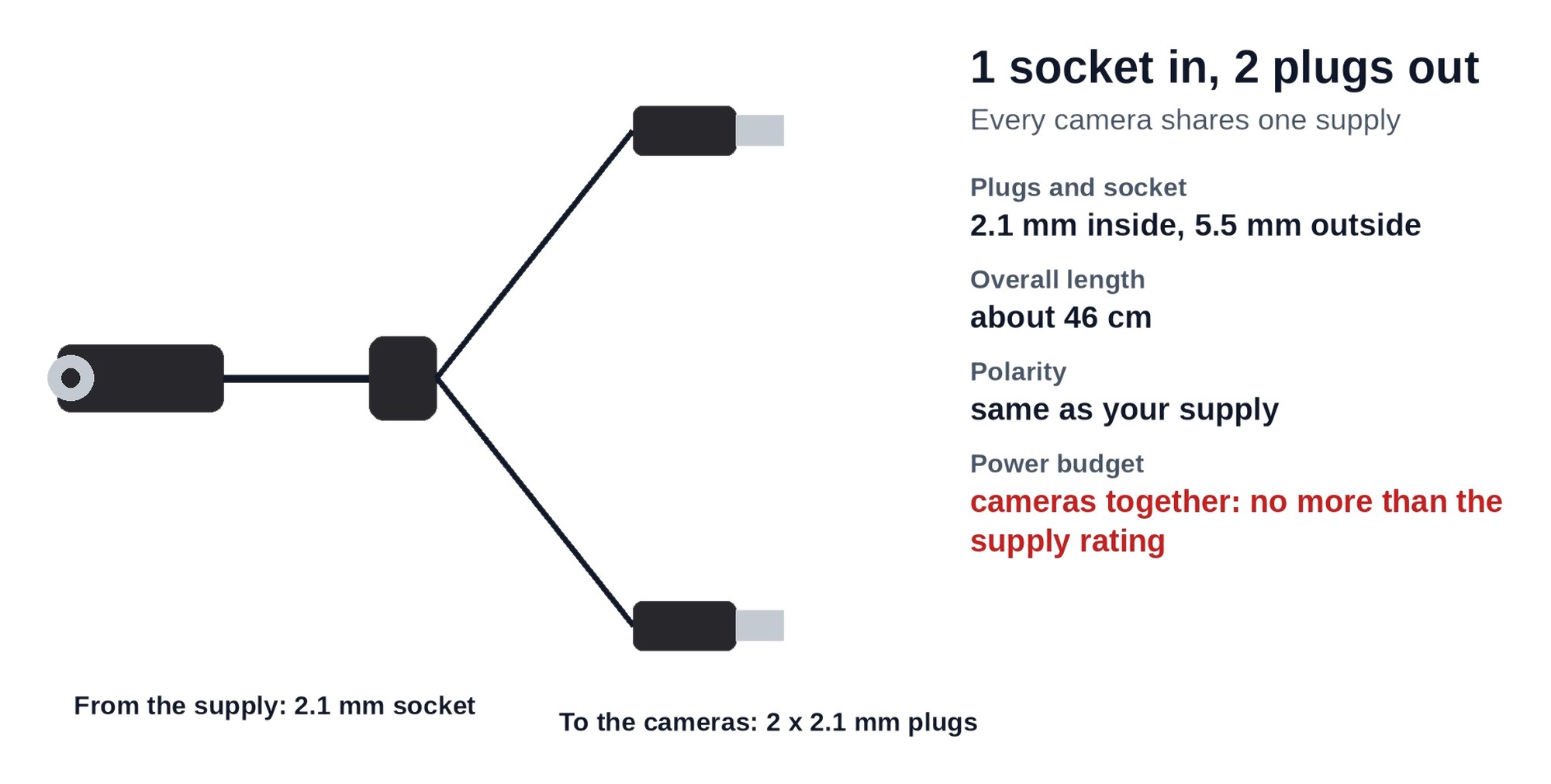
One supply into the socket, two cameras on the plugs. The cameras together must draw no more than the supply is rated for.
Pair it with
Power it properly
Power supply
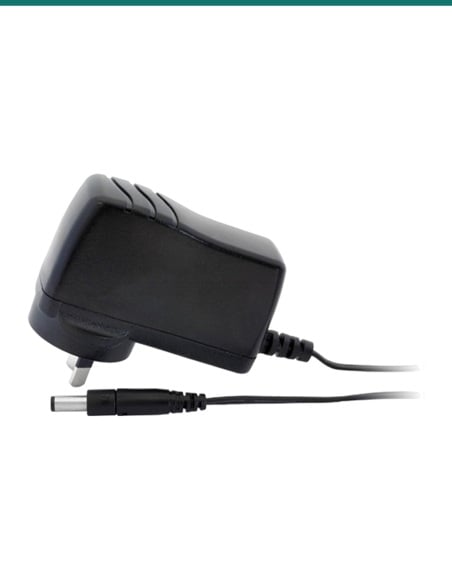
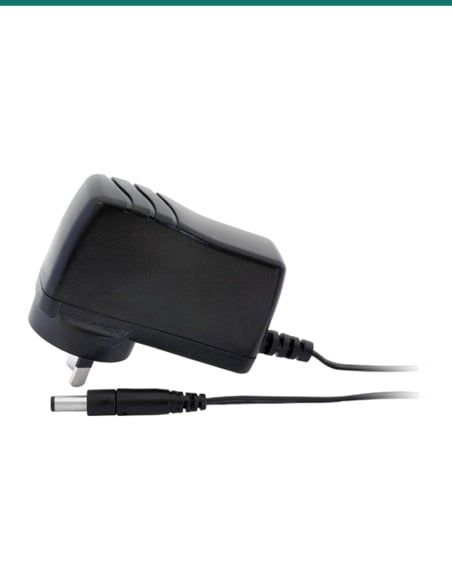
12V 1A plug-pack
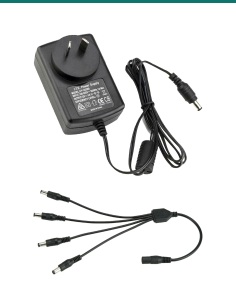
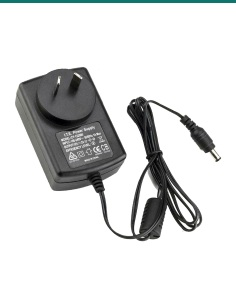
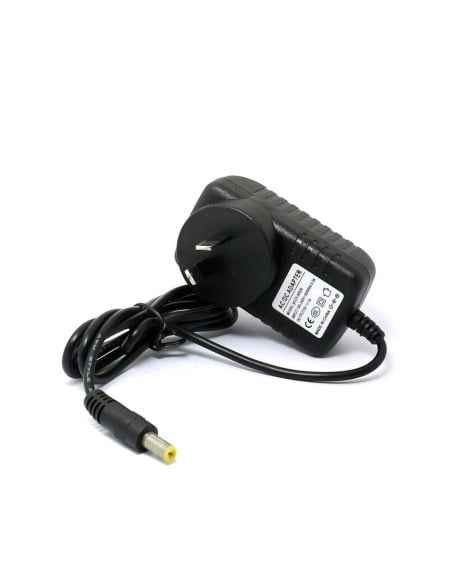
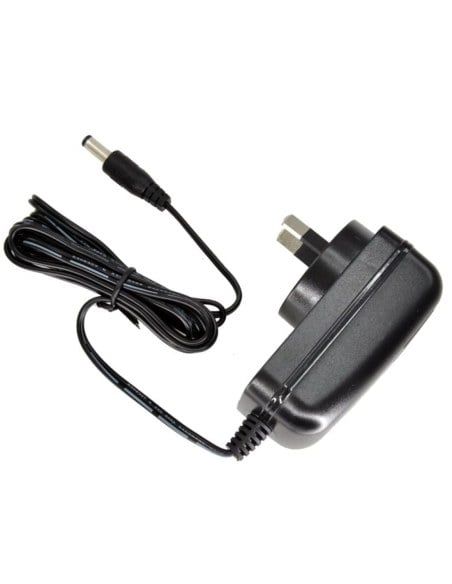
Our SR-PSU-12V1A 12V 1A supply has a 2.1 mm centre-positive plug and covers two cameras drawing up to 0.5 A each.
More headroom
12V 2A plug-pack
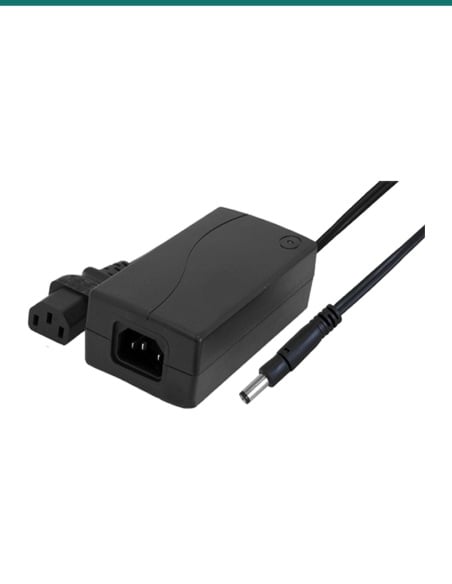
For two cameras with strong infrared, the SR-PSU-12v2A 12V 2A supply covers up to 1 A each.
More cameras
Running four cameras?
The SR-DCSP-1F4M 4-way splitter takes one supply to four 2.1 mm plugs.
Bare wires
Cut or broken lead?
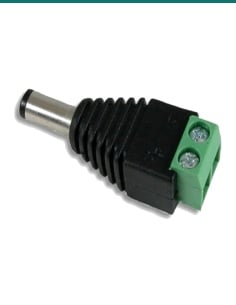
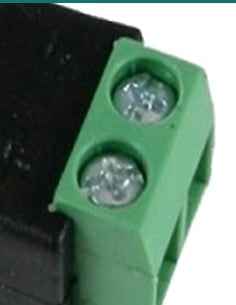
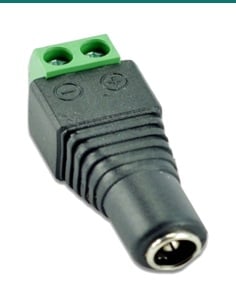
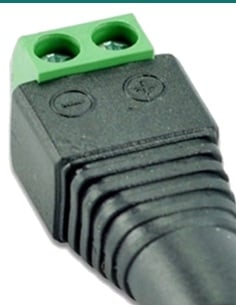
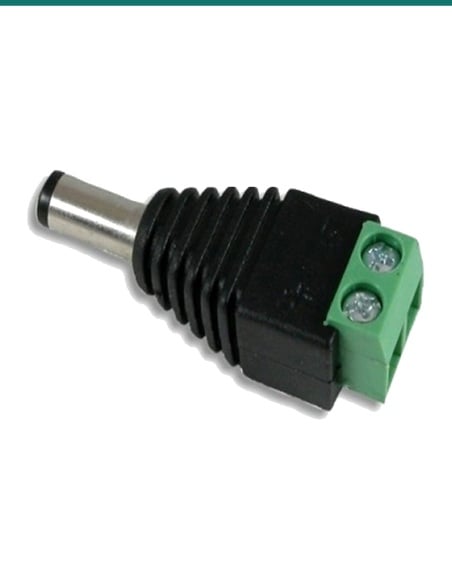
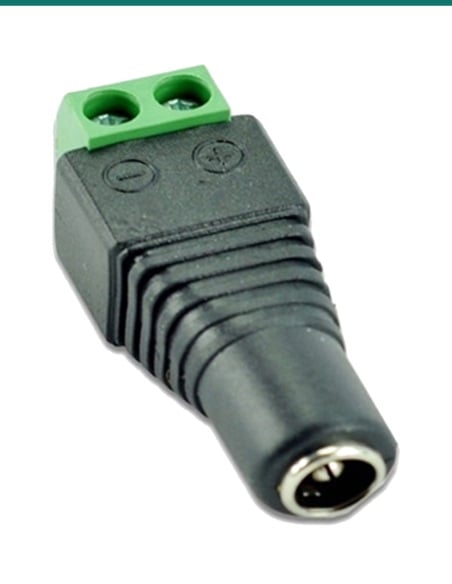
Our IFT-DCM-P plug and IFT-DCF-S socket with screw terminals put a 2.1 mm end on bare power wire without soldering.
Where it is used
Where a 2-way splitter earns its place.
Front and back door
Two cameras on one wall or in one roof space, powered from one supply.
Driveway and gate
A pair of cameras covering a driveway from both ends of the same run.
Adding a camera
A second camera on an existing supply, when the supply has enough spare current for both.
Shops and counters
Two cameras over a counter or register from one supply in the ceiling.
Other DC devices
Two small devices with a 2.1 mm DC socket sharing one supply that covers them both.
Installer's kit
A spare to keep in the van for quick fixes on site.
2-way or 4-way splitter
| SR-DCSP-1F2M (this splitter) | SR-DCSP-1F4M |
|---|
| Plugs | 2 x 2.1 mm male | 4 x 2.1 mm male |
| Socket | 1 x 2.1 mm female | 1 x 2.1 mm female |
| Overall length | About 46 cm | About 22 to 25 cm |
| Best for | 2 cameras on one supply | Up to 4 cameras on one supply |
Same 2.1 mm plugs and socket. Pick by the number of cameras, then size the supply for all of them together.
Common questions
Will it work with my Swann cameras?
Yes, when the camera runs on DC and its power lead ends in a 2.1 mm DC connector. This splitter is a generic part, not made by Swann. Check the camera's label, or send us the model and we will confirm.
What size supply do I need for two cameras?
Add up the current on both cameras' labels and pick a supply rated above the total. Two cameras at 0.7 A each need 1.4 A, so use at least 1.5 A, preferably 2 A.
Does the splitter change the voltage?
No. It is a passive cable. Both cameras get the same voltage and polarity as the supply.
What size are the plugs?
2.1 mm inside and 5.5 mm outside, the common CCTV size. The socket takes a 2.1 mm plug from the supply.
How long is it?
About 46 cm overall, from the socket to the ends of the plugs.
What voltages can it be used on?
It is listed for 12V to 48V DC applications. The splitter passes through whatever the supply gives, so every device on it must take that voltage.
What is the wire made of?
A pure copper core in a flame-retardant PVC jacket.
Can I use it with PoE cameras?
No. PoE network cameras take their power through the network cable from the recorder or a PoE switch, not from a 2.1 mm plug.
One camera restarts at night. Is the splitter at fault?
Usually it is the supply. Infrared lights switch on at night and raise each camera's draw. If the total goes over the supply's rating, a camera drops out. Use a bigger supply.
How much current can the cable carry?
No current rating is published for the cable itself. It is made for CCTV camera loads. For a supply bigger than 12V 2A, ask us first.
Is it made by Swann?
No. It is a generic 2.1 mm splitter that suits Swann and other CCTV cameras with the same connector.
How fast can I get it?
Choose Express Post at checkout for priority handling. Orders are tracked and dispatched the same business day when placed before the cutoff.
Supported by InFront Technologies.
Not sure what your cameras draw or which supply you need? Call 1300 736 970 or email the camera models to [email protected] and we will work out the total for you.
Installation and safety
Extra-low voltage only. Use it on low-voltage DC camera supplies, 12V to 48V. Never connect it to mains.
Do not overload the supply. Both cameras share the supply's current. An overloaded supply runs hot and the cameras drop out.
Check the polarity and voltage. The splitter passes the supply's voltage and polarity straight through. Most 12V CCTV cameras are centre positive: make sure the supply and both cameras agree.
Keep the joins dry. No weatherproof rating is given for the plugs. Keep the joins inside a junction box, the roof space or another dry place.
Cabling. Cable run inside walls or ceilings alongside data cabling should follow AS/CA S009. A new power point needs a licensed electrician.
What it does not do. It does not make power, add current, or work with PoE network cameras.
Figures. From our listing for this part. It is a generic part with no manufacturer datasheet.