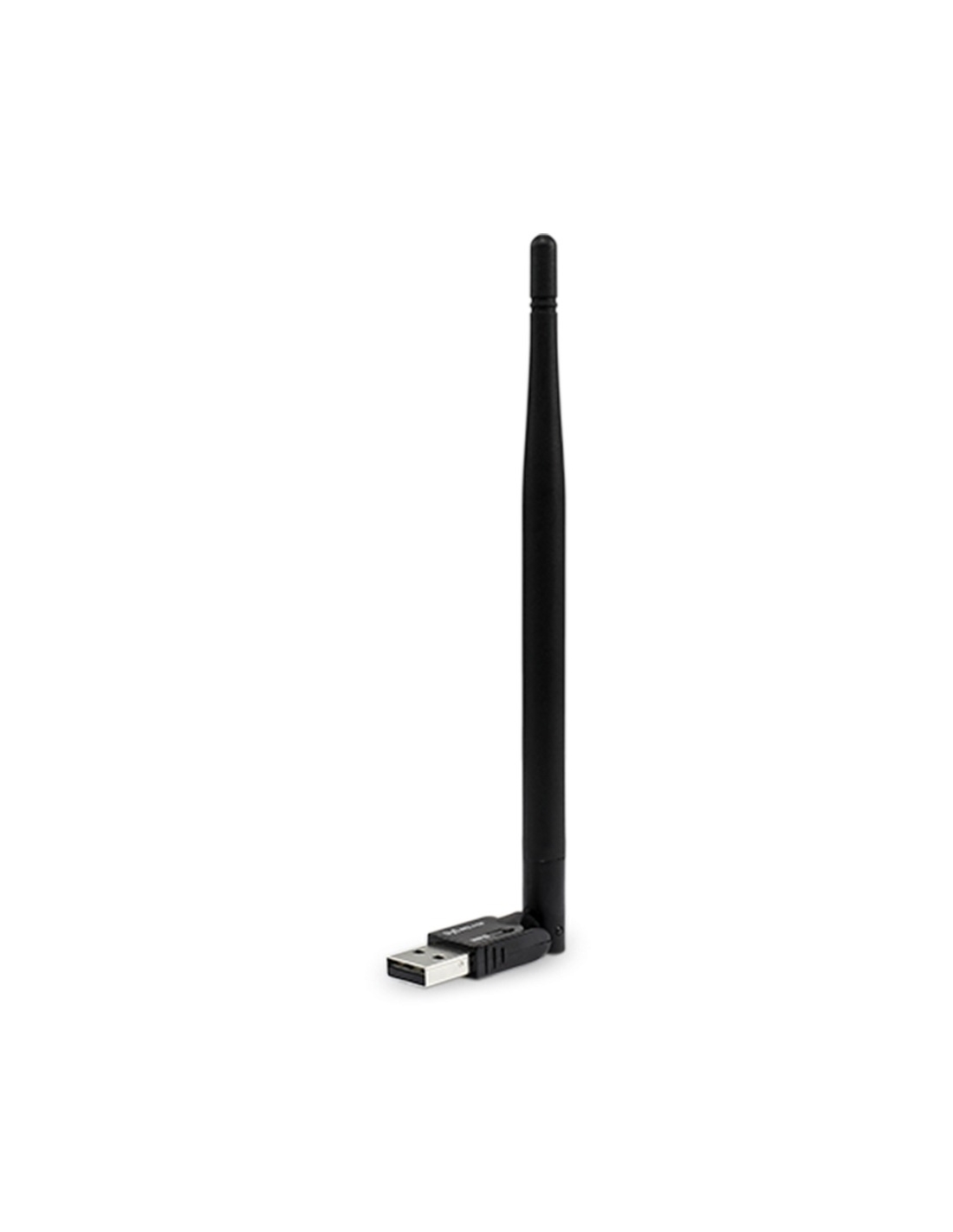
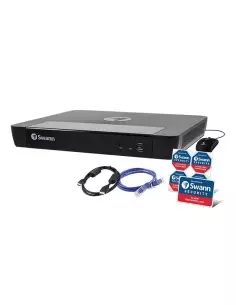
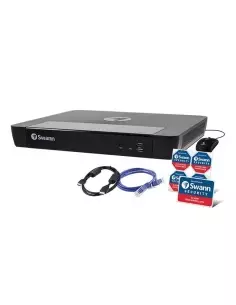
Swann USB Wi-Fi Antenna for DVR & NVR
2.4GHz Wireless Network Adapter · Model SWACC-USBWIFI-GL
Cut the network cable — connect your Swann recorder to Wi-Fi in seconds.
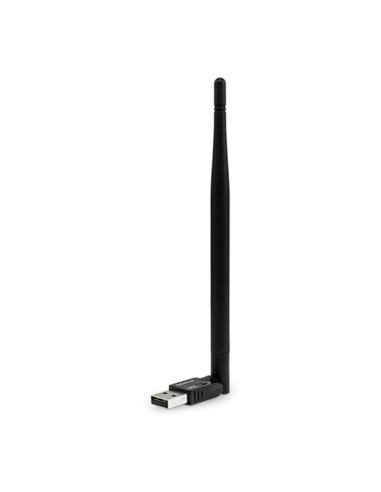
Tired of running an Ethernet cable across the room just to get your Swann recorder online? The Swann USB Wi-Fi Antenna plugs straight into a free USB port on your compatible Swann DVR or NVR and connects it to your home or business 2.4GHz Wi-Fi network — giving you the freedom to put your recorder wherever it makes sense, not just where the cable reaches.
No Cables
Wireless internet connection
Plug & Play
USB connection in seconds
2.4GHz Wi-Fi
Long-range, wall-friendly band
Genuine Antenna
Made for your recorder
How It Connects
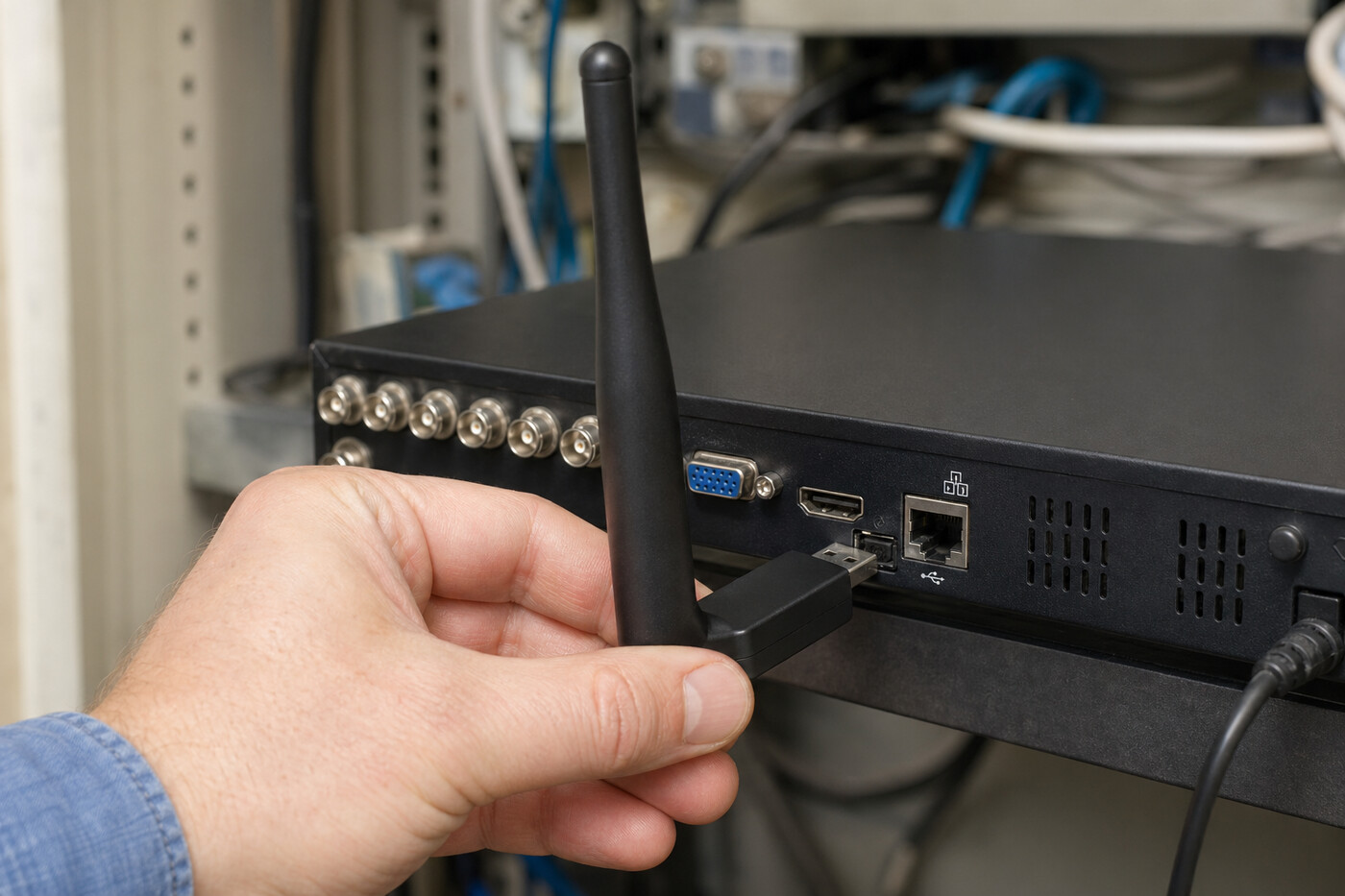
Your DVR/NVR already supports remote viewing through the Swann mobile app — but it normally needs a network cable from your router. This little antenna replaces that cable. Simply plug it into a USB port on the back of the recorder, then pair it with your Wi-Fi network using the recorder’s on-screen wizard.
Key Features & Benefits
Cable-Free Setup
Replaces the Ethernet cable between your router and recorder. No more drilling holes or stringing cable through the roof cavity.
Hide Your Recorder
Free to relocate the DVR/NVR anywhere within Wi-Fi range — tuck it in a cupboard, study or out of sight to protect your footage.
Plug-and-Play USB
Connects via a single free USB port on the rear of compatible Swann recorders. No drivers, no fiddly software.
2.4GHz Range
Uses the longer-range, wall-friendly 2.4GHz Wi-Fi band — better for a recorder tucked away in another room.
Reliable Remote Viewing
Keeps the Swann Security app, push notifications and remote playback working from anywhere — without trailing cables.
Genuine Swann Accessory
Designed and tested by Swann for use with their own DVR and NVR security recorders — not a generic dongle.
Set Up in Under a Minute
- Power down your Swann DVR or NVR (this is not always required depending on model)
- Plug the antenna into a free USB port on the back of the recorder.
- Power up — the recorder will detect the antenna automatically.
- Open Network Settings on the recorder and switch from Wired (Ethernet) to Wi-Fi.
- Select your Wi-Fi network, enter the password and connect.
Compatible Swann Recorders
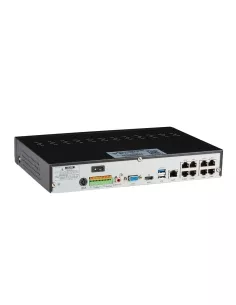
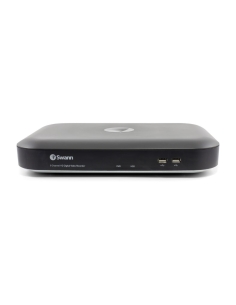
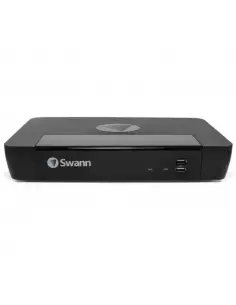
This antenna is the SWACC-USBWIFI. It works with the Swann DVR and NVR series listed below. Each series typically comes in 4-channel, 8-channel and 16-channel models — all are supported. Will also support Jaycar Concord NVR's.
| Series |
Description |
Channels |
| Wired DVRs — 1080p |
| DVR-4480 RN |
1080p Wired DVR (SD card storage) |
4 / 8 / 16 ch |
| DVR-4580 RN |
1080p Wired DVR (max 3MP) |
4 / 8 / 16 ch |
| Wired DVRs — 1080p / 2K |
| DVR-4880 RN |
1080p / 2K Wired DVR |
4 / 8 / 16 ch |
| DVR-4685 RN |
1080p / 2K Wired DVR (SD card storage) |
4 / 8 / 16 ch |
| DVR-4685 XU |
1080p / 2K Wired DVR (SD card storage) |
4 / 8 / 16 ch |
| DVR-4680 RN / RU |
1080p / 2K Wired DVR |
4 / 8 / 16 ch |
| Wired DVRs — up to 4K |
| DVR-4680 X / XN |
Up to 4K Wired DVR |
4 / 8 / 16 ch |
| DVR-4680 XU |
Up to 4K Wired DVR |
4 / 8 / 16 ch |
| DVR-5580 RN / RU |
Up to 4K Wired DVR |
4 / 8 / 16 ch |
| DVR-5680 RN / RU |
Up to 4K Wired DVR |
4 / 8 / 16 ch |
| DVR-5680 X / XN |
Up to 4K Wired DVR |
4 / 8 / 16 ch |
| DVR-5680 XU |
Up to 4K Wired DVR |
4 / 8 / 16 ch |
| Wired NVRs |
| NVR-ADVANX |
AdvancedX 5MP / 4K Wired NVR |
4 / 8 / 16 ch |
| NVR-8580 RN / RU |
Wired NVR (max 6K / 12MP) |
4 / 8 / 16 ch |
| NVR-8780 RN |
Wired NVR (max 6K / 12MP) |
4 / 8 / 16 ch |
| NVR-8600 RU |
Wired NVR (max 6K / 12MP) |
4 / 8 / 16 ch |
Source: Swann Camera Compatibility Chart, November 2025. Each series typically comes in 4, 8 and 16-channel variants — all supported. Recorder firmware should be up to date for best results.
NOTE: SWACC-USBWIFIV2-GL is an alternate antenna (this SWACC-USBWIFI-GL is compatible with more swann systems however does not support the SWNVW Wireless Recorders). This SWACC-USBWIFI-GL is the most compatible antenna available for Swann.
What’s in the Box
- ✓ 1 × USB Wi-Fi Antenna for compatible Swann, Jaycar Concord DVR & NVR recorders
- Perfect For
Aussie Family Homes
Where the modem and recorder live in different rooms and you’d rather not run cable through the ceiling.
Renters & Apartments
No drilling, no permanent cable runs. Set it up, take it with you when you move.
Hidden Recorder Locations
Keep the recorder out of sight in a wardrobe, study or roof cavity for extra peace of mind.
Granny Flats & Sheds
Anywhere your Wi-Fi reaches but a network cable doesn’t — back shed, granny flat, garage or workshop.
Small Business & Shops
Discreet recorder placement away from the counter and out of reach of intruders.
System Upgrades
Bring an existing wired Swann DVR/NVR onto the Wi-Fi network without rewiring.
Before you order — quick checks:
- Confirm your Swann recorder is listed in the compatibility table above.
- Make sure your Wi-Fi router broadcasts on the 2.4GHz band (most Aussie home routers do, including dual-band).
- Check there is decent Wi-Fi signal at the recorder’s planned location — thick brick walls or long distances may need a Wi-Fi extender.
- Ensure your recorder firmware is up to date.
Not sure if it fits your system? Send us your Swann DVR or NVR model number along with your router brand and we’ll confirm compatibility before you buy. Local Australian support, friendly advice.
Sold & supported by InFront Technologies
Fast Australian shipping · Interest-free options available
Wireless performance depends on Wi-Fi signal strength, distance, walls, and interference. Always update your recorder firmware to the latest version before installation. SWACC-USBWIFI is a 2.4GHz adapter and does not support 5GHz-only Wi-Fi networks.