Suits Swann analogue cameras · 12V 2A · 4-way splitter
One supply, up to four cameras.
12V. 2A. 4-way splitter.
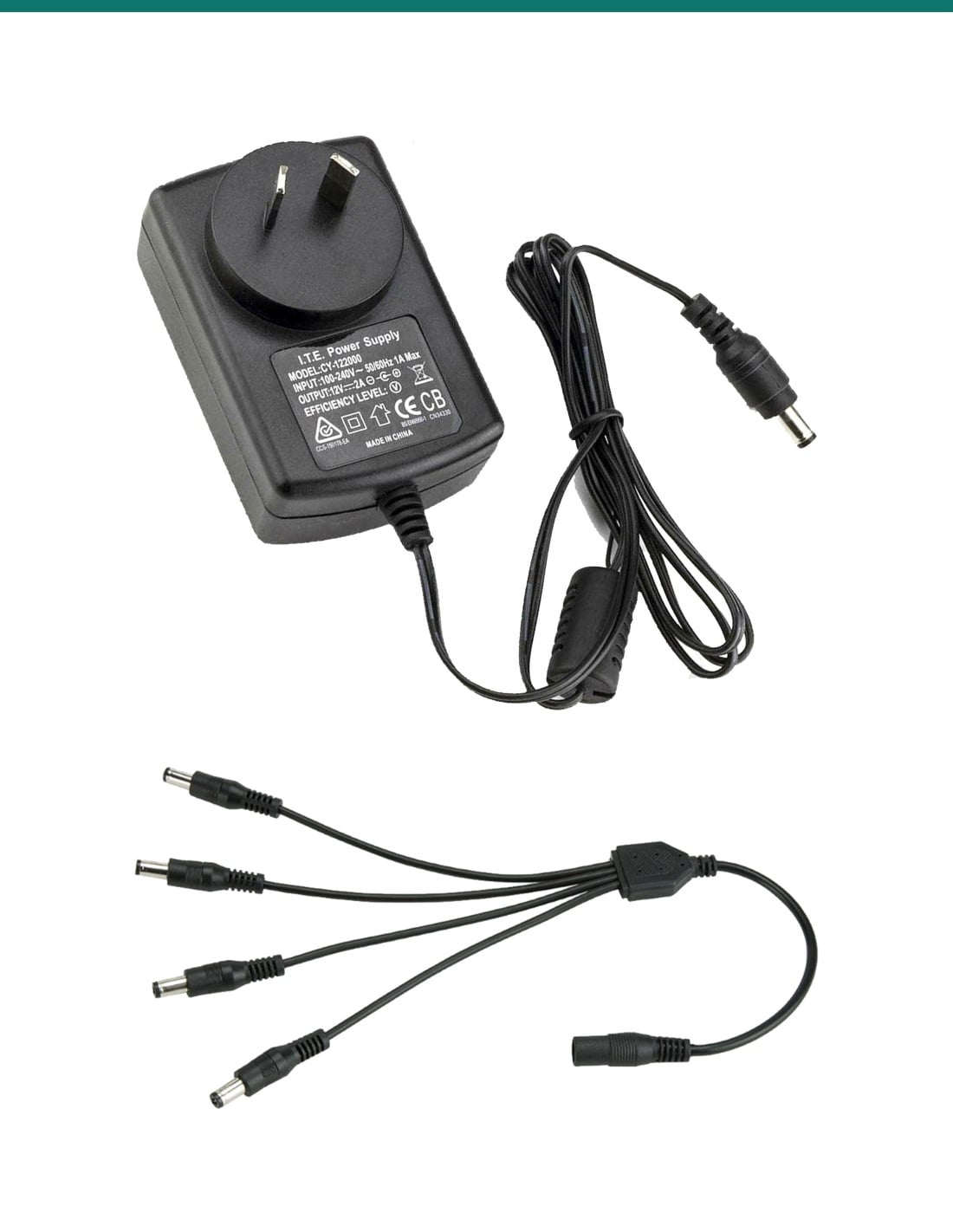
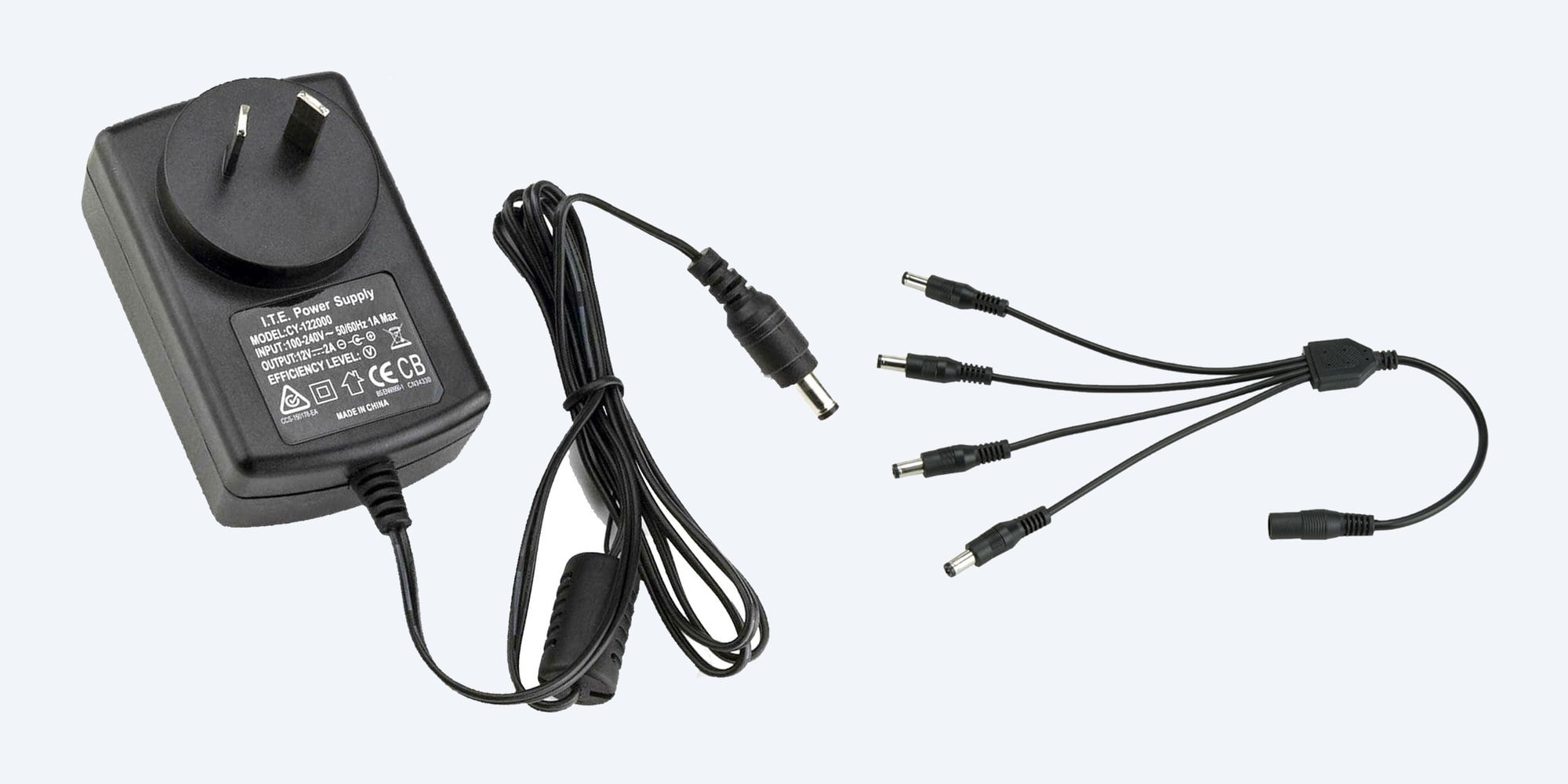
The SR-PSU-12v2A-4S pairs a 12V 2A plug-pack with a 1-to-4 DC splitter, so one power point can run up to four analogue CCTV cameras, as long as they draw 2A or less in total.
In one sentence: the SR-PSU-12v2A-4S is a 12V DC, 2A plug-pack power supply with a 4-way 2.1 mm DC splitter, for powering up to four 12V centre positive analogue CCTV cameras, including Swann DVR cameras, that draw 2A or less in total.
Four cameras, 2A in total: add up the labels first.
The 2A is shared by every camera on the splitter. Add up the current printed on each camera's label or manual: the total must be 2A (2000 mA) or less. Cameras with strong infrared or spotlights draw more at night. It suits 12V DC analogue cameras on a DVR, not network (PoE) cameras on an NVR.
In the box- 12V 2A plug-pack power supply with DC lead
- 4-way DC splitter: 1 socket to 4 plugs
You also need- Power extension leads if a camera is further than the lead reaches
- A power point near the supply
Cameras flickering, dropping out or dark at night?
On an analogue Swann system the cameras usually share one plug-pack through a splitter. When that supply tires, or too many cameras hang off it, pictures flicker, cameras go black when the infrared turns on, or the whole set drops out. A fresh 12V 2A supply and splitter, used within its 2A budget, brings them back.
The supply
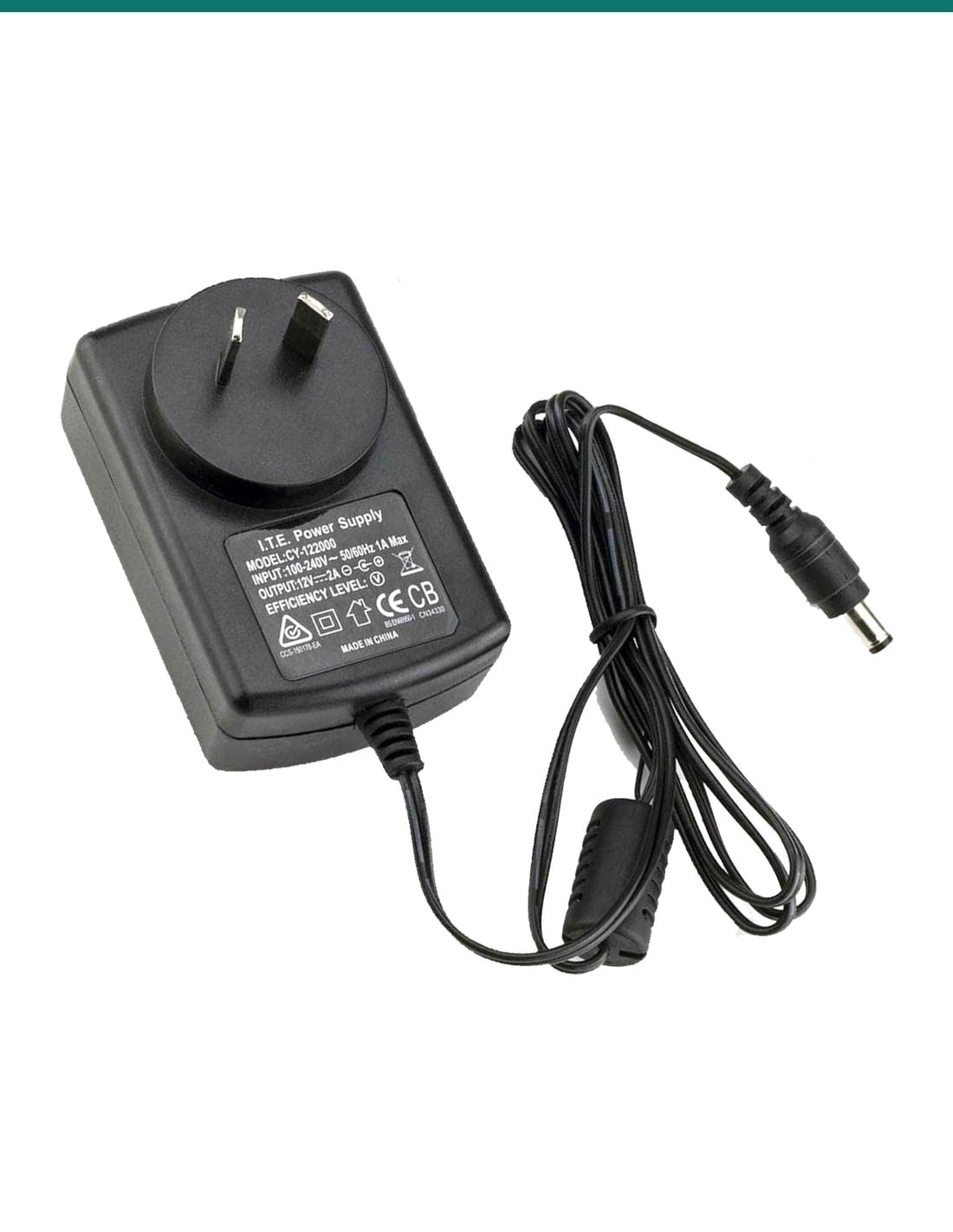
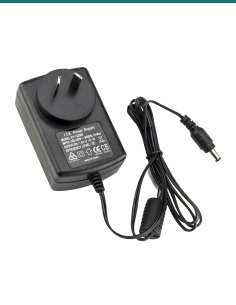
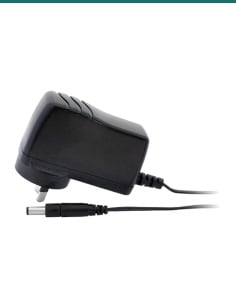
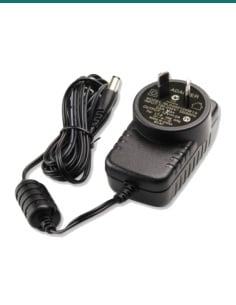
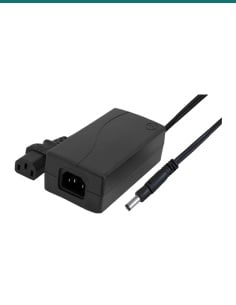
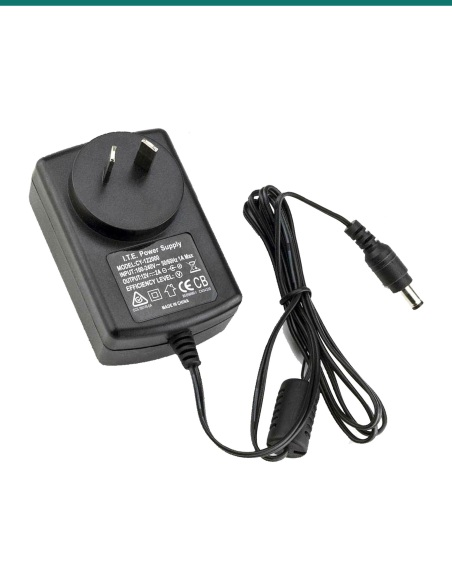
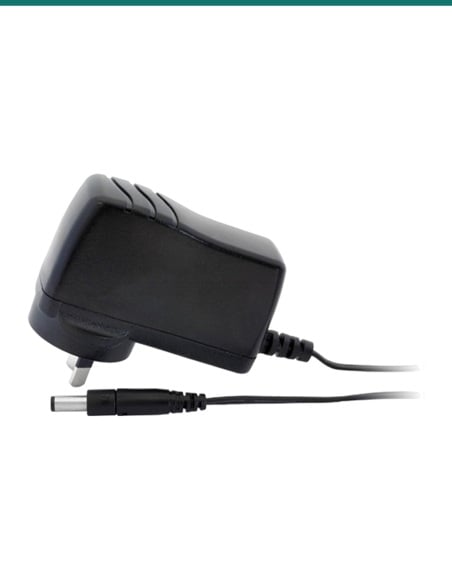
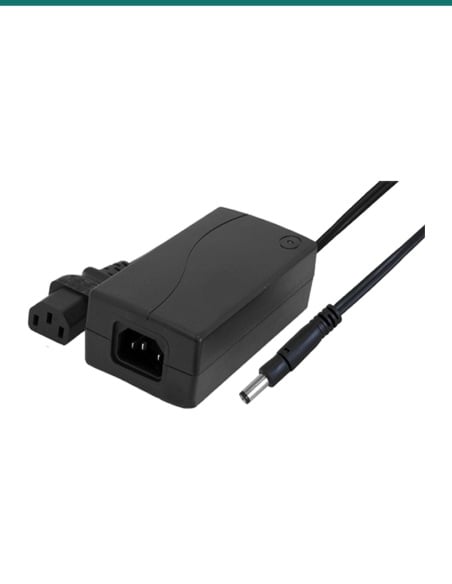
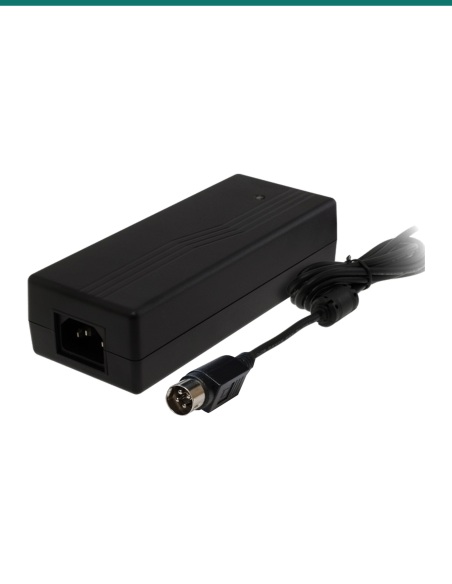
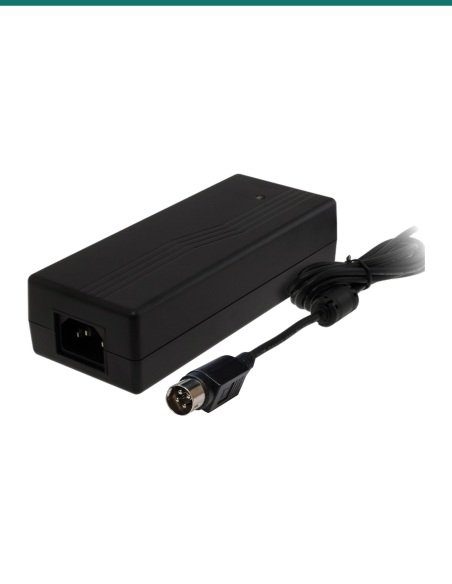
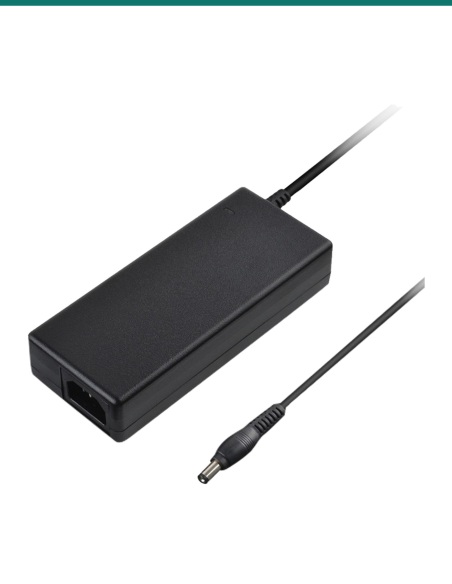
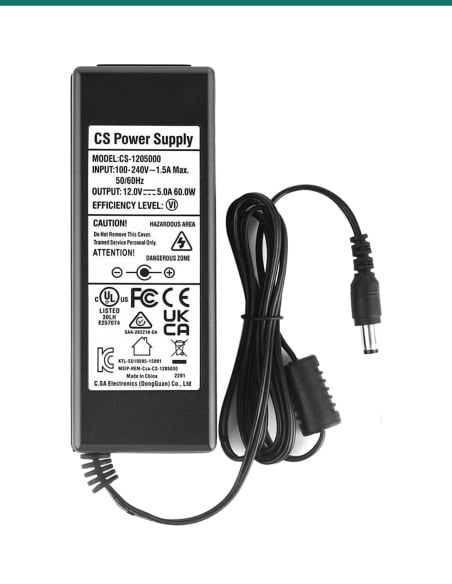
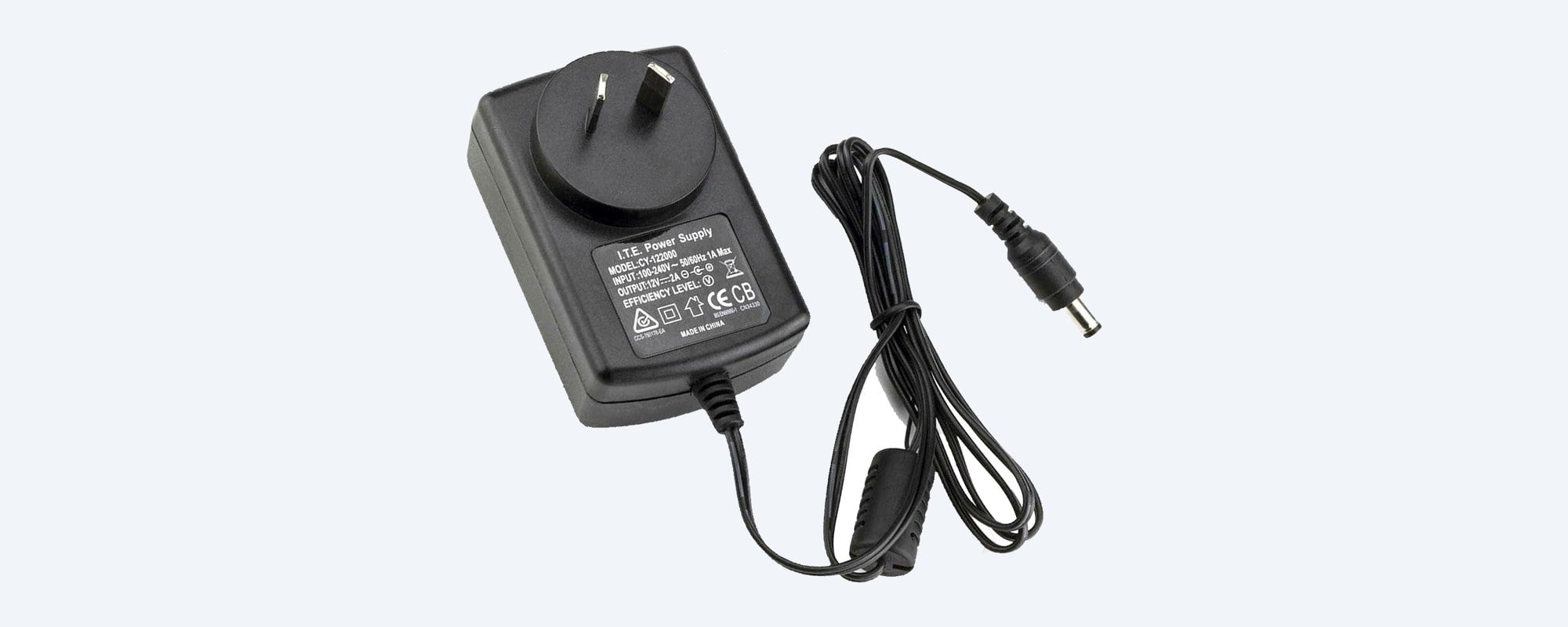
12V 2A plug-pack, RCM approved.
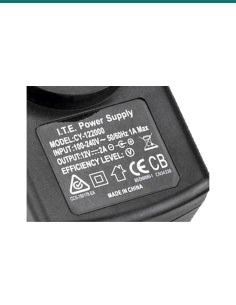
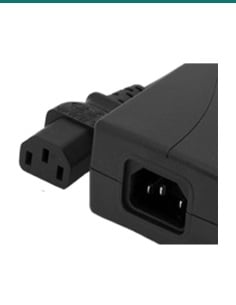
It plugs straight into a power point. The label reads 100 to 240V AC input, 12V DC 2A output, centre positive, with the RCM mark. The unit pictured is model CY-122000; the model number on yours may differ, the rating is the same.
The splitter
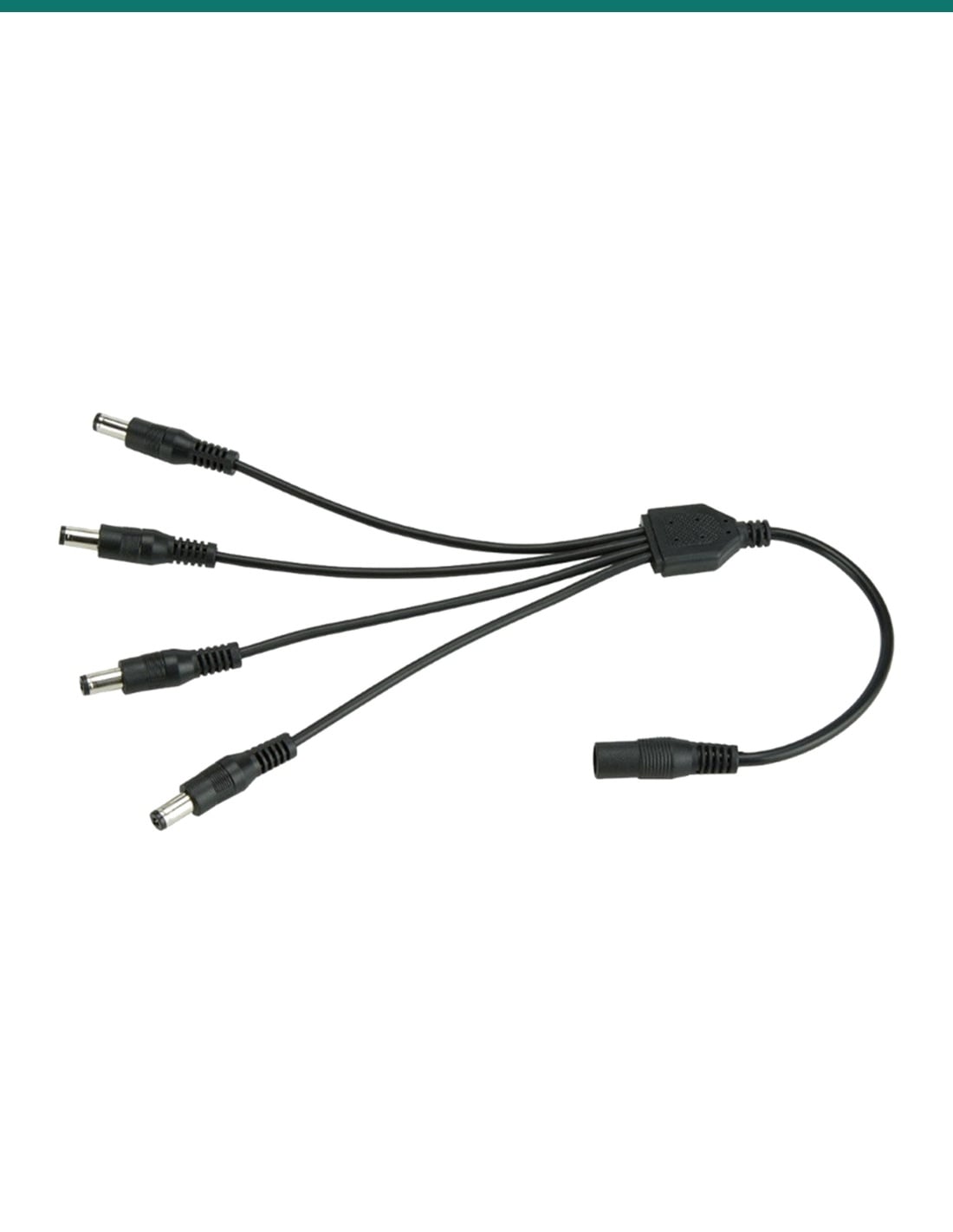
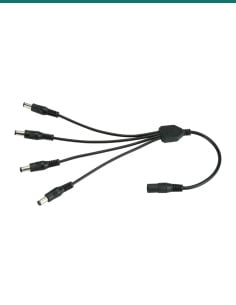
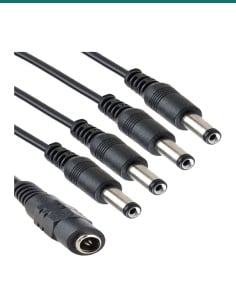
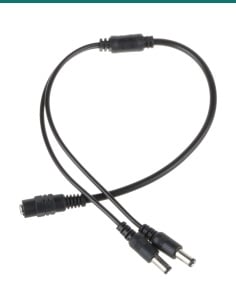
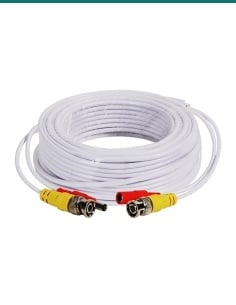
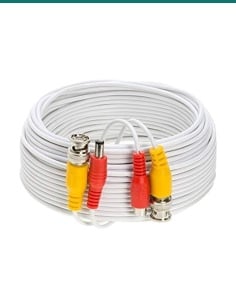
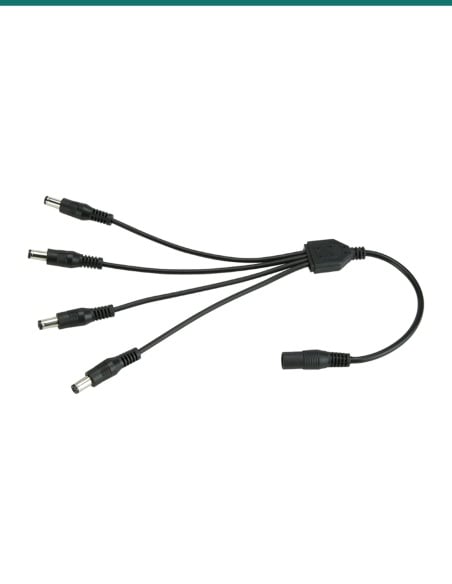
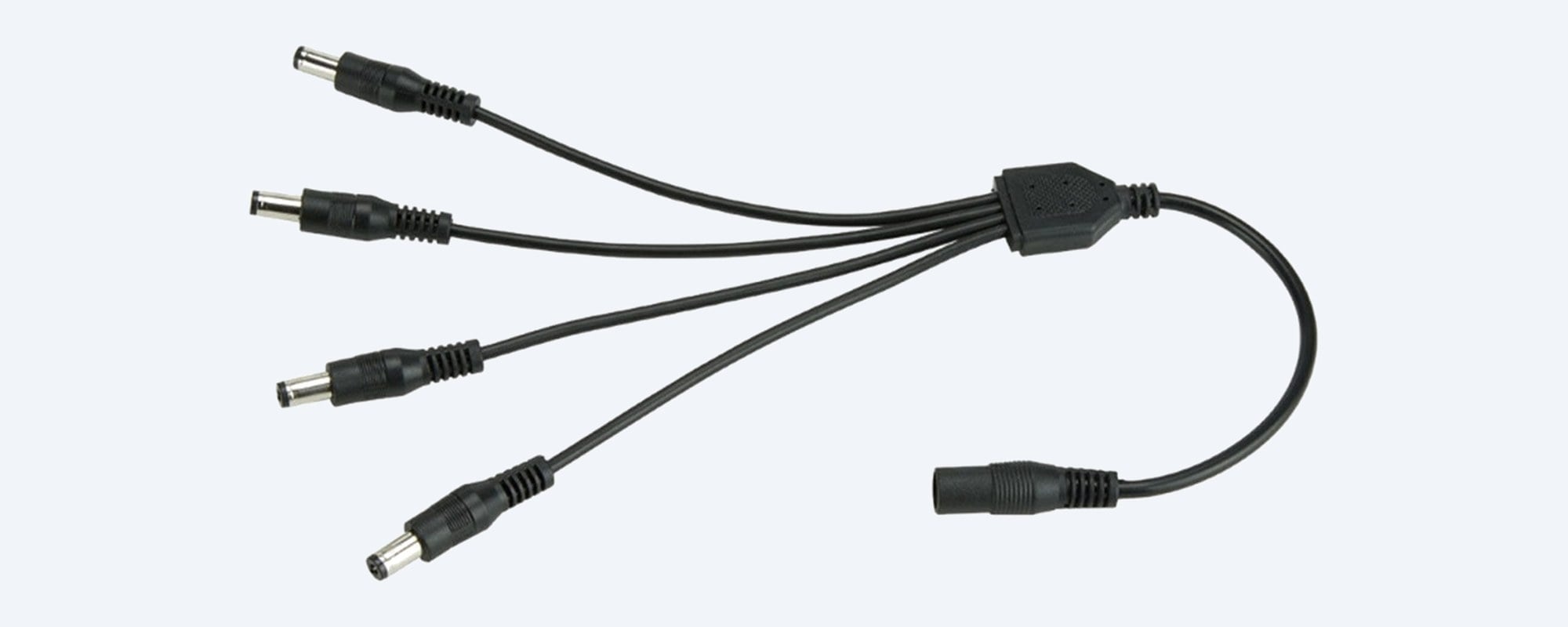
One socket in, four plugs out.
The supply's plug goes into the socket end; the four plugs go to the cameras or to power extension leads. About 22 to 25 cm long overall, with moulded plugs and socket.
The plugs
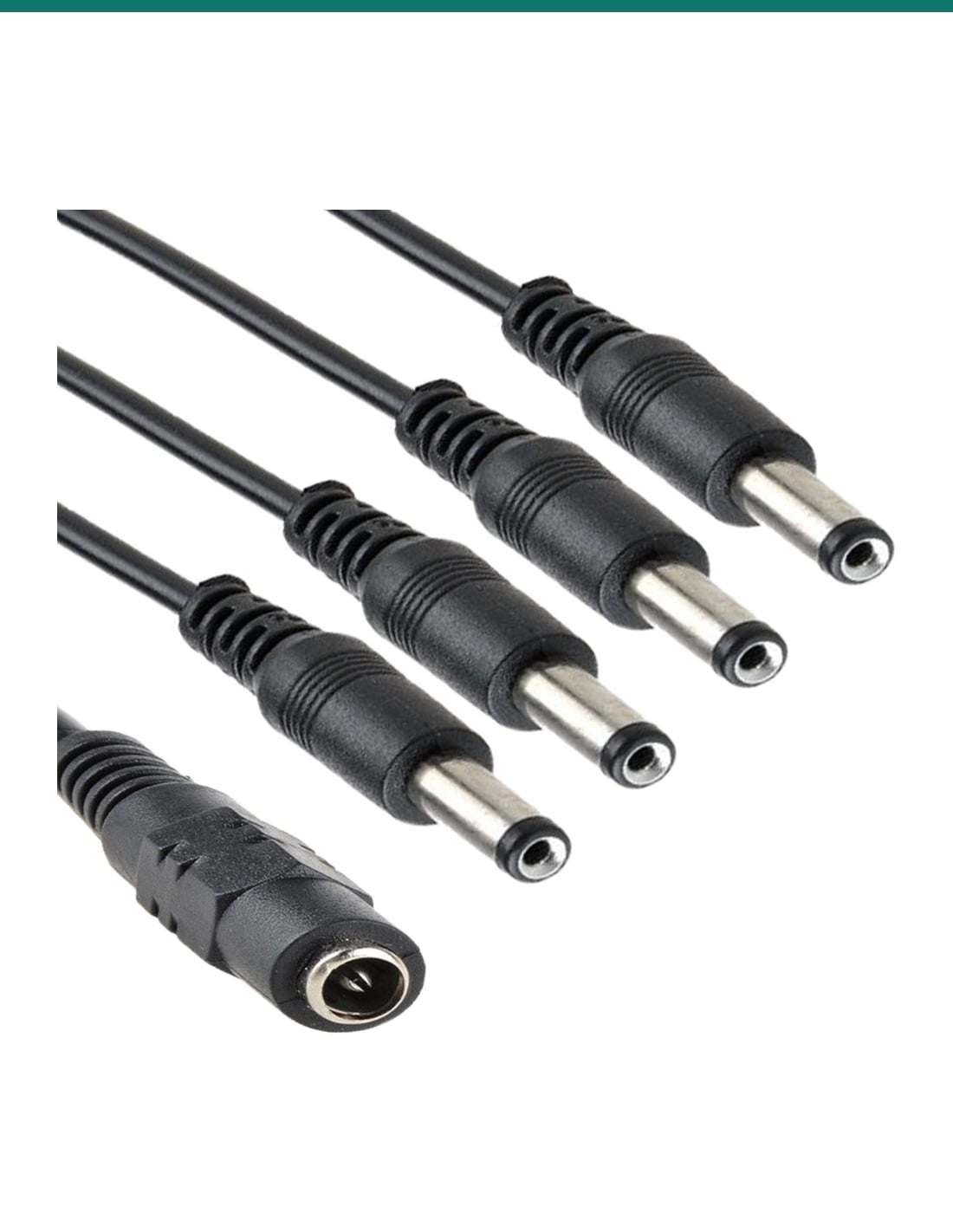
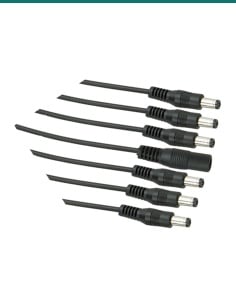
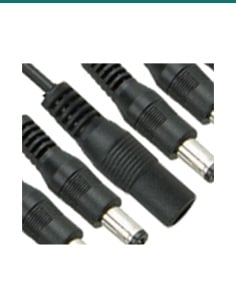
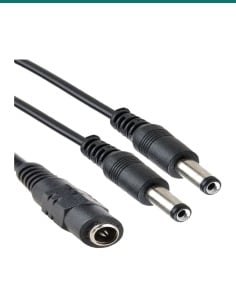
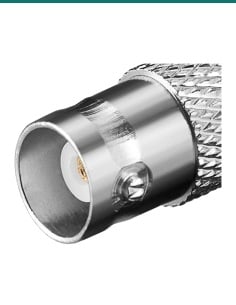
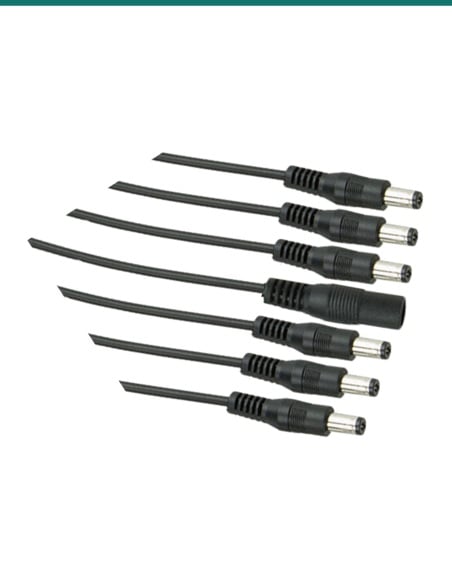
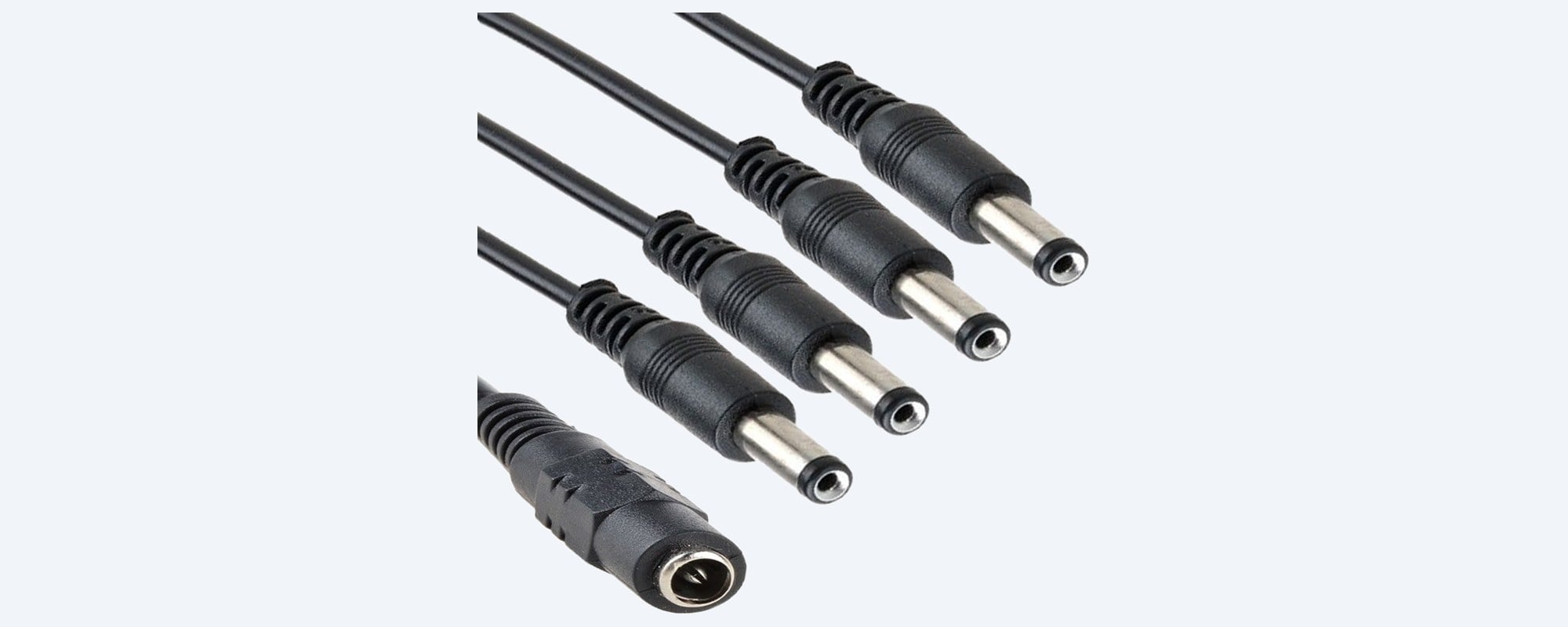
Standard 2.1 mm CCTV plugs.
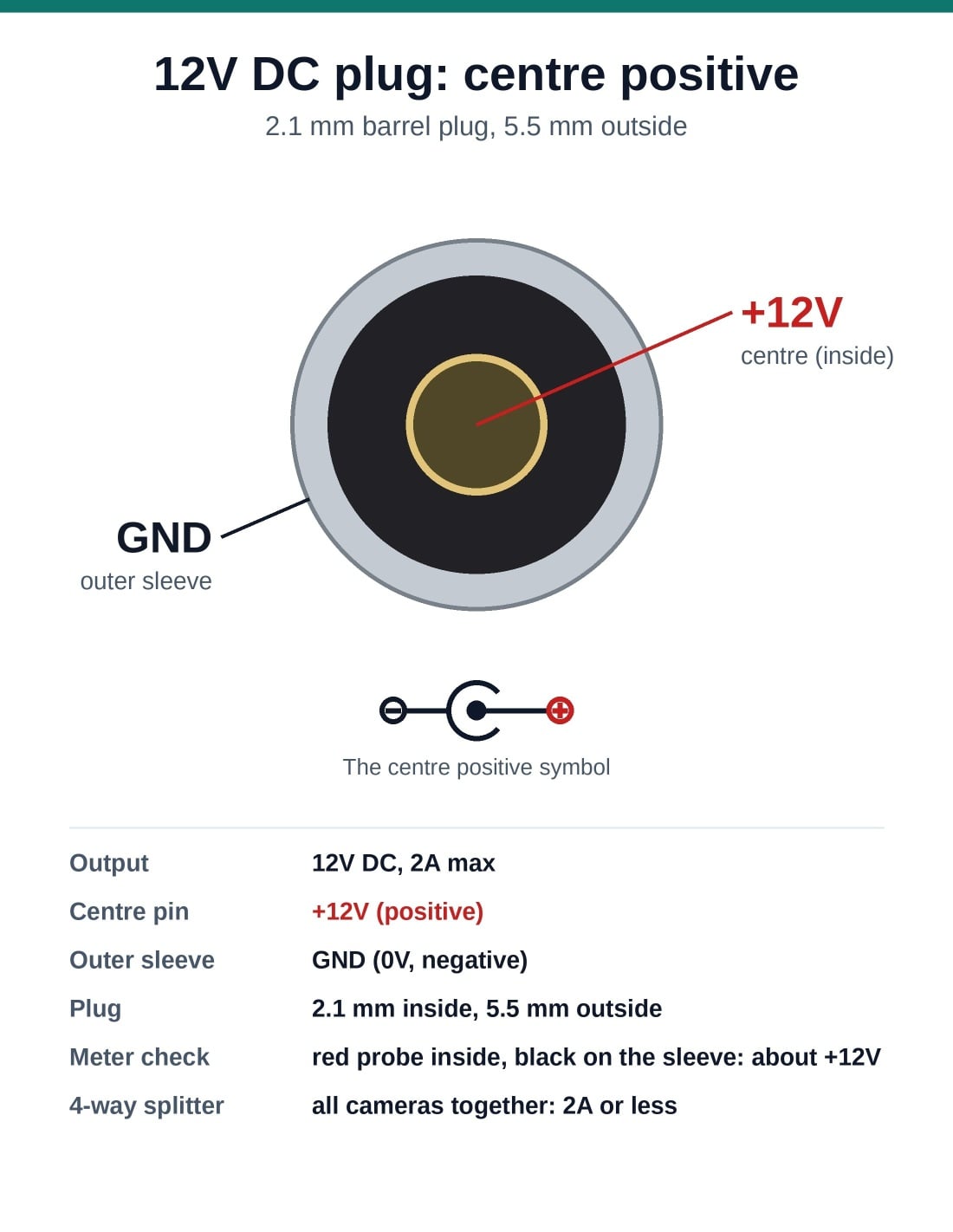
2.1 mm inside, 5.5 mm outside, centre positive: the power plug size used by most analogue CCTV cameras, including Swann's.
How it goes in
Wired in a few minutes.
01
Add up the current
Read the current on each camera's label. The total for all cameras on the splitter must be 2A (2000 mA) or less.
02
Connect the splitter
Push the supply's plug into the splitter's socket, then connect each splitter plug to a camera's power lead or extension.
03
Plug in the supply
Plug the supply into a power point indoors and switch on.
04
Check day and night
Confirm every camera shows a steady picture, then check again at night when the infrared comes on.
At a glance
SR-PSU-12v2A-4S
Show specs
In the pack
12V 2A supply and a 4-way DC splitter
Polarity
Centre positive: inside +12V, outer sleeve GND
Plugs
2.1 mm inside, 5.5 mm outside
Splitter
1 x 2.1 mm socket to 4 x 2.1 mm plugs, about 22 to 25 cm overall
Input
100–240V AC, 50/60Hz, Australian plug-pack
Approval
RCM mark on the supply's rating label
Suits
12V DC analogue CCTV cameras, including Swann DVR cameras
Power budget
All cameras together: 2A (2000 mA) or less
Not for
PoE network cameras, 24V AC cameras, DVRs that need more than 2A
Unit pictured
Supply model CY-122000 (model number on the unit supplied may differ)
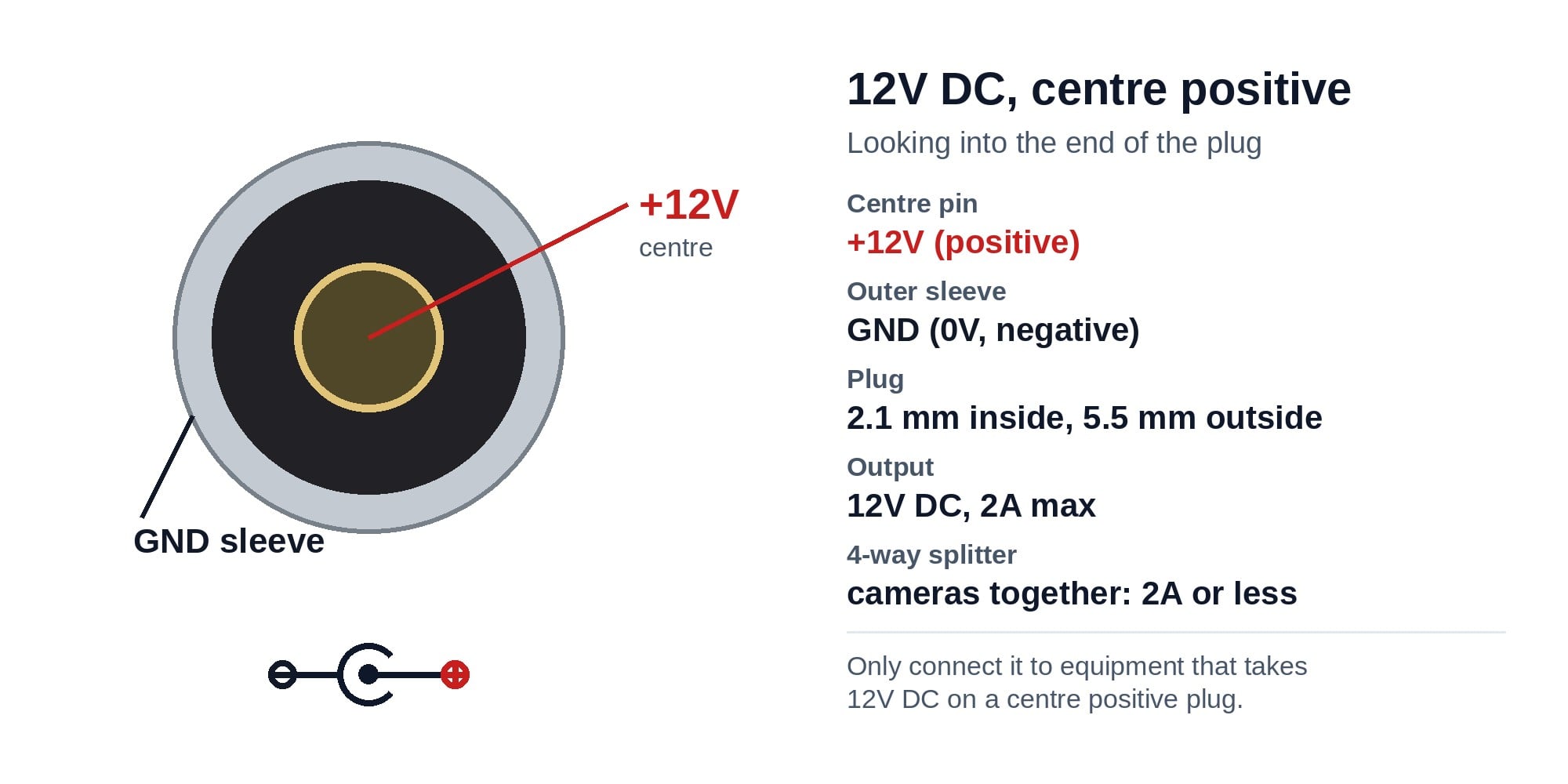
Looking into the end of the plug: the inside contact is +12V and the outer sleeve is ground (0V). Every camera on the splitter shares the 2A.
Where it is used
Where it is used
Home DVR kits
Replacing the shared camera supply on a Swann 4-camera analogue kit.
Small shops
Two to four analogue cameras around a counter and stockroom from one power point.
Installer van stock
The quick fix when a site's cameras all go dark at once.
Garages and sheds
Powering a pair of cameras covering a driveway and a shed door.
Adding a camera
Running an extra 12V camera from a supply that still has headroom under 2A.
Other 12V gear
Small 12V devices with a centre positive 2.1 mm plug, within the 2A total.
Pair it with
Other supplies for Swann systems
DVR
DVR itself not powering up?
Our 12V 2A Swann DVR supply is the same plug-pack without the splitter, for 4- and 8-channel DVRs that came with a 12V 2A adaptor.
More cameras
More than 2A of cameras?
Split them across two supplies, or ask us for a larger 12V supply with the right number of outputs.
Part check
Not sure what your cameras draw?
Email the camera model or a photo of its label to [email protected] and we will work out the total for you.
SR-PSU-12v2A-4S or the 12V 2A DVR supply
| SR-PSU-12v2A-4S (this pack) | SR-PSU-12v2A-OEM |
|---|
| Output | 12V DC, 2A | 12V DC, 2A |
| Plug | 2.1 mm, centre positive | 2.1 mm, centre positive |
| 4-way splitter | Yes, 1 socket to 4 plugs | No |
| Best for | Powering up to 4 cameras | Powering the DVR |
Same 12V 2A supply. This pack adds the splitter so one supply can feed up to four cameras whose total draw is 2A or less.
Common questions
How many cameras can I run from it?
Up to four, as long as their total current is 2A (2000 mA) or less. Add up the figure on each camera's label.
How do I work out the total?
Add the current of every camera on the splitter. Four cameras at 400 mA each total 1.6A, which is fine. Four at 600 mA total 2.4A, which is too much for this supply.
Will it power my Swann analogue cameras?
Yes, if they take 12V DC through a 2.1 mm centre positive plug, which most Swann DVR cameras do. Check the total current stays within 2A.
Will it work with network cameras on an NVR?
No. Network cameras on an NVR are normally powered through the network cable (PoE). This pack is for 12V DC analogue cameras.
Can it power my DVR as well?
Only if the DVR's own adaptor reads 12V 2A and nothing else is on the supply. A DVR plus cameras on one 2A supply is too much.
Why do my cameras drop out at night?
Infrared lights switch on at night and the cameras draw more current. If the total goes over 2A, or the old supply is tired, pictures flicker or go black.
How long is the splitter?
About 22 to 25 cm overall, with one 2.1 mm socket and four 2.1 mm plugs. Use power extension leads to reach cameras further away.
What does centre positive mean?
The inside of the plug is +12V and the outer sleeve is ground. Most CCTV cameras are wired this way; check the symbol on your camera's label.
Is the supply approved for Australia?
Yes. Its rating label carries the RCM mark, and it has Australian pins so it plugs straight into a power point.
How do I check the supply with a multimeter?
Set the meter to DC volts, plug the supply in, then put the red probe inside a splitter plug and the black probe on its outer sleeve. It should read about 12V.
Can the supply go outside?
No. Keep the plug-pack indoors and dry. Run the low-voltage leads out to the cameras and keep outdoor joins in a weatherproof box.
Can you check my cameras before I order?
Yes. Email the camera model or a photo of its label to [email protected] or call 1300 736 970.
Supported by InFront Technologies.
Not sure what your cameras draw? Call 1300 736 970 or email the camera model to [email protected] and we will work it out before you buy.
Installation and safety
Mains powered. The plug-pack goes into a standard power point. Do not open the case. A new power point needs a licensed electrician.
Stay within 2A. Every camera on the splitter shares the 2A. Overloading the supply makes it run hot and the cameras drop out.
Match the voltage and polarity. Only connect 12V DC, centre positive equipment. 24V AC cameras and PoE cameras need different power.
Outdoor joins. Keep the supply indoors. Any outdoor DC joins belong in a weatherproof junction box.
Do not modify the leads. Cutting or rewiring the DC lead voids the warranty.
What it does not do. It is not a battery backup and it cannot power more than 2A of equipment.
Figures. From the supply's rating label (unit pictured, model CY-122000) and the splitter's product details.