- New
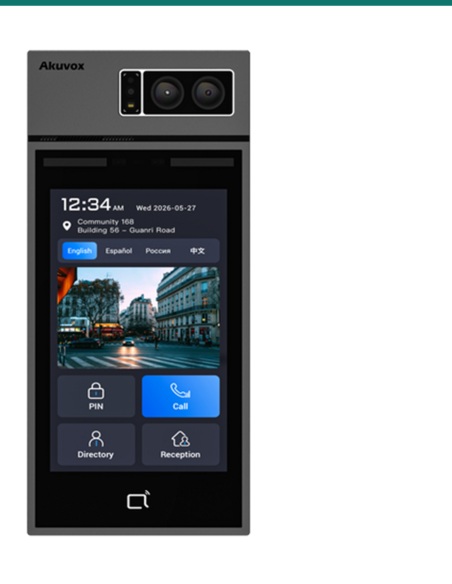
Akuvox E16/e18 forhead temperature measurement module — AK-MD02
E16/E18 FORHEAD TEMPERATURE MEASUREMENT MODULE
Akuvox MD02 — SIP video intercom / access hardware.
- ✓Akuvox MD02 OEM model
- ✓SIP-compatible residential & commercial use
- ✓Australian stock — Infront Technologies
Akuvox E16 / E18 Forehead Temperature Module
MD02 integration for screening-enabled entry workflows
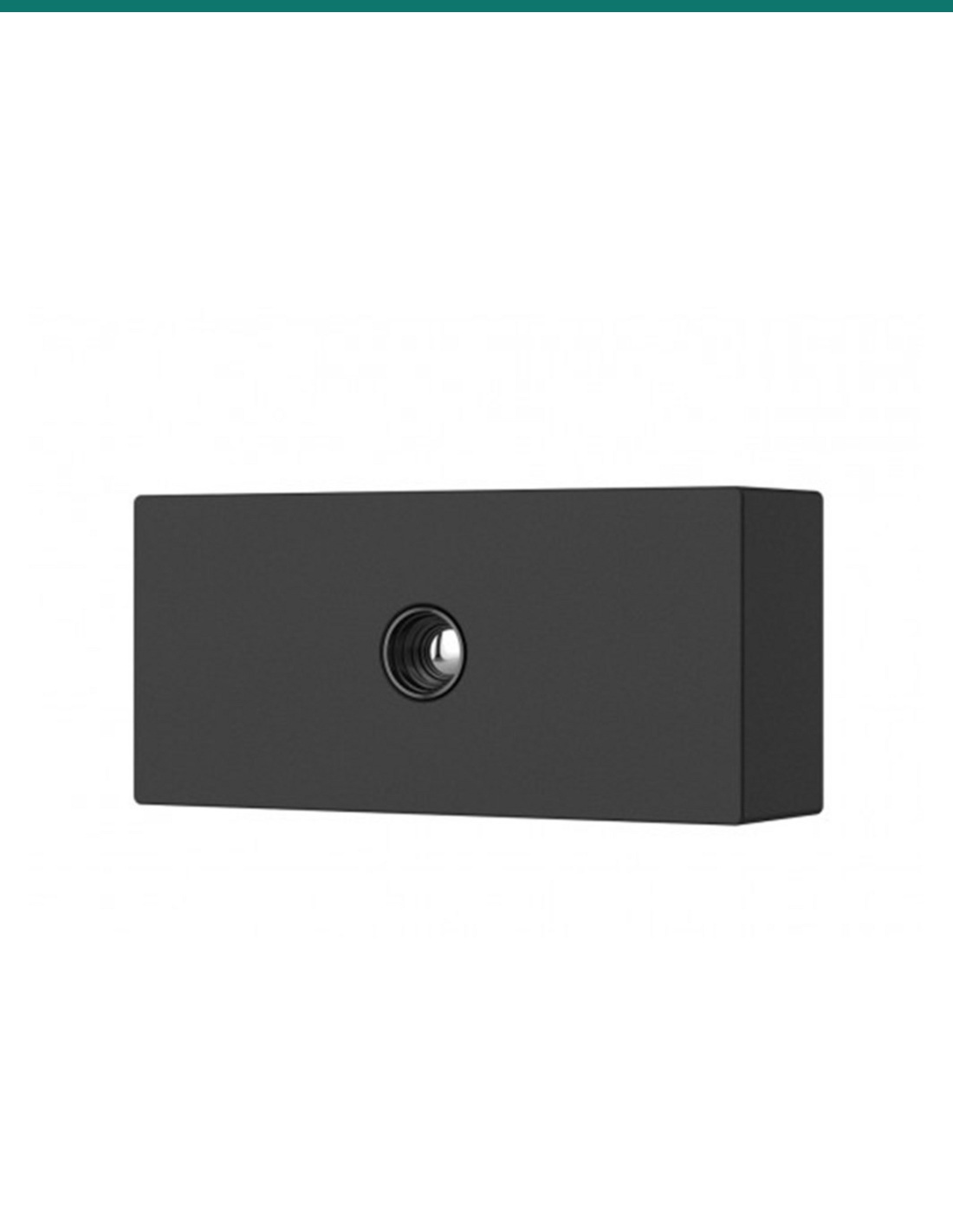
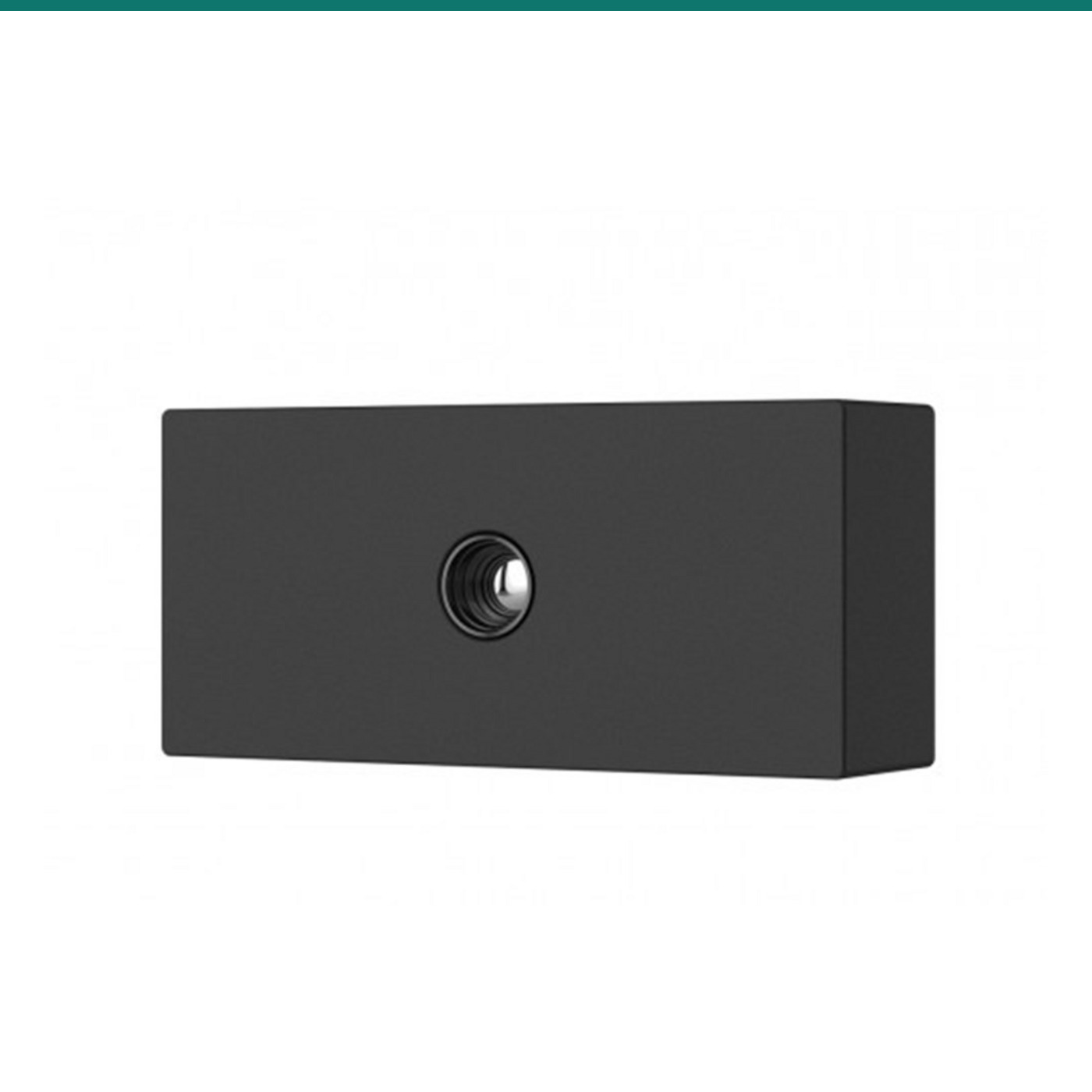
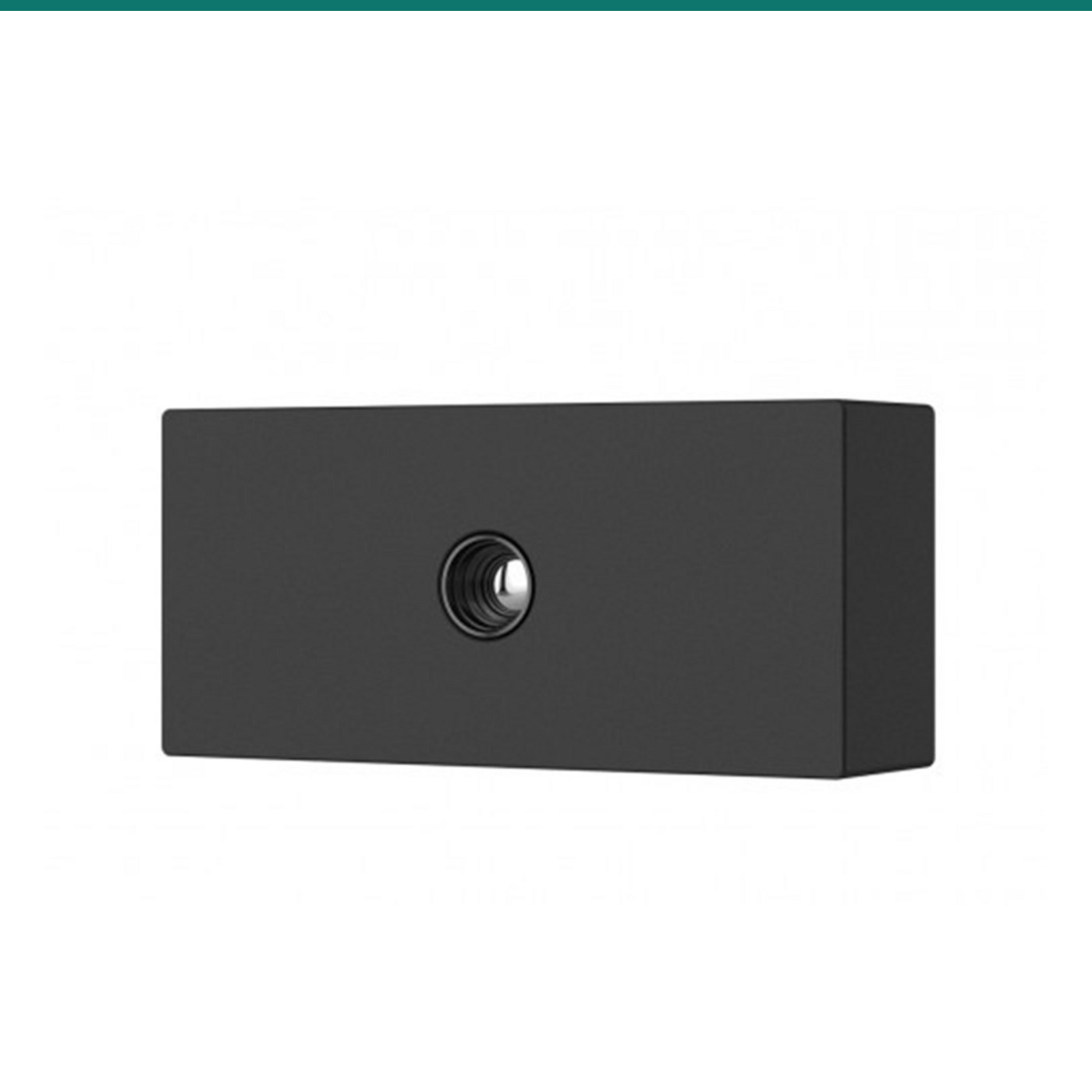
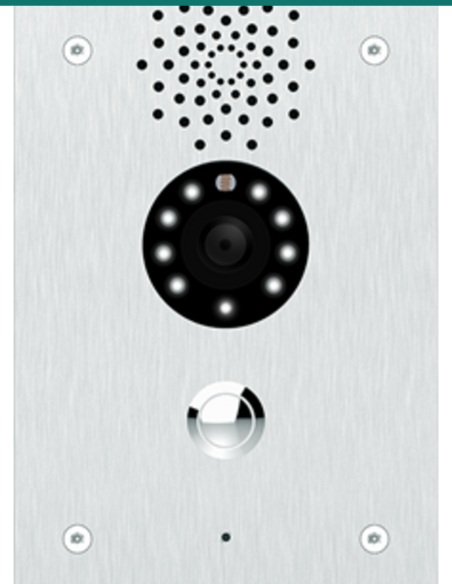
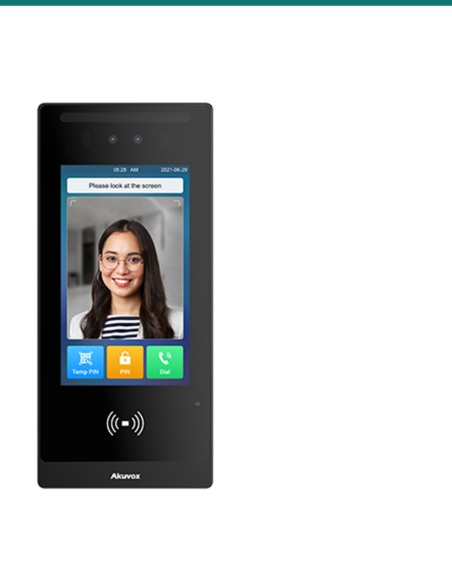
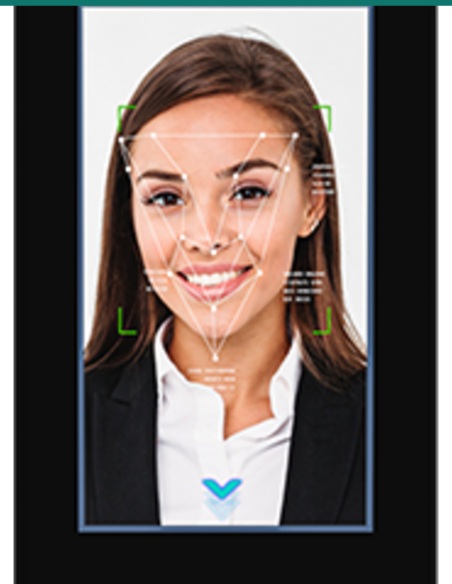
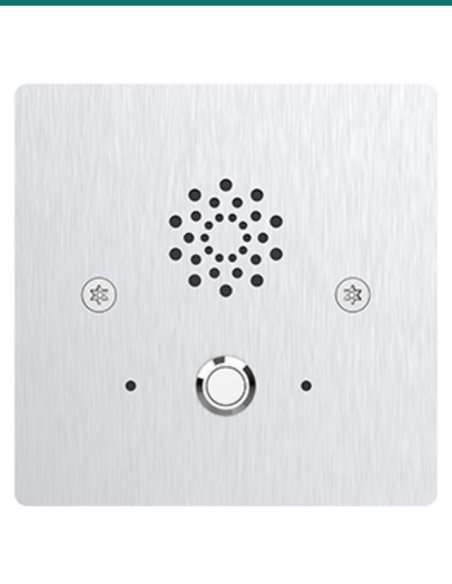
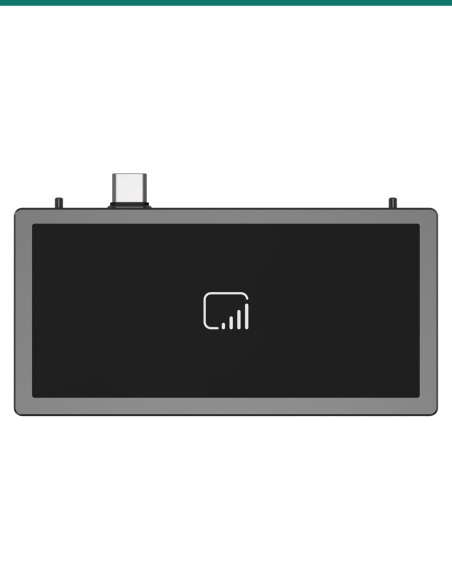
The Akuvox AK-MD02 is a dedicated forehead temperature measurement module designed to work with compatible Akuvox E16 and E18 door intercom installations. It extends the entry station with temperature screening capability for projects where access decisions, visitor handling or site entry procedures need a non-contact measurement point integrated at the door.
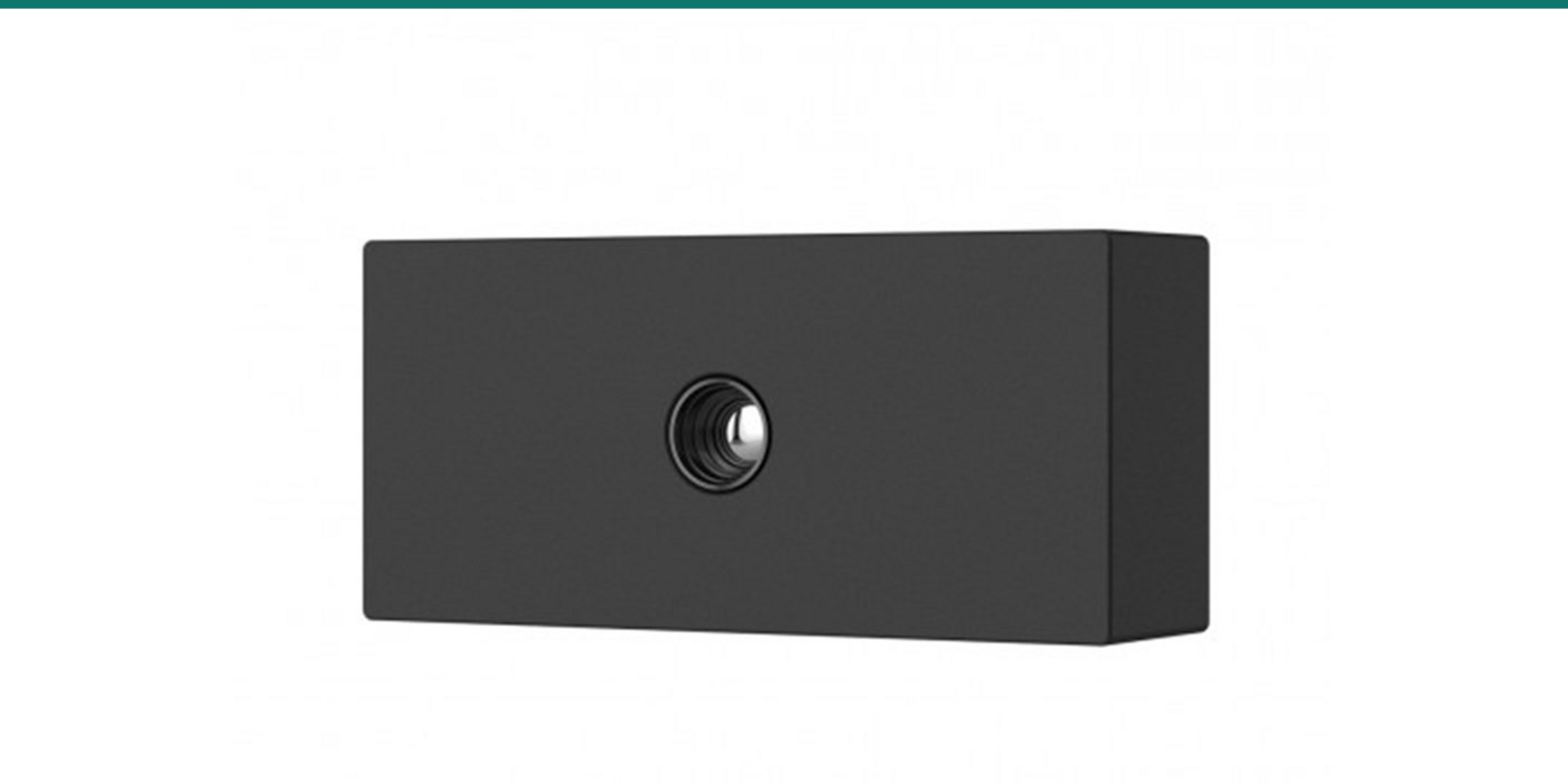
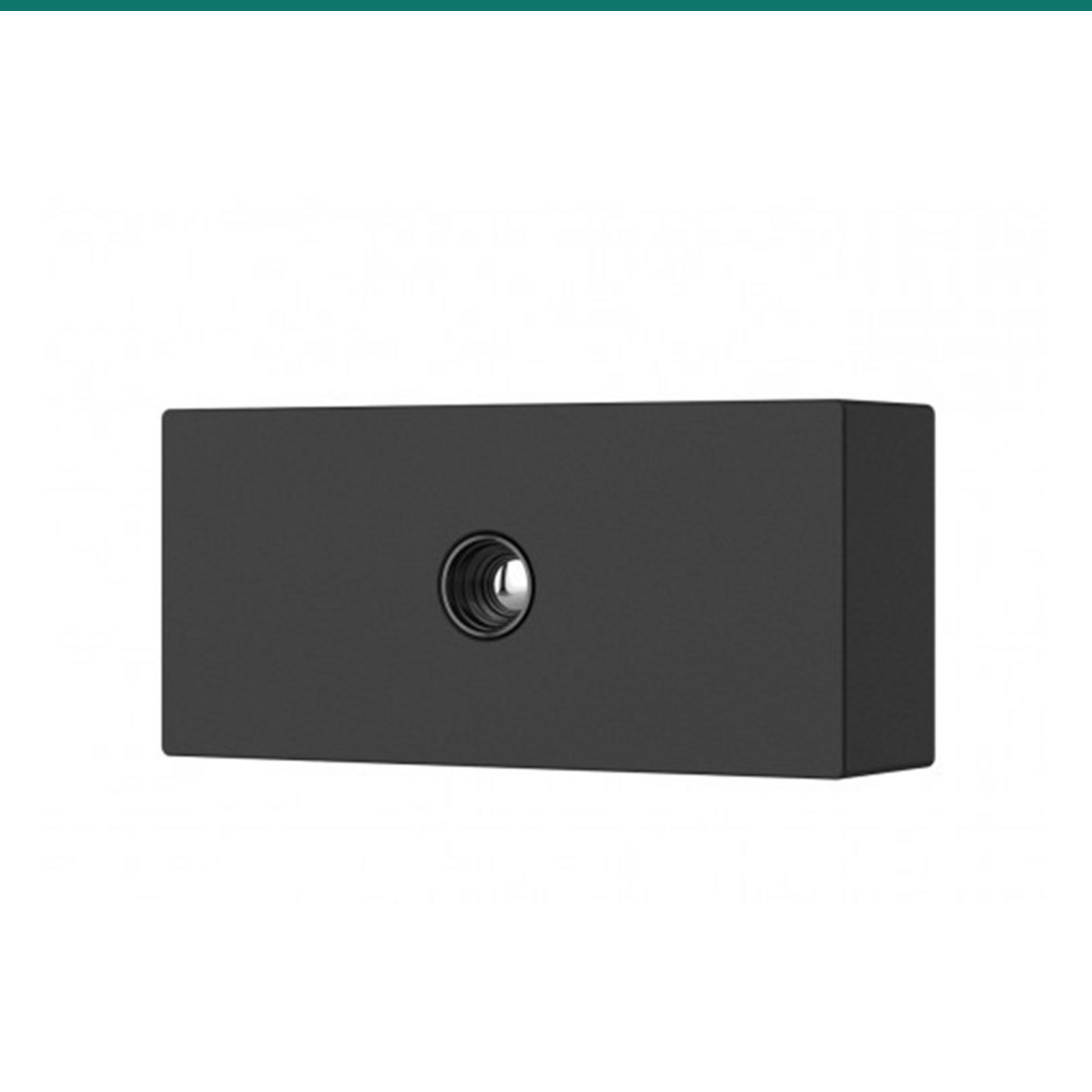
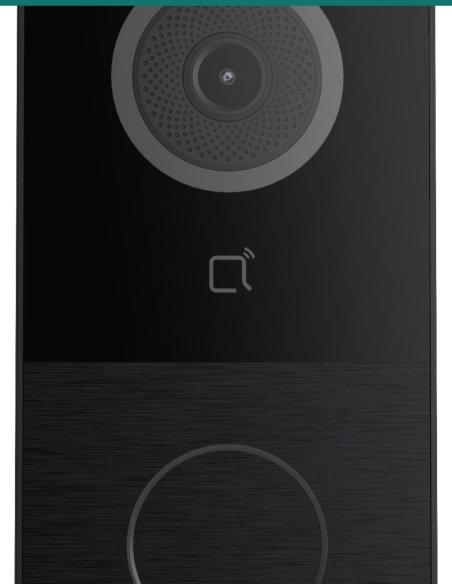
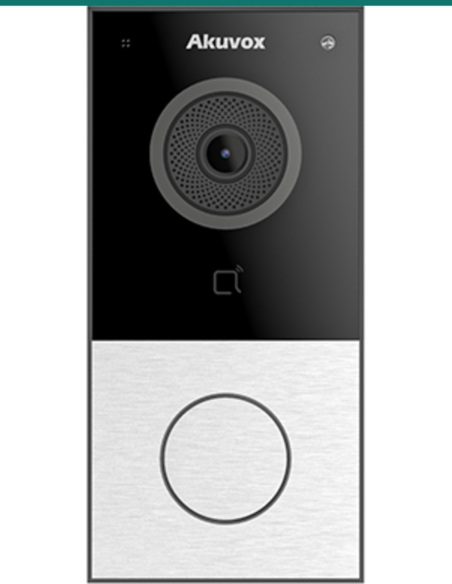
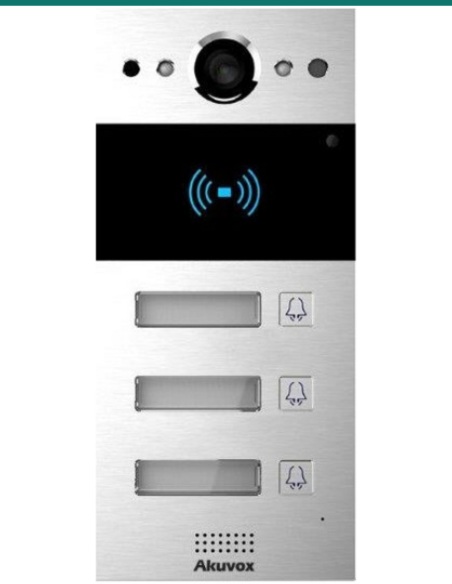
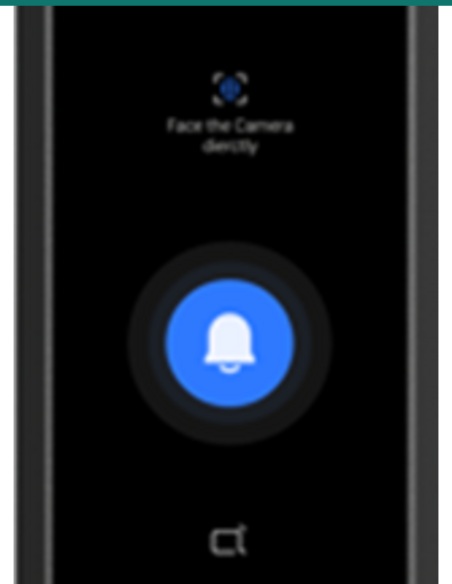
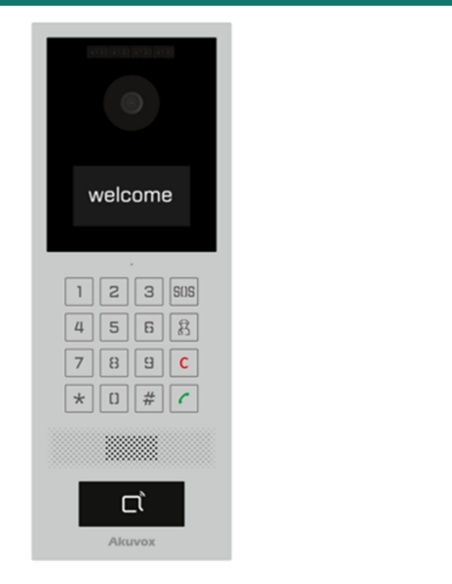
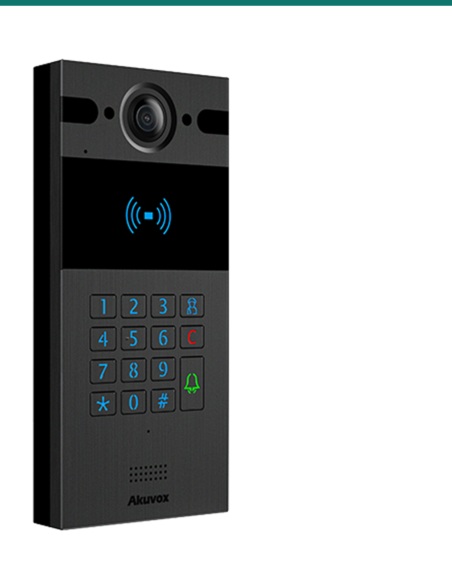
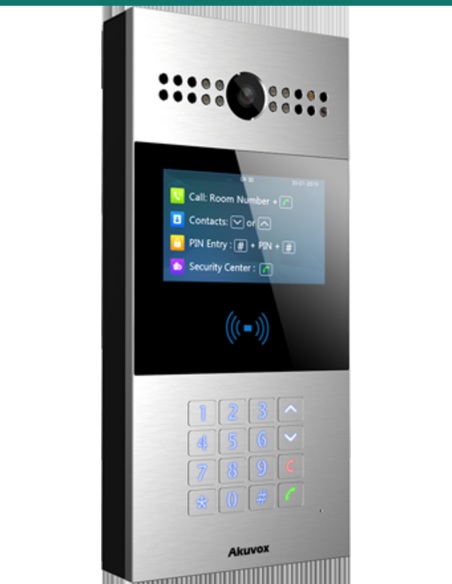
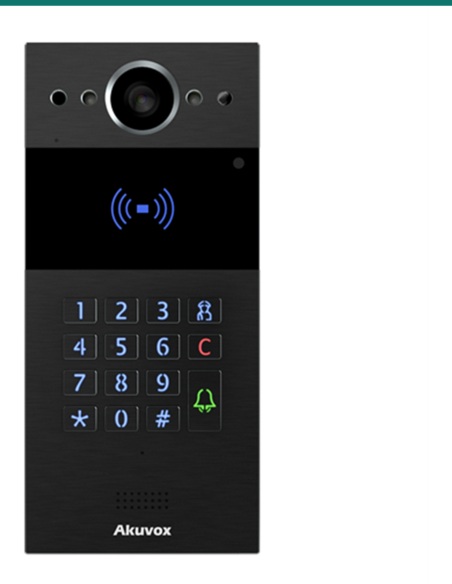
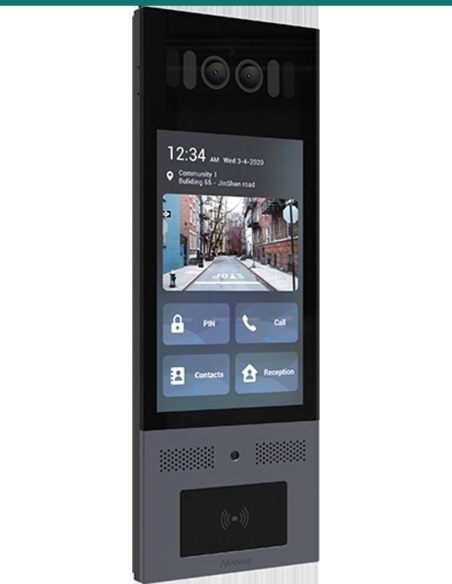
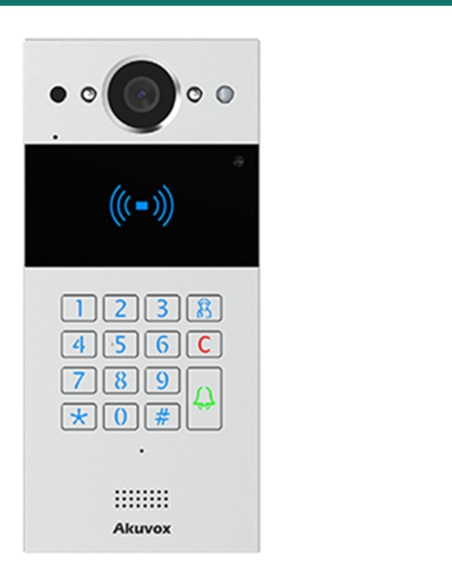
Product shot may differ from final installed configuration. Main intercom station is sold separately.
Temperature measurement added directly to the entry device
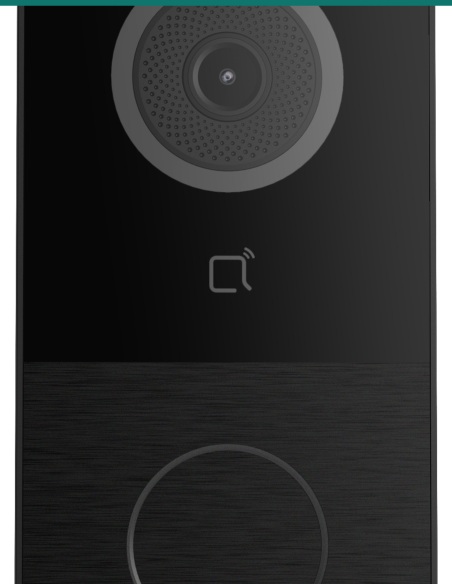
For sites already standardising on Akuvox smart intercom hardware, the MD02 provides a cleaner deployment path than adding a separate stand-alone temperature terminal nearby. It is intended for use with the Akuvox E16 and E18 platforms, allowing installers and integrators to keep screening, calling and door control functions consolidated around the same access point.
Infront Technologies Australia can assist with product fitment guidance, intercom compatibility checks and broader access control solution matching for commercial, residential, education and managed site deployments using Akuvox equipment.
Purpose-built compatibility for E16 and E18 intercoms
The AK-MD02 is not a generic sensor block or universal access control reader. It is an Akuvox-branded module intended specifically for the E16 and E18 door intercom families. That matters for installers because it reduces uncertainty around mechanical fit, system behaviour and user workflow compared with mixing unrelated third-party screening devices beside an intercom station.
In practical terms, the module is positioned as an add-on for entry applications where the intercom remains the primary edge device and forehead temperature measurement is an added screening layer. For projects that need a tidy façade, one-vendor support alignment and a known compatibility path across door communication and access events, the MD02 is the logical accessory within the Akuvox ecosystem.
Designed for entry screening without adding a separate terminal
The stated function of the MD02 is forehead temperature measurement. In deployment terms, that supports screening workflows at the point of approach rather than after a visitor has already passed through a barrier. This can be useful at receptions, staff entrances, managed residential sites, clinics, schools or controlled commercial facilities where site procedures require a simple non-contact check integrated into the arrival process.
Because the module is tied to compatible Akuvox intercom hardware, integrators can plan a neater user journey around call initiation, identity handling and door release logic. Exact behaviour depends on the wider system configuration, but the value proposition is clear: screening is added at the same physical endpoint as the intercom, keeping wiring locations, power planning and user interaction concentrated around one entry device family.
Best suited to integrated access control and managed site entry
The MD02 makes the most sense in projects where the entry intercom is already part of a broader managed system. Typical examples include apartment common entries, office reception doors, education facilities, health-related visitor management points and restricted staff entrances. Instead of introducing another endpoint that needs separate placement and user instruction, the module keeps the interaction close to the door station itself.
As with any screening accessory, successful installation depends on correct mounting height, user approach path, ambient conditions and system programming. Integrators should confirm the host intercom version, accessory support and intended access workflow before supply. That up-front check avoids retrofit compromises and helps ensure the module is used in the operating conditions envisioned by the broader Akuvox platform design.
How it works in a door entry deployment
The exact user sequence depends on system programming, but a typical project workflow follows this pattern.
Visitor approaches entry
The user presents at an Akuvox E16 or E18 station fitted with the MD02 module at the controlled doorway or gate.
Forehead temperature is measured
The module performs a forehead temperature reading as part of the configured entry-screening process at the intercom position.
System applies site logic
Depending on configuration, the reading may sit alongside intercom calling, attendant review or other access control rules within the deployment.
Entry outcome is managed
The doorway can then proceed according to the broader project design, whether that means communication, verification, permission to enter or manual intervention.
At a glance
Verified product details from the available source information are listed below. Where exact electrical, dimensional or environmental figures are not published here, they should be confirmed before specification.
Jargon, decoded
Common terms that appear when planning intercom and access control accessories.
Dimensions
Published dimensions were not provided in the source details available for this listing. For flush layout planning, façade spacing and host intercom clearances, confirm the latest Akuvox mechanical documentation before cut-out or mounting decisions are finalised.
This is particularly important where the E16 or E18 is being fitted into stone, metal panels, narrow mullions or custom entry pedestals.
Pairings
Common product pairings to consider when specifying the MD02 in a complete solution.
Akuvox E16
Primary compatible door intercom platform for MD02 deployments where a compact Akuvox entry station is already planned.
Akuvox E18
Compatible host option for projects using the E18 series as the main visitor communication and entry endpoint.
Door release hardware
Strike, maglock or controller-side relay outputs should be selected to match the wider access control design around the Akuvox entry point.
Indoor monitors or platform management
Useful where visitor handling, staff review or broader apartment or commercial entry administration forms part of the system design.
FAQ
Does the AK-MD02 work on its own as a stand-alone terminal?
No. It is described as an Akuvox add-on module and is intended for use with compatible Akuvox E16 and E18 door intercoms.
Which intercoms is it compatible with?
The verified compatibility listed for this product is Akuvox E16 and Akuvox E18.
Is the main door intercom included with this module?
No. This listing is for the MD02 module only unless explicitly stated otherwise. The host intercom station is supplied separately.
What type of temperature reading does it provide?
The product is specified as a forehead temperature measurement module intended for entry-related screening workflows.
Can it be used for access control projects?
Yes. It is positioned as an access control add-on for compatible Akuvox intercom deployments where screening is part of the entry process.
What should be checked before ordering?
Confirm the exact host station model, intended mounting arrangement, project workflow and any current Akuvox documentation relating to accessory support, installation and operating conditions.
- AI
- We will add a note at the bottom of the message form to inform you that you can email us at [email protected] to raise objections at any time.
- Cat
- We will add a note at the bottom of the message form to inform you that you can email us at [email protected] to submit a request to modify/withdraw your consent at any time.
- Signal-to-Noise Ratio
- You have the right to know the situation of your business contact information that we collect and the way we process it.
- Provide
- We will provide specific data information and processing methods in the form of data records.
- Access
- We will add a note at the bottom of the message form to inform you that you can email us at [email protected] to submit requests for access/correction and/or erasure at any time.