There are no more items in your cart

- New
CALL stock OR Max avail. in cart
Akuvox Access Readers & Controllers


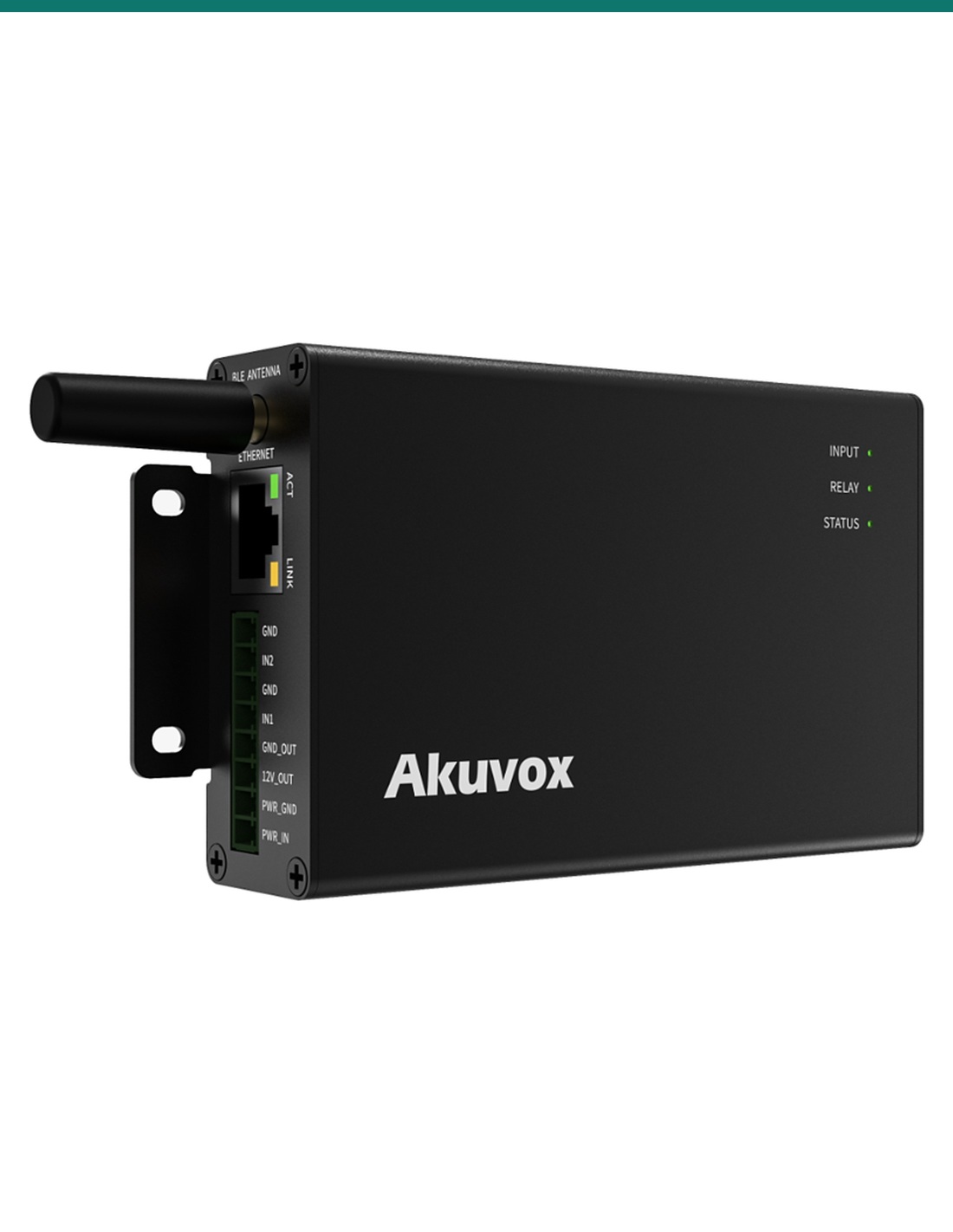
Akuvox WR01 is a network relay controller that opens doors, gates and barriers from a web browser, an HTTP command, the SmartPlus app or a Bluetooth Bkey. Two relays and two inputs, 20,000 users on the device, and power from PoE or a 12–24 V AC/DC supply, with 12 V out to run a lock.
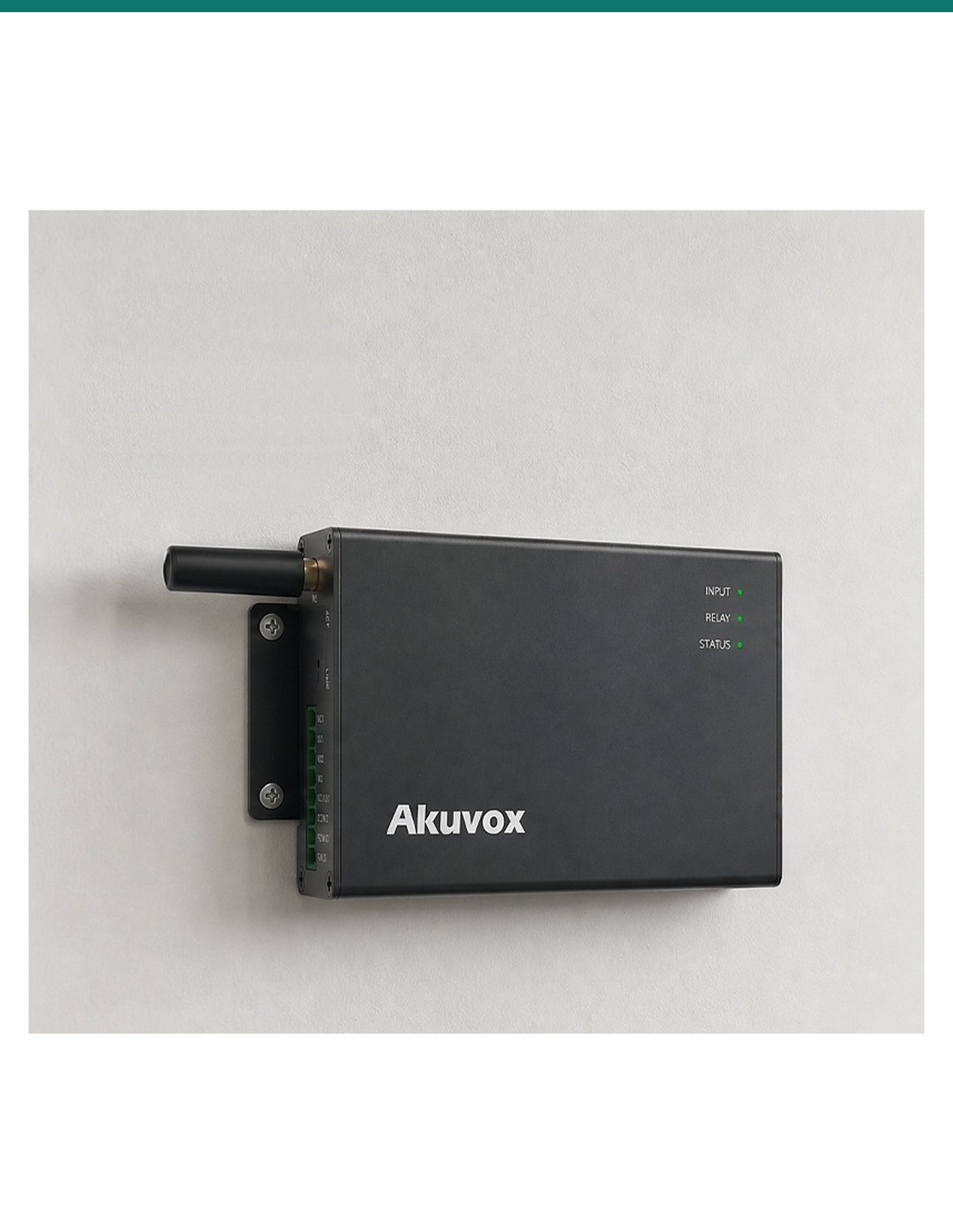
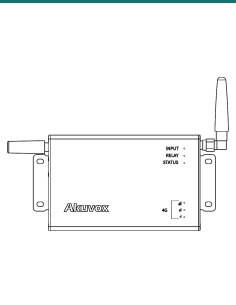
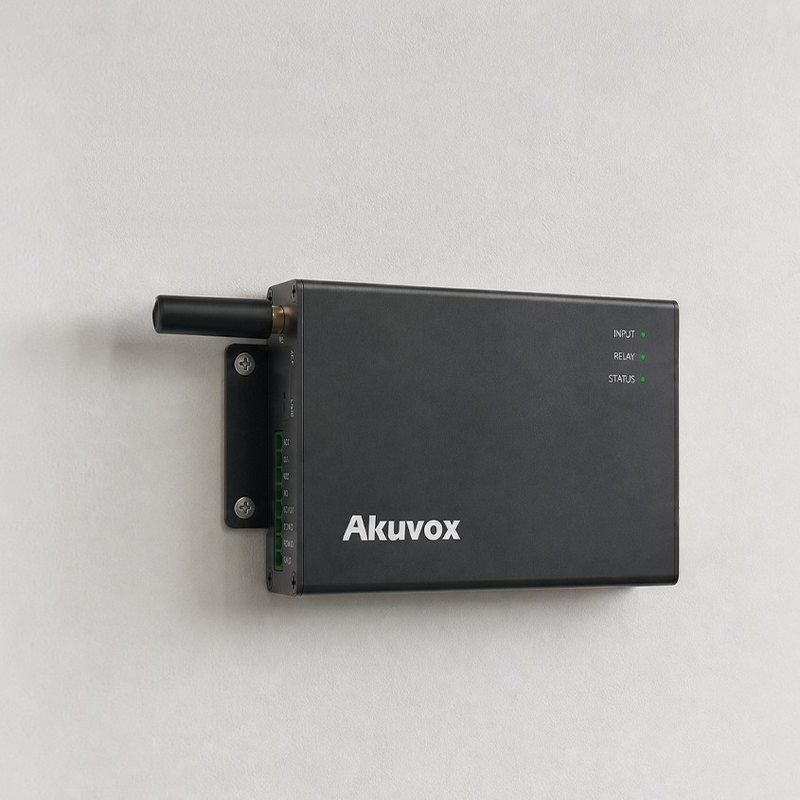
The AK-WR01 is Akuvox’s edge web relay controller. It sits in a cabinet or on a wall near the door, takes power and data over one PoE cable, and releases locks, gates or other equipment when it receives an HTTP command, a SmartPlus app request or a Bluetooth key.
This SKU is the WR01 controller (Ethernet and Bluetooth).
You receive the WR01 with its wall fixings, DIN-rail clip and plug-in terminal blocks. Locks, exit buttons, the PoE switch or power supply and any Bkeys are sold separately. For sites without a network cable, choose the WR01-L, which adds 4G LTE.
Add app, Bluetooth and HTTP control to a gate, roller door or lock that has no reader of its own — or let an existing IP access or building system fire the relay over the network.
Access
Users open the door with the Bluetooth-enabled SmartPlus app — hands-free or with a wave of the phone — or with an Akuvox Bkey fob, tested by Akuvox at up to 12 m. App unlock needs the WR01 connected to SmartPlus Cloud.
A standard HTTP API with allowlist, Basic or Digest authentication lets IP-based access control, building management or automation systems trigger either relay.
Power
The WR01 runs from 802.3af PoE or a 12–24 V AC/DC supply, so it suits new cabling and existing transformer feeds alike.
Its 12 V DC output delivers up to 0.5 A to a lock or sensor. Set it always on, or on only while a relay is open for 3, 5 or 10 seconds — no separate lock supply for small loads.
Install
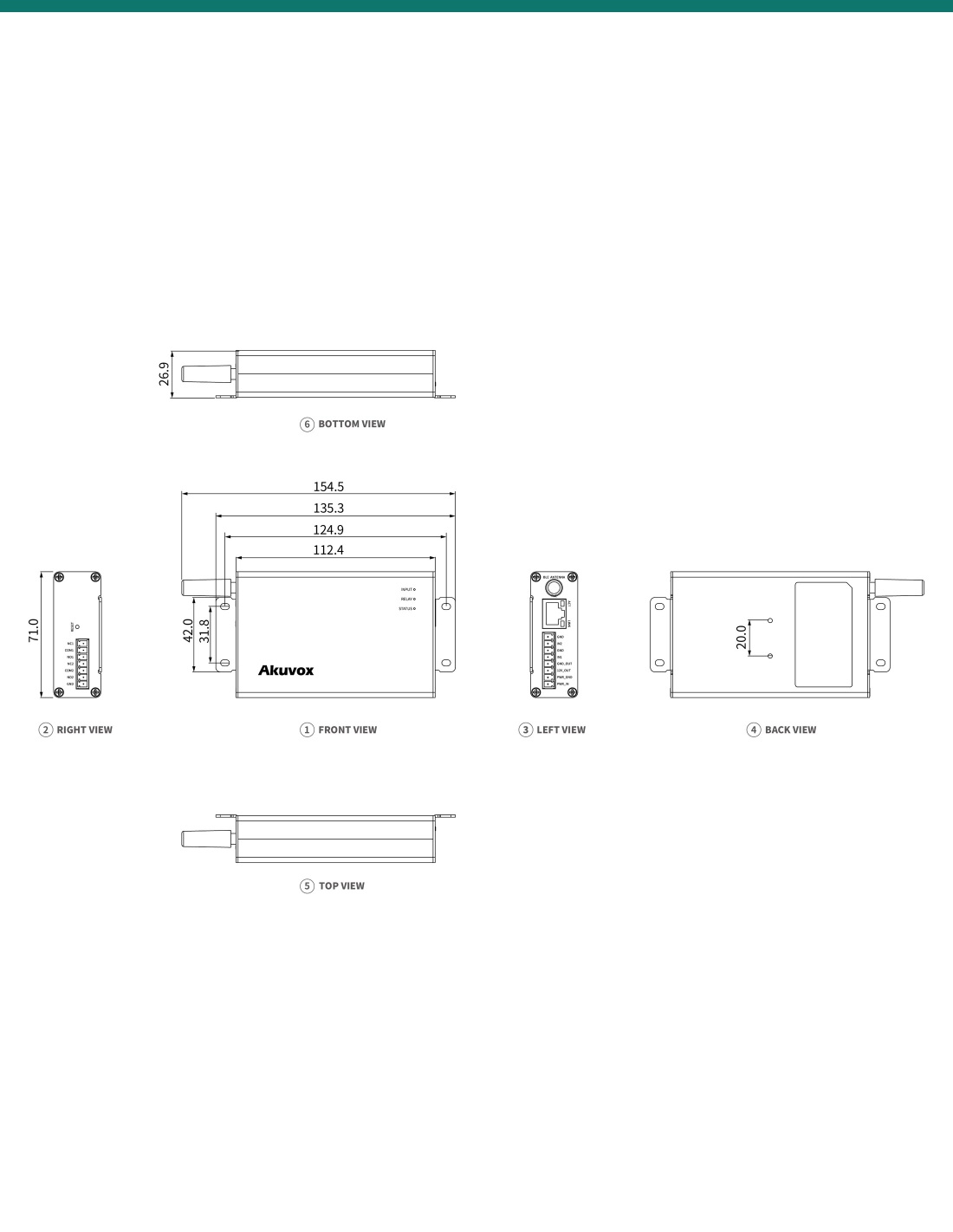
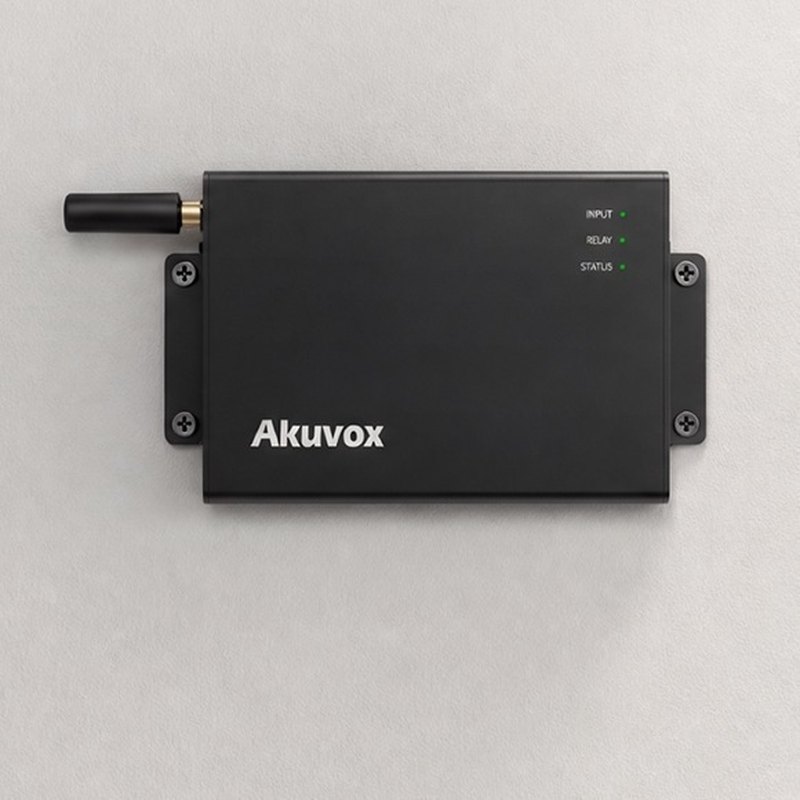
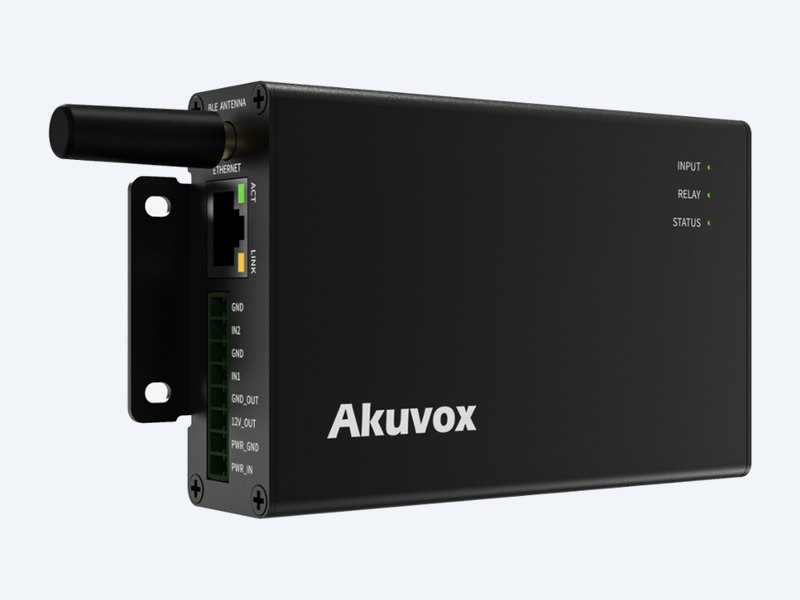
The 6063 aluminium alloy case measures 154.45 × 71 × 26.9 mm. Screw it to the wall through its mounting ears or clip it onto a DIN rail in the switchboard.
Three LEDs show input, relay and system status at a glance, and a reset button sits on the end panel beside the plug-in terminals.
How it works
01
Fix the WR01 to the wall with the supplied anchors and screws, or fit the DIN clip and snap it onto a rail.
02
Connect each lock to a relay (NO or NC with COM), exit buttons or door sensors to the inputs, then PoE or a 12–24 V AC/DC supply.
03
Open the web interface, add users and schedules, set each relay’s mode and hold time, and enable the HTTP API or Bluetooth.
04
Trigger each relay from the browser, the app and any HTTP client, and confirm the LEDs and the lock respond.
At a glance
Show all specifications
Pair it with
Bluetooth
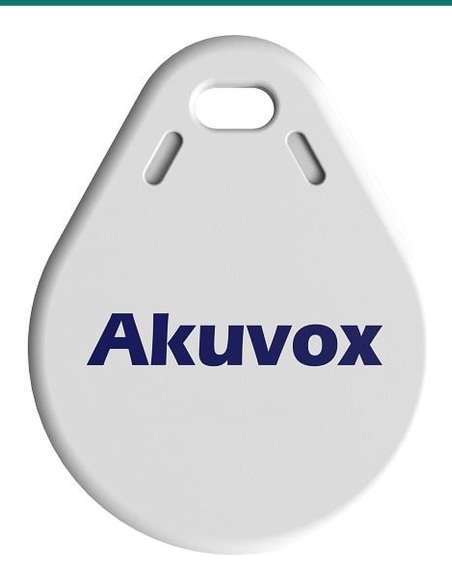
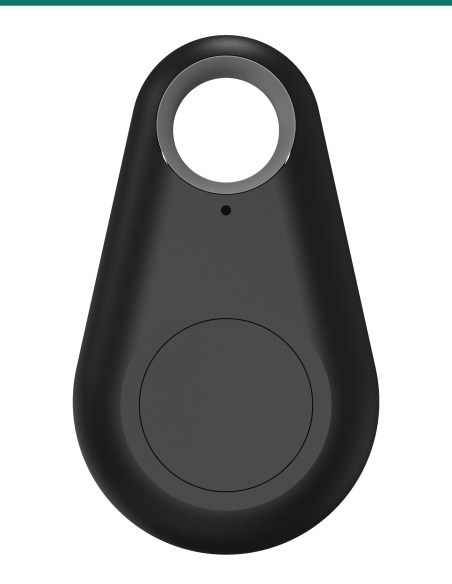
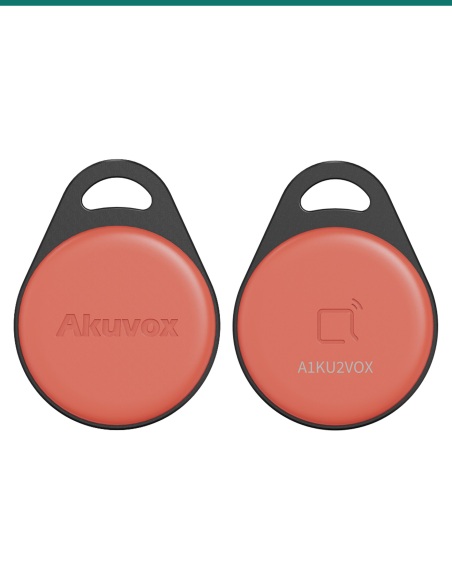
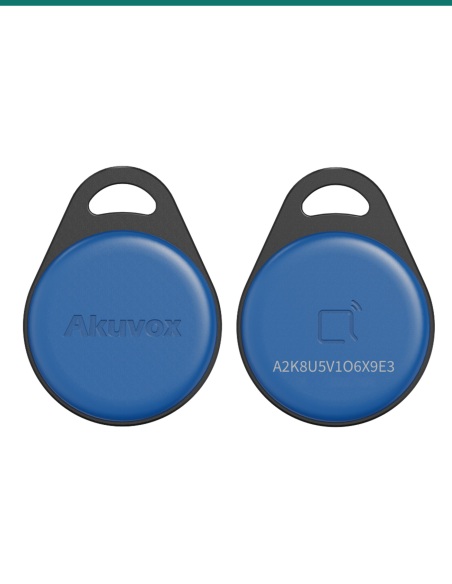
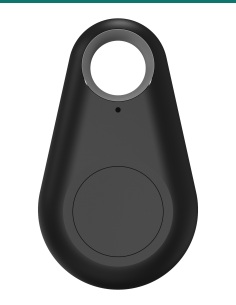
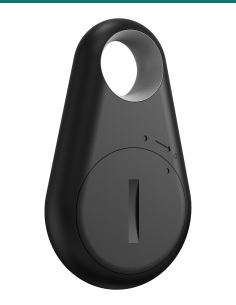
A Bluetooth key fob that opens the WR01’s relay from up to 12 m (Akuvox tested range).
Exit
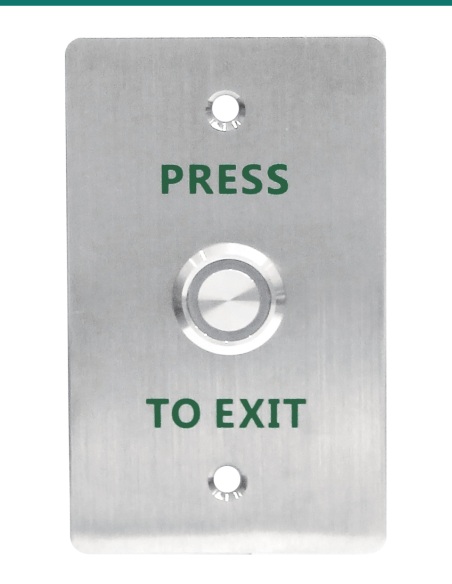
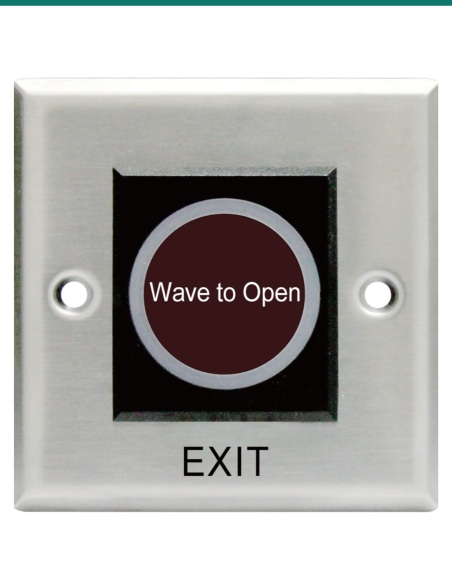
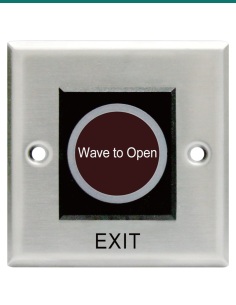
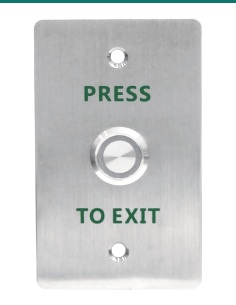
Wire a press-to-exit or touch-free button to an input for request-to-exit.
Cellular
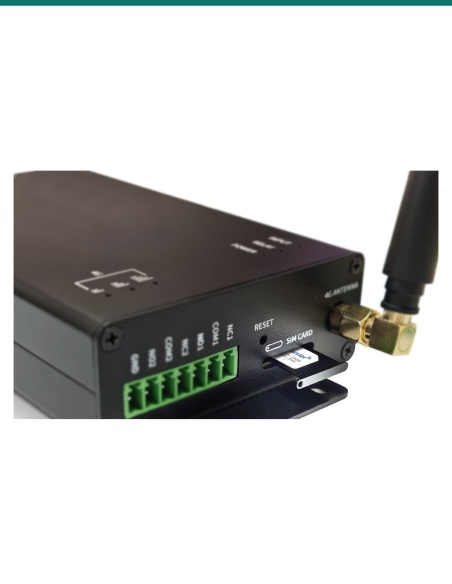
The same controller with a 4G LTE module and call-to-open for sites without a network cable.
Works with
Third-party access control, building management or automation systems switch the relays with authenticated HTTP requests.
Residents and staff unlock by Bluetooth from the SmartPlus app, and the WR01 can be managed through Akuvox Cloud.
Manage WR01 users and doors alongside other Akuvox devices in Akuvox’s on-premises management software.
Downloads
Compliance certificates and technical documents are available on request for tenders and installers — send an enquiry.
Answers
Anything switched by a dry contact: electric strikes, maglocks, gate, roller-door and boom-gate controllers. Each of the two relays has NO, NC and COM terminals; the wiring guide rates lock circuits at up to 30 V DC.
With the Bluetooth-enabled SmartPlus app, an Akuvox Bkey, or an HTTP command from a browser or another system. Each user can be limited to a relay and a door schedule.
No. It has a built-in web server, so you manage users, relays and logs from any browser. It can also be managed through Akuvox Cloud, SDMC or ACMS Pro.
802.3af PoE, or a 12 V DC 1 A, 24 V DC 0.5 A, 12 V AC 1 A or 24 V AC 0.5 A supply. It can also output 12 V DC at up to 0.5 A to a lock or sensor.
No. The WR01 is network and Bluetooth controlled. For Wiegand readers use an Akuvox access controller such as the A094 or A095.
Same relays, inputs, power and capacity. The WR01-L adds a 4G LTE module with a SIM slot, an external 4G antenna and signal LEDs, plus Caller-ID dial-to-open, and is 164 mm long instead of 154.45 mm.
Up to 20,000 users and 100,000 access log entries, kept on the device.
Choose the WR01 where a door or gate needs network and Bluetooth control without a full reader. Need 4G instead of a cable? The WR01-L adds LTE and call-to-open.
Low-voltage product (SELV). Power from IEEE 802.3af PoE, or a 12 V DC 1 A, 24 V DC 0.5 A, 12 V AC 1 A or 24 V AC 0.5 A supply. The 12 V DC output supplies up to 0.5 A. Treat as SELV low-voltage equipment.
When a licensed tradesperson is required. Concealed data and intercom cabling is customer cabling under AS/CA S009 and must be installed by an ACMA-registered cabler. Electric locks, maglocks and lock power supplies may require a licensed electrician or security installer.


Need help choosing?
Tell us about your property and we'll recommend the right cameras and recorder.
07 5609 4910Sydney 02 8814 6008
[email protected]
Mon–Fri, 9am–5pm AEST
20 related items