1 / 4

Akuvox ACR-CID01 Black USB Desktop Card and BLE Enrolment Reader — AK-ACR-CID01

SKU AK-ACR-CID01 In Stock - Ready to Ship
$134.50 inc GST

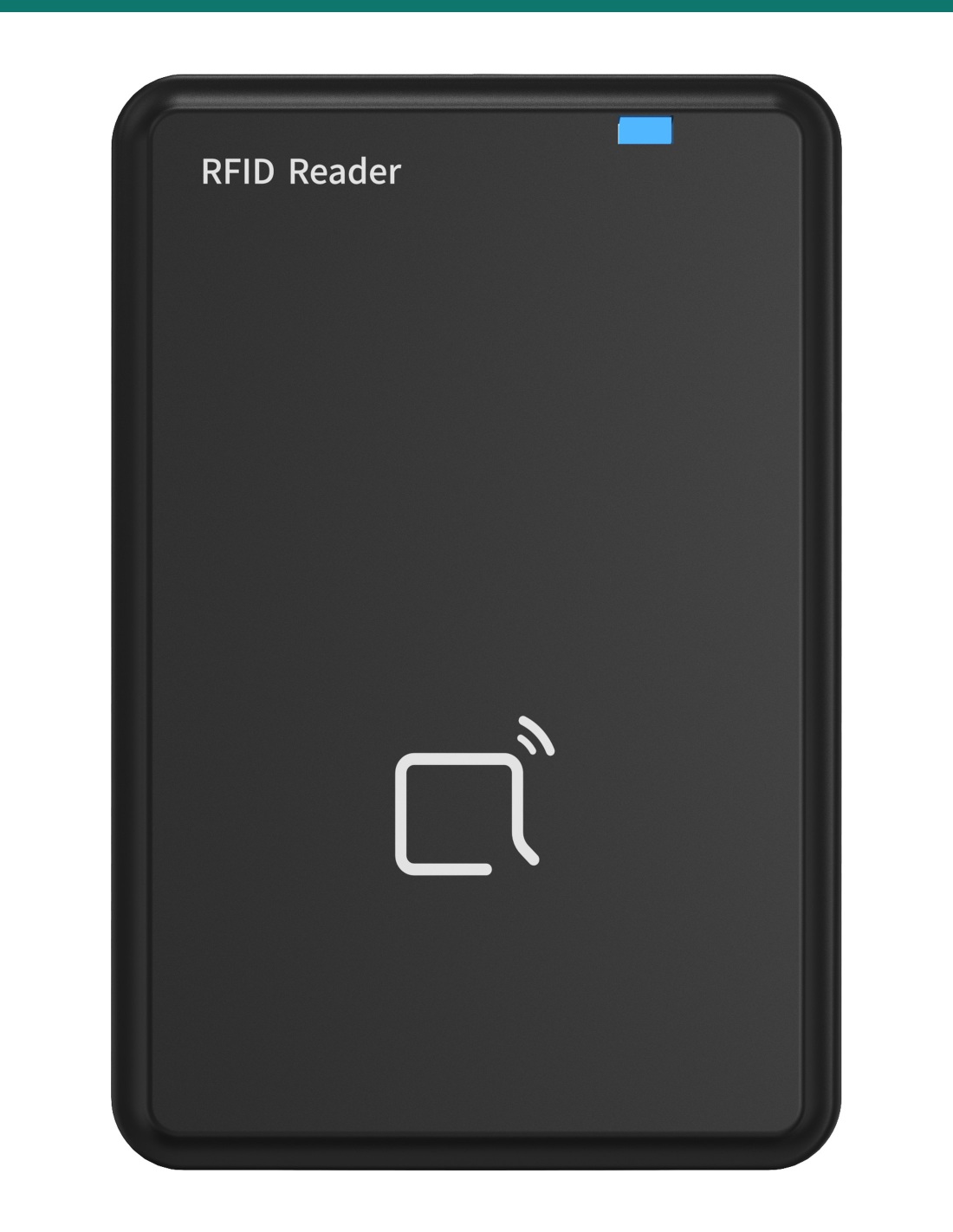
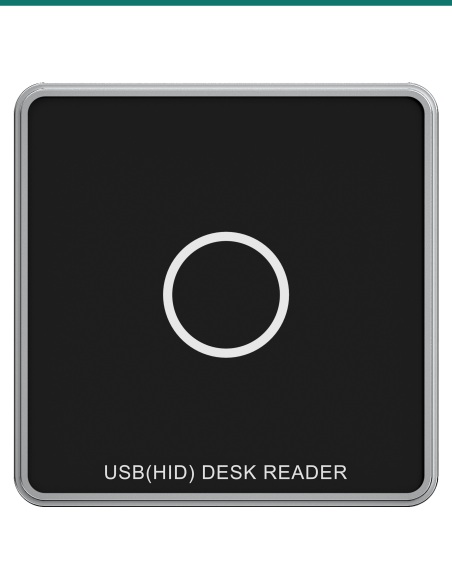
Akuvox ACR-CID01 is a USB desktop reader for the office or site PC. Tap a card, fob or Bkey and its number drops straight into the user form, so credentials are enrolled at the desk instead of at the door. It also writes MIFARE and DESFire card keys with the Akuvox ACRM tool. Windows and macOS.

  • ✓Reads 125 kHz, 13.56 MHz, NFC and BLE (Bkey) credentials
  • ✓Plug and play on Windows and macOS — one USB cable for power and data
  • ✓Writes encrypted MIFARE Classic, MIFARE Plus and DESFire card keys with Akuvox ACRM
  • ✓Black plastic · 104.7 × 66.8 × 12.1 mm · 56 g · buzzer and blue / green status light

 
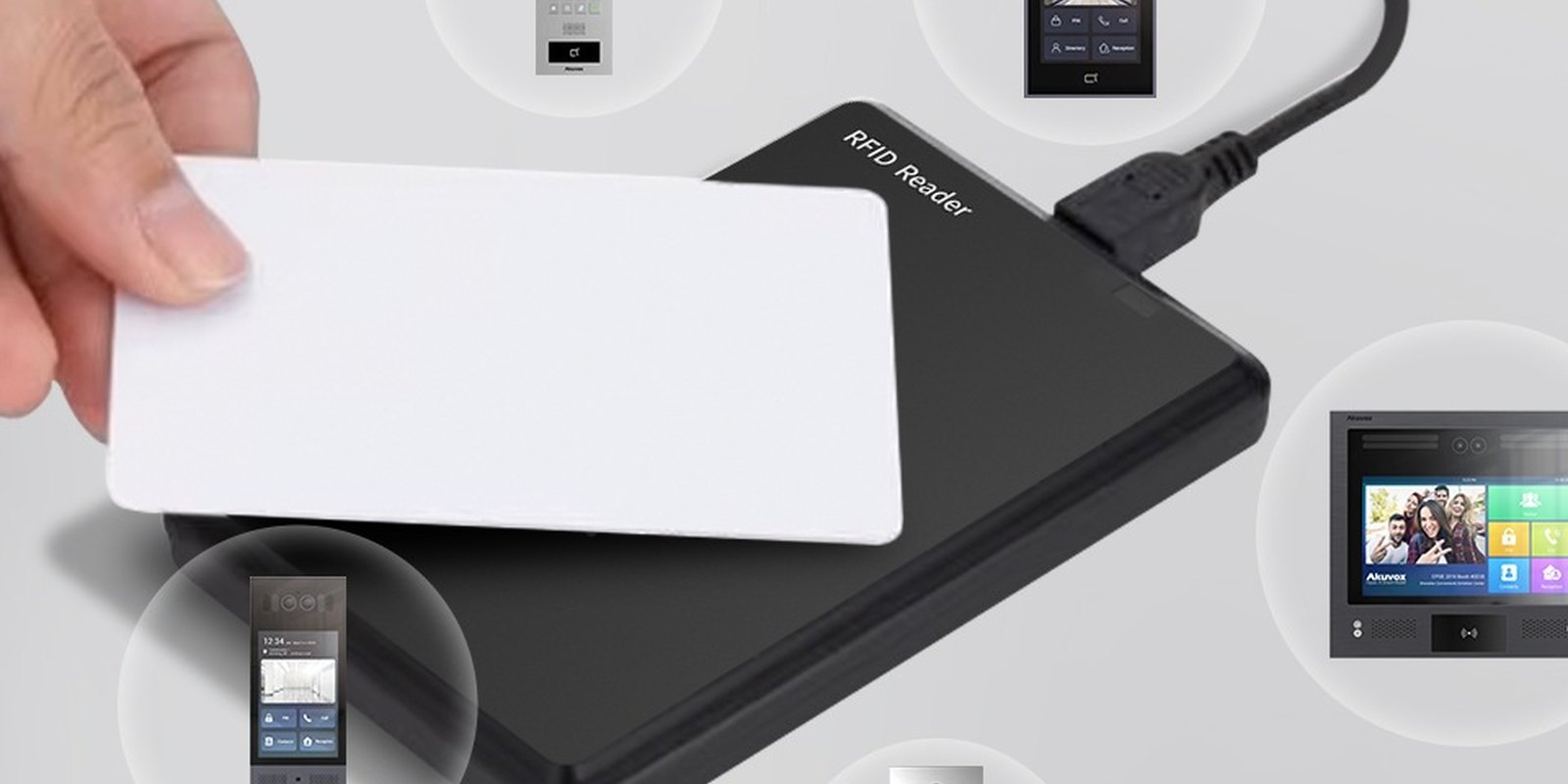
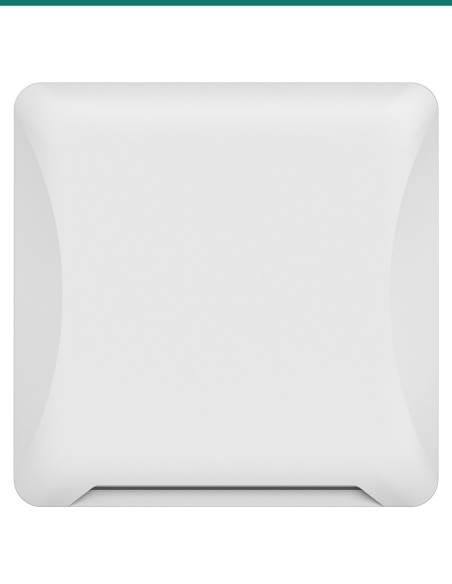
Card placed on the Akuvox ACR-CID01 desktop reader
Akuvox · ACR-CID01 · Desktop card reader

Enrol cards at the desk.
Not at the door.

The AK-ACR-CID01 is Akuvox’s multifunction desktop reader. Plug it into a PC, tap a credential and the number is captured for the building’s access records.

This SKU is the desktop reader only.

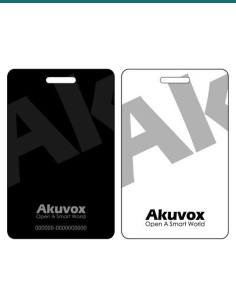
You receive the ACR-CID01 reader. Cards, key fobs, Bkeys and the Akuvox door phones or access terminals they open are sold separately.

In the box
  • Akuvox ACR-CID01 desktop card reader
What you also need (sold separately)
  • Windows or Mac computer with a free USB port
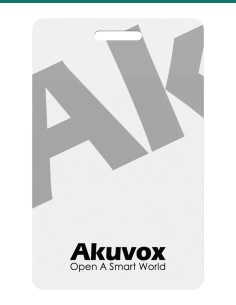
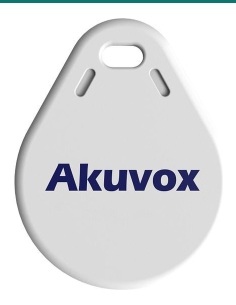
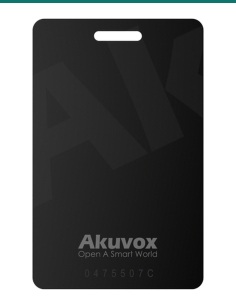
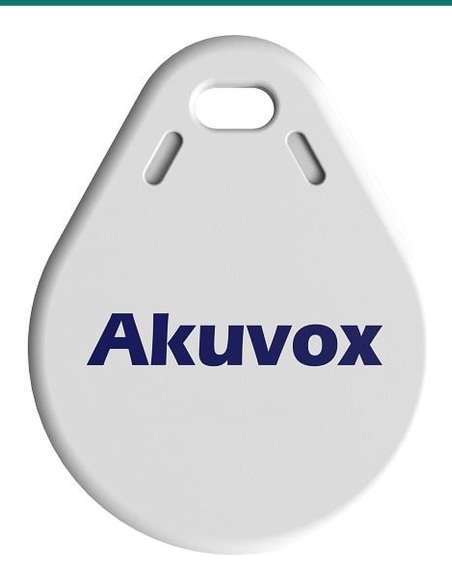
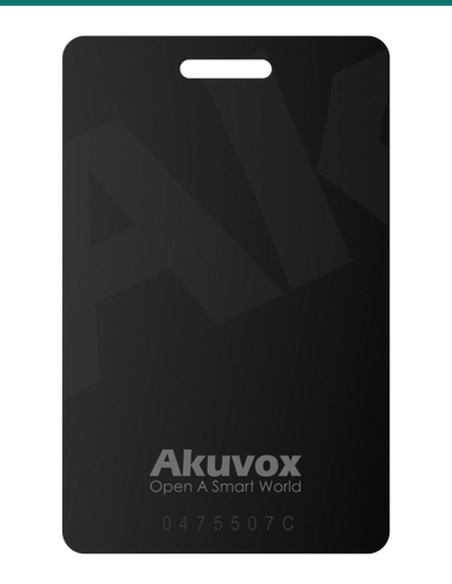
  • Akuvox cards, fobs or Bkeys to enrol
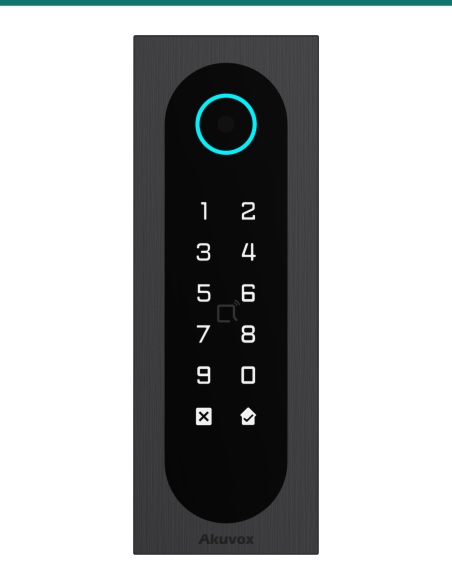
  • Akuvox door phone or access terminal

One reader for every credential type.

Building managers enrol 125 kHz, 13.56 MHz, NFC and Bkey credentials from the office, then assign them to users on Akuvox door phones and access terminals.

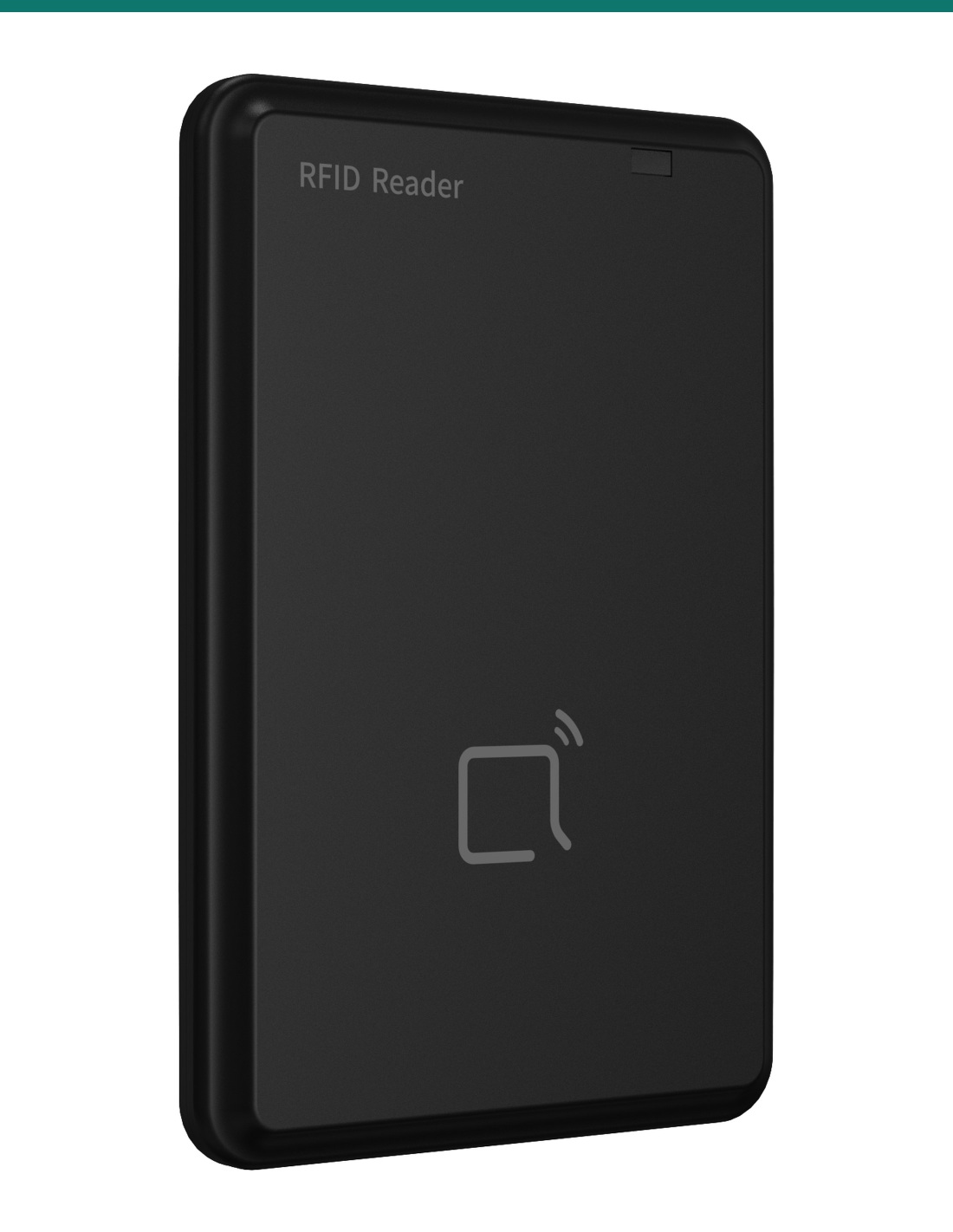
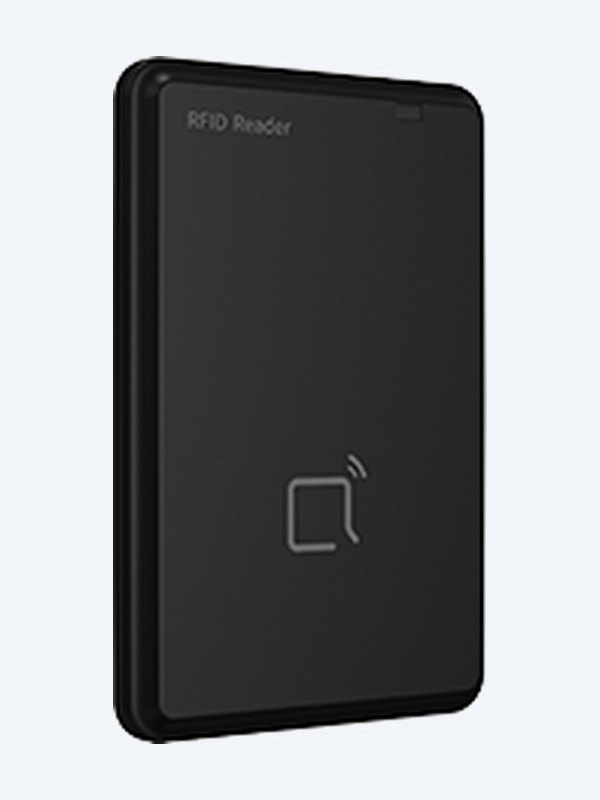
Akuvox ACR-CID01 desktop card reader angled view

Encrypt

Write card keys before issue.

Akuvox uses the ACR-CID01 with its ACRM tool to set keys on MIFARE Classic, MIFARE Plus and DESFire cards, so devices only accept cards encoded for the site.

A Bkey is enrolled the same way: hold it within 3 cm of the reader and press its button while the cursor sits in the user’s code field.

How it works

Set up in minutes.

01

Plug in

Connect the USB cable to a Windows or Mac computer. The status light flashes blue while it boots, then stays blue.

02

Tap

Click into the card or code field on the user page, then present the card, fob or Bkey. The light turns green on a good read.

03

Assign

Save the user on the door phone or access terminal, or write site card keys with ACRM before issuing cards.

Pair it with

Works with Akuvox credentials

Cards

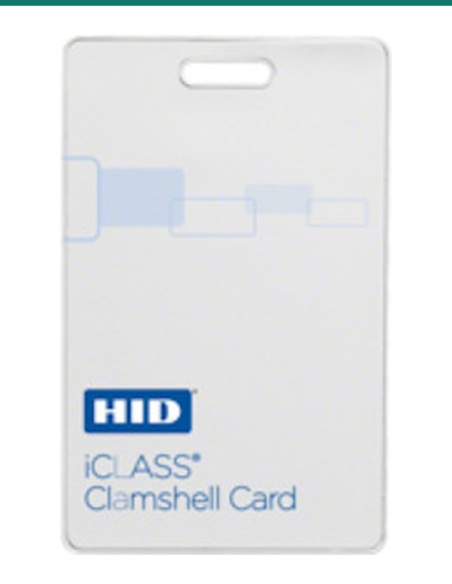
Akuvox MIFARE and DESFire cards

Enrol and encode S50 and DESFire EV3 cards.

Fobs

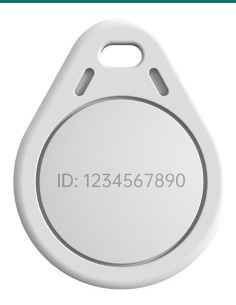
Akuvox F08 key fob and Bkey

Capture fob numbers and enrol Bluetooth keys.

Door

Akuvox access terminals

A08 and other Akuvox readers use the enrolled credentials.

Works with

Platforms and integrations

Akuvox ACRM tool

Akuvox’s card tool uses the ACR-CID01 to write MIFARE Classic, MIFARE Plus and DESFire keys so only site-encoded cards open the door.

Akuvox device user pages

The reader types the credential number into the focused code field, so it works on the Add/Edit User page of Akuvox door phones and access terminals.

Watch

See it in action

Enrolling Mifare cards with the ACR-CID01 desktop reader

Downloads

Datasheets and guides

Compliance certificates and technical documents are available on request for tenders and installers — send an enquiry.

Answers

Common questions

Which credentials can it read?

125 kHz and 13.56 MHz cards and fobs, NFC credentials and Akuvox Bkey Bluetooth fobs.

Does it work on a Mac?

Yes. It is plug and play on Windows and macOS, powered and connected by one USB cable.

How do I enrol a card with it?

Open the user’s Add/Edit page on the door phone or access terminal, click into the card or code field and present the card. The number is entered for you; then save the user.

Do I need it for encrypted cards?

Yes for key setup. The Akuvox ACRM tool uses the ACR-CID01 to write MIFARE Classic, MIFARE Plus and DESFire keys before cards are issued, and the same keys are then entered on each device.

Can it enrol a Bkey?

Yes. With the cursor in the code field, hold the Bkey within 3 cm of the reader and press its button.

What do the lights mean?

Steady blue is ready, flashing blue is booting, steady green is a good read or write, flashing green is a read error, and blue and green flashing together is a firmware upgrade.

Will it read UHF vehicle tags or fingerprints?

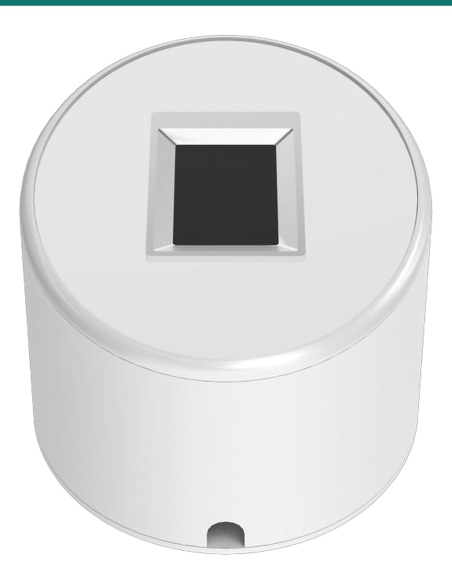
No. Use the ACR-CID12 for UHF windscreen tags and the ACR-CID13 for fingerprints.

Faster enrolment.

The ACR-CID01 reads cards, fobs and Bkeys at the desk, so credentials are enrolled without walking to the door.

Installation & safety notice

Low-voltage product (SELV). USB-powered from the host PC at 5 V DC, 0.5 A. Treat as SELV low-voltage equipment.

When a licensed tradesperson is required. Concealed data and intercom cabling is customer cabling under AS/CA S009 and must be installed by an ACMA-registered cabler. Electric locks, maglocks and lock power supplies may require a licensed electrician or security installer.

Weight
56 g
Material
Plastic
Power
5 V DC, 0.5 A via USB
Colour
Black
Operating System
Windows and macOS, plug and play
Interface
1 × USB (power and data)
Working Temperature
−20 °C to +55 °C
Brand
Akuvox
Indicators
Buzzer, blue / green status light
Size
104.7 × 66.8 × 12.1 mm
Warranty
Australian warranty
Product Type
USB desktop card and BLE enrolment reader
Model
ACR-CID01
Card Technology
125 kHz, 13.56 MHz, NFC and BLE
INFRONTTECH Promotional Banner INFRONTTECH Promotional Banner INFRONTTECH Promotional Banner

Need help choosing?

Tell us about your property and we'll recommend the right cameras and recorder.

07 5609 4910

Sydney 02 8814 6008
[email protected]

Mon–Fri, 9am–5pm AEST

Product added to wishlist