InFront Technologies · Industrial PoE · 12–48 V DC
PoE+ from a 12 V battery.
Four ports, up to 120 W.
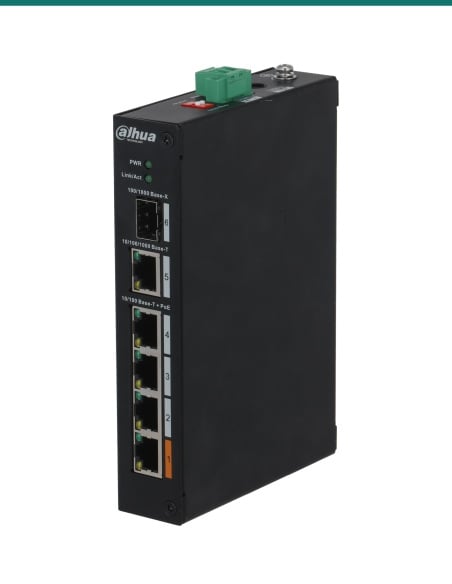
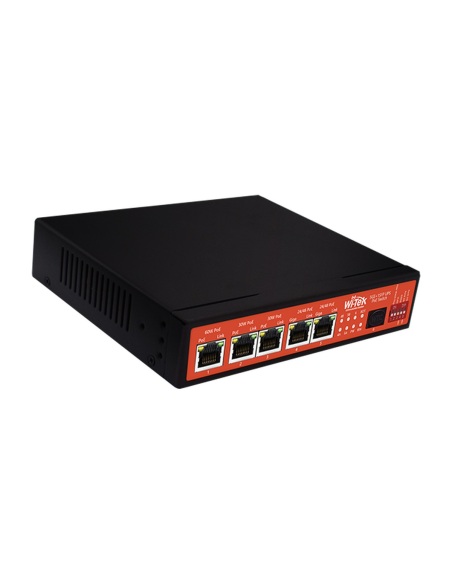
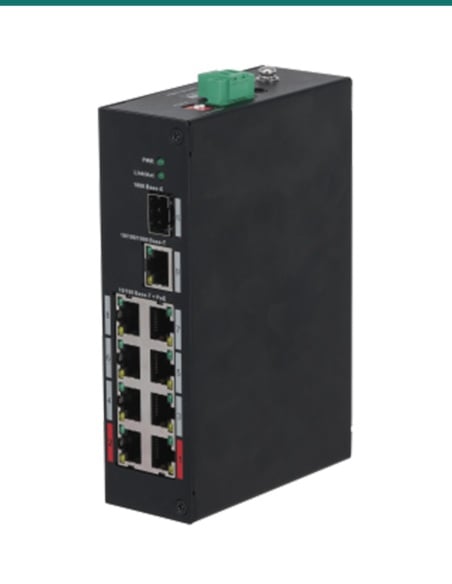
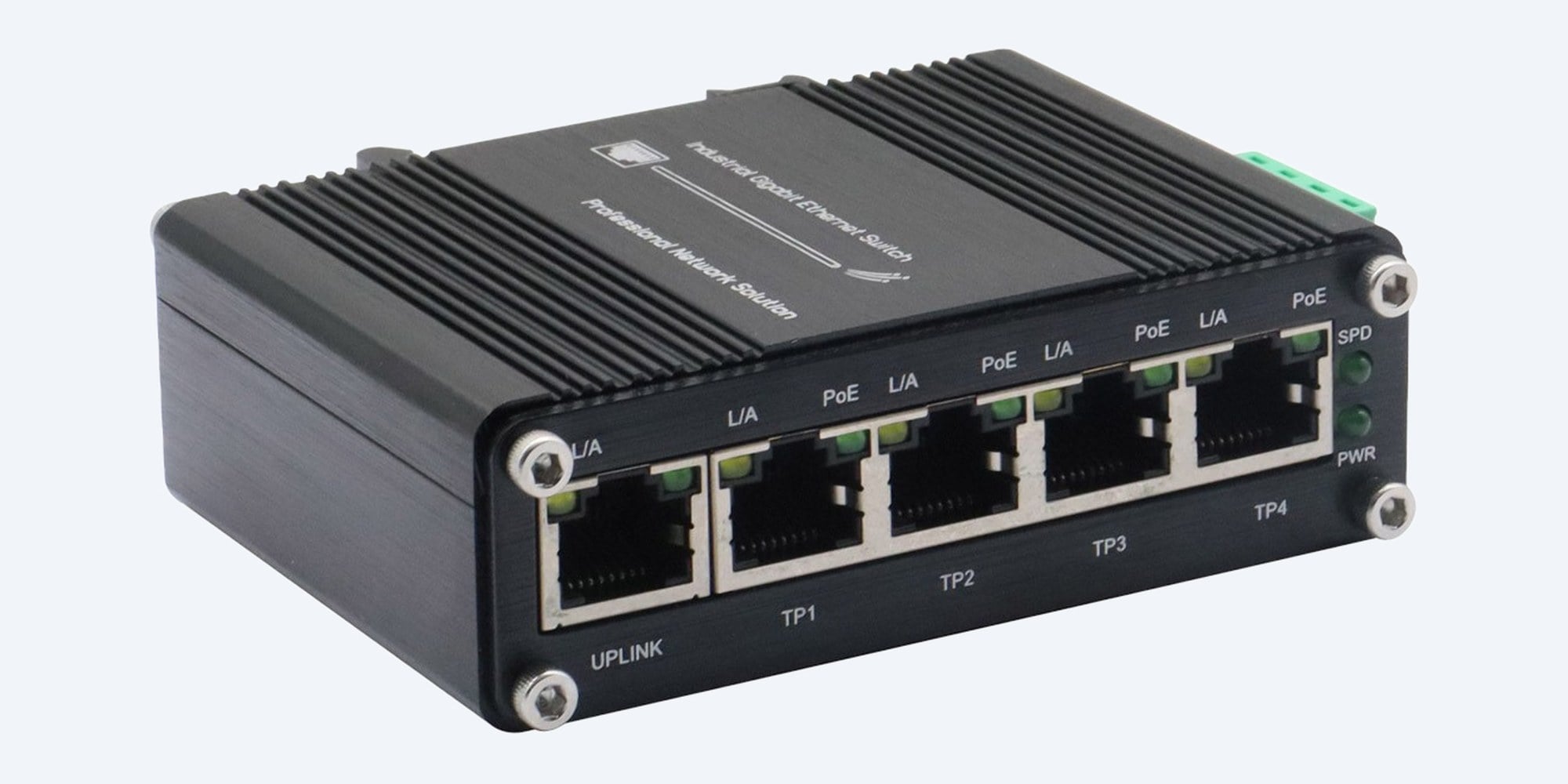
The IF-104PU12/48 is a fanless, DIN-rail gigabit switch that runs from any 12 to 48 V DC supply and boosts it to 48 V PoE+ for cameras, access points and radios, without an inverter.
In one sentence: the IF-104PU12/48 is an unmanaged industrial gigabit switch with four IEEE 802.3af/at PoE+ RJ45 ports and a gigabit uplink, powered from 12 to 48 V DC with a PoE budget of 60 W at 12 V up to 120 W at 48 V.
DC powered. The power supply or battery is separate.
The switch runs from your own 12 to 48 V DC source: a battery, solar charge controller, vehicle supply or DIN-rail power supply. No power supply is included.
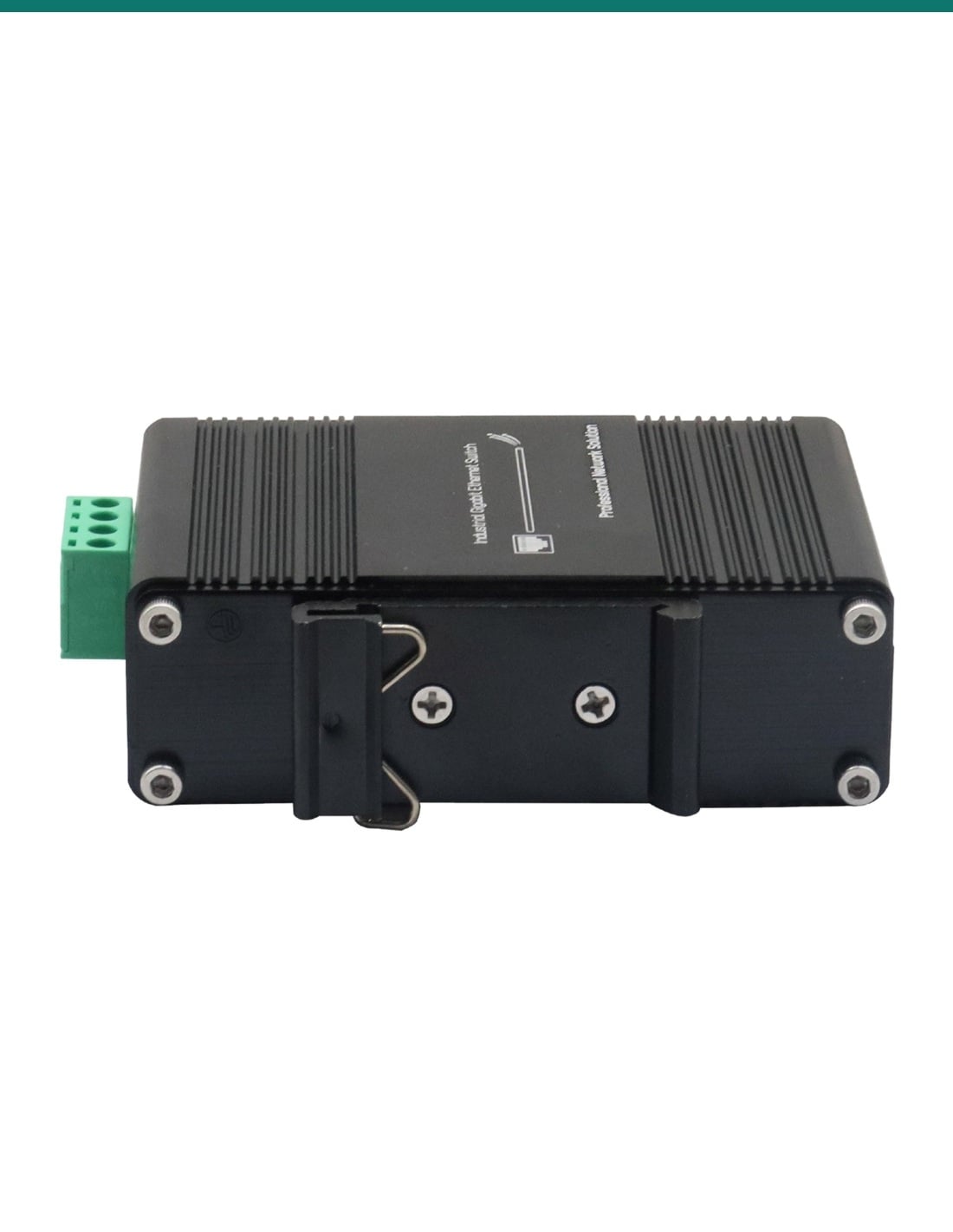
In the box- IF-104PU12/48 switch with the DIN-rail bracket fitted
- Wall-mount bracket
You also need- A 12 to 48 V DC supply sized for your PoE load
- DC cable and an inline fuse rated for the input current
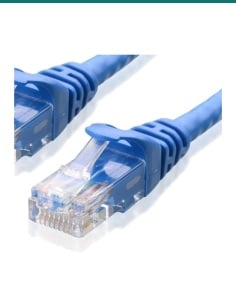
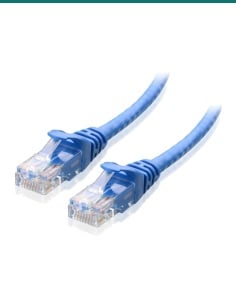
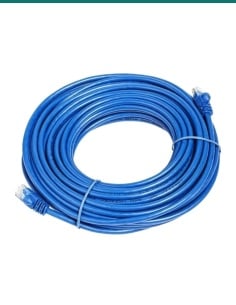
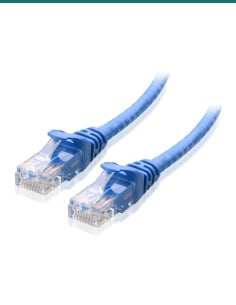
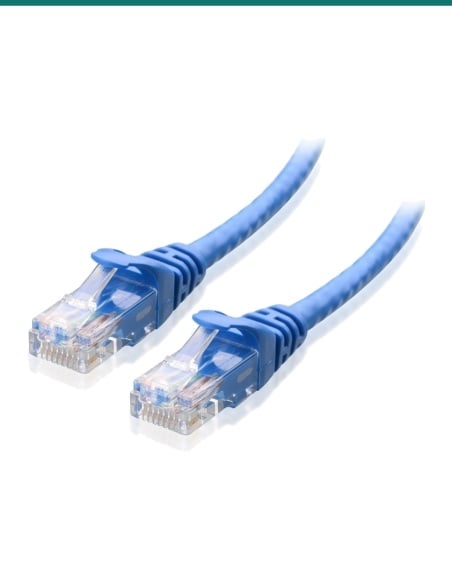
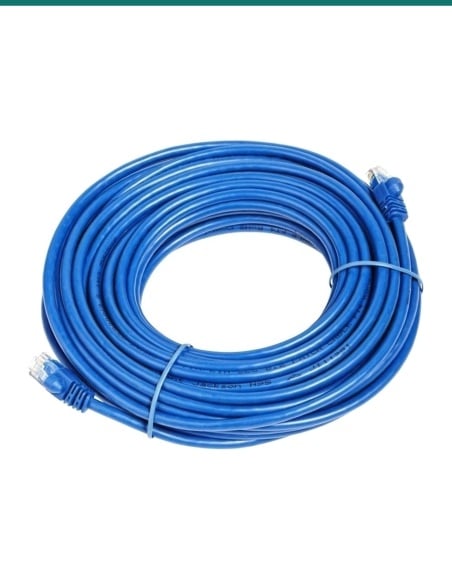
- Cat5e or Cat6 cable to each device
- A DIN rail, or a wall or panel to screw it to
- A weatherproof enclosure if it goes outdoors (IP40 case)
Network and power where there is no mains.
Off-grid cameras, vehicles and remote cabinets usually need an inverter and a mains PoE switch, wasting power twice. This switch takes the DC straight from the battery or charge controller, steps it up to 48 V and feeds up to four PoE+ devices, with a gigabit uplink to the recorder, router or radio.
Ports and lights
Four PoE+ ports and an uplink.
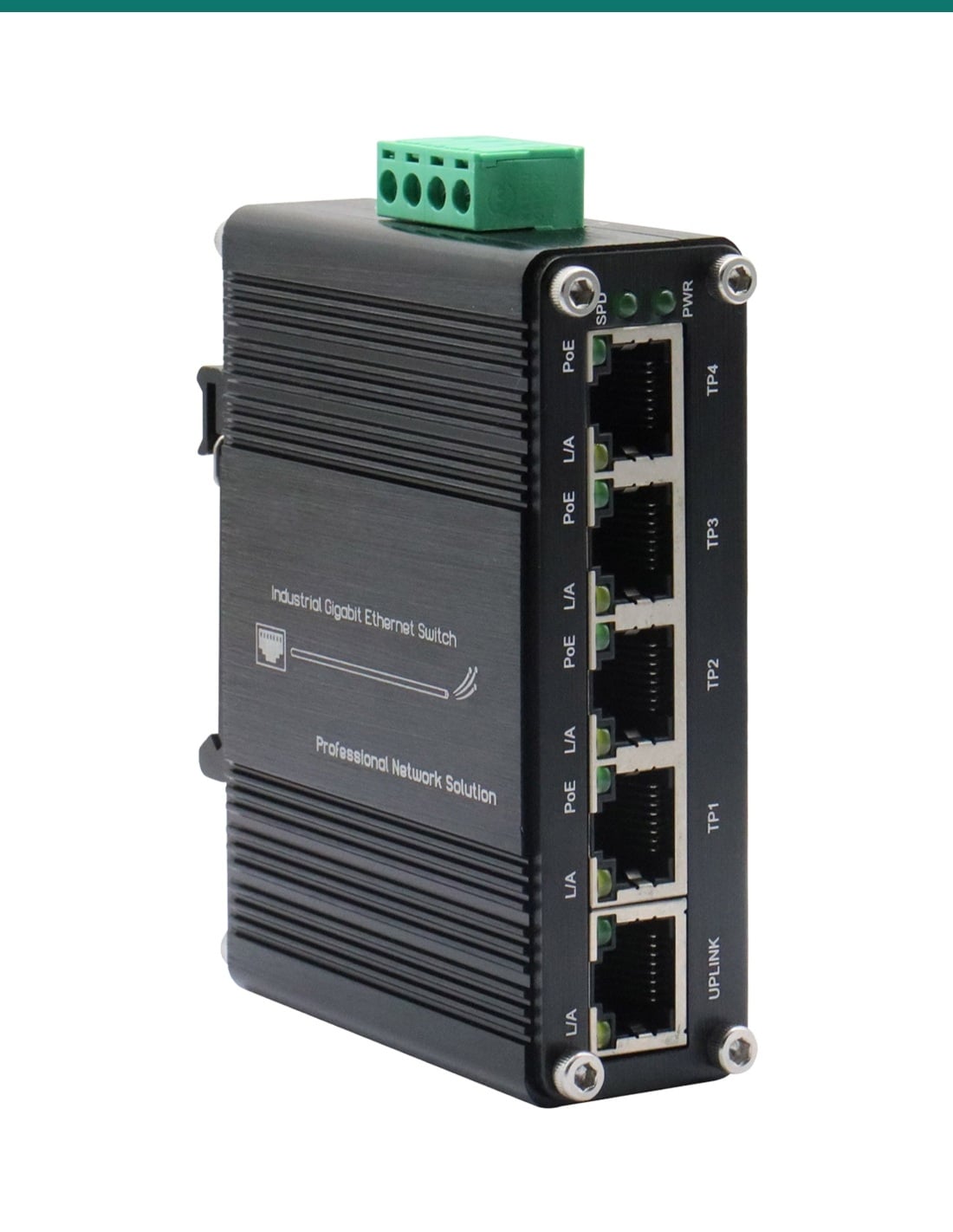
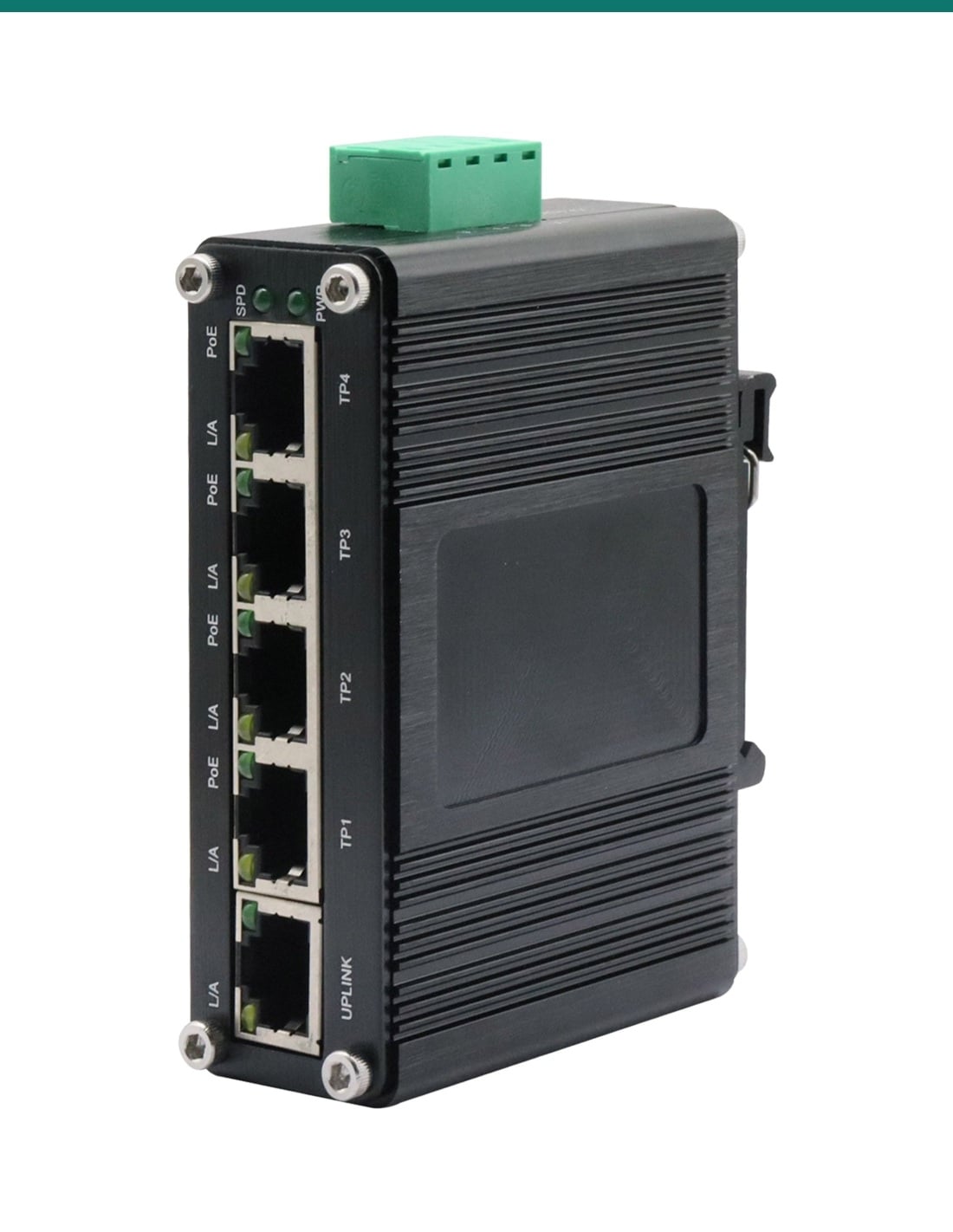
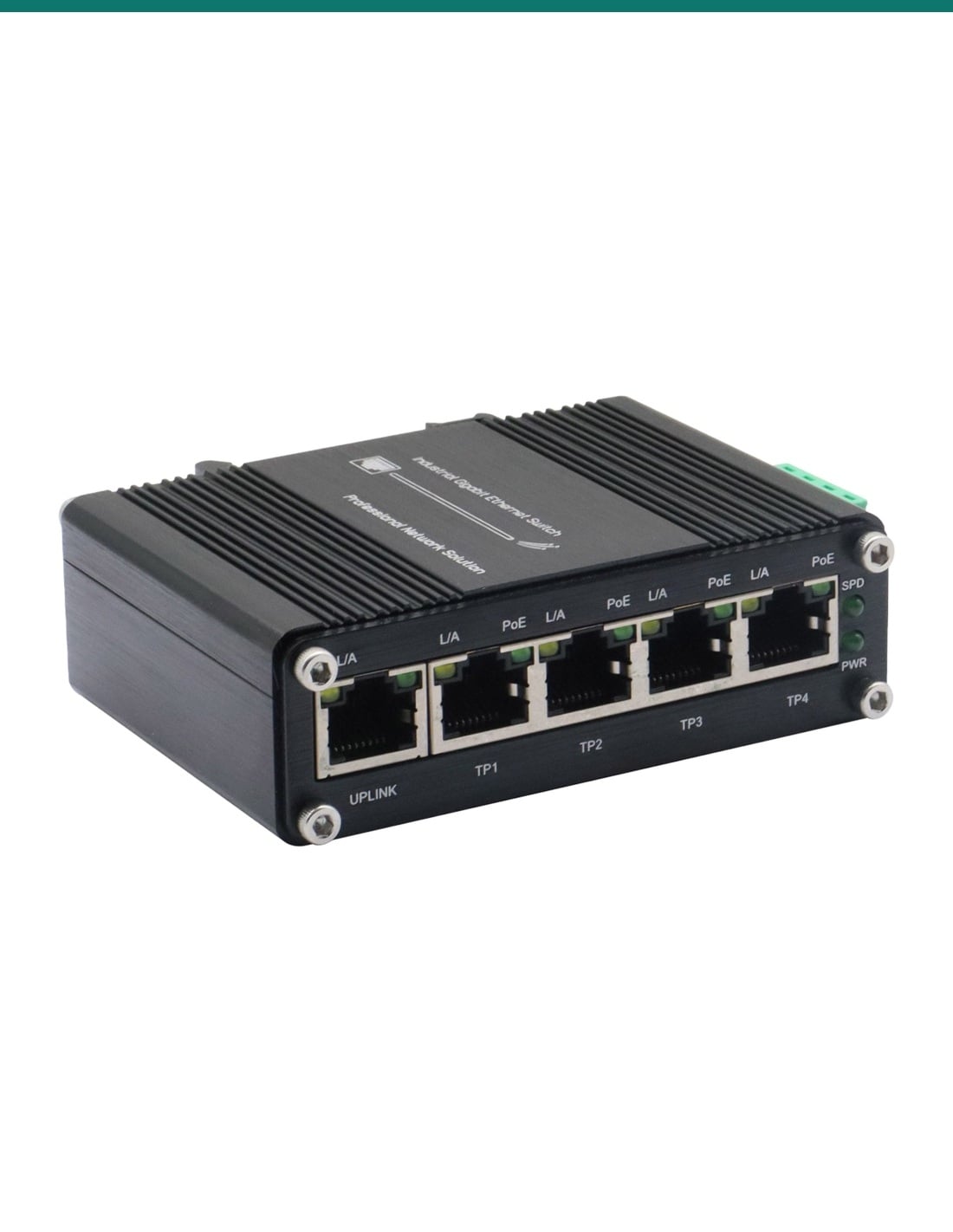
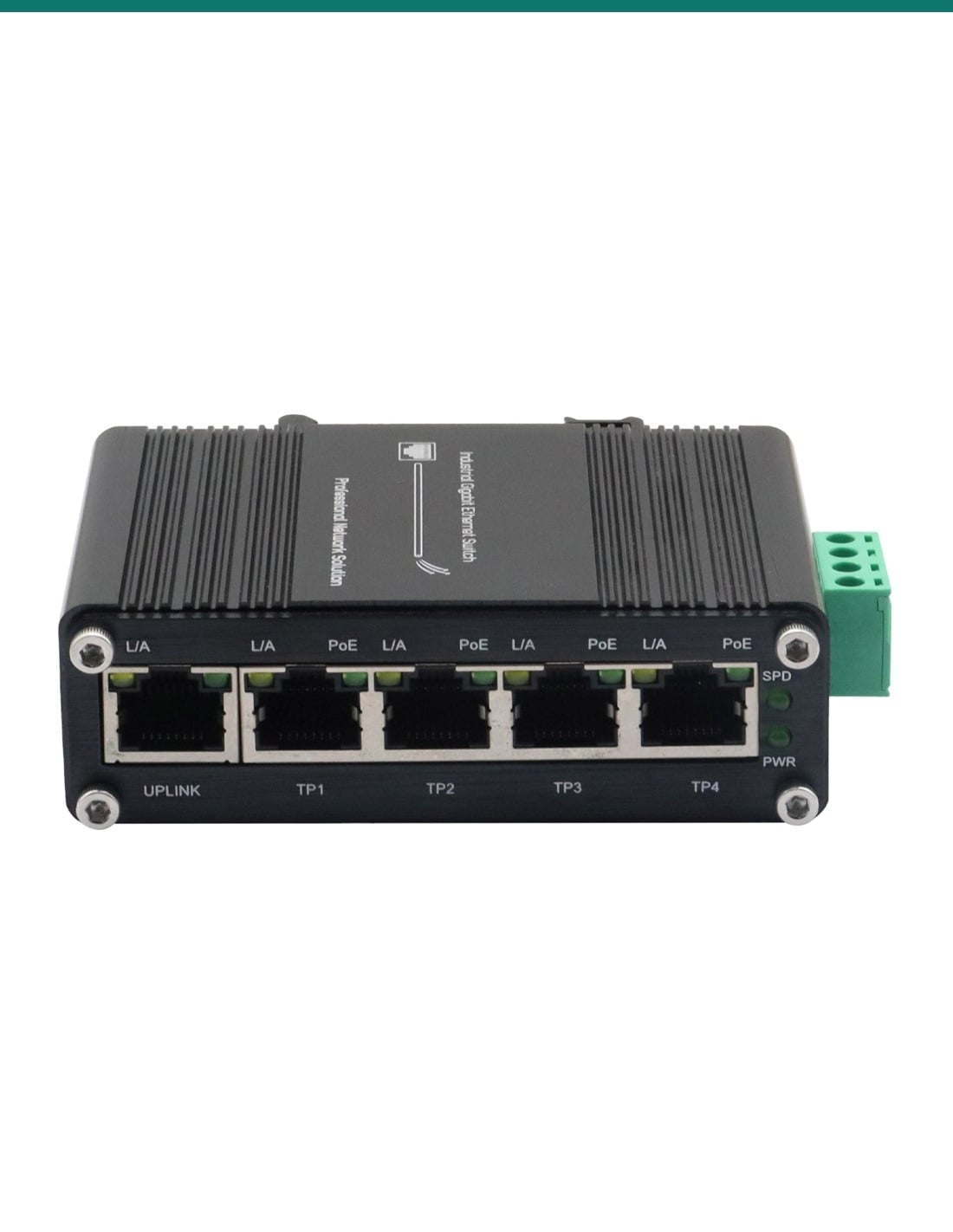
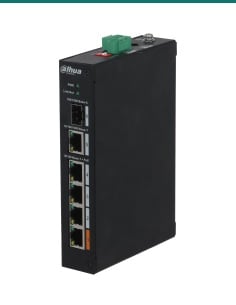
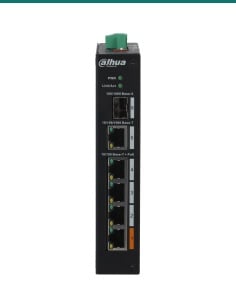
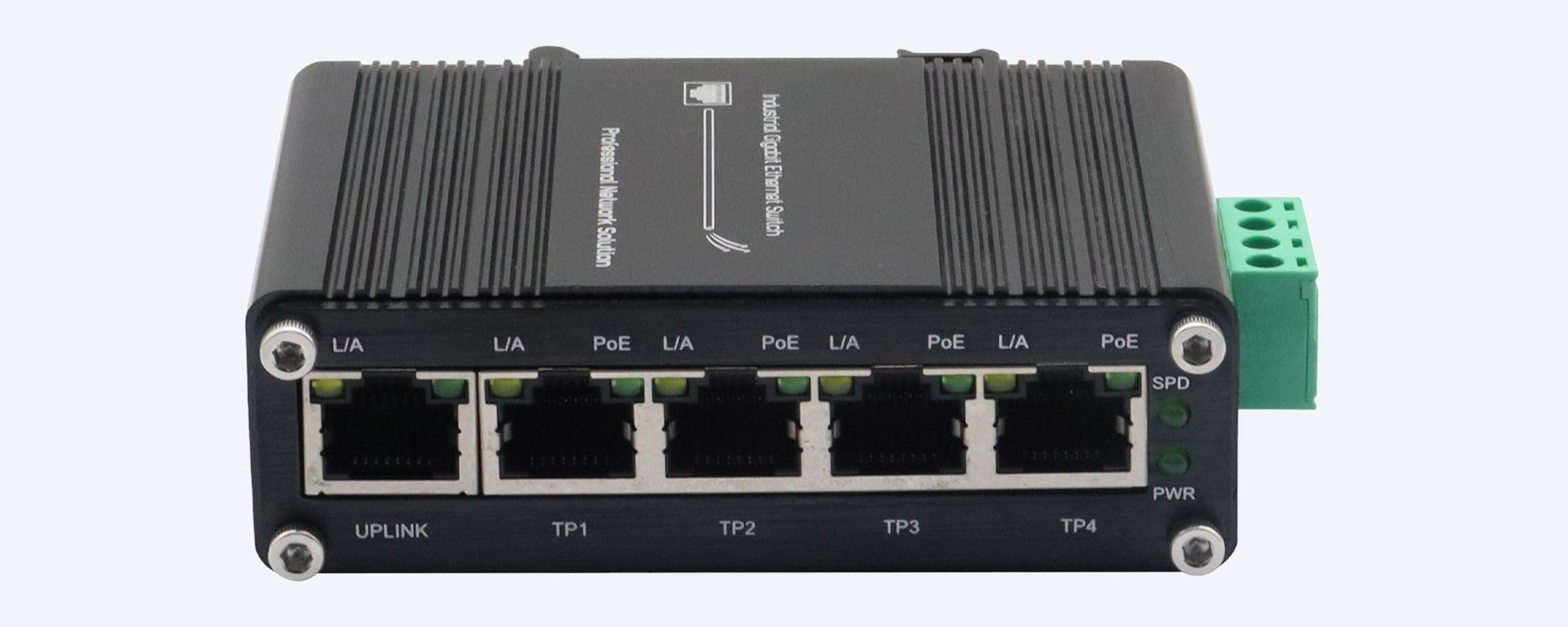
TP1 to TP4 are 10/100/1000 RJ45 ports with IEEE 802.3af/at PoE+, up to 30 W each. The UPLINK port connects to your recorder, router or radio. Each port has link/activity and PoE lights, with speed and power lights beside them.
Mounting
DIN rail or wall, no fan.
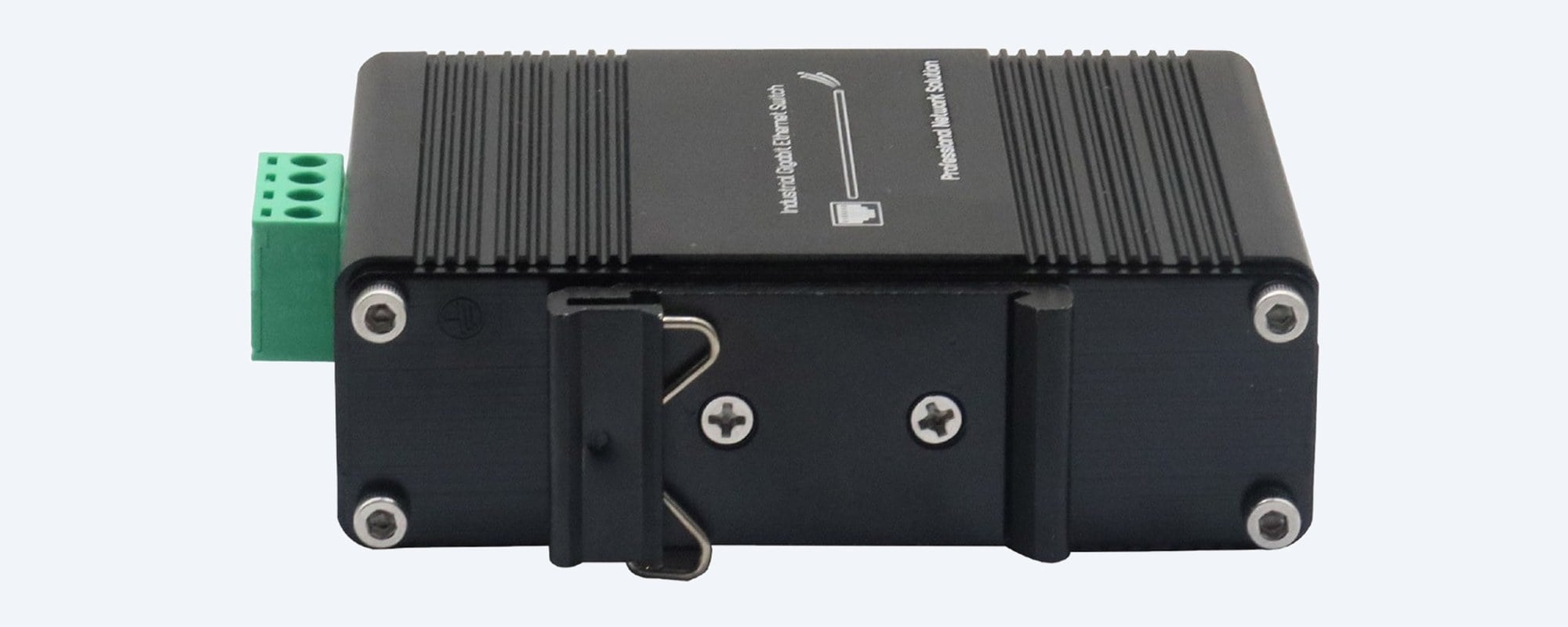
The DIN-rail bracket comes fitted and a wall-mount bracket is included. The ribbed aluminium case is fanless and IP40, made for cabinets and enclosures from −40 °C up.
Power input
12 to 48 V DC on a screw terminal.
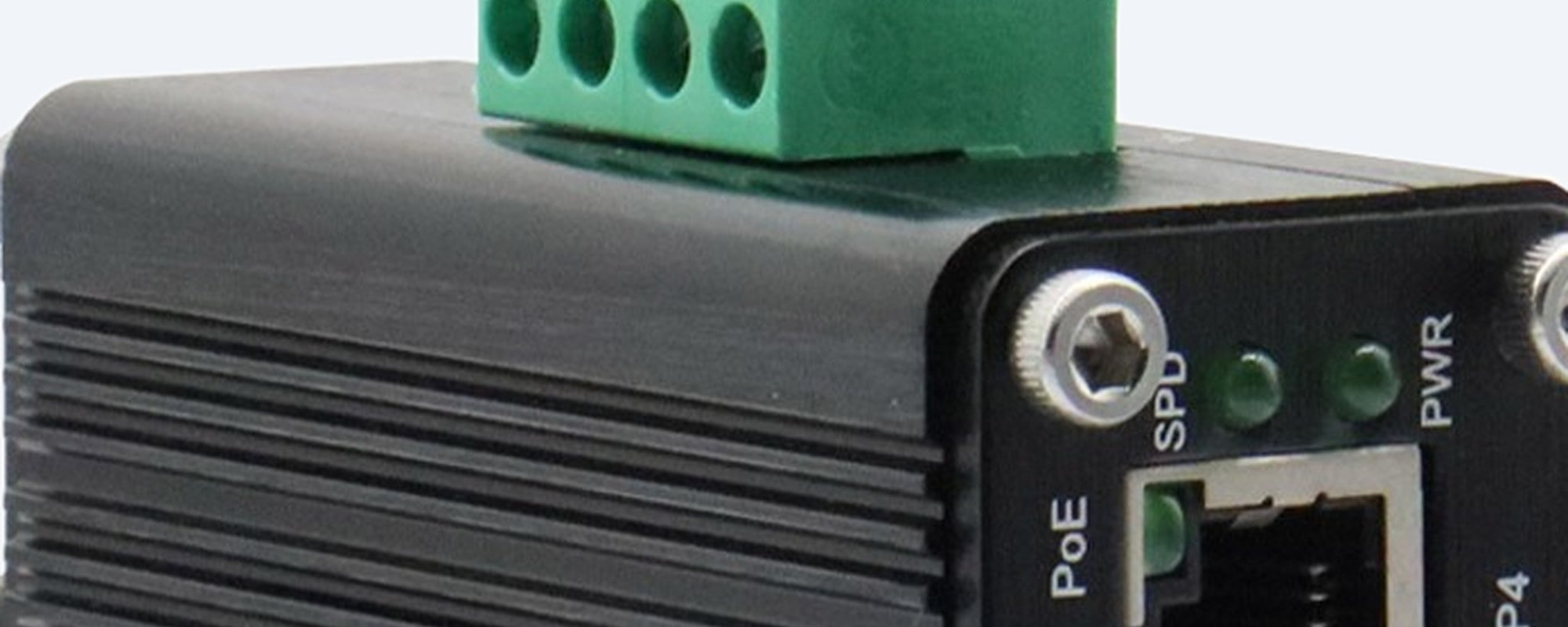
The 4-pin terminal block takes two DC input pairs. Reverse polarity protection is built in, and an overload trips and resets itself. The booster lifts a 12 or 24 V supply to the 48 V that PoE devices need.
How it goes in
Up and running in four steps.
01
Size the power
Add up your devices' PoE draw. Stay within 60 W at 12 V, 90 W at 24 V or 120 W at 48 V, with headroom for IR at night.
02
Mount it
Clip it onto a DIN rail or screw it to a panel with the wall bracket, inside a cabinet or weatherproof enclosure.
03
Wire the DC
Run fused DC cable from the battery, charge controller or power supply to the terminal block, observing + and −.
04
Connect and check
Plug devices into TP1 to TP4 and the recorder or router into UPLINK. Check the PWR light and the PoE light on each port.
At a glance
IF-104PU12/48
Show specs
PoE ports
4 × 10/100/1000 RJ45 (TP1–TP4), IEEE 802.3af/at, auto-MDI/MDI-X
Uplink
1 × 10/100/1000 RJ45 (UPLINK)
PoE per port
Up to 30 W (802.3at)
PoE budget
60 W at 12 V DC, 90 W at 24 V DC, 120 W at 48 V DC
Power input
12–48 V DC on a 4-pin terminal block, with voltage booster
Protection
Reverse polarity; automatic resettable overload
Power consumption
Under 125 W at full PoE; under 6 W with no PoE load
Switching
Unmanaged, 10 Gbps non-blocking fabric, 1,488,000 pps at 1000 Mbps
Buffer and tables
1 Mbit packet buffer, 8K MAC addresses, 10K byte jumbo frames
Standards
IEEE 802.3, 802.3u, 802.3ab, 802.3x flow control, 802.3az EEE, 802.3af/at
Lights
PWR, SPD, and L/A and PoE on each port
Case
Fanless aluminium, IP40
Mounting
DIN rail (bracket fitted) or wall (bracket included)
Operating temperature
−40 °C to 75 °C listed; the series datasheet rates it to 80 °C
Storage and humidity
−40 °C to 85 °C; 5% to 95% non-condensing
Warranty
3 years, InFront Technologies
Pair it with
What it needs around it
Power
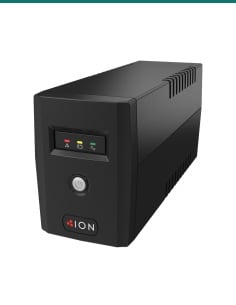
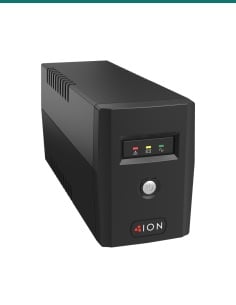
A DC supply or battery
A battery and solar charge controller, a vehicle supply or a DIN-rail power supply from 12 to 48 V, sized for your PoE load.
Enclosure
A weatherproof box
The case is IP40, so outdoors it needs a sealed enclosure with room for the battery or supply.
Devices
PoE cameras and radios
Up to four 802.3af/at devices: IP cameras, wireless bridges or access points.
Cabling
Outdoor Cat6 cable
UV-rated cable for runs to cameras and radios, up to the usual 100 m Ethernet limit.
Where it is used
Where a DC PoE switch earns its keep.
Solar CCTV
Cameras on poles and sheds run from a panel, charge controller and battery.
Caravans and boats
Cameras and an access point powered from the 12 or 24 V house batteries.
Trucks and mining equipment
Vehicle-mounted cameras on a 24 V supply, in a fanless metal case.
Farms and stations
Gates, yards and pumps watched where there is no mains power.
Construction sites
Temporary camera and radio pods that move from site to site.
Industrial cabinets
DIN-rail PoE for sensors, cameras and gateways on a 24 or 48 V DC rail.
What the supply voltage gives you
| 12 V DC supply | 24 V or 48 V DC supply |
|---|
| Total PoE budget | 60 W | 90 W at 24 V, 120 W at 48 V |
| Ports at a full 30 W | 2 | 3 at 24 V, all 4 at 48 V |
| Input current at full load | Highest; size cable and fuse for it | Lower, so thinner cable and less voltage drop |
| Typical setup | Caravans, boats, 12 V solar kits | Trucks, larger solar banks, 48 V battery and telecom rails |
PoE budgets from the IF-104PU12/48 series datasheet. Port counts at 30 W are the budget divided by 30 W; most cameras draw less.
Common questions
What voltage does it need?
Any DC supply from 12 V to 48 V, wired to the terminal block. It boosts the input to 48 V for the PoE ports.
How much PoE power is there?
60 W in total at 12 V, 90 W at 24 V and 120 W at 48 V, with up to 30 W on any one port.
Is a power supply included?
No. It runs from your own battery, charge controller, vehicle supply or DC power supply.
Can I run it straight from a 12 V car or caravan battery?
Yes. Use a fused supply line and cable rated for the current: at full load on 12 V the input can exceed 10 A.
Does the uplink port supply PoE?
No. PoE is on TP1 to TP4. The UPLINK port is a gigabit data port for the recorder, router or radio.
Does it have an SFP fibre port?
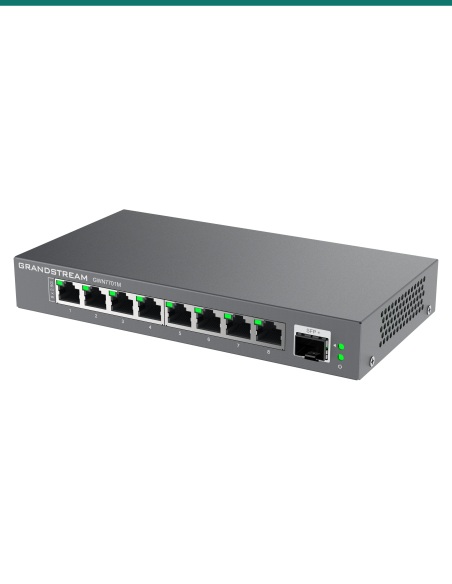
The unit in our photos has a copper RJ45 uplink. The series datasheet also lists a version with an SFP port, so ask us if you need fibre.
Is it managed?
No. It is plug and play, with no VLANs or web page to set up.
Does it support jumbo frames?
Yes, up to 10K bytes, which suits GigE industrial cameras.
Can it go outdoors?
Only inside a weatherproof enclosure. The aluminium case is IP40, fanless and rated from −40 °C.
What if I wire the power backwards?
It has reverse polarity protection, and an overload trips and resets itself. Still check + and − before you power it.
How is it mounted?
On a DIN rail with the bracket that comes fitted, or on a wall or panel with the included wall bracket.
What warranty does it have?
3 years from InFront Technologies, supported here in Australia.
Supported by InFront Technologies.
Send us your device list and supply voltage and we will check the power budget: call 1300 736 970 or email [email protected]. The datasheet is on the Attachments tab.
Installation and safety
Low-voltage DC. The switch runs on 12 to 48 V DC. Any mains power supply feeding it, and any new power point, must be installed by a licensed electrician.
Fuse and cable size. Fit an inline fuse near the battery or supply and use cable rated for the input current, which is highest at 12 V.
Cabling. Concealed data cabling is customer cabling under AS/CA S009 and needs an ACMA-registered cabler.
Enclosure. The case is IP40. Outdoors, mount it in a sealed, ventilated enclosure out of direct sun.
What it does not do. It is unmanaged (no VLANs or web interface), has no PoE on the uplink port, does not include a power supply and does not charge batteries.
Figures. From the IF-104PU12/48 series datasheet and the unit in our photos. Size: confirm with us.