• New
1 / 3

Akuvox SR01 Secure Relay Module for Akuvox Door Phones — AK-SR01

SKU AK-SR01 In Stock - Ready to Ship
$134.00 inc GST

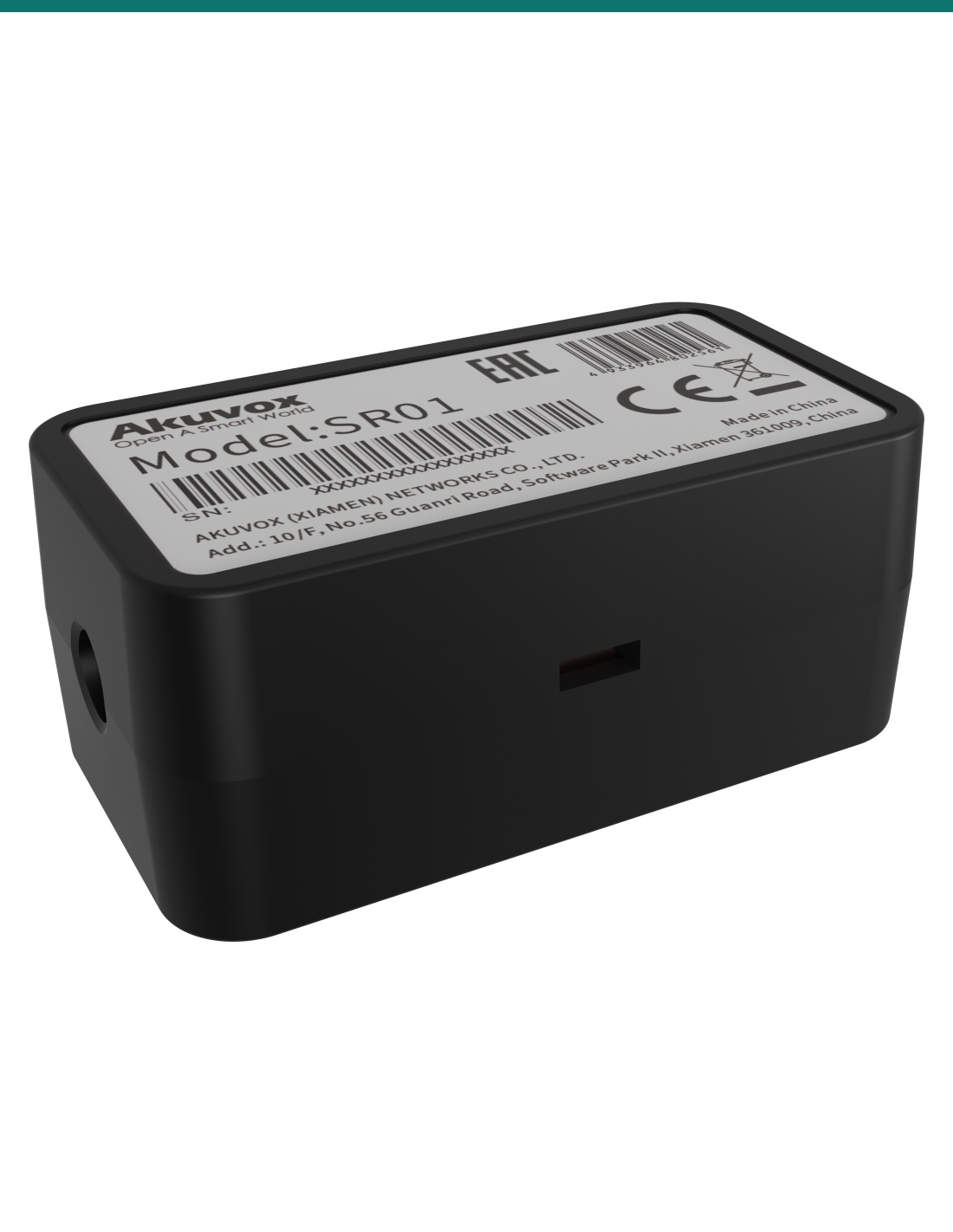
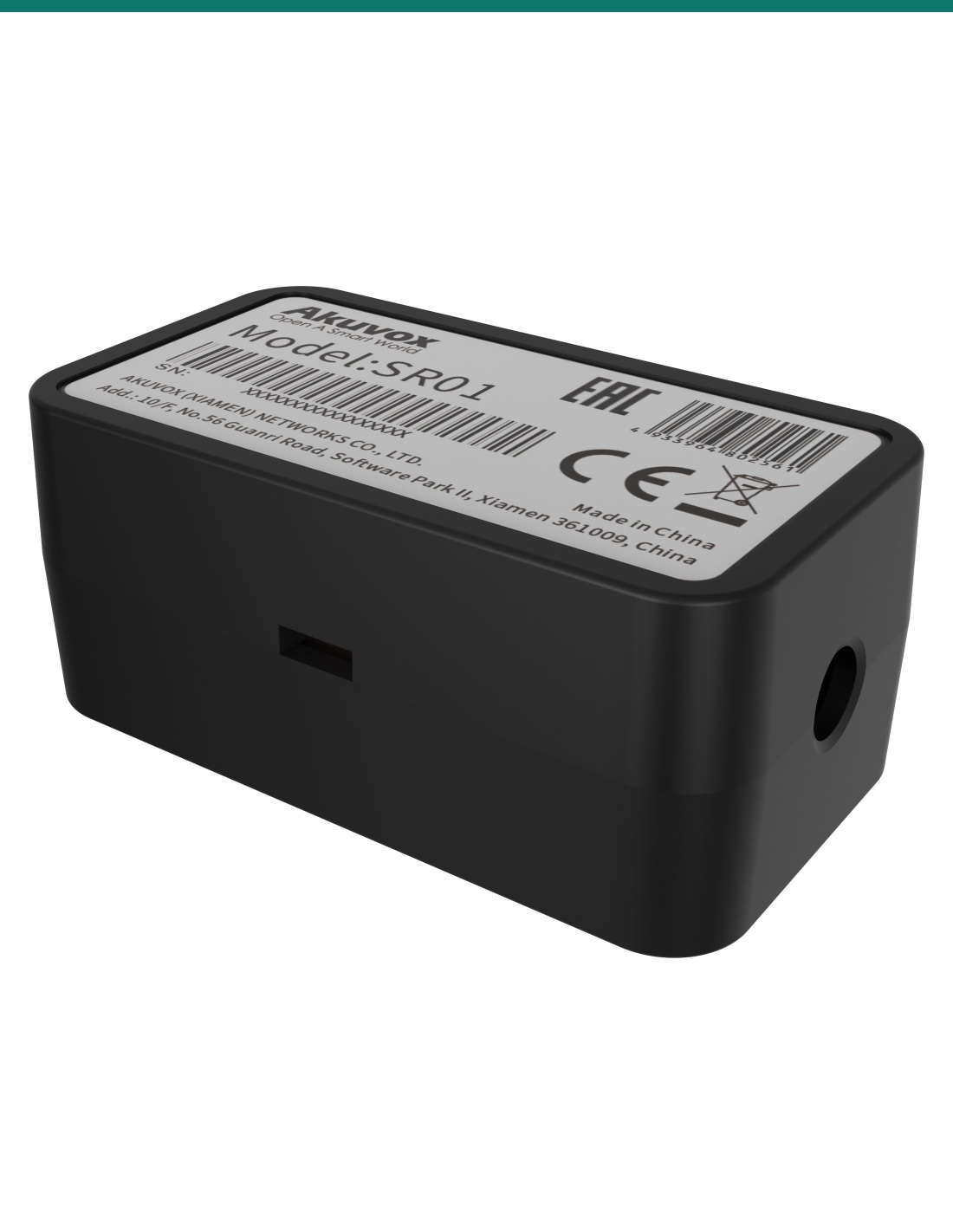
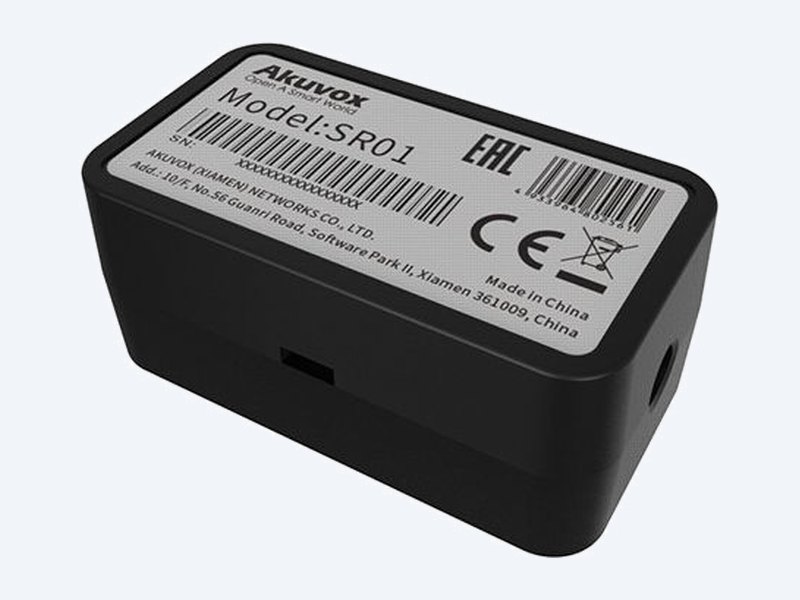
Akuvox SR01 is a secure relay module that moves the lock relay from the door phone to the safe side of the door. The door phone talks to it over an encrypted RS485 link, so removing or damaging the outdoor station cannot release the lock. Fits standard installation boxes, 12 V powered.

  • ✓Keeps the lock relay inside, away from the outdoor door phone
  • ✓Encrypted RS485 link — tampering with the door station will not open the door
  • ✓1 relay, 1 input, pairing button, 2 indicators · 31 × 56 × 24 mm
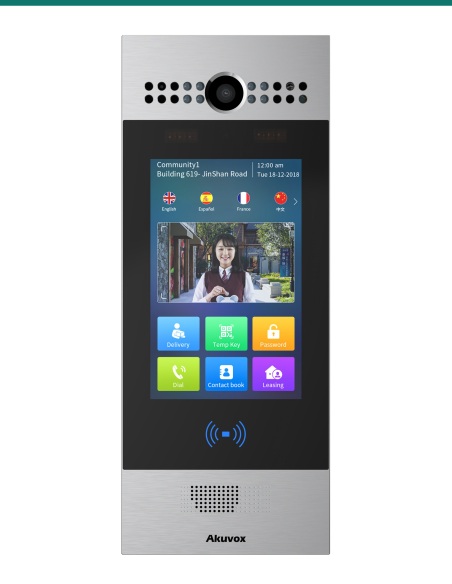
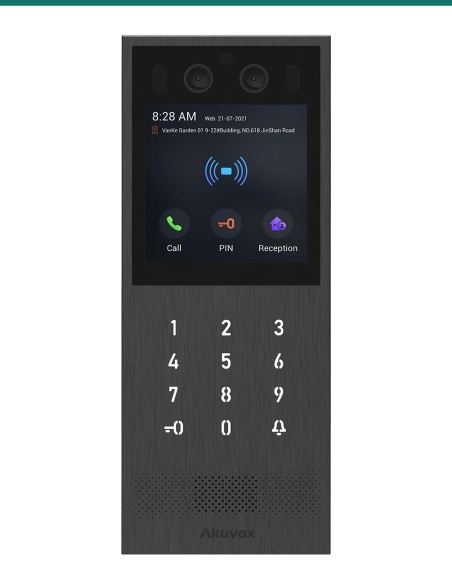
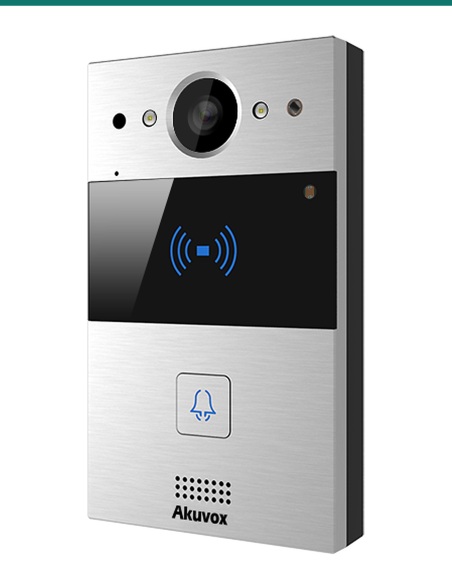
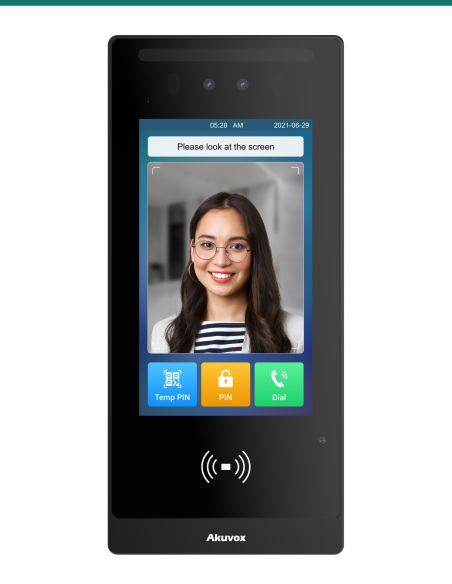
  • ✓Works with Akuvox X916, X915, X912, R29, R28, R27, R20, E18 and E16

 
Akuvox · SR01 · Secure relay module

Pull the door phone off the wall — the door stays shut.
The lock relay lives inside.

The AK-SR01 is Akuvox’s SR01 secure relay. Normally the lock is wired to the door phone’s own relay on the outside of the building. The SR01 moves that relay to the secure side and links it to the door phone with encrypted RS485, closing off a common way to force a door.

This SKU is the relay module only.

You receive the SR01 module. The door phone, lock, lock power supply and exit button are sold separately.

In the box
  • Akuvox SR01 secure relay module
  • Diode for the lock circuit
What you also need (sold separately)
  • Compatible Akuvox door phone (X916, X915, X912, R29, R28, R27, R20K, R20B, R20A, E18 or E16)
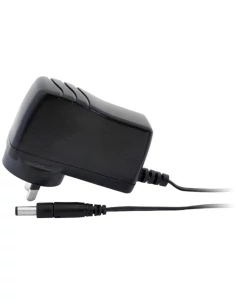
  • 12 V DC supply — at least 0.6 A if the SR01 also powers the lock
  • Twisted-pair cable for RS485 (up to 300 m)
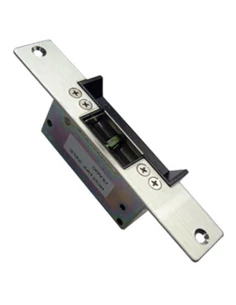
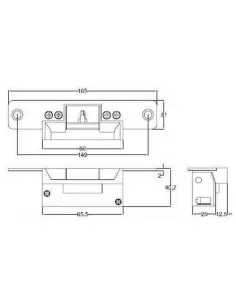
  • Electric strike or maglock (30 V DC maximum on the relay)
  • Standard installation box on the secure side

Close the gap behind the door station.

If someone removes an outdoor door phone and bridges its relay wires, an ordinary install opens. With the SR01 the lock wiring never leaves the building, and the module only obeys commands from its paired door phone.

Akuvox SR01 secure relay module

Security

Encrypted, paired and out of reach.

The SR01 sits on the secure side of the door and takes encrypted commands over RS485 from its paired Akuvox door phone.

If the door station is removed or vandalised, nothing outside connects to the lock, so the door stays shut.

Install

Small enough for a standard box.

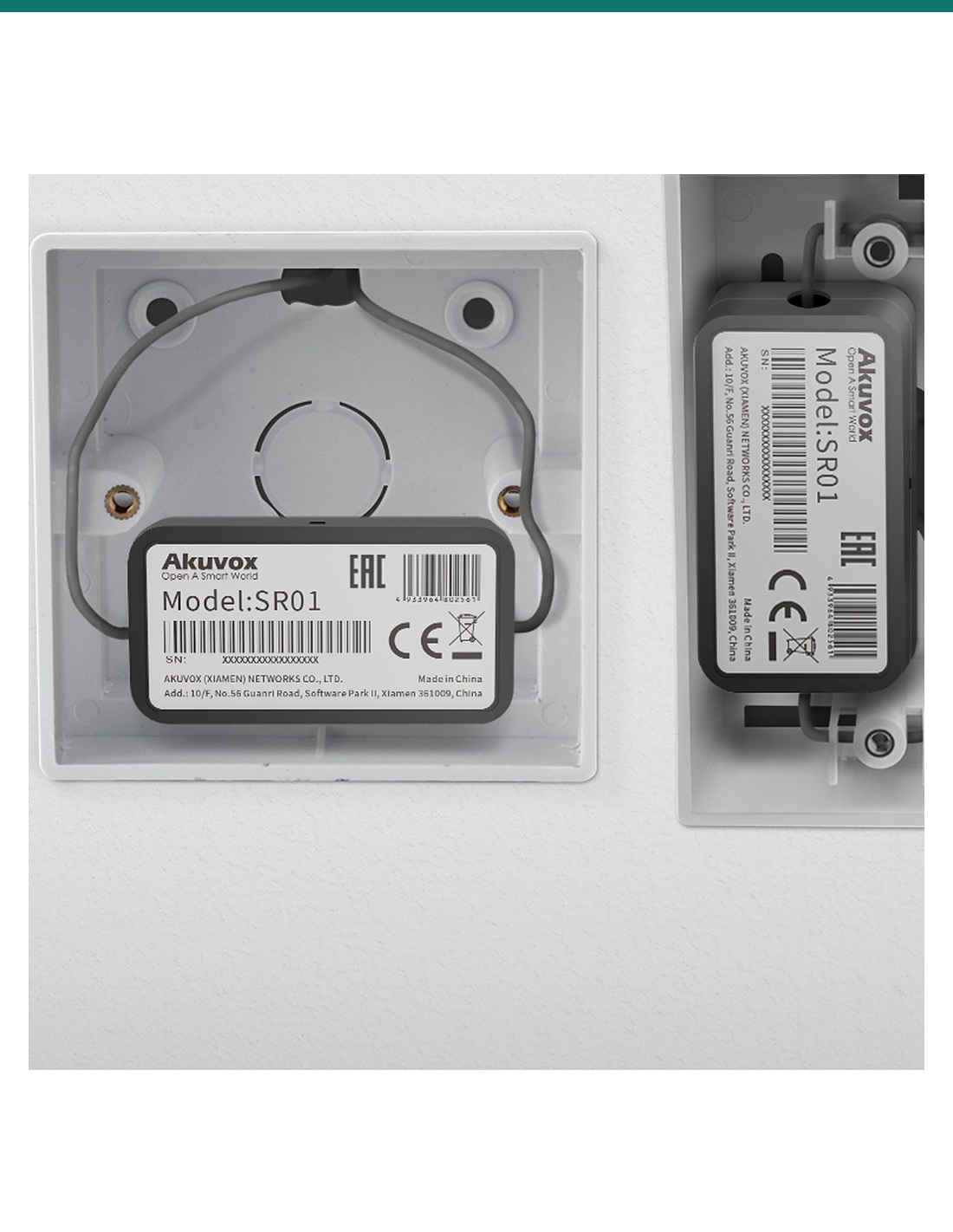
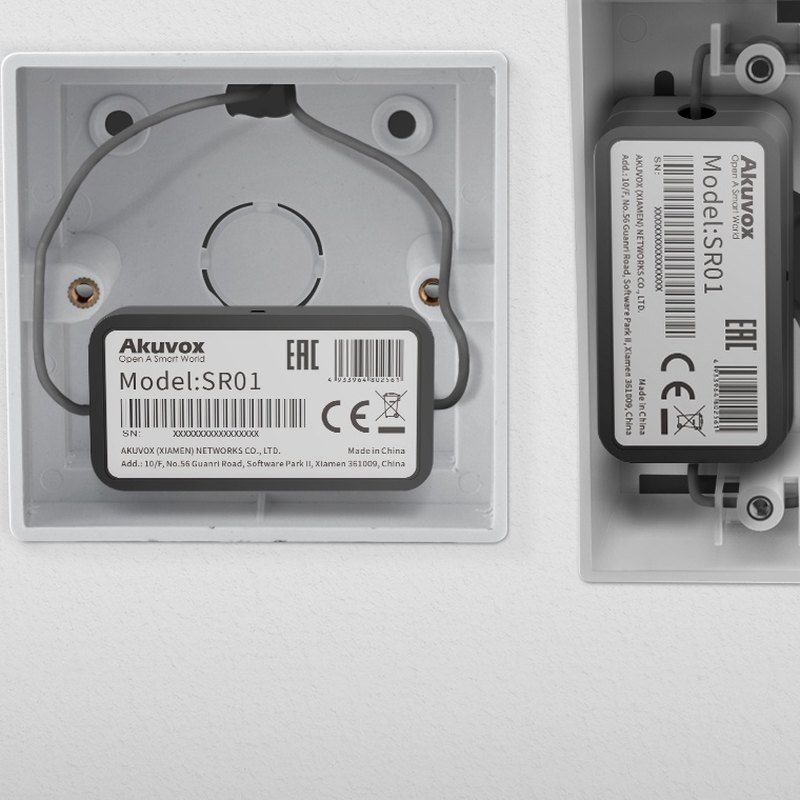
At 31 × 56 × 24 mm it fits inside most standard installation boxes near the door.

It has one relay for the lock, one input for an exit button, one RS485 port, a pairing button and two indicators. Indoor use, −20 °C to +60 °C.

Akuvox SR01 fitted inside standard installation boxes

Compatibility

Works with Akuvox door phones.

Akuvox lists the X916, X915, X912, R29, R28, R27, R20K, R20B, R20A, E18 and E16 as compatible.

Power it from 12 V DC with at least 100 mA available.

How it works

From door phone to secure lock.

01

Place

Fit the SR01 in an installation box on the secure side of the door.

02

Wire

Connect RS485 to the door phone, 12 V DC power, the lock circuit to the relay, and an exit button to the input.

03

Pair

Use the pairing button to pair the SR01 with its door phone, then set the door phone to use it for unlocking.

04

Test

Unlock from the door phone and the exit button, and confirm the indicators.

Pair it with

Builds a secure door release

Door phone

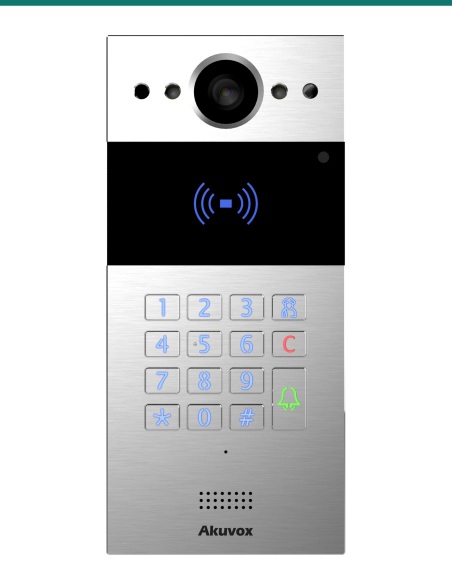
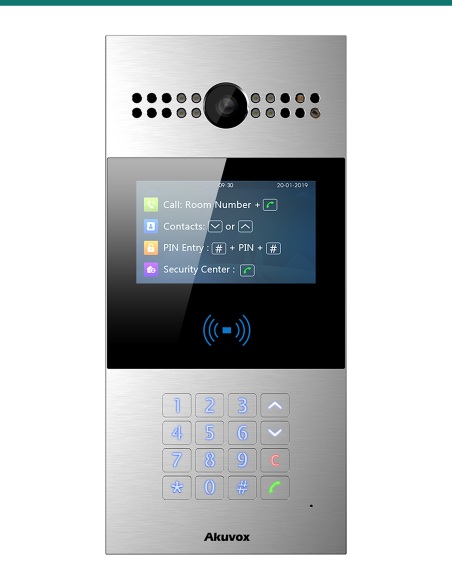
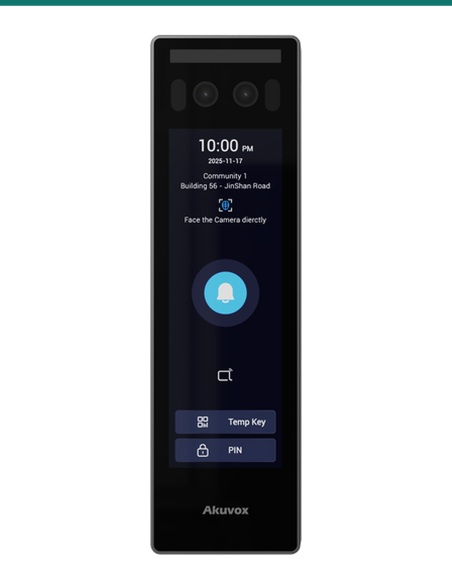
Akuvox R20K or R20A

Compact SIP door phones that pair with the SR01 over RS485.

Door phone

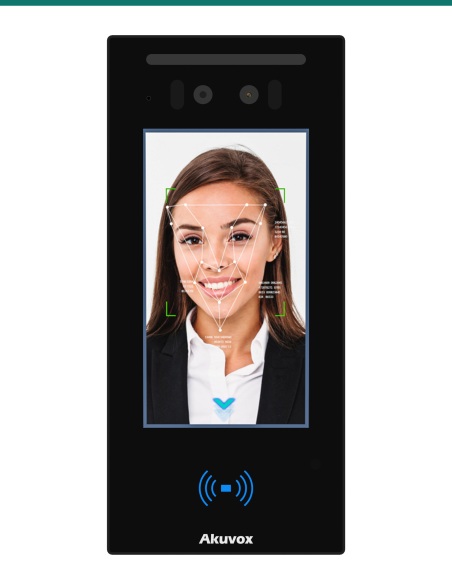
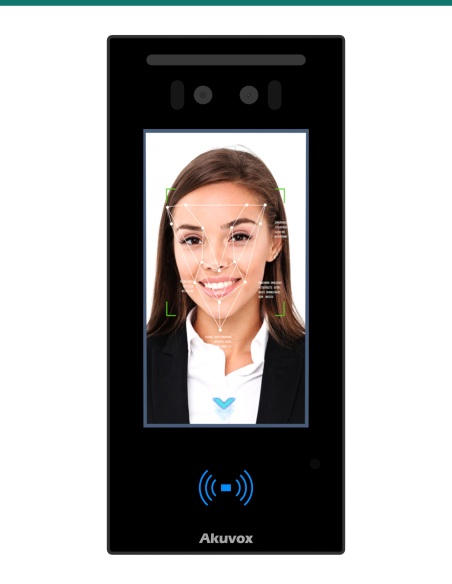
Akuvox R29C, X915S or E16C

Facial recognition door phones that also support the SR01.

Exit

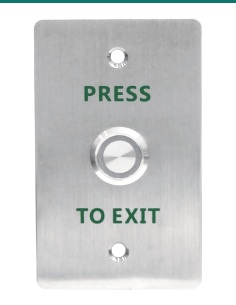
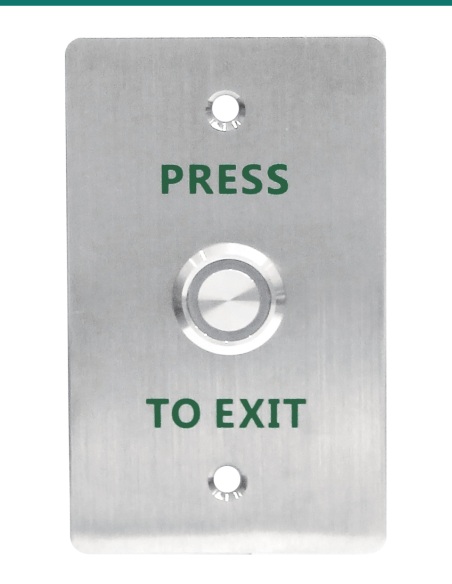
Akuvox exit button

Wire a press-to-exit button to the SR01 input.

Lock

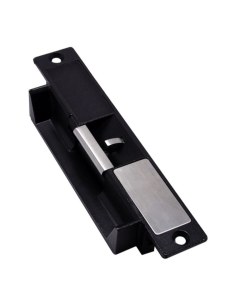
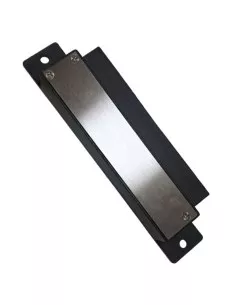
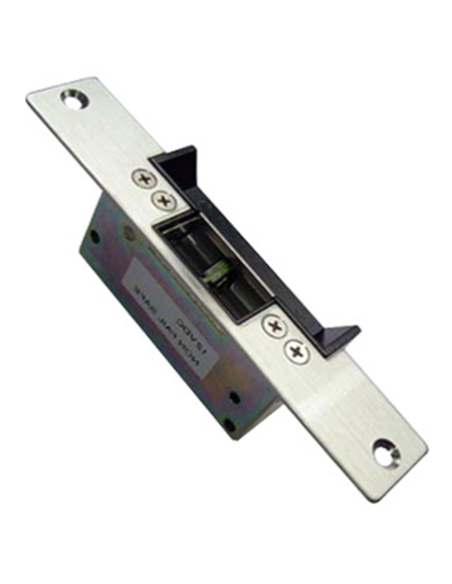
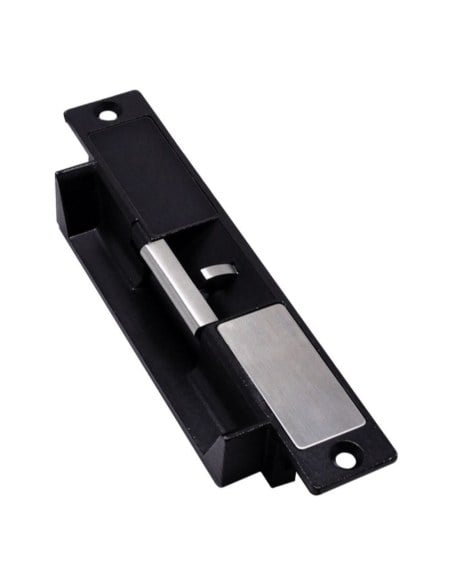
Electric strike or maglock

The SR01 relay switches the lock supply. Locks and PSUs are separate items.

Works with

Platforms and integrations

Akuvox door phones over RS485

Pairs with the Akuvox X916, X915, X912, R29, R28, R27, R20K, R20B, R20A, E18 and E16, which send it encrypted unlock commands.

Watch

See it in action

Connecting the SR01 to a door phone over RS485
Upgrading the SR01 firmware

Downloads

Datasheets and guides

Compliance certificates and technical documents are available on request for tenders and installers — send an enquiry.

Answers

Common questions

Why use a secure relay?

It keeps the lock relay inside the building. If the outdoor door phone is removed or damaged, the connection to the strike is cut and the door stays locked.

How does it connect to the door phone?

Over an encrypted RS485 link on twisted-pair cable up to 300 m, after pairing with the button on the module.

Which door phones work with it?

Akuvox X916, X915, X912, R29, R28, R27, R20K, R20B, R20A, E18 and E16.

Can it power the lock?

Yes, small locks. When linked to the door phone over RS485 it provides 12 V DC up to 0.5 A; use a 12 V adapter of at least 0.6 A. The relay switches locks up to 30 V DC, and a diode is supplied for the lock circuit.
How is it powered?

From 12 V DC with at least 100 mA available, or at least 0.6 A if it also powers the lock.

Can it go outdoors?

No. It is an indoor module meant for the secure side of the door, small enough (31 × 56 × 24 mm) for a standard installation box.
Secure door release.

Add an SR01 to any compatible Akuvox door phone that releases a door from an exposed position.

Installation & safety notice

Low-voltage product (SELV). Power from a 12 V DC supply (100 mA minimum). Treat as SELV low-voltage equipment.

When a licensed tradesperson is required. Concealed data and intercom cabling is customer cabling under AS/CA S009 and must be installed by an ACMA-registered cabler. Electric locks, maglocks and lock power supplies may require a licensed electrician or security installer.

Colour
Black
Working Temperature
−20 °C to +60 °C
Brand
Akuvox
Relay Output
1 (NO / NC), lock up to 30 V DC
Mounting
Fits standard installation boxes
Size
31 × 56 × 24 mm
Warranty
Australian warranty
Product Type
Secure relay (single-door I/O) module
Model
SR01
Finish
Plastic housing, indoor use
Link
Encrypted RS485 to Akuvox door phone, up to 300 m
Compatible
Akuvox X916, X915, X912, R29, R28, R27, R20K, R20B, R20A, E18, E16
Input
1
Power In
12 V DC, 100 mA minimum
Power Out
12 V DC, 0.5 A maximum
INFRONTTECH Promotional Banner INFRONTTECH Promotional Banner INFRONTTECH Promotional Banner

Need help choosing?

Tell us about your property and we'll recommend the right cameras and recorder.

07 5609 4910

Sydney 02 8814 6008
[email protected]

Mon–Fri, 9am–5pm AEST

Product added to wishlist