- New
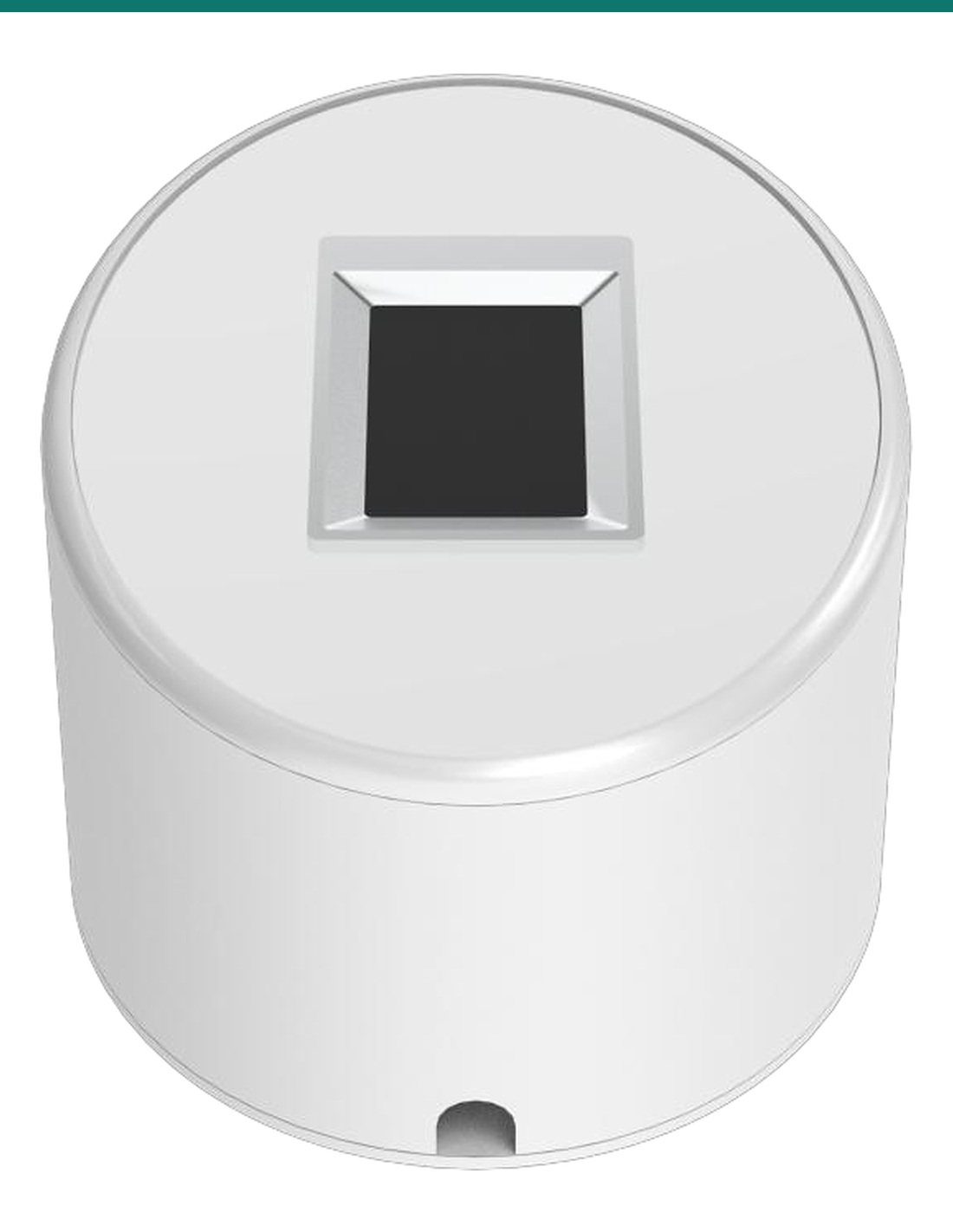
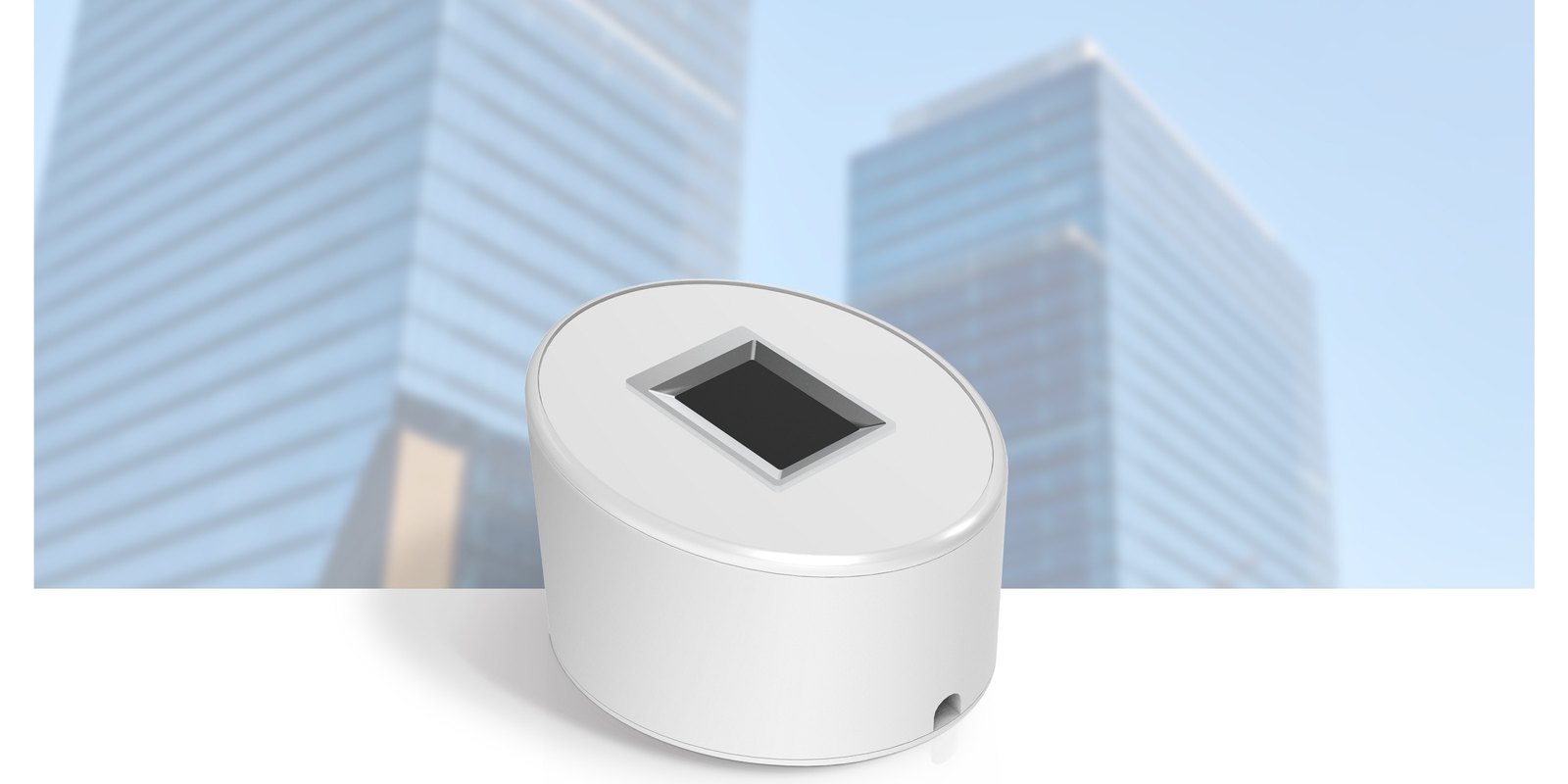
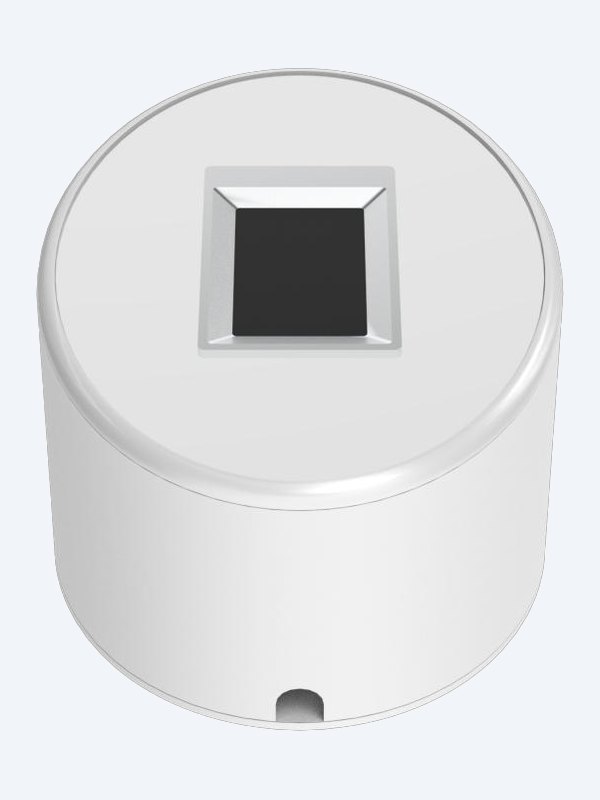
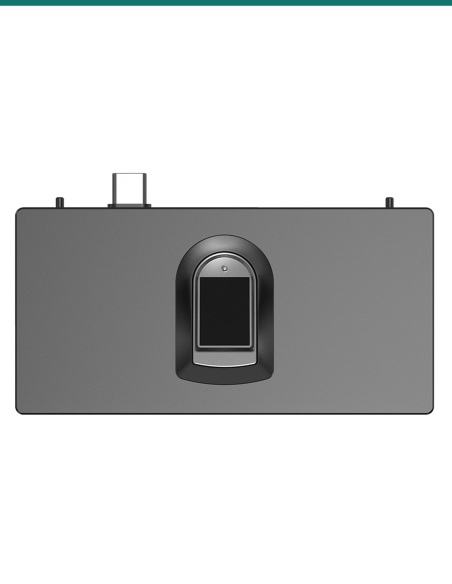
Akuvox ACR-CID13 is a USB fingerprint reader for the office computer. Property managers and installers enrol fingerprints straight into Akuvox SmartPlus Cloud, then residents or staff open fingerprint-equipped S535 and R29C-T door phones with a touch. 508 dpi sensor, 0.25 s capture.
- ✓Enrol fingerprints in SmartPlus Cloud from a Windows or Mac computer
- ✓For S535 with fingerprint module and R29C-T door phones
- ✓508 dpi semiconductor sensor · 256 × 360 px · ≤0.25 s capture
- ✓USB 2.0, plug and play · red / green LED · 76 × 56 × 48 mm
Enrol fingerprints
without visiting the door.
The AK-ACR-CID13 is Akuvox’s desktop fingerprint capture device. It plugs into a PC and works with SmartPlus Cloud to register finger keys for Akuvox fingerprint door phones.
This SKU is the desktop fingerprint reader.
You receive the ACR-CID13. The S535 fingerprint module or R29C-T door phone and the SmartPlus Cloud project are separate.
- Akuvox ACR-CID13 fingerprint reader
- Windows or Mac computer with a USB 2.0 port
- Akuvox SmartPlus Cloud project
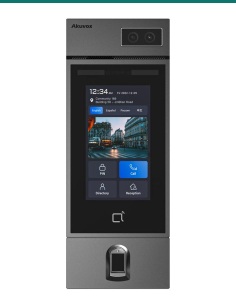
- S535 with fingerprint module or R29C-T door phone
Central enrolment for communities and offices.
In SmartPlus community projects property managers enrol residents; in Smart Access commercial projects installers and administrators enrol personnel.

Capture
Three touches, enrolled.
Choose Enter fingerprint on the user in SmartPlus, connect to the reader and place the same finger three times. The green LED flashes on each capture.
The 508 dpi semiconductor sensor captures a 256 × 360 px image in 0.25 s or less, with no more than 2% distortion, and copes with dry and wet fingers.
How it works
Enrol in SmartPlus.
01
Connect
Plug into a USB 2.0 port on a Windows or Mac computer; the green LED stays on. No driver install is needed.
02
Select
Open the resident or personnel record, choose Enter fingerprint and connect the reader.
03
Capture
Place the same finger three times. The status changes to Enrolled, then the key is sent to the door phone.
At a glance
Key specs — AK-ACR-CID13
Show all specifications
- Sensor
- Semiconductor, press type, 508 dpi
- Image resolution
- 256 × 360 px
- Capture time
- ≤0.25 s
- Sensing area
- 12.8 × 18 mm
- Interface
- USB 2.0
- Power
- 5.0 ± 0.5 V DC, under 60 mA
- Operating system
- Windows and macOS, plug and play
- Indicator
- Red / green LED
- Size
- 76.07 × 56.33 × 48.23 mm
- Compatible door phones
- S535 with fingerprint module (fw 535.30.10.236+), R29C-T (fw 29.30.10.607+)
- Warranty
- Australian warranty
- Brand
- Akuvox
- Reference
- AK-ACR-CID13
Sensor and imaging
- Sensor type
- Semiconductor (press type)
- Resolution
- 508 dpi
- Image resolution
- 256 × 360 pixels
- Image distortion
- ≤2%
- Image capture time
- ≤0.25 s
- Capture window
- 13.5 × 19.1 mm
- Effective detection area
- 12.8 × 18 mm
Electrical
- Interface
- USB 2.0
- Operating voltage
- 5.0 ± 0.5 V DC
- Maximum current
- Under 60 mA (excluding indicator light module)
- Indicator light
- Red / green
- Operating system
- Windows and macOS, plug and play
Physical and environment
- Dimensions
- 76.07 × 56.33 × 48.23 mm
- Colour
- White
- Operating temperature
- −10 °C to +55 °C (± 2 °C)
- Storage temperature
- −40 °C to +60 °C (± 2 °C)
- Relative humidity
- 20–93% RH
Pair it with
Enrols fingerprints for
Module
Akuvox S535-F fingerprint module
Adds a fingerprint reader to the S535.
Door
Akuvox S535
Facial recognition door phone that takes the fingerprint module.
Door
Akuvox R29C
Android door phone family; R29C-T has fingerprint.
Works with
Platforms and integrations
SmartPlus community projects
Property managers enrol residents’ fingerprints from the Resident page in SmartPlus Cloud.
SmartPlus Smart Access projects
Installers, project managers and administrators enrol personnel fingerprints in commercial Smart Access projects created after 15 October 2024.
Downloads
Datasheets and guides
Compliance certificates and technical documents are available on request for tenders and installers — send an enquiry.
Answers
Common questions
Which door phones use the fingerprints?
The S535 with the fingerprint module (firmware 535.30.10.236 or later) and the R29C-T (firmware 29.30.10.607 or later, hardware above 29.3.12).
Where are fingerprints enrolled?
In Akuvox SmartPlus Cloud. Open the resident or personnel record, choose Enter fingerprint, connect to the reader and place the same finger three times.
Does it need a driver?
No. It is plug and play over USB 2.0 on Windows and macOS. The green light stays on once connected.
How is it powered?
From the computer’s USB port at 5.0 ± 0.5 V DC, drawing under 60 mA.
How do I get a clean scan?
Place the flat, fleshy part of the finger in the middle of the window with light, even pressure and keep it still. Pressing hard makes the image dark or blurred.
Does it open doors itself?
No. It is an enrolment reader. Users open doors at the door phone’s own fingerprint sensor.
Fingerprint access.
The ACR-CID13 enrols fingerprints at the desk for the S535 fingerprint module, so users never queue at the door to register.
Installation & safety notice
Low-voltage product (SELV). USB-powered at 5.0 ± 0.5 V DC, under 60 mA. Treat as SELV low-voltage equipment.
When a licensed tradesperson is required. Concealed data and intercom cabling is customer cabling under AS/CA S009 and must be installed by an ACMA-registered cabler. Electric locks, maglocks and lock power supplies may require a licensed electrician or security installer.
- Power
- 5.0 ± 0.5 V DC via USB, under 60 mA
- Colour
- White
- Operating System
- Windows and macOS, plug and play
- Interface
- USB 2.0
- Brand
- Akuvox
- Sensor
- Semiconductor, press type, 508 dpi
- Size
- 76.07 × 56.33 × 48.23 mm
- Warranty
- Australian warranty
- Product Type
- USB desktop fingerprint enrolment reader
- Model
- ACR-CID13
- Compatible with
- S535 with fingerprint module, R29C-T
- Image
- 256 × 360 px, capture ≤0.25 s
- Sensing Area
- 12.8 × 18 mm