- New
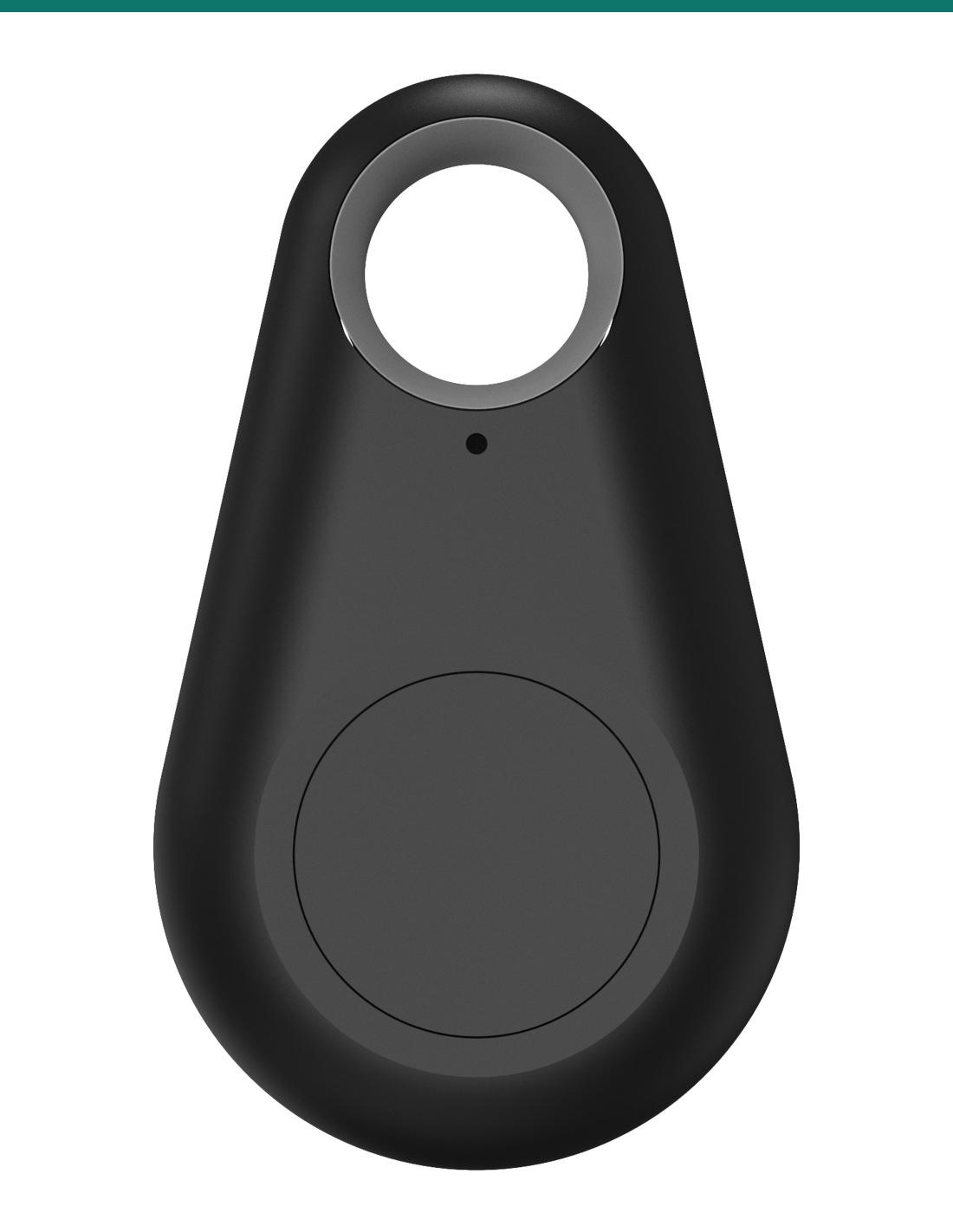
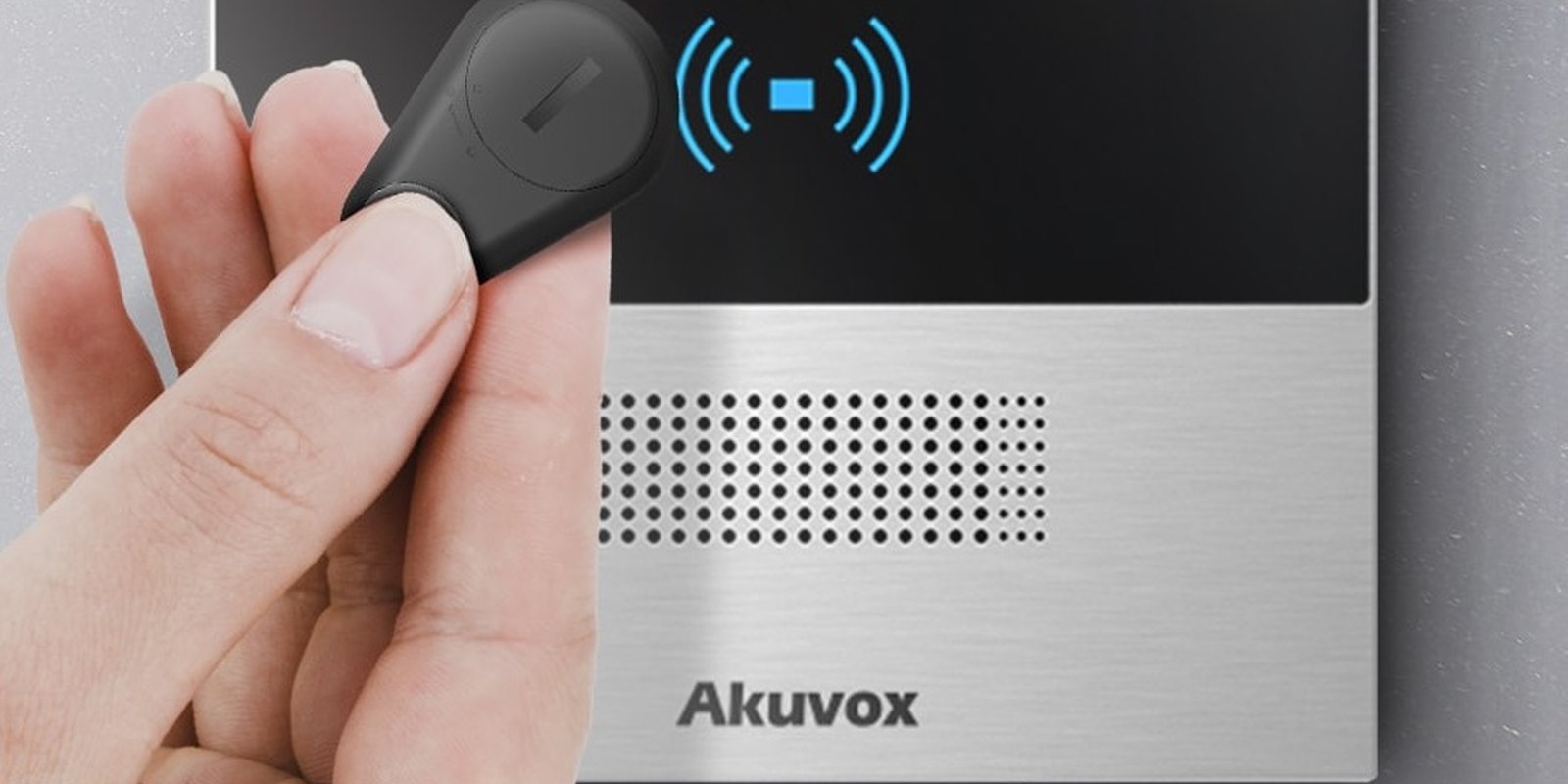
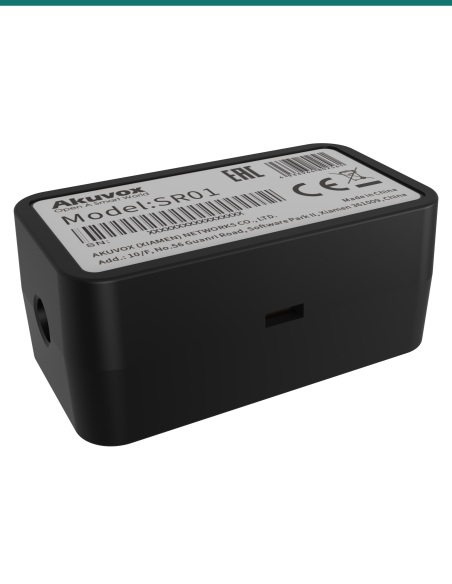
Akuvox Bkey is a Bluetooth key fob with one button. Press it as you approach and a compatible Akuvox door phone or access terminal unlocks — up to 15 m away on long-range models. Encrypted BLE, a CR2032 battery and a key-ring loop. Sold as one fob.
- ✓Press-to-open over encrypted Bluetooth Low Energy
- ✓Akuvox-tested range up to 15 m (R29C, X915 V2, X916, S532), 10 m on A08
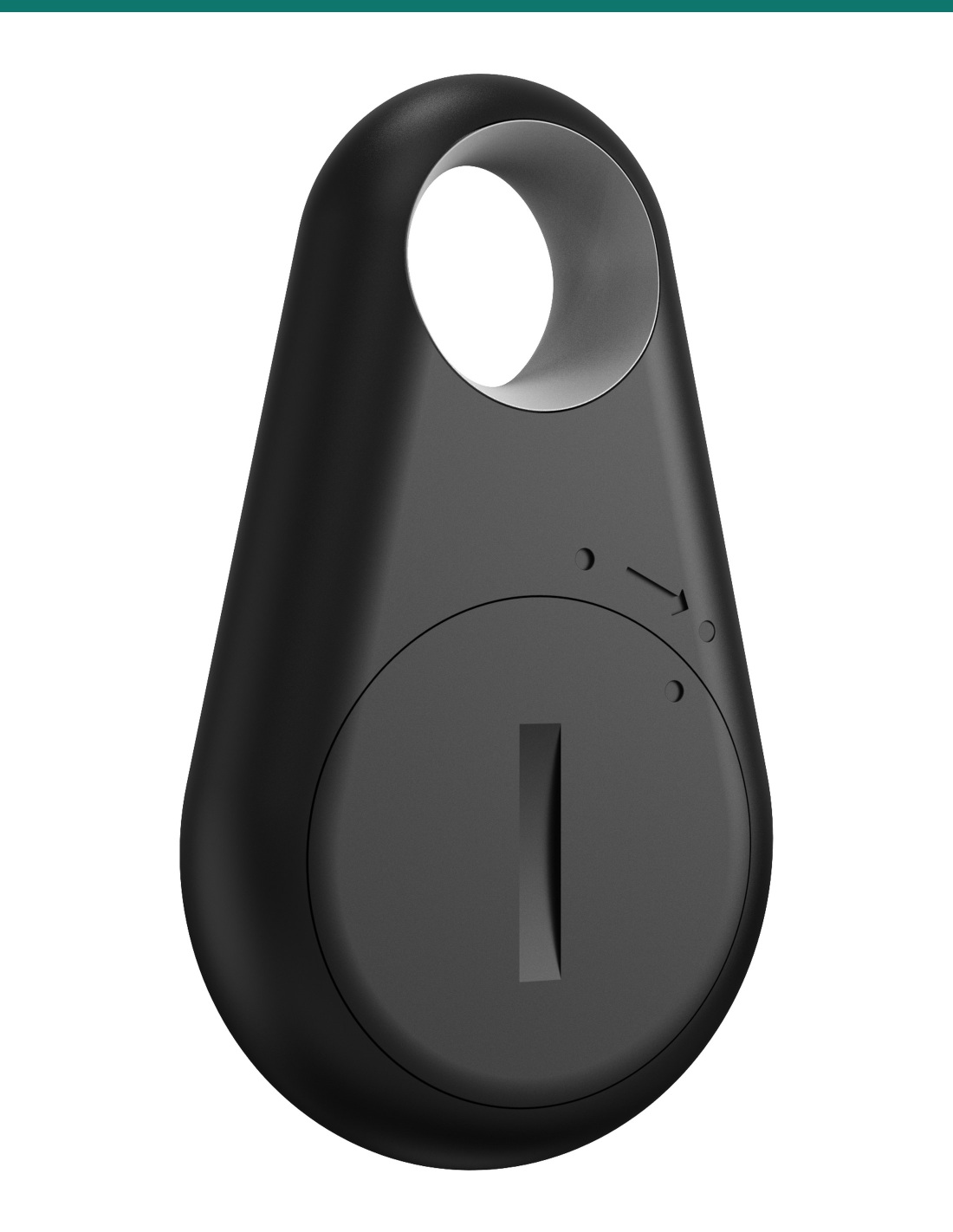
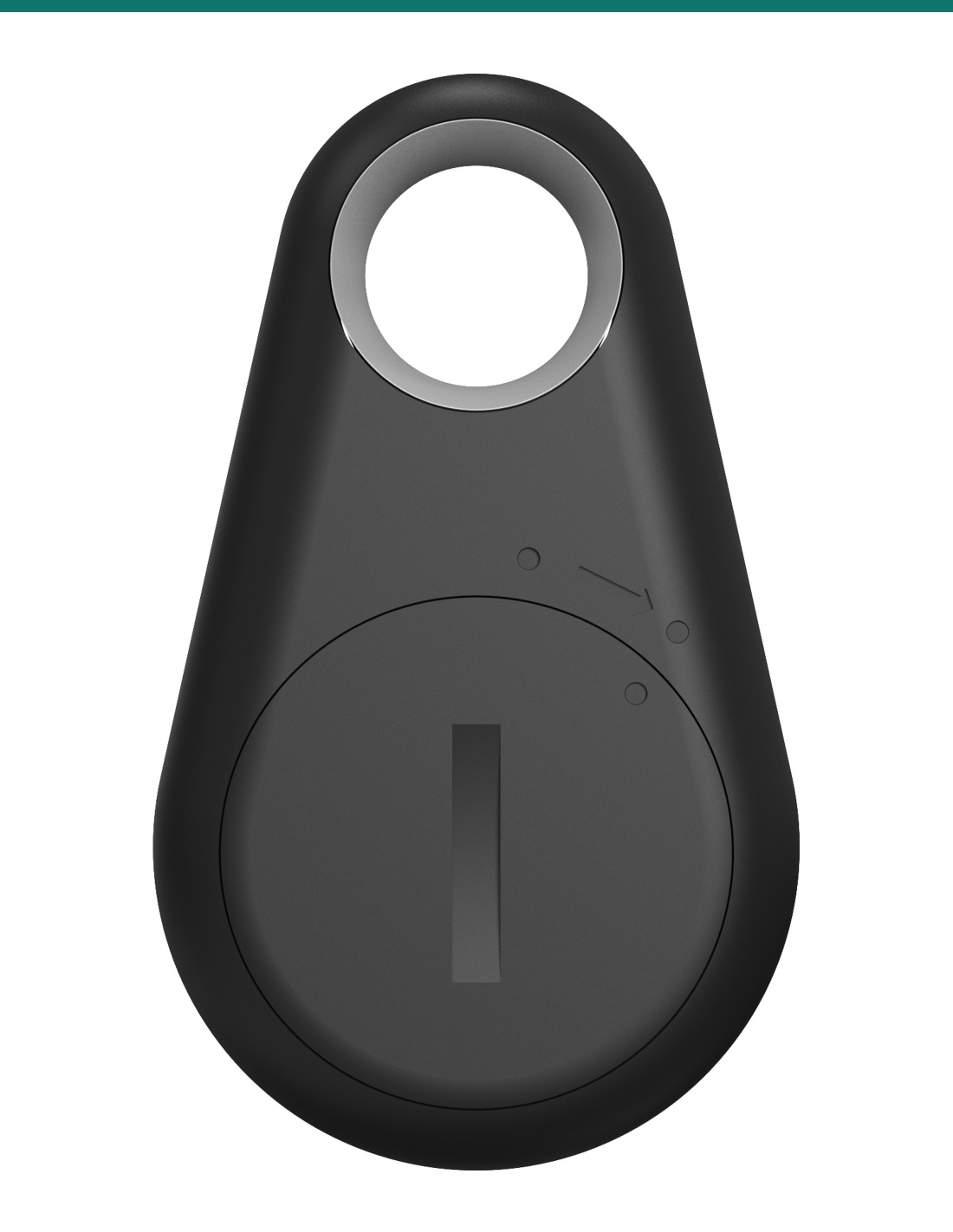
- ✓CR2032 coin battery, about 1 year; red LED warns of low battery
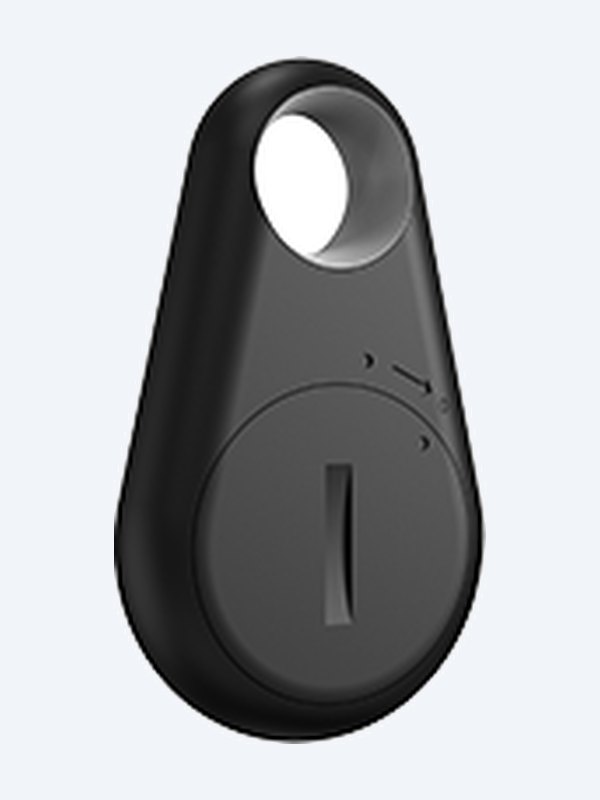
- ✓Black plastic · 52.5 × 31 × 11.36 mm · 7 g · key-ring hole
Press once.
Before you reach the door.
The AK-BKEY is Akuvox’s Bluetooth door-opening button. Unlike a card, it does not need to touch the reader — users press the button within range and the door opens.
This SKU is one Bkey fob.
You receive one Bkey with its CR2032 battery fitted. The Akuvox door phone or access terminal with Bluetooth enabled is sold separately.
- 1 × Akuvox Bkey Bluetooth key fob
- Compatible Akuvox door phone or access terminal with BLE enabled
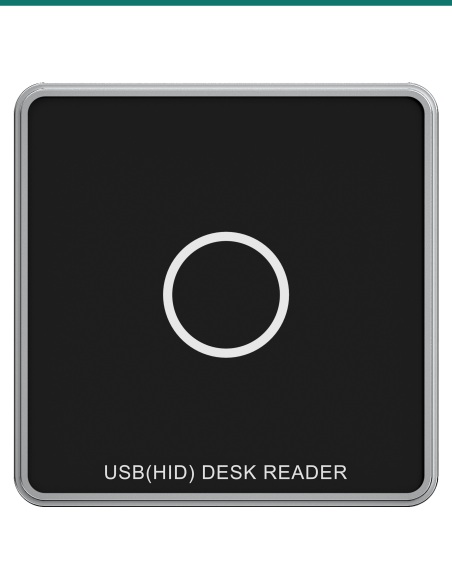
- Akuvox ACR-CID01 (optional) to enrol at a desk
Hands-full friendly.
Useful for residents carrying shopping, staff pushing trolleys or anyone who would rather not tap a reader. The button press means doors open on purpose, not just because someone walked past.

Range
Up to 15 m on supported models.
Akuvox has tested distances of 15 m on R29C, X915 V2, X916 and S532, 10 m on A08 and S538, and 3–5 m on several other models, with current firmware.
The installer sets the BLE trigger signal strength in the device’s web interface to control how close users must be.
How it works
Enrol a Bkey.
01
Enable BLE
Turn on Bluetooth under Access Control > BLE on the door phone or access terminal.
02
Capture
On the user page, press Obtain and then the Bkey within 10 cm of the device — or use the ACR-CID01 within 3 cm.
03
Use
Give the fob to the user; one press opens the door when in range.
At a glance
Key specs — AK-BKEY
Show all specifications
- Technology
- Bluetooth Low Energy, encrypted transmission
- Operating range
- Up to 15 m depending on Akuvox model
- Button / LED
- 1 push button; blue (normal) / red (low battery)
- Battery
- CR2032, about 1-year life
- Material / colour
- Plastic, black
- Size
- 52.5 × 31 × 11.36 mm
- Weight
- 7 g
- Working temperature
- −20 °C to +55 °C
- Pack quantity
- 1 fob
- Warranty
- Australian warranty
- Brand
- Akuvox
- Reference
- AK-BKEY
Bluetooth and battery
- Type
- BLE physical access key
- Transmission
- Encrypted
- Battery
- CR2032 coin cell (no spare supplied)
- Battery life
- About 1 year in normal use
- Battery change
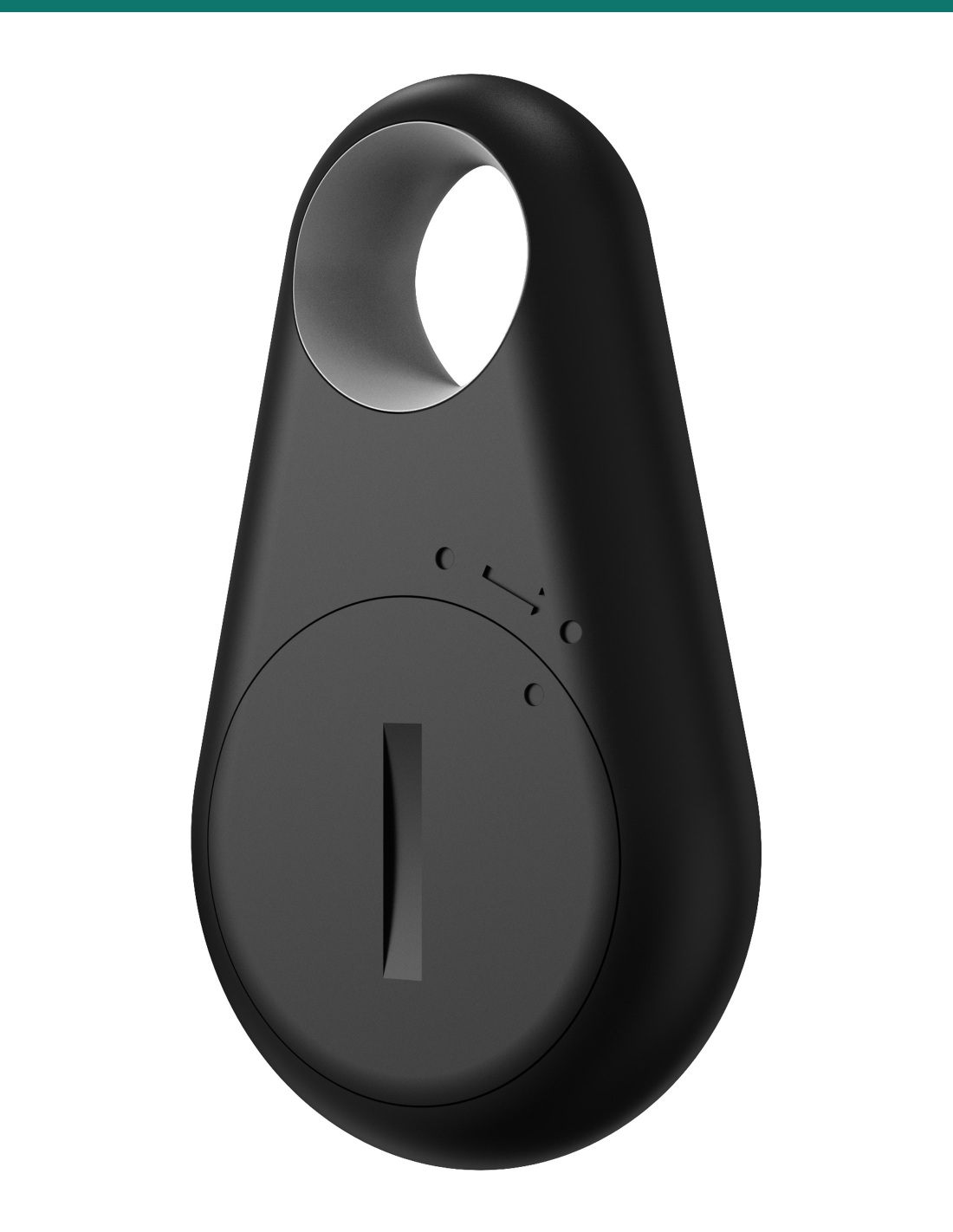
- Rotate the panel in the direction of the arrow to open the cover
Physical and environment
- Frame
- Plastic
- Colour
- Black
- Dimensions
- 31 × 52.5 × 11.36 mm
- Weight
- 7 g
- Button
- 1 push button
- Indicator light
- Red / blue
- Key ring
- Key ring hole
- Working temperature
- −20 °C to +55 °C
- Storage temperature
- −20 °C to +70 °C
- Working humidity
- 10–93%
Status light
- Blue when pressed
- Normal
- Red when pressed
- Low battery
- Red and blue alternating
- Upgrading
- Blue for 3 seconds, then off
- Upgrade completed
Enrolment
- At the device
- Press Obtain on the user page, then the Bkey button within 10 cm of the Bluetooth module
- At a desk
- With an ACR-CID01, press the Bkey button within 3 cm of the reader
- Trigger distance
- Set the BLE trigger signal under Access Control > BLE > BLE Basic
Pair it with
Opens these Akuvox devices
Door
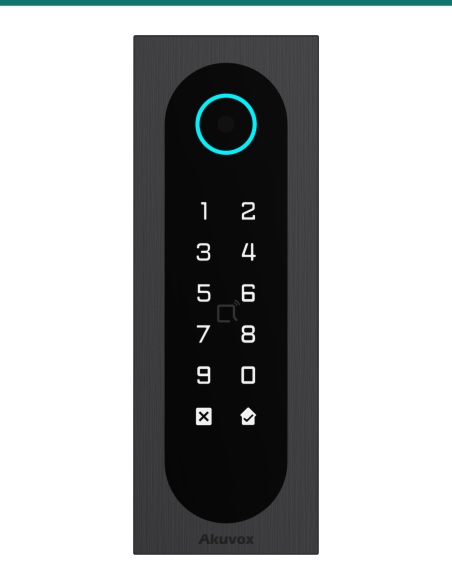
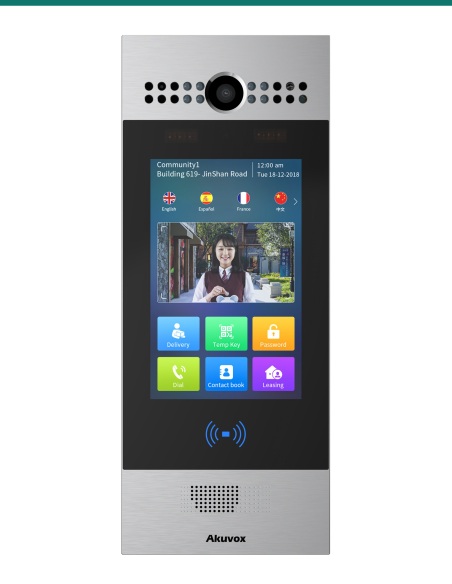
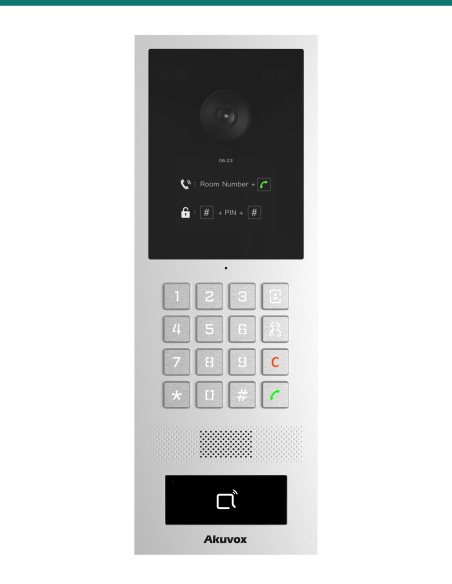
Akuvox R29C, S535, S532
Door phones that support Bkey with current firmware.
Access
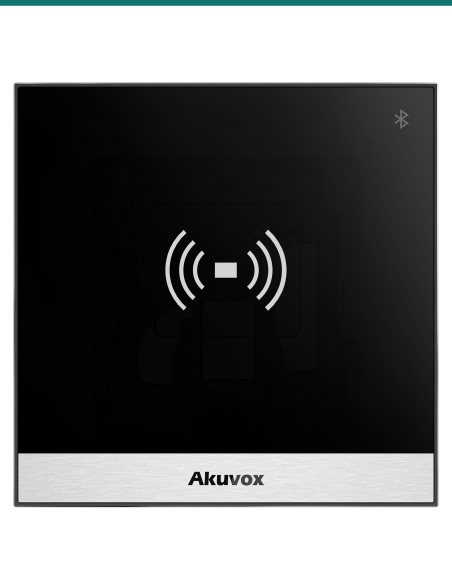
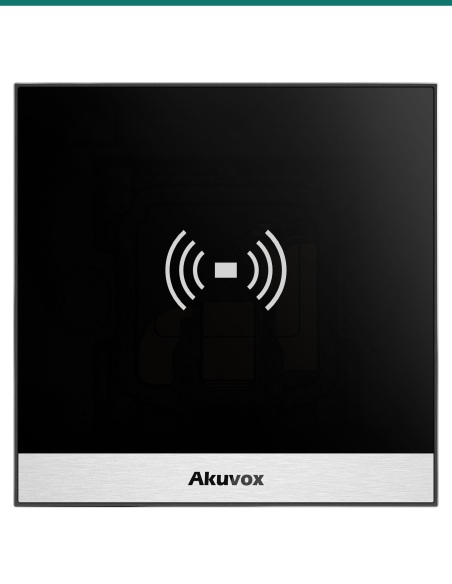
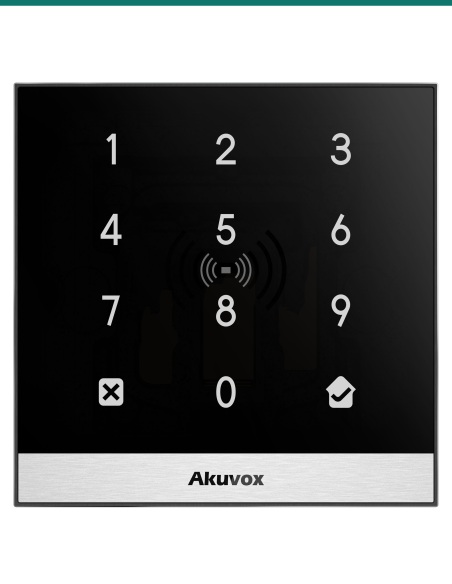
Akuvox A08 and A03
Access terminals with Bkey support.
Enrol
Akuvox ACR-CID01
Desktop reader for enrolling Bkeys at the office PC.
Downloads
Datasheets and guides
Compliance certificates and technical documents are available on request for tenders and installers — send an enquiry.
Answers
Common questions
Is this one fob or a pack?
One fob. Order one per user.
Which Akuvox devices support Bkey?
S539, S538, S535, S532, X916, X915 V2, X912, X910, R29C, A03, A05 V2, A08 and WR01, each from a minimum firmware version. Update the device first and enable BLE.
How far away does it work?
Akuvox has tested up to 15 m on R29C, X915 V2, X916 and S532, 10 m on A08 and S538, and 3–5 m on several other models. The installer sets the trigger signal strength on the device.
How do I enrol it?
On the door phone or terminal’s user page press Obtain, then press the Bkey within 10 cm of the device. At a desk, the ACR-CID01 reader captures it within 3 cm.
How long does the battery last?
About a year in normal use. It takes a CR2032 coin cell — rotate the panel to open the cover — and the light shows red when the battery is low.
Does it work like a card?
No. It uses Bluetooth, so the user presses the button within range instead of tapping a reader.
Bluetooth keys.
Bkeys open Akuvox door phones and A08 terminals over Bluetooth, without a phone or card.
Installation & safety notice
Battery-powered by one CR2032 coin cell. Keep away from children; dispose of used cells responsibly.
- Weight
- 7 g
- Material
- Plastic
- Colour
- Black
- Working Temperature
- −20 °C to +55 °C
- Brand
- Akuvox
- Battery
- CR2032, about 1 year
- Button
- 1 push button, red / blue LED
- Size
- 52.5 × 31 × 11.36 mm
- Warranty
- Australian warranty
- Product Type
- Bluetooth door-opening key fob
- Model
- BKEY
- Technology
- Bluetooth Low Energy (BLE), encrypted
- Pack Quantity
- 1 fob
- Operating Range
- Up to 15 m (depends on reader model)