• New
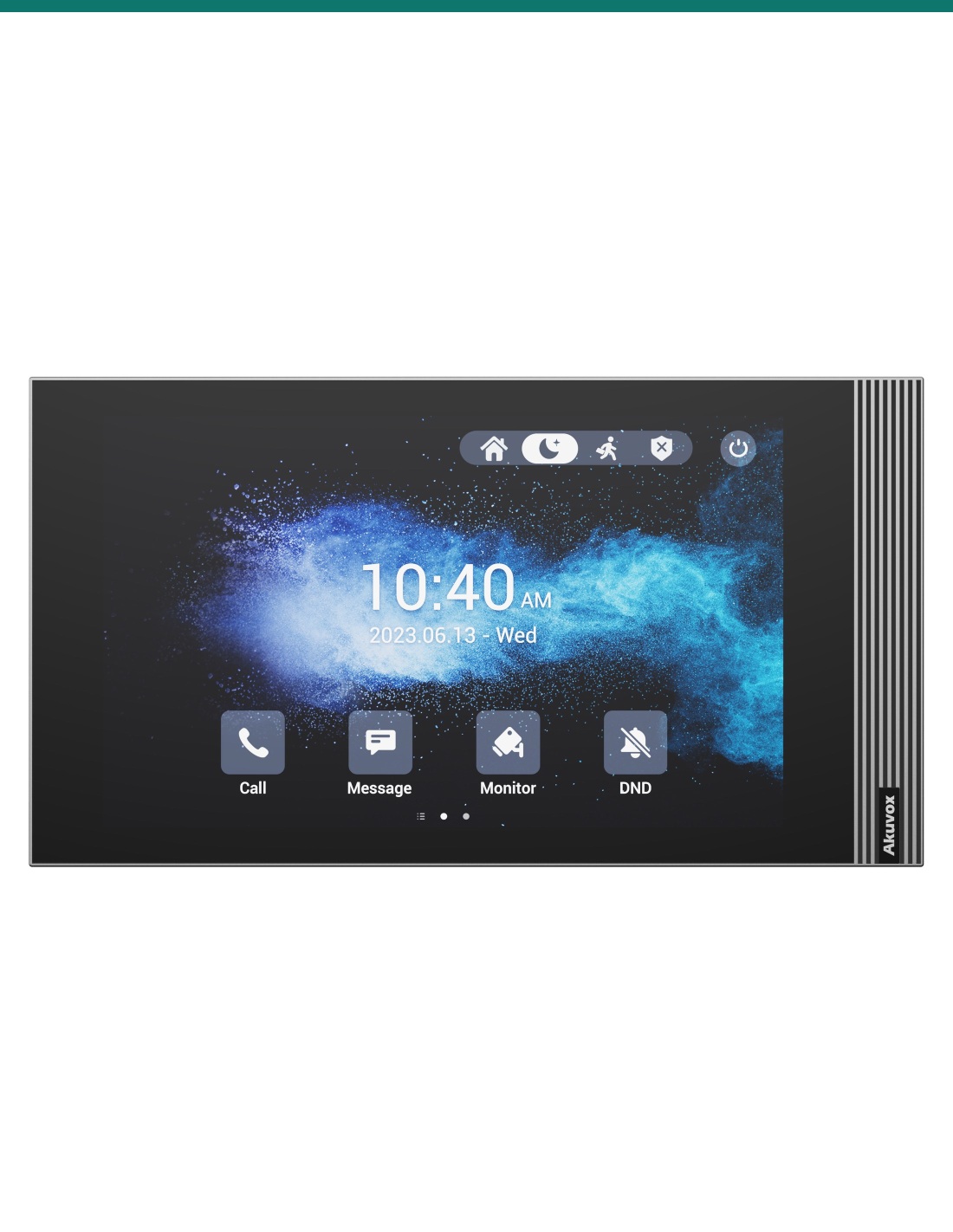
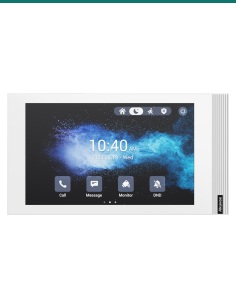
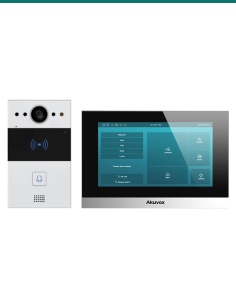
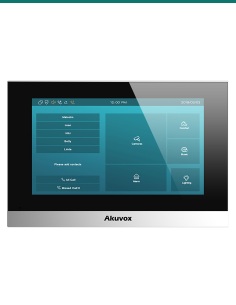
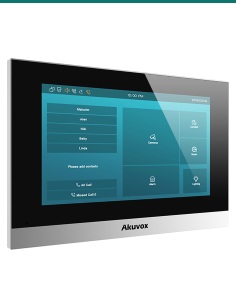
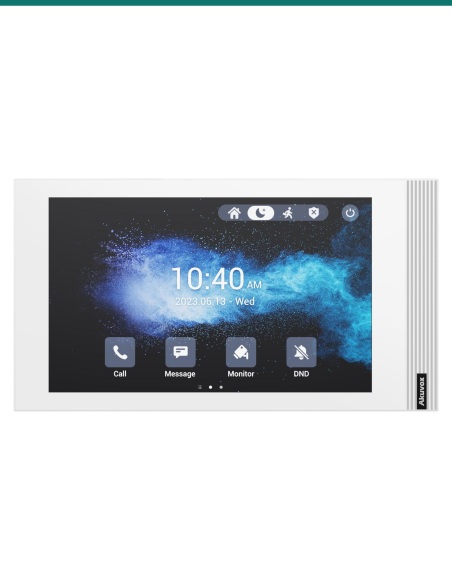
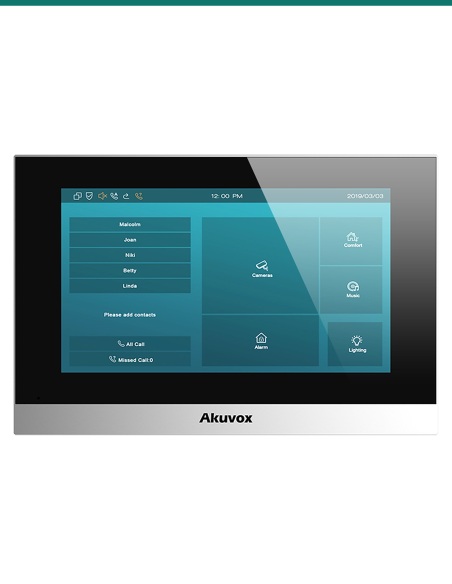
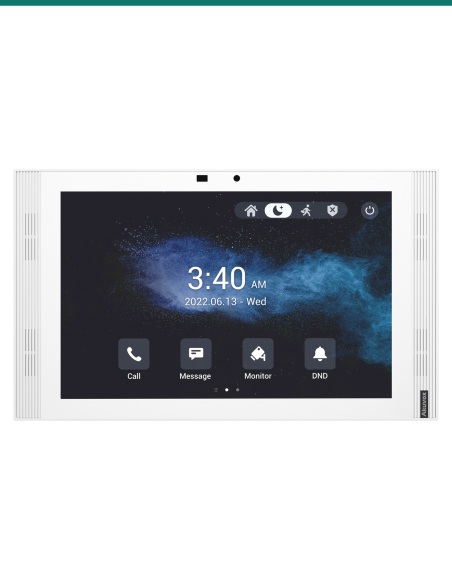
Akuvox S562W-2 grey 2-wire indoor monitor — front
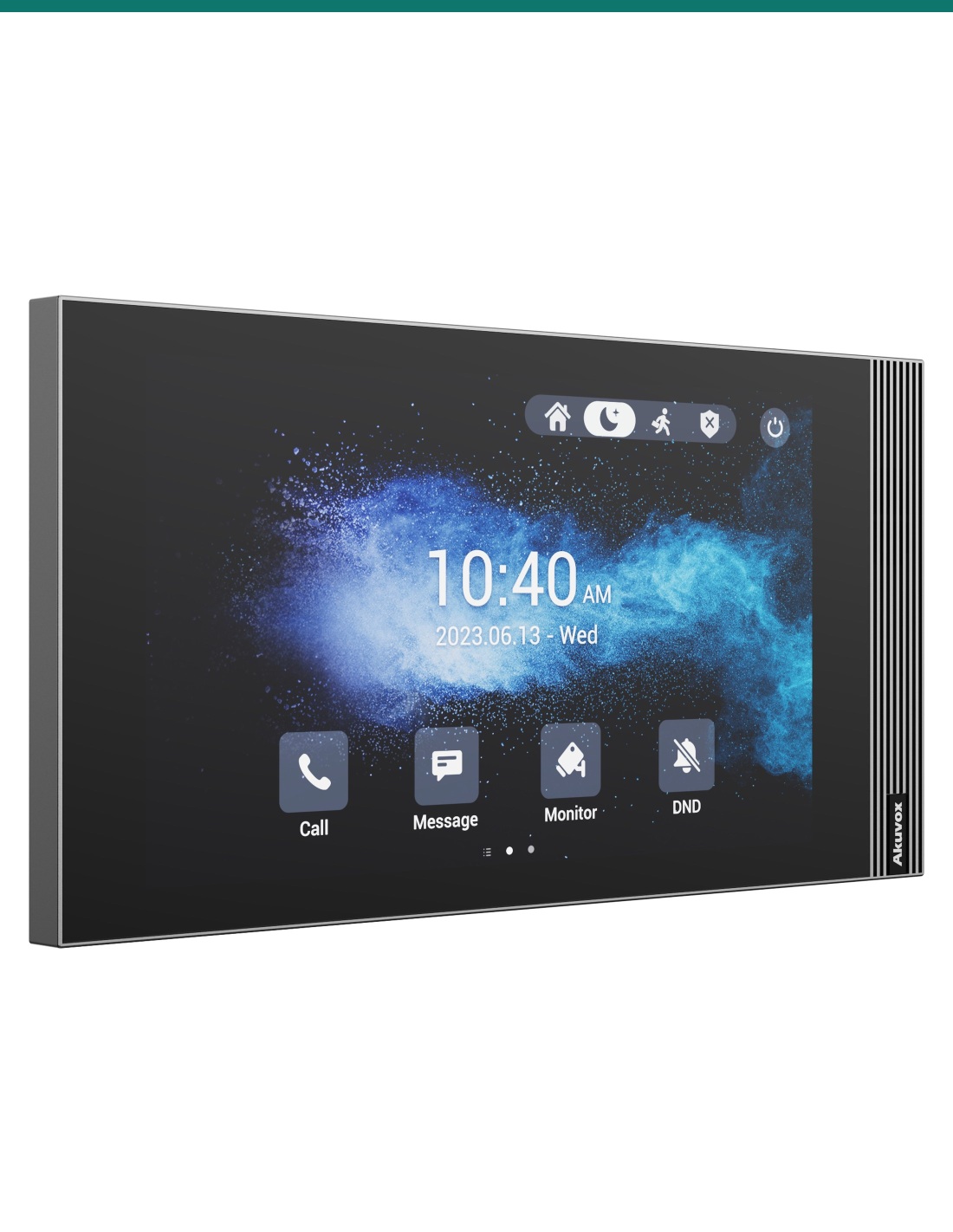
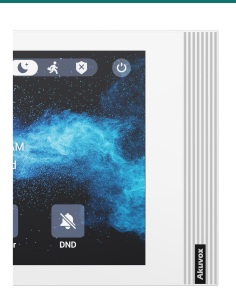
Akuvox S562W-2 grey 2-wire indoor monitor — left three-quarter view
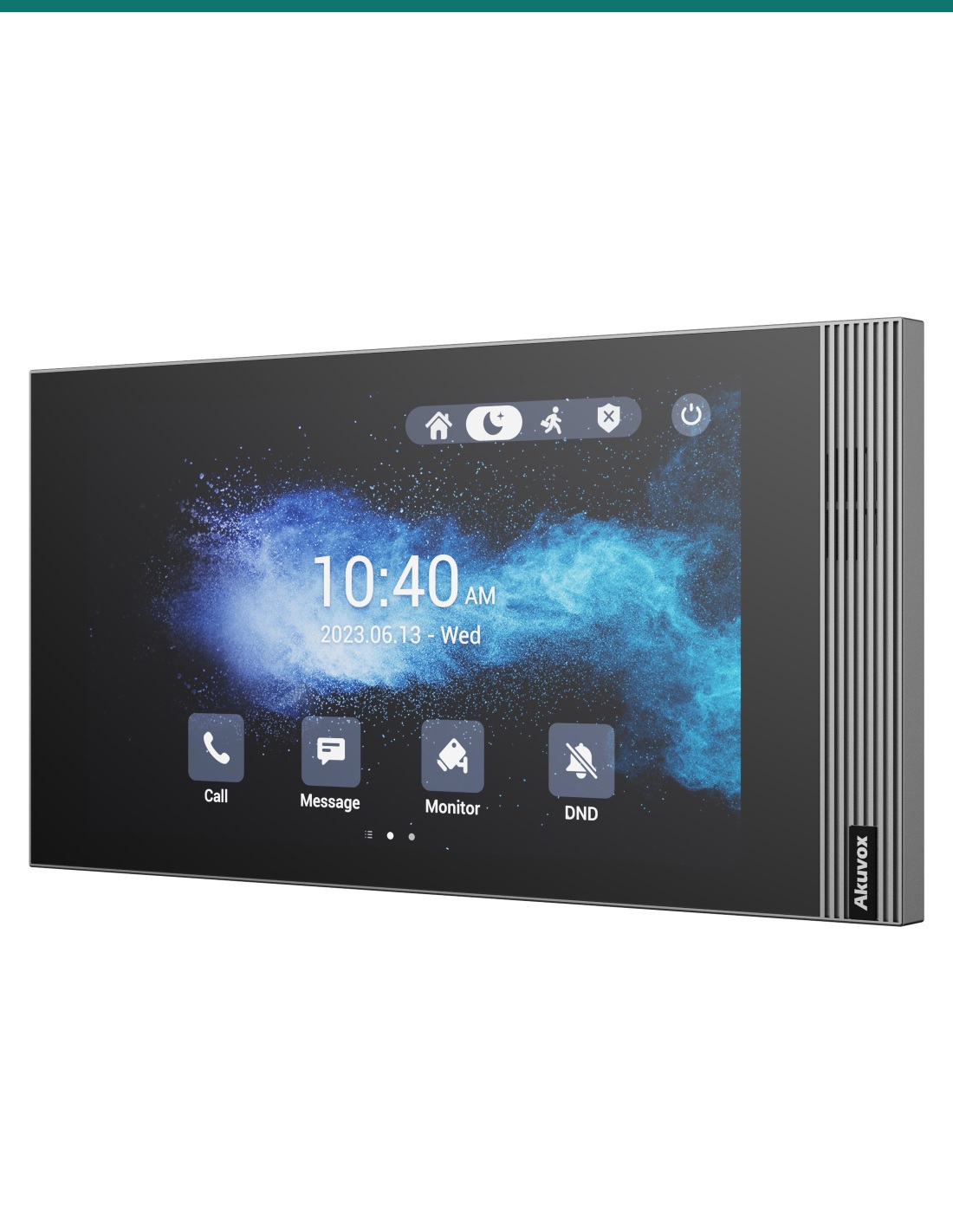
Akuvox S562W-2 grey 2-wire indoor monitor — right three-quarter view
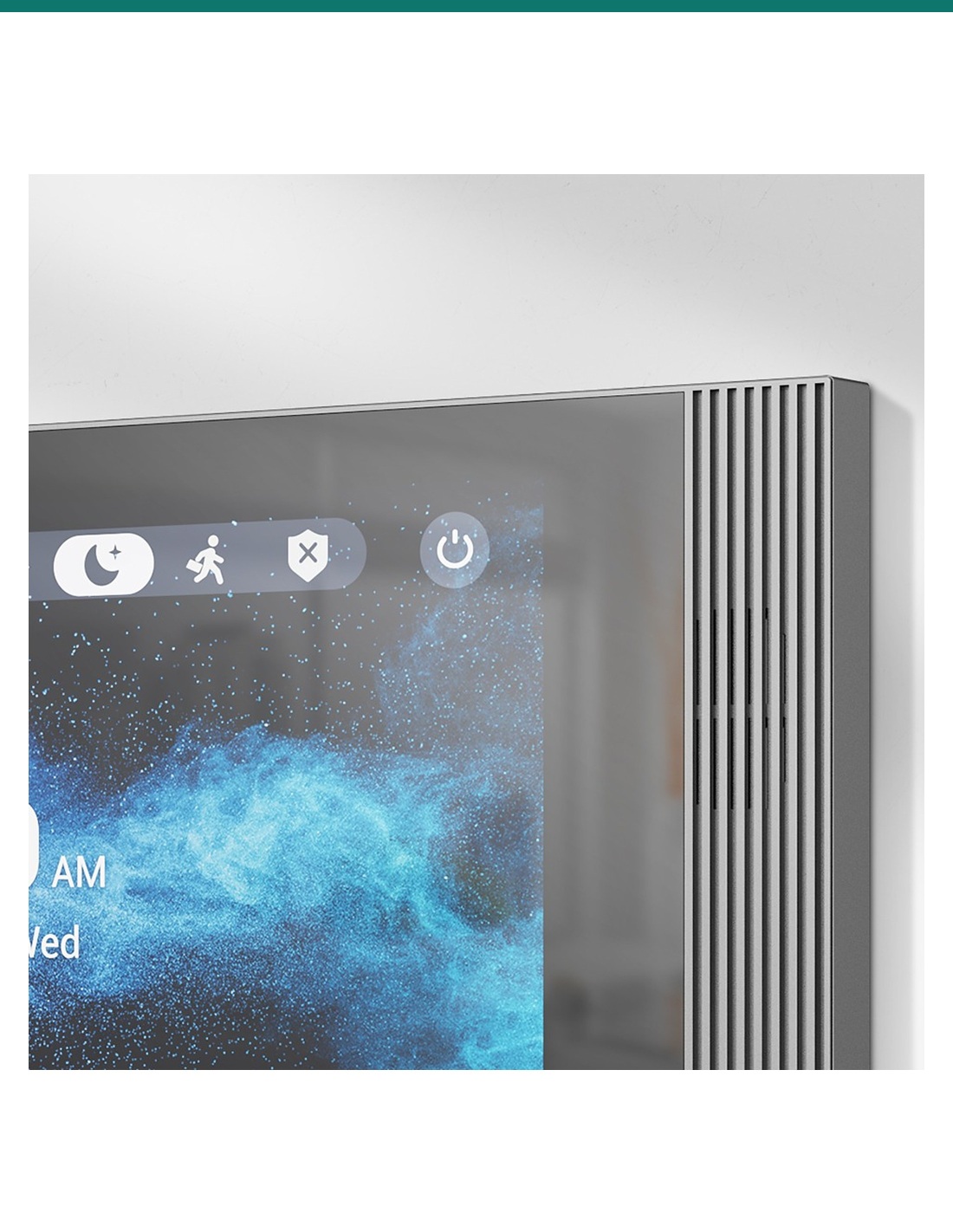
Akuvox S562W-2 grey — slim profile and speaker grille
Akuvox S562W-2 grey 2-wire indoor monitor — front
Akuvox S562W-2 grey 2-wire indoor monitor — left three-quarter view
Akuvox S562W-2 grey 2-wire indoor monitor — right three-quarter view
Akuvox S562W-2 grey — slim profile and speaker grille

Akuvox S562W-2 Grey 7″ Wi-Fi 6 2-Wire Linux SIP Indoor Monitor — AK-S562W-GREY-2

AK-S562W-GREY-2
In Stock - Ready to Ship
$ 268.50
inc-GST

or 4 interest-free payments of $67.12 with

Akuvox S562W-2 in grey is a 7″ Linux touch monitor for the Akuvox 2-wire IP system — it runs over the two wires an old analogue intercom already uses, then joins the home network by Wi-Fi 6 or Ethernet.

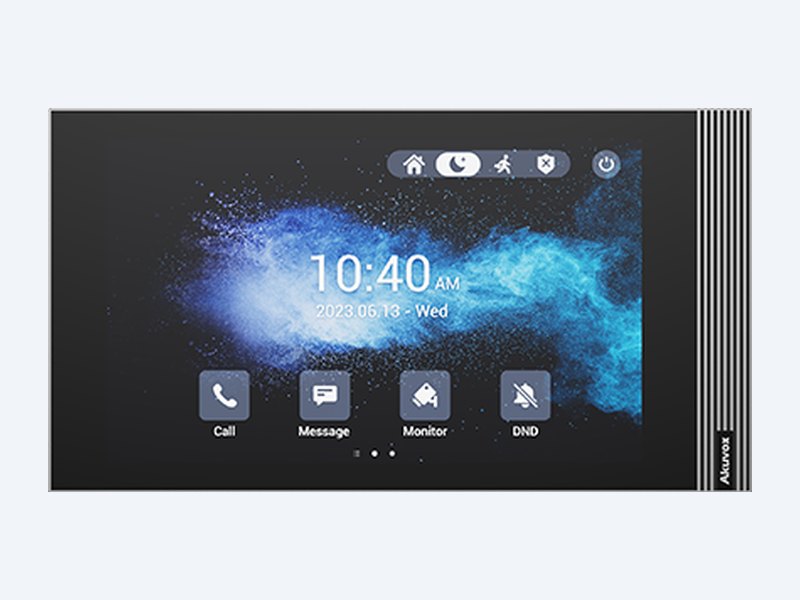
  • ✓7″ capacitive touch screen, 1024 × 600, 250 nits, energy-saving mode
  • ✓Two 2-wire ports plus Wi-Fi 6 (2.4 GHz) and a 10/100 RJ45 port
  • ✓Powered by an Akuvox NS-2 over the 2-wire line, 48 V DC or PoE 802.3af (≤9 W full load)
  • ✓8 alarm inputs, 1 relay, bell input, RS485 · 216.4 × 118.8 × 21.7 mm

 
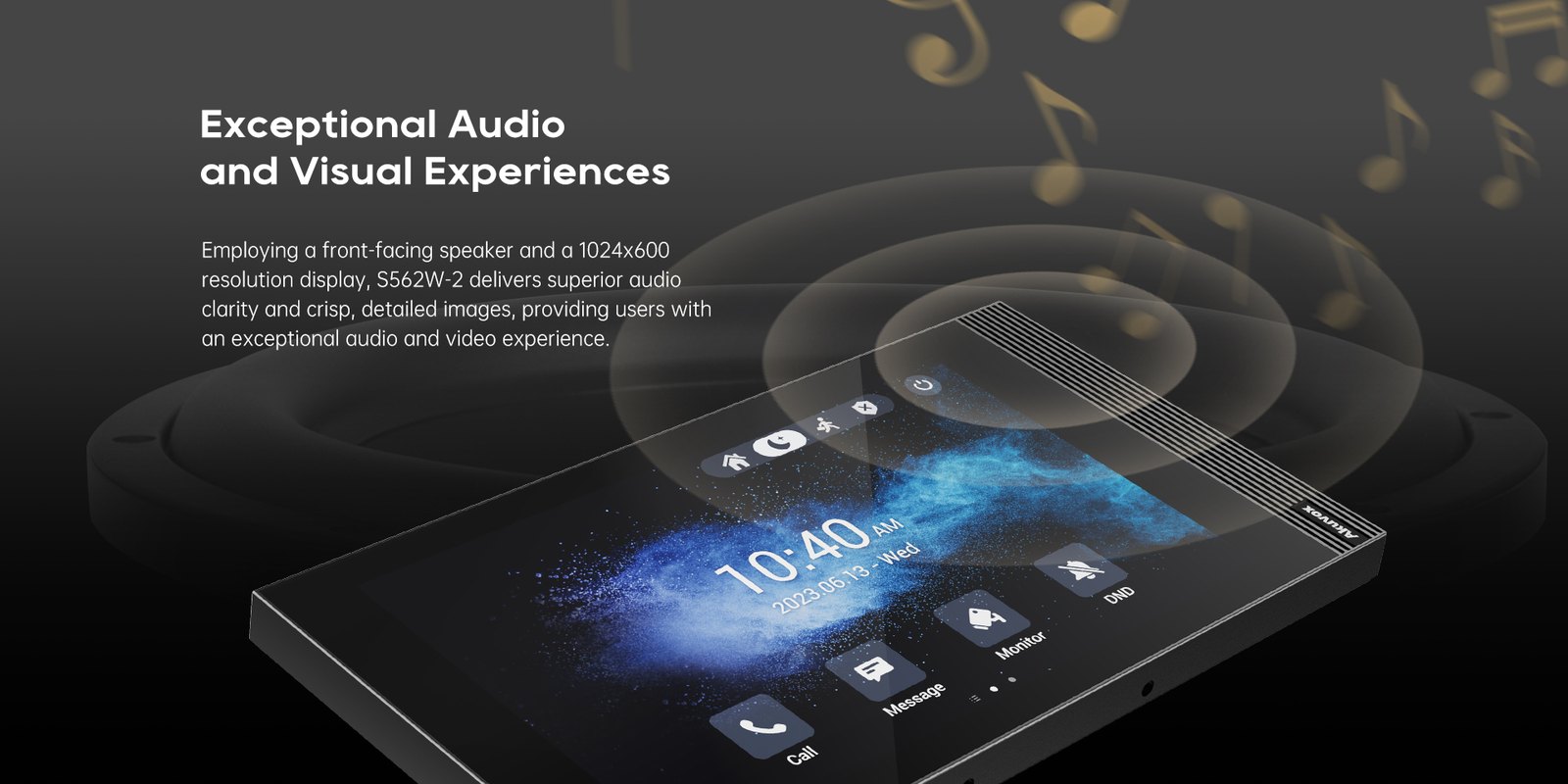
Akuvox S562W-2 grey indoor monitor with front-facing speaker
Akuvox · S562W-2 · Grey 2-wire indoor monitor

Keep the old intercom wires.
Get a 7″ smart monitor.

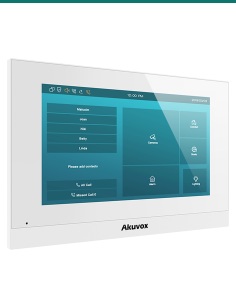
The AK-S562W-GREY-2 is Akuvox’s S562W-2 in grey: the slim 7″ S562 monitor with two 2-wire ports, so it can replace an analogue handset on the existing pair while still talking SIP to Akuvox door phones, the SmartPlus app and IP PBXs.

This SKU is the indoor monitor only.

You receive the grey S562W-2 monitor and its wall bracket. The 2-wire door phone, NS-2 switch or power supply, and lock hardware are sold separately — or choose an Akuvox 2-wire kit.

In the box
  • Akuvox S562W-2 indoor monitor (grey)
  • Wall-mounting bracket
  • Wiring cables and fixings
What you also need(sold separately)
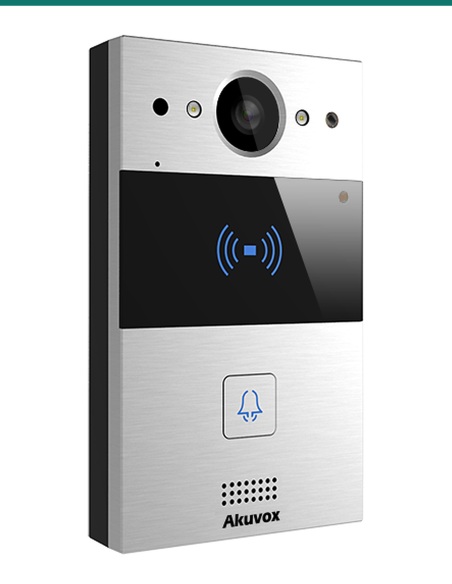
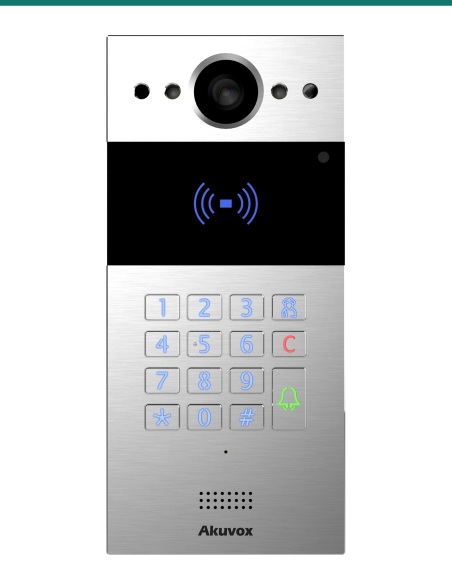
  • Akuvox 2-wire door phone (R20A-2, R20K-2 or E12S-2)
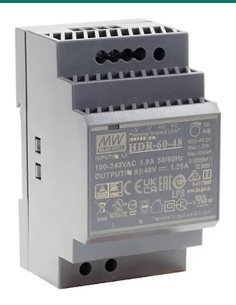
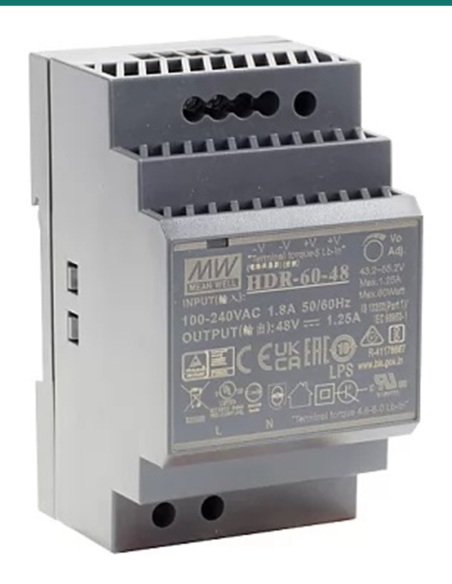
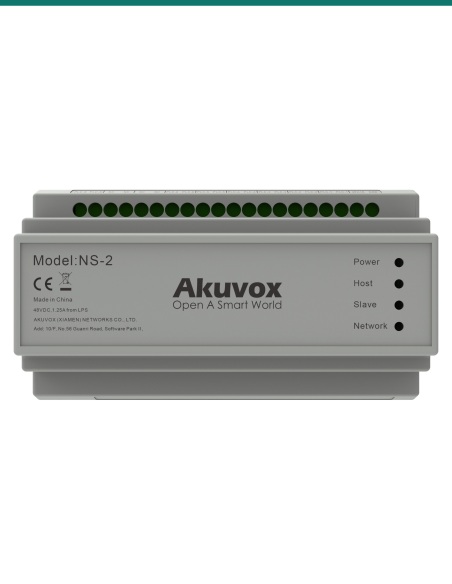
  • Akuvox NS-2 switch with 48 V DIN-rail supply, or a 48 V DC supply
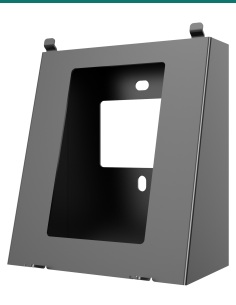
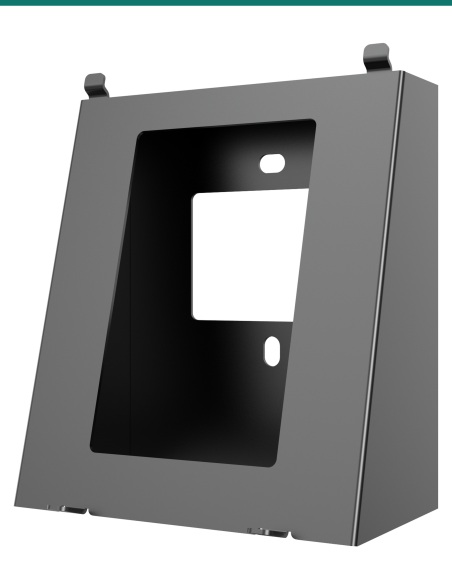
  • S562 desk stand or surface-mount angle box if not using a wall box
  • Electric lock and lock PSU if the relay releases a door

A modern answering screen on old cabling.

Residents see and talk to visitors, release the door and answer from their phones — without chasing new Cat6 through finished walls. The 2-wire pair carries both power and data.

Akuvox S562W-2 grey indoor monitor front view

2-wire

Two wires carry power and data.

Two 2-wire ports let the S562W-2 sit on the pair an analogue handset used, wired straight to an Akuvox 2-wire door phone or back to an NS-2 switch.

With an NS-2 on a 48 V supply, Akuvox rates runs of up to 300 m on 18–24 AWG cable when each device has its own pair.

Wi-Fi 6

Wi-Fi 6 for the SmartPlus link.

802.11 b/g/n/ax at 2.4 GHz connects the monitor to the home router without a data cable, so calls can also ring the Akuvox SmartPlus app.

A 10/100 RJ45 port is there when Ethernet is available, and it can also take PoE 802.3af power.

Wi-Fi 6 on the Akuvox S562W-2 indoor monitor
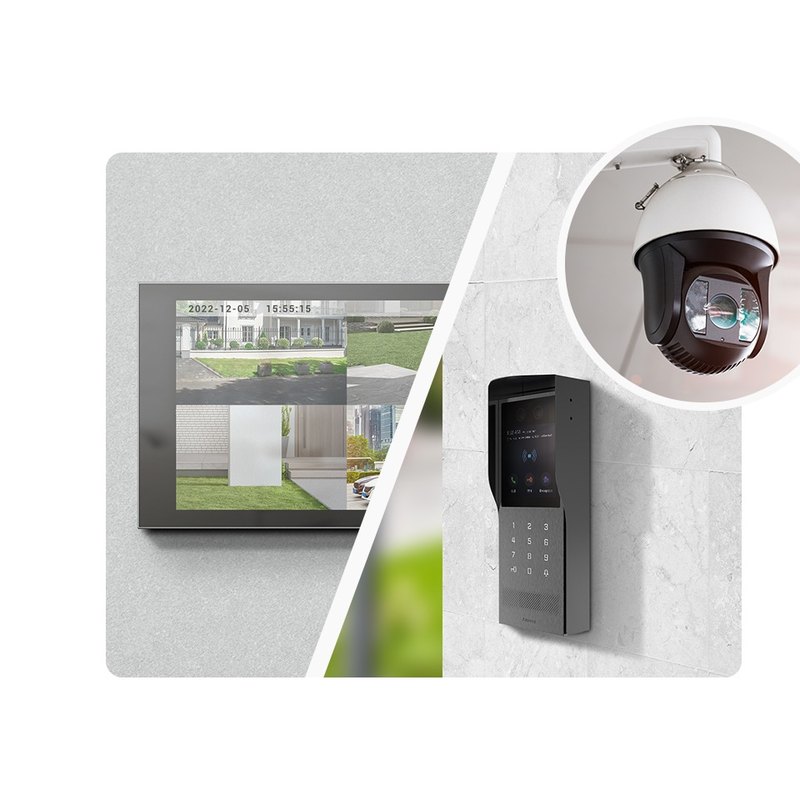
Akuvox S562W-2 showing a door phone and security camera feed

More than a doorbell

Door, cameras and alarms on one screen.
1024 × 600 capacitive touch screen at 250 nits, with H.264 video from door phones and compatible IP cameras.
Eight alarm inputs, one relay, a bell input and RS485 add security sensors, a local door release and a doorbell. Mounts on US or European wall boxes, or on a desk stand.

How it works

From the old handset to video calls.

01

Reuse the pair

Connect the existing two wires to a 2-wire port — from the door phone directly, or from an NS-2 port.

02

Power

Let the NS-2 power it over the pair, or use a 48 V DC supply or PoE.

03

Join the network

Connect Wi-Fi 6 or Ethernet so SmartPlus and remote access work.

04

Call and release

Register the door phone, place a test call and check the door opens.

Pair it with

Builds a 2-wire video intercom

Door

Akuvox 2-wire door phone

R20A-2, R20K-2 or E12S-2 connect over the same 2-wire pair with video and door release.

Power hub

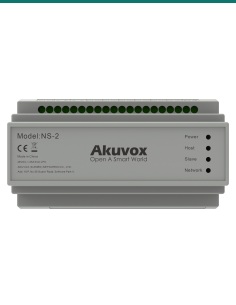
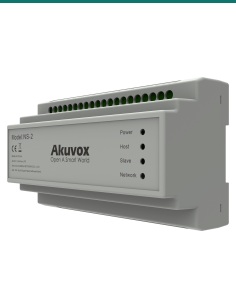
Akuvox NS-2

Feeds power and network to up to six 2-wire devices from one DIN-rail switch.

Desk

S562 desk stand

Stand the monitor on a bench or bedside table instead of the wall.

Works with

Platforms and integrations

SIP PBX and IP phones

Standard SIP v1 / v2 lets the S562W-2 call, and be called by, extensions on any SIP-capable PBX.

Akuvox SmartPlus

Once online over Wi-Fi 6 or Ethernet, door calls can also ring residents’ phones in the SmartPlus app.

Akuvox 2-wire system

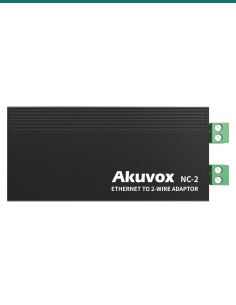
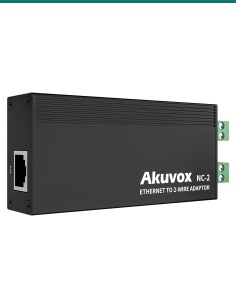
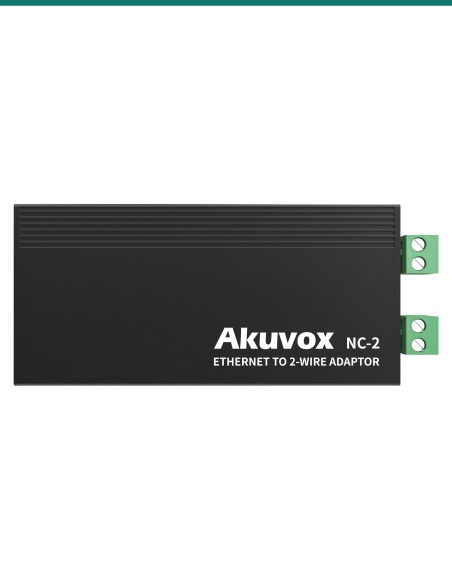
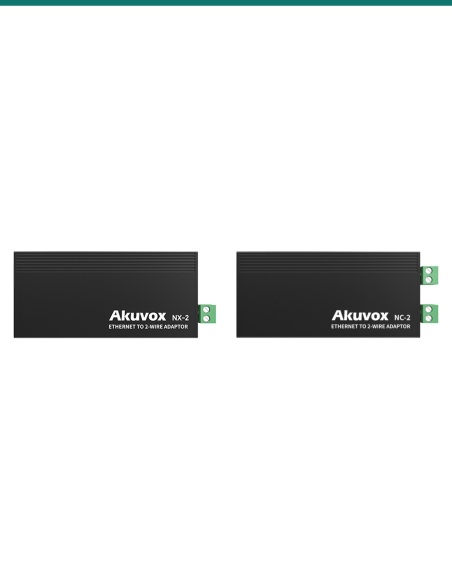
Works with R20A-2, R20K-2 and E12S-2 door phones and the NS-2 switch; standard IP door phones join through an NC-2.

RTSP IP cameras

RTSP support lets the monitor show compatible IP camera streams alongside door phone video.

Watch

See it in action

Setting up the S562W-2 and R20-2 2-wire kit
Akuvox 2-wire SIP video intercom overview
Wiring Akuvox 2-wire devices for a villa

Downloads

Datasheets and guides

Compliance certificates and technical documents are available on request for tenders and installers — send an enquiry.

Answers

Common questions

How is the S562W-2 different from the S562W?

Same 7″ screen and slim housing, but the S562W-2 adds two 2-wire ports and can be powered by an Akuvox NS-2 or 48 V DC, so it runs over existing analogue intercom wiring.

Which door phones does it work with over 2 wires?

Akuvox 2-wire door phones: R20A-2, R20K-2 and E12S-2. Standard IP door phones can join the 2-wire network through an Akuvox NC-2.

Do I need an NS-2?

Not for a single monitor and door phone — Akuvox kits pair the S562W-2 with a door phone and a 48 V power adapter. Use an NS-2 when connecting several 2-wire devices.

How much power does it draw?

At 48 V DC it draws no more than 4 W in standby and 9 W at full load. Feed it from an NS-2 over the 2-wire pair, a 48 V DC supply on its connector, or 802.3af PoE on the RJ45.

What else can I connect to it?

Eight alarm inputs for door, window or motion sensors, one relay for a local door or gate release, a bell input for a doorbell button and an RS485 port.

Can it sit on a desk instead of the wall?

Yes. It is rated for wall-box or desktop installation; the S562 desk stand holds it on a bench or bedside table.

How is the grey version different from the white?

Only the front colour. Screen, ports, power and features are the same.

Can residents answer on their phones?

Yes. With the monitor online over Wi-Fi 6 or Ethernet, calls can also go to the Akuvox SmartPlus app.

A smart monitor for 2-wire retrofits.

Choose the grey S562W-2 for darker or modern interiors; the white S562W-2 is the same monitor in a lighter finish. For a smaller budget, the C313W-2 also runs on 2-wire with an 800 × 480 screen.

Installation & safety notice

Low-voltage product (SELV). Power over the 2-wire line from an Akuvox NS-2, from a 48 V DC supply on the DC connector, or from IEEE 802.3af PoE on the RJ45 (≤9 W full load at 48 V DC).

When a licensed tradesperson is required. Concealed data and intercom cabling is customer cabling under AS/CA S009 and must be installed by an ACMA-registered cabler. Electric locks, maglocks and lock power supplies may require a licensed electrician or security installer.

Ethernet
1 × RJ45 10/100 Mbps, PoE 802.3af
Memory
128 MB RAM / 128 MB ROM
Power
Akuvox NS-2 over 2-wire, 48 V DC or PoE 802.3af
Colour
Grey
Power Consumption
≤4 W standby, ≤9 W full load (48 V DC)
Installation
Wall (US or European wall box) or desktop
Working Temperature
−10 °C to +45 °C
Brand
Akuvox
Size
216.4 × 118.8 × 21.7 mm
Warranty
Australian warranty
Product Type
2-wire SIP indoor monitor
Model
S562W-2
Wi-Fi
Wi-Fi 6 (802.11 b/g/n/ax, 2.4 GHz)
Audio Codecs
PCMU, PCMA, G.729, G.722
2-Wire Ports
2
I/O
8 alarm inputs, 1 relay, 1 bell input, RS485
OS
Linux
Screen
7″ capacitive touch, 1024 × 600, 250 nits
Video Codec
H.264
INFRONTTECH Promotional BannerINFRONTTECH Promotional BannerINFRONTTECH Promotional Banner

Need help choosing?

Tell us about your property and we'll recommend the right cameras and recorder.

07 5609 4910

Sydney 02 8814 6008
[email protected]

Mon–Fri, 9am–5pm AEST

Product added to wishlist