1 / 3

ION Line 650VA 360W Interactive UPS – Compact Surge & Power Protection - F11-LE-650

SKU F11-LE-650 In Stock - Ready to Ship
$113.50 inc GST
Free delivery does not apply to this product.

ION F11-LE-650: a compact 650 VA, 360 W line interactive UPS with automatic voltage regulation, two Australian outlets and USB HID shutdown, for small recorders, modems and PCs.

  • ✓650 VA / 360 W, line interactive with AVR
  • ✓2 × Australian 3-pin outlets
  • ✓Simulated sine wave, 2 to 6 ms transfer
  • ✓1 × 12 V 7 Ah user-replaceable battery
  • ✓USB HID port, 142 × 101 × 298 mm
  • ✓3 year advanced replacement warranty (ION)


Description

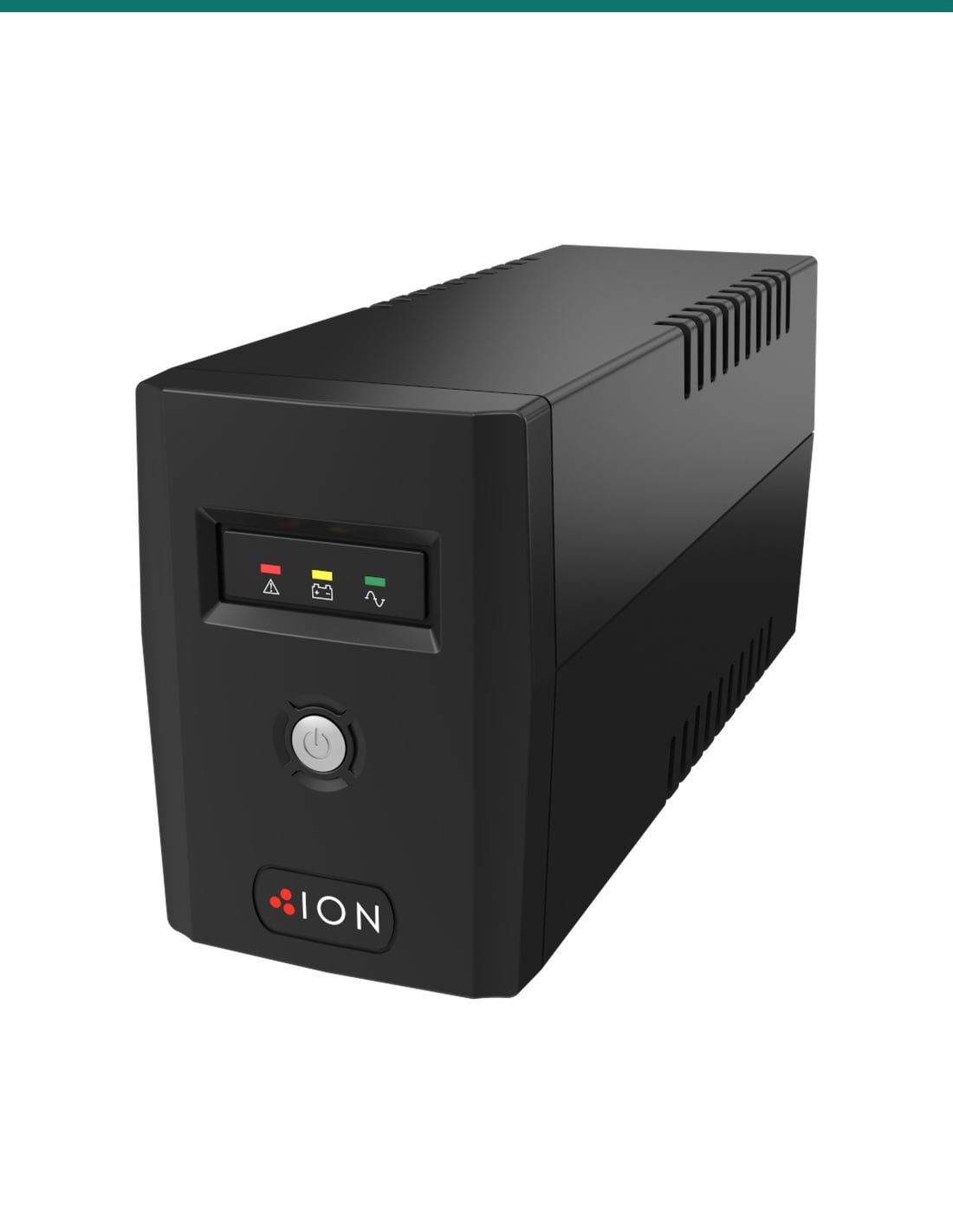
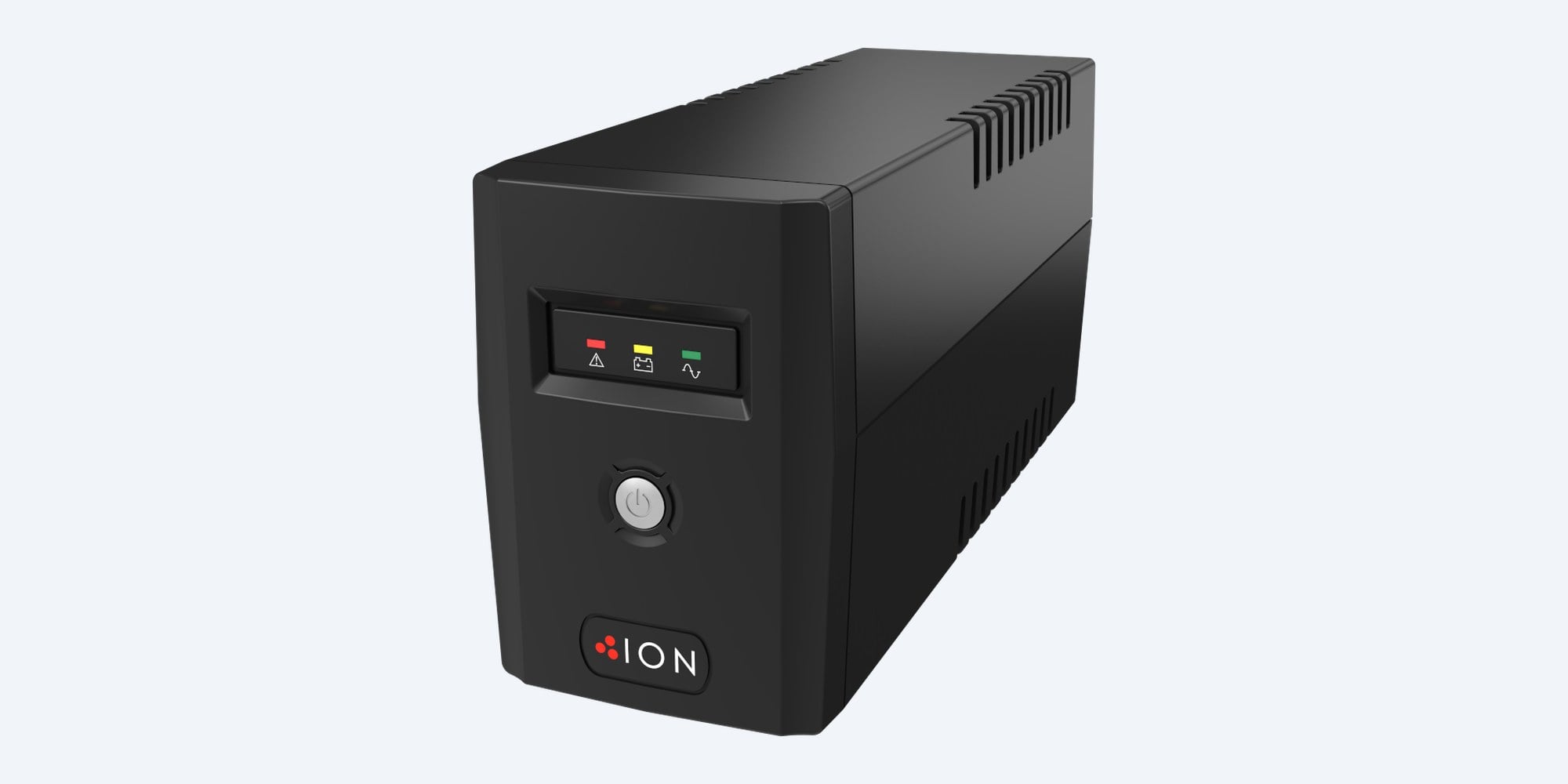
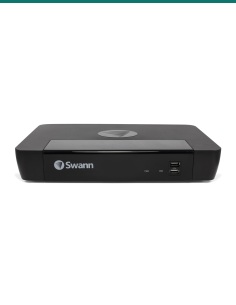
ION F11-LE-650 compact line interactive UPS, black, angled front view with the three status LEDs and power button
ION · F11-LE · Line interactive UPS

Small UPS, big difference.
650 VA, 360 W, AVR.

This is the ION F11-LE-650: a compact line interactive UPS for a small recorder, a modem and router, or a single PC, with automatic voltage regulation, two Australian outlets and a USB port.

In one sentence: the ION F11-LE-650 is a compact 650 VA, 360 W line interactive UPS with automatic voltage regulation, a simulated sine wave output, two Australian 3-pin outlets, one user-replaceable 12 V 7 Ah battery and a USB HID port.

The UPS only. Sized to your load, not to a runtime promise.

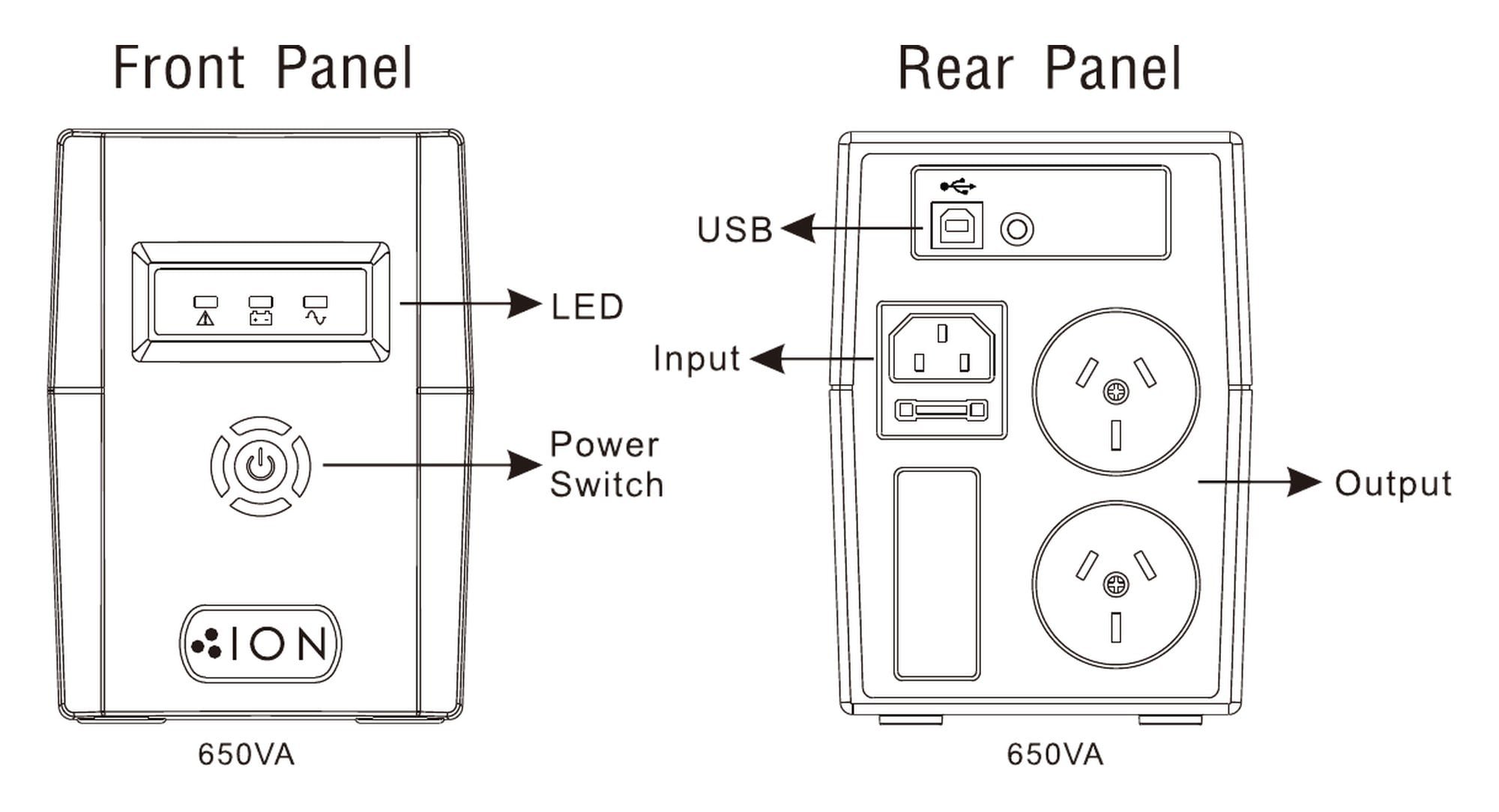
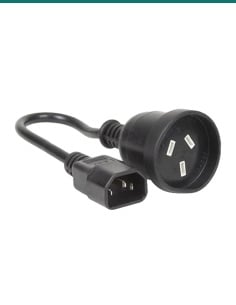
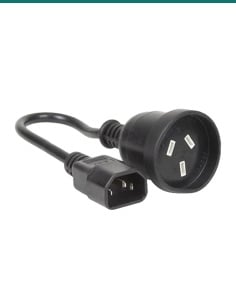
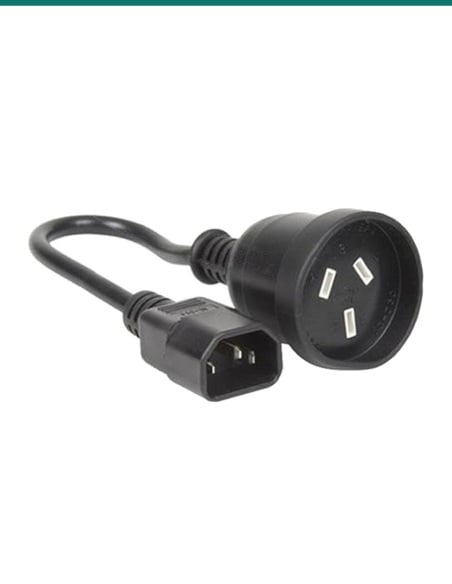
ION does not list the box contents beyond the UPS. Its input is an IEC socket on the back with an IEC to Australian 3-pin plug connection to the wall.

In the box
  • ION F11-LE-650 UPS
You also need
  • A wall power point for the UPS
  • A USB cable to the computer if you want automatic shutdown (confirm with us)
  • The watt figures of what you plug in, to stay under 360 W

Keeps the small things running.

Automatic voltage regulation corrects input from 162 to 290 VAC without using the battery. When the mains drops out it changes to battery in a typical 2 to 6 ms, so a small recorder, a modem or a PC keeps running.

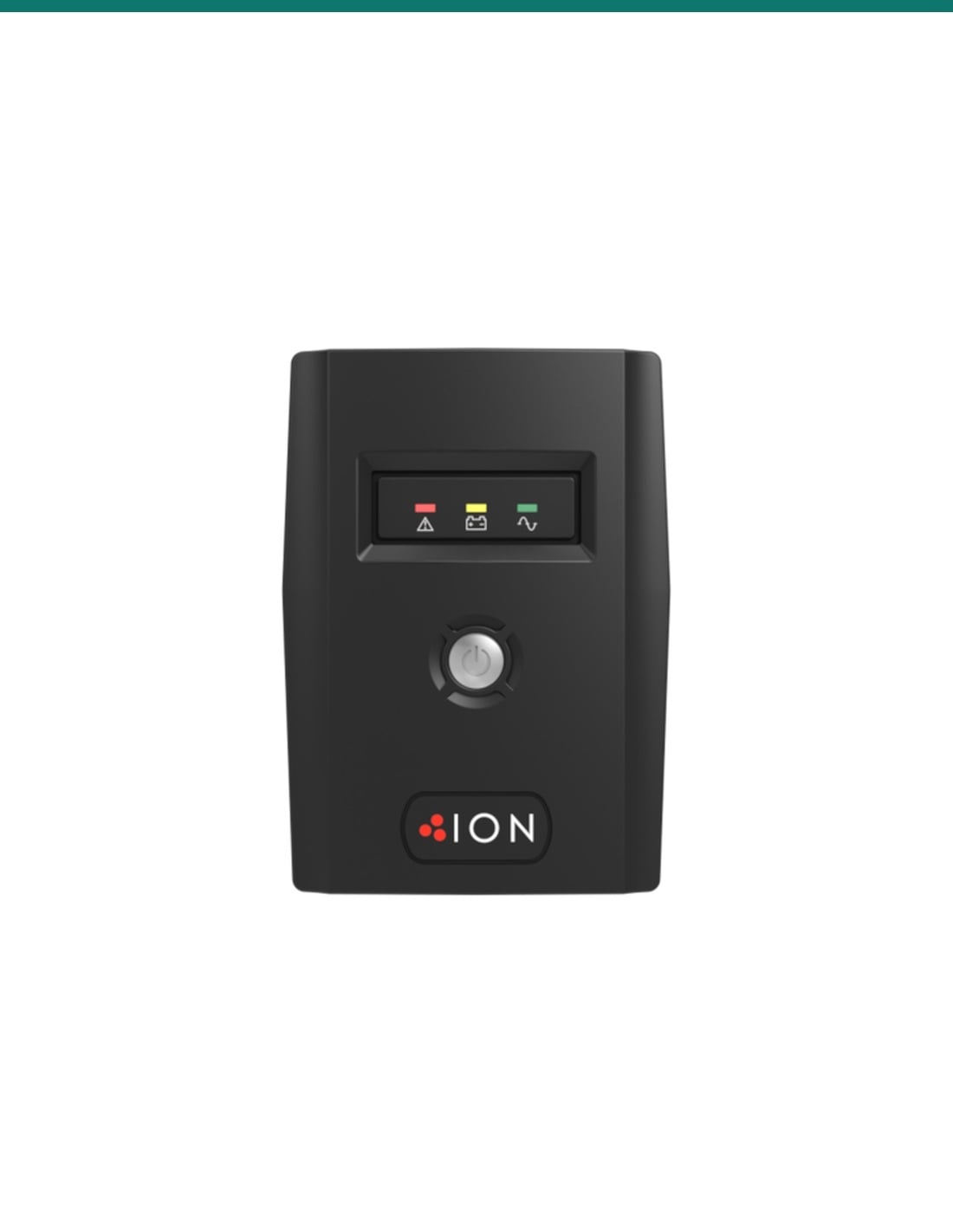
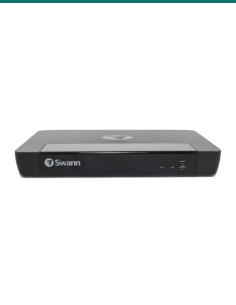
ION F11-LE-650 front panel with red, yellow and green status LEDs, power button and ION badge

Front

Three lights tell you what is happening.

Green means it is on mains. Yellow flashes when it is running on battery. Red means a fault. The beeper adds battery mode every 10 seconds, low battery every second and overload every half second.

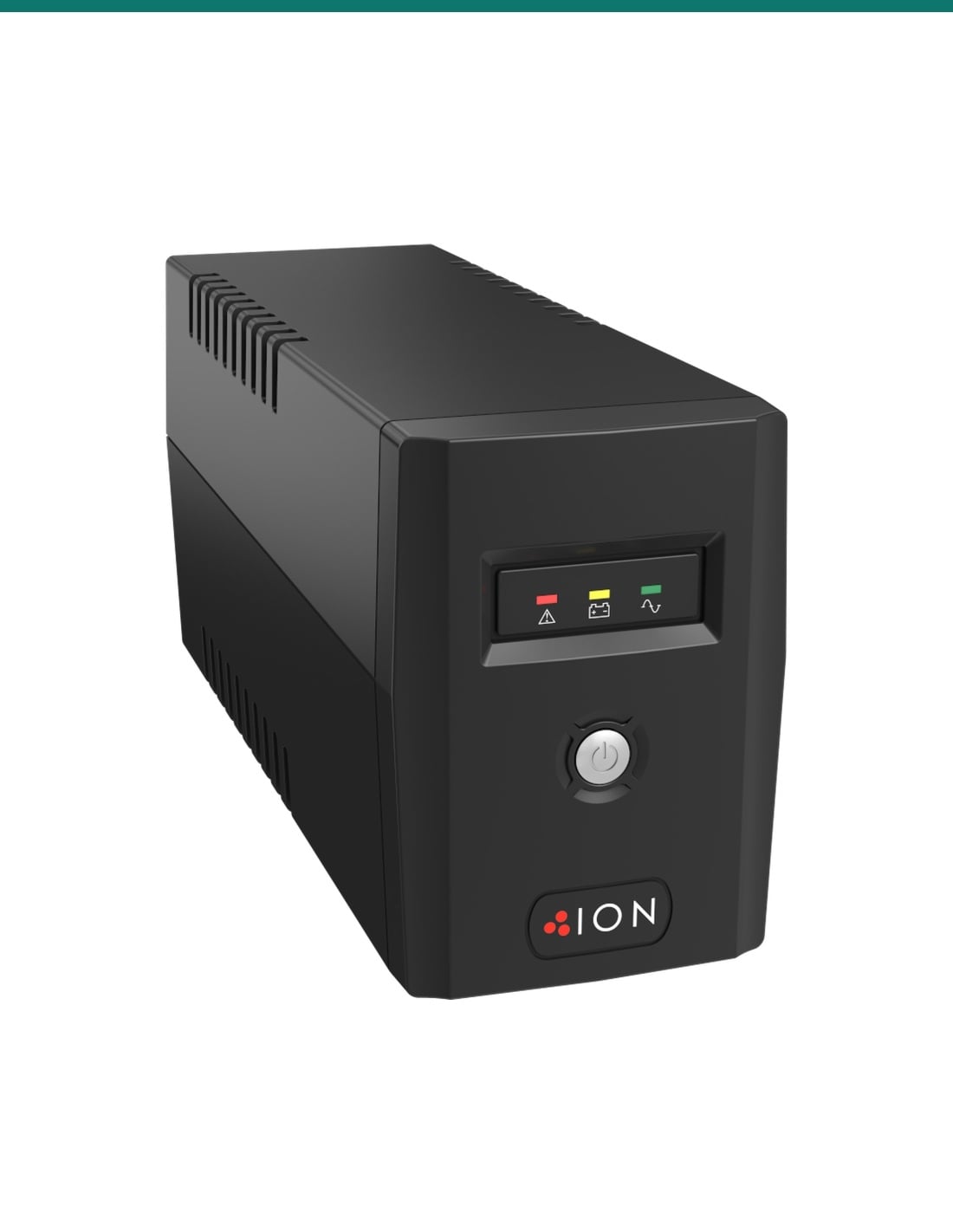
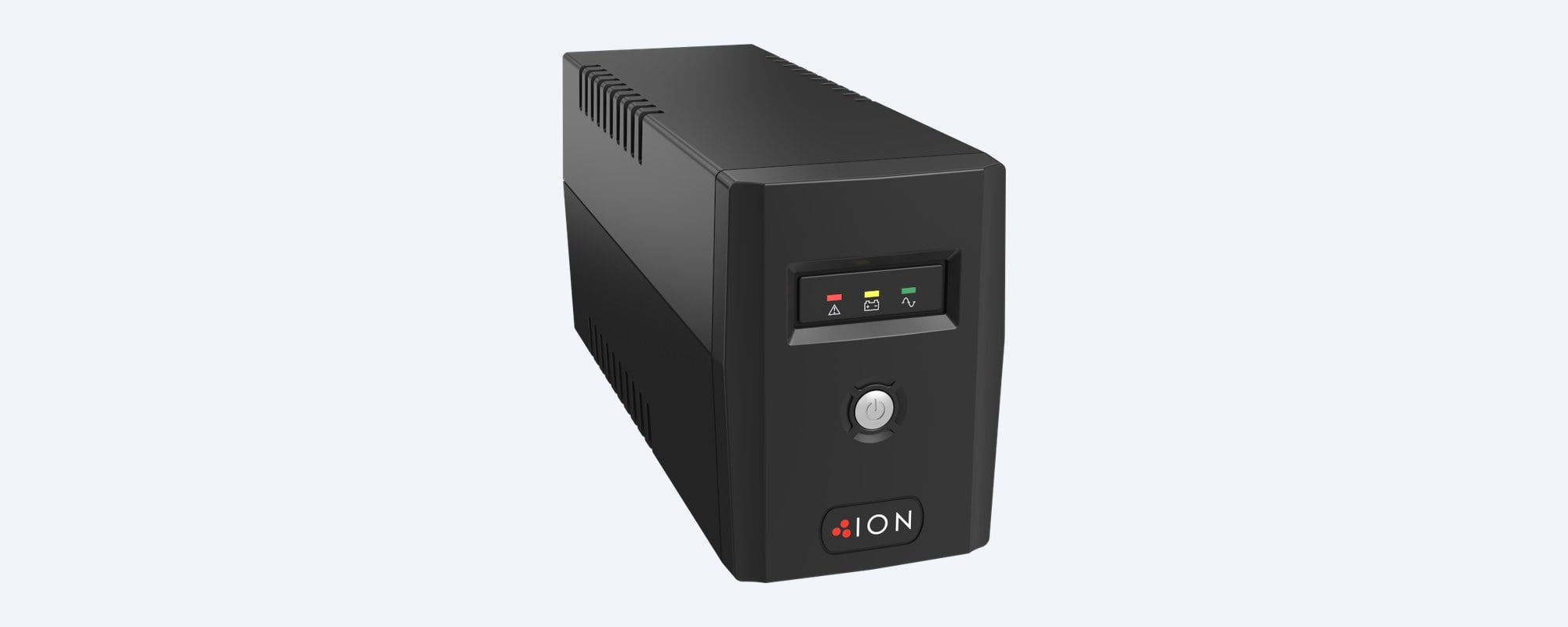
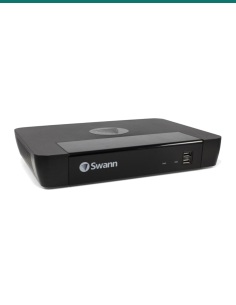
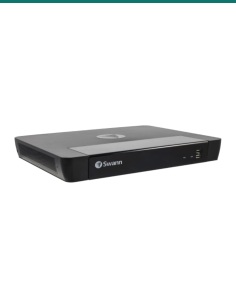
ION F11-LE-650 compact UPS from the other front angle, showing the narrow tower case and side vents

Compact case

142 × 101 × 298 mm, 4.3 kg.

Narrow enough for a shelf, a desk or beside a recorder. One maintenance-free 12 V 7 Ah sealed lead-acid battery inside, which ION lists as user replaceable. ION rates it under 45 dB at 1 m.

How it goes in

From box to protected.

01

Charge it first

Plug the UPS into a wall power point and leave it to charge. ION gives 4 to 6 hours to reach 90% battery.

02

Add up the load

Total the maximum watts of the recorder, modem, router or PC from their labels or datasheets. Keep the total under 360 W.
03

Plug the gear in

Turn the UPS on with the front button and plug the equipment into the two outlets on the back. Leave heaters and printers off it.

04

Connect USB and test

Run USB to the PC so it can see the battery level and shut down. Then switch off the wall power point to check the change to battery.

Pair it with

What it protects

IVSEC

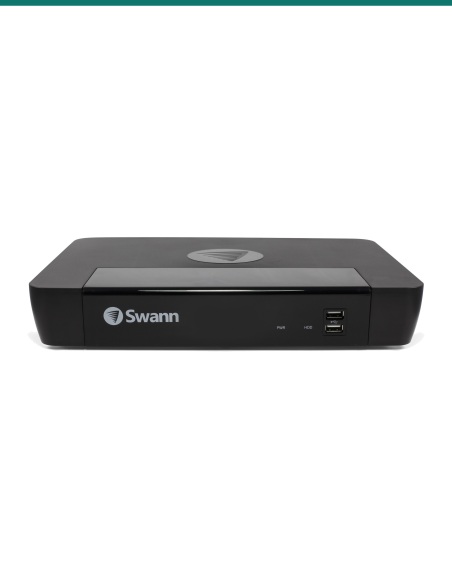
IVSEC NVR 8000 and 850 kits

The IVNR8-8000-2T recorder in the IVK8L-8504B and IVK8L-12504D kits powers its cameras over PoE. Check its maximum watts on the datasheet against the 360 W limit.

Compact recorders

4 and 8-channel PoE recorders

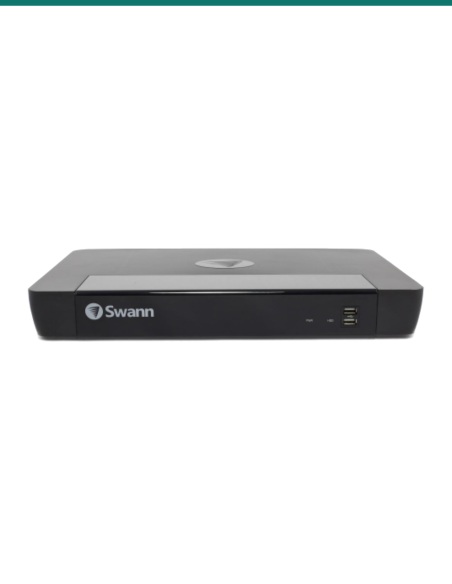
Recorders such as the Dahua DHI-NVR4108HS-8P-AI/ANZ or Uniview NVR501-08B-P8-IQ, plus a modem. Add up their maximum watts before you choose.

Cabinet

Datatek 24SECCAB security cabinet

Lock the recorder and monitor in a 24SECCAB and plug its PDU into the UPS. With a monitor in there too, check the total against 360 W or step up to the F11-LE-2200.

Where it is used

Where it is used

Small CCTV systems

A 4 or 8-channel recorder kept running through blips and short outages.
Modem and router

Internet, Wi-Fi and VoIP phone kept up when the power flickers.
Home offices

A PC and monitor with time to save work and shut down cleanly.

Shop counters

POS terminal and EFTPOS router through a flicker in the power.

NAS drives

USB shutdown signal so the NAS closes its files before the battery runs out.

Intercoms and gate controllers

Low-draw access gear that should not drop out with the mains.

F11-LE-650 or F11-LE-2200

F11-LE-650 (this UPS)F11-LE-2200
Capacity650 VA / 360 W2200 VA / 1200 W
Outlets2 × Australian 3-pin4 × Australian 3-pin
Batteries1 × 12 V 7 Ah2 × 12 V 9 Ah
Recharge to 90%4 to 6 hours6 to 8 hours
Size (H × W × D)142 × 101 × 298 mm198 × 158 × 380 mm
Weight4.3 kg10.5 kg
NoiseUnder 45 dBUnder 55 dB
Topology, waveform, USBLine interactive AVR, simulated sine, USB HIDLine interactive AVR, simulated sine, USB HID

Both columns come from ION's F11-LE datasheet. Step up to the 2200 for a recorder with a monitor and switch, or more than two plugs.

Common questions

How long will it run my recorder?

It depends on the load. ION's manual gives 7 to 20 minutes depending on load, without stating the test load, so we do not quote a runtime for a particular recorder. Send us your total watts and we will check it against ION's runtime calculator.

What is the most I can plug in?

360 W or 650 VA in total, whichever you reach first. Add up the maximum watts on each device's label or datasheet.

How many outlets does it have?

Two Australian 3-pin 10 A outlets on the back, both with battery backup.

Is the output pure sine wave?

No. ION lists the output as a simulated sine wave in battery mode.

What does line interactive with AVR mean?

The UPS corrects low and high mains voltage, from 162 to 290 VAC, without using the battery. It only goes to battery when the mains fails or goes outside that range.

Can I replace the battery?

Yes. ION lists the battery as user replaceable. It is one 12 V 7 Ah maintenance-free sealed lead-acid battery.

Will it shut my computer down?

Yes, over USB. It is a HID device, so the computer sees it without installing software, and ION offers free software for monitoring and safe shutdown.

How long does it take to charge?

ION gives 4 to 6 hours to reach 90% battery. It also charges while the UPS is switched off, as long as it is plugged in.

What do the lights mean?

Green is on mains, yellow flashing is on battery, red is a fault. The beeper sounds every 10 seconds on battery, every second on low battery and every half second on overload.

How big is it?

142 mm high, 101 mm wide and 298 mm deep, and 4.3 kg. ION rates it under 45 dB at 1 m.

What warranty does ION give?

ION states a 3 year advanced replacement warranty on the UPS electronics and batteries.

Should I choose the 650 or the 2200?

The 650 VA suits a small recorder or a modem and router, up to 360 W. The 2200 VA gives 1200 W, four outlets and two batteries for a recorder with a screen and switch.

Supported by InFront Technologies.

Help sizing a UPS for your recorder or network: call 1300 736 970 or email [email protected] with the model numbers. The ION datasheet and manual are on the Attachments tab.

Installation and safety

Mains equipment. Plug the UPS into an earthed wall power point. A new power point needs a licensed electrician. Do not open the case; the battery holds a charge even when unplugged.

Load. Stay under 360 W. Do not run heaters, laser printers, kettles or power tools from it.

Cabling. Concealed data cabling to cameras and network points is customer cabling under AS/CA S009 and needs an ACMA-registered cabler.

Where to put it. Indoors, 0 to 40 °C, out of direct sun and away from water, with air around the case. The case is IP20.

What it does not do. No pure sine wave output, no network card, and no runtime promise for a particular device.

Figures. From ION's F11-LE datasheet, ION's F11-LE 650 to 2200 VA user manual and ION's F11-LE product page.

INFRONTTECH Promotional Banner INFRONTTECH Promotional Banner INFRONTTECH Promotional Banner

Need help choosing?

Tell us about your property and we'll recommend the right cameras and recorder.

07 5609 4910

Sydney 02 8814 6008
[email protected]

Mon–Fri, 9am–5pm AEST

Saved to your wishlist Find it any time in your account. View list