There are no more items in your cart
In Stock - Ready to Ship


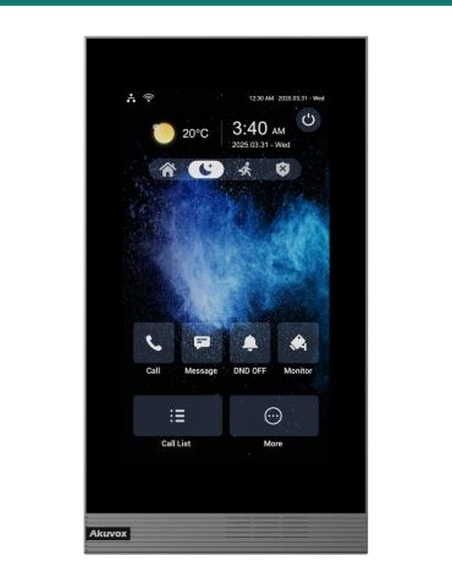
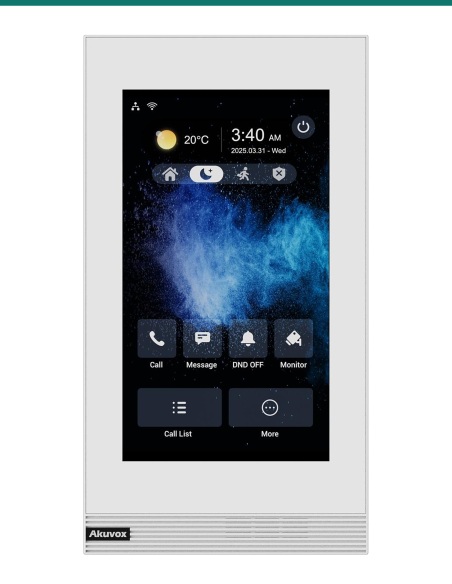
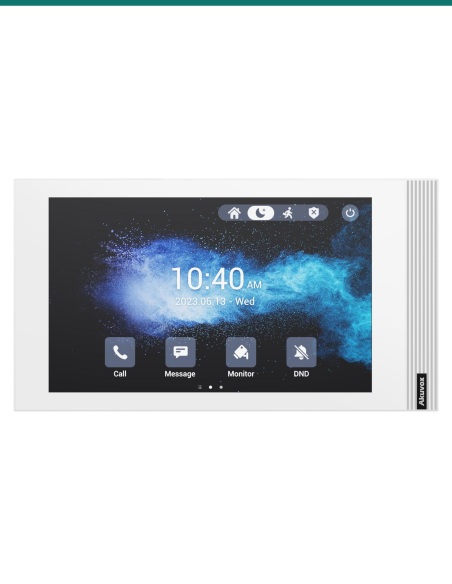
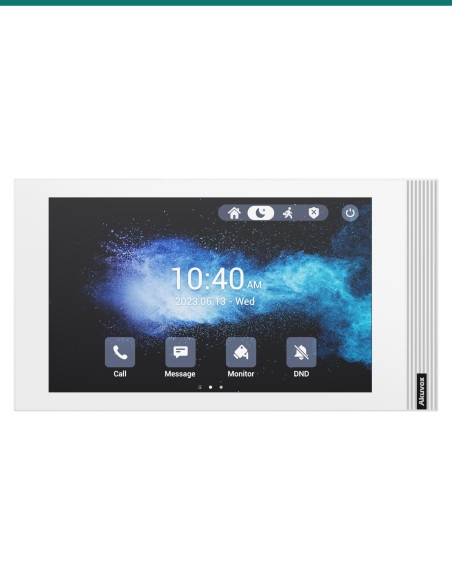
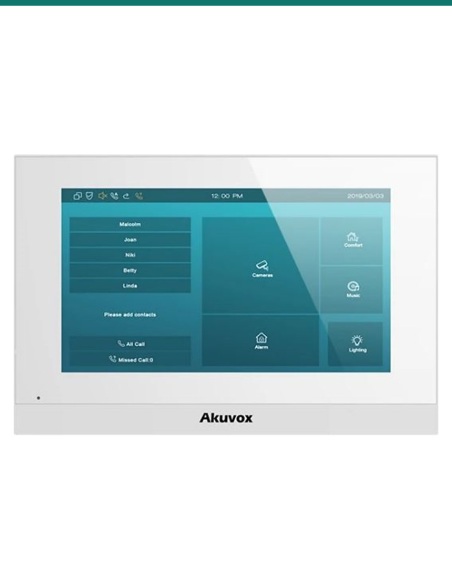
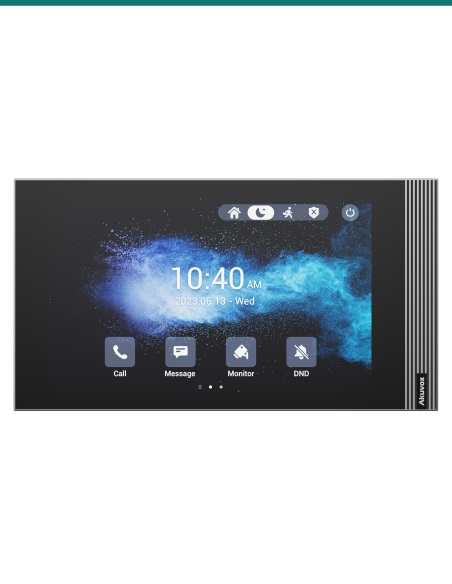
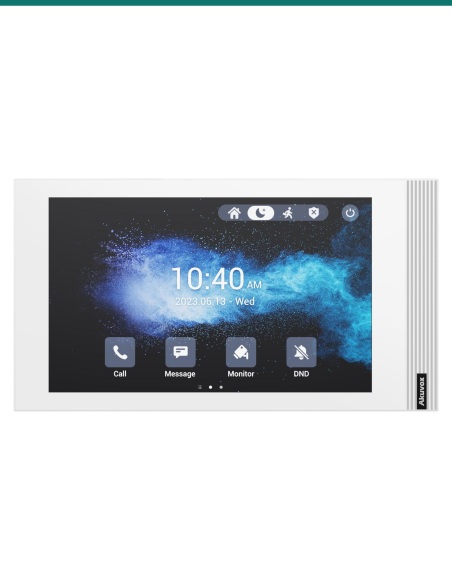
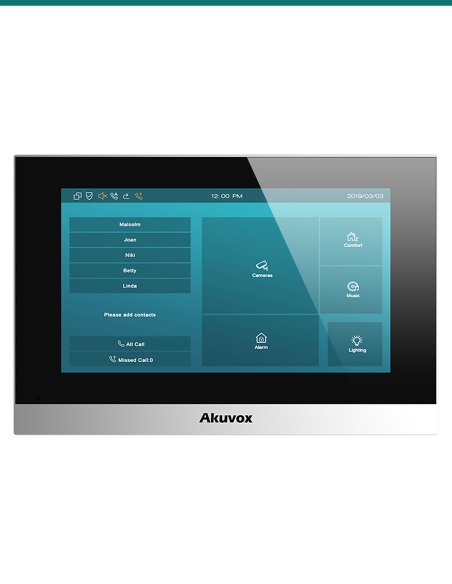
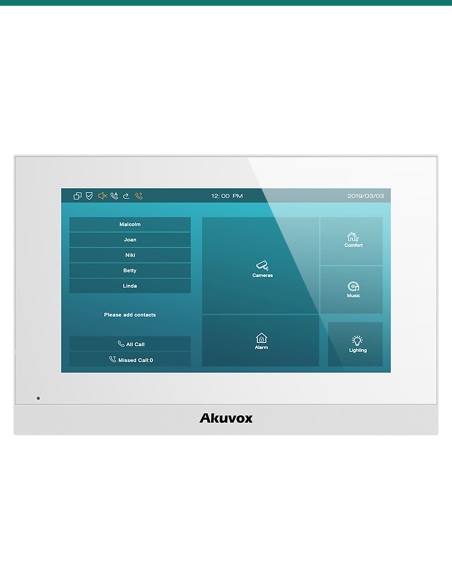
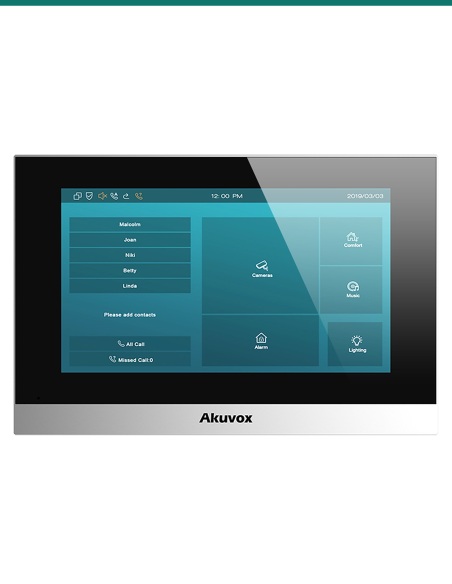
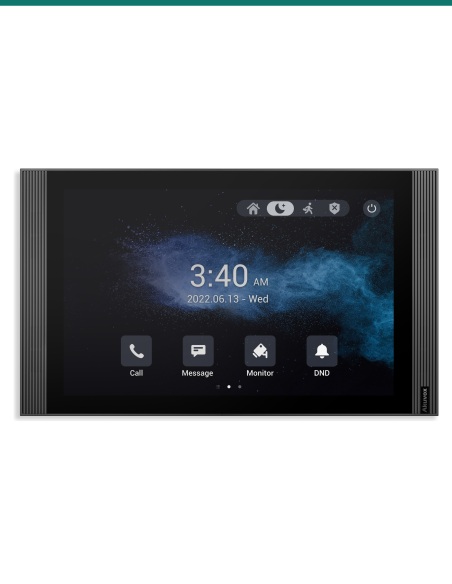
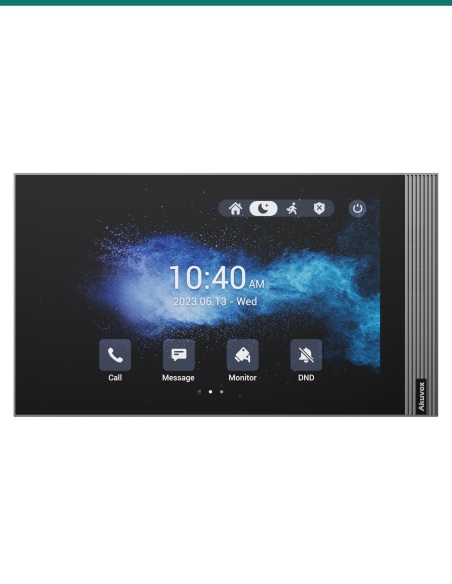
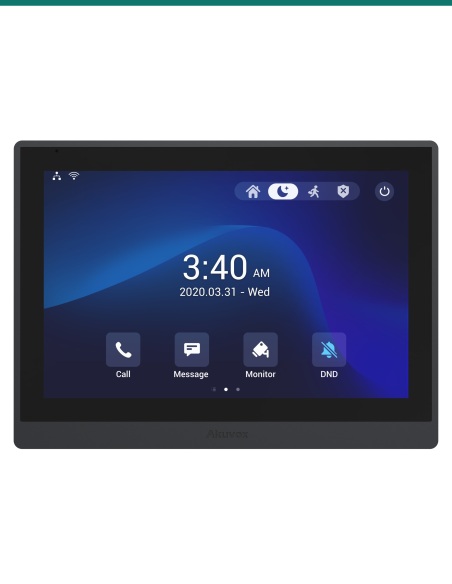
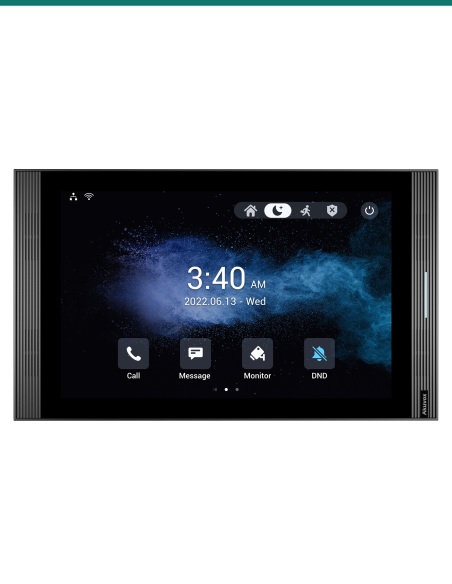
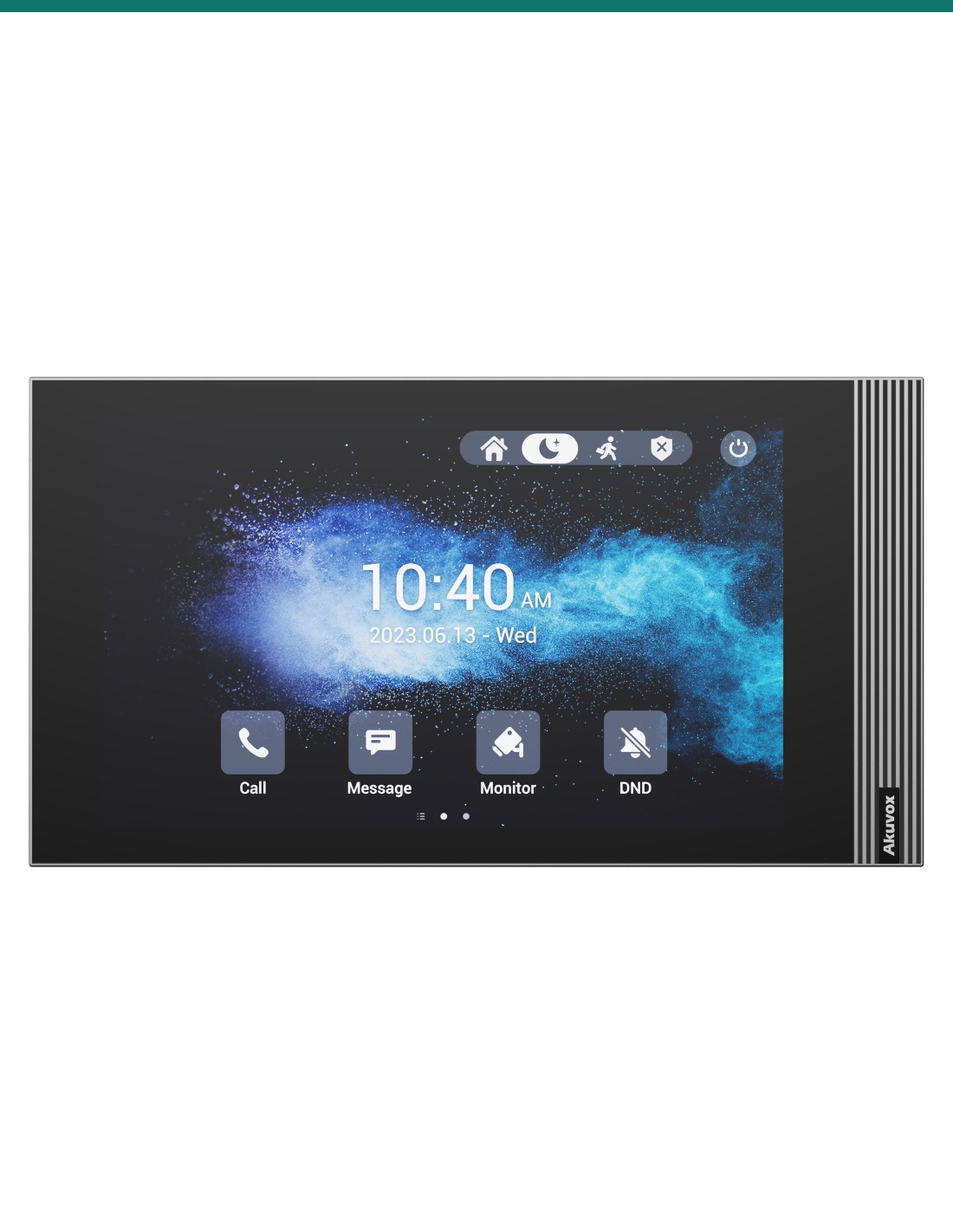
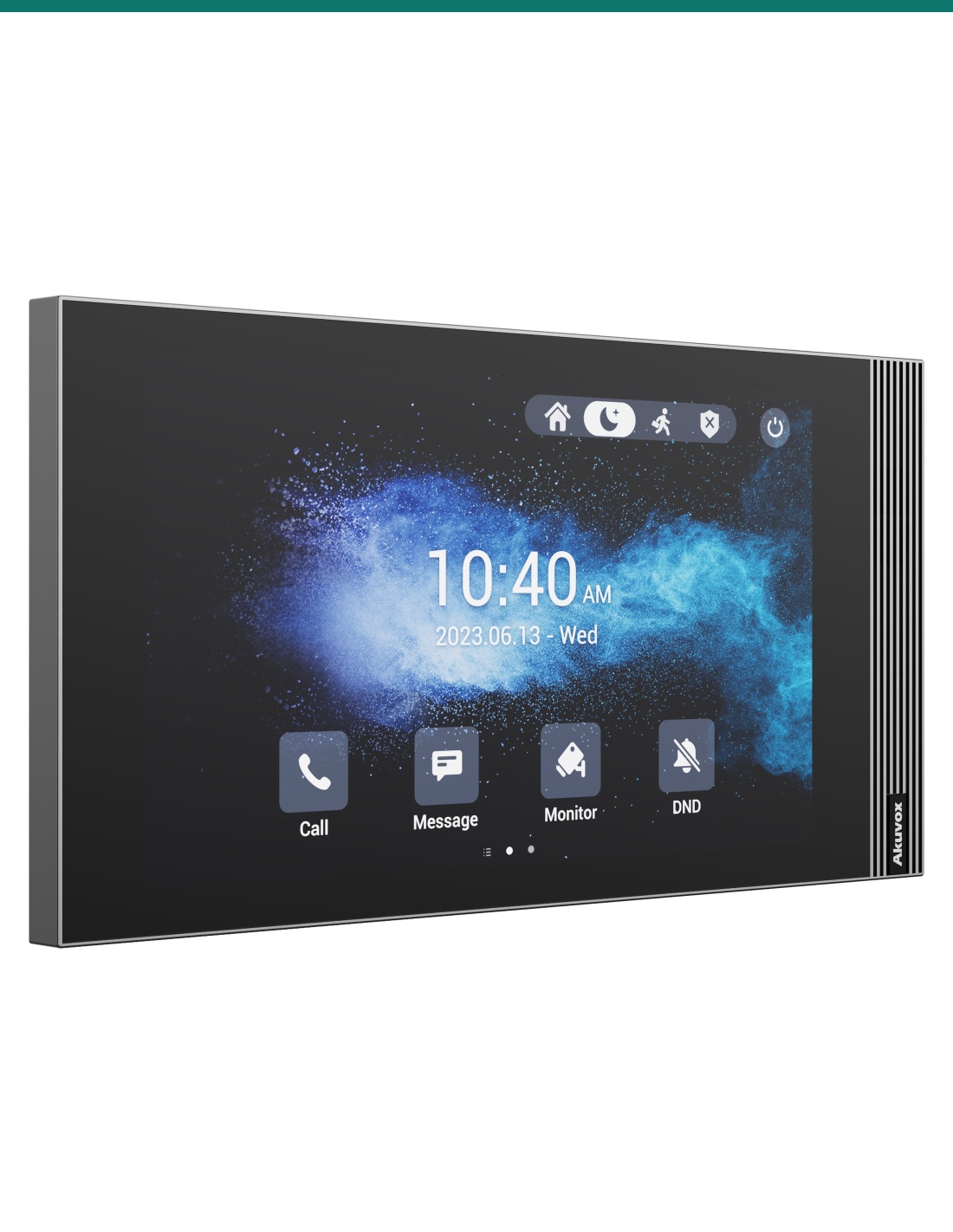
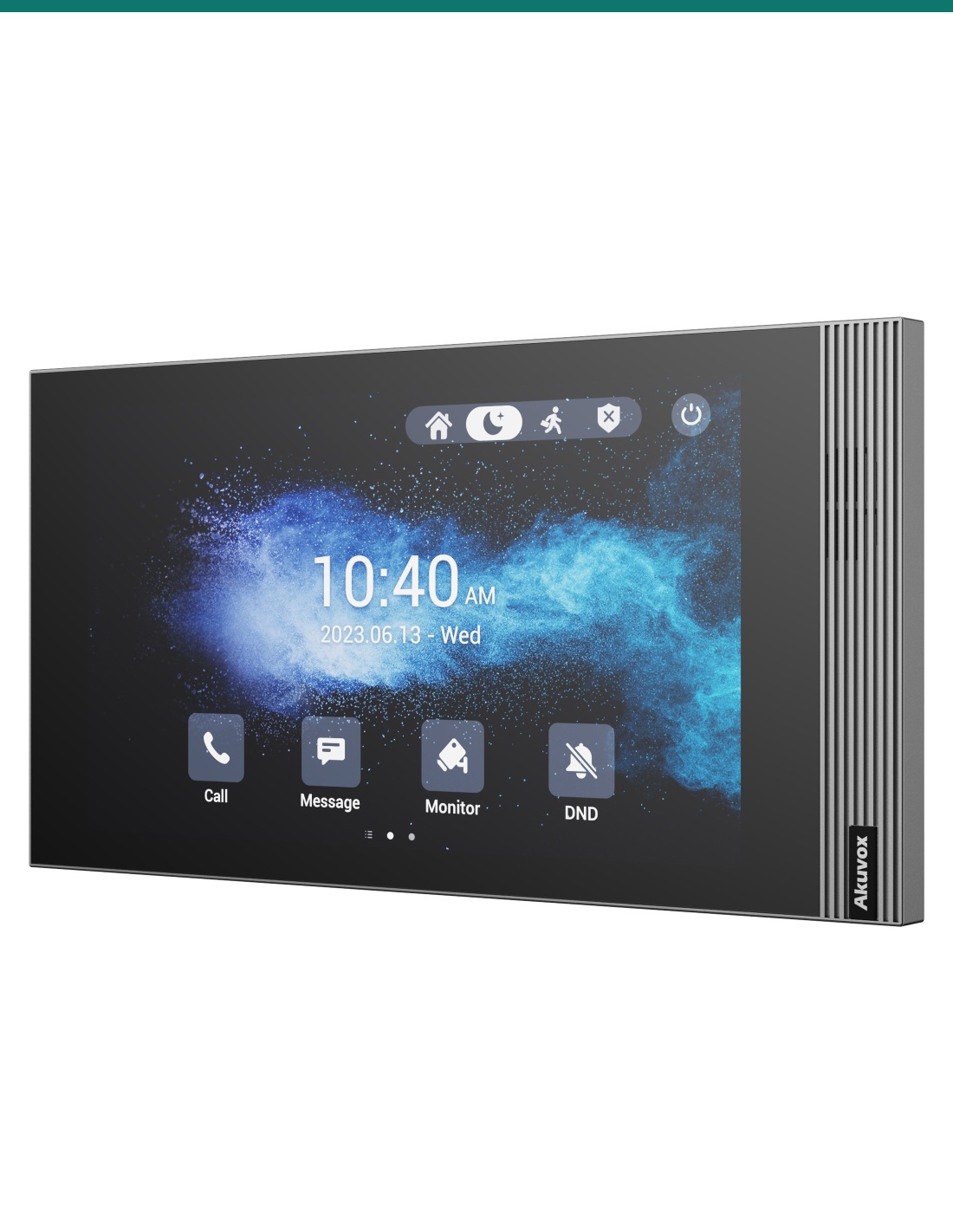
Akuvox S562 in grey is a 7-inch Linux SIP indoor monitor. Its 1024 × 600 IPS touch screen and front-facing speaker answer video calls from the door station, and the slim 21.7 mm panel releases the lock, shows IP cameras and monitors eight alarm inputs. 802.3af PoE or 12 V DC, ≤9 W. Wall or desk.
The AK-S562-GREY is Akuvox’s S562 indoor monitor in grey. A 7-inch 1024 × 600 IPS touch screen and front-facing speaker answer video calls from Akuvox door stations, and the same panel views IP cameras, releases the door relay and monitors eight alarm inputs.
This SKU is the indoor monitor only.
You receive the grey S562 with its wall-mounting bracket and fixings. Door stations, the desk stand, surface-mount box, PoE switch and power supply are sold separately.
When a visitor presses the call button outside, the S562 rings with live video from the door station. Talk hands-free, tap to release the lock, and check any linked camera before you open up.
Display
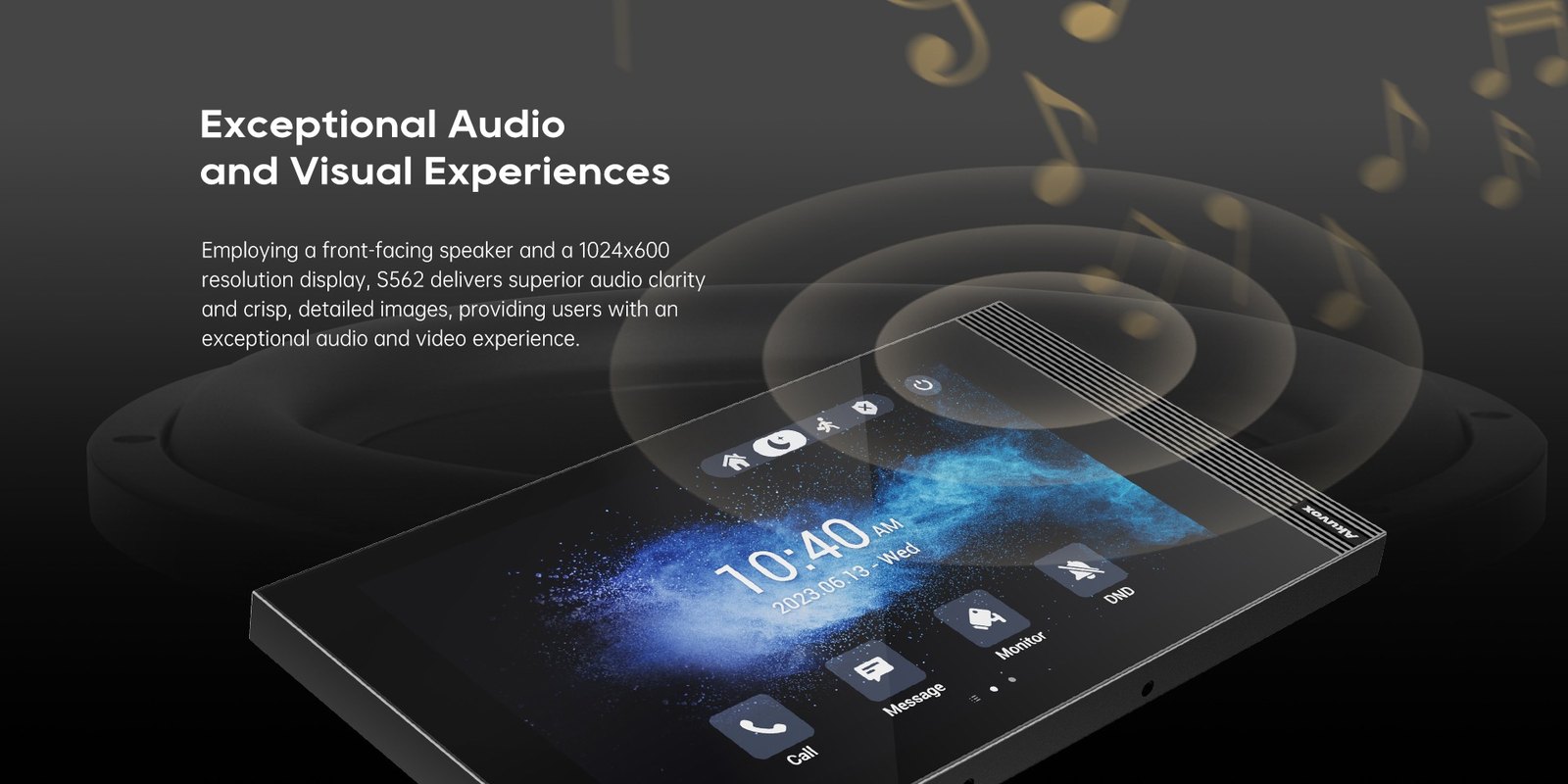
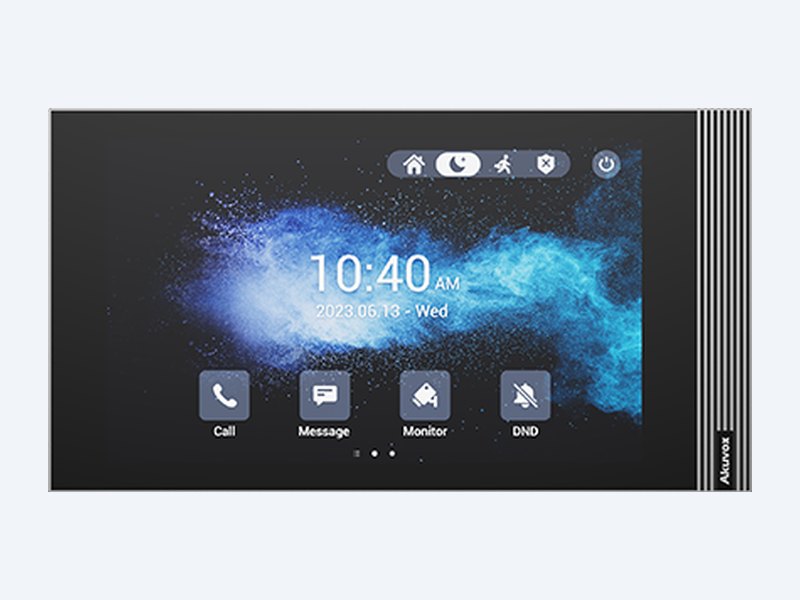
7-inch IPS capacitive touch panel at 1024 × 600, 300 nits and 85° viewing in every direction, so the visitor is clear whether you’re standing in front of it or walking past.
Linux keeps it quick and simple to look after: web management portal, auto-provisioning, configuration backup and firmware upgrades from the browser.
Design & audio
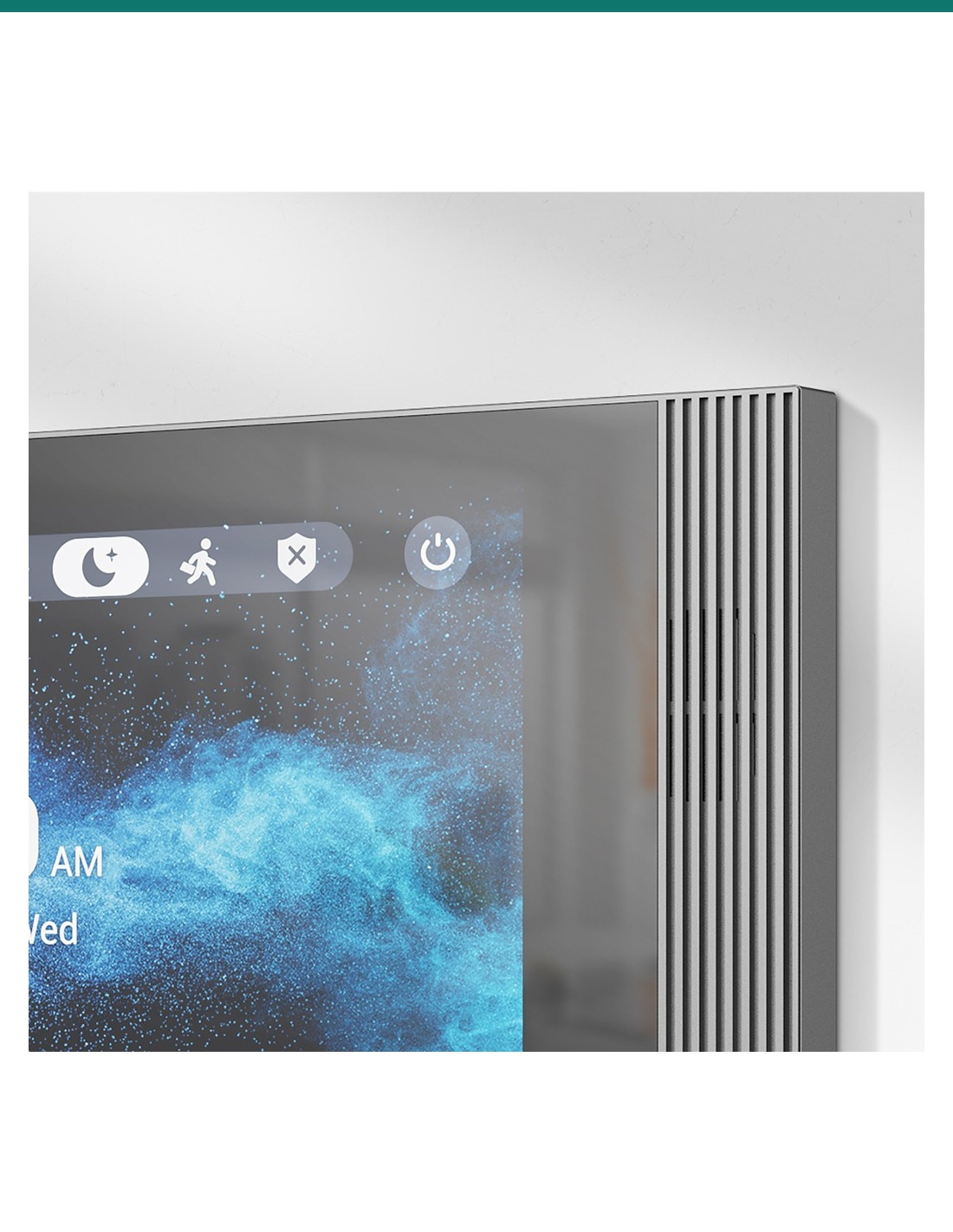
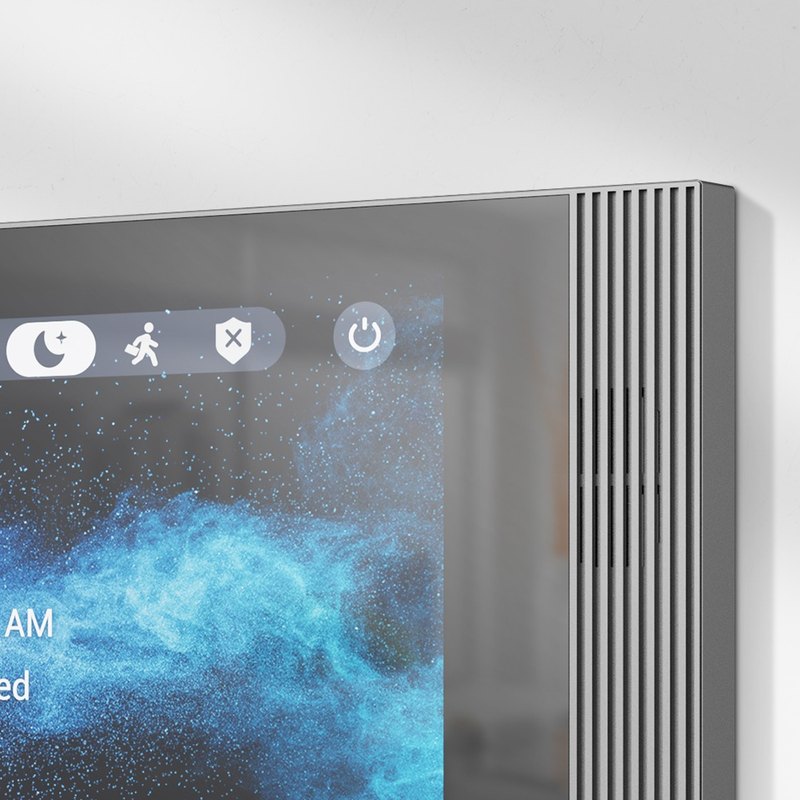
Just 21.7 mm deep. A linear grille down one edge hides the speaker, which faces the room for clear two-way calls with echo cancellation and automatic gain control.
Eight alarm inputs take door contacts and motion sensors, a bell input suits a wired doorbell button, and one relay plus RS485 cover lock and controller wiring.
Cameras
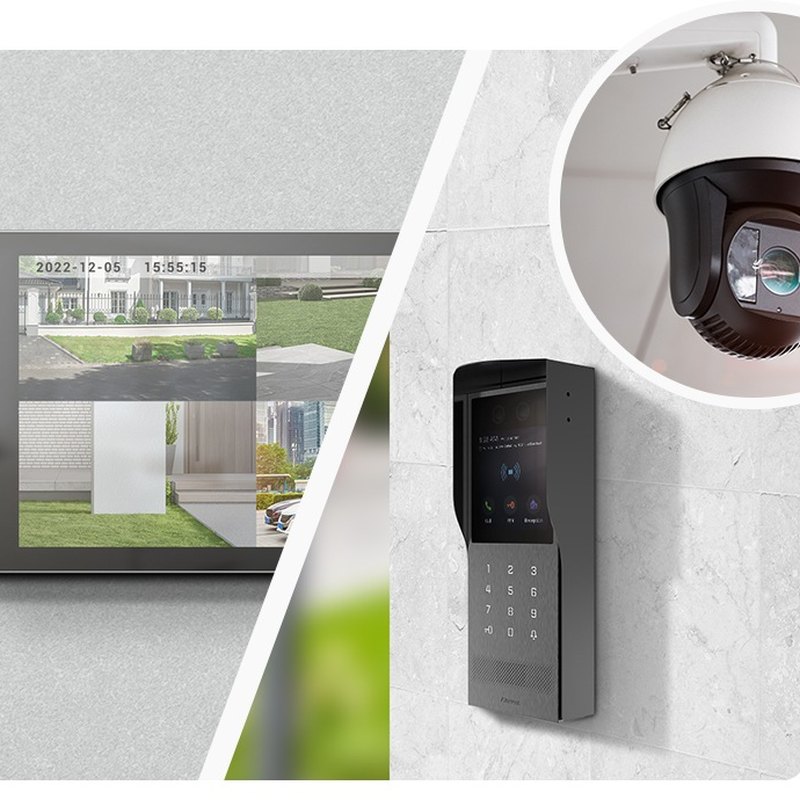
Akuvox built the S562 to stream live video from its door phones and from third-party IP security cameras, so residents can check the driveway or lobby from the same screen.
Standard SIP v1 / v2 with H.264 video and RTSP support means it registers to Akuvox door stations or a SIP PBX. Two 10/100 Mbps RJ45 ports on the back.
How it works
01
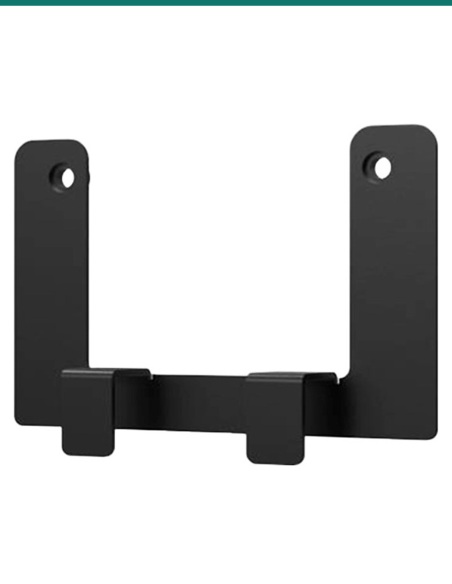
Fix the bracket to a US, European, 118 mm or round wall box, or straight to the wall; or use the S562 desk stand or surface-mount angle box.
02
Run 802.3af PoE to the RJ45, or use 12 V DC.
03
Register the monitor and door station to each other, or to your SIP PBX, in the web portal.
04
Call from the door, check video and audio, and confirm the unlock key releases the right lock.
At a glance
Show all specifications
Pair it with
Door
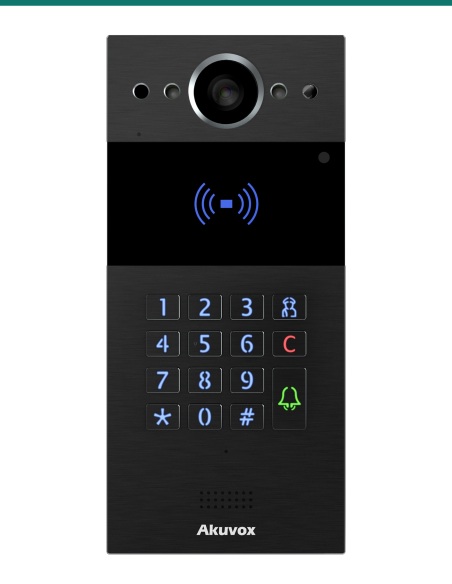
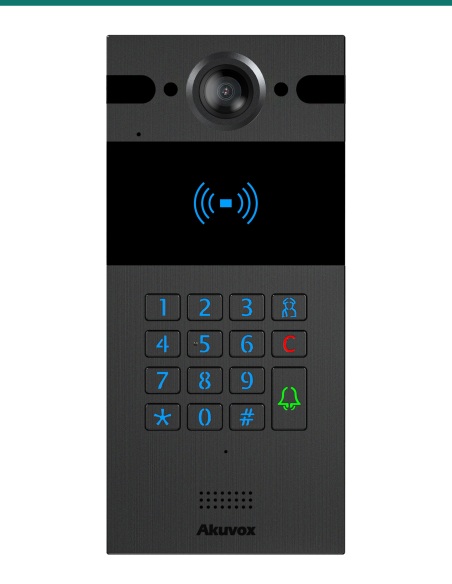
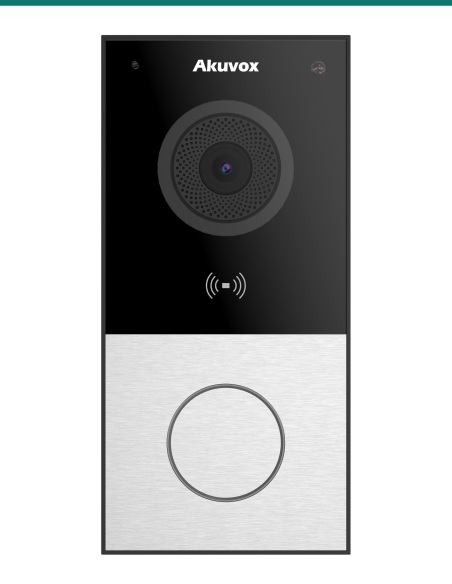
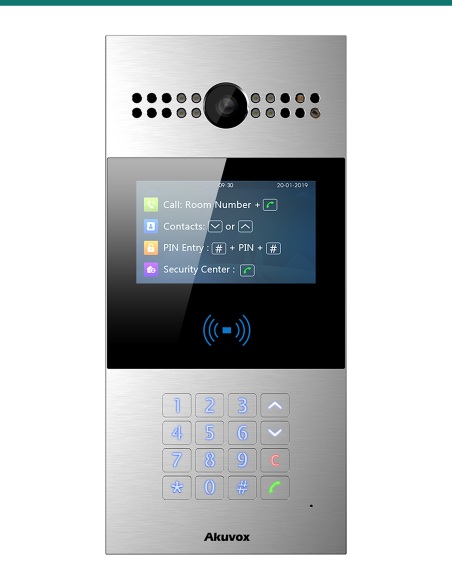
R20K, R25K, E12S or R28A call the monitor with video and let residents release the lock.
Mounting
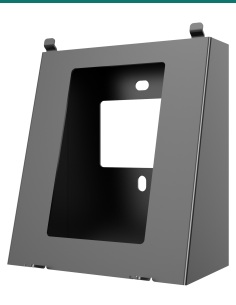
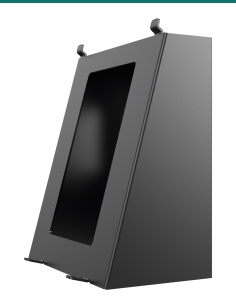
Sit the monitor on a bench, or surface-mount it where there is no wall box.
Network
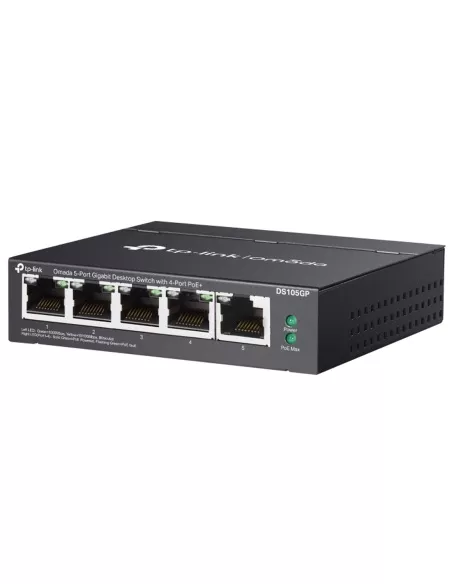
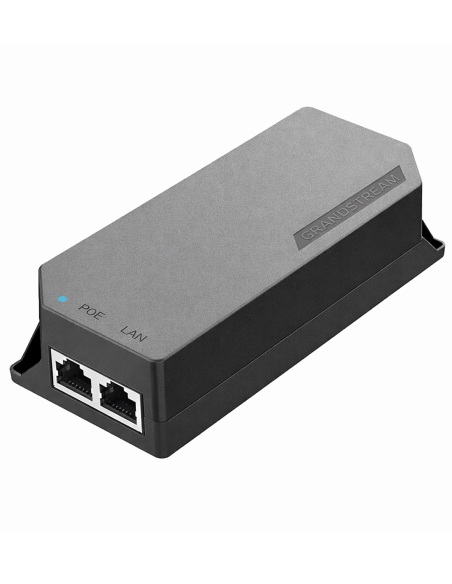
One 802.3af PoE port powers the monitor and carries the SIP call — no local power point needed.
Cameras
Add RTSP cameras so residents can check the driveway or lobby from the same screen.
Works with
Pairs with Akuvox door phones such as R20K, R25K, E12S and R28A for video calls and one-touch door release.
Standard SIP v1 / v2 lets the S562 register to a SIP PBX and call IP phones or other monitors on the network.
RTSP support lets residents view third-party IP cameras and NVR channels on the monitor alongside door calls.
Watch
Downloads
Compliance certificates and technical documents are available on request for tenders and installers — send an enquiry.
Answers
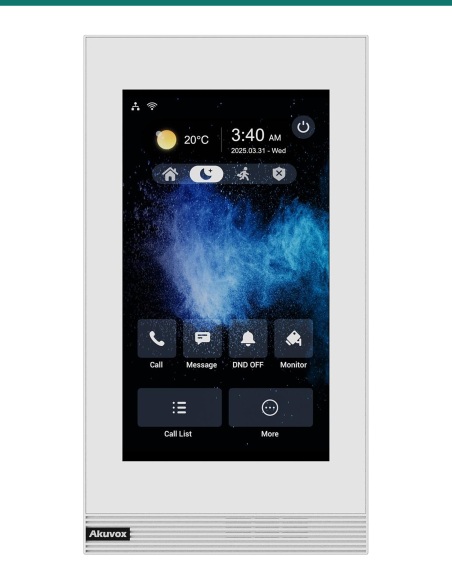
All four are the same 7-inch Linux monitor with the same screen, I/O and 216.4 × 118.8 × 21.7 mm body. The W models add Wi-Fi 6 (2.4 GHz). The -V models are built to hang in portrait and are wall-only; the others are landscape and can also sit on the S562 desk stand. Each comes in white or grey. This one is the S562 in grey.
From an IEEE 802.3af PoE switch or injector, or a 12 V DC supply (Akuvox recommends a 12 V 1 A adapter). It draws up to 5 W in standby and 9 W at full load either way.
The supplied bracket fits US and European wall boxes, including 86 mm, 118 mm and round boxes, or screws straight onto the wall with the supplied anchors. For a desk, add the S562 desk stand; to tilt it on a wall without a box, use the S562 surface-mount angle box.
Akuvox SIP door stations such as the R20K, R25K, E12S and R28A. It also registers to SIP PBXes, so other standard SIP door phones using H.264 video can call it.
Yes. It supports RTSP, so it can show door phone cameras and third-party IP cameras or NVR channels. The embedded Akuvox video shows how to add NVR cameras.
Eight alarm inputs take door contacts, motion sensors and similar dry-contact devices, the bell input takes a wired doorbell button, and the relay output can switch a lock or gate. RS485 is also provided.
The monitor, its wall-mounting bracket, 8-pin and 10-pin wiring cables, a diode for the lock circuit and screws, wall anchors and a crosshead screwdriver. Door station, PoE switch and power supply are separate.
White and grey finishes, Wi-Fi and vertical versions all share the same software, so one building can mix them.
Low-voltage product (SELV). Power from IEEE 802.3af PoE, or a 12 V DC supply (12 V 1 A recommended) where PoE isn’t available. ≤5 W standby, ≤9 W full load.
When a licensed tradesperson is required. Concealed data and intercom cabling is customer cabling under AS/CA S009 and must be installed by an ACMA-registered cabler. Electric locks, maglocks and lock power supplies may require a licensed electrician or security installer.


Need help choosing?
Tell us about your property and we'll recommend the right cameras and recorder.
07 5609 4910Sydney 02 8814 6008
[email protected]
Mon–Fri, 9am–5pm AEST
20 related items