Grandstream WiFi 6 - 802.11ax Wi-Fi AP (2x2 2.4GHz, 4x4 5.0 GHz) - GWN7662

SKU GR-GWN7662 In Stock - Ready to Ship
$227.68 inc GST

Grandstream GWN7662: an indoor Wi-Fi 6 ceiling or wall access point with 4x4:4 MU-MIMO on 5 GHz, a 2.5G network port and room for 256 clients.
  • ✓802.11ax Wi-Fi 6, up to 5.38 Gbps wireless
  • ✓4×4:4 on 5 GHz, 2×2:2 on 2.4 GHz
  • ✓256 concurrent clients, coverage up to 175 m
  • ✓1 × 2.5G and 1 × 1G network ports
  • ✓PoE or PoE+ powered, max 16 W
  • ✓Embedded controller, GWN.Cloud and GWN Manager

 
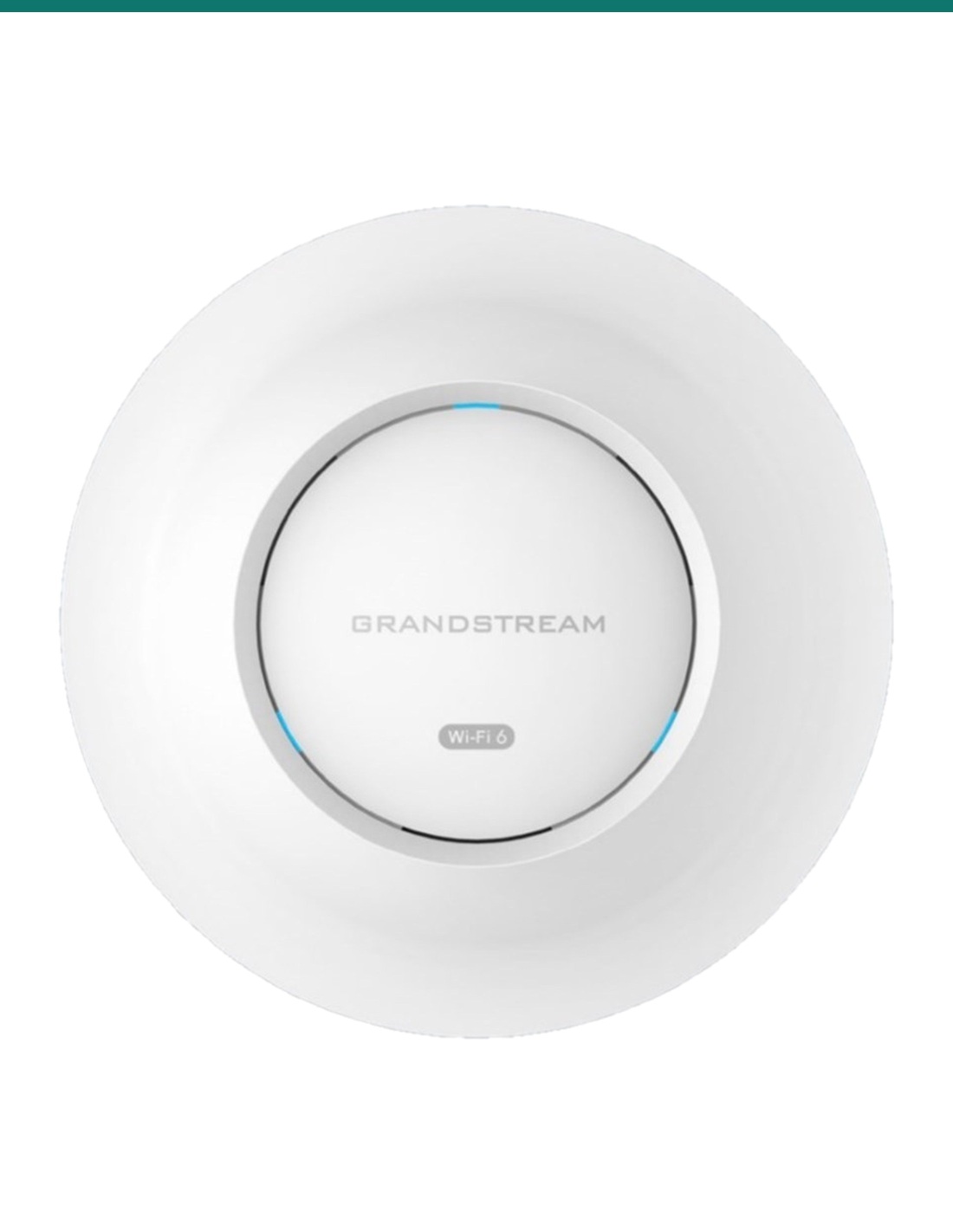
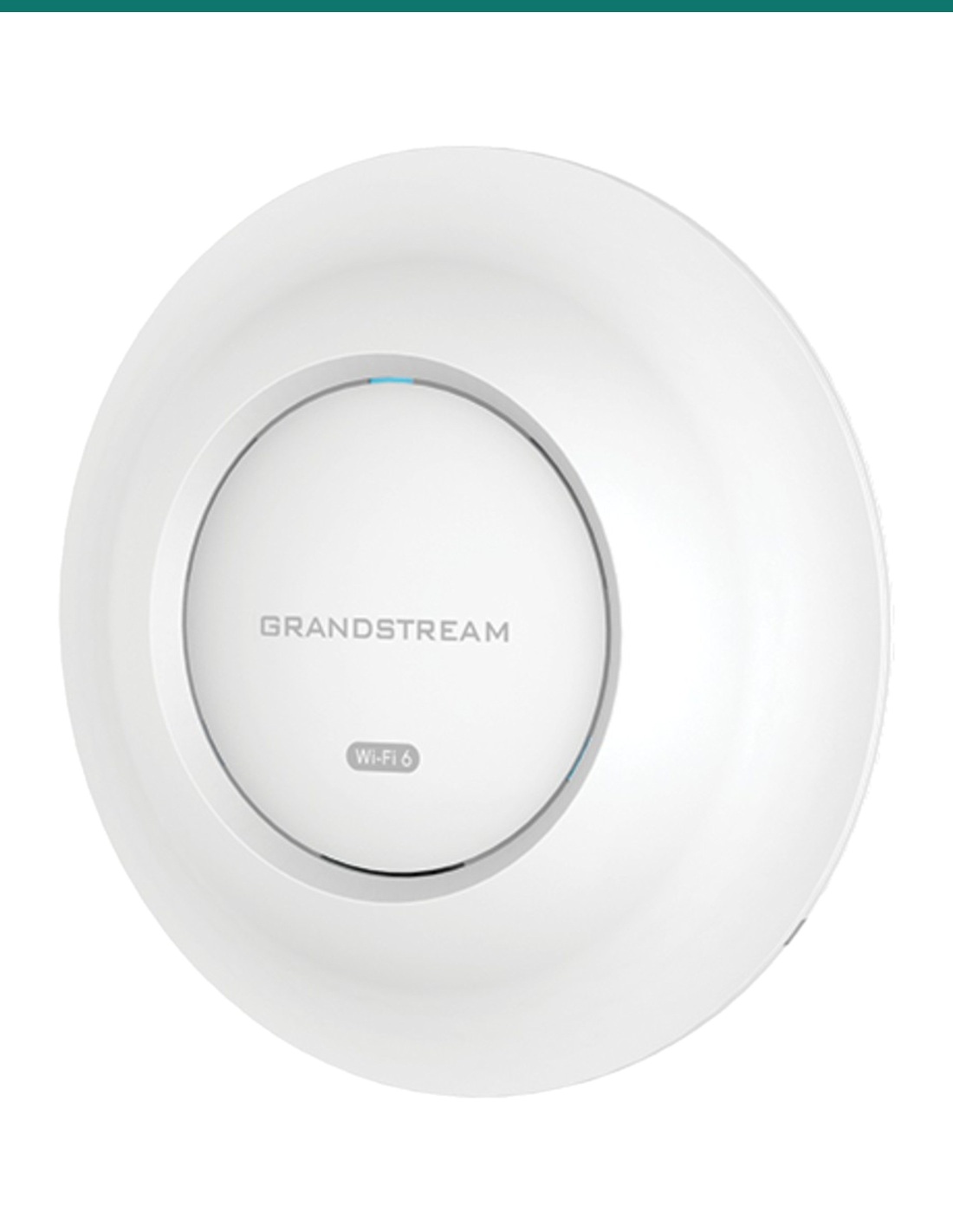
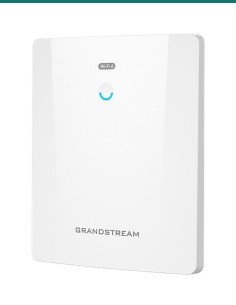
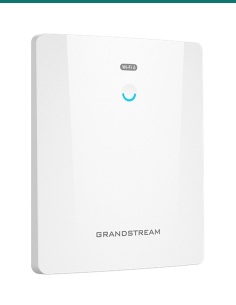
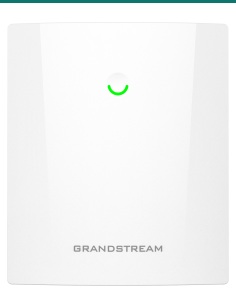
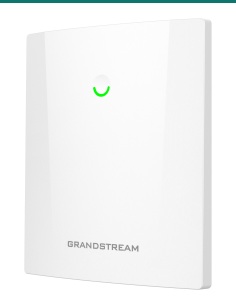
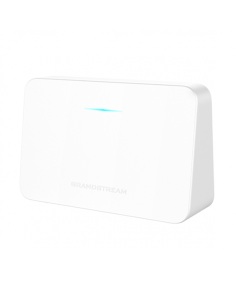
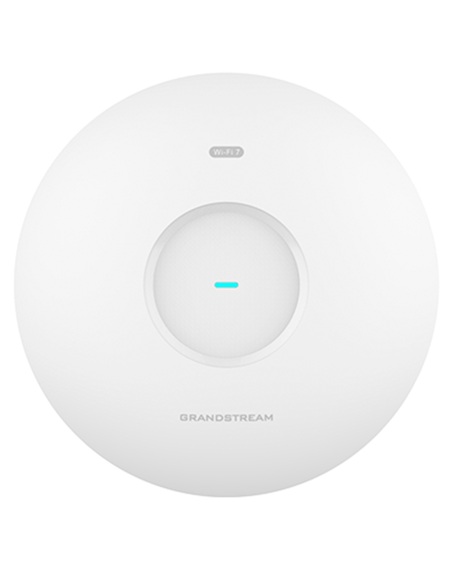
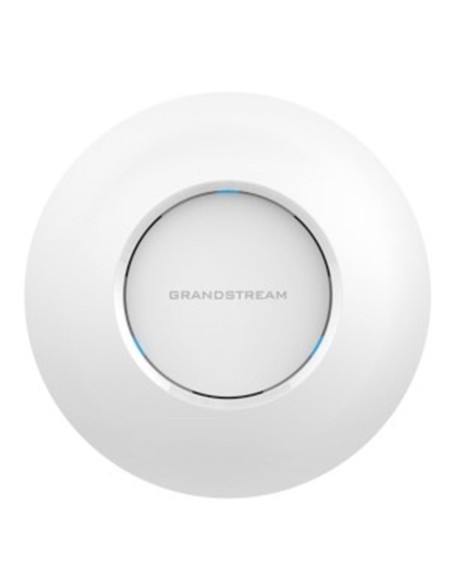
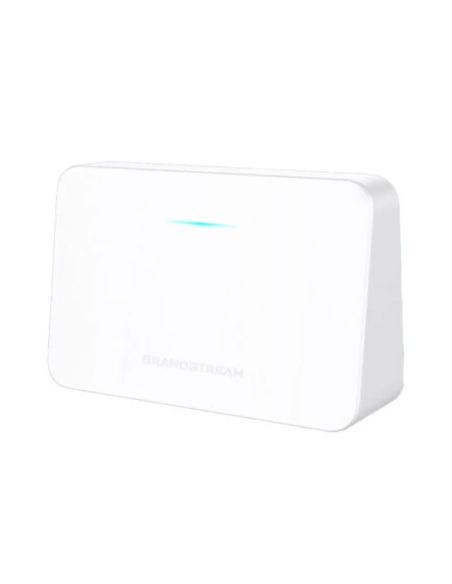
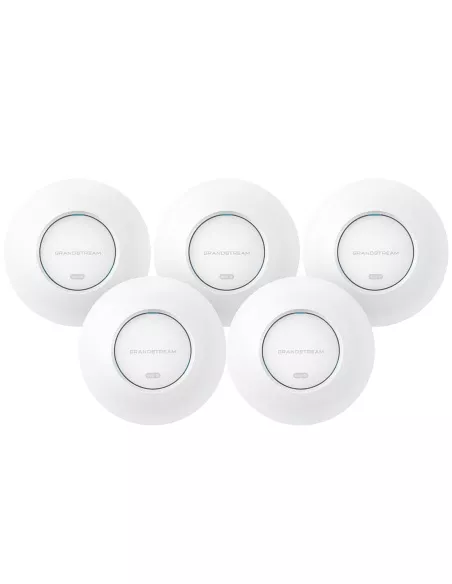
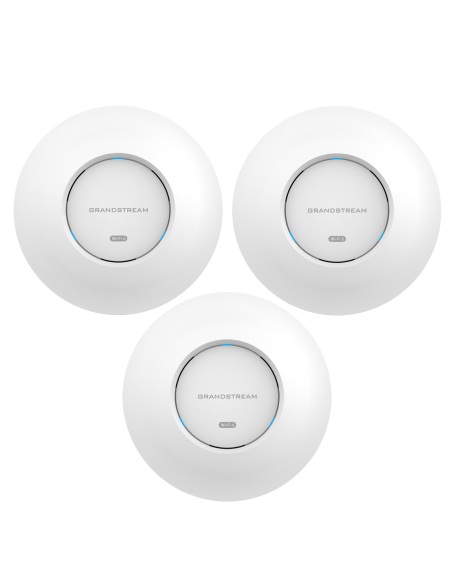
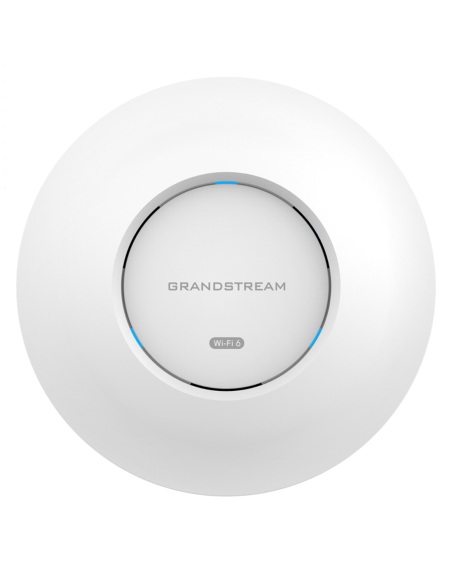
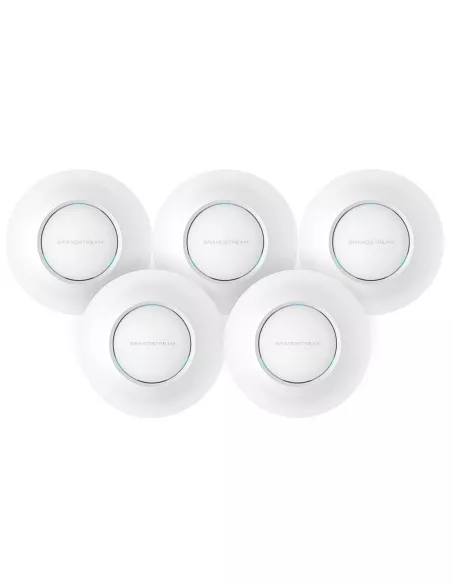
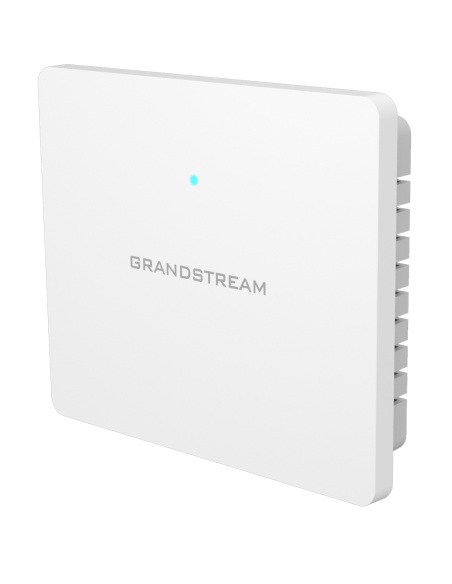
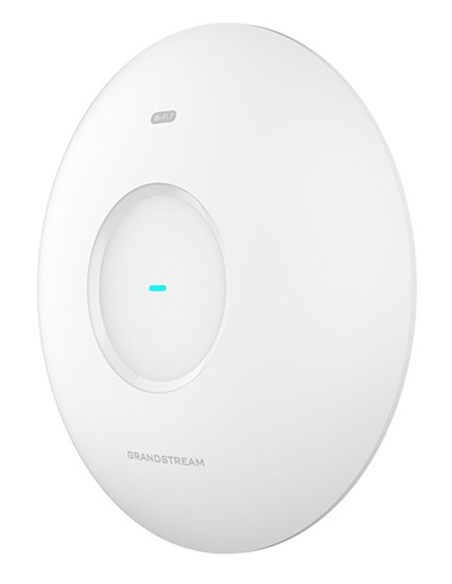
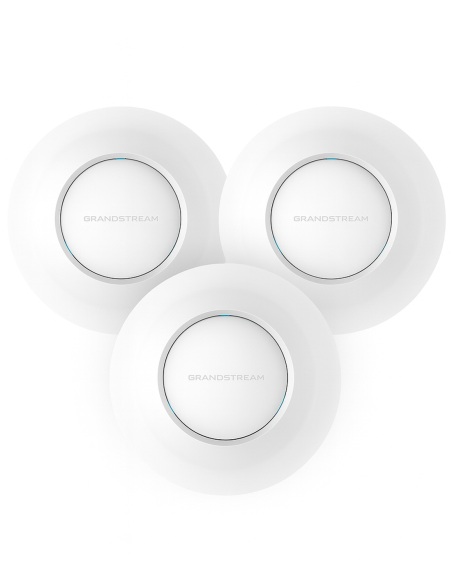
Grandstream GWN7662 white ceiling Wi-Fi 6 access point, angled view of the round housing
Grandstream · GWN Series · Indoor Wi-Fi 6

Wi-Fi 6 for busy offices.
4x4 on 5 GHz and a 2.5G uplink.

The GWN7662 is an indoor ceiling or wall access point for small and medium businesses: 4x4:4 MU-MIMO on 5 GHz, 2x2:2 on 2.4 GHz, up to 256 clients and a 2.5 Gigabit network port.

In one sentence: the Grandstream GWN7662 is an indoor 802.11ax Wi-Fi 6 access point with 4x4:4 MU-MIMO on 5 GHz and 2x2:2 on 2.4 GHz, up to 5.38 Gbps wireless, 256 clients, a 2.5G and a 1G port, powered by PoE.

Access point only. PoE power and cabling are separate.

This listing is one GWN7662. It runs from a PoE or PoE+ network port, so it needs a PoE switch or injector and a cable run.

In the box
  • GWN7662 indoor Wi-Fi 6 access point
  • Mounting kits for wall or ceiling
  • Quick installation guide
You also need
  • A PoE (802.3af) or PoE+ (802.3at) switch port or injector
  • Cat5e or Cat6 cable to the access point
  • A router or firewall for the internet connection

Built for rooms full of devices.

Wi-Fi 6 with DL/UL OFDMA and MU-MIMO serves many phones and laptops at once instead of one after another. Up to 4804 Mbps on 5 GHz and 573.5 Mbps on 2.4 GHz, 256 concurrent clients and up to 175 m of coverage, depending on walls and interference.

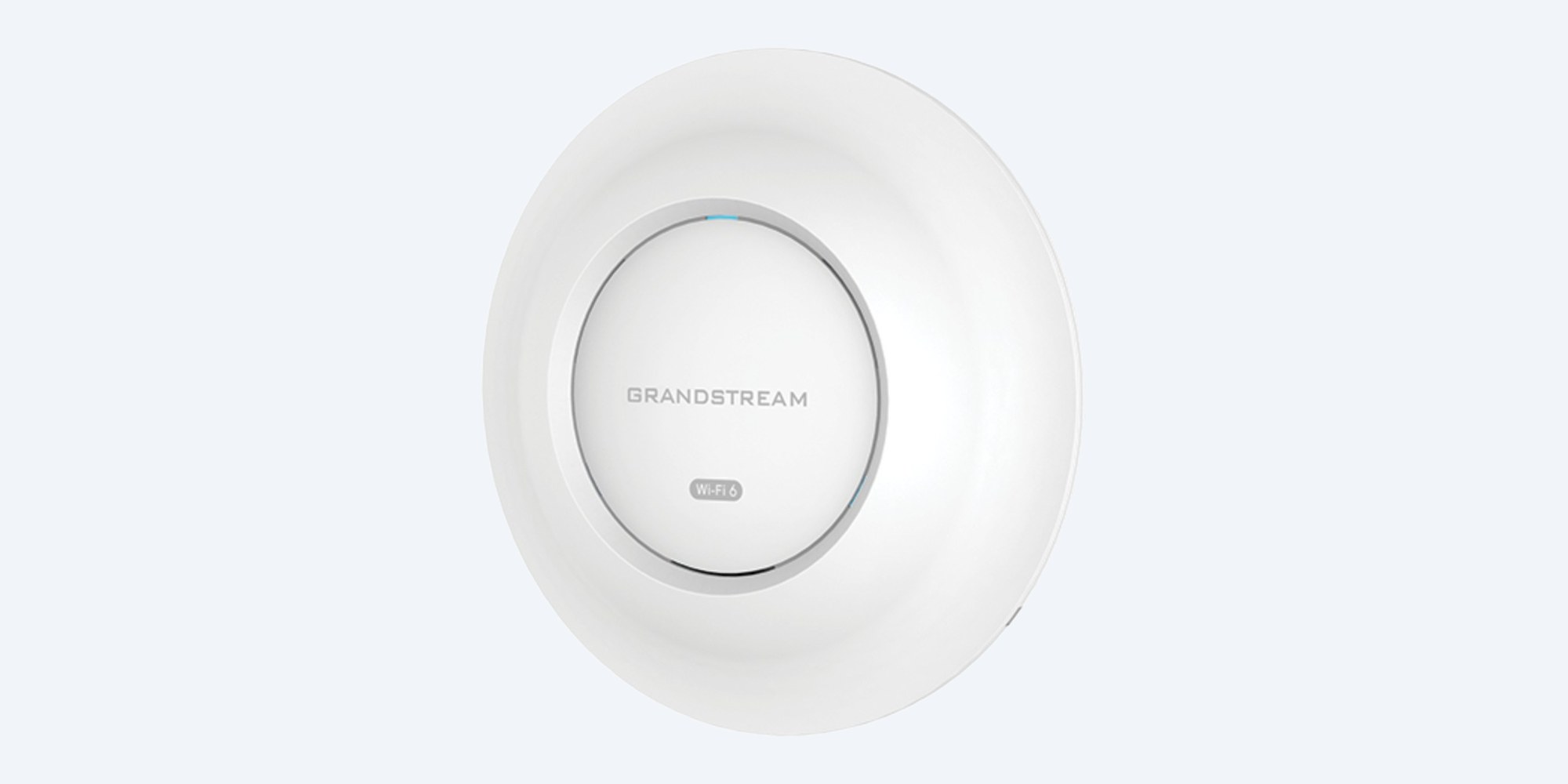
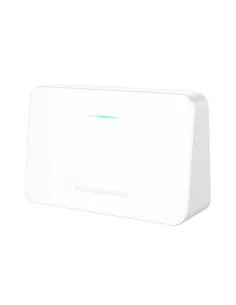
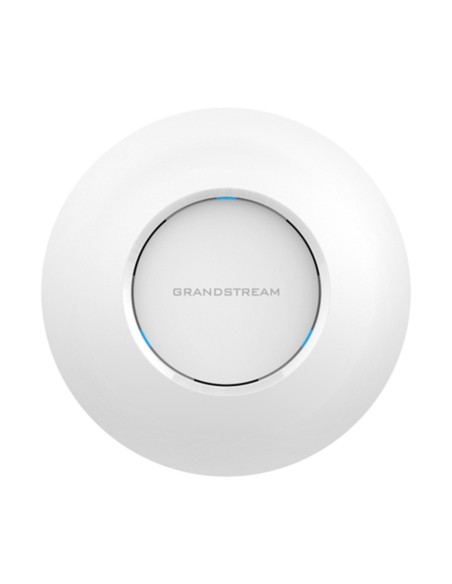
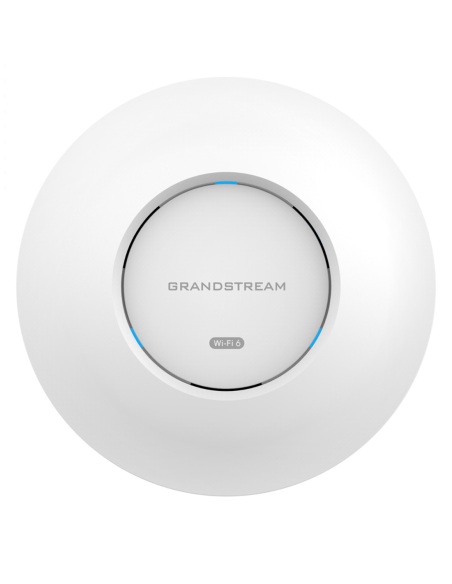
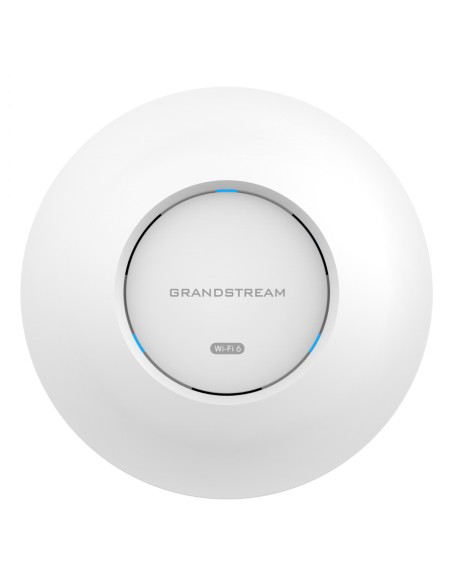
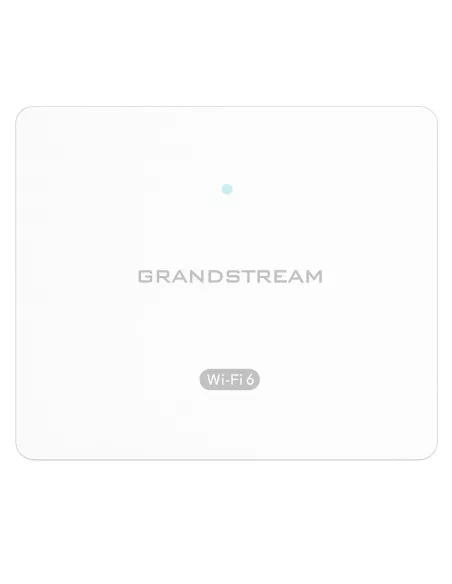
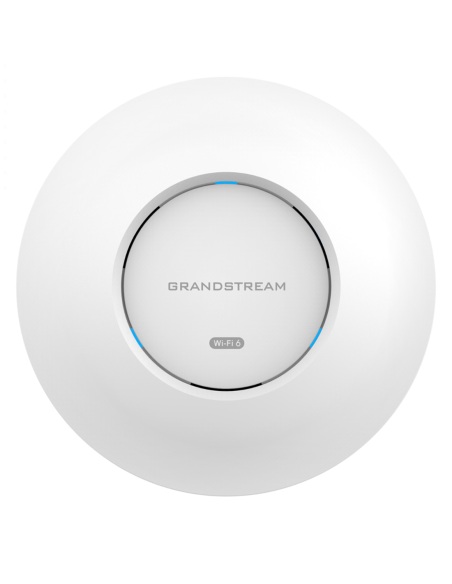
Grandstream GWN7662 front view, white round housing with the status light

Front

Six internal antennas, no aerials to adjust.

The antennas sit inside the 205.3 mm housing: 3.65 dBi on 2.4 GHz and 5.26 dBi on 5 GHz. Three tri-colour LEDs show status and help you find the unit on site.

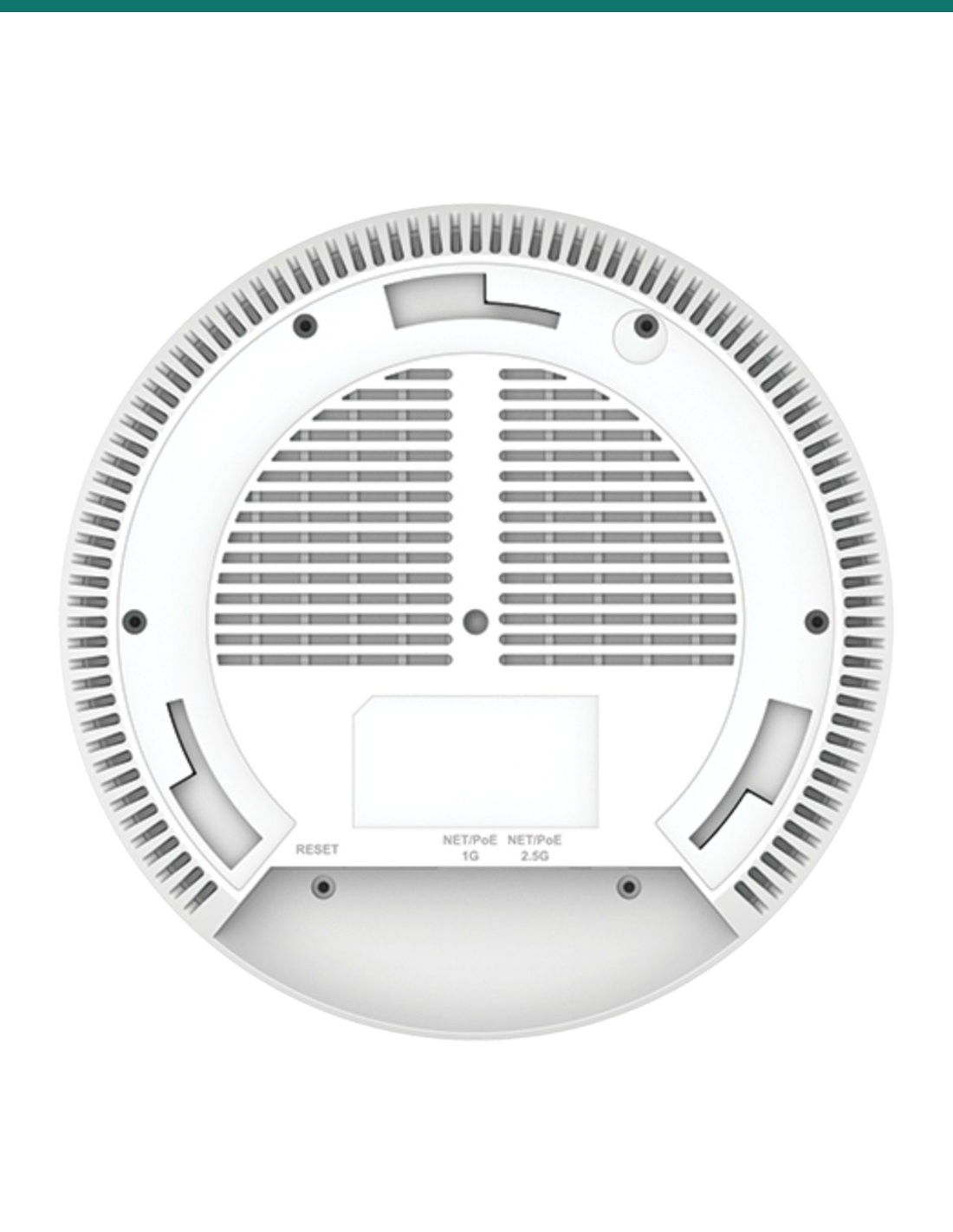
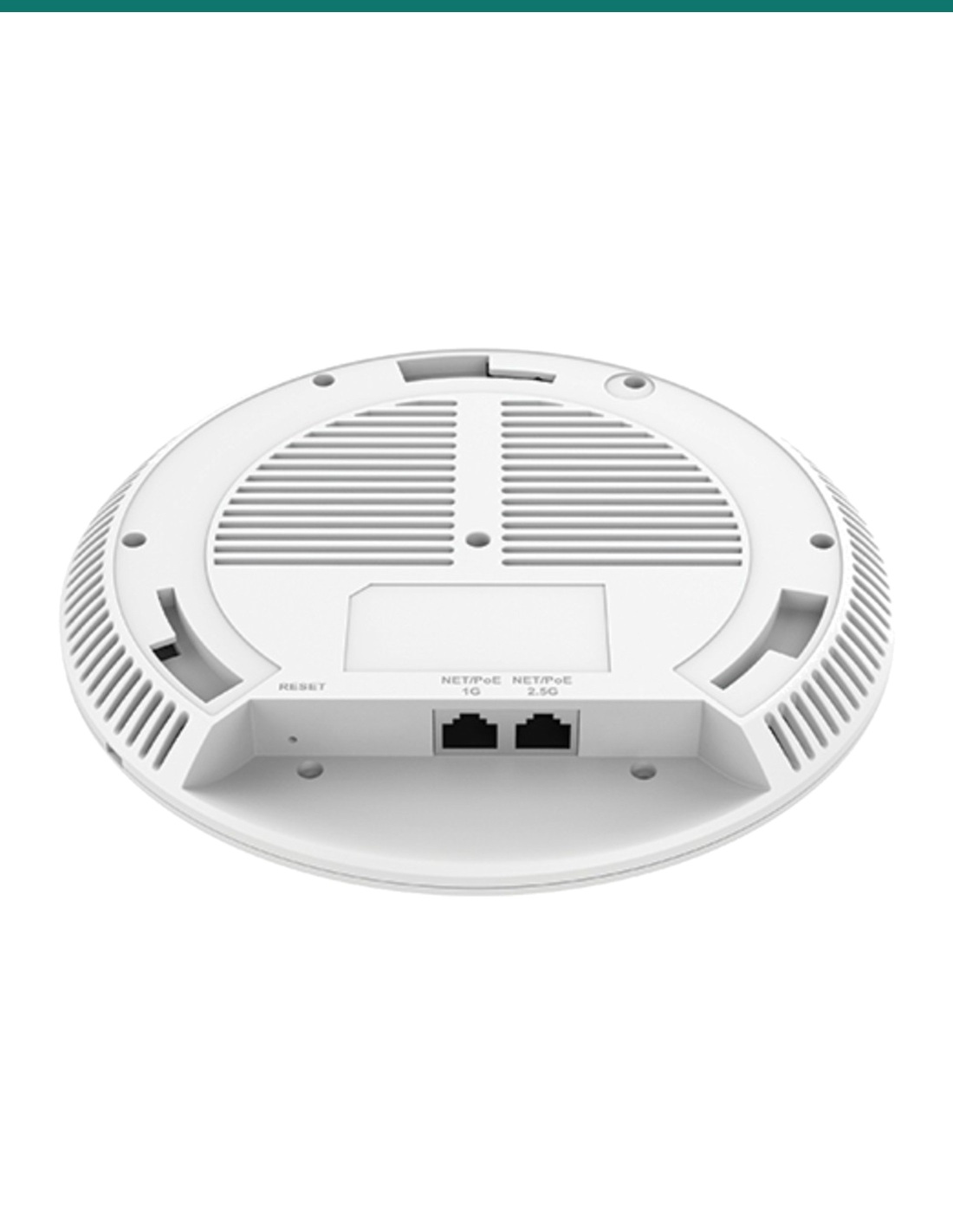
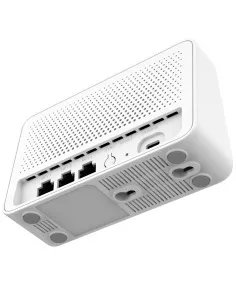
Grandstream GWN7662 rear view with the mounting points and vents

Back

Ceiling or wall, kits included.

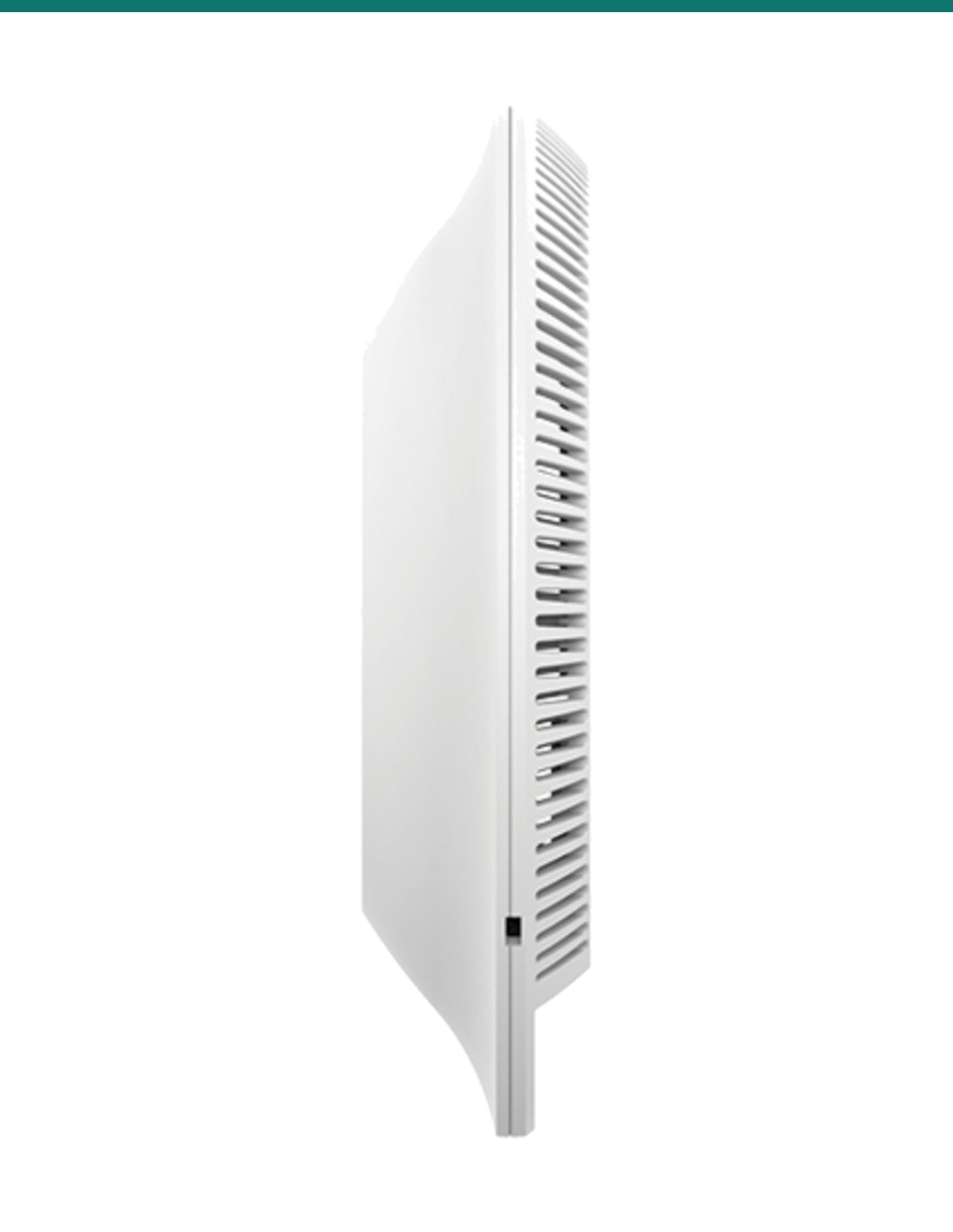
The mounting kits for a ceiling or wall come in the box. The unit is 205.3 × 205.3 × 45.9 mm and weighs 540 g, with a Kensington lock point for security.

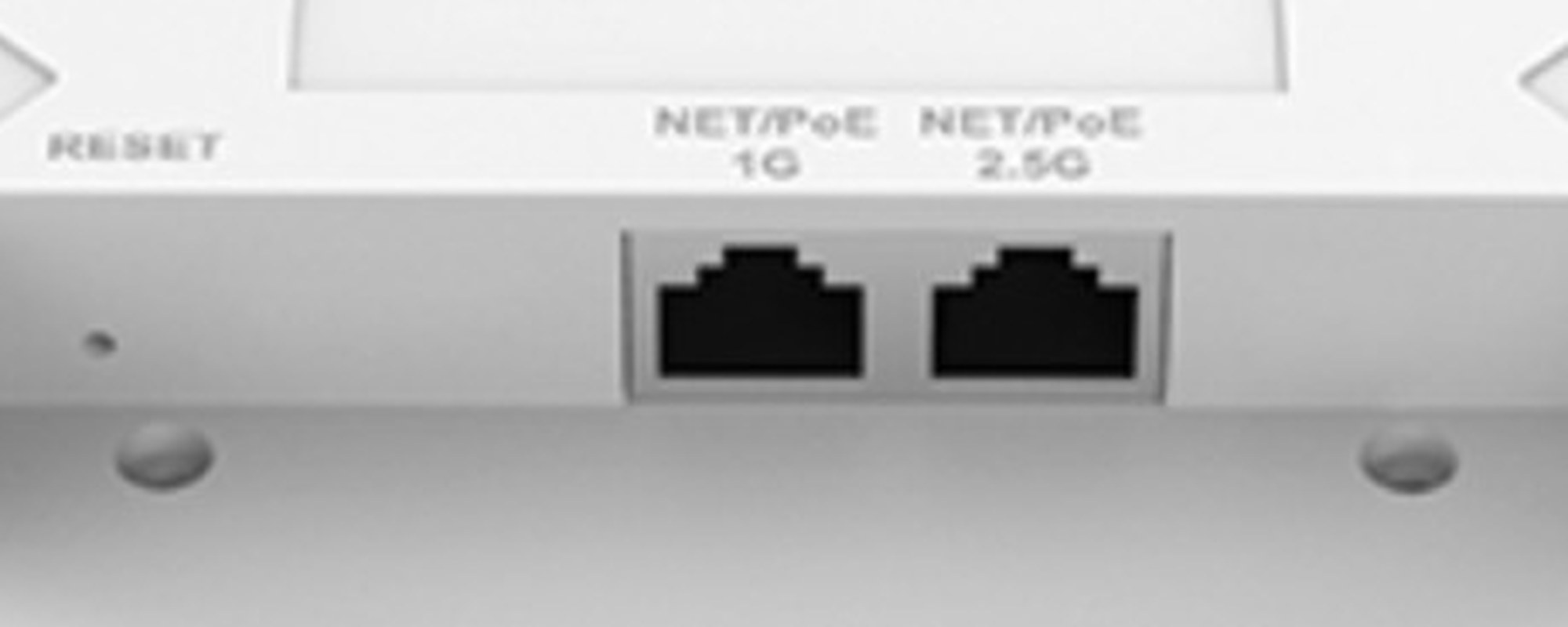
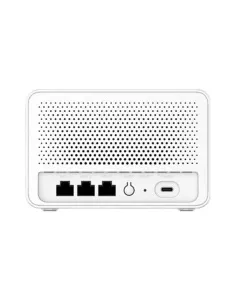
Grandstream GWN7662 close-up of the 1G and 2.5G network ports and the reset pinhole

Ports

2.5G and 1G network ports.

One 10/100/1000/2500 port and one 10/100/1000 port, both marked NET/PoE, plus a reset pinhole. The unit detects PoE or PoE+ and sets its own power use, up to 16 W.

How it goes in

From cable to Wi-Fi.

01

Plan the spot

Pick a central ceiling or high wall point, away from metal and thick walls. Coverage is up to 175 m in open space.

02

Run one cable

Cat5e or Cat6 from a PoE or PoE+ switch port. Use a 2.5 Gbps switch port to get the 2.5G uplink speed.

03

Mount it

Fix the included mounting kit to the ceiling or wall, plug in the cable and lock the access point on.

04

Set up the network

Adopt it in GWN.Cloud, GWN Manager or the embedded controller of another GWN access point, then create your SSIDs.

Pair it with

What this access point does not include

Power

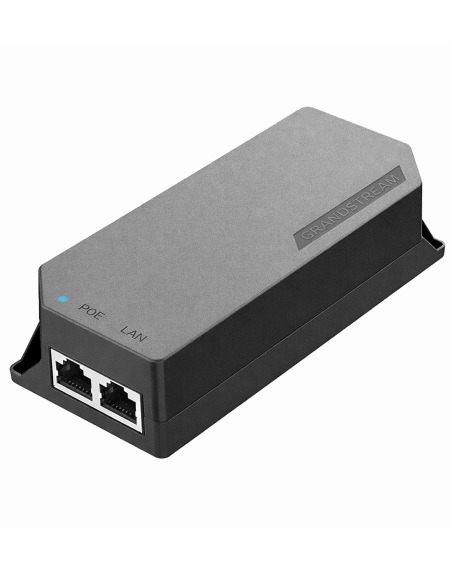
A PoE or PoE+ switch

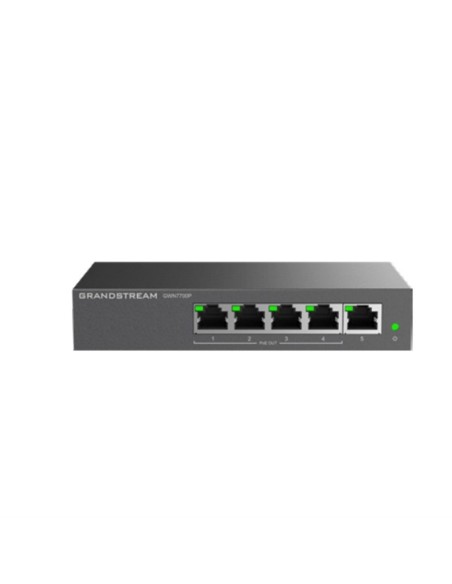
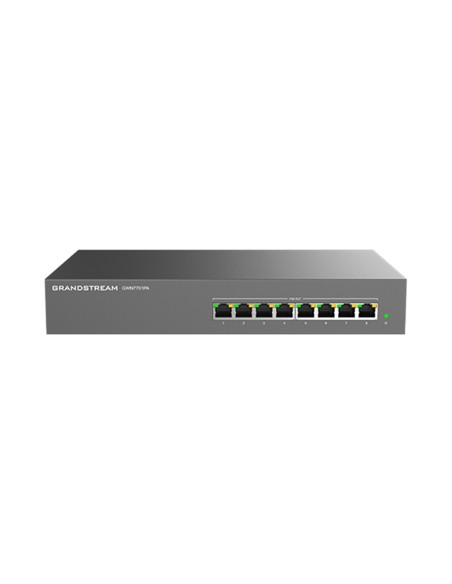
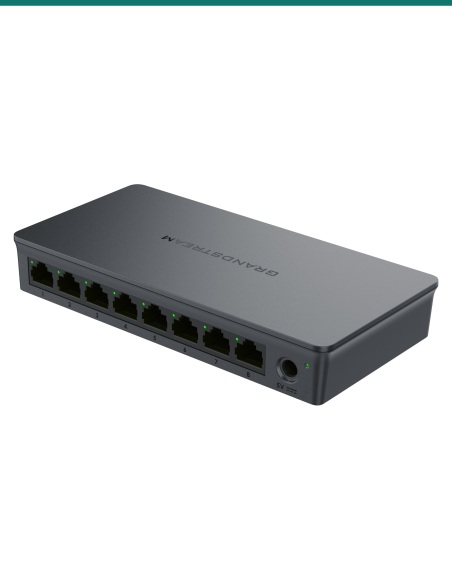
The GWN7662 has no power pack. It draws up to 16 W from an 802.3af or 802.3at port. The Grandstream GWN7801P Pro gives eight PoE+ ports.

Cabling

Cat5e or Cat6 cable

One run per access point from the switch, within the usual 100 m Ethernet limit.

Management

GWN.Cloud or GWN Manager

Free from Grandstream. Or let one GWN access point's embedded controller run up to 50 others on site.

Uplink

A 2.5 Gbps switch port

Optional. The 2.5G port only runs above 1 Gbps when the switch port it plugs into does too.

Where it is used

Where a 4x4 Wi-Fi 6 ceiling AP fits.

Offices

Open-plan floors and meeting rooms where every desk has a laptop and a phone.

Retail shops

Payment terminals, tablets and guest Wi-Fi with a captive portal.

Restaurants and cafes

Order tablets for staff and a separate guest network for diners.

Hotels and hospitality

Rooms and common areas, managed together from GWN.Cloud.

Schools and training rooms

Classes of laptops joining at once, up to 256 clients per access point.

Wi-Fi calling

QoS for voice over Wi-Fi, including Grandstream's Wi-Fi IP phones.

GWN7662 or GWN7664E

GWN7662 (this access point)GWN7664E
MIMO2×2:2 on 2.4 GHz, 4×4:4 on 5 GHz4×4:4 on both bands
Max wireless speed4804 + 573.5 Mbps4804 + 1147 Mbps
Concurrent clients256512
Network ports1 × 2.5G, 1 × 1G2 × 2.5G
PowerPoE 802.3af or 802.3at, max 16 WPoE+ 802.3at, max 21 W
CoverageUp to 175 mUp to 175 m
Size and weight205.3 × 205.3 × 45.9 mm, 540 g205.3 × 205.3 × 45.9 mm, 714 g
Operating range−10 °C to 45 °C0 °C to 50 °C

Figures from Grandstream's GWN7662 and GWN7664E datasheets. The GWN7664E suits denser rooms; the GWN7662 also runs from a plain 802.3af PoE port.

Common questions

Is the GWN7662 Wi-Fi 6?

Yes. It is an 802.11ax Wi-Fi 6 access point and also serves older 802.11a/b/g/n/ac devices.

Is a power supply included?

No. It is powered over the network cable from a PoE (802.3af) or PoE+ (802.3at) switch port or injector, drawing up to 16 W.

How fast is it?

Up to 4804 Mbps on 5 GHz and 573.5 Mbps on 2.4 GHz, 5.38 Gbps in total. Real speeds depend on the devices, distance and interference.

How many devices can connect?

Up to 256 concurrent clients, across up to 32 SSIDs (16 per radio).

How much area does it cover?

Grandstream quotes up to 175 m. Walls, floors and other Wi-Fi nearby shorten that, so larger sites usually need several access points.

What network ports does it have?

One 2.5 Gigabit port and one Gigabit port. The 2.5G speed needs a 2.5 Gbps switch port at the other end.

Do I need a controller?

No. The controller is built into the web interface and can manage up to 50 GWN access points. GWN.Cloud is free, and GWN Manager runs on your own server for up to 3,000.

Can it be mounted on a wall?

Yes. It mounts on a ceiling or a wall indoors, and the mounting kits are in the box.

Can it go outside?

No. It is an indoor access point rated for −10 °C to 45 °C. For outdoor areas, look at the GWN7664ELR or GWN7660ELR.

Does it support mesh and guest Wi-Fi?

Yes. Grandstream lists mesh networking and captive portals for guest access, plus VLANs and QoS.

What is the difference from the GWN7664E?

The GWN7664E is 4x4 on both bands, supports 512 clients and has two 2.5G ports, but needs PoE+. The GWN7662 is 2x2 on 2.4 GHz and 4x4 on 5 GHz, with 256 clients.

Who can install the cable?

Concealed data cabling to the access point is customer cabling under AS/CA S009 and needs an ACMA-registered cabler. Plugging into an existing outlet does not.

Supported by InFront Technologies.

Help planning how many access points you need, or choosing the PoE switch: call 1300 736 970 or email [email protected]. The datasheet is on the Attachments tab.

Installation and safety

Low-voltage device. Powered by PoE or PoE+ over the data cable, up to 16 W. There is no mains connection on the access point.

Cabling. Concealed data cabling is customer cabling under AS/CA S009 and needs an ACMA-registered cabler.

Working at height. Ceiling mounting usually needs a ladder or platform. Use safe access equipment.

What it does not do. No DC power input and no power pack, no outdoor rating, and no 6 GHz (Wi-Fi 6E) radio.

Figures. From Grandstream's GWN7662 datasheet (version 5.2023.01). Coverage and speed depend on the site.

INFRONTTECH Promotional Banner INFRONTTECH Promotional Banner INFRONTTECH Promotional Banner

Need help choosing?

Tell us about your property and we'll recommend the right cameras and recorder.

07 5609 4910

Sydney 02 8814 6008
[email protected]

Mon–Fri, 9am–5pm AEST

Saved to your wishlist Find it any time in your account. View list