There are no more items in your cart
In Stock - Ready to Ship


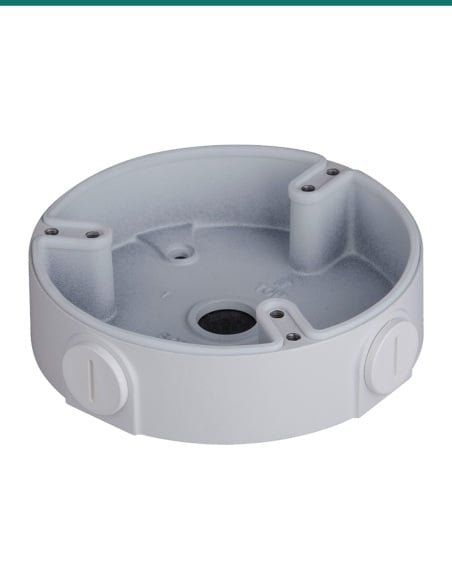
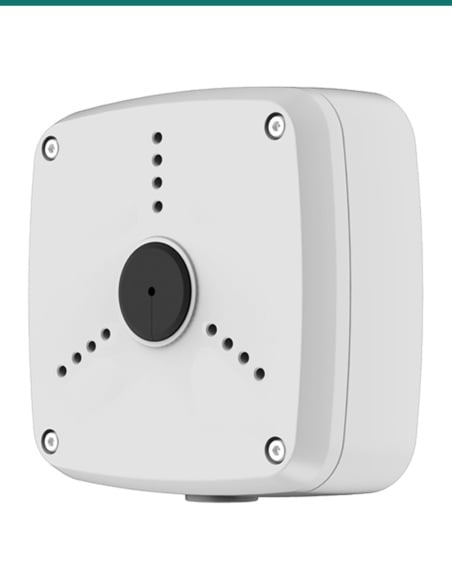
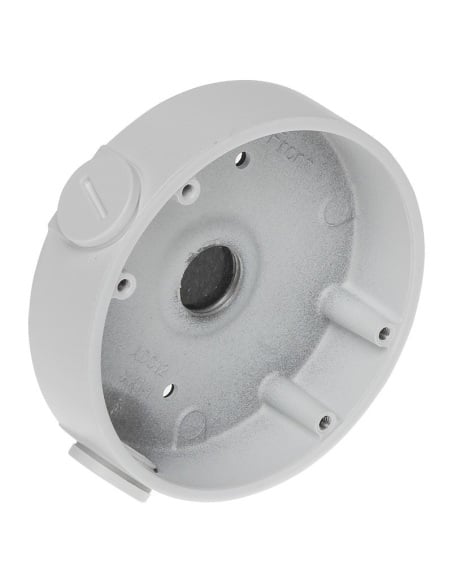
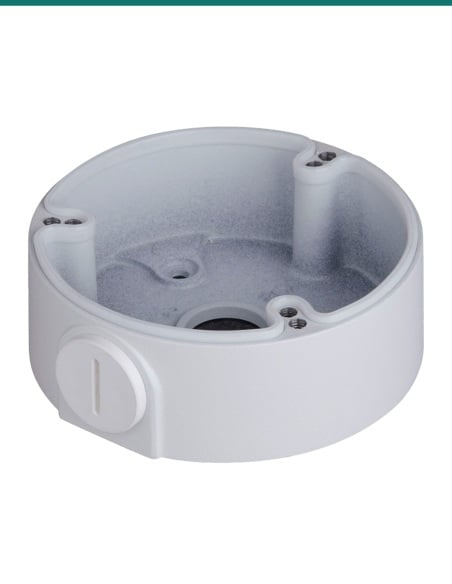
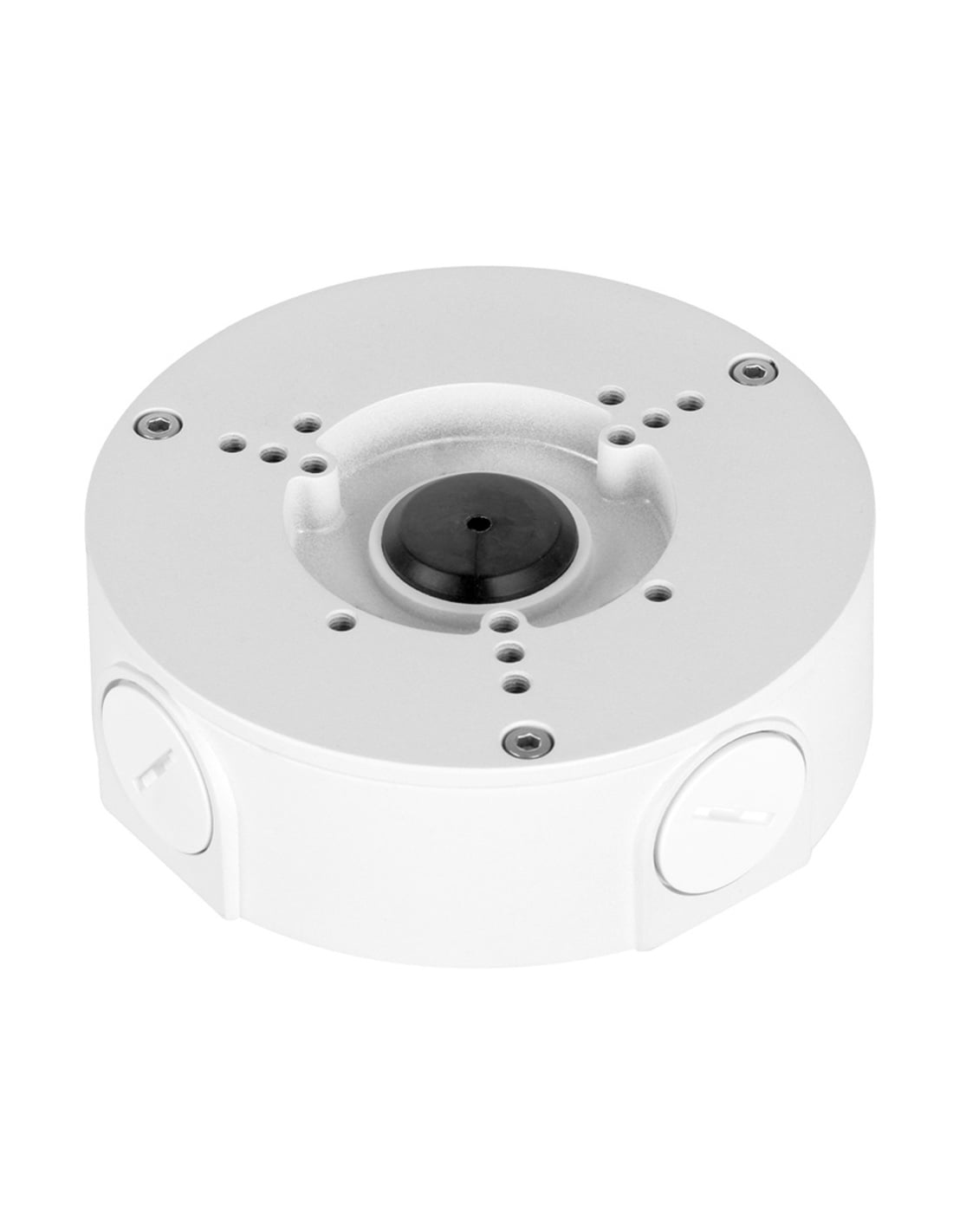
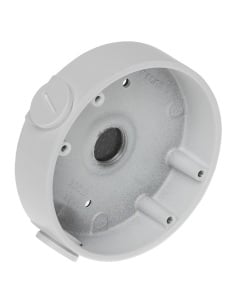
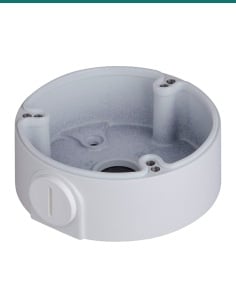
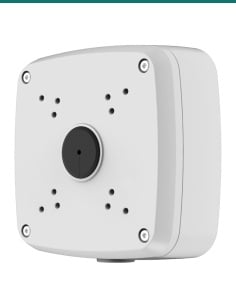
VIP Vision VSBKTA130E: a round aluminium junction box that mounts listed VIP Vision turrets and bullets and keeps the cable joins inside, out of the weather.
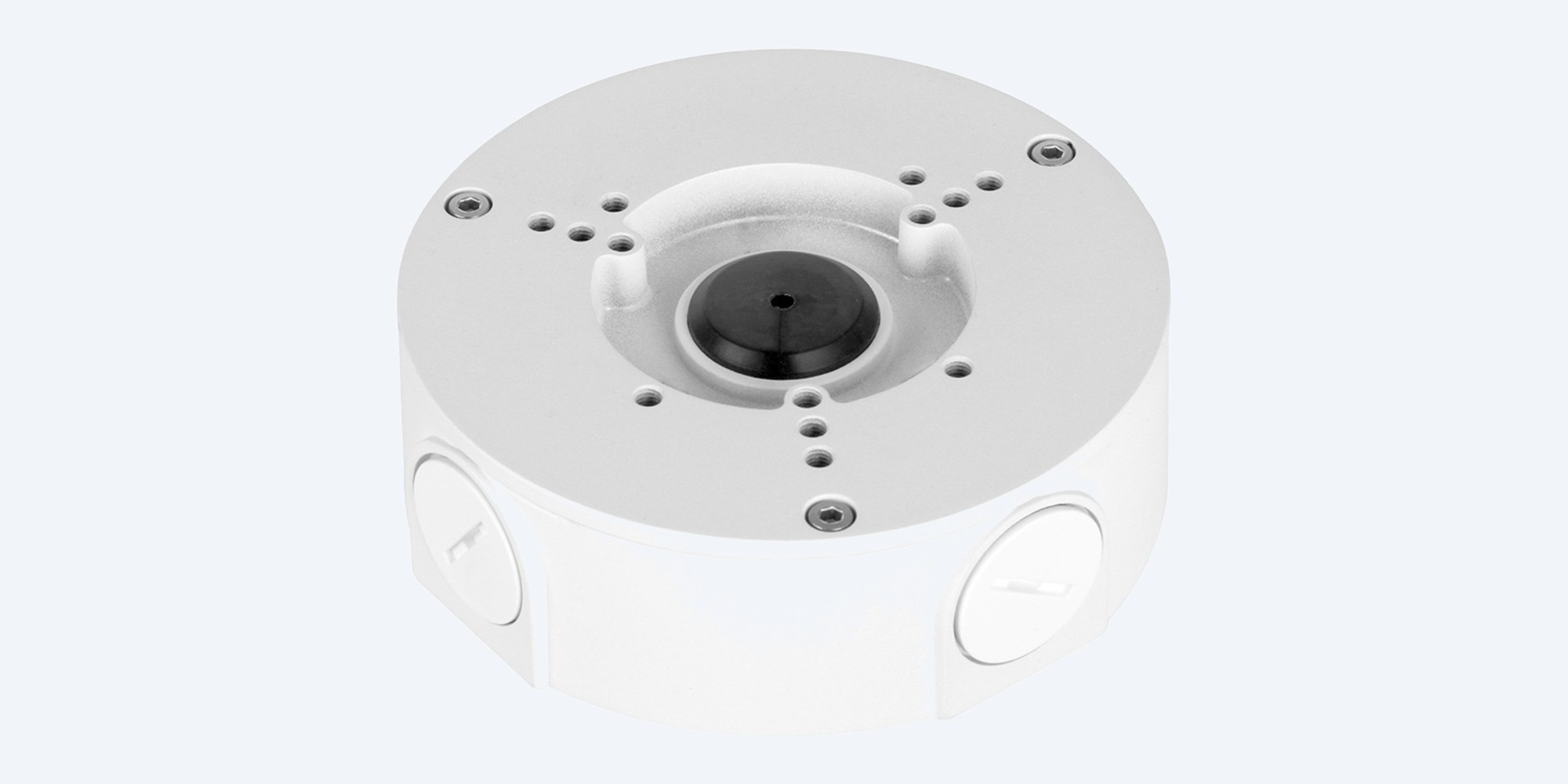
The VIP Vision VSBKTA130E is a 124 mm round aluminium junction box. It sits between the wall and the camera, hides the cable tail and connectors, and joins listed VIP Vision turrets and bullets to a pole or corner mount.
In one sentence: the VIP Vision VSBKTA130E is a white Ø124.1 × 41 mm aluminium junction box, IP66 rated with a 3 kg load rating and G3/4 cable entries, that mounts listed VIP Vision Professional AI turrets and bullets on walls, poles and corners.
Junction box only. The camera and any pole or corner mount are separate.
This listing is one VSBKTA130E junction box with its fixing kit. The camera, network cable and any VSBKTA152E pole mount or VSBKTA151 corner mount are sold separately.
A camera's RJ45 tail and power lead need somewhere to live. Screw the box to the wall, coil the tail inside, then fix the camera to its face. The joins sit inside an IP66 aluminium housing instead of hanging behind the camera, and conduit can run into the G3/4 side entry.
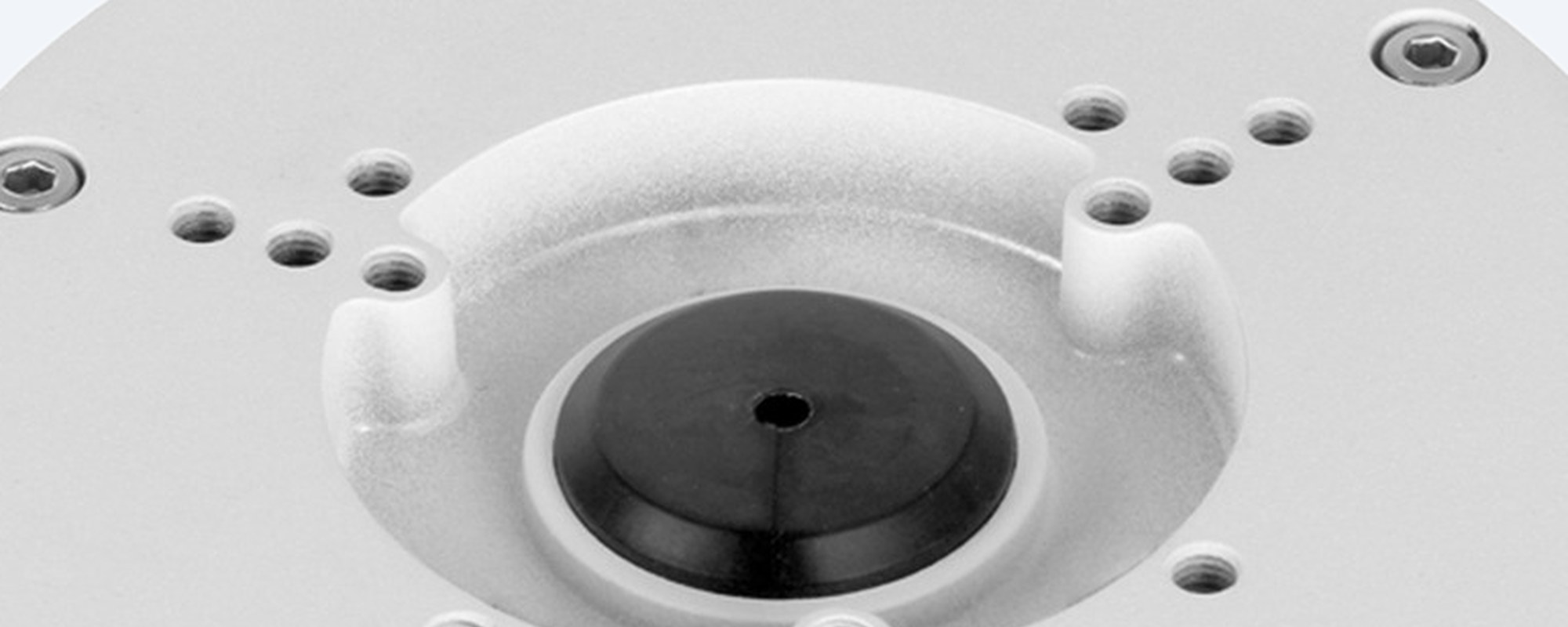
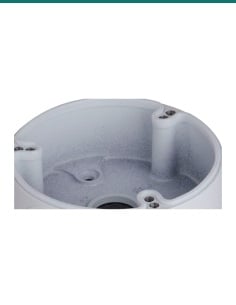
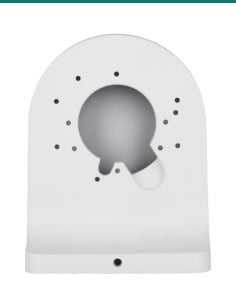
Camera face
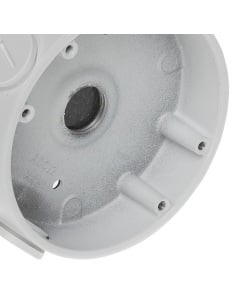
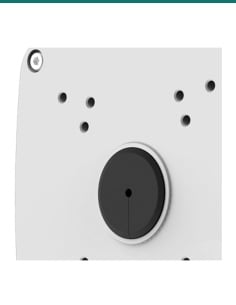
VIP Vision's drawing shows M4 fixing holes on 56, 68.5, 70 and 84 mm circles, so one box suits the turrets and bullets in VIP Vision's list. The centre hole takes the camera cable down into the box. Close-up from VIP Vision's product photo.
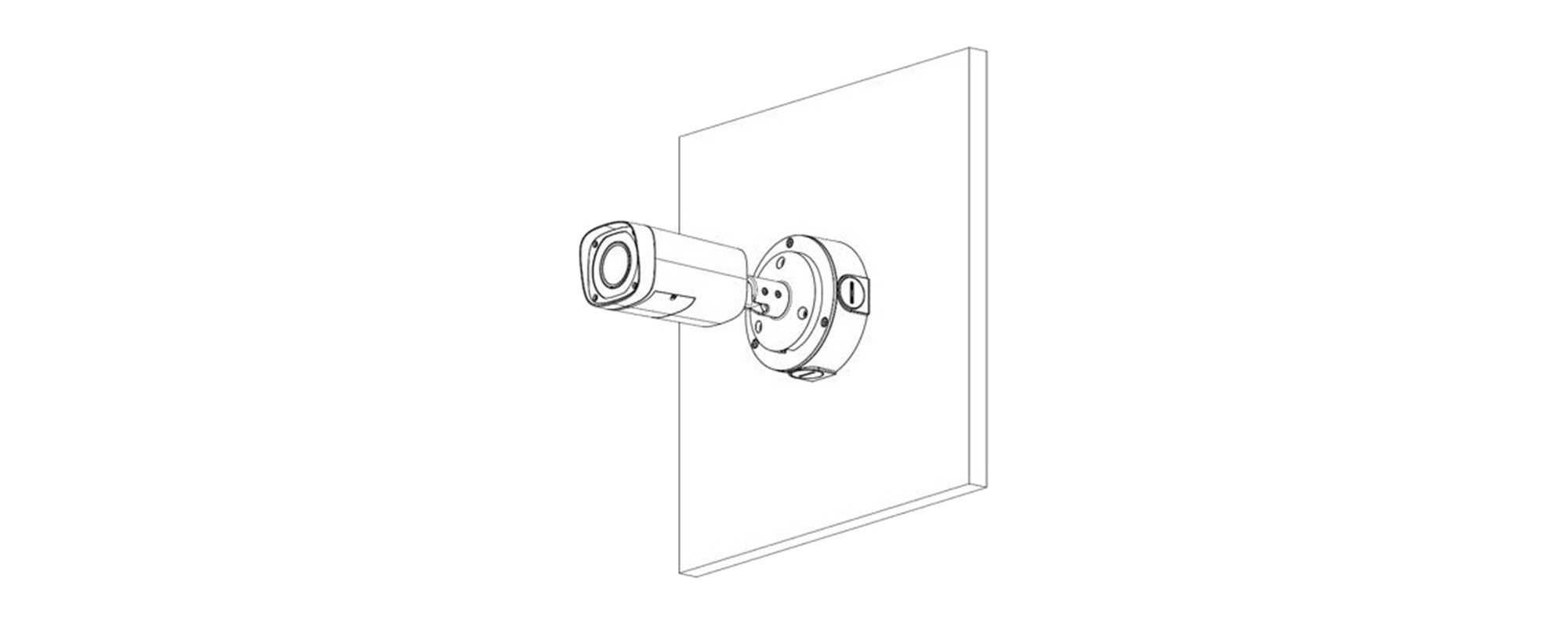
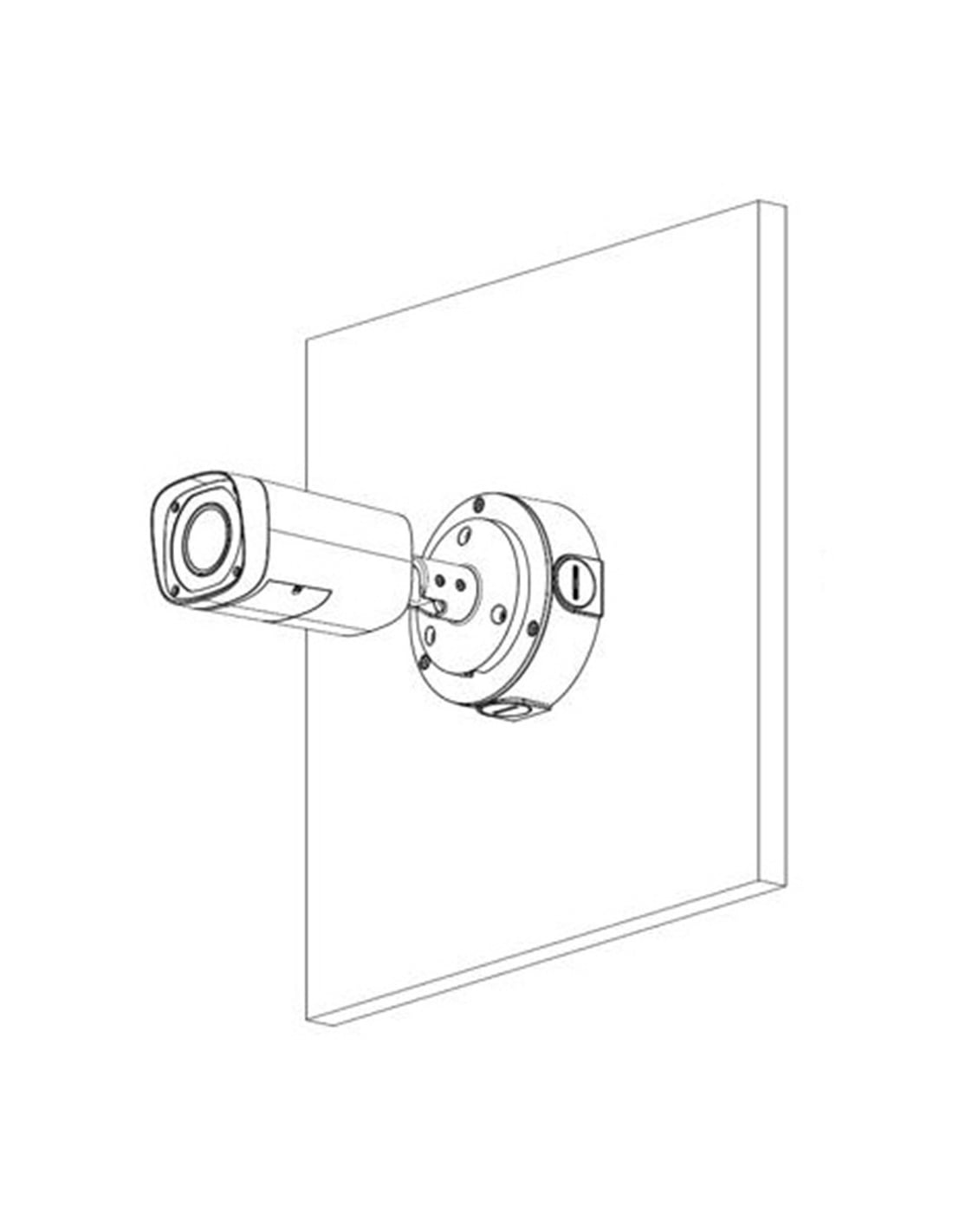
On a wall
The box goes on the wall and the bullet's base screws onto its face. The cable tail drops into the box rather than through a hole behind the camera. Installation drawing from VIP Vision.
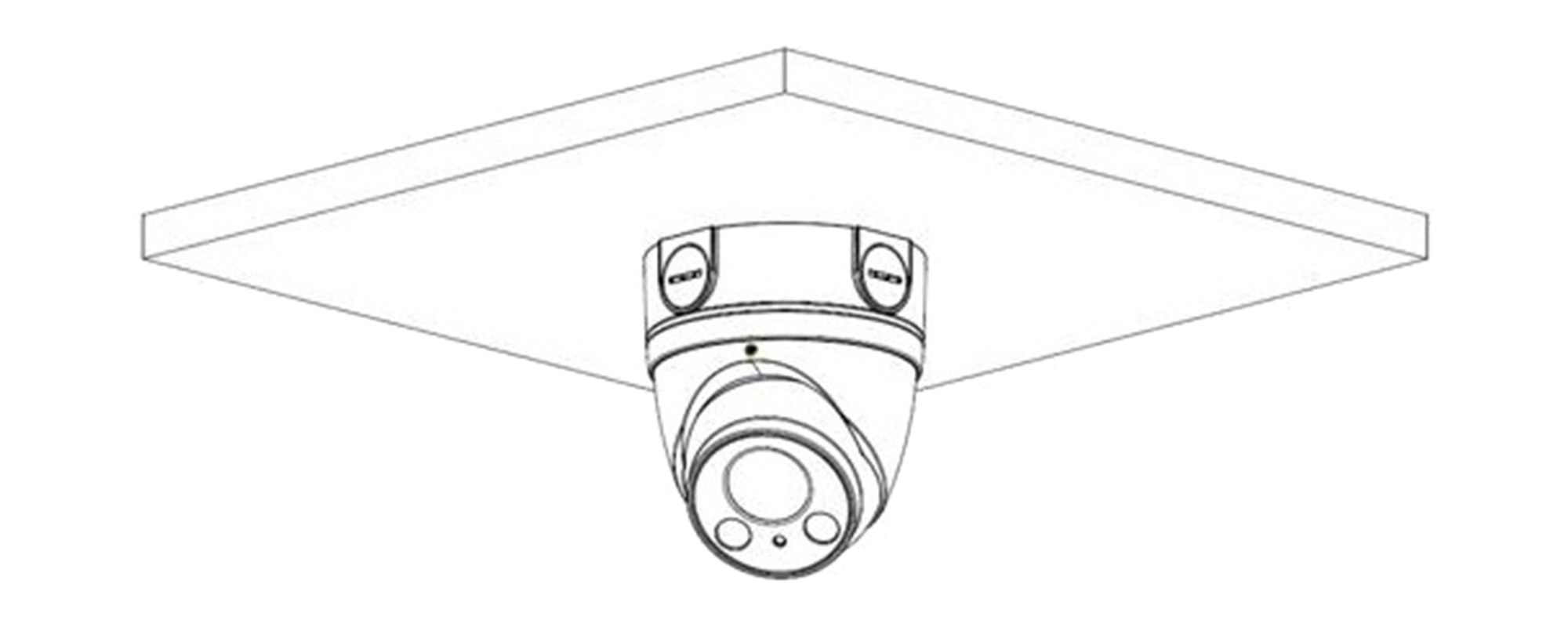
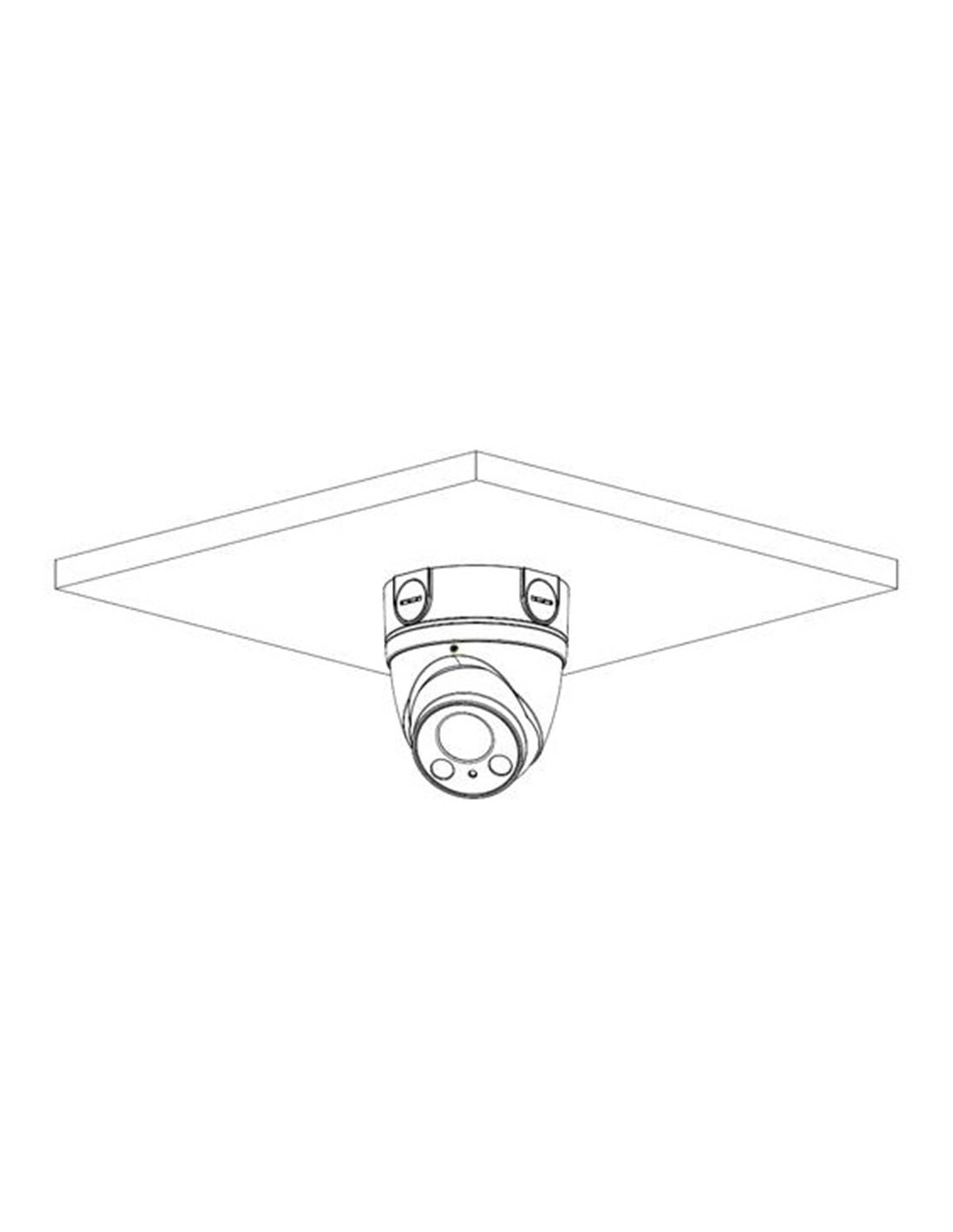
Under an eave
Fixed under an eave or ceiling, the box gives a turret a solid base and keeps the connectors dry. Rated IP66 and for −40 °C to 60 °C. Installation drawing from VIP Vision.
How it goes in
01
Stick the mounting sticker where the camera will go, drill the three base holes on the 84 mm circle and fit the plastic anchors.
02
Bring the cable in through the back or through a G3/4 side entry with conduit, then fix the box with the ST4.2 × 25 screws.
03
Plug the camera's tail into the cable and coil the joins inside the box.
04
Screw the camera to the face of the box with the M4 × 10 screws, then aim it. On a pole, fix the box to a VSBKTA152E pole mount first.
At a glance
Show specs
Type
Round adapter and junction box for cameras
Colour
White
Material
Aluminium
Size
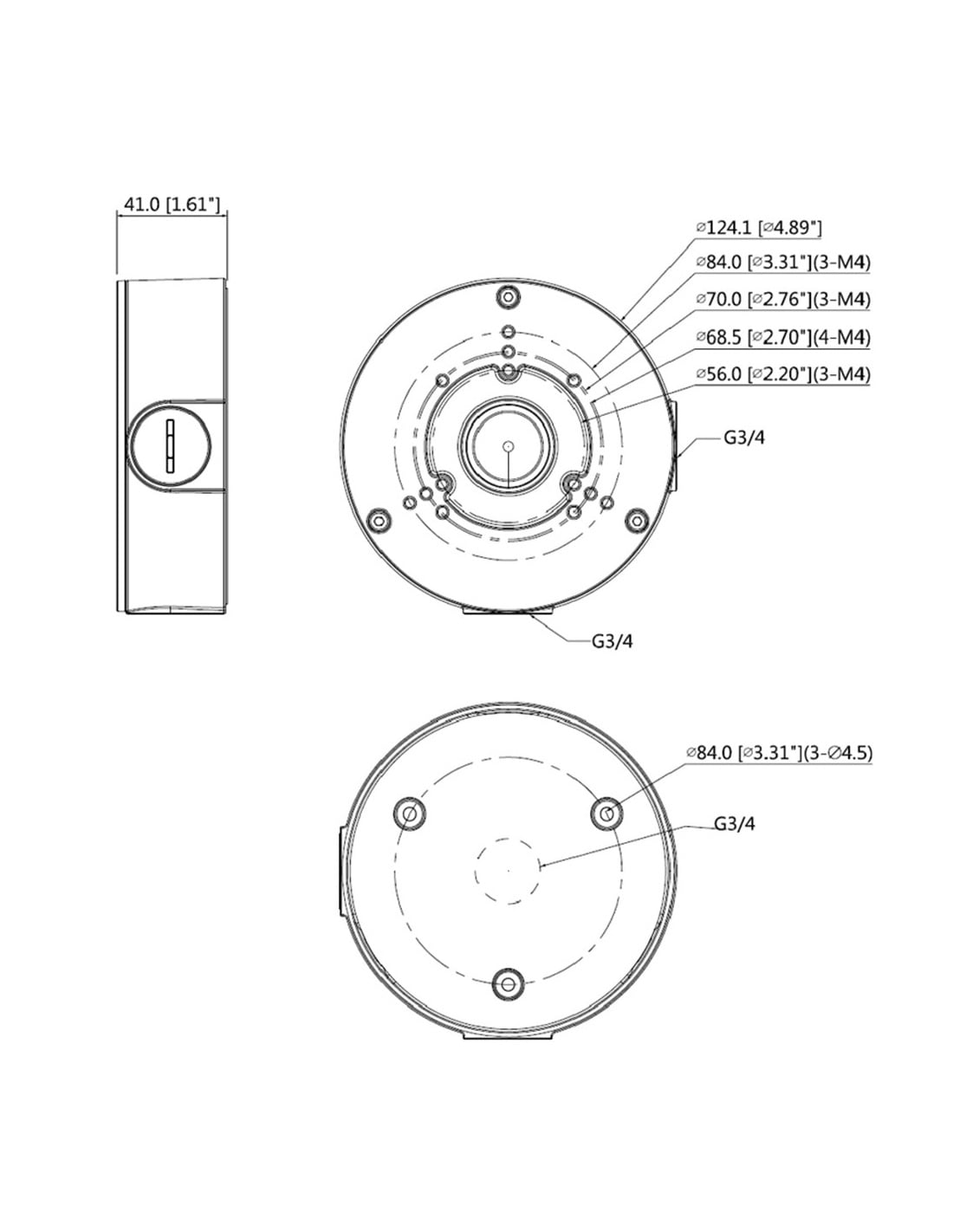
Ø124.1 × 41 mm (VIP Vision drawing)
Weight
0.35 kg
Load rating
3 kg
Cable entries
G3/4 thread, on the side and through the back
Camera fixing
M4 holes on 56, 68.5, 70 and 84 mm circles
Base fixing
3 × Ø4.5 mm holes on an 84 mm circle
Weather rating
IP66
Operating range
−40 °C to 60 °C, humidity 90% or less
Works with
Listed VIP Vision Professional AI turrets and bullets, VSIPU-4DIRG-IM (2025 guide)
Goes on
VSBKTA152E pole mount; VSBKTA151 corner mount for listed bullets
In the box
4 × M4 × 10 screws, 3 × ST4.2 × 25 screws, 3 anchors, mounting sticker, S3.0 wrench
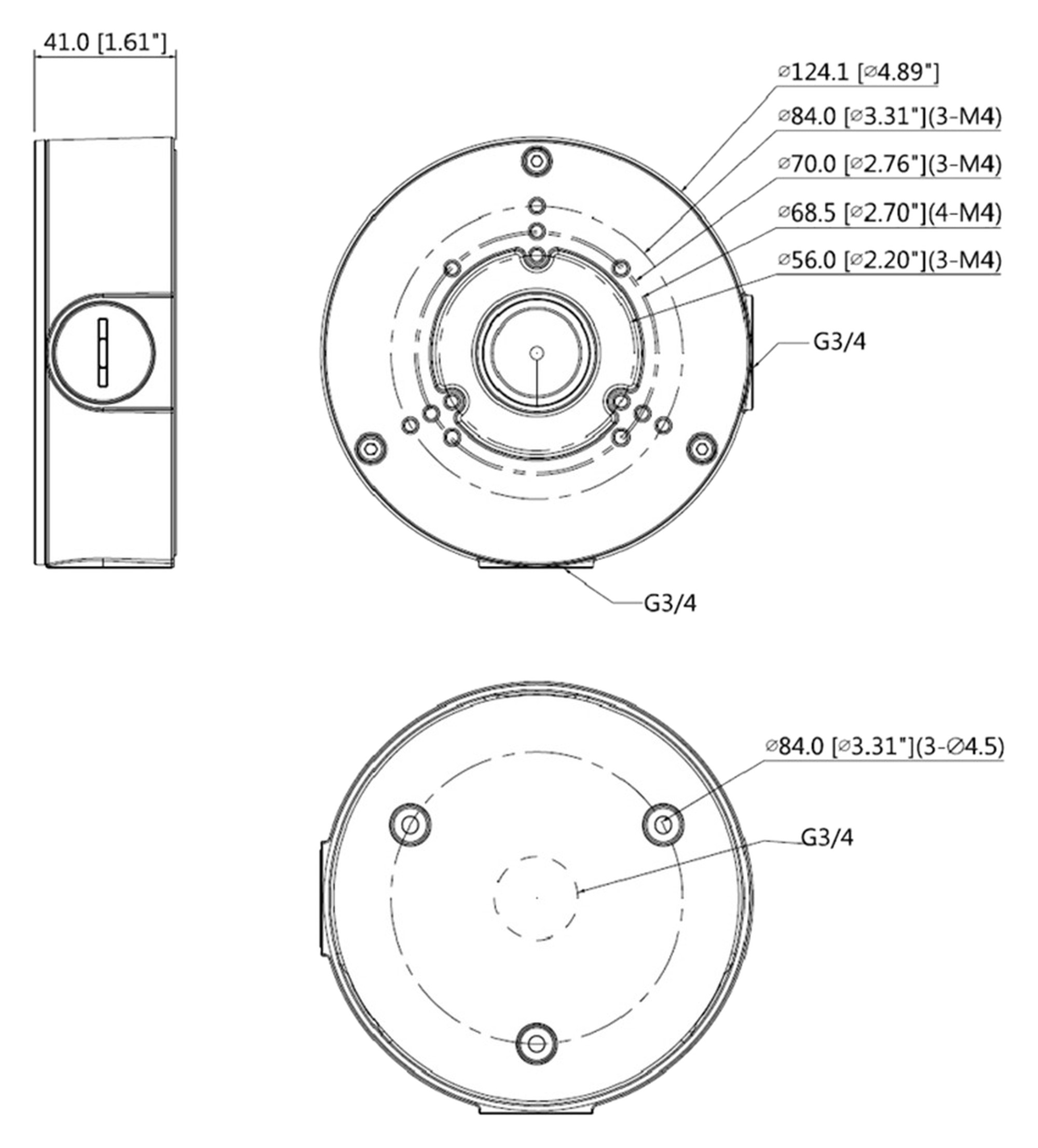
VIP Vision dimension drawing, measurements in mm.
Works with
From VIP Vision's Accessory Compatibility Guide (2025 version). Camera not on the list? Ask us before you order.
Show all listed cameras
VSIPP-4DIRMG-I3, VSIPP-6DIRMG-I3, VSIPP-8DIRMG-I3
Professional AI motorised turrets. Box under the camera; add a VSBKTA152E for a pole.
VSIPP-6DG-ID4, VSIPP-8DG-ID4, VSIPP-8DG-ID4-B, VSIPP-8DG-ID4-P
Professional AI deterrence turrets. Box under the camera; add a VSBKTA152E for a pole.
VSIPP-8DD-ID3
8MP dual-lens deterrence turret. Box under the camera; add a VSBKTA152E for a pole.
VSIPU-4DIRG-IM
Ultimate AI dual-lens turret. Box under the camera; add a VSBKTA152E for a pole.
VSIPP-4BIRG-I3, VSIPP-6BIRG-I3, VSIPP-8BIRG-I3
Professional AI fixed bullets. Add a VSBKTA152E pole mount or VSBKTA151 corner mount.
VSIPP-4BIRMG-I3, VSIPP-6BIRMG-I3, VSIPP-8BIRMG-I3
Professional AI motorised bullets. Add a VSBKTA152E pole mount or VSBKTA151 corner mount.
VSIPP-8BD-ID3, VSIPP-8BD-ID3-B
180° dual-lens deterrence bullets. Add a VSBKTA152E for a pole.
VSIPP-4BIRW-I
Wide-angle bullet. Add a VSBKTA152E for a pole.
VIP Vision notes that its range and bracket compatibility may change without notice.
Pair it with
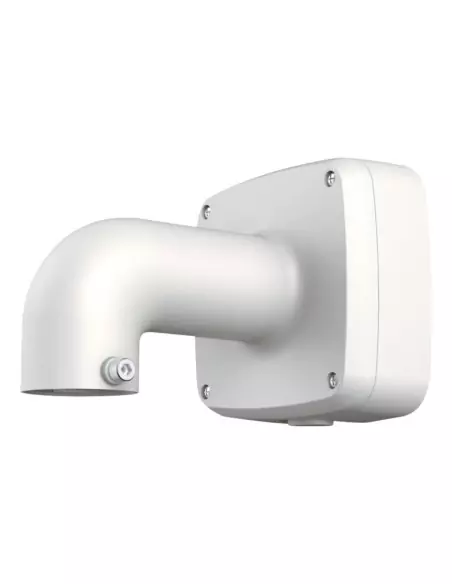
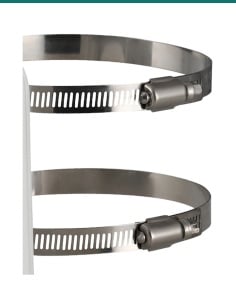
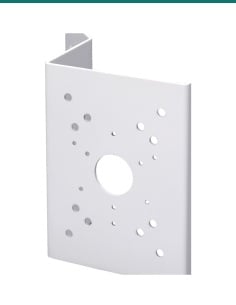
Pole
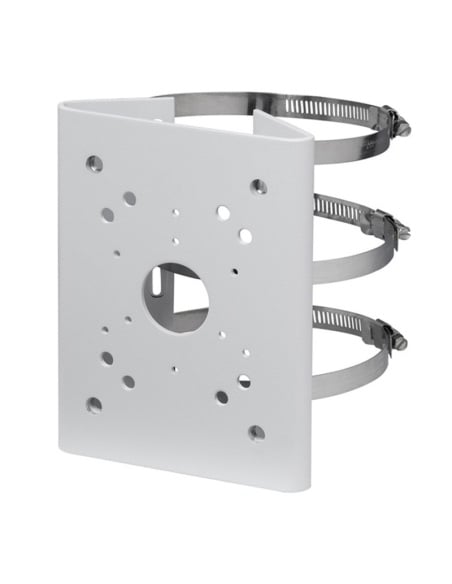
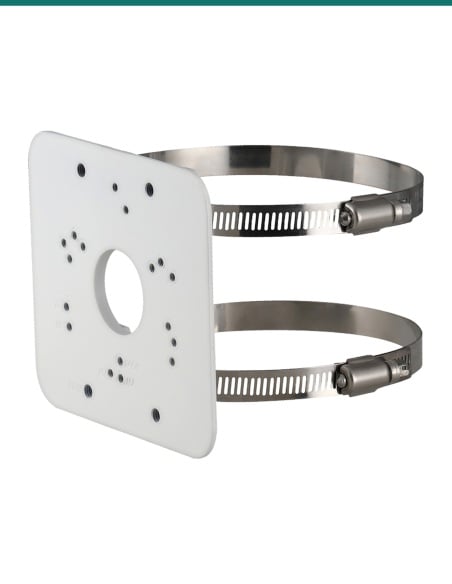
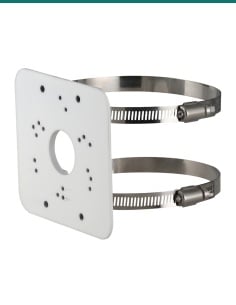
VIP Vision's pole mount for this box. The box fixes to the plate, the clamps go round the pole.
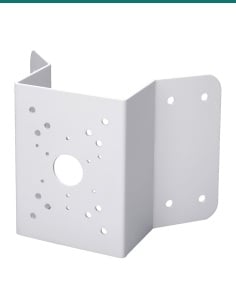
Corner
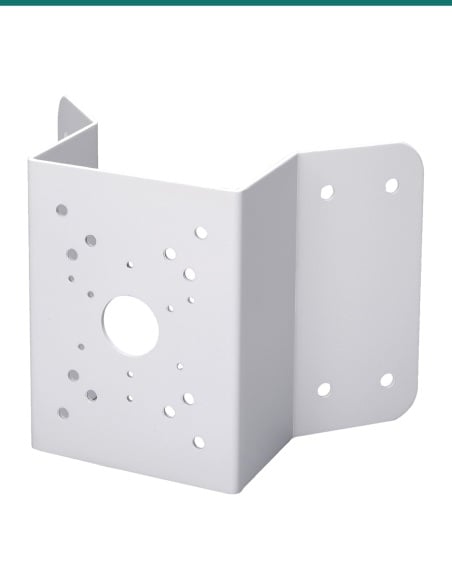
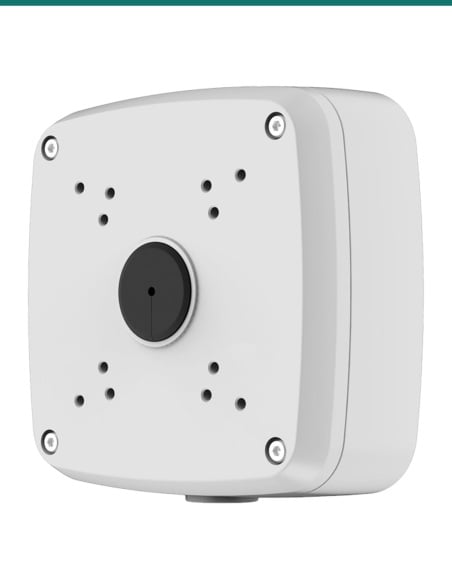
Puts a listed bullet on an outside corner of a building, with the box on the corner plate.
Camera
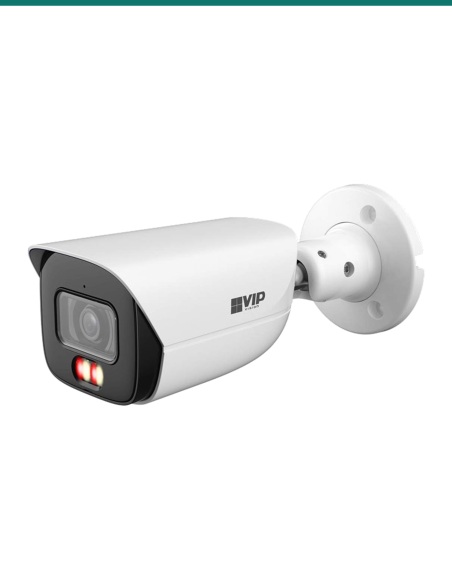
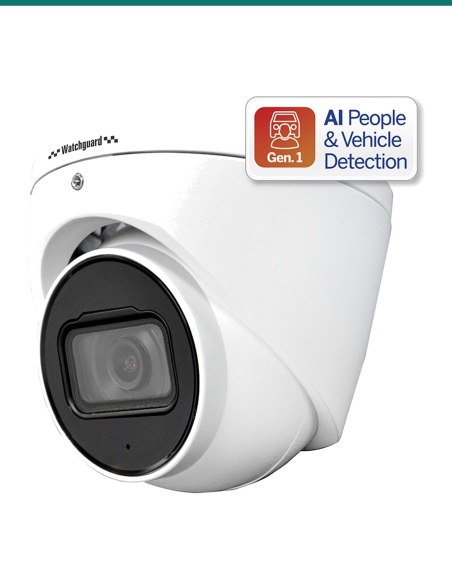
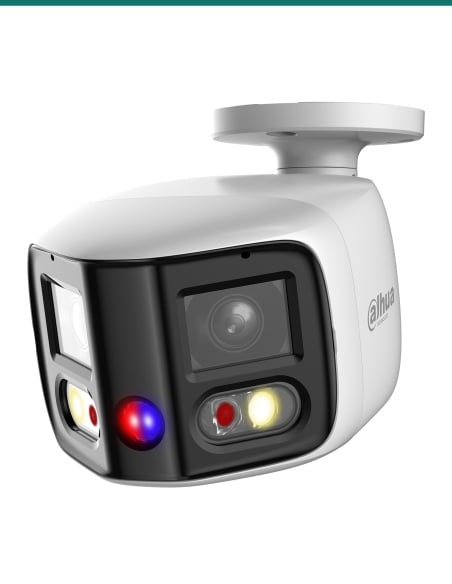
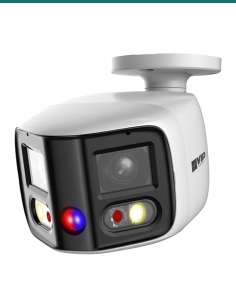
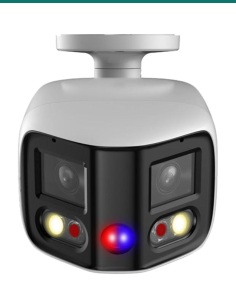
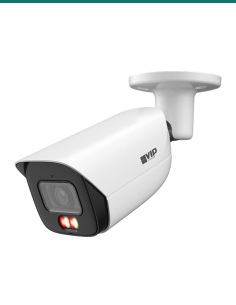
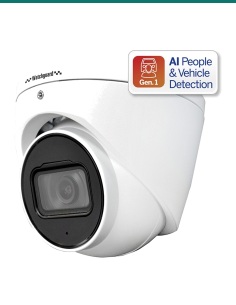
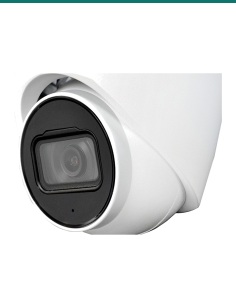
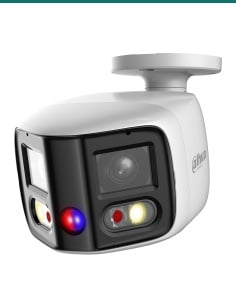
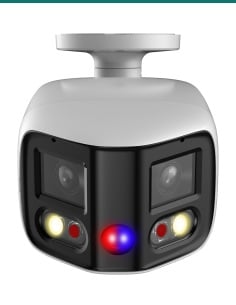
For example the VSIPP-8BIRG-I3 bullet or VSIPP-8DG-ID4 deterrence turret. See the list above.
Where it is used
No hole behind the camera for the plug: the joins sit in the box on the wall face.
A solid, sealed base for turrets under the roof line.
With the VSBKTA152E, cameras on light poles and posts with the cable joins inside.
With the VSBKTA151, a listed bullet looks along two walls from one corner.
Surface conduit can run straight into the G3/4 side entry.
Covers old holes and fixings when a new camera replaces an old one.
| VSBKTA130E (this box) | VSBKTA139 | |
|---|---|---|
| Size | Ø124.1 × 41 mm | Ø108 × 28.5 mm |
| Cable entry thread | G3/4 | G1/2 |
| Load rating | 3 kg | 1 kg |
| Weight | 0.35 kg | 0.16 kg |
| Weather rating | IP66 | IP67 (listed spec) |
| Listed cameras | Motorised and deterrence turrets, bullets, dual-lens models | Fixed turrets VSIPL-6DIRG-I, VSIPP-4/6/8DIRG-I3, VSIPP-5DIRG-I2-P |
Figures from VIP Vision's drawings and the product specifications. Camera lists from VIP Vision's 2025 Accessory Compatibility Guide.
It is a junction box that sits between the wall and the camera. The camera screws to its face and the cable joins sit inside it, out of the weather.
VIP Vision's 2025 guide lists its Professional AI motorised and deterrence turrets, the VSIPP-8DD-ID3, the VSIPU-4DIRG-IM, and the VSIPP-4/6/8BIRG-I3, 4/6/8BIRMG-I3, 8BD-ID3 and 4BIRW-I bullets. The full list is above.
Confirm fit with us first. Tell us the camera model and we will check its hole pattern against the 56, 68.5, 70 and 84 mm circles on this box.
No. This listing is the junction box and its fixing kit only.
The junction box, 4 × M4 × 10 screws, 3 × ST4.2 × 25 screws, 3 plastic anchors, a mounting sticker and an S3.0 wrench.
124.1 mm across and 41 mm deep, according to VIP Vision's drawing. It weighs 0.35 kg.
Yes. It is rated IP66 and for −40 °C to 60 °C with humidity up to 90%.
3 kg. Check your camera's weight on its own datasheet.
Yes, with the VSBKTA152E dual clamp pole mount, which VIP Vision lists for this box. For a listed bullet on a building corner, use the VSBKTA151 corner mount.
Yes. The cable entries are G3/4 threaded, on the side and through the back, according to VIP Vision's drawing.
The VSBKTA130E is larger (124.1 mm, 41 mm deep), has G3/4 entries and a 3 kg rating. The VSBKTA139 is 108 mm across and 28.5 mm deep with G1/2 entries and a 1 kg rating, for VIP Vision's fixed turrets.
Concealed data cabling to the camera is customer cabling under AS/CA S009 and needs an ACMA-registered cabler. A new power point needs a licensed electrician.
Not sure which box suits your camera? Call 1300 736 970 or email [email protected] with the camera model. VIP Vision's compatibility guide is on the Attachments tab.
Mechanical part only. The VSBKTA130E holds the camera and houses the cable joins. It carries no power or data of its own.
Load. Rated for 3 kg. Check the camera weight on its own datasheet.
Working at height. Cameras usually go on eaves, high walls and poles. Use a stable ladder or platform and fixings that suit the surface.
Cabling. Concealed data cabling to the camera is customer cabling under AS/CA S009 and needs an ACMA-registered cabler. A new power point needs a licensed electrician.
What it does not do. It is not a power supply or a PoE extender, and it does not add a camera mount for models VIP Vision does not list.
Figures. From VIP Vision's drawing, the product specifications and VIP Vision's Accessory Compatibility Guide (2025 version).






Need help choosing?
Tell us about your property and we'll recommend the right cameras and recorder.
07 5609 4910Sydney 02 8814 6008
[email protected]
Mon–Fri, 9am–5pm AEST
20 related items