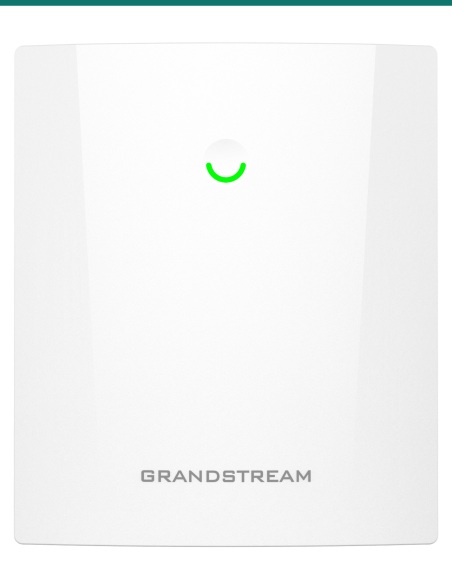
Grandstream High-Performance 5GHz AX2400 Wireless Bridge 5km PtP/PtMP Dual GbE - GWN7302

SKU GR-GWN7302 In stock
$144.31 inc GST

Grandstream GWN7302: an IP66 outdoor 5 GHz Wi-Fi 6 bridge that links buildings up to 5 km apart, point to point or to up to 4 remote units. Sold as one unit.

  • ✓5 GHz 802.11ax, 2×2:2 MIMO with TDMA, up to 2.4 Gbps
  • ✓Up to 5 km; PtP or PtMP to 4 remote units
  • ✓13.5 dBi internal antennas, 30° beam
  • ✓Gigabit PoE in and PoE out (up to 25 W)
  • ✓PoE 802.3af/at or 24 V DC power
  • ✓IP66, −30 °C to 60 °C, wall or pole mount


Description

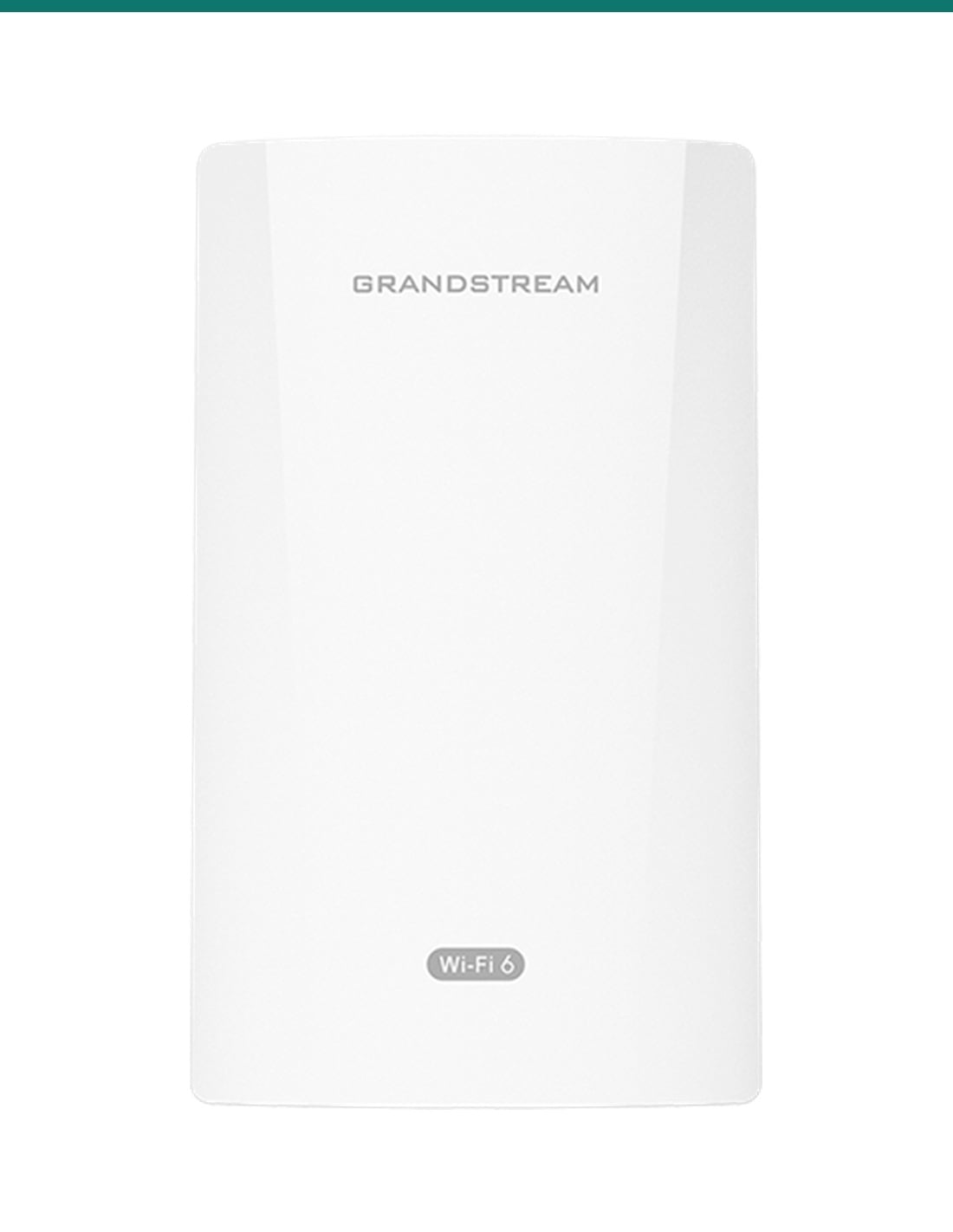
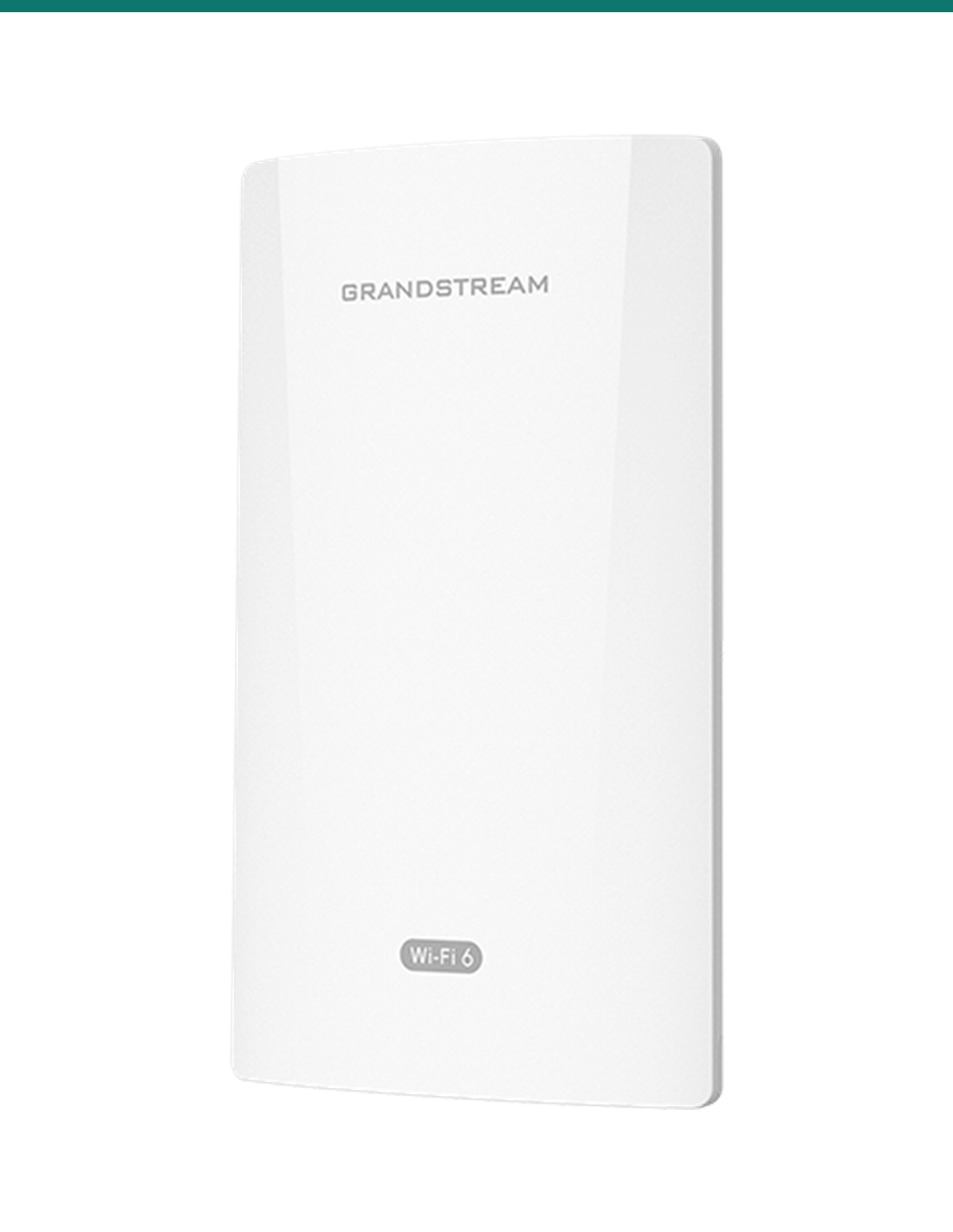
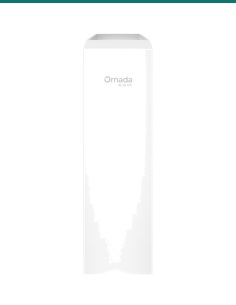
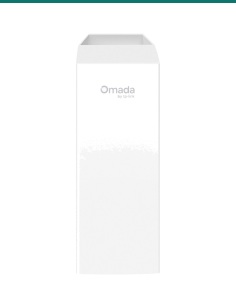
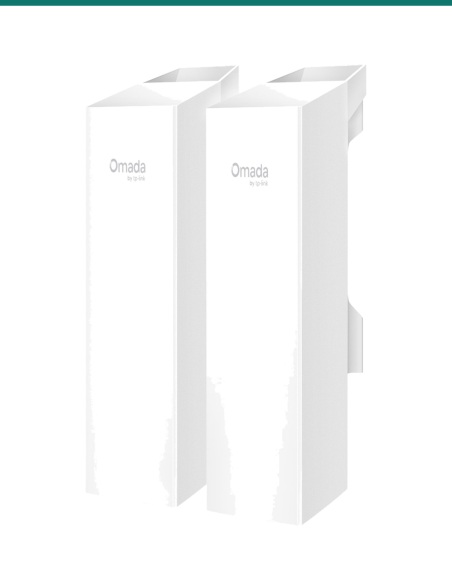
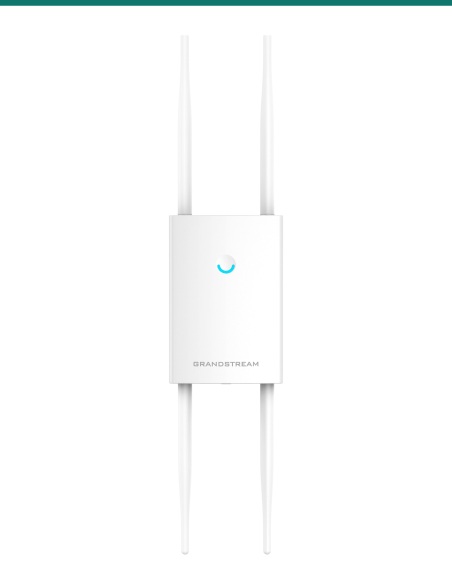
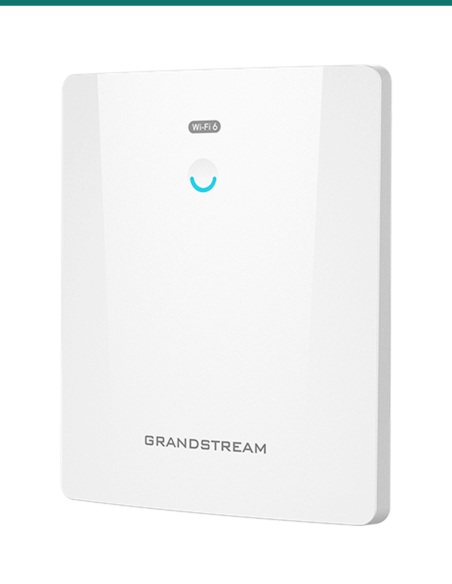
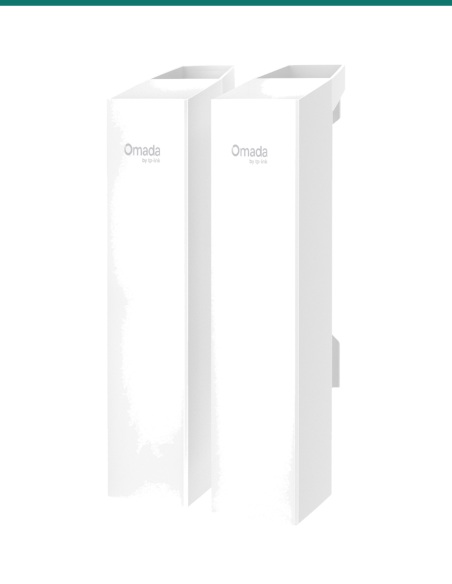
Grandstream GWN7302 white outdoor 5 GHz wireless bridge, angled front view
Grandstream · GWN Series · Fixed Wireless Bridge

Link buildings up to 5 km apart.
5 GHz Wi-Fi 6, no trenching.

The GWN7302 is an outdoor point-to-point and point-to-multipoint bridge: 5 GHz 802.11ax with 2x2:2 MIMO and TDMA, up to 2.4 Gbps, two Gigabit ports with PoE in and PoE out, and an IP66 housing.

In one sentence: the Grandstream GWN7302 is an IP66 outdoor 5 GHz Wi-Fi 6 fixed wireless bridge with 2x2:2 MIMO, 13.5 dBi antennas, up to 2.4 Gbps and 5 km, PtP or PtMP to 4 remote units, and Gigabit PoE in and PoE out ports.

One bridge per listing. A link needs at least two.

This listing is one GWN7302. A point-to-point link needs two, and a point-to-multipoint link needs one at the centre plus one at each remote spot (up to 4).

In the box
  • GWN7302 PtP/PtMP fixed wireless bridge
  • Mounting kits for wall or pole
  • Quick start guide
You also need
  • A second GWN7302 for the other end of the link
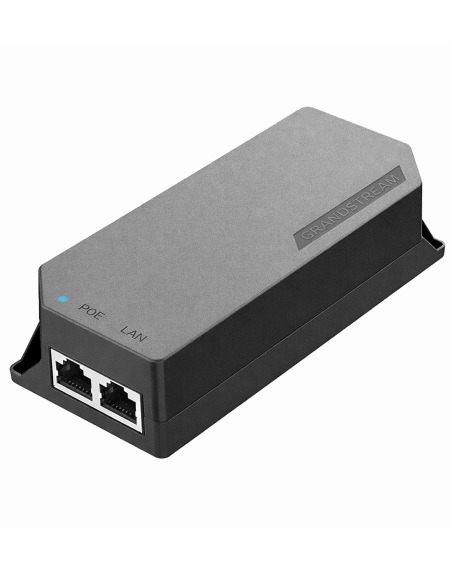
  • An 802.3af/at PoE switch port or injector, or a 24 V DC supply
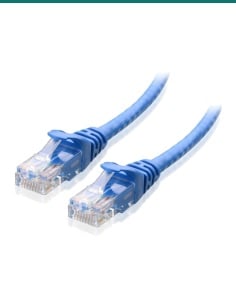
  • Outdoor-rated Cat5e or Cat6 cable at each end
  • A clear view between the two ends

Network where cable can't go.

Two 13.5 dBi antennas with a 30° beam and TDMA scheduling keep a 5 GHz link steady over up to 5 km. Press the pairing button to join the units, then use the signal-strength LEDs and the alignment tool to aim them. NET2 can power a camera or access point at the far end.

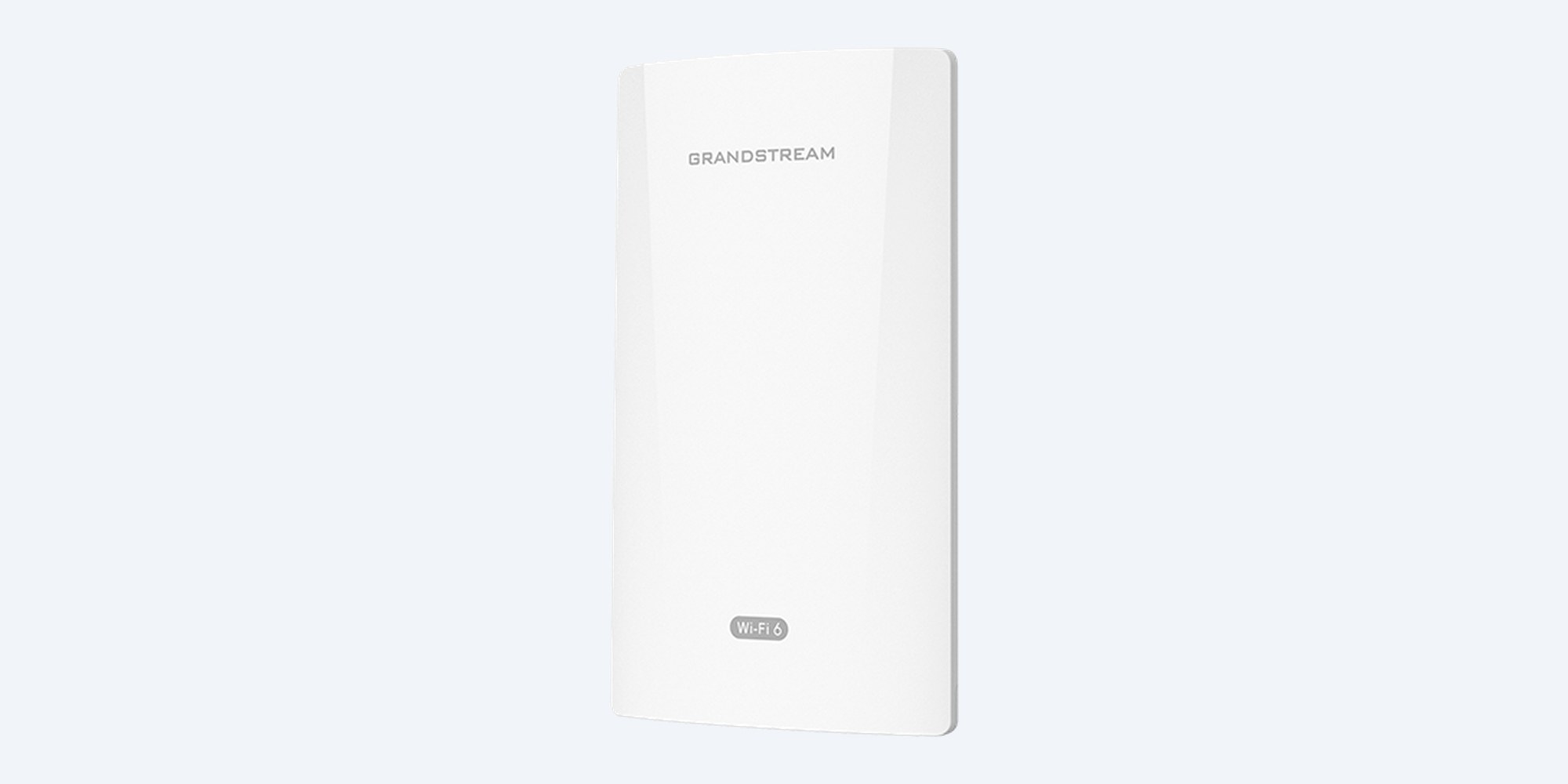
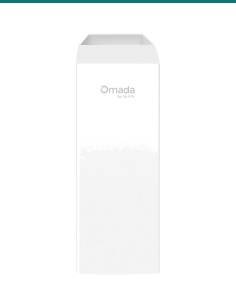
Grandstream GWN7302 front view, white weatherproof housing over the internal antennas

Front

Directional antennas inside.

Two internal 5 GHz antennas, 13.5 dBi each, with a 30° horizontal and vertical beam. 5150–5850 MHz with 20 to 160 MHz channels, up to 26 dBm transmit power and 2402 Mbps on 802.11ax.

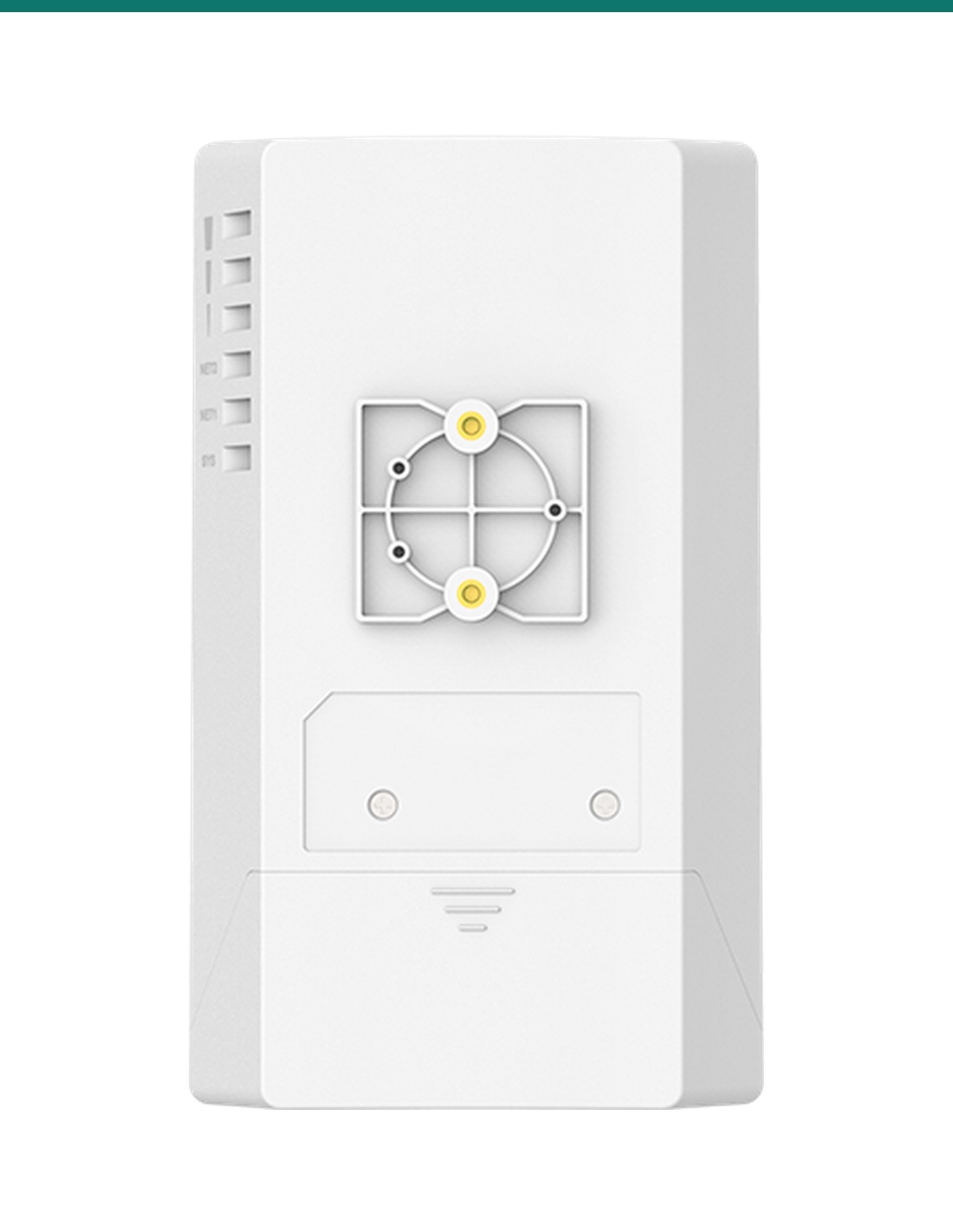
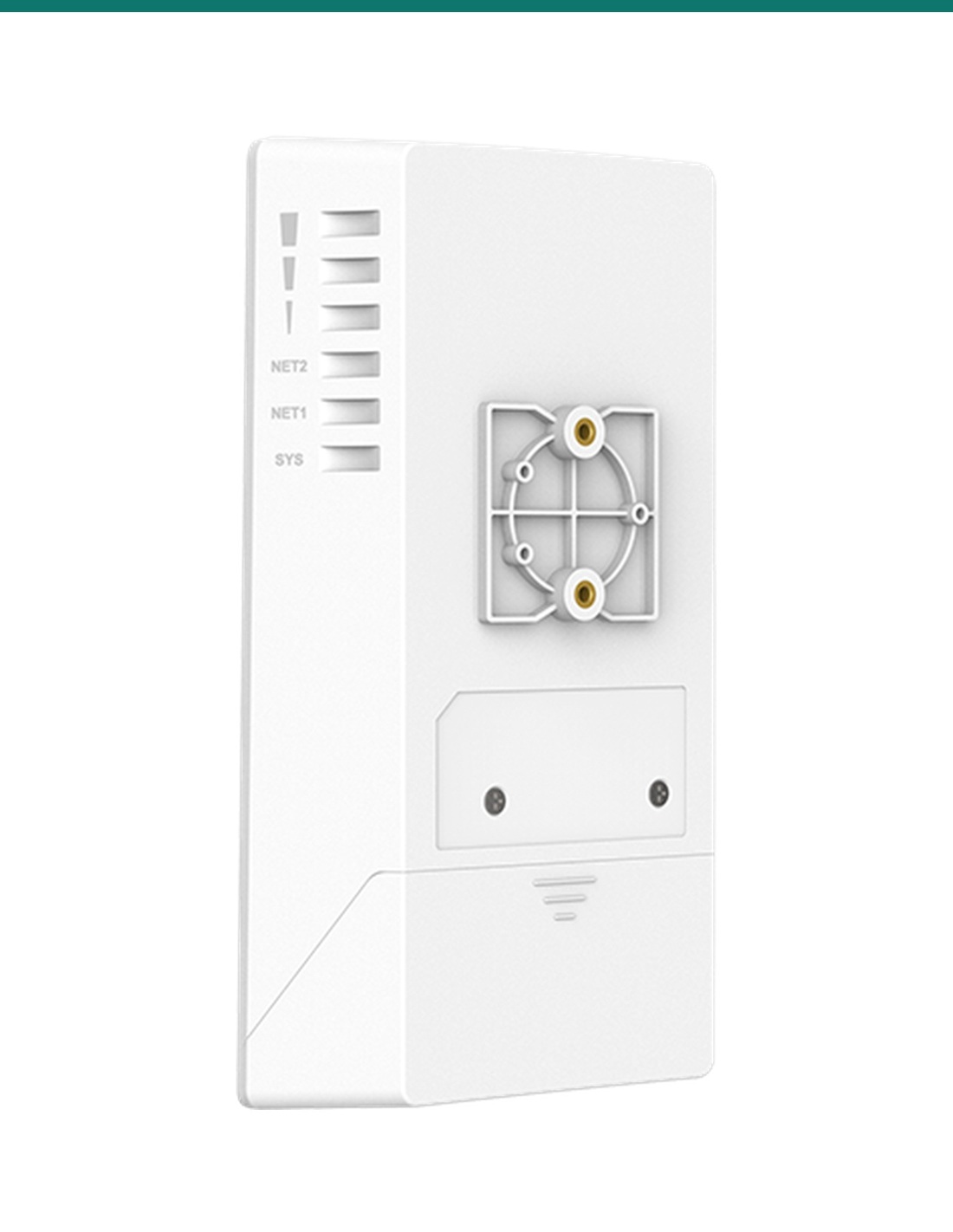
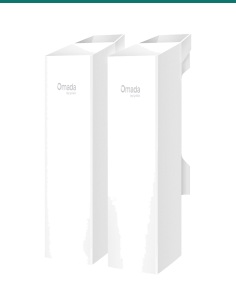
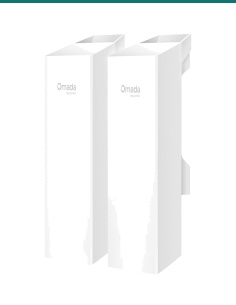
Grandstream GWN7302 rear angle with the mounting plate and the signal strength LEDs on the side

Back

Wall or pole, LEDs to aim by.

The mounting kits for a wall or pole come in the box. The LEDs on the side show signal strength and port status while you line the two ends up. 180 × 102 × 38 mm and 412 g, rated IP66.

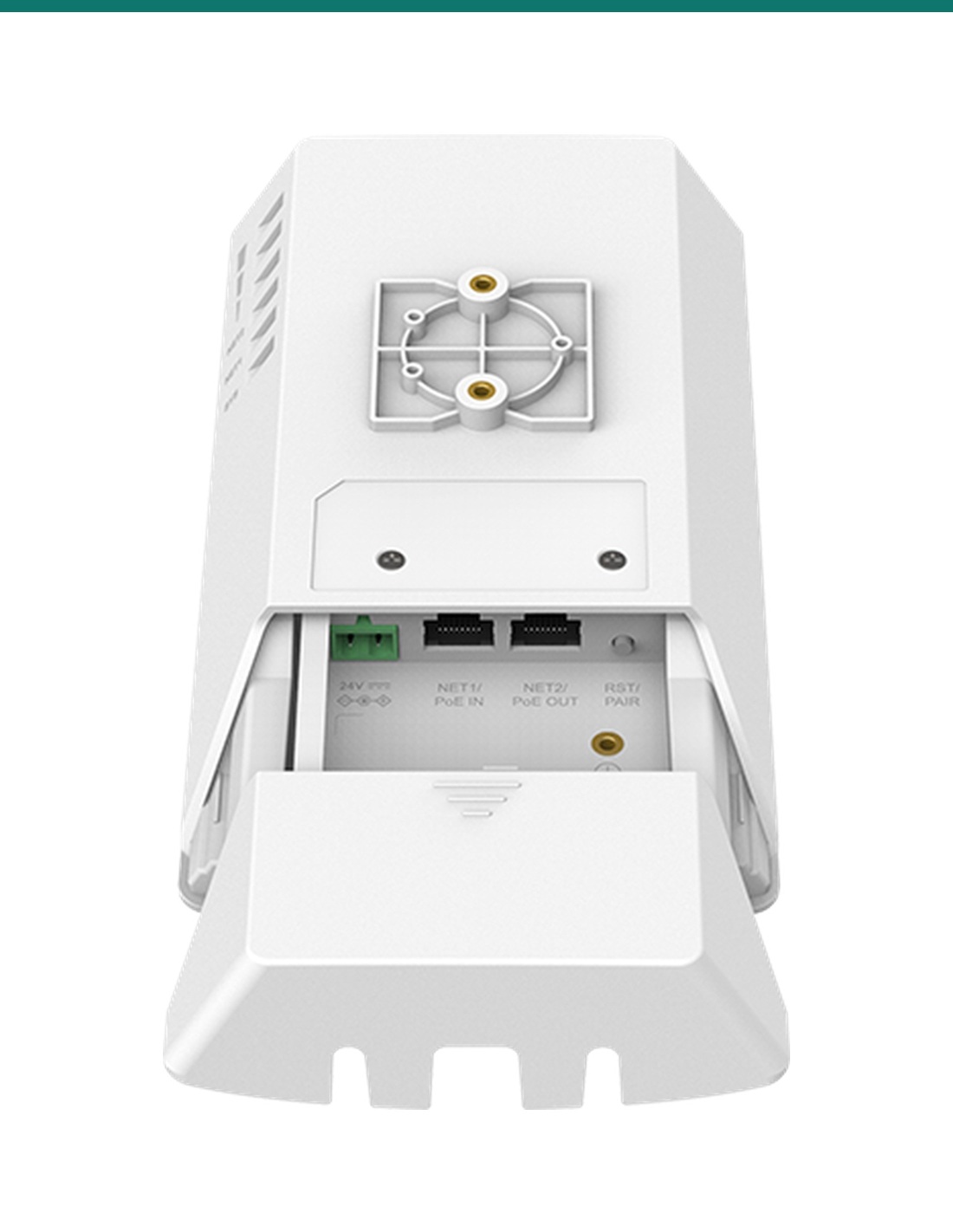
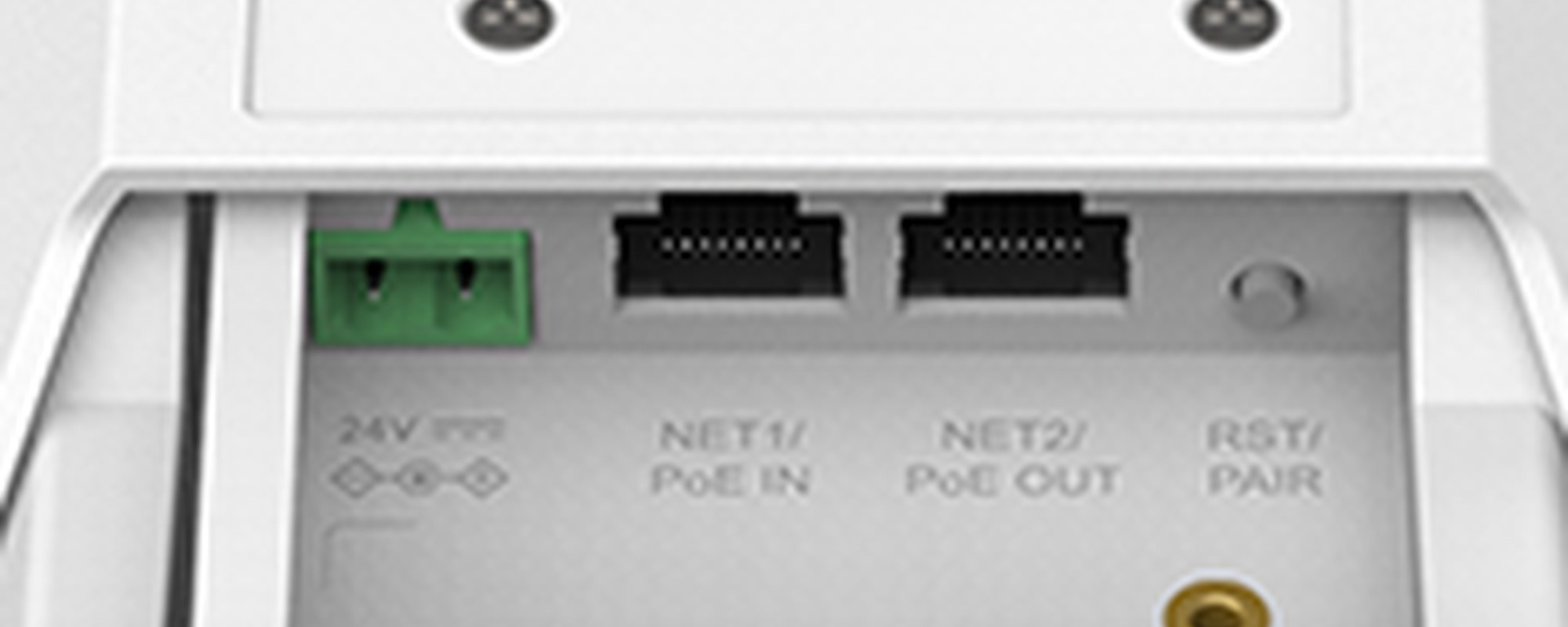
Grandstream GWN7302 ports under the cover: 24 V DC terminal, NET1 PoE IN, NET2 PoE OUT and the reset and pair button

Ports

PoE in, PoE out, 24 V DC.

Under the cover: a 24 V DC terminal (16–48 V), NET1 Gigabit with PoE in, NET2 Gigabit with PoE out, and the reset and pairing button. PoE out gives up to 13 W on PoE+ input or up to 25 W on 24 V DC.

How it goes in

From two poles to one network.

01

Pair the units

Power both GWN7302s on the bench and press the pairing button, or pair them in the web interface.

02

Mount each end

Fix the included kits to a wall or pole at each site, pointing at each other with a clear view.

03

Connect power and data

Cable NET1 to a PoE switch or injector at each end, or wire 24 V DC. Use NET2 to power a camera or access point.

04

Aim and test

Turn each unit until the signal LEDs peak, then confirm with the antenna alignment and link test tools.

Pair it with

What a link needs besides this bridge

Other end

A second GWN7302

Every link needs a unit at each end. For point to multipoint, one at the centre and one at each of up to 4 remote spots.

Power

PoE or 24 V DC

An 802.3af/at PoE port or injector on NET1, or a 24 V DC supply on the terminal. Use 24 V DC 2 A to get the full 25 W PoE out.

Cabling

Outdoor-rated cable

UV-stable Cat5e or Cat6 at each end, within the usual 100 m Ethernet limit.

At the far end

A camera or access point

NET2 can power a PoE camera or Grandstream access point at the remote site, so no power pack is needed there.

Where it is used

Where a 5 km wireless bridge fits.

Factories

Join a separate workshop or store to the main office network.

Construction sites

Get the site office online without trenching cable across the site.

Car parks

Carry camera and payment terminal traffic back to the main building.

Farms

Link the house to sheds and dams, and power a camera at the far end.

CCTV backhaul

Bring remote cameras back to the recorder, up to 4 sites on one centre unit.

Parks and scenic sites

Kiosks, gates and lookouts where cable runs are impractical.

Point to point or point to multipoint

Point to point (PtP)Point to multipoint (PtMP)
GWN7302 units needed21 at the centre plus 1 per remote spot
Remote spots1Up to 4
Wireless capacityUp to 2.4 Gbps for the one linkUp to 2.4 Gbps shared by the remote units
RangeUp to 5 km, site dependentUp to 5 km, site dependent
PairingOne-key or web pairingOne-key or web pairing
Typical jobTwo buildings, one linkA main building feeding several sheds or camera poles

Both modes from Grandstream's GWN7302 datasheet (8.2025 v1). The GWN7302 is the only bridge on that datasheet.

Common questions

Do I need two GWN7302s?

Yes. A bridge link needs a unit at each end. This listing is one GWN7302, so order two for a point-to-point link.

How far can it link?

Grandstream quotes up to 5 km. The two ends need a clear view of each other; trees, hills and buildings in the way shorten the link.

How fast is the link?

802.11ax at up to 2402 Mbps (2.4 Gbps aggregate) on 5 GHz. Real throughput depends on distance, interference and the channel width you choose.

How many remote sites can one unit serve?

In point-to-multipoint mode, one centre unit links to up to 4 remote GWN7302s.

How is it powered?

From an 802.3af/at PoE port on NET1, or from 24 V DC (16–48 V) on the terminal. It uses up to 13 W. No power supply or injector is listed in the box.

Can it power a camera at the far end?

Yes. NET2 is a PoE out port: up to 13 W when the bridge runs on PoE+, or up to 25 W when it runs on 24 V DC 2 A.

How do I aim the two ends?

Use the 3 signal-strength LEDs while you turn each unit, then fine-tune with the antenna alignment and link test tools in the web interface.

Is it weatherproof?

Yes. It is IP66-rated and runs from −30 °C to 60 °C, so it can go on an exposed pole or wall.

Can phones and laptops connect to it?

No. It is a bridge, not an access point. It only broadcasts a management Wi-Fi for setup with the GWN App. Add an access point at the far end for users.

Can I manage it remotely?

Yes. Through GWN Manager, the GWN App, or GDMS Networking via SSH tunnelling, plus TR-069 and SNMP.

Does it use 2.4 GHz?

No. It works on 5 GHz only (5150–5850 MHz), with a 30° beam that keeps the link focused.

Who can install the cable?

Outdoor and concealed data cabling is customer cabling under AS/CA S009 and needs an ACMA-registered cabler. A new power point for a DC supply needs a licensed electrician.

Supported by InFront Technologies.

Help planning a link, checking the distance or powering a camera at the far end: call 1300 736 970 or email [email protected]. The datasheet is on the Attachments tab.

Installation and safety

Low-voltage device. Runs from PoE or 24 V DC (16–48 V), up to 13 W. A new power point for a DC supply needs a licensed electrician.

Cabling. Outdoor and concealed data cabling is customer cabling under AS/CA S009 and needs an ACMA-registered cabler. Use outdoor-rated cable and close the port cover.

Working at height. Pole and roof mounting needs safe access equipment and a solid fixing.

What it does not do. No user Wi-Fi access, no 2.4 GHz radio, and no link on its own: a second GWN7302 is needed.

Figures. From Grandstream's GWN7302 datasheet (8.2025 v1). Range and speed depend on the site.

INFRONTTECH Promotional Banner INFRONTTECH Promotional Banner INFRONTTECH Promotional Banner

Need help choosing?

Tell us about your property and we'll recommend the right cameras and recorder.

07 5609 4910

Sydney 02 8814 6008
[email protected]

Mon–Fri, 9am–5pm AEST

Saved to your wishlist Find it any time in your account. View list