Category

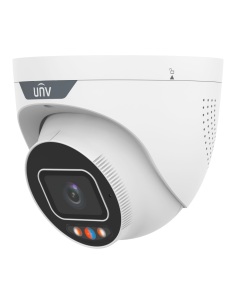
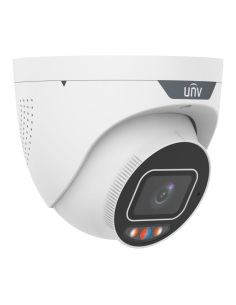
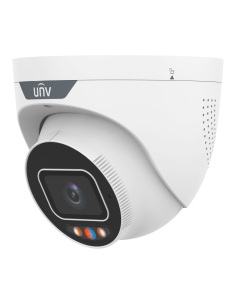
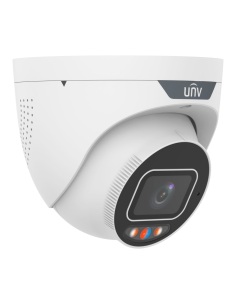
Uniview Tri-Guard Cameras
25 products

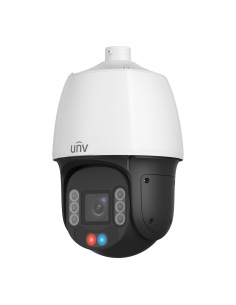
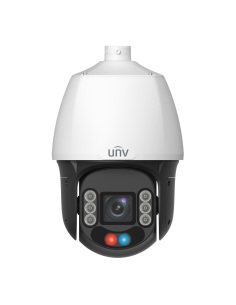
A Uniview camera covering a shopfront and crossing at night A Uniview camera covering a street and shopfronts Uniview turret, bullet, dome and PTZ cameras

Warning light · Alarm · Two-way talk

Uniview Tri-Guard Cameras
Cameras that warn intruders off: a flashing light and an audible alarm the moment someone crosses the line.
Uniview (UNV) is one of the world's largest CCTV makers, and our first choice for homes, businesses and installers.

  • 4MP to 8MP 4K
  • Tri-Guard light & sound alarm
  • Colour night vision
  • 3-year warranty in Australia
How it fits together

One cable per camera, footage on your phone

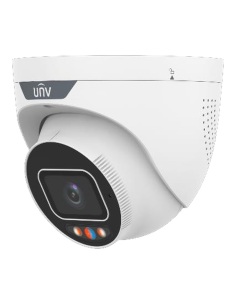
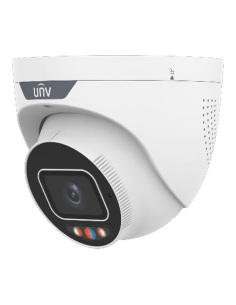
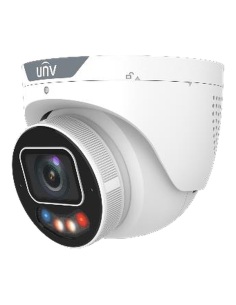
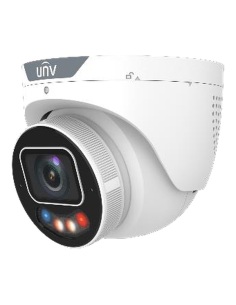
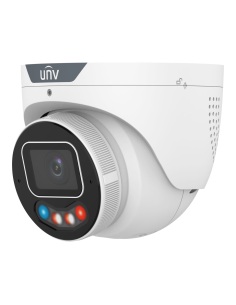
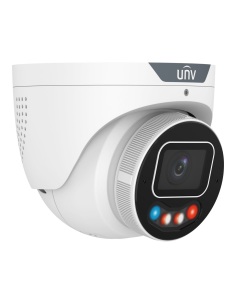
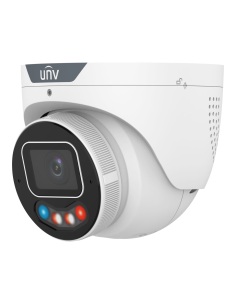
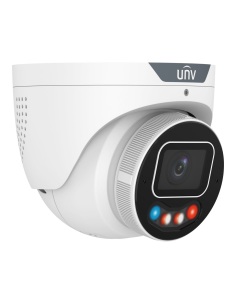
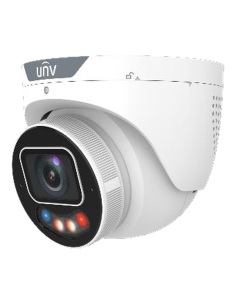
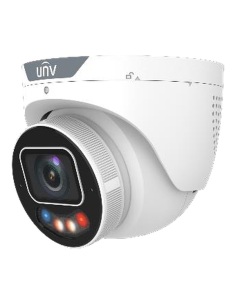
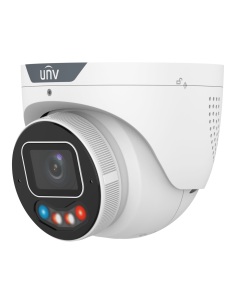
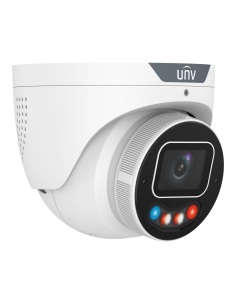
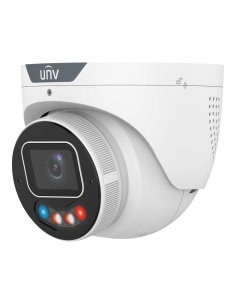
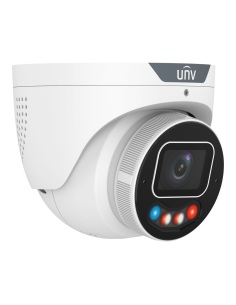
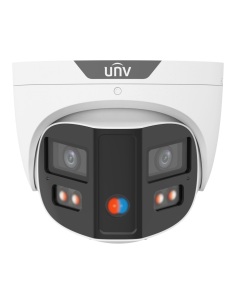
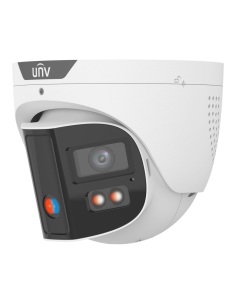
  1. Uniview IPC3638SE Tri-Guard turret camera 01 IP cameras Turret, dome, bullet, Tri-Guard, panoramic and PTZ. Shop cameras
  2. Uniview TR-JB07/WM03-F-IN wall mount with junction box 02 Mount Wall mounts and junction boxes for a neat, dry joint. Shop mounts
  3. Uniview NVR501-08B-P8-IQ 8-channel PoE recorder 03 PoE recorder Powers every camera and records to a hard drive. Shop recorders
Watch

See Uniview in action

Tri-Guard: warning lights, alarm and smart search

0:00 / 0:00
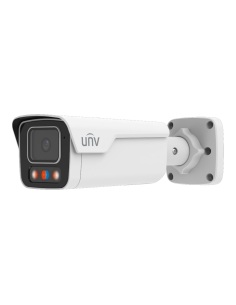
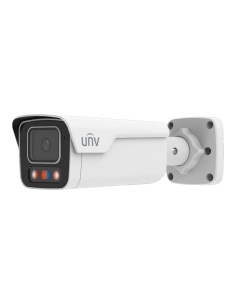
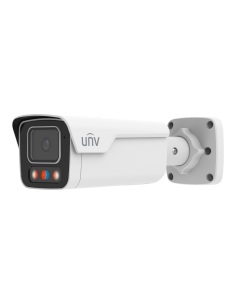
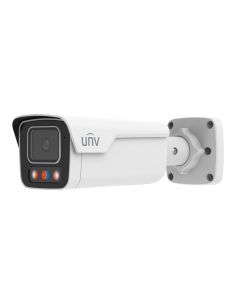
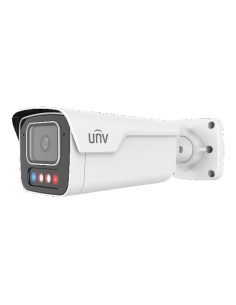
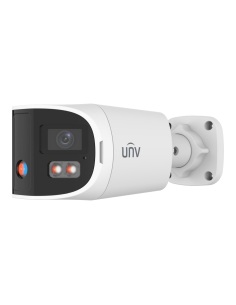
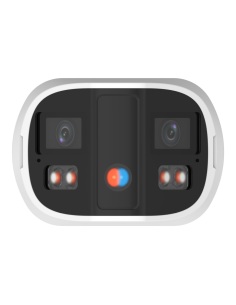
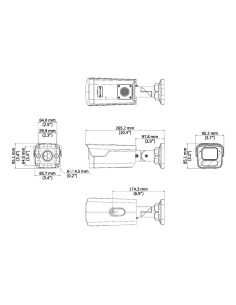
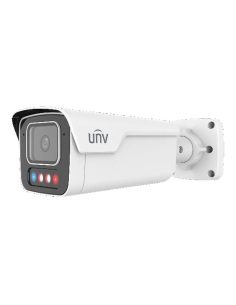
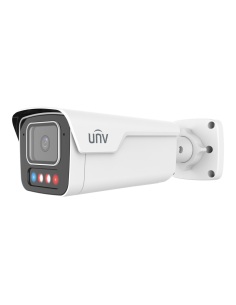
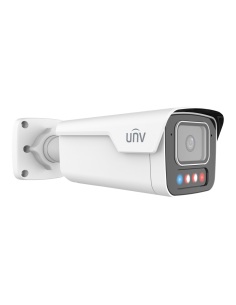
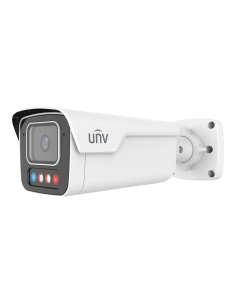
Uniview IPC2B18SE-ADF28KMC-WP-I1 Tri-Guard bullet camera
IPC2B18SE Tri-Guard bullet
Uniview Tri-Guard camera watching a doorway at night
Light and sound the moment someone crosses the line
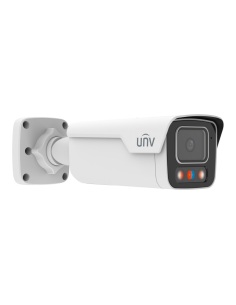
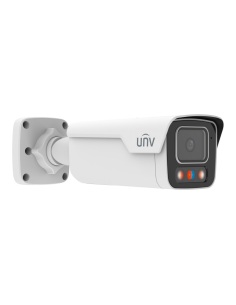
Uniview IPC2B18SE-ADF28KMC-WP-I1 bullet, side view
Built-in mic and speaker for two-way talk
Featured

IPC2B18SE Tri-Guard 8MP bullet

A 4K bullet for driveways and side gates that sees in colour at night, then flashes and sounds a warning when a person or vehicle crosses the line.

  • 8MP 4K, 1/1.8" sensor and F1.0 lens
  • 40 m Smart IR plus 40 m warm light
  • Warning light, alarm and two-way talk
View IPC2B18SE-ADF28KMC-WP-I1

Uniview Tri-Guard cameras
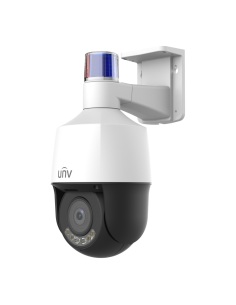
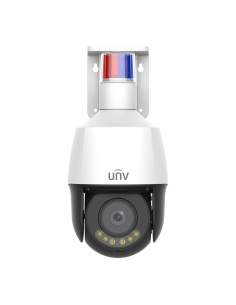
Tri-Guard turrets, bullets and PTZs from 4MP to 8MP 4K, with active deterrence built in.

Draw a line or a zone in the app. When a person or vehicle crosses it, the camera flashes its warning light and sounds an alarm, then sends an alert to your phone.

Choose the OwlView Plus SE models for ColorHunter colour night vision from a large sensor and F1.0 lens, or the SS models with red and blue warning lights. Every Tri-Guard has a mic and speaker for two-way talk.
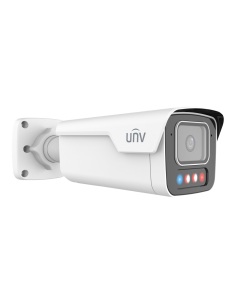
  • Turret, dome & bullet cameras — 4MP to 8MP 4K, LightHunter and ColorHunter night vision
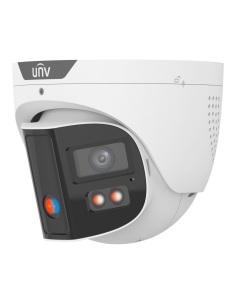
  • Tri-Guard cameras — warning light, alarm and two-way talk
  • Panoramic, PTZ & LPR — 180° OmniView, 25x zoom PTZ and number plate reading
  • PoE recorders — 4 to 32 channels with AcuSearch smart search
  • Intercoms & accessories — villa intercom kits, wall mounts and junction boxes

Need help choosing? Call 1300 736 970.

Tri-Guard questions

Will leaves or cats set off the alarm?

Tri-Guard classifies people and vehicles, so wind, animals and headlights trigger far fewer alarms. You choose which zones and times use the light and alarm.

Can I talk through a Tri-Guard camera?

Yes. Each Tri-Guard has a built-in mic and speaker for two-way talk in the UNV-Link app.

What is the difference between the SE and SS models?

SE models (OwlView Plus) have a larger 1/1.8" sensor and an F1.0 lens for colour pictures at night. SS models flash red and blue warning lights. Both sound an alarm through the speaker.

What warranty do Uniview products have?

Uniview cameras, recorders and intercoms carry a 3-year manufacturer warranty, handled in Australia through InFront. Contact us first and we organise any claim.

Is there a monthly fee for the Uniview app?

No. The UNV-Link app is free on iPhone and Android, with live view, playback and alerts. Footage records to the hard drive in your Uniview recorder, not a paid cloud.

What is the difference between Uniview and Uniarch?

Both come from Uniview (UNV). Uniarch is the simpler home range. Uniview is the full range, with bigger sensors, Tri-Guard deterrence, smarter recorders and more lens and mount options, and it is our go-to CCTV range.

3-year warranty, handled in Australia. Help planning cameras, cabling and recorders: call 1300 736 970.

CCTV basics

How does a PoE camera system work?

PoE (Power over Ethernet) sends power and video down one network cable. Each Uniview camera plugs into a port on the back of a Uniview PoE recorder, and that one cable does everything.

  1. IP camerasOne Cat6 cable each
  2. PoE recorder (NVR)Powers and records them
  3. Screen & appMonitor on site, phone anywhere

Why it matters

  • No power points — cameras need no plug pack at the camera end, up to 100 m of cable.
  • Plug and play — Uniview cameras are found and added by the recorder automatically.
  • Footage stays on site — recorded to a hard drive in the NVR, no monthly cloud fees.
  • Free app — live view, playback and alerts in the UNV-Link app on iPhone and Android.

Mixing brands

Uniview recorders also record Uniarch and other ONVIF cameras for video and basic motion. Smart events such as line crossing, Tri-Guard alarms and AcuSearch work best camera-to-recorder within Uniview.

INFRONTTECH Promotional Banner INFRONTTECH Promotional Banner

Do you need help?

We understand that the world of CCTV can be overwhelming and very confusing

Call us for a chat today.

Available Mon-Fri 9-5PM

Product added to wishlist