Guides

What is SIP? A Plain-English Guide to SIP Intercoms

New to intercoms? Start here: what SIP is, how a call works, and how people use it every day.

The plain-English guide

One language for every door, screen and phone.

SIP is the common language modern intercoms use to make calls. Because it’s an open standard, your front door can ring an indoor screen, a desk phone, a mobile app or a security guard’s station, whichever brand made them.

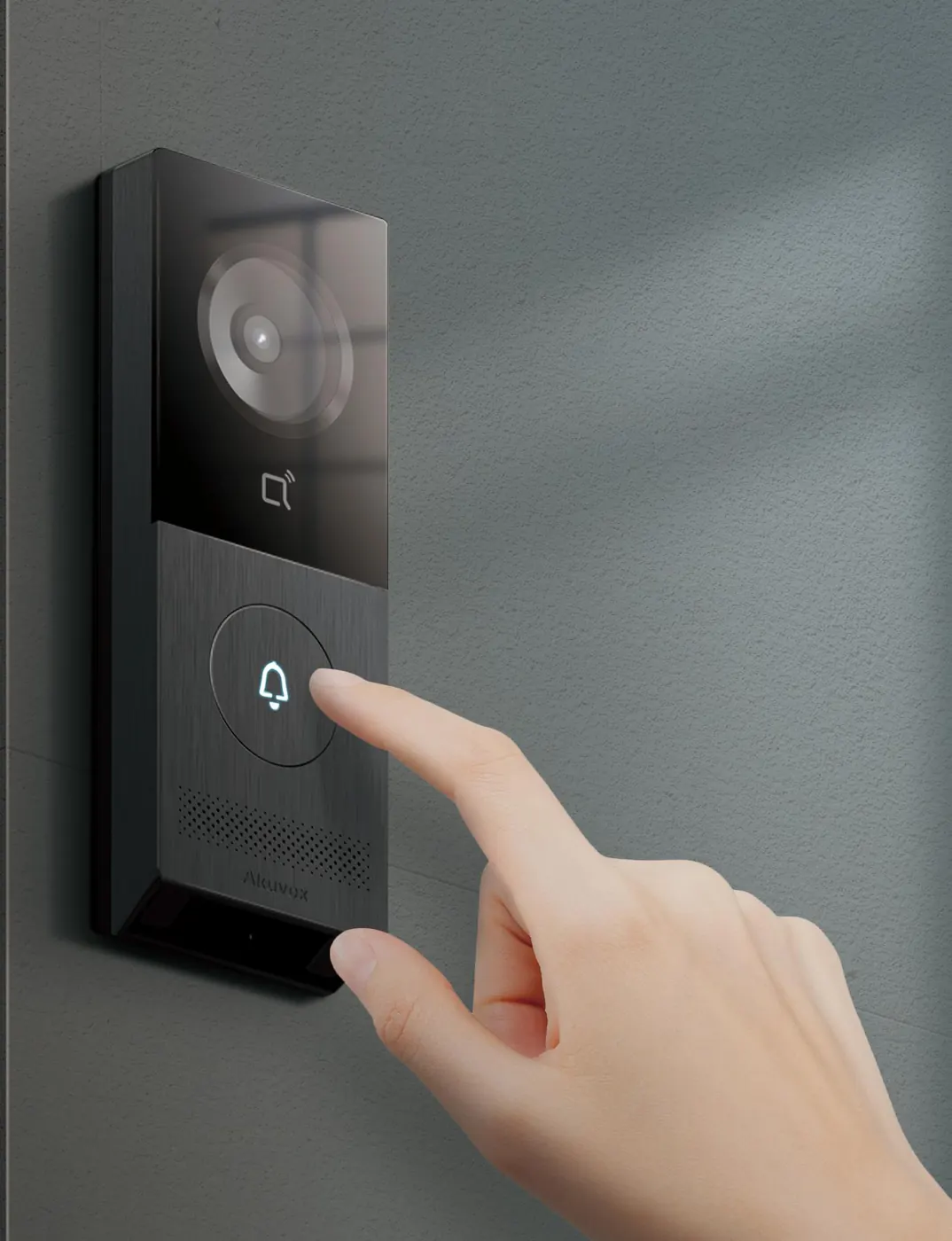
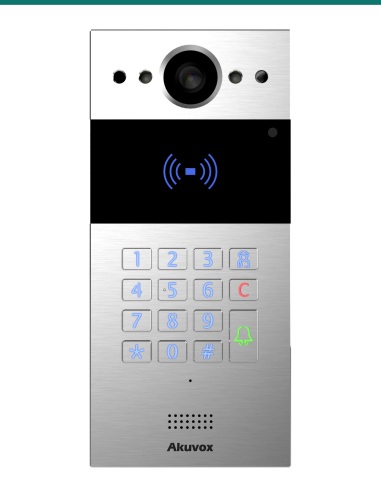
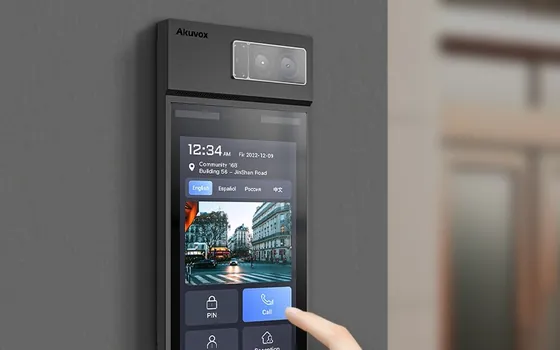
Finger pressing the call button on an Akuvox door phone
SIP Front door Indoor screen Your mobile Office phone
What

SIP in one sentence

SIP (Session Initiation Protocol) is a set of rules that lets one device call another over a computer network: it starts the call, rings, connects the voice and video, then hangs up.

You already use it without knowing. Most modern office phones, many business phone systems and a lot of VoIP calls run on SIP. An Akuvox door phone simply joins that world: it’s a phone that lives on your front wall and happens to have a camera, a button and a door release.

Think of email

You can email a Gmail address from an Outlook account because both follow the same email rules. SIP does the same for calls: any SIP device can call any other SIP device.

Every device gets an address

Your gate might be gate@home and the kitchen screen 101@home. Press the button at the gate and it simply calls 101, just like dialling an extension.

Opening the door is part of the call

While you’re talking, you tap Unlock (or press a key on a phone). The door phone hears that command and clicks its relay, which releases the lock or starts the gate.

Old closed intercom One brand, one cable type, one screen brand-only wires and signals Door unit Matching monitor Mobiles, office phones and cameras can’t join in If one part fails or is discontinued, you often replace the lot SIP intercom Open standard, ordinary network Your network speaks SIP Door phoneIndoor screenMobile app Desk phoneCCTV recorderSmart speaker

A closed system is a private conversation between two boxes. A SIP system is a phone network that anything SIP-capable can join.

The bit that confuses everyone

What is a SIP server, and do I need one?

Open the settings of almost any SIP door unit and you’ll see boxes for SIP Server, Port, Username and Password. This is where most people get stuck. Here is the plain answer.

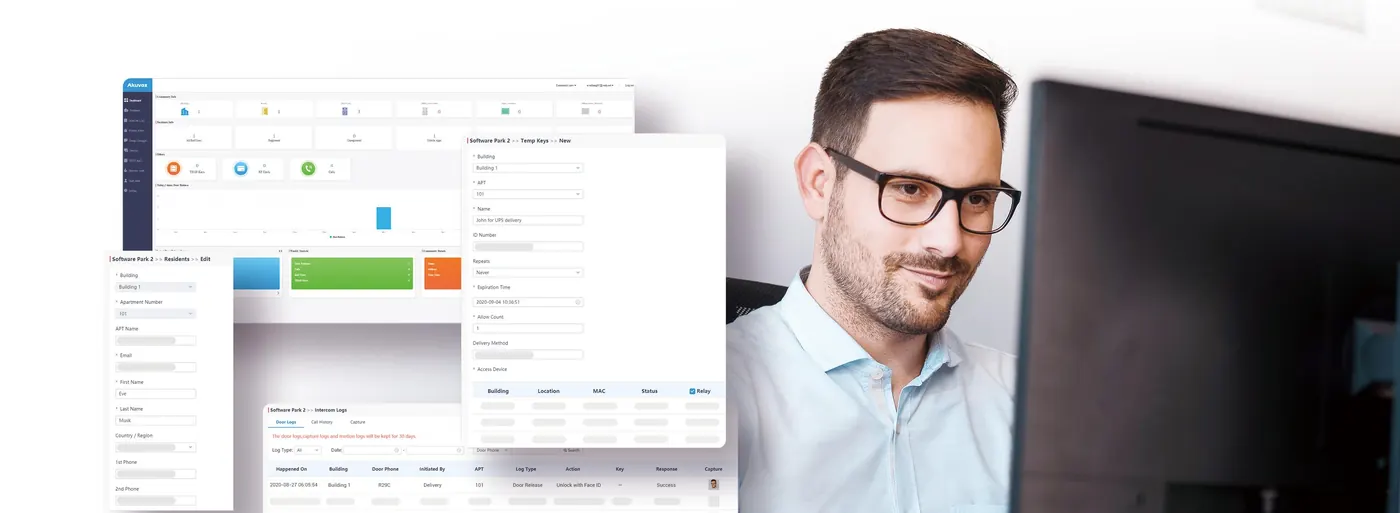
Building manager looking after an intercom system on a computer

A SIP server is a switchboard

Think of a hotel reception desk. You don’t need to know which room your friend is in or where it is. You ring reception, ask for room 101, and they put you through.

A SIP server does the same job for intercoms and phones. Each device signs in to it with a username and password, just like signing in to email. The server then knows that “101 is the kitchen screen” and where to find it. When the front door dials 101, the server rings the right screen, or several at once.

You may also hear it called a PBX, a phone system, a registrar or a SIP proxy. For our purposes they all mean the switchboard.

Swipe sideways to see the whole switchboard →

SIP server the switchboard knows who 101, 102, 103 are Front door signed in as 100 101 Kitchen screen 102 Your mobile 103 Office phone 1 Every device signs in “I’m 101, here’s my password” (grey dashed lines) 2 A visitor presses the button The door asks the switchboard: “Please ring 101” “Ring 101” 3 The switchboard rings 101 and your mobile too, if you set it up that way
Is there a SIP server inside my intercom?

No. Your door unit and indoor screen are the phones, not the switchboard. The SIP Server box in their settings is optional. It’s there in case you want to plug the intercom into a switchboard you already have or rent.

Then how does my door ring the screen at home?

It calls it directly by its network address, for example 192.168.1.50. It’s like knowing a friend’s street address: you don’t need the phone book. Give the screen a fixed (static) IP address so it never moves.

So what do I type in the SIP Server box at home?

Nothing. For a normal house, leave the SIP account switched off and set the call button to the screen’s IP address. Only fill it in if you’re connecting to a phone system.

Those settings boxes, decoded

Swipe sideways to read every field →

Account › SIP account 1 Account active off for direct calling Display nameFront door User ID100 Password•••••••• SIP server192.168.1.10 Port5060 Turns the switchboard sign-in on or offLeave it off if the door calls the screen directly. This unit’s login on the switchboardWhoever runs the switchboard gives you these,like an email address and password. The switchboard’s addressAn IP address or web name. No switchboard? Leave it empty. The standard SIP “door number”5060 almost everywhere. Only change it if told to.

Typical layout. The exact wording differs between models and firmware versions.

What should I put in the box? Pick your situation

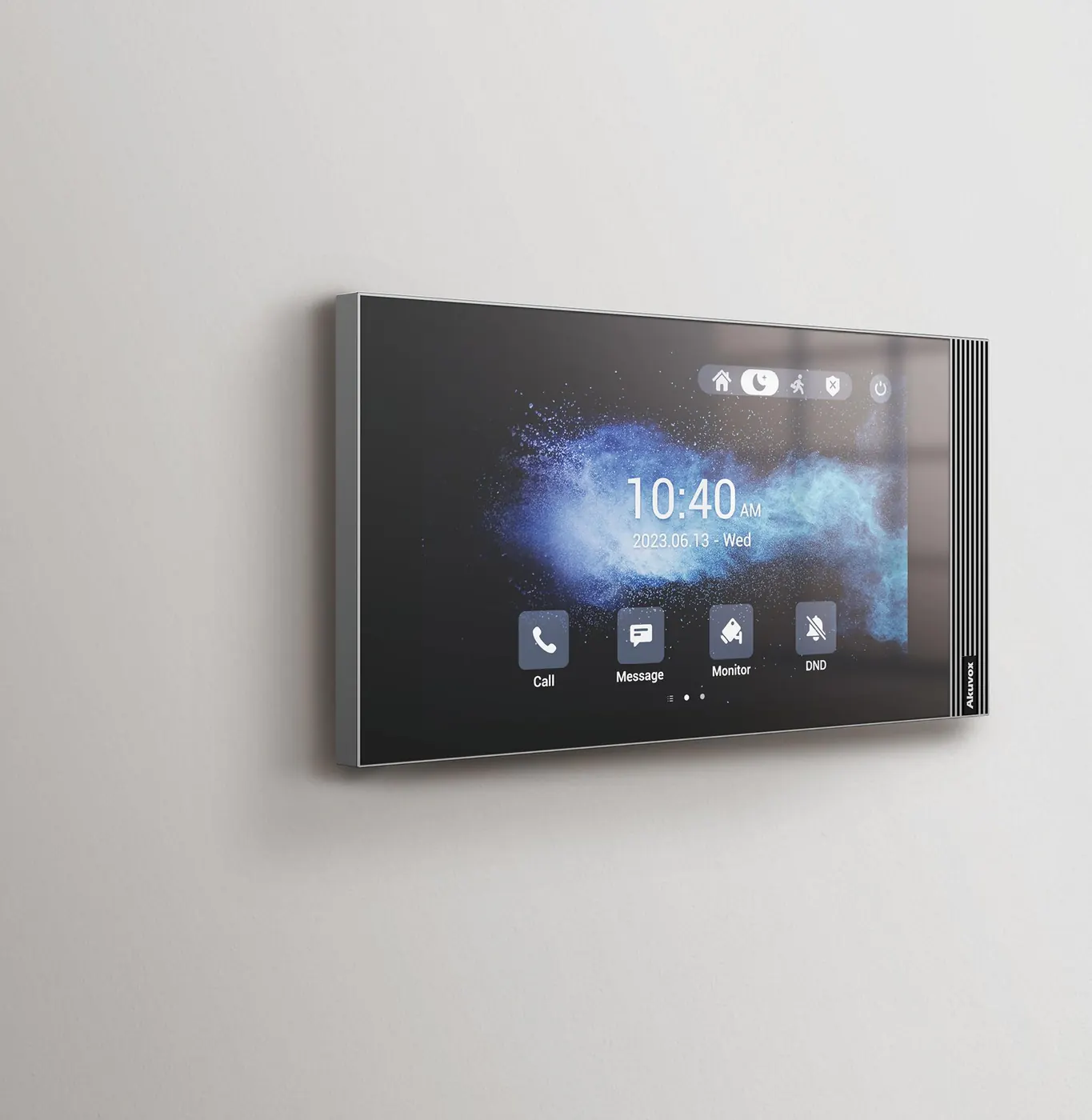
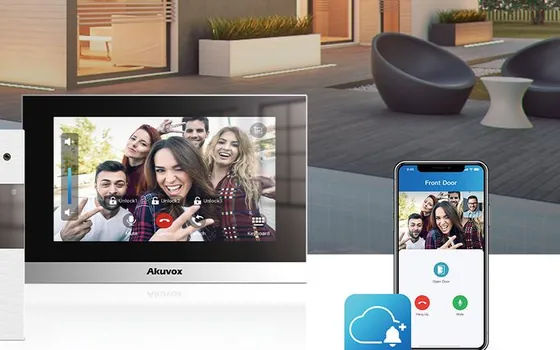
Akuvox indoor monitor mounted on a living-room wall
House

“I just want the door to ring the screens in my house.”

Leave it empty. Use direct calling: the door rings each screen by its IP address. Nothing to run and nothing to pay, and it keeps working if the internet drops.

Who manages it: nobody. There is no server.

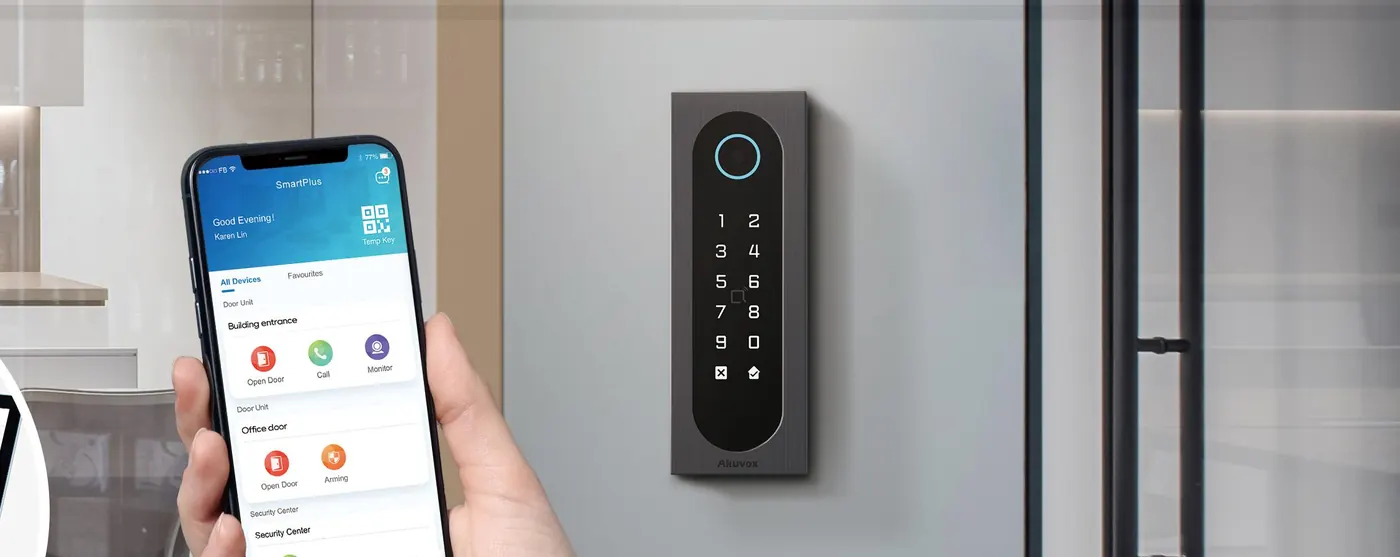
Opening a door from the SmartPlus app on a smartphone
Answer anywhere

“I want to answer on my phone when I’m out.”

Use Akuvox SmartPlus. You don’t type a server address. You link the device to SmartPlus and Akuvox’s cloud signs it in for you, then rings your app anywhere. Screens at home can still be called directly as well.

Who manages it: Akuvox runs the cloud servers. Your installer or building manager sets up your account.

Office building
Business

“Our office already has a phone system.”

Ask for an extension. Your phone administrator or provider creates one for the door (say, extension 100) and gives you the server address, username and password to type in. Reception can then answer the door on their desk phone.

Who manages it: your IT person, installer or phone provider.

Resident and courier at an apartment entrance door phone
Apartments

“I’m fitting out a building or estate.”

Use SmartPlus or an on-site phone system. With dozens of apartments, a switchboard keeps everyone’s numbers, app logins, cards and PINs in one place, so access can be changed without visiting the site.

Who manages it: the building manager, with the installer looking after the hardware.

What can I use as a SIP server?

If you do need a switchboard, these are the usual choices, from simplest to most hands-on.

No server (direct calling)

Door to screen by IP address. Built into the devices.

Good for
Houses, granny flats, small sites
Runs it
Nobody
Cost
Nothing extra

Akuvox SmartPlus cloud

Akuvox’s own hosted service. Adds the mobile app, remote unlock and building management.

Good for
Answering away from home, apartments, multi-site
Runs it
Akuvox, set up by your installer
Cost
Service plan; ask us for current options
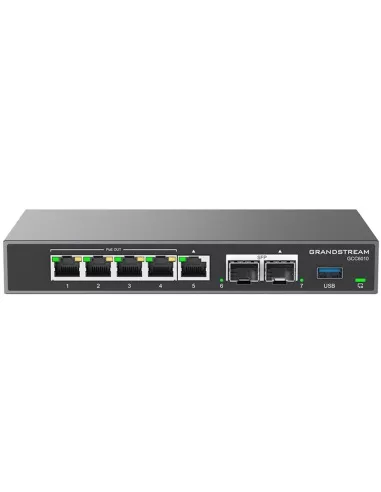
Grandstream GCC6010 all-in-one router with built-in IP phone system

A phone-system box on site

A small appliance that is the switchboard, such as the Grandstream GCC6010, which is a router, firewall and IP phone system in one.

Good for
Offices, schools, farms with several buildings
Runs it
You, your installer or IT
Cost
One-off hardware

Phone-system software

Programs such as 3CX or FreePBX turn a PC, small server or virtual machine into a switchboard.

Good for
IT-savvy owners, businesses with servers
Runs it
You or your IT provider
Cost
Free to licensed, plus the computer

Hosted business phone system

Many business phone providers run the switchboard for you in the cloud. The door simply becomes another extension.

Good for
Businesses already on a hosted phone service
Runs it
Your phone provider
Cost
Usually a monthly fee per extension

Some home routers

A few home routers, such as some FRITZ!Box models, have a small phone system built in that IP phones and door units can sign in to.

Good for
Tech-minded home owners
Runs it
You
Cost
Already in the router, if supported

Akuvox has tested its intercoms with telephony platforms including Yeastar, BroadSoft, Elastix, aarenet, Epygi and CyberTwice. Not sure whether your system is compatible? Ask us and we’ll check before you buy.

Your set-upWhere the “switchboard” livesWho looks after itWorks without internet?
House, screens onlyNowhere: direct callingNobodyYes
House plus mobile appAkuvox SmartPlus cloudAkuvox (account set up by your installer)Screens yes, app no
Office with a phone systemPhone-system box or software on siteYou, your installer or ITYes, inside the site
Office on hosted phonesYour phone provider’s cloudYour phone providerNo
Apartments and estatesSmartPlus cloud or an on-site systemBuilding manager and installerDepends on the design
How

What actually happens when someone presses the button

Behind every visitor call is a short, polite conversation between two devices. Here it is in plain English, with the technical name underneath for anyone who wants it.

Swipe sideways to follow the call →

Door phone Your screen, phone or app 1 “Hi, it’s the front door. Can apartment 101 talk?” SIP INVITE 2 “Ringing now…” (every screen and app you choose rings together) 180 RINGING 3 You answer: “Yes, let’s talk.” 200 OK 4 Live video and two-way audio flow straight between the two RTP MEDIA STREAM 5 You tap Unlock. The door phone clicks its relay and the lock opens. DTMF TONE OR UNLOCK COMMAND

The whole exchange takes well under a second. Hang up, and the door phone is ready for the next visitor.

Three ways to connect a SIP intercom

The language is always SIP. What changes is who passes the calls around.

DoorPoE switchScreen

1. Direct, on your own network

The door phone calls the indoor screen by its network address. No server, no subscription, and it keeps working if the internet drops out.

Best for: houses, granny flats, small offices.

DoorPhone system

2. Through your phone system

The door phone becomes an extension on your business phone system (an IP PBX). Reception answers on a desk phone, calls divert to mobiles after hours, and staff can transfer a visitor like any other call.

Best for: offices, schools, clinics, warehouses.

DoorSmartPlus cloud

3. Through the cloud

Akuvox SmartPlus carries the call to your phone wherever you are: at work, overseas or stuck in traffic. Building managers add and remove residents, cards and PINs from a web portal.

Best for: anyone who wants to answer from anywhere; apartments and multi-site managers.

You can mix them: a house can ring its own screen directly and the owners’ mobiles through the cloud at the same time.

What you need

  1. A door stationThe outdoor unit with the camera, call button and often a keypad, card reader or face recognition.
  2. Something to answer withAn indoor screen, an audio handset, a desk or video phone, the mobile app, or several at once.
  3. A network to carry itUsually Cat6 cable to a PoE switch, which carries power and data on one cable. Wi-Fi, 4G or two existing wires also work.
  4. A lock to releaseAn electric strike, magnetic lock or gate motor, wired to the door phone’s relay.
  5. Optional extrasA phone system or the SmartPlus cloud for app calls, plus access readers, CCTV and lift control.
Why

Why SIP beats a closed intercom

No lock-in

Because SIP is an open standard, you’re not trapped with one brand. Replace or add a single device later and the rest keeps working.

Answer anywhere

Indoor screen, desk phone, mobile app, even a smartwatch. Ring one device or ring them all at the same time.

Uses ordinary network gear

Standard data cable and PoE switches carry power, voice and video on one cable, the same gear IT installers fit every day.

Grows with you

Start with one door and one screen. Add the side gate, the garage, another building or a hundred apartments without starting again.

Talks to the rest of the building

Akuvox door phones also support ONVIF, so CCTV recorders can record them. They can link with alarm panels, lift control, smart locks and smart-home systems.

Clear, secure, supportable

HD video and wideband audio as standard. SIP itself supports encrypted calling (TLS and SRTP), and any network professional can look after it.

Who

Who uses SIP intercoms?

Anyone who needs to see who’s there, talk to them and let them in, from a single house to a whole precinct.

  • Homeowners & renovators
  • Builders & developers
  • Strata & property managers
  • Offices, retail & warehouses
  • Aged care & hospitals
  • Schools & public spaces
  • Installers & IT teams
Smiling visitor arriving at a front door

Imagine it in your world

Eight everyday situations, and how SIP makes each one simple.

Family home at dusk
Home

The courier at 11am

You’re at work when a parcel arrives. The doorbell rings the kitchen screen and your mobile together. You see the courier, ask them to leave it inside the side gate, tap Unlock, then watch the gate close behind them.

How SIP does it: one button press, several devices ringing, and the unlock command travels with the call.

Akuvox R20K-L LTE door phone
Rural

The farm gate 800 metres away

Trenching cable down the driveway would cost a fortune. An LTE door phone at the gate makes its SIP call over 4G instead, so visitors reach the house screen or your mobile out in the paddock.

How SIP does it: SIP runs over any IP connection, so it works on a mobile data link as well as a cable.

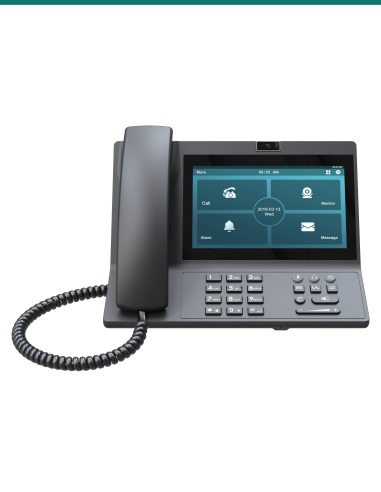
Akuvox VP-R49G video desk phone
Office

The front desk that’s never unattended

The entrance intercom is an extension on your phone system. Reception sees the visitor on a video desk phone and presses a key to open the door. After 5pm the same call rolls to the manager’s mobile.

How SIP does it: the door phone registers to your IP phone system like any other handset, so call rules, transfers and after-hours diversions just work.

Akuvox facial recognition door phone at an apartment entrance
Apartments

The 40-unit apartment block

Residents walk in with their face, phone or card. Visitors search the lobby directory and call the right apartment’s screen or app. When someone moves out, the building manager removes their access from a laptop with no site visit.

How SIP does it: each apartment is just another SIP address, and the cloud keeps every resident and credential in one place.

Older couple holding hands
Aged care

Mum, living on her own

A big-button phone with photo keys lets her call family with one press, and the red SOS key raises an alarm. A ceiling radar notices a fall without a camera in the room. When the carer rings the gate, she answers from her chair.

How SIP does it: the phone, the door and the alert system all share one calling network, so help can reach her and she can reach help.

Public park path at sunset
Public

The car-park help point

A driver is stuck at the boom gate. They press the help point and the security desk answers, sees the plate on camera and lifts the gate. If the desk is busy, the call moves on to the patrol guard’s phone.

How SIP does it: help points are SIP phones in tough housings, so they ring any security phone or control room that speaks SIP.

Akuvox 2-wire indoor monitor replacing an old intercom
Upgrade

The 1990s intercom that finally died

The old handset only had two wires running to it, and nobody wants to chase new cable through plastered walls. A 2-wire IP kit reuses those wires and turns them into a network link, so you get modern video, the app and SIP calling.

How SIP does it: an adaptor carries ordinary network traffic down the old pair, and SIP neither knows nor cares.

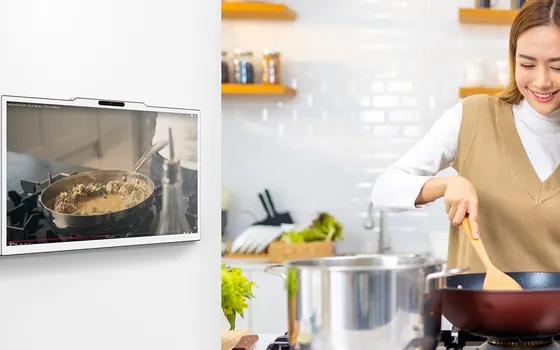
Answering an Akuvox indoor monitor in the kitchen
Smart home

Hands full in the kitchen

The doorbell rings while you’re cooking. You glance at your Apple Watch to see who it is, or ask Alexa to unlock the front door. Meanwhile the CCTV recorder has already saved the clip.

How SIP does it: because the intercom speaks open standards, it plugs into the apps, watches, speakers and recorders you already own.

Jargon buster

The words you’ll hear

SIP
Session Initiation Protocol. The open rules for starting, running and ending calls over a network.
SIP address or extension
A device’s “phone number” on the system, such as 101 or gate@home.
SIP server
The switchboard that devices sign in to and that connects their calls. Also called a PBX, registrar or SIP proxy.
Register (sign in)
A device logging in to the SIP server with its username and password so the server knows where to ring it.
Static IP address
A network address that never changes. Give indoor screens one so the door can always find them for direct calls.
IP PBX or phone system
The switchboard that passes calls between extensions and out to real phone numbers. It can be a box on site or hosted in the cloud.
Direct IP call
Two devices calling each other by network address with no server in between. Ideal for a single house.
PoE (Power over Ethernet)
Power and data on the same network cable, so the door phone needs no separate power pack.
RTP
The stream that carries the actual voice and video once SIP has connected the call.
Relay
A switch inside the door phone that releases an electric lock or triggers a gate motor.
DTMF
The tones a phone keypad makes. Pressing a key (such as #) during a call can tell the door phone to open the lock.
ONVIF
The open standard for security cameras. It lets a CCTV recorder view and record the door phone’s camera.
SmartPlus
Akuvox’s cloud service and app for answering calls, opening doors and managing residents from anywhere.
Questions

Common questions

Do I need a SIP server for my house?

Usually not. A door unit can call indoor screens directly by their IP addresses, with no server at all. You only need a SIP server (or the SmartPlus cloud) if you want to connect to a business phone system or answer from a mobile app.

Is there a SIP server built into the intercom?

No. Door units and indoor screens are SIP phones, not switchboards. The SIP Server field in their settings is optional and only used when you connect them to a phone system or cloud service.

Who manages the SIP server?

Whoever provides it. With direct calling there is none to manage. With Akuvox SmartPlus, Akuvox runs the cloud and your installer or building manager sets up accounts. With an office phone system, your IT person, installer or phone provider looks after it.

What happens if the SIP server goes offline?

Calls that go through it stop until it’s back. That’s one reason houses usually use direct calling between the door and the screens: those calls don’t depend on a server or the internet.

Do I need the internet for a SIP intercom to work?

No. Calls between the door and screens inside the property run over your own network and keep working if the internet goes down. You only need the internet to answer on your mobile while you’re away, or to use cloud management.

Does it use my phone line or cost money per call?

No. Calls travel over your own network, so there are no call charges. Calls only go out to a real phone number if you connect the intercom to a phone system or VoIP service that can dial them.

Can I mix brands?

Yes, that’s the point of SIP. Any device or phone system that supports SIP can call an Akuvox door phone, and the door phone can call it. Brand-specific extras, such as face enrolment or the SmartPlus app, work best within the Akuvox family.

Will it work with my existing office phone system?

If your phone system supports SIP extensions (most modern IP and hosted phone systems do), the door phone can register as an extension. Akuvox works with phone platforms such as Yeastar, BroadSoft and Elastix.

Is a SIP intercom secure?

SIP supports encrypted call set-up (TLS) and encrypted voice and video (SRTP). Good practice is strong passwords, up-to-date firmware and keeping intercoms on their own network segment. We can help you set that up.

I only have two old wires to the intercom. Can I still go SIP?

Yes. Akuvox 2-wire IP systems reuse an existing pair of wires as a network link, so you can upgrade without new cabling.

How big can a system get?

From one door and one screen up to estates with multiple buildings, lobby panels, lifts and hundreds of apartments. You can start small and add devices over time.

Explore the range

Every Akuvox device here speaks SIP

Not sure what your site needs?

Tell us about your doors, gates and how you’d like to answer, and we’ll sketch a system that fits.

Talk to our team →