There are no more items in your cart

In Stock - Ready to Ship


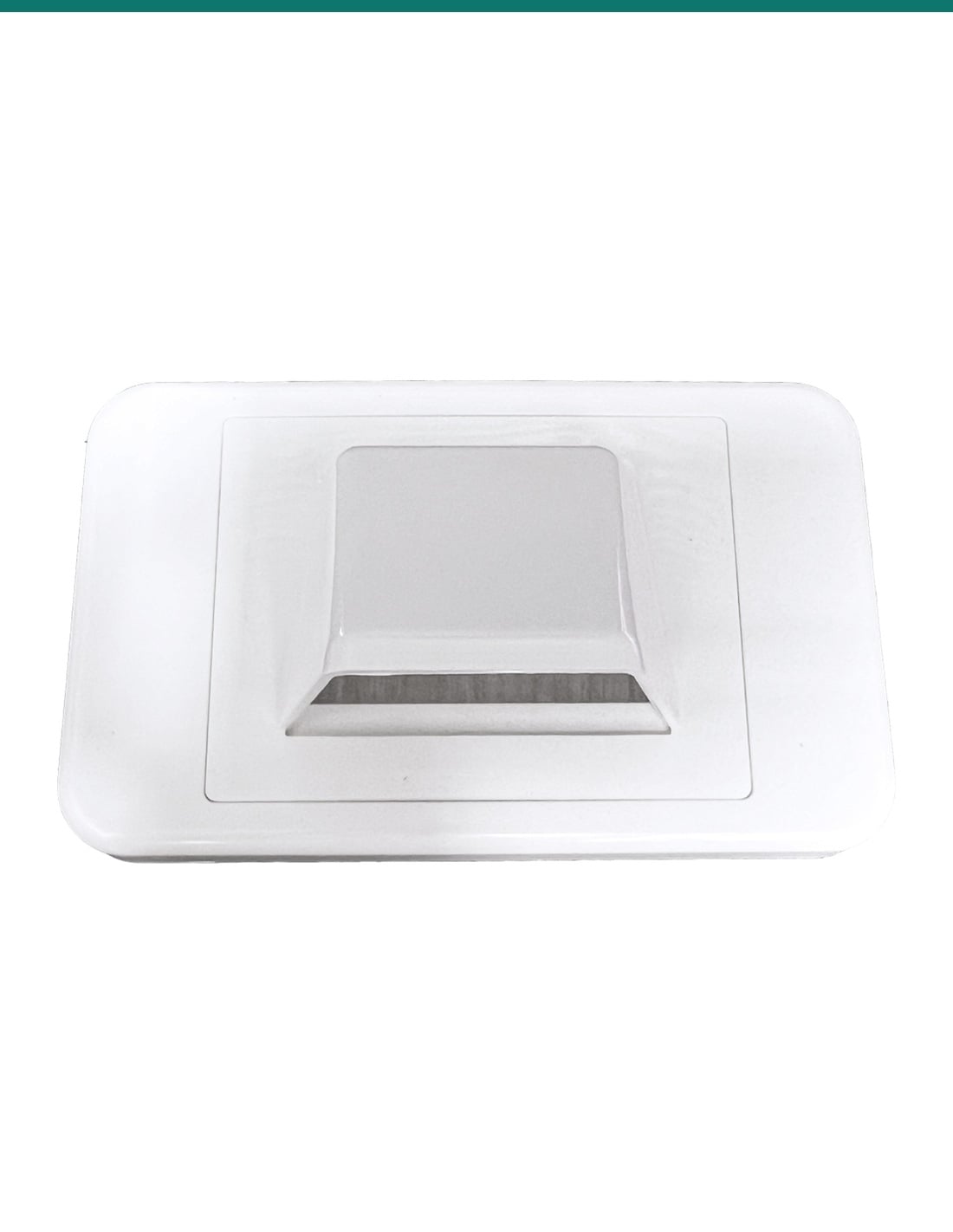
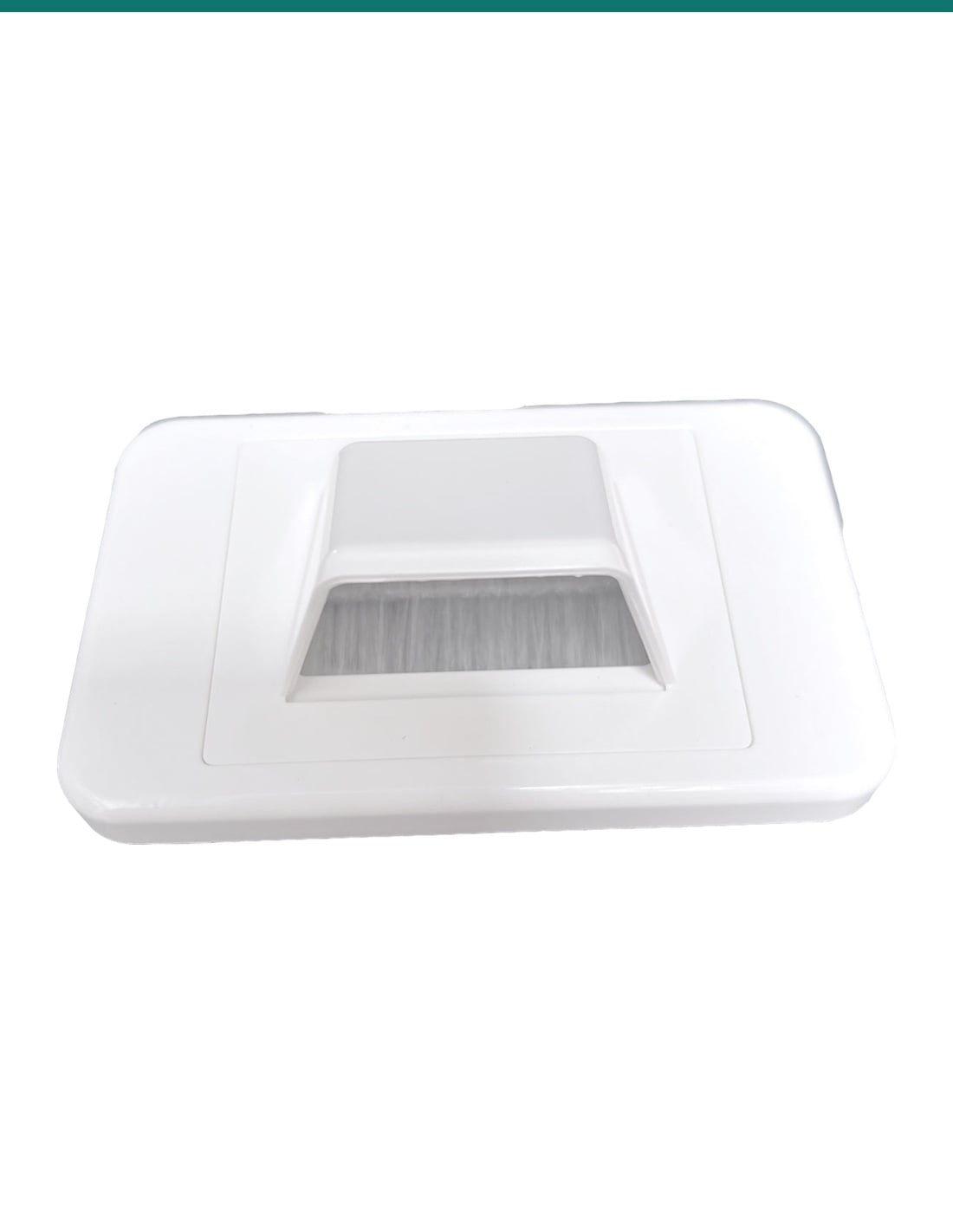
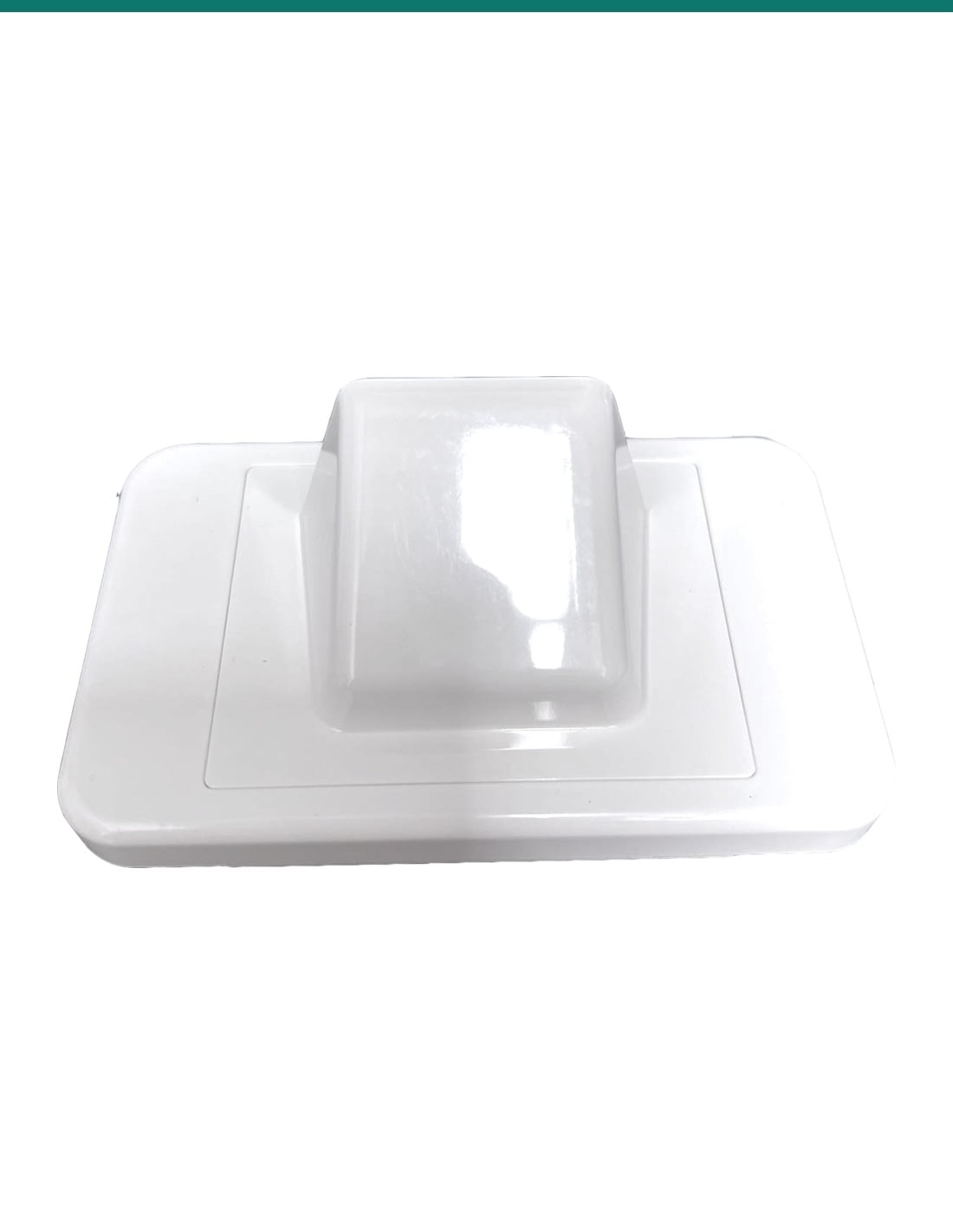
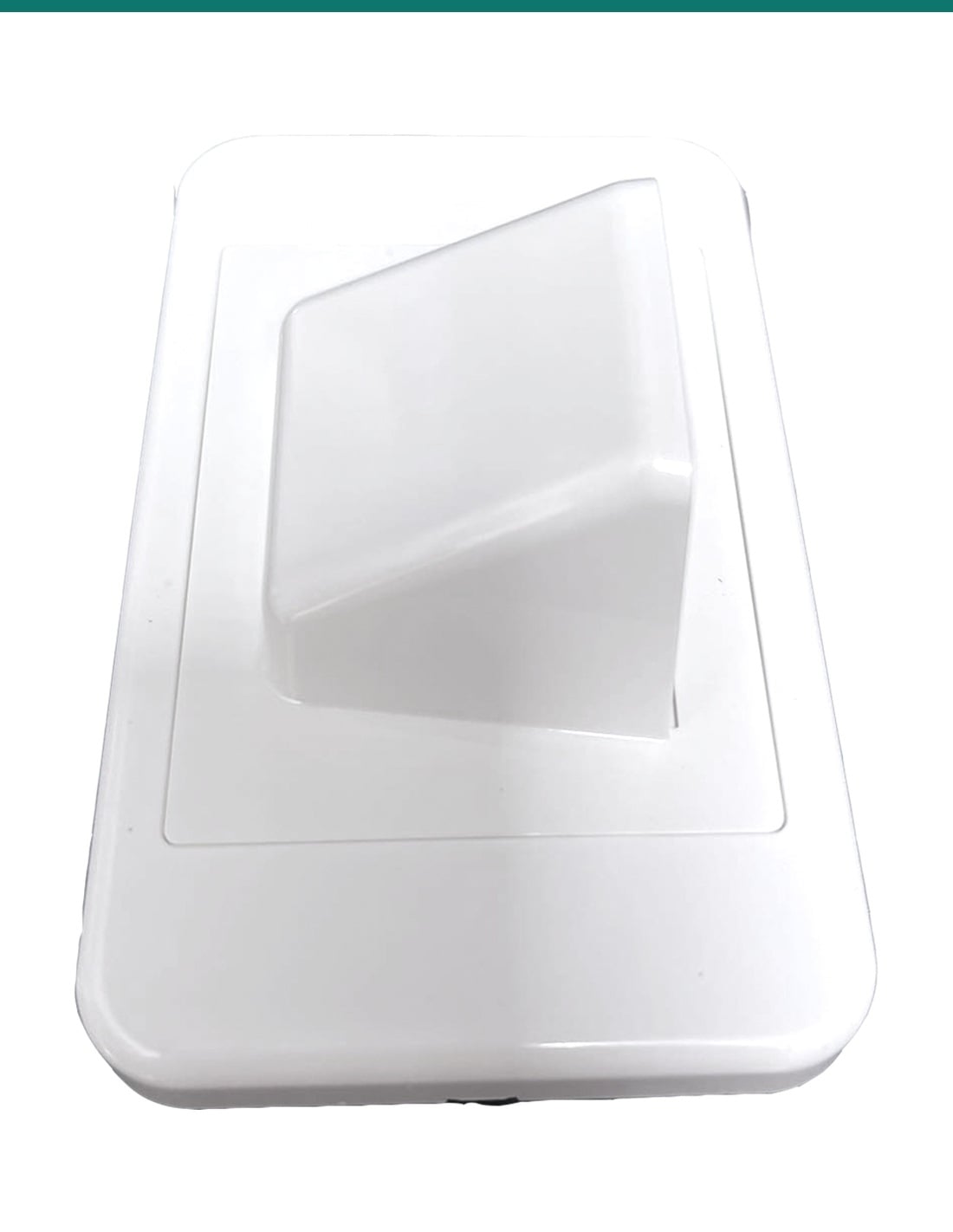
White 2-in-1 brush and bull nose wall plate. Run cables out of the wall neatly through an extra large brush opening under a low-profile hood. Screws included.
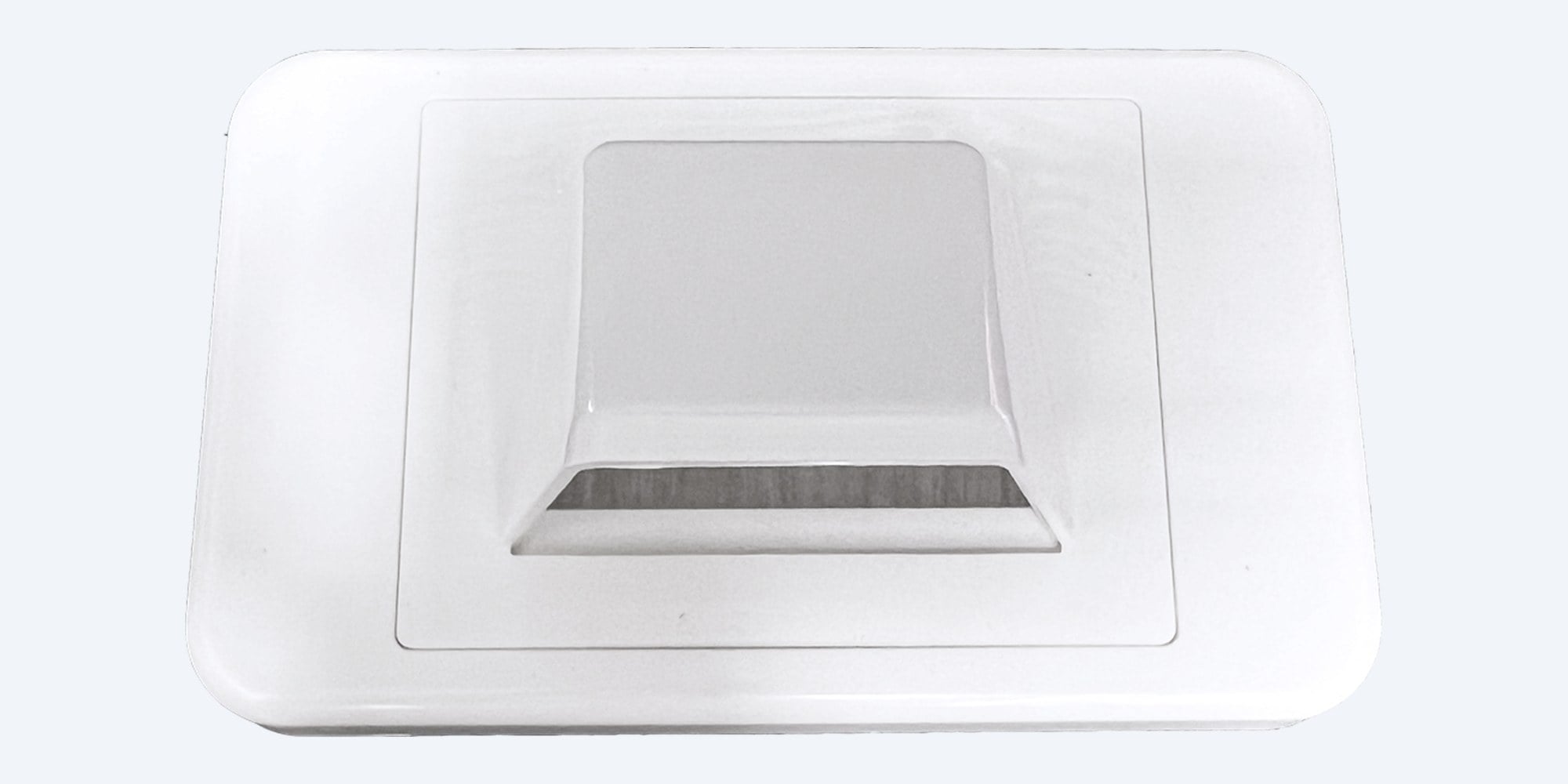
The AC-BWP/BNP-01W-01each is a white 2-in-1 wall plate: a low-profile bull nose hood over a built-in brush. Cables come out of the wall through the brush, and the extra large opening takes more and larger cables than a standard brush plate.
In one sentence: the AC-BWP/BNP-01W-01each is a white 2-in-1 brush and bull nose wall plate with an extra large brush opening under a low-profile hood, for running several cables neatly out of a wall, supplied with fixing screws.
One plate. Cables and cut-out are up to you.
This listing is one wall plate with its fixing screws. It covers a hole in the wall that cables pass through. It is not a power point or a data socket, and it is for low-voltage and data cables only.
Behind a wall-mounted TV, at a desk or in the cupboard where the recorder lives, cables have to come out of the wall somewhere. This plate covers the hole with a neat bull nose hood, and the brush closes in around the cables to keep drafts and dust back.
The opening
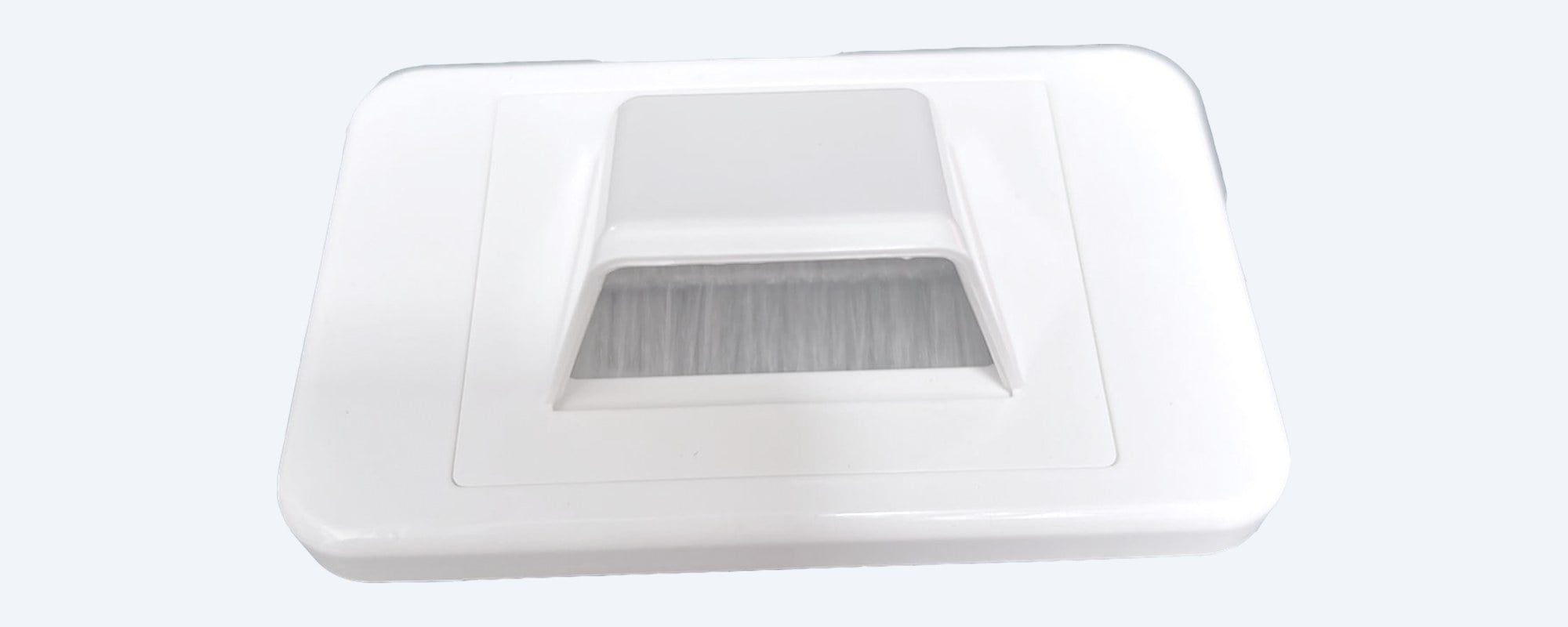
The opening is larger than on a typical brush plate, so it takes more cables and thicker ones. The brush closes around them to cut drafts.
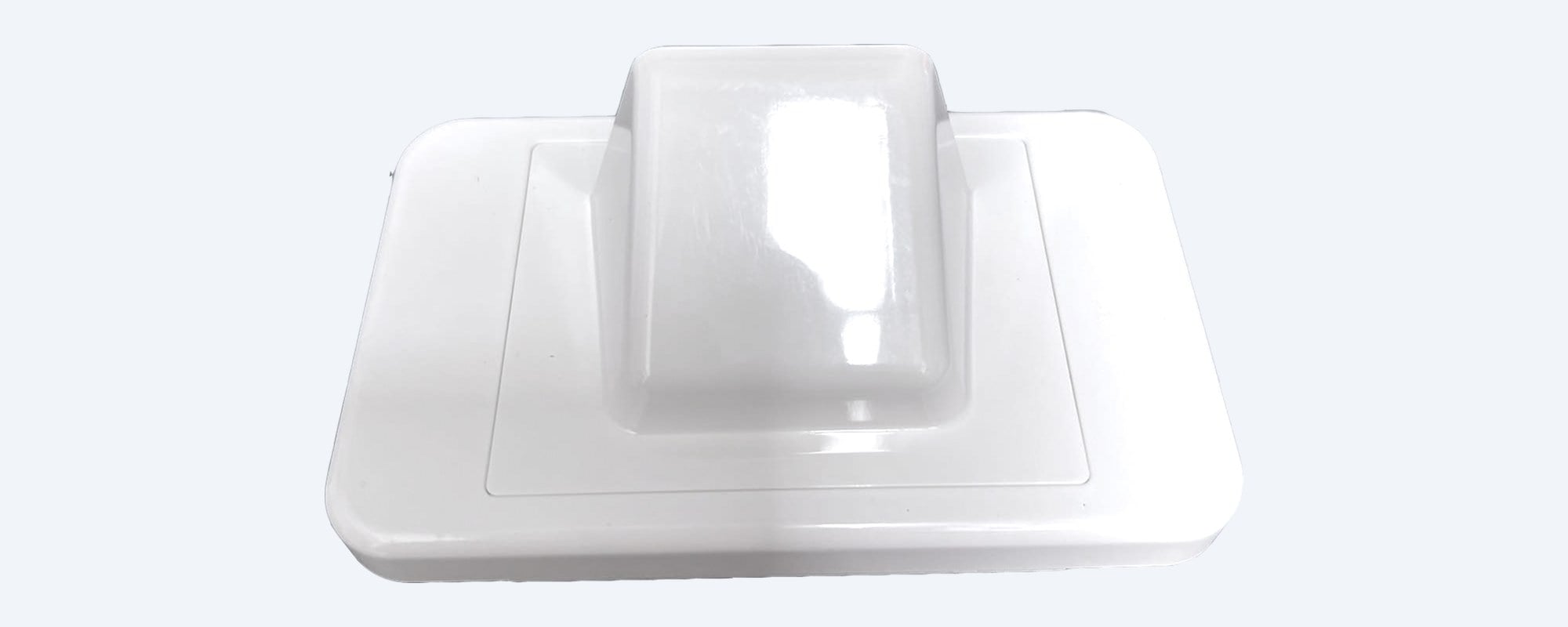
The hood
The rounded hood sits over the opening so cables leave the wall at an angle instead of straight out, and the plate stays streamlined against the wall.
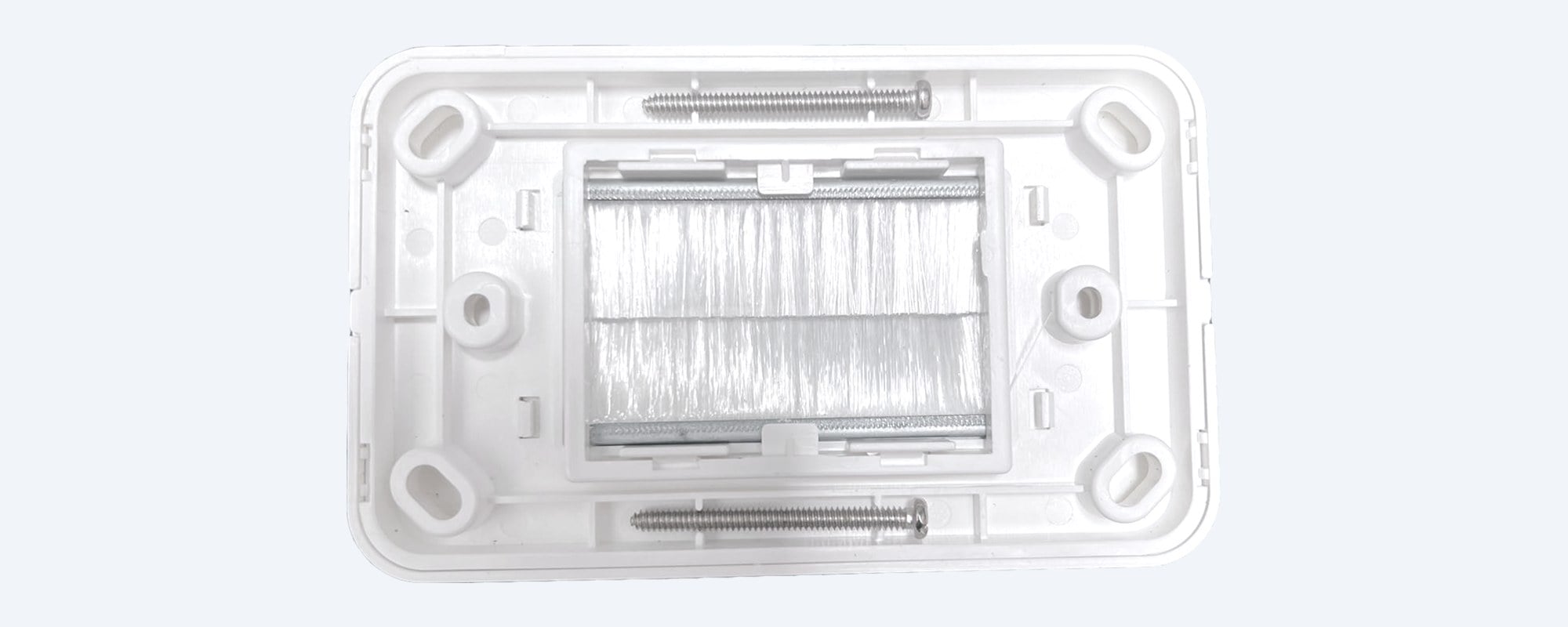
The back
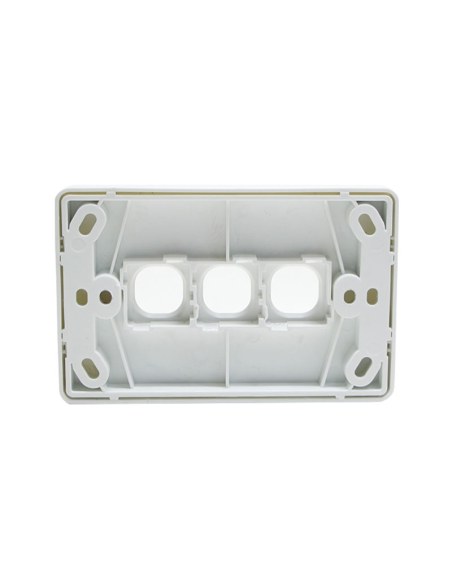
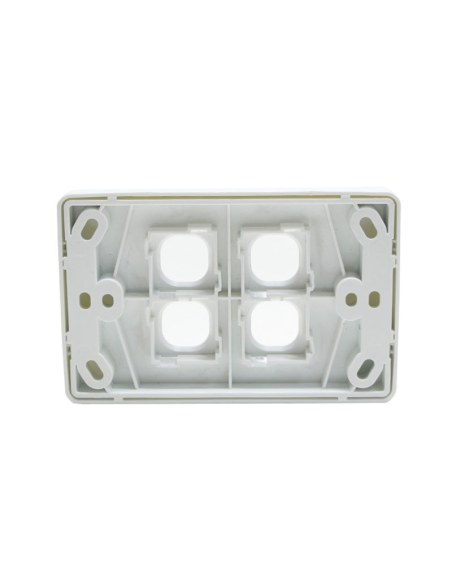
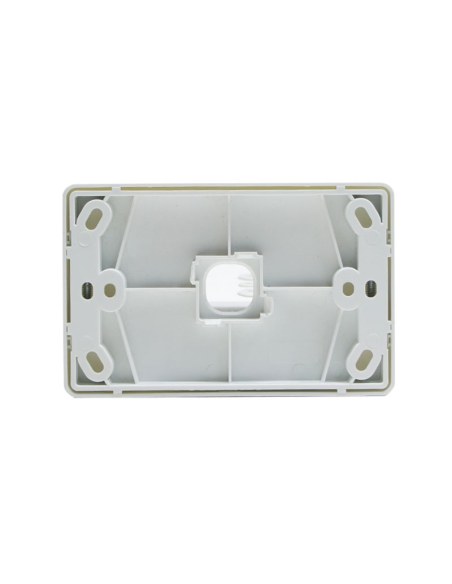
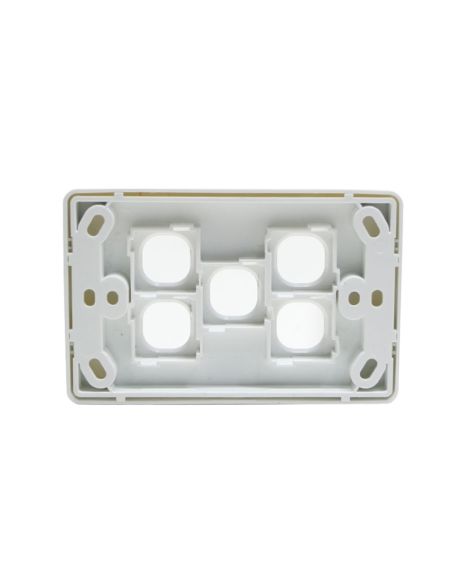
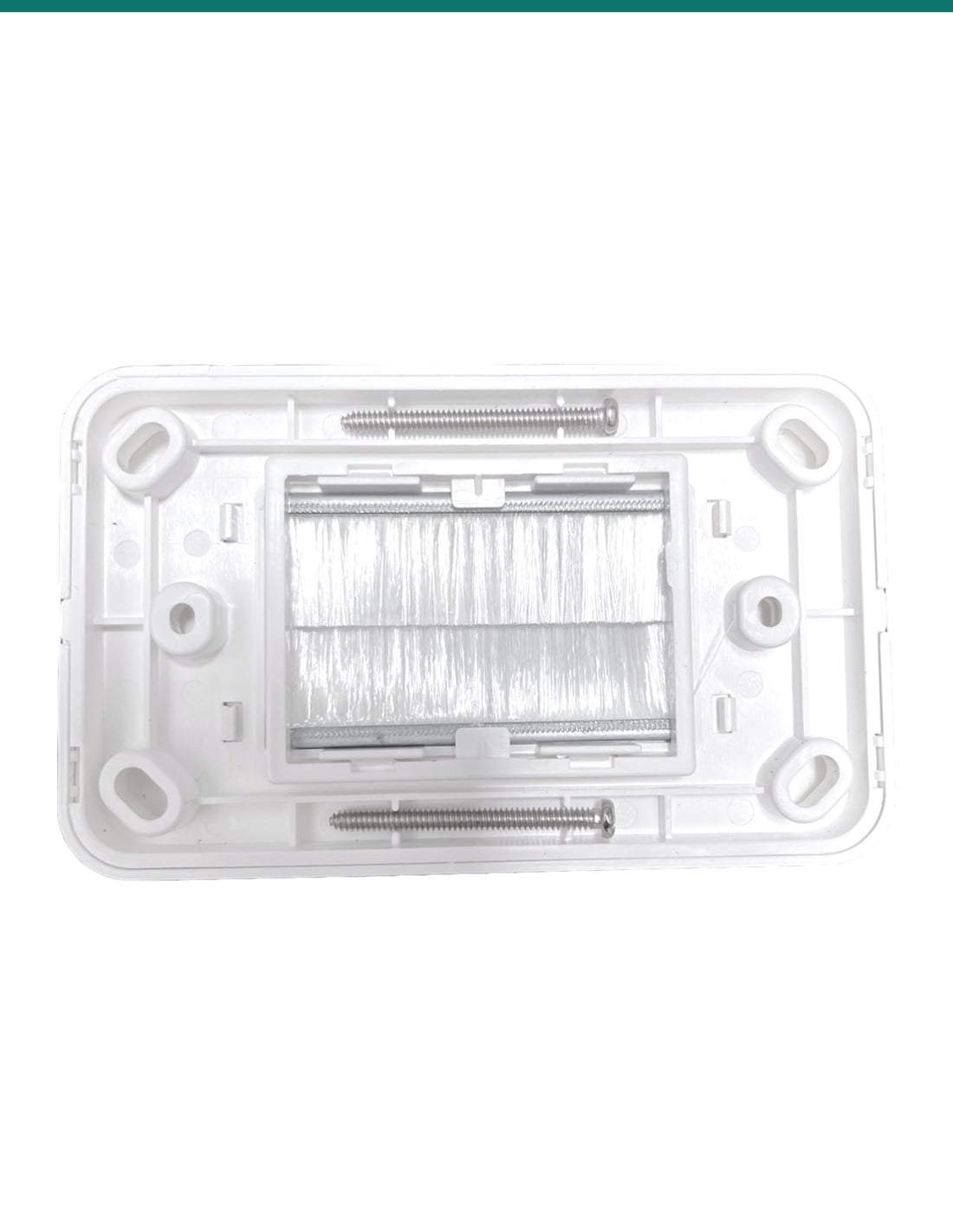
From behind you can see the two rows of brush across the opening and the fixing screws that come with the plate.
How it goes in
01
Make sure there is no power cable or pipe behind the spot. Fit a wall plate mounting bracket or wall box to screw the plate to.
02
Cut a hole in the wall that sits inside the plate's brush opening and clear of the screw holes.
03
Pass the cables through the brush from the back of the plate, then through the wall.
04
Fix the plate with the screws supplied, with the hood facing the way the cables run, and dress the cables neatly.
At a glance
Show specs
Type
2-in-1 brush wall plate and bull nose plate
Colour
White
Opening
Extra large, for more and larger cables
Brush
Built in, closes around the cables to reduce drafts
Hood
Low-profile, streamlined bull nose
Fixing
Screws included
Cables
Low-voltage and data cables
Sold as
One plate
Size
Confirm with us
Brand
InFront Technologies
Pair it with
Network cable
Blue Cat6 solid core cable for the runs behind the wall.
Plugs
Dahua DH-PFM976-631-PT Cat6 plugs (100 pack) and the RJ45-PTL pass-through crimp tool for the cable ends.
Instead, for a socket
For a fixed network point, the CS-CAT5EB data jack fits Connected Switchgear grid plates such as the 2 gang CS-BS-PB2.
Where it is used
Bring HDMI, network and speaker cables out of the wall behind the screen.
Run speaker and signal cables from the cavity to the AV gear.
Feed network and monitor cables out of the wall at the desk.
Bring camera and network cables out of the wall to the NVR or DVR.
Tidy the cables to a wall screen or a conference camera.
Several data cables into the room through one neat opening.
| AC-BWP/BNP-01W (this plate) | Grid plate with data jack | |
|---|---|---|
| What comes out of the wall | The cables themselves | A socket you plug a lead into |
| Cables per opening | Several, larger ones too | One per jack |
| Termination | None at the plate | Each cable punched down onto a jack |
| Cable types | Low-voltage and data cables | Network only (data jack) |
| Best for | TVs, AV gear, desks, quick tidy-ups | Permanent network points |
Data jacks and grid plates are separate Connected Switchgear products on our site.
A wall plate that combines a brush opening with a rounded bull nose hood over it, so cables come out of the wall neatly and at an angle.
It closes in around the cables passing through, which reduces drafts and keeps the opening tidy.
The opening is extra large compared with a typical brush plate, so it takes more and larger cables. Tell us what you are running and we will check.
Yes. Fixing screws come with the plate.
White.
A wall plate mounting bracket or a wall box behind the cut-out, like a normal wall plate.
No mains power leads or extension cords through the wall. It is for low-voltage and data cables. A new power point needs a licensed electrician.
Painting is not covered in our listing. Ask us before you paint it.
Yes, it is for any low-voltage cable that fits the opening, including HDMI, network and speaker cable.
One plate per order unit, with its screws.
The size is not stated in our listing. Call or email us and we will confirm before you cut the wall.
No. Cables pass straight through. For a fixed network point, use a data jack in a grid plate instead.
Planning the cables behind a TV or a recorder cupboard? Call 1300 736 970 or email [email protected] and we will help.
Check behind the wall. Before cutting, check for power cables, pipes and studs behind the spot.
No mains leads in the wall. Do not run mains power leads or extension cords through walls. Any new power point or mains wiring needs a licensed electrician.
Cabling. Concealed data and phone cabling is customer cabling under AS/CA S009 and needs an ACMA-registered cabler.
What it does not do. It is not a power point or a data socket and makes no electrical connection. It only covers the opening the cables pass through.
Figures. From our listing and the product photos. It is a house-brand part with no manufacturer datasheet.



Need help choosing?
Tell us about your property and we'll recommend the right cameras and recorder.
07 5609 4910Sydney 02 8814 6008
[email protected]
Mon–Fri, 9am–5pm AEST
20 related items