1 / 3

Dahua 2MP HD IP Villa Outdoor Video Doorbell WiFi PoE Connection - DHI-VTO2311R-WP

SKU DHI-VTO2311R-WP In Stock - Ready to Ship
$169.00 inc GST

Dahua DHI-VTO2311R-WP: a slim 2MP IP video doorbell that calls Dahua IP indoor monitors and the DMSS app, unlocks with IC cards, and connects by PoE or 2.4 GHz Wi-Fi.

  • ✓2MP camera, 110° view, 120 dB WDR and auto IR
  • ✓Answer and unlock on a Dahua IP monitor or the DMSS app
  • ✓IC card reader, up to 3,000 cards
  • ✓Standard PoE, or Wi-Fi with a 12–33 V DC supply
  • ✓IP65, −40 °C to +60 °C, only 50 mm wide


Description

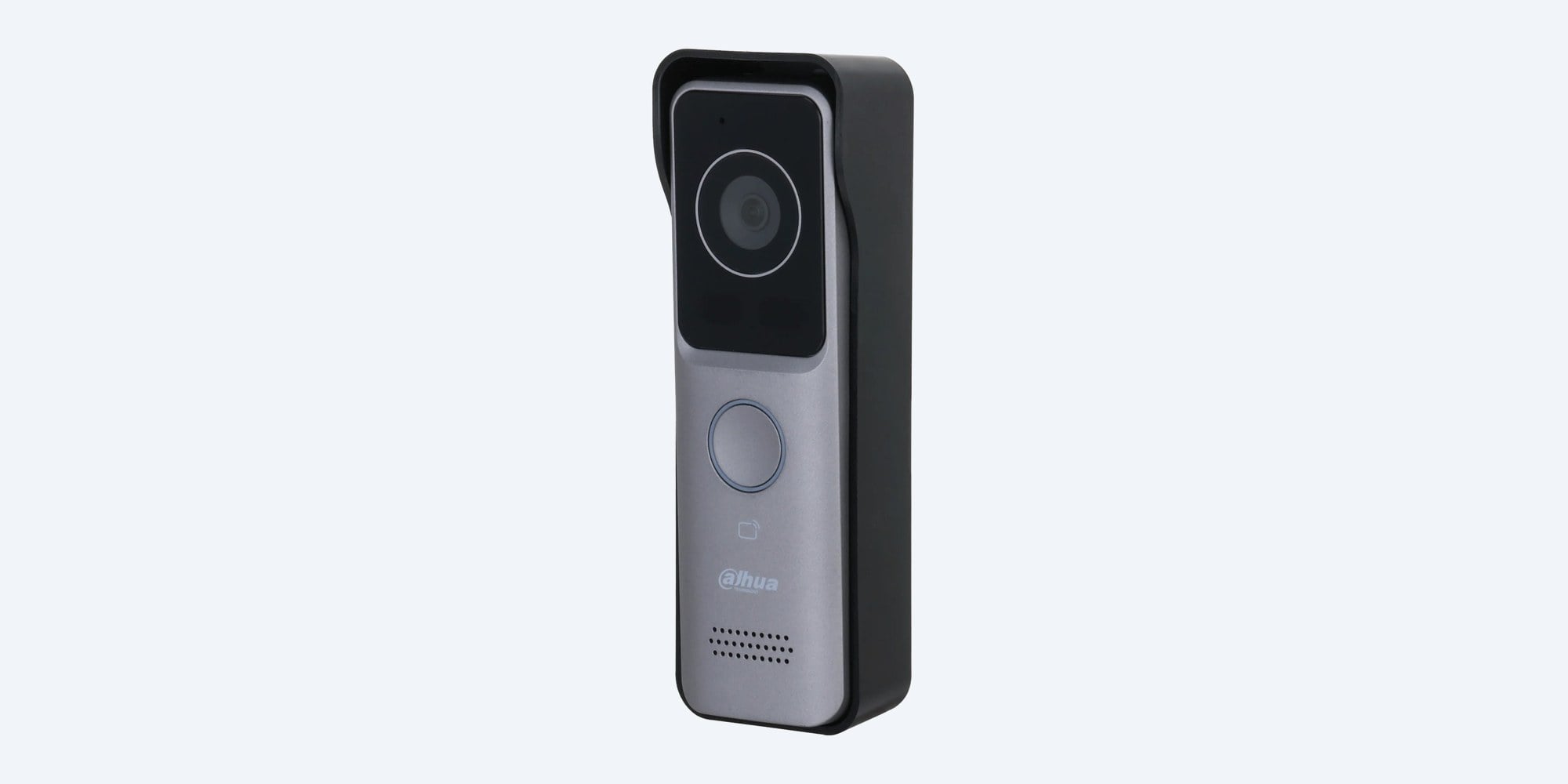
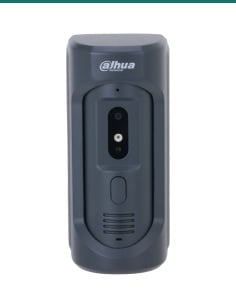
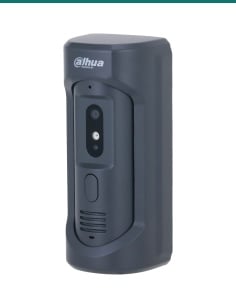
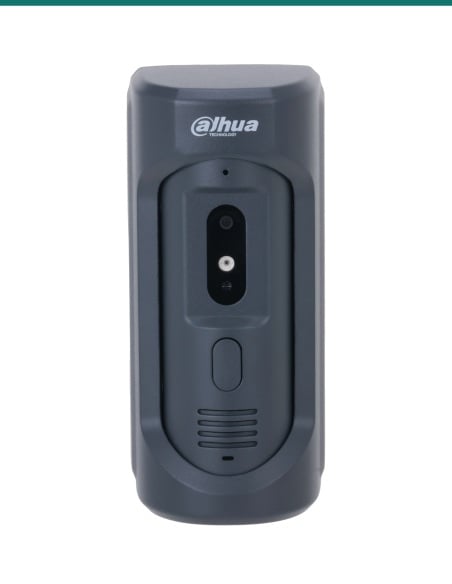
Dahua DHI-VTO2311R-WP slim 2MP IP video doorbell in light grey with its black rain cover
Dahua · IP villa door station · Wi-Fi or PoE

A slim IP video doorbell.
Answer it on the monitor or your phone.

The Dahua DHI-VTO2311R-WP is a 2MP IP door station only 50 mm wide. It calls Dahua IP indoor monitors and the DMSS app, unlocks with an IC card, and connects by PoE or by Wi-Fi.

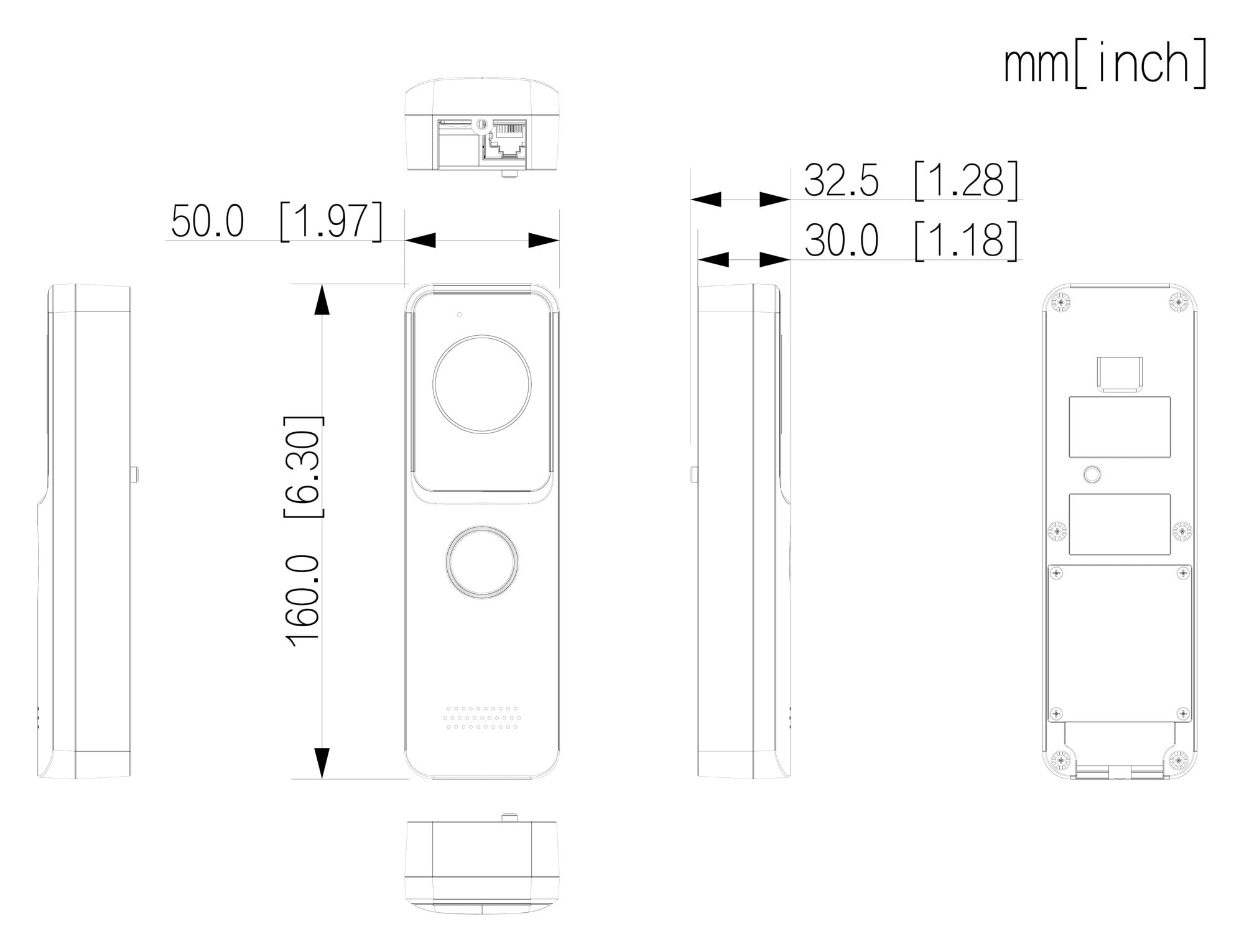
In one sentence: the DHI-VTO2311R-WP is a Dahua 2MP IP villa door station with a 110° camera, 120 dB WDR, auto IR, two-way audio, an IC card reader for 3,000 cards, Wi-Fi or standard PoE, and an IP65 rating, in a 160 × 50 × 30 mm housing.

This is the door station only.

It answers to a Dahua IP indoor monitor and to the DMSS app on your phone. The monitor, the lock and a power adapter are not included. Power it with standard PoE, or with a 12–33 V DC adapter if you connect it by Wi-Fi.

In the box
  • DHI-VTO2311R-WP door station (light grey)
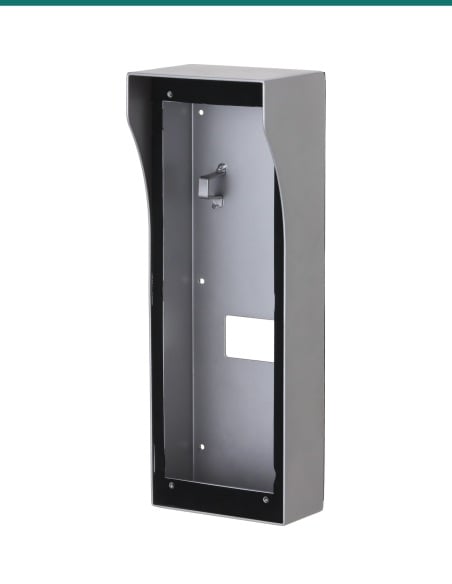
  • Rain cover
  • Alarm and power ribbon cable
You also need
  • A PoE switch port or PoE injector, or a 12–33 V DC 1 A adapter
  • A Dahua IP indoor monitor and/or the DMSS app
  • An electric strike or lock and its power supply, if you want to unlock
  • A microSD card (up to 256 GB) for visitor messages, if wanted

Small enough for a narrow door frame.

At 50 mm wide and 30 mm deep, the VTO2311R-WP fits on a door jamb or beside a security screen where a full-size door station will not. A visitor presses the call button and the indoor monitor and the DMSS app ring together. Talk, see them on the 2MP camera, and release the door from either one.

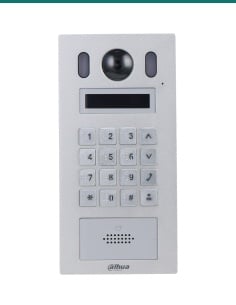
Dahua VTO2311R-WP front: 2MP camera at the top, call button, card reading area and speaker grille

Front

Camera, call button, card reader.

The 1/2.8-inch 2MP camera sees 110° across and 62° high, with 120 dB WDR for a bright doorway and auto IR with ICR day/night switching for the dark. Below it are the mechanical call button, the IC card reading area (0 to 3 cm) and the speaker. Audio is two-way with echo suppression.

Dahua VTO2311R-WP rear view with the mounting holes and the connection area

Rear

One cable, or Wi-Fi.

The back has a 10/100 Mbps RJ-45 port, plus connections for an exit button, a door status contact and one lock. Power it with standard PoE on the network cable, or with 12–33 V DC at 1 A and connect it to your 2.4 GHz Wi-Fi. A tamper alarm warns if it is taken off the wall.

How it goes in

From the box to the first call.

01

Choose PoE or Wi-Fi

Run a network cable from a PoE switch or injector, or run a 12–33 V DC supply if the door station will join your 2.4 GHz Wi-Fi.

02

Mount the door station

Surface-mount the door station with its rain cover on the wall or door frame, with the cables connected at the back. Dahua's installation drawing shows the steps.

03

Add the monitor and app

Set the villa room number, add the door station to the Dahua IP indoor monitor, and add it to the DMSS app on your phone.

04

Wire the lock and test

Connect an electric strike or lock with its own supply, issue the IC cards at the door station, then make a test call and unlock.

Pair it with

What goes with it

Indoor monitor

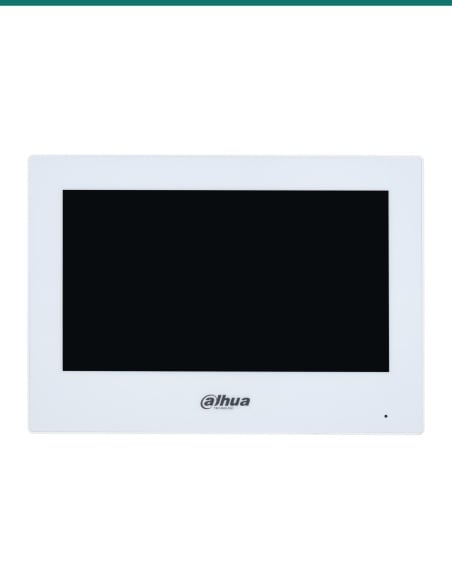
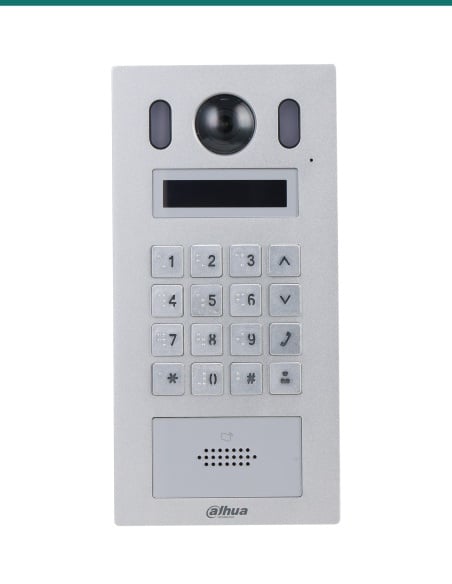
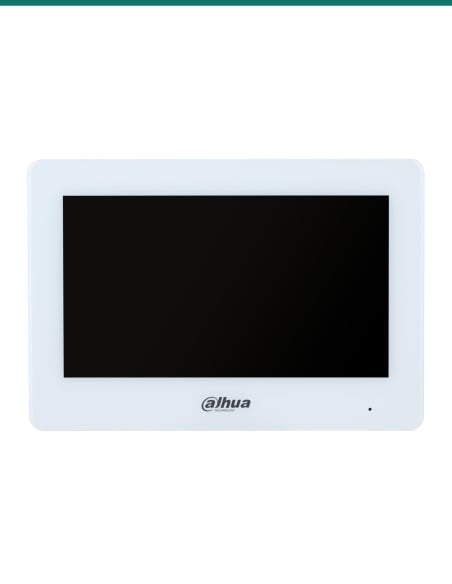
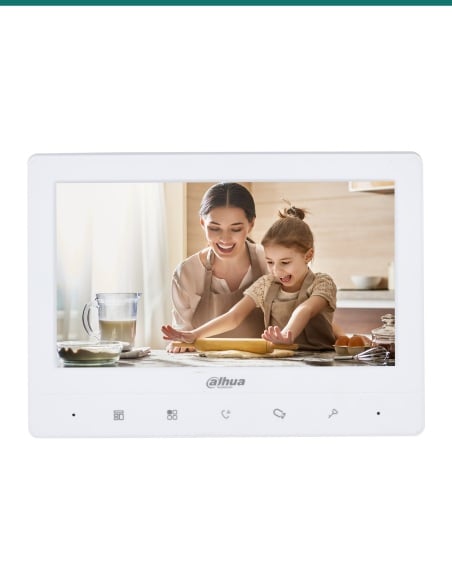
Dahua VTH2621G-P 7" monitor

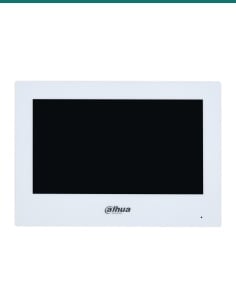
A 7-inch IP touch-screen monitor in black (white: VTH2621GW-P) to answer the door from inside.

Power

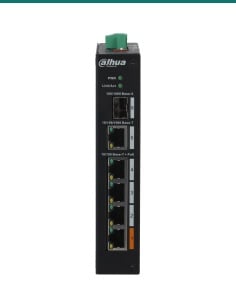
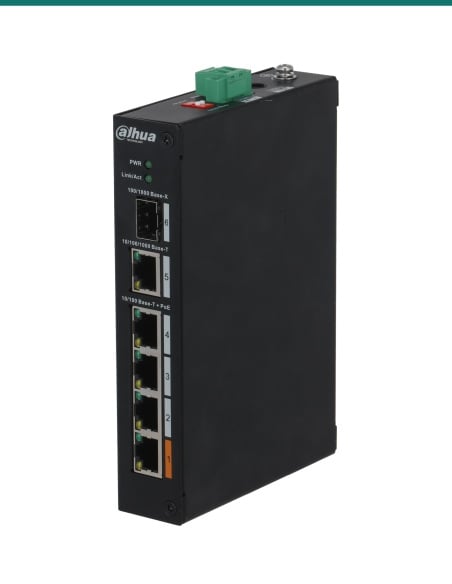
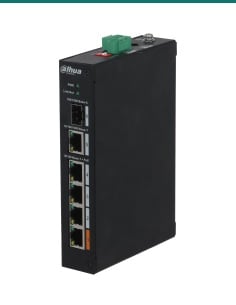
Dahua 4-port PoE switch

Powers the door station and an indoor monitor over their network cables, so neither needs an adapter.

Lock

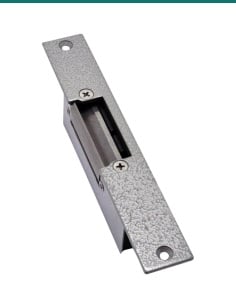
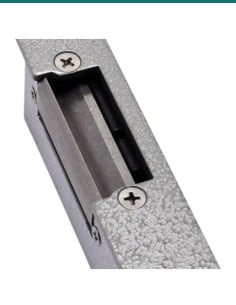
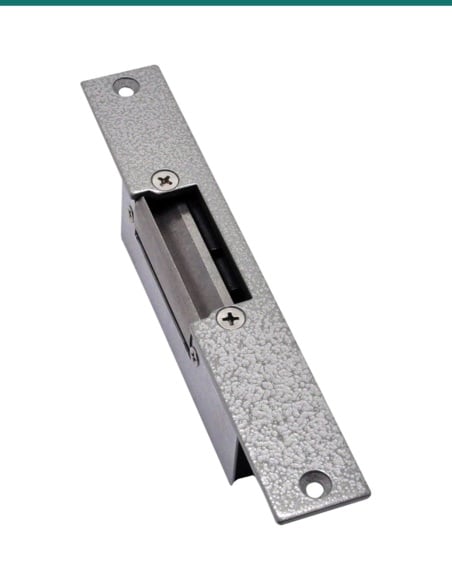
An electric door strike

Released by the door station's lock connection, from a card, the monitor or the app. Fail-secure stays locked in a power cut.

Exit

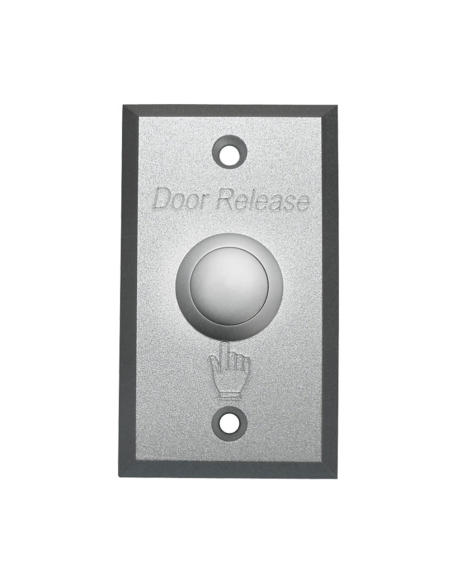
A door release button

Wires to the exit button input so people inside can open the door without the monitor.

Where it is used

Where a slim IP door station fits.

Houses

A front door video doorbell answered on a hall monitor and on your phone.

Narrow door frames

Only 50 mm wide, so it fits a jamb or beside a security screen door.

Side gates

A second door station on the same system for the gate or a back door.

Granny flats and studios

A doorbell for the flat that also rings the owner's phone.

Small offices

Staff badge in with an IC card; visitors call reception.

Upgrading an old doorbell

Where Wi-Fi reaches the door, it only needs a low-voltage power run.

PoE or Wi-Fi?

Connected by PoEConnected by Wi-Fi
Cable to the doorOne network cable for power and dataA 12–33 V DC power cable only
PowerStandard PoE switch port or injector12–33 V DC, 1 A adapter (not included)
Network10/100 Mbps wiredIEEE 802.11b/g/n, 2.4 GHz
Best forNew builds and runs you can cableDoors where pulling a network cable is hard
Check firstCable length to the switchWi-Fi signal strength at the door

Both from Dahua's DHI-VTO2311R-WP datasheet. A strong 2.4 GHz signal at the door matters more than the router's speed.

Common questions

Does it come with an indoor monitor?

No, this is the door station only. Answer it on a Dahua IP indoor monitor such as the VTH2621G-P, on the DMSS app, or both. Ask us if you want it as a kit.

Can I answer the door on my phone?

Yes. Add the door station to the Dahua DMSS app (iOS or Android) to take video calls and unlock the door from your phone.

Does it need a network cable?

No. It can join a 2.4 GHz Wi-Fi network instead. Then it needs a 12–33 V DC 1 A power supply, which is not included. With a network cable it runs on standard PoE.

Does it work with 5 GHz Wi-Fi?

No. Dahua lists IEEE 802.11b/g/n on 2.4 GHz only. Make sure your router has a 2.4 GHz network that reaches the door.

What is in the box?

The door station, a rain cover and an alarm and power ribbon cable. A power adapter is optional and not included.

How do the cards work?

It reads IC cards held 0 to 3 cm from the front. Up to 3,000 cards, and you can issue them at the door station. Ask us which cards suit it.

Can it open my door?

Yes, with an electric strike or lock wired to its lock control and powered by its own supply. Unlock by card, from the indoor monitor or from the app.

Does it record visitors?

It takes snapshots and keeps visitor video messages when a microSD card (up to 256 GB) is in the door station or the indoor monitor. It is not a CCTV recorder.

Does it work at night?

Yes. It has auto IR and switches to black and white in the dark, and 120 dB WDR helps when the visitor is backlit by daylight.

Is it weatherproof?

It is rated IP65 and runs from −40 °C to +60 °C. A rain cover is included.

Will it work with other brands?

It supports ONVIF and SIP, but Dahua's features such as the app, card management and messages are designed around Dahua IP monitors. Call us before mixing brands.

How big is it?

160 mm high, 50 mm wide and 30 mm deep (32.5 mm at the cover), and 0.18 kg. It surface-mounts on a wall or door frame.

Supported by InFront Technologies.

Help choosing a monitor, a PoE switch or a lock: call 1300 736 970 or email [email protected]. The datasheet is on the Attachments tab.

Installation and safety

Low voltage. It runs from PoE or 12–33 V DC. There is no mains wiring in the door station. A new power point needs a licensed electrician.

Cabling. Concealed data and low-voltage cabling in a building should be run by a qualified cabler.

Locks. Use a lock and power supply rated for the door. On exit doors, check fire and egress rules before fitting a fail-secure strike.

Privacy. Aim the camera at your own entry. Change the default passwords and keep the firmware up to date.

Figures. From Dahua's DHI-VTO2311R-WP datasheet, its dimension drawing and the Villa Door Station user manual.

Type
Video Intercom Camera
INFRONTTECH Promotional Banner INFRONTTECH Promotional Banner INFRONTTECH Promotional Banner

Need help choosing?

Tell us about your property and we'll recommend the right cameras and recorder.

07 5609 4910

Sydney 02 8814 6008
[email protected]

Mon–Fri, 9am–5pm AEST

Saved to your wishlist Find it any time in your account. View list