There are no more items in your cart
In Stock - Ready to Ship


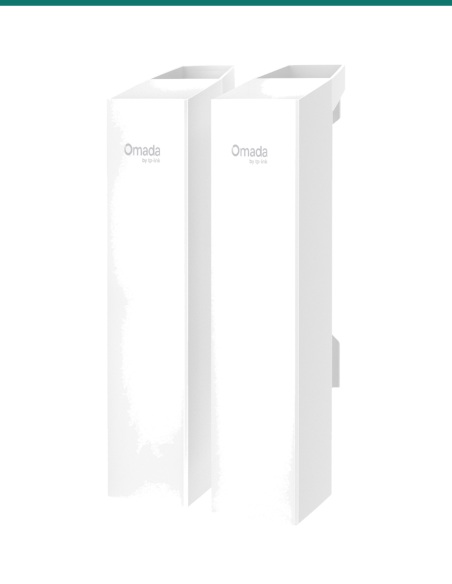
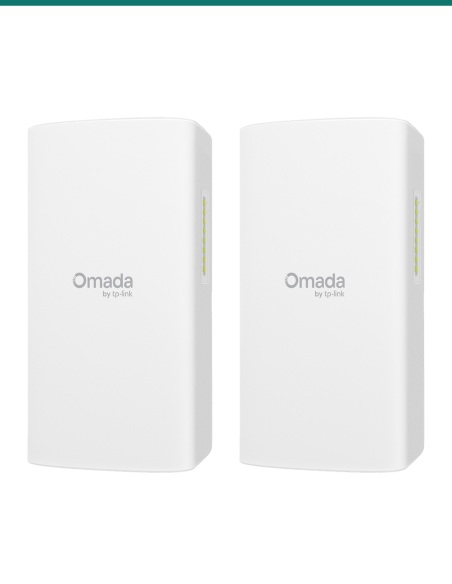
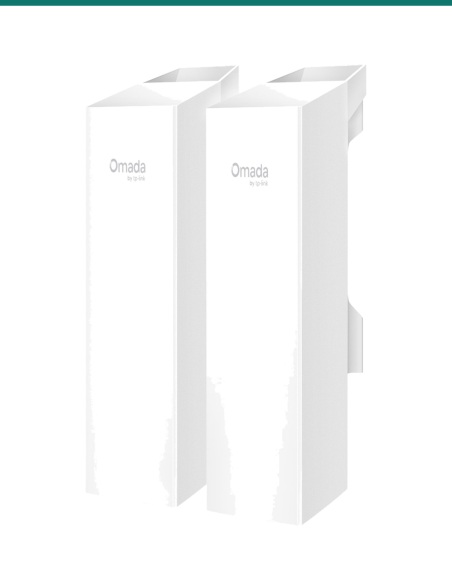
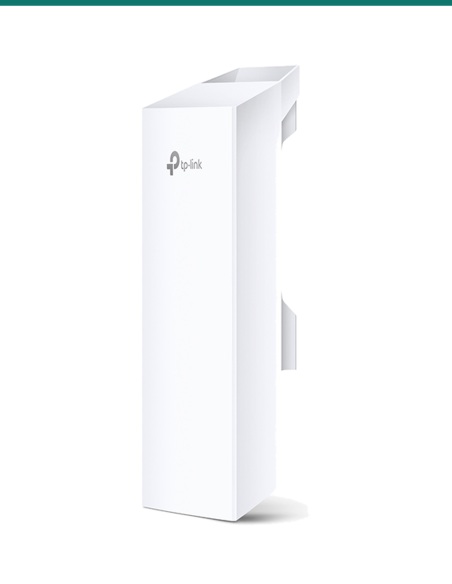
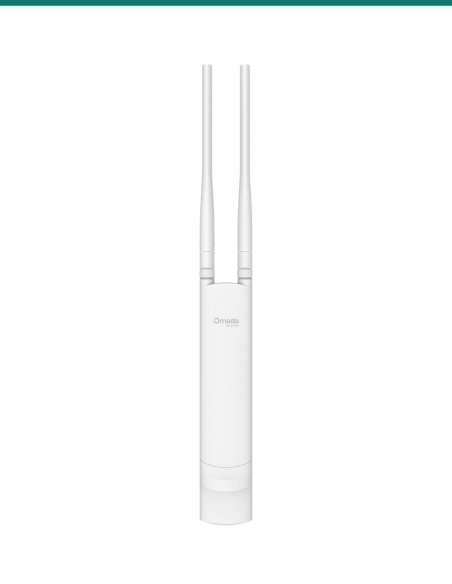
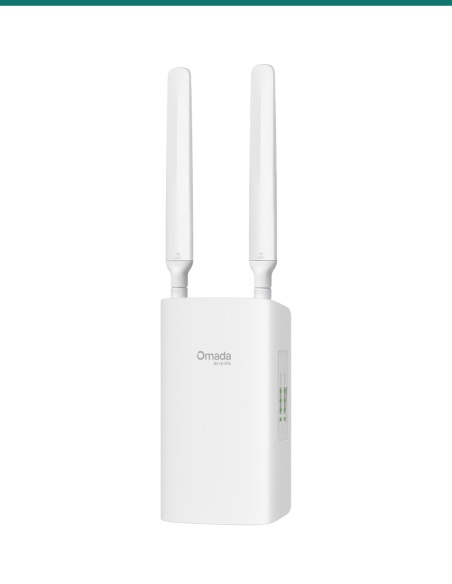
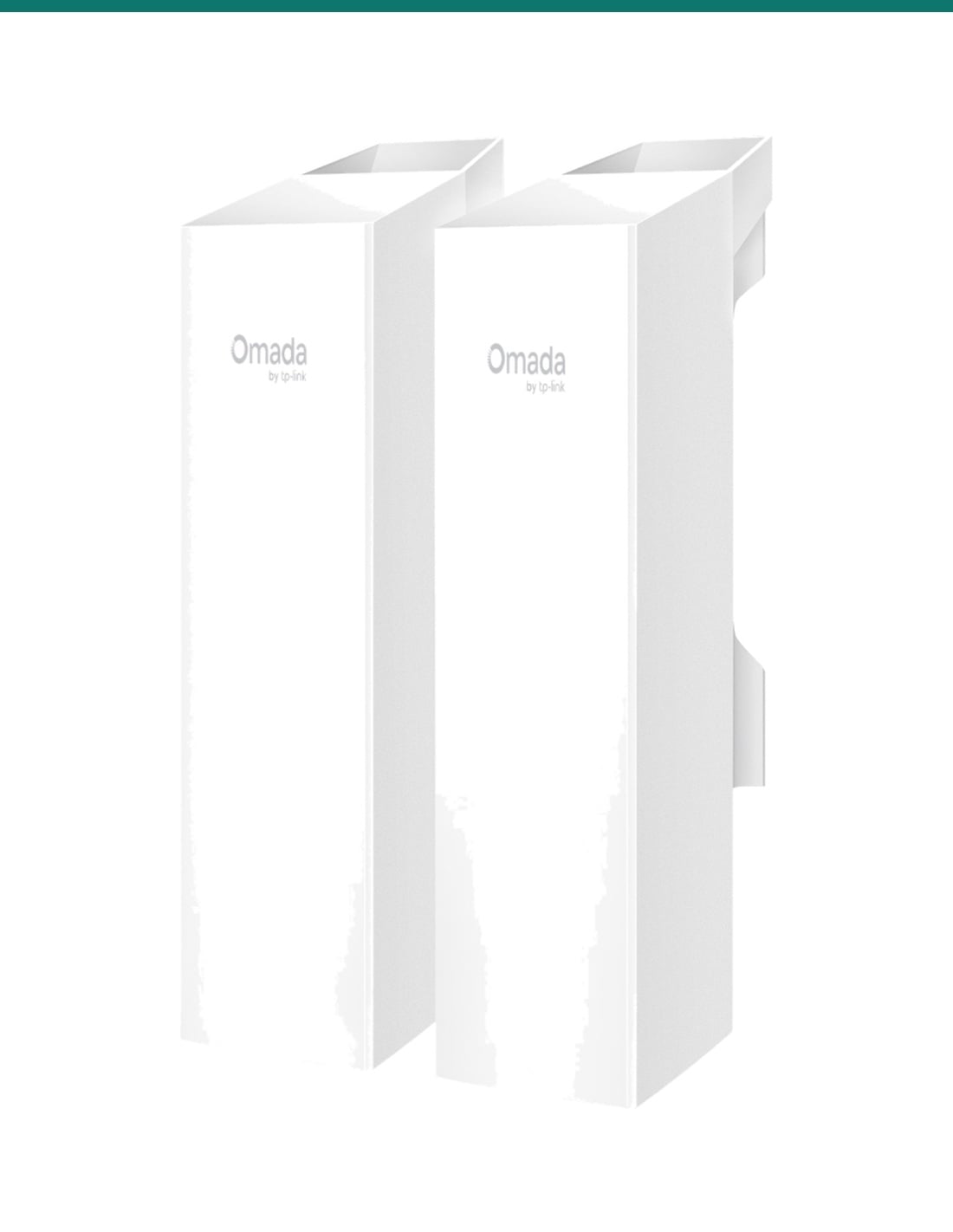
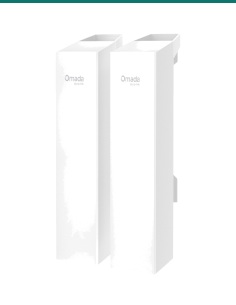
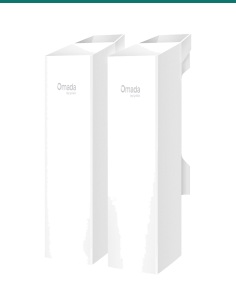
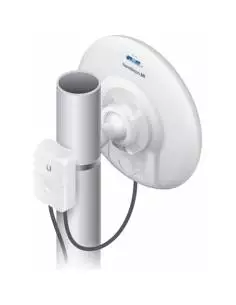
TP-Link Omada EAP211-Bridge KIT: two pre-paired 5 GHz outdoor bridges for links up to 1 km, with three Gigabit ports and PoE or DC power at each end.
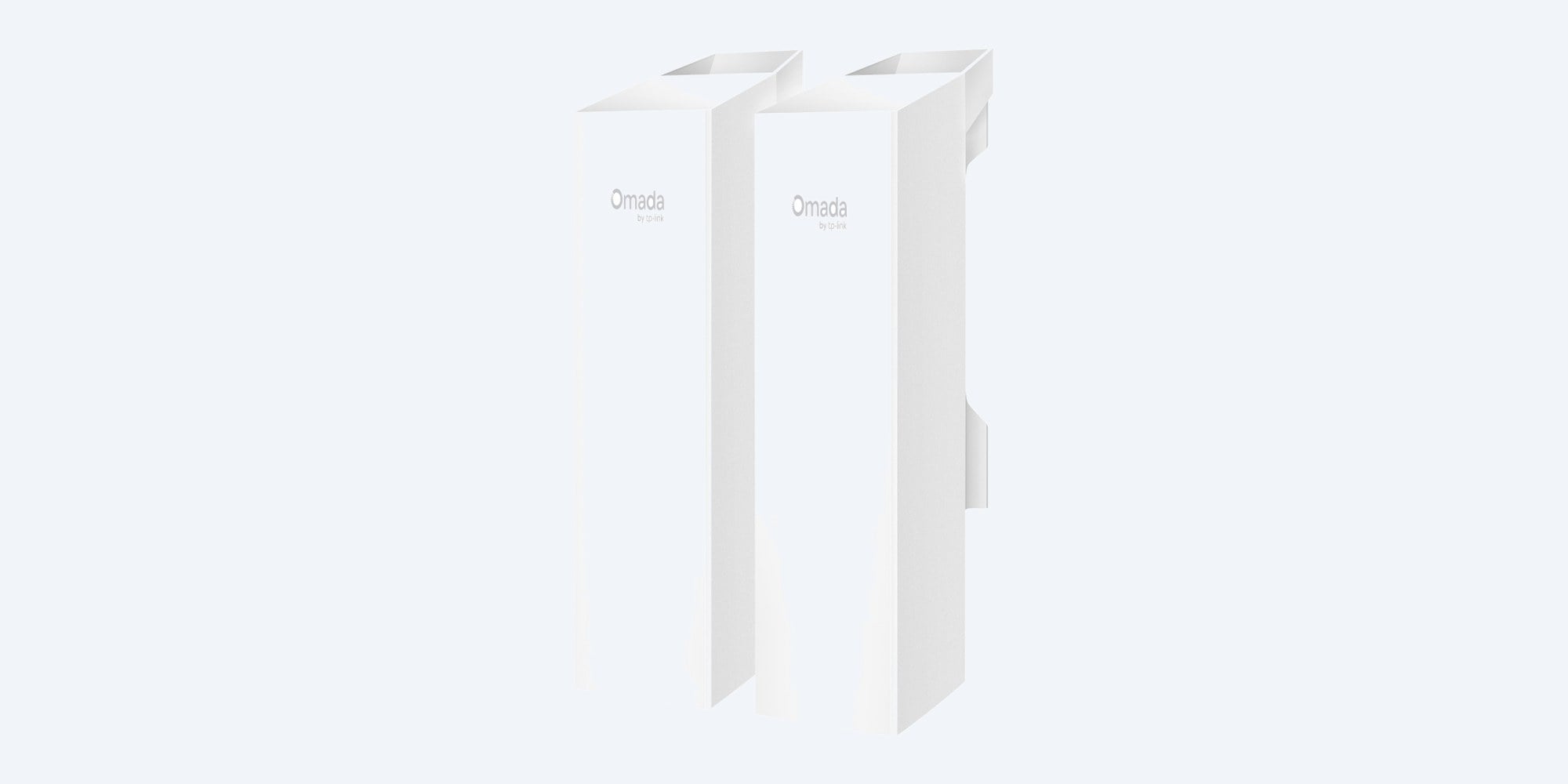
The EAP211-Bridge KIT is two Omada outdoor bridges that pair themselves out of the box. Mount one at each end, power them up, and your network reaches a shed, farm building, car park or second site up to 1 km away at Gigabit-class speed.
In one sentence: the TP-Link Omada EAP211-Bridge KIT is a pre-paired pair of 5 GHz 802.11ac outdoor wireless bridges with 10 dBi directional antennas, up to 867 Mbps wireless and 1 km range, three Gigabit ports each, PoE or 12 V DC power, and IP65 pole mounting.
Two bridges, pre-paired, with power adapters.
This kit is two EAP211-Bridge units, already paired to each other. TP-Link includes a passive PoE adapter and power cord for each, which are for dry indoor use only. Each bridge can also run from an 802.3af PoE switch port or 12 V DC.
TP-Link rates the kit at up to 1 km with 10 dBi directional antennas and a 60° horizontal × 30° vertical beam. The link runs on 5 GHz at up to 867 Mbps (802.11ac, 80 MHz), and each bridge has three Gigabit ports, so it can carry several cameras, a phone system and internet at once. Real speed depends on distance and the path.

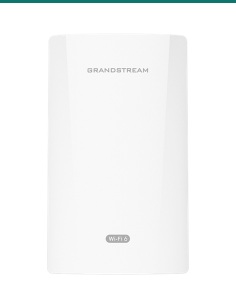
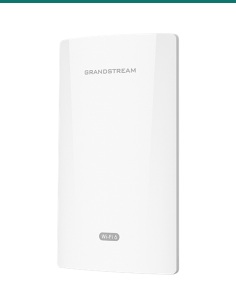
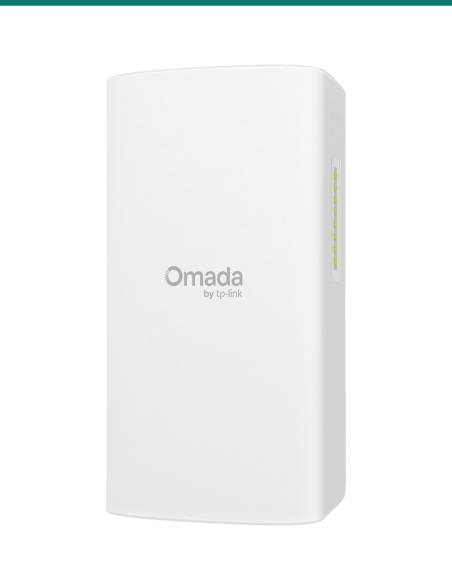
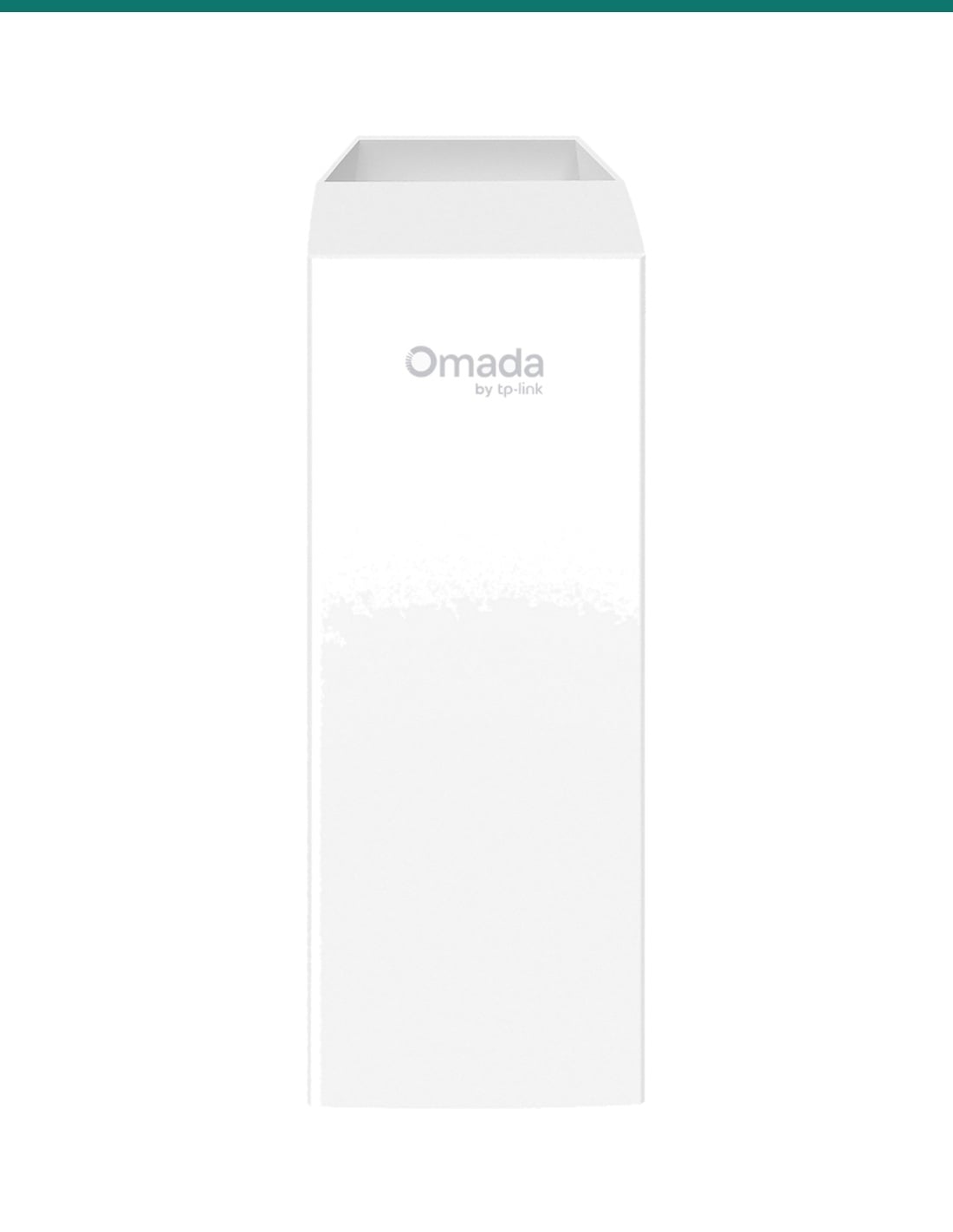
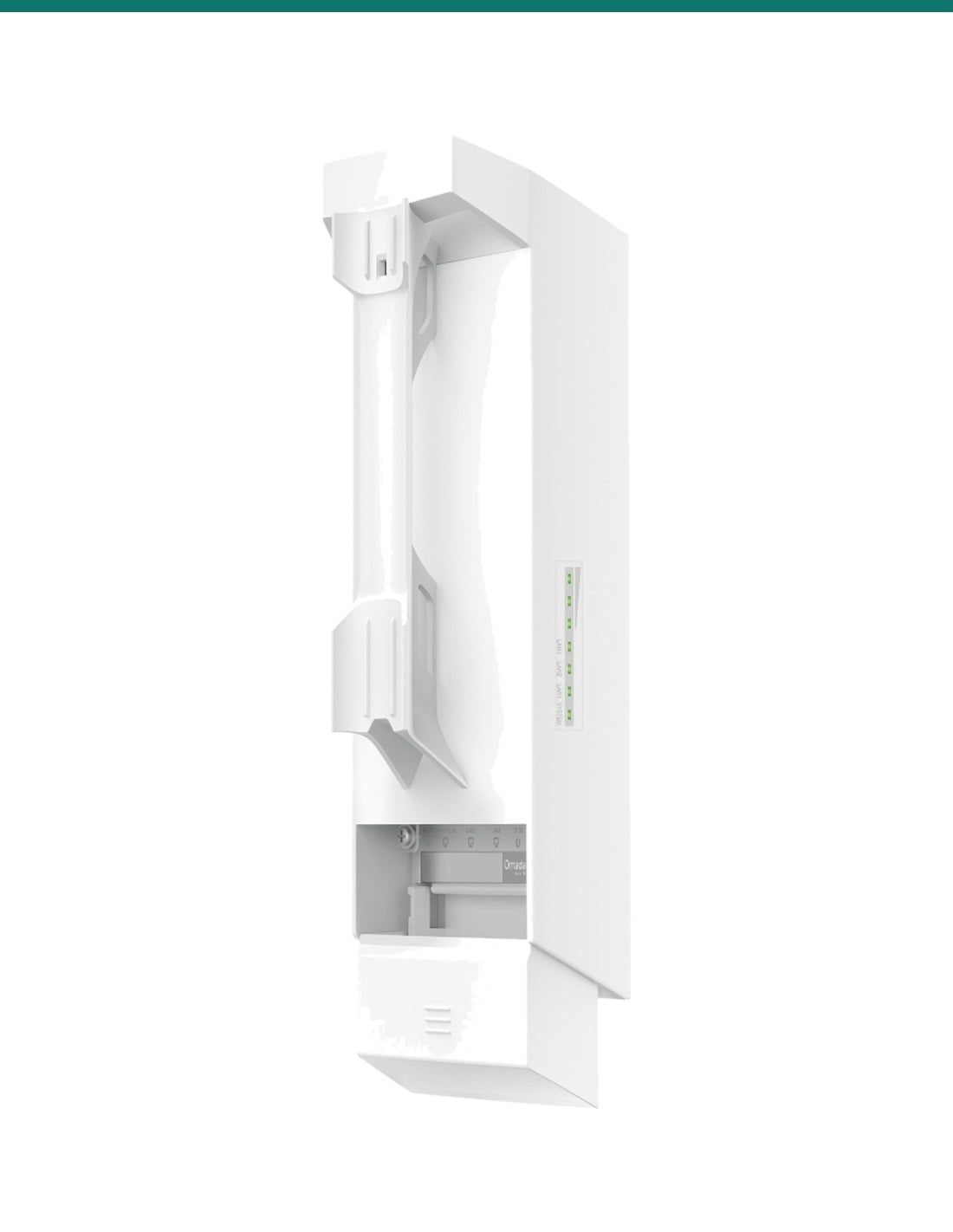
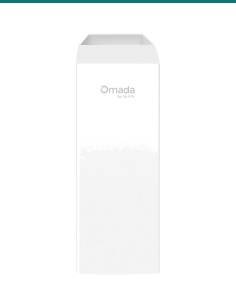
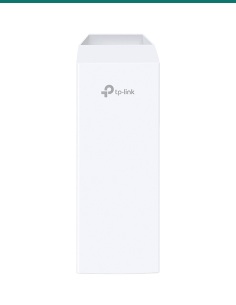
Front
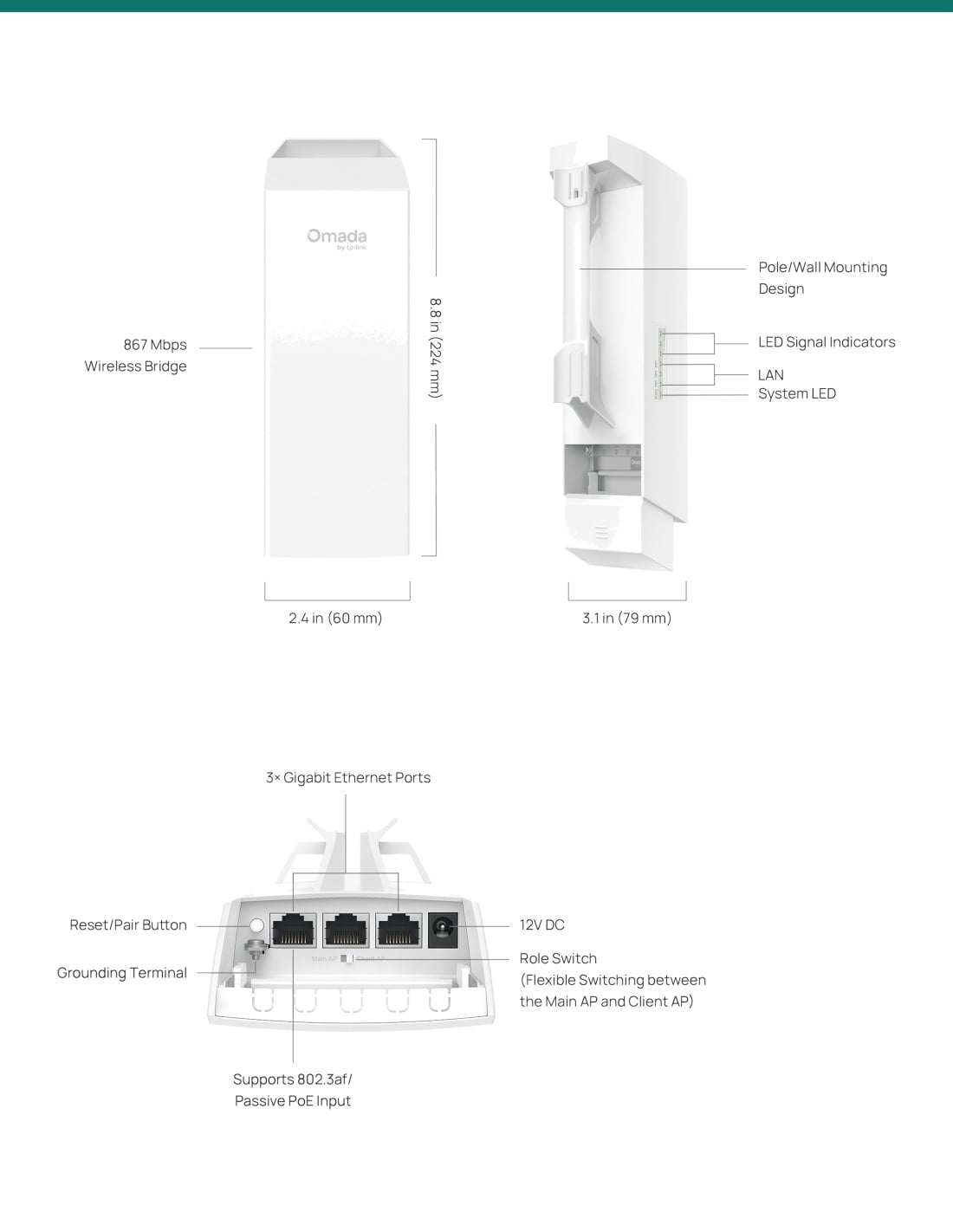
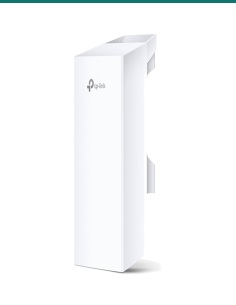
The 2x2 dual-polarised antenna sits behind the front panel. Each unit is 224.2 × 79 × 60.3 mm, IP65 when pole mounted, and works from −40 °C to 70 °C.
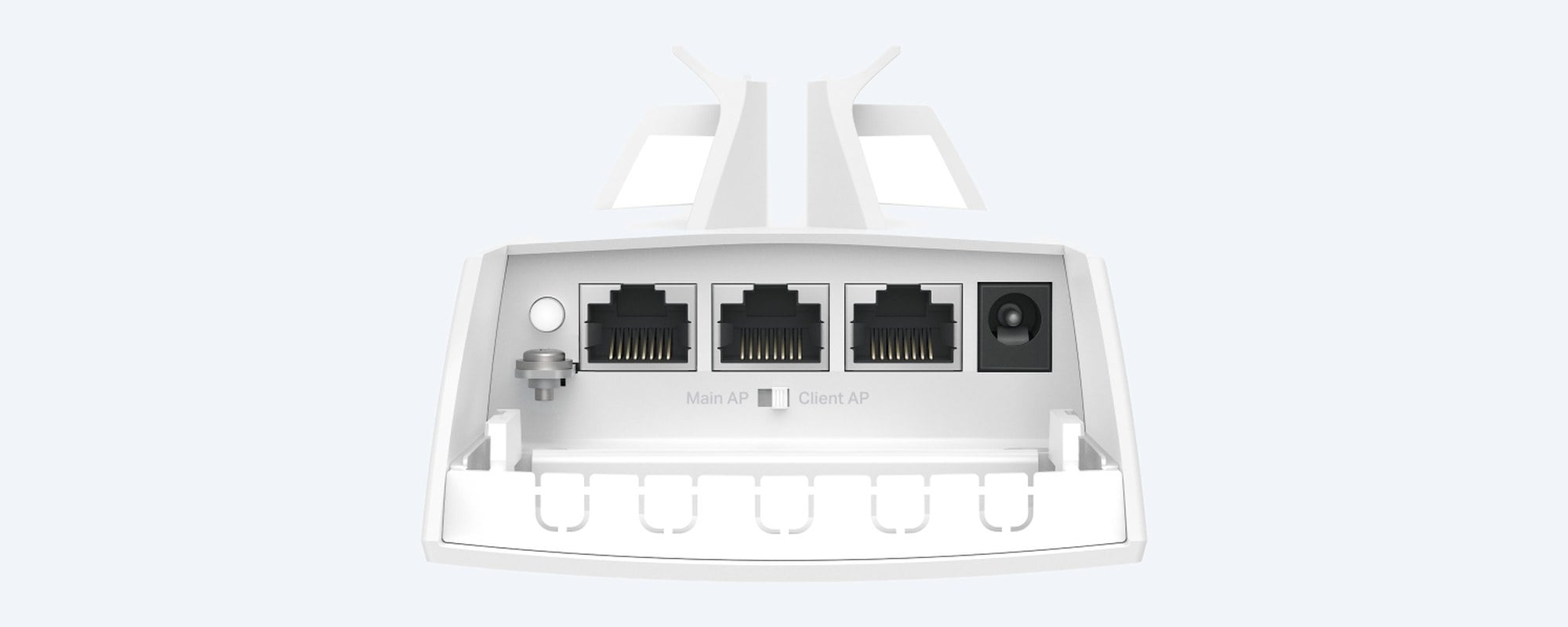
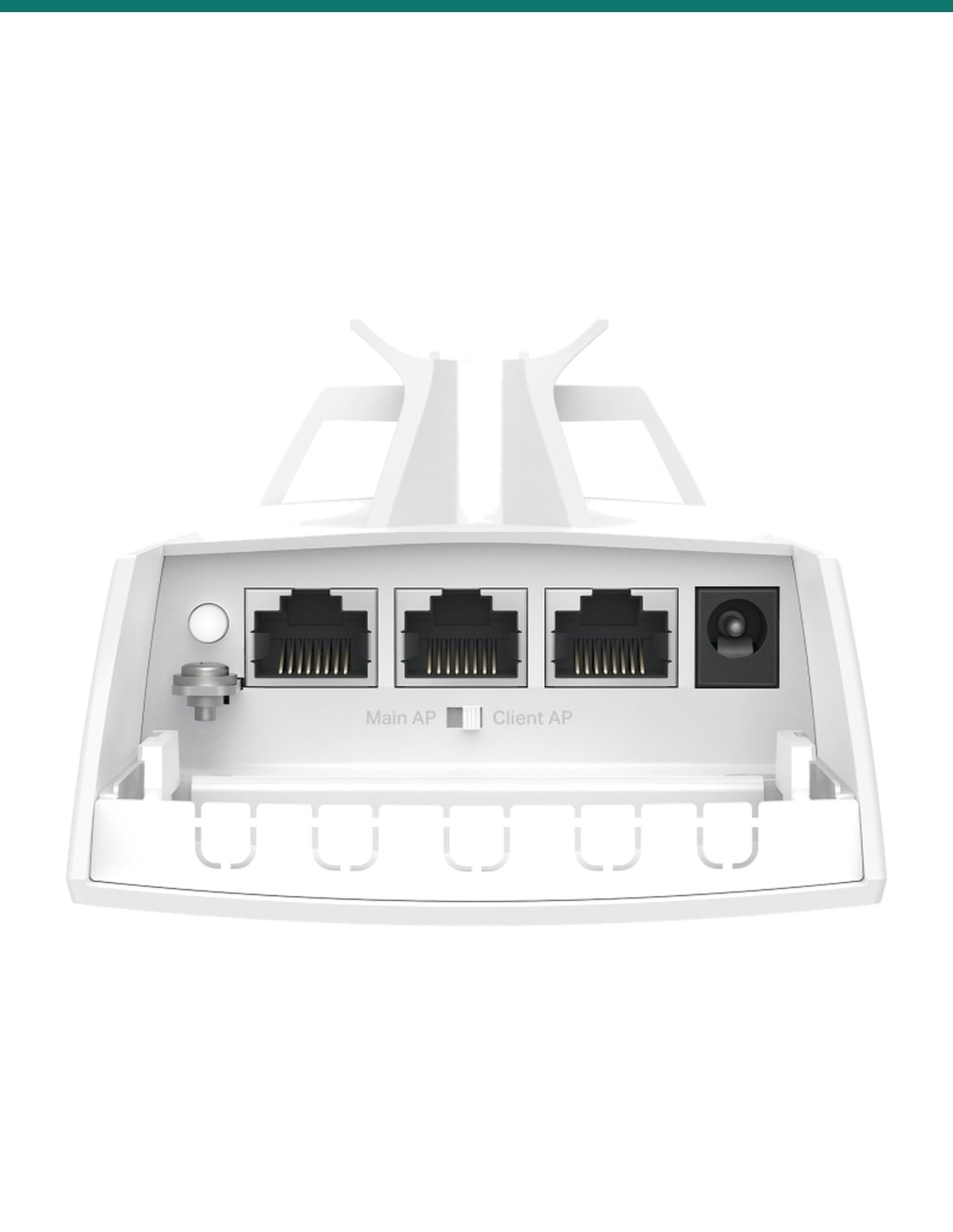
Port bay
Under the cover: three Gigabit Ethernet ports (one takes 802.3af or 24 V passive PoE), a 12 V DC socket, a grounding terminal, a Pair/Reset button and a switch that sets the unit as Main AP or Client AP.
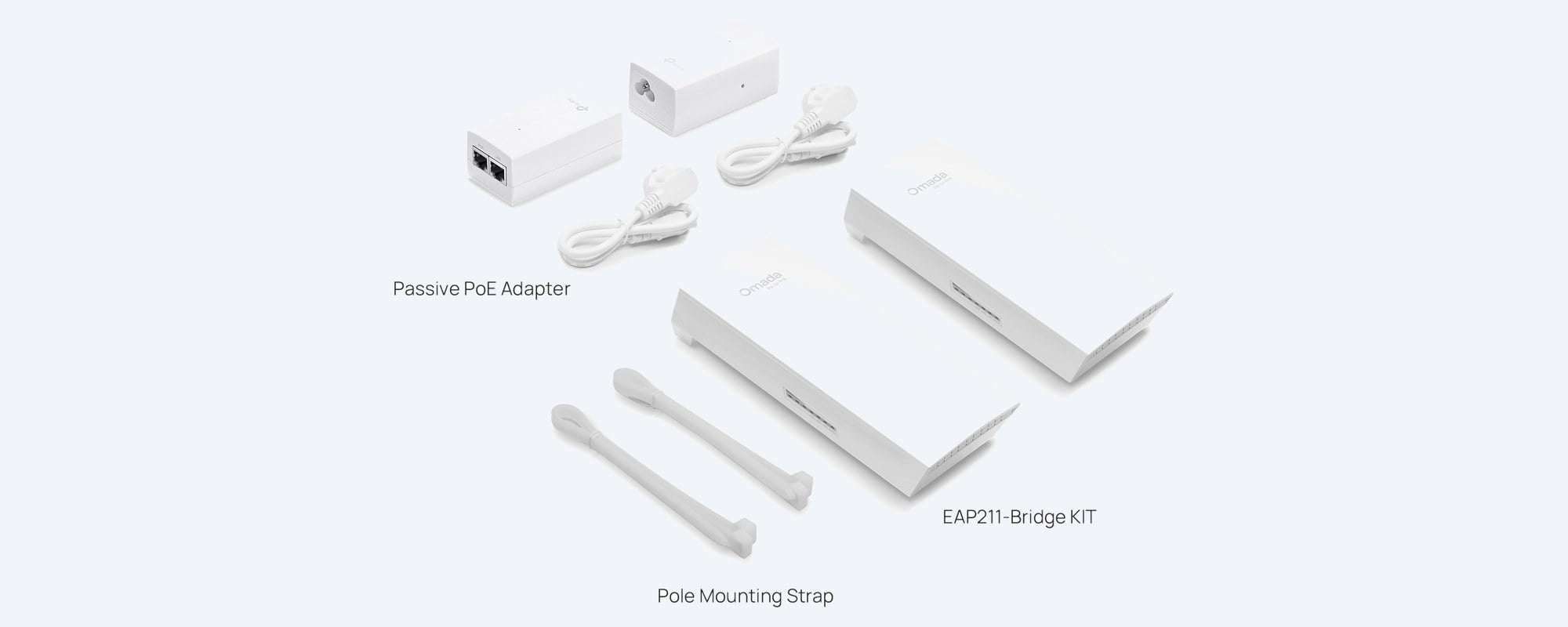
In the box
Two bridges, two passive PoE adapters with power cords, and a pole mounting kit for each. Cable and poles are up to you.
How it goes in
01
Make sure each end can see the other, with no trees, roofs or hills in the path. Keep the distance under 1 km.
02
Fit each bridge to a pole with the mounting kit, front faces pointing at each other, and earth each one.
03
Run outdoor Cat5e to each bridge from an 802.3af PoE switch port or the adapter, kept indoors and dry.
04
The pair links up by itself. Use the signal LEDs or the Omada app's alignment and speed test to fine-tune the aim.
At a glance
Show specs
In the kit
2 × EAP211-Bridge, pre-paired
Wireless standard
IEEE 802.11a/n/ac, 5 GHz
Wireless speed
Up to 867 Mbps (2x2 MU-MIMO, 80 MHz)
Range
Up to 1 km with clear line of sight
Antenna
Internal 10 dBi 2x2 dual-polarised directional, 60° horizontal × 30° vertical
Network ports
3 × Gigabit Ethernet per unit (one is the PoE input)
Power
12 V 1 A DC, 802.3af PoE or 24 V passive PoE (adapters included)
Max power draw
9.9 W on DC, 11.5 W on PoE
Buttons
Main AP / Client AP role switch; Pair/Reset button
Point-to-multipoint
One main AP to up to 4 clients, paired with the button
Management
Standalone, Omada app V4.25+, Omada Controller or Essential V5.15.24+, SSH, SNMP
Protection
±6 kV surge on Ethernet; ESD ±8 kV air, ±4 kV contact
Weatherproofing
IP65 when pole mounted; windproof class 16
Operating range
−40 °C to 70 °C; 10% to 90% humidity non-condensing
Size
224.2 × 79 × 60.3 mm per unit
Hardware version
Datasheet covers 3.20 and 3.30
Warranty
3 years, TP-Link Australia
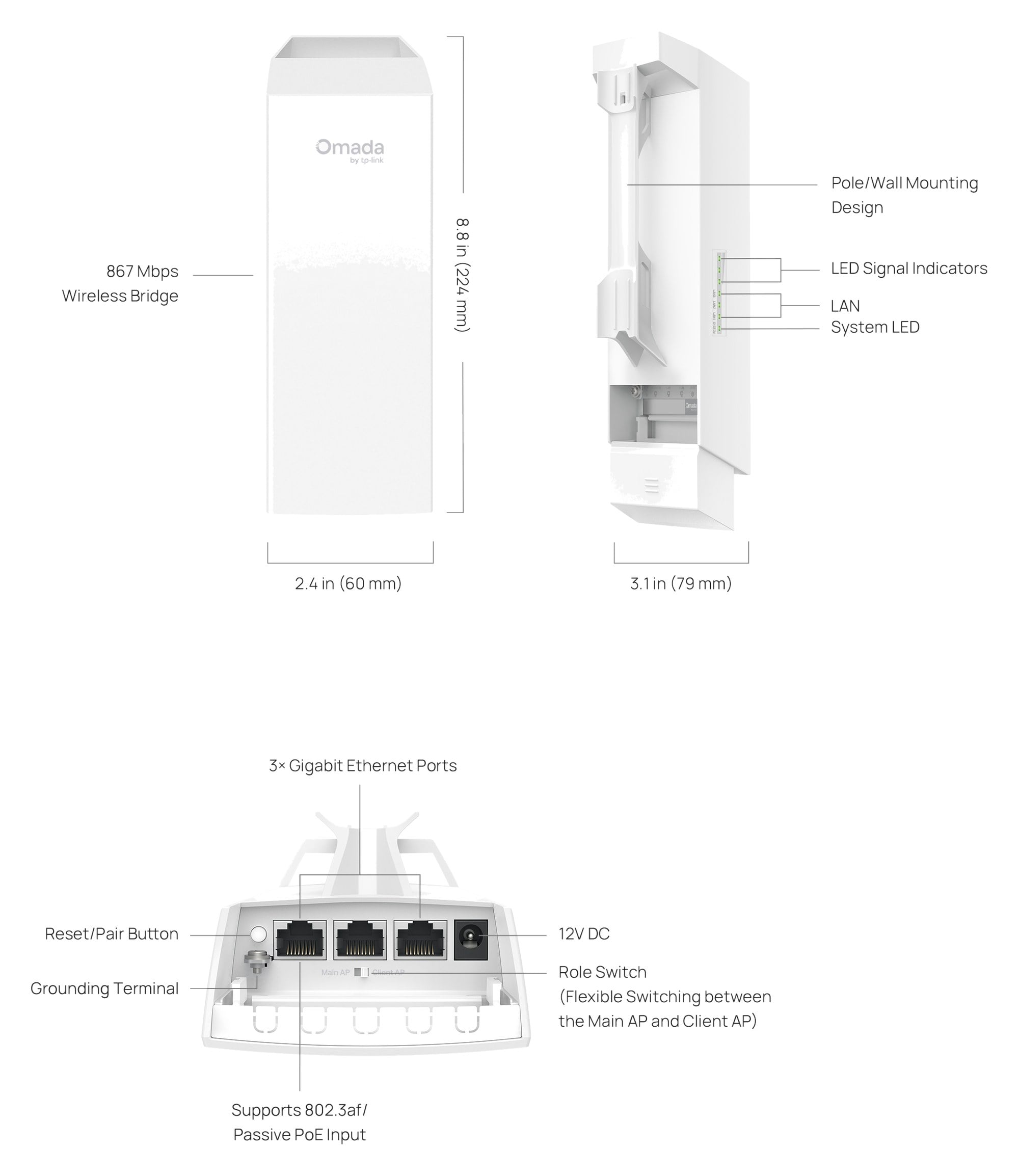
TP-Link's drawing: 224.2 × 79 × 60.3 mm, with the port bay underneath.
Pair it with
Cabling
UV-stable Cat5e or Cat6 from each bridge back to its power source, within the usual 100 m Ethernet limit.
Power
Any 802.3af PoE switch port can power a bridge instead of the adapter, such as the TP-Link DS105GP.
Mounting
The kits suit a pole. Mount high enough to clear fences, vehicles and trees in the path.
Longer reach
Same ports and power, with a larger 14 dBi antenna for links up to 5 km.
Where it is used
Internet and cameras out to a shed across the yard.
Network to an intercom or camera at the front gate.
Cameras on a light pole without trenching the bitumen.
A second dwelling on the same block.
Linking the house to a stable, pump shed or dairy.
Joining a site office or demountable to the main building.
| EAP211-Bridge KIT (this kit) | EAP215-Bridge KIT | |
|---|---|---|
| Range | Up to 1 km | Up to 5 km |
| Antenna | 10 dBi | 14 dBi |
| Beamwidth | 60° × 30°: easier to aim | 43° × 18°: tighter, longer shots |
| Wireless | 5 GHz 802.11ac, up to 867 Mbps | 5 GHz 802.11ac, up to 867 Mbps |
| Network ports | 3 × Gigabit | 3 × Gigabit |
| Size | 224.2 × 79 × 60.3 mm | 275.8 × 79 × 60.3 mm |
Figures from TP-Link's EAP211-Bridge KIT and EAP215-Bridge KIT datasheets (hardware 3.20 and 3.30).
Two. The kit has a bridge for each end of the link, already paired to each other.
TP-Link rates it at up to 1 km with clear line of sight. Trees, buildings and hills in the path shorten that.
Up to 867 Mbps wireless on 5 GHz with Gigabit ports at each end. Real throughput is lower and drops with distance and interference.
Each bridge takes 802.3af PoE, 24 V passive PoE or 12 V DC. It draws up to 11.5 W on PoE.
Yes. TP-Link includes a passive PoE adapter and power cord for each bridge.
No. Keep any adapter or injector indoors and dry, and run the cable out to the bridge.
Usually not. The two units come pre-paired: power them on and they link. Use the Omada app to align and test.
Yes. Each bridge has three Gigabit ports, so you can plug a camera, NVR or switch straight into the far-end bridge.
Yes. One bridge as main AP can serve up to 4 client bridges. Set the role switch and press Pair/Reset; older units labelled Reset only need a firmware update first.
It is IP65 when pole mounted, windproof class 16, and runs from −40 °C to 70 °C with ±6 kV surge protection on the Ethernet ports.
Yes. It runs standalone or under an Omada Controller or Omada Essential V5.15.24 and above, and the Omada app V4.25 and above.
Outdoor and concealed data cabling is customer cabling under AS/CA S009 and needs an ACMA-registered cabler.
Help planning a wireless link, the distance or the mounting: call 1300 736 970 or email [email protected]. The TP-Link datasheet is on the Attachments tab. 3-year TP-Link Australia warranty: contact us first and we will look after the claim.
Low-voltage device. Each bridge runs on 12 V DC, 802.3af PoE or 24 V passive PoE, up to 11.5 W. The adapters plug into mains power and must stay indoors and dry.
Cabling. Outdoor and concealed data cabling is customer cabling under AS/CA S009 and needs an ACMA-registered cabler. Use outdoor-rated cable.
Lightning and earthing. Connect the grounding terminal to a proper earth. The surge rating depends on a correct install with earthing and shielded cable.
Working at height. Mounting on a mast or roof is work at height. Use the right access equipment or a licensed installer.
What it does not do. No 2.4 GHz, no Wi-Fi for phones (it is a bridge), and no mesh.
Figures. From TP-Link's EAP211-Bridge KIT datasheet (hardware 3.20 and 3.30). Range and speed depend on the site.


Sale ends Tue 8 Dec


Need help choosing?
Tell us about your property and we'll recommend the right cameras and recorder.
07 5609 4910Sydney 02 8814 6008
[email protected]
Mon–Fri, 9am–5pm AEST