1 / 4

Dahua 4MP Wi-Fi Colour Night Vision IP LED Floodlight Surveillance Camera - DH-IPC-WL46A

SKU DH-IPC-WL46A In Stock - Ready to Ship
$282.50 inc GST

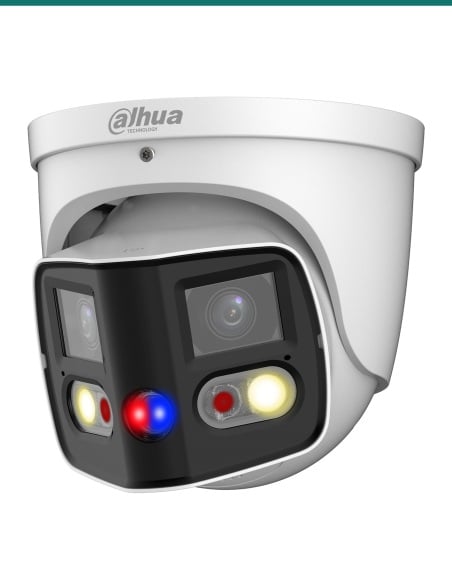
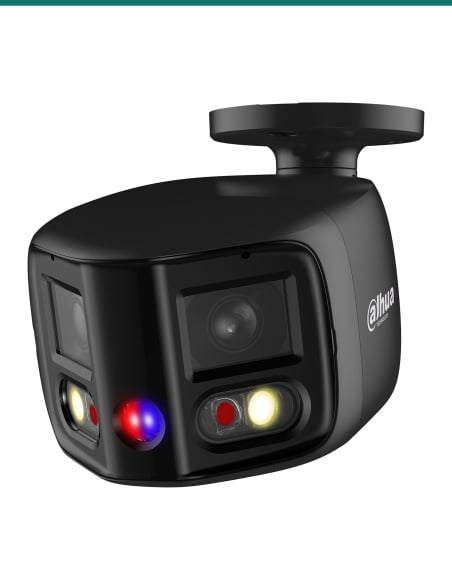
Dahua DH-IPC-WL46A: a mains-powered 4MP Wi-Fi camera with two warm/cool LED floodlights, a 270° PIR sensor, two-way talk and a 110 dB siren.

  • ✓4MP, 2560 × 1440, 2.8 mm F1.6 (98°)
  • ✓Colour at night with 1500–2400 lm floodlights, 30 m
  • ✓PIR 270°, SMD for people, vehicles and animals
  • ✓Two-way talk and 110 dB siren
  • ✓Dual-band Wi-Fi, microSD up to 256 GB, DMSS app
  • ✓100–240 VAC, IP65, electrician install


Description

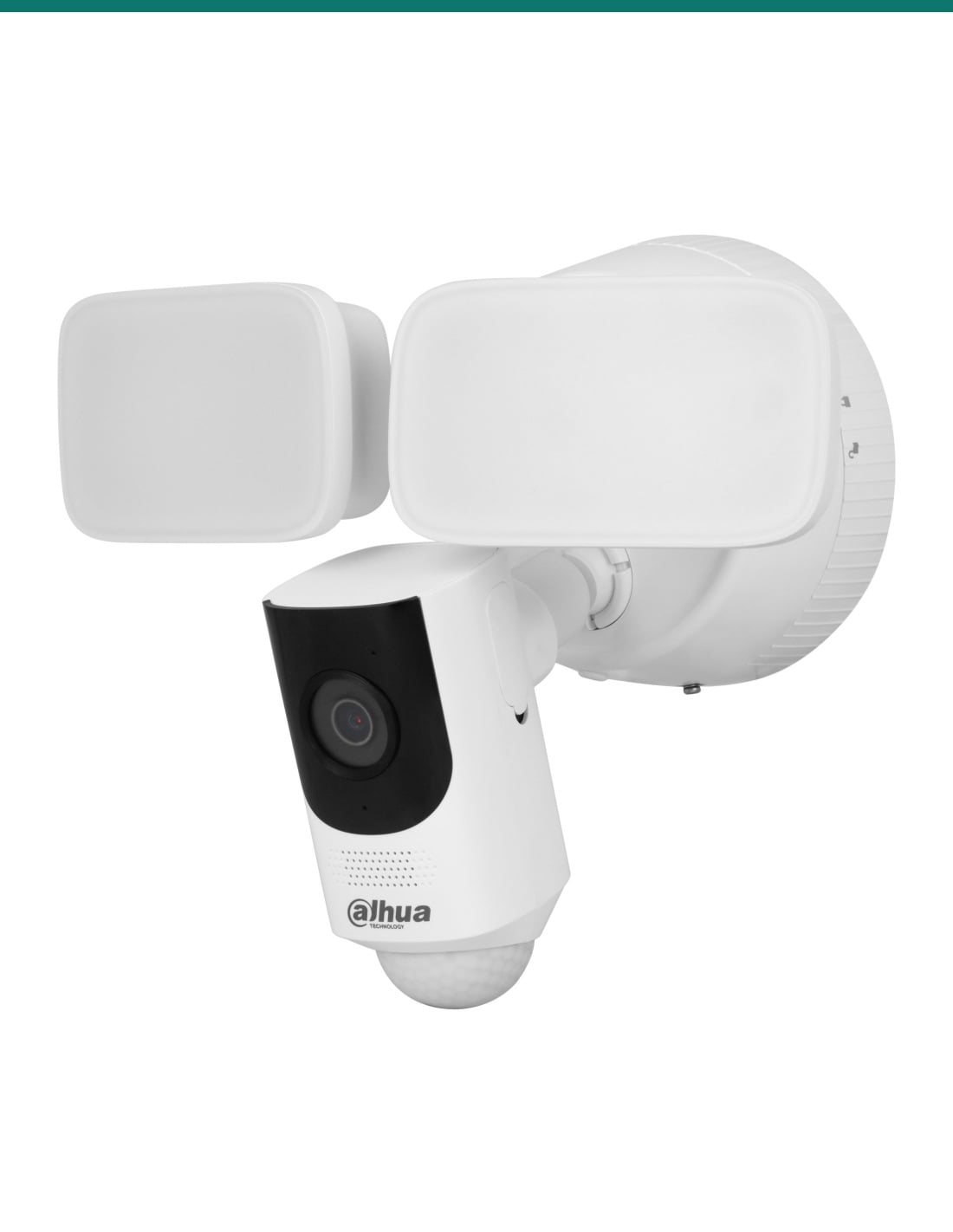
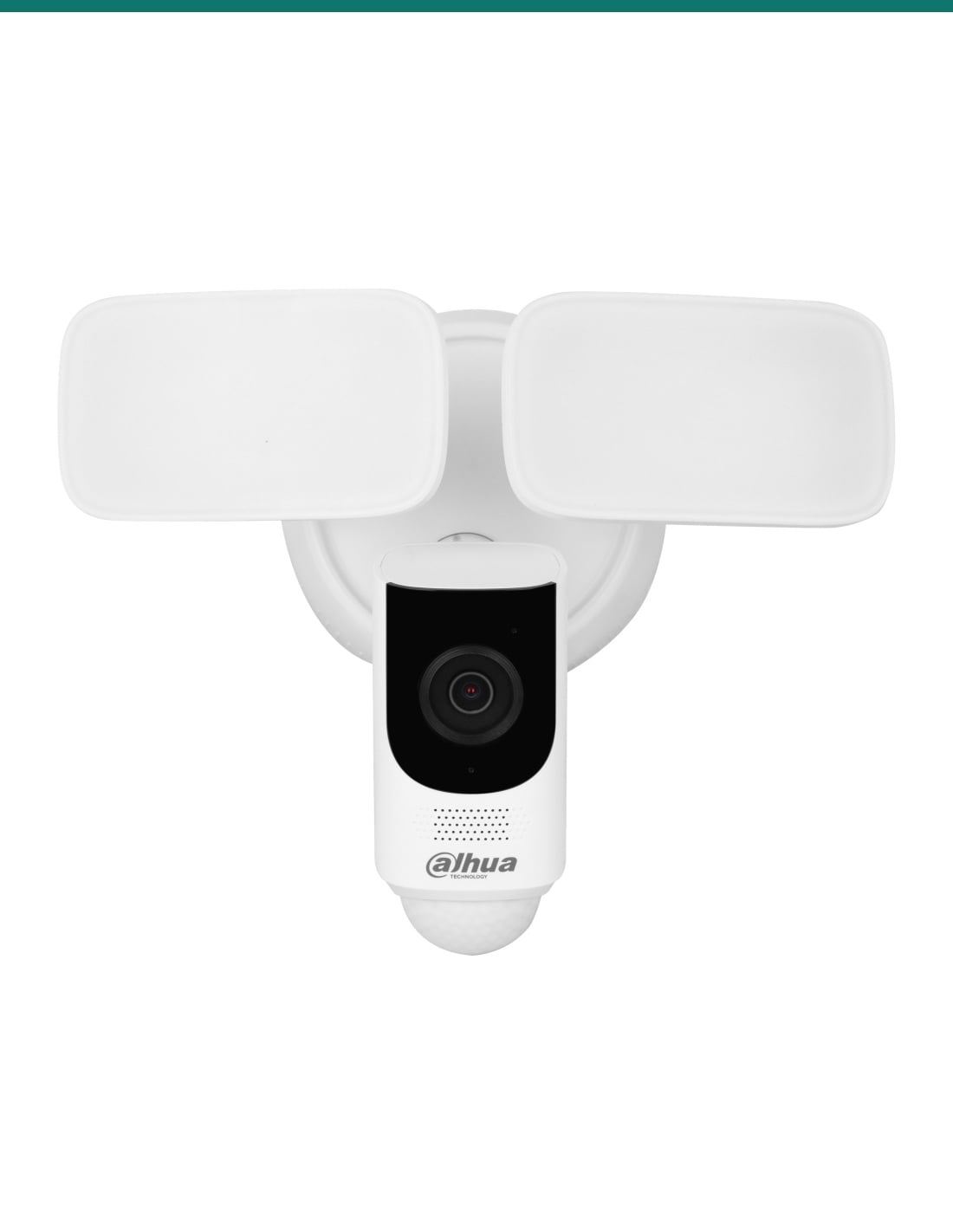
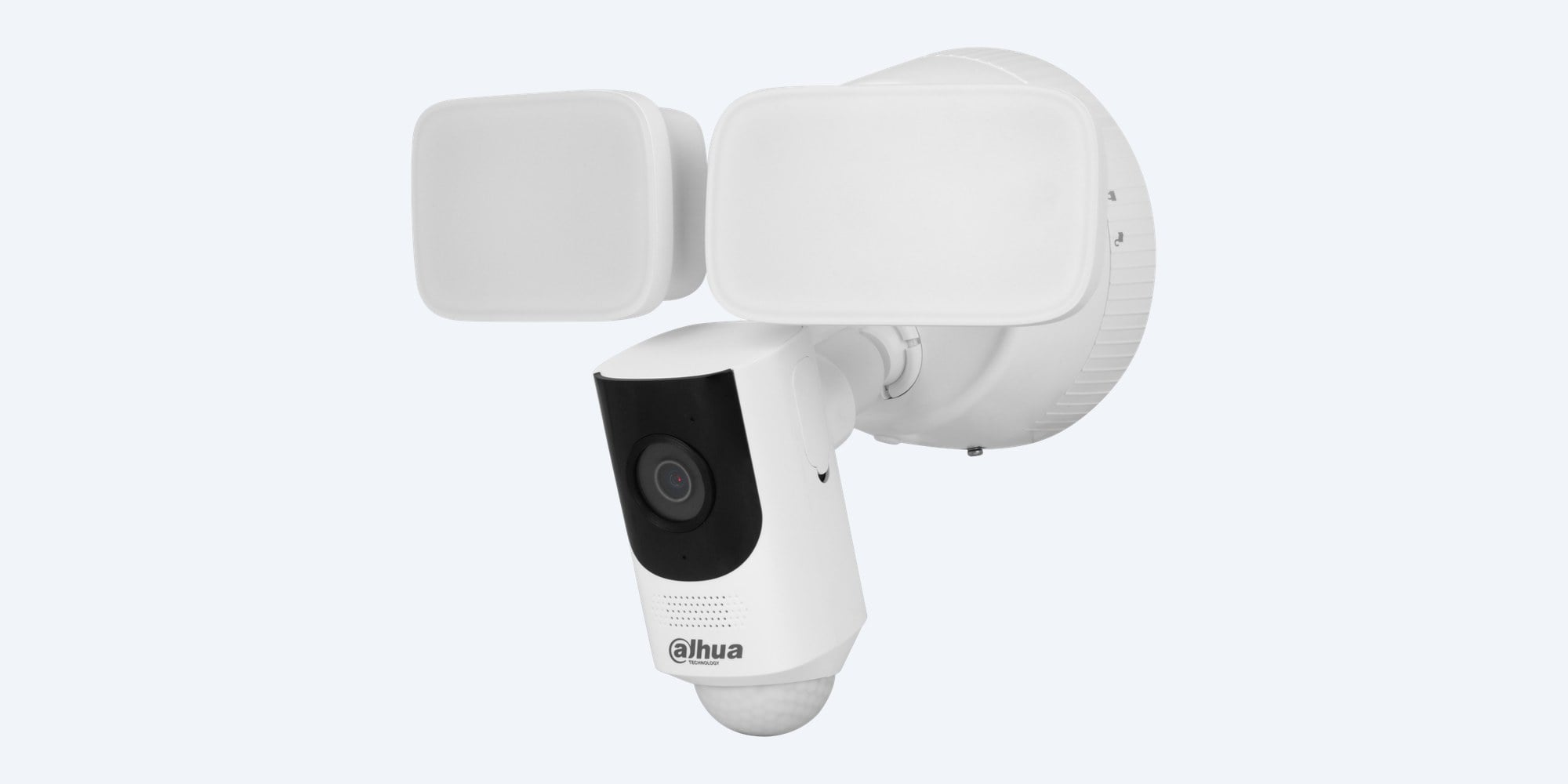
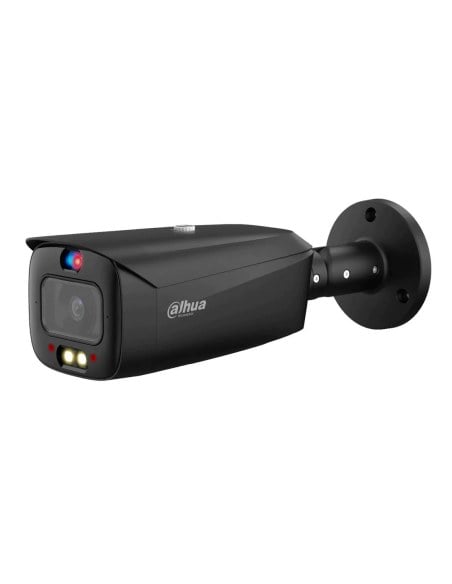
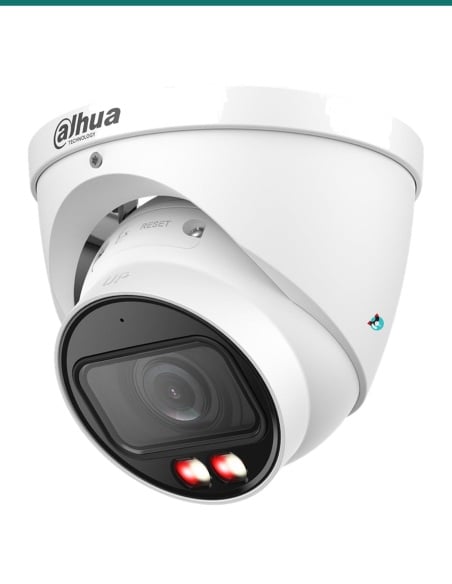
Dahua DH-IPC-WL46A white 4MP Wi-Fi floodlight camera with two LED floodlights, three-quarter view
Dahua · Wireless Series · Floodlight camera

Light it up, film it in colour.
4MP Wi-Fi camera, twin floodlights, 110 dB siren.

This is the DH-IPC-WL46A: a mains-powered floodlight with a 4MP camera, PIR sensor, speaker and siren built in. When someone walks in, the lights come on, the camera records in colour and you can talk to them from the DMSS app. It connects over Wi-Fi, so no data cable is needed.

In one sentence: the DH-IPC-WL46A is a Dahua Wireless Series 4MP (2560 × 1440) floodlight camera with a 2.8 mm F1.6 lens, two 1500–2400 lm warm/cool LED floodlights reaching 30 m, 10 m IR, a 270° PIR sensor, two-way audio, a 110 dB siren, dual-band Wi-Fi, microSD up to 256 GB and 100–240 VAC power, rated IP65.

Hard-wired to mains. A licensed electrician must install it.

This camera runs on 100–240 VAC and has no Ethernet port. It is wired into a light circuit like any outdoor light fitting, then joins your Wi-Fi.

In the box
  • DH-IPC-WL46A floodlight camera
  • Mounting plate
  • Wall install package and junction box install package
  • Manuals (2) and QR code card
You also need
  • A licensed electrician for the mains connection
  • Wi-Fi (2.4 GHz or 5 GHz) with good signal at the mounting point
  • A microSD card (up to 256 GB), NAS or Dahua NVR for the footage

Lights, camera and a warning, all in one fitting.

The PIR sensor covers 270° and picks up people up to 10 m away when mounted 3 m high. The two floodlights reach 30 m at 1500–2400 lumens, and switch between warm (3000K) and cool (6000K) white. With the lights off, the camera falls back to infrared for 10 m.

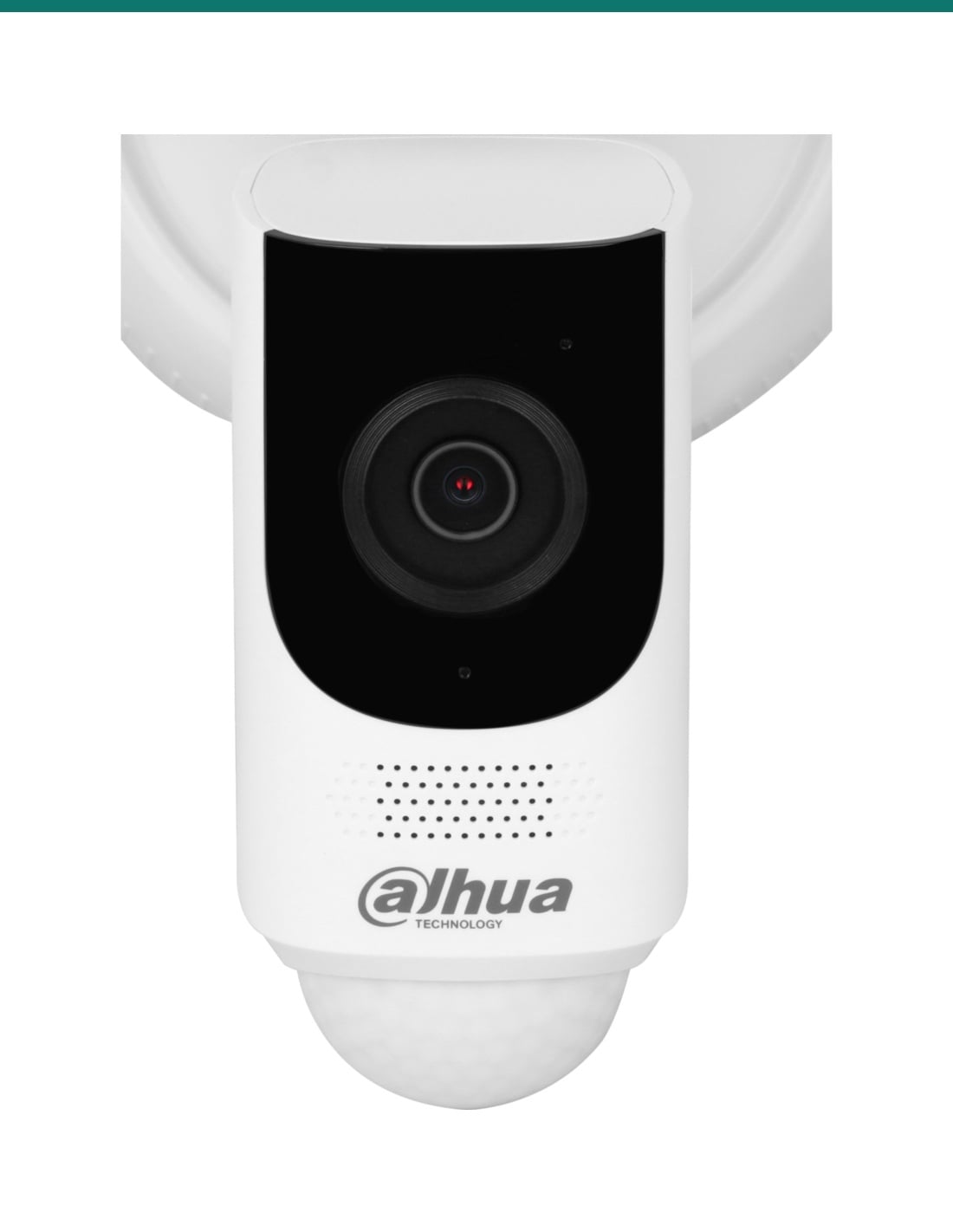
DH-IPC-WL46A close-up of the camera head with lens, IR LED and speaker grille, cropped from Dahua's product photo

Camera

4MP, F1.6, sound both ways.

A 1/3" sensor records 2560 × 1440 at up to 25/30 fps through a 2.8 mm F1.6 lens (98° across). The built-in mic and speaker let you talk to visitors from the app, and the 110 dB siren can sound on an alarm. SMD tells people, vehicles and animals apart.

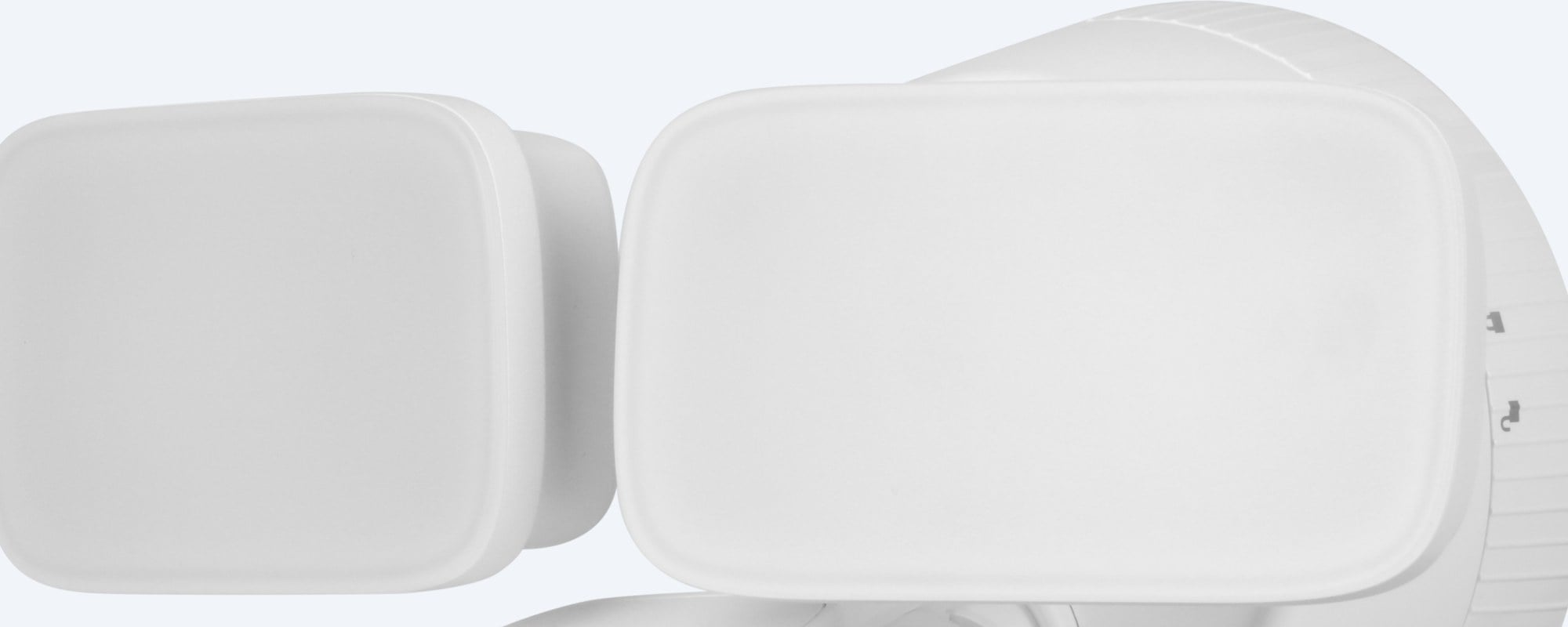
DH-IPC-WL46A close-up of the two LED floodlight panels, cropped from Dahua's product photo

Floodlights

Twin LED panels, warm or cool.

1500–2400 lm in 3000K warm or 6000K cool white. Four modes: on motion, on the PIR sensor, on a schedule or by hand from the app. The floodlights tilt −90° to +90° and turn −145° to +145°.

How it goes in

From switchboard to first alert.

01

Turn off the power

The electrician isolates the circuit at the switchboard and checks the supply is 100–240 VAC 50/60 Hz. Not on a dimmer or timer.

02

Fix and wire it

Fix the mounting plate to the wall or junction box, connect active, neutral and earth, then hang the camera on the plate. Mount about 3 m high for the PIR.

03

Join it to Wi-Fi

In the DMSS app tap +, scan the QR code on the camera, join its hotspot, set a password, then pick your 2.4 GHz or 5 GHz network.

04

Set the lights and alerts

Choose the floodlight mode, warm or cool light, SMD targets (people, vehicles, animals) and whether the siren sounds. Aim the camera and lights.

Pair it with

What this camera does not include

Installation

A licensed electrician

The camera is wired to 100–240 VAC with an earth, like an outdoor light fitting. This is electrical work by law.

Storage

Dahua TF-P100 microSD card

Dahua's optional card for this camera, up to 256 GB. Footage can also go to a Dahua NVR or a NAS over the network.

Network

Good Wi-Fi at the wall

2.4 GHz or 5 GHz. If the signal outside is weak, add an access point or mesh node near that wall.

Recorder

A Dahua NVR (optional)

Records it alongside your other cameras. It joins the NVR over your network, not by PoE.

Where it is used

Where a floodlight camera fits.

Driveways

Lights the car and the path to the door, filmed in colour.

Back yards

Replaces the old sensor light with one that records and talks.

Side passages

Dark paths beside the house, where intruders come in.

Garages and sheds

Over the roller door, with the siren to scare off visitors.

Small shops

Rear doors and bin areas after closing time.

Rentals and holiday homes

Check in from the app and talk to whoever is at the door.

Infrared or floodlight at night

InfraredFloodlight
ImageBlack and whiteColour
Reach10 m30 m
Light source1 IR LED, invisible2 LED panels, 1500–2400 lm
Visible to intrudersNoYes, a deterrent

From Dahua's DH-IPC-WL46A datasheet. The floodlights can come on by motion, PIR, schedule or by hand; otherwise the camera uses IR.

Common questions

Does it need a network cable?

No. It connects over dual-band Wi-Fi (2.4 GHz or 5 GHz, 802.11a/b/g/n/ac). It has no Ethernet port.

How is it powered?

From 100–240 VAC mains, wired in like an outdoor light. It uses 5.2 W idle and up to 48.3 W with the floodlights on. It is not battery or PoE powered.

Can I install it myself?

Not in Australia. Connecting it to mains is electrical work and must be done by a licensed electrician. Dahua also recommends a licensed electrician.

Can it go on a dimmer or timer?

No. Dahua says not to connect it to a dimmer switch or timer. Use the app's floodlight schedule instead.

How far does the PIR sensor reach?

Up to 10 m across 270°, when the camera is mounted 3 m high. That is Dahua's figure for detecting a person.

Is the night video in colour?

Yes when the floodlights are on (up to 30 m). With the lights off it switches to infrared and records in black and white out to 10 m.

Can I talk to visitors?

Yes. It has a built-in mic and speaker for two-way talk through the DMSS app, and a 110 dB siren.

Where is the footage stored?

On a microSD card of up to 256 GB, on a Dahua NVR or NAS over your network, or by FTP/SFTP.

Which app does it use?

DMSS on iOS and Android. You add it by scanning the QR code on the camera. Up to 6 users can view at once.

Will it tell people from cats?

Yes. Smart motion detection (SMD) classifies humans, vehicles and animals, so you can choose which ones raise an alert.

Is it weatherproof?

It is rated IP65, with a metal and plastic casing, and runs from −20 °C to +50 °C. Mount it under an eave out of direct weather where you can.

How do I reset it?

Hold the reset button for 10 seconds. A slow green flash then means the hotspot is ready to add it to DMSS again.

Supported by InFront Technologies.

Help choosing storage or a recorder: call 1300 736 970 or email [email protected]. The datasheet is on the Attachments tab.

Installation and safety

Mains voltage. 100–240 VAC, class I (must be earthed). Installation and wiring must be done by a licensed electrician, with the circuit isolated at the switchboard.

No dimmers or timers. Do not connect it to a dimmer switch or timer. Do not mount it near combustible surfaces, and make sure the wall holds at least three times its 1.4 kg weight.

Siren. The siren is 110 dB. Do not test it close to your ears.

Audio and privacy. Recording conversations is covered by state and territory surveillance laws. Check them, and use signage, before you switch the microphone on.

Photos. The close-ups are cropped from Dahua's product photos of this model.

Figures. From Dahua's DH-IPC-WL46A datasheet (Rev 002) and quick start guide (V1.0.2).

INFRONTTECH Promotional Banner INFRONTTECH Promotional Banner INFRONTTECH Promotional Banner

Need help choosing?

Tell us about your property and we'll recommend the right cameras and recorder.

07 5609 4910

Sydney 02 8814 6008
[email protected]

Mon–Fri, 9am–5pm AEST

Saved to your wishlist Find it any time in your account. View list