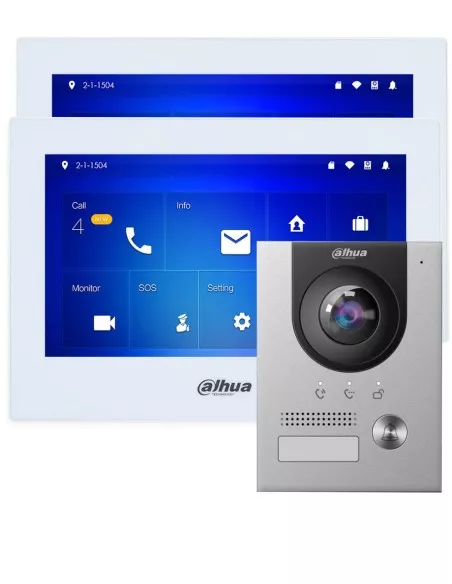
Dahua 7-Inch Black IP Video Intercom Villa Kit – DHI-KTP03-S2 Smart Home Security Intercom System

SKU DHI-KTP03-S2 In Stock - Ready to Ship
$292.50 inc GST

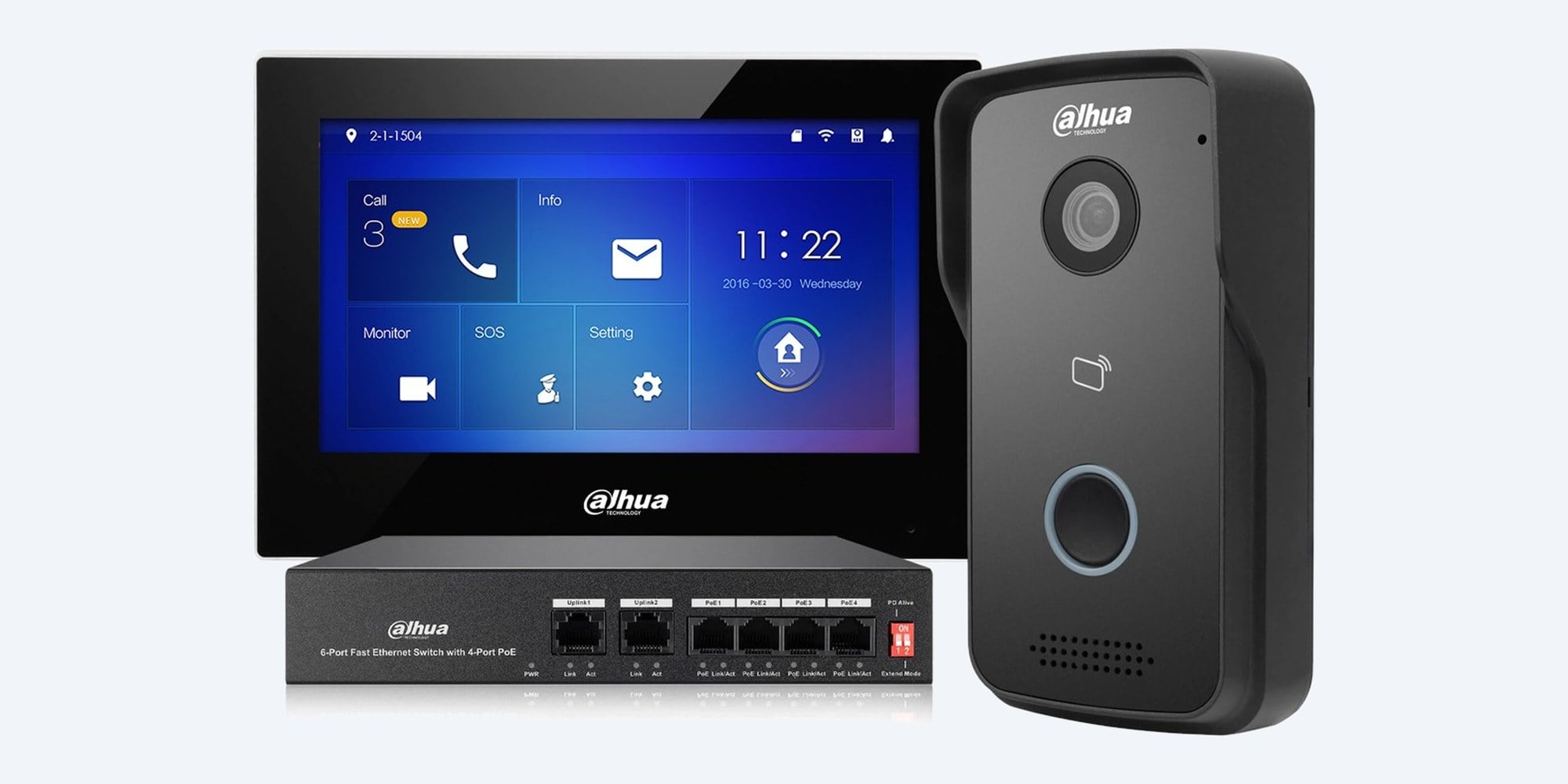
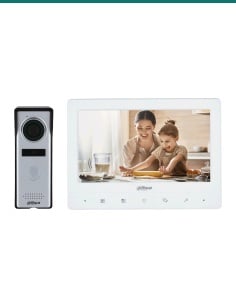
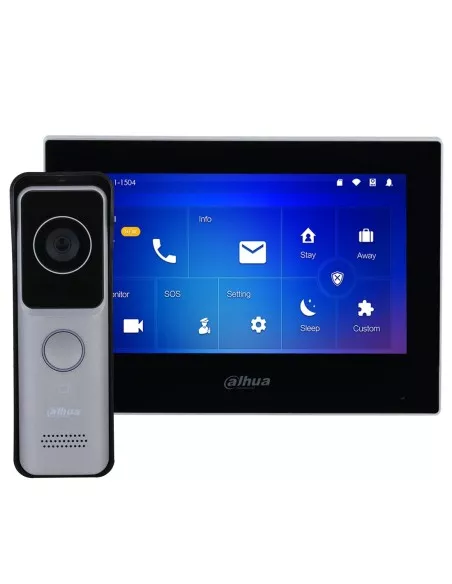
Dahua DHI-KTP03-S2 IP video intercom kit: a black VTO2111D door station with a 2MP camera and IC card reader, a black 7-inch VTH2621G-P touch-screen monitor and a 4-port PoE switch. Unlock by card, monitor or DMSS app.

  • ✓2MP door station, 107° view, DWDR and auto IR
  • ✓IC card reader, up to 10,000 cards
  • ✓7" 1024 × 600 touch-screen monitor (black)
  • ✓4-port PoE switch powers both over network cable
  • ✓IP65 door station, −30 °C to +60 °C


Description

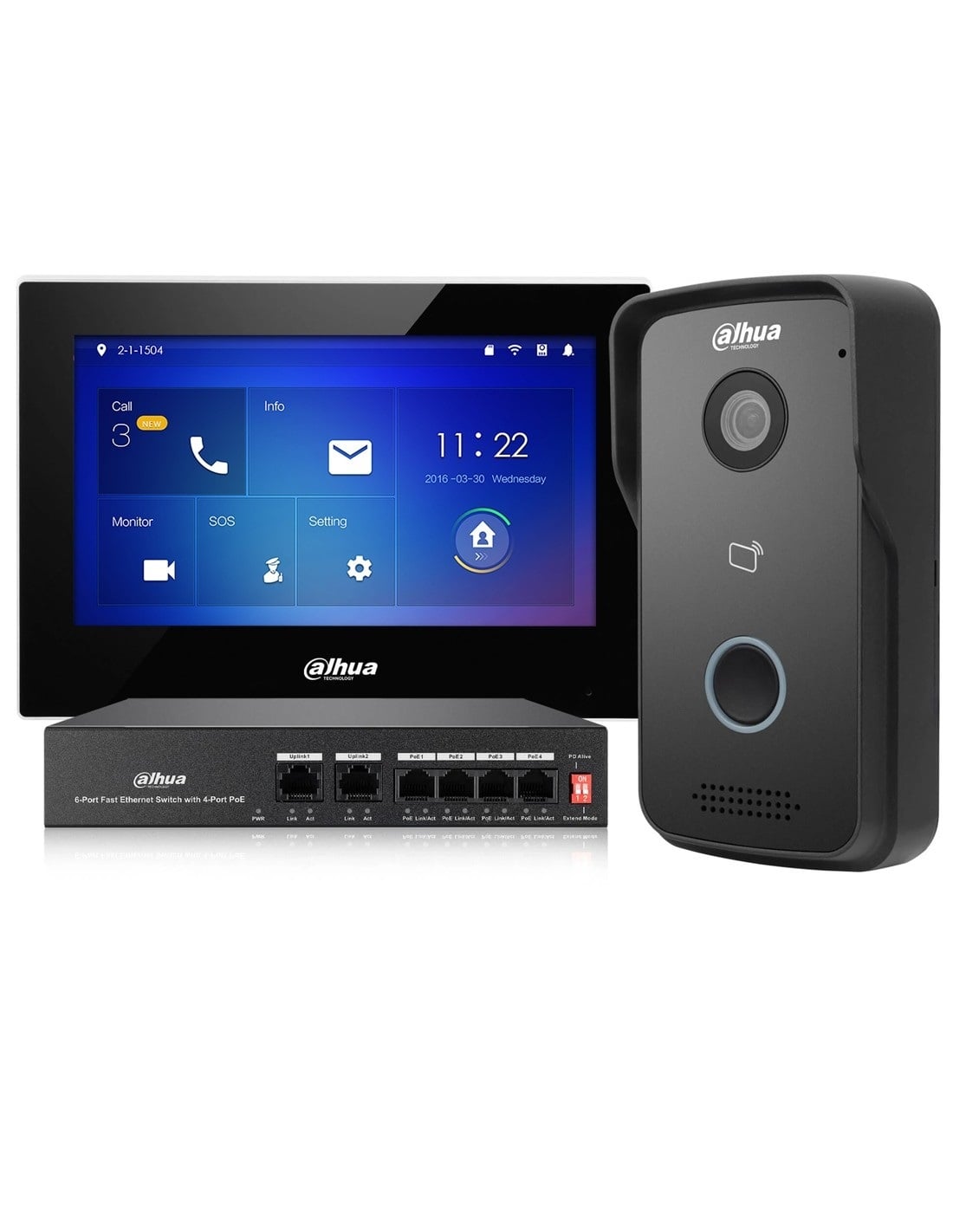
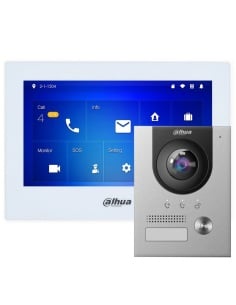
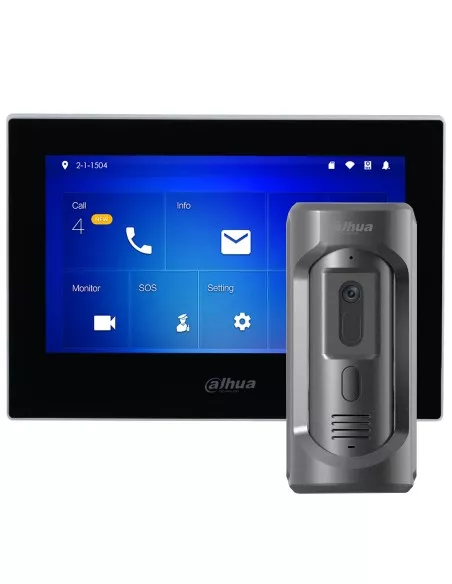
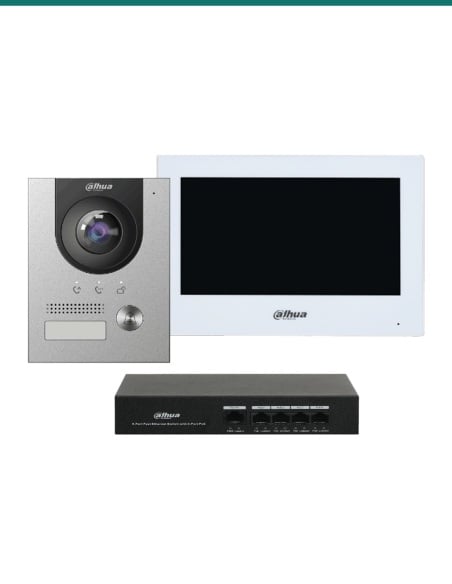
Dahua DHI-KTP03-S2 IP intercom kit: black 7-inch VTH2621G-P monitor, VTO2111D door station with card reader and the 4-port PoE switch
Dahua · IP video intercom kit · PoE

Card, app or monitor.
Three ways to open the door.

Dahua's KTP03 IP video intercom kit: a black VTO2111D door station with a 2MP camera and IC card reader, a black 7-inch VTH2621G-P touch-screen monitor, and a 4-port PoE switch to power both.

In one sentence: the DHI-KTP03-S2 is Dahua's KTP03 IP video intercom kit with a VTO2111D door station (2MP, 107° view, auto IR, IC card reader for 10,000 cards, IP65), a black 7-inch 1024 × 600 VTH2621G-P touch-screen monitor and a PFS3006-4ET-36 4-port PoE switch, with calls and unlocking on the DMSS app.

Network cable to both. The lock is separate.

The door station and the monitor both connect by network cable and take PoE from the switch in the kit. Connect the switch to your router for the DMSS app. The door station switches a lock, but the strike or lock is sold separately.

In the box
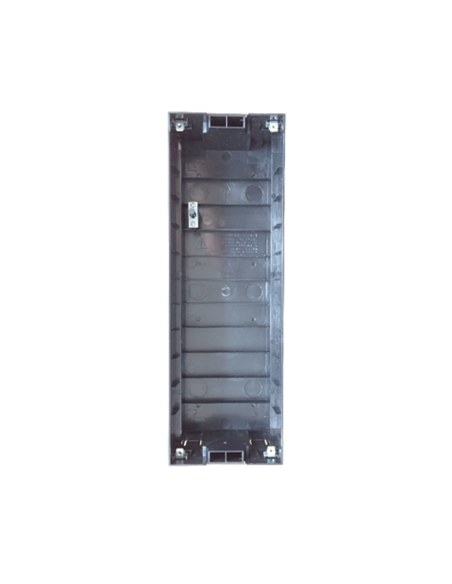
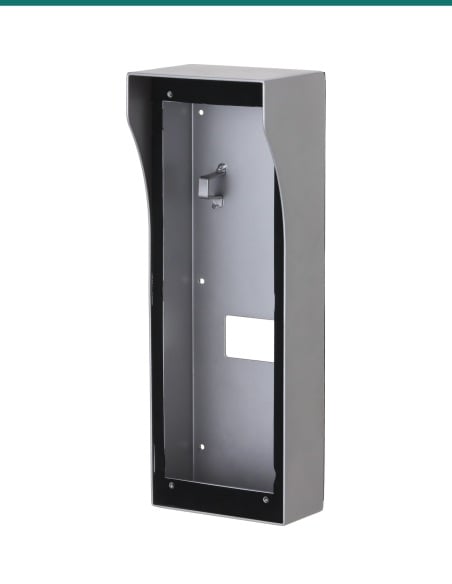
  • VTO2111D door station (black) with rain cover, bracket and ribbon cable
  • VTH2621G-P 7-inch indoor monitor (black) with bracket and alarm ribbon cable
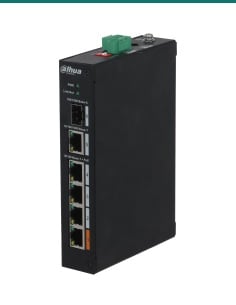
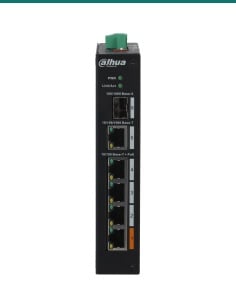
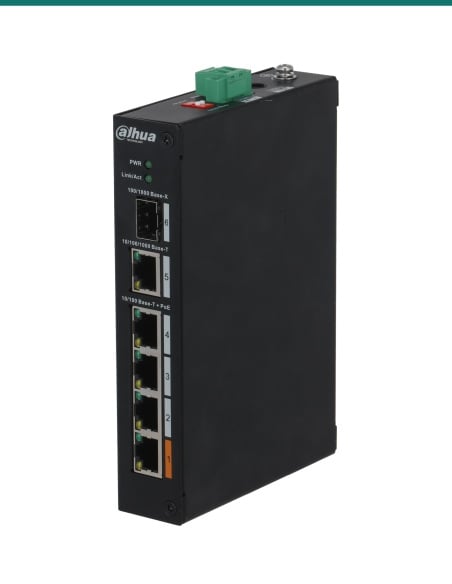
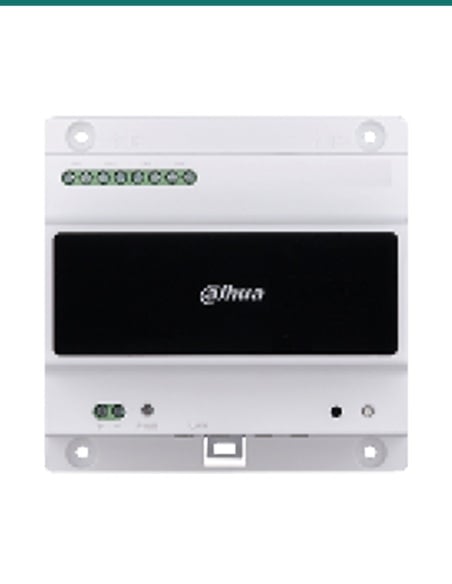
  • PFS3006-4ET-36 4-port PoE switch
You also need
  • Cat5e or Cat6 cable to the door station and the monitor
  • A network port on your router, for the DMSS app
  • An electric strike or lock and its power supply
  • Silicone sealant around the door station, for its IP65 rating

A complete IP intercom in one box.

A visitor presses the call button and the monitor and the DMSS app ring. See them in colour by day and with IR at night, talk both ways, and release the door from the monitor or your phone. Family and staff tap an IC card on the door station instead.

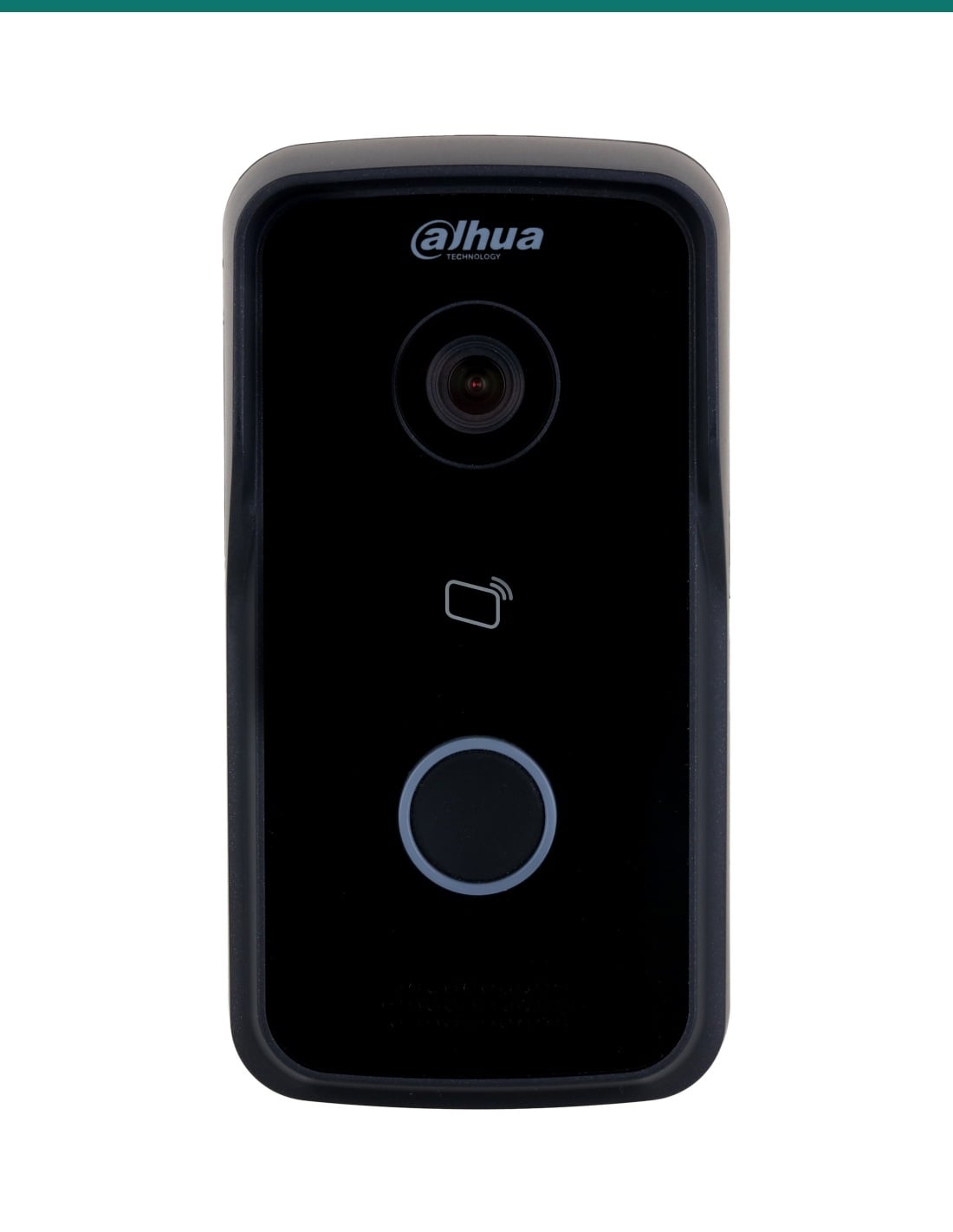
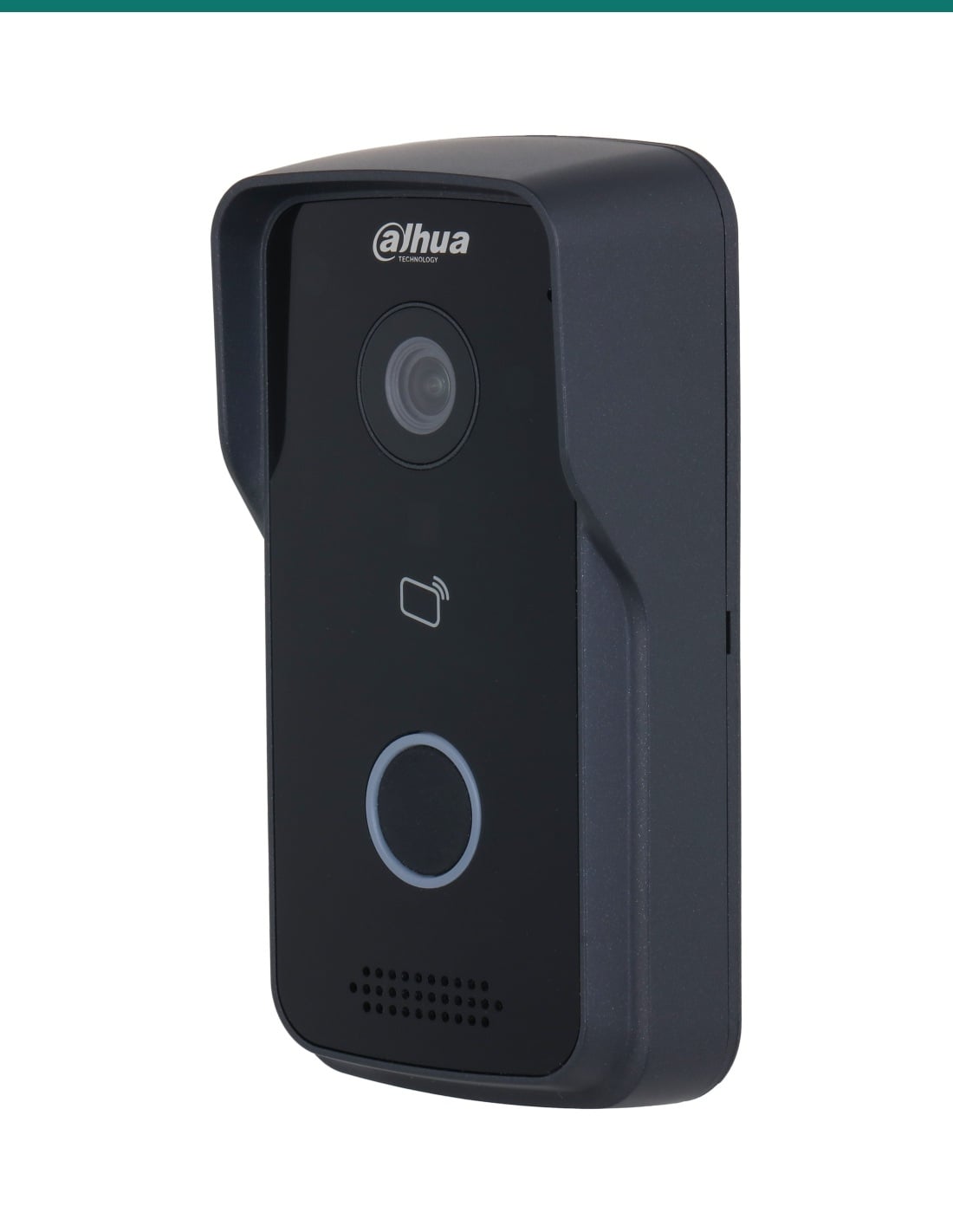
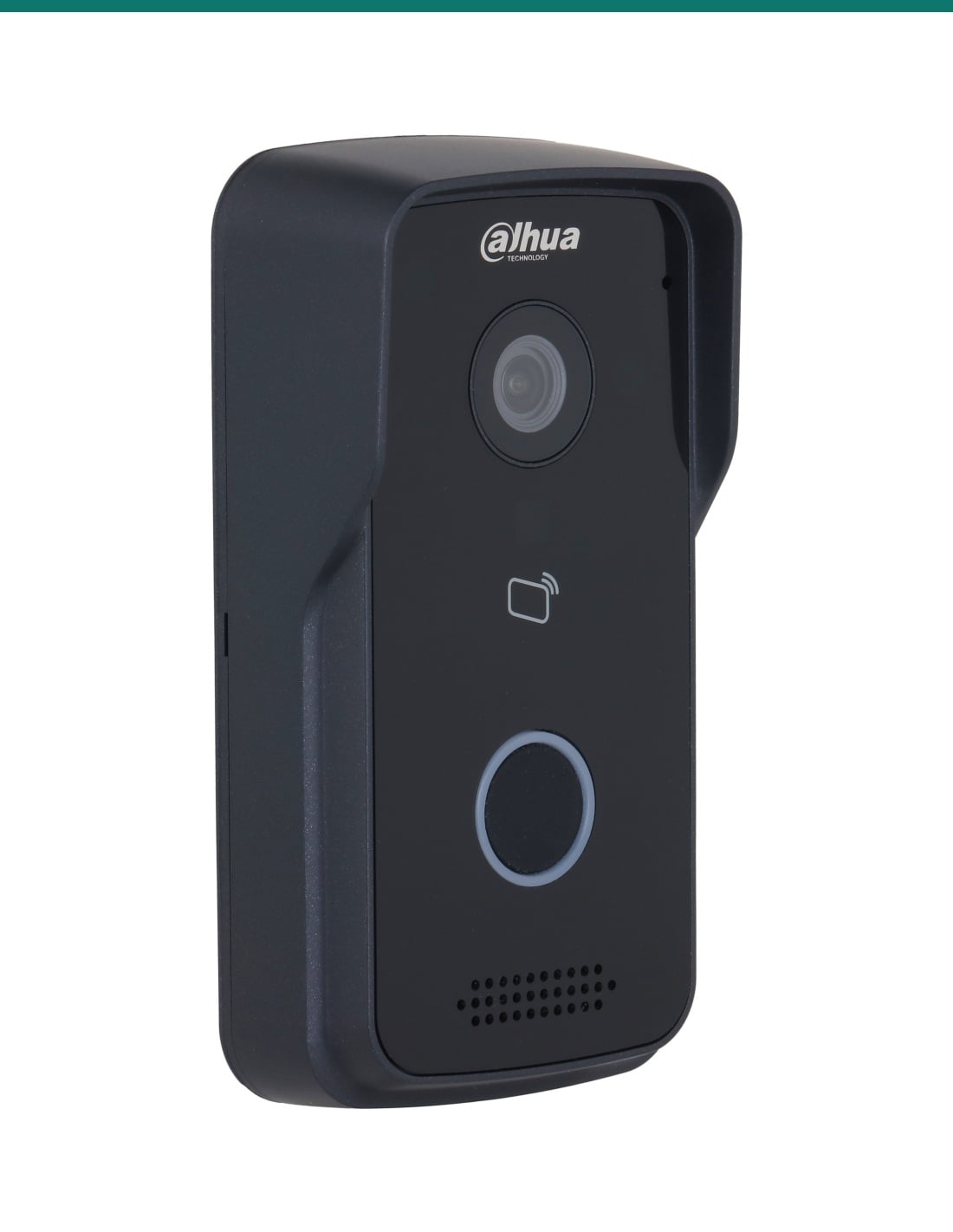
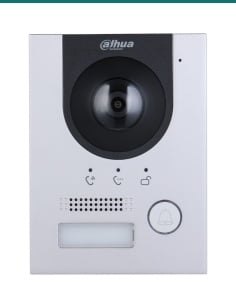
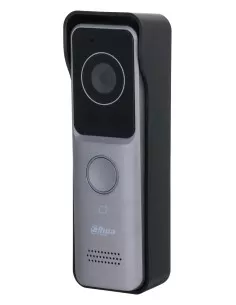
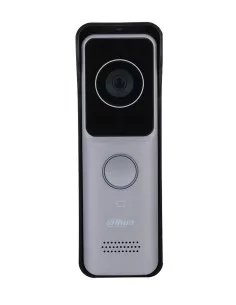
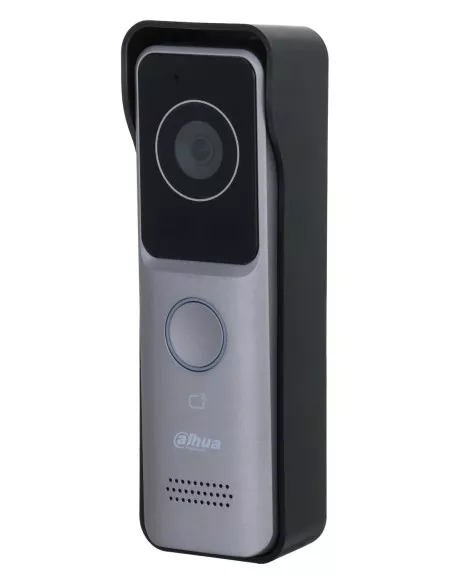
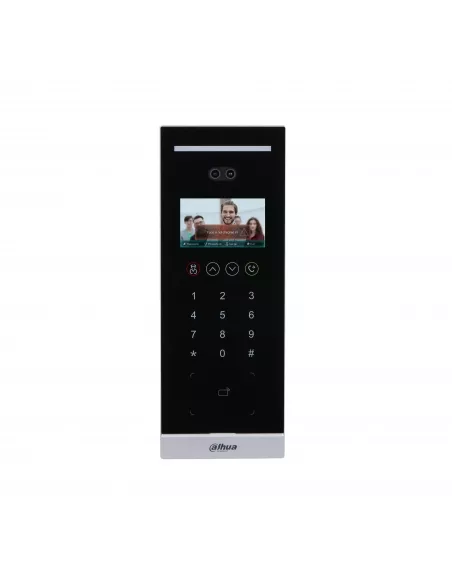
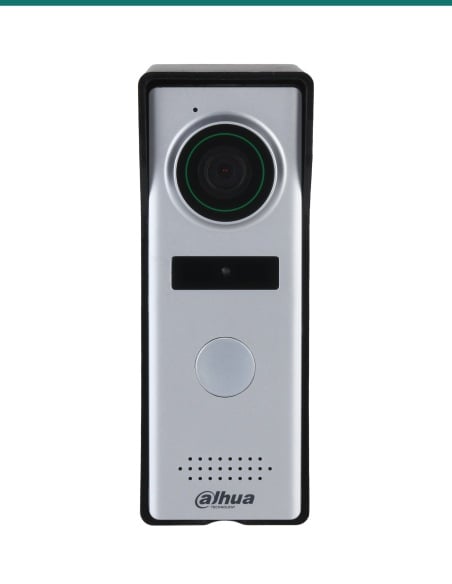
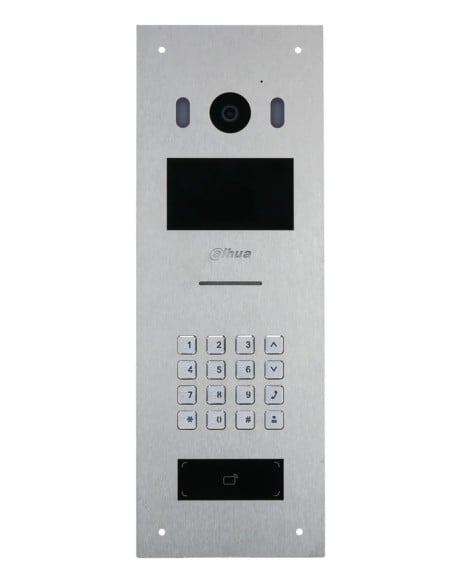
Dahua VTO2111D black IP villa door station with camera, card reading area and lit call button

Door station

VTO2111D: camera and card reader.

A 1/2.8-inch 2MP camera with DWDR, auto IR and ICR day/night, seeing 107° across and 60° high. It reads IC cards held up to 4.5 cm away and stores 10,000 of them. Two-way audio with echo suppression, a tamper alarm, and connections for a lock, an exit button, a door contact and RS-485.

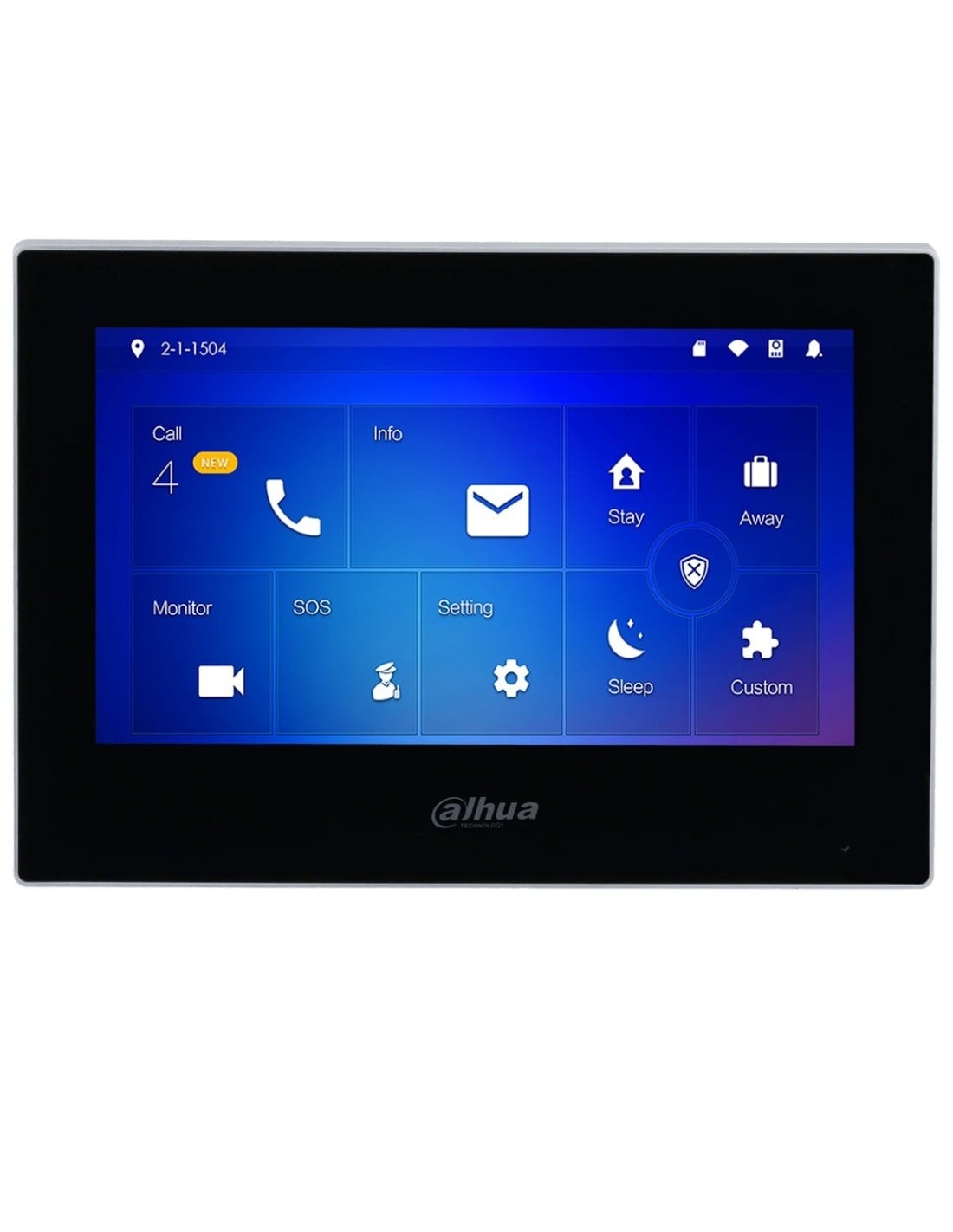
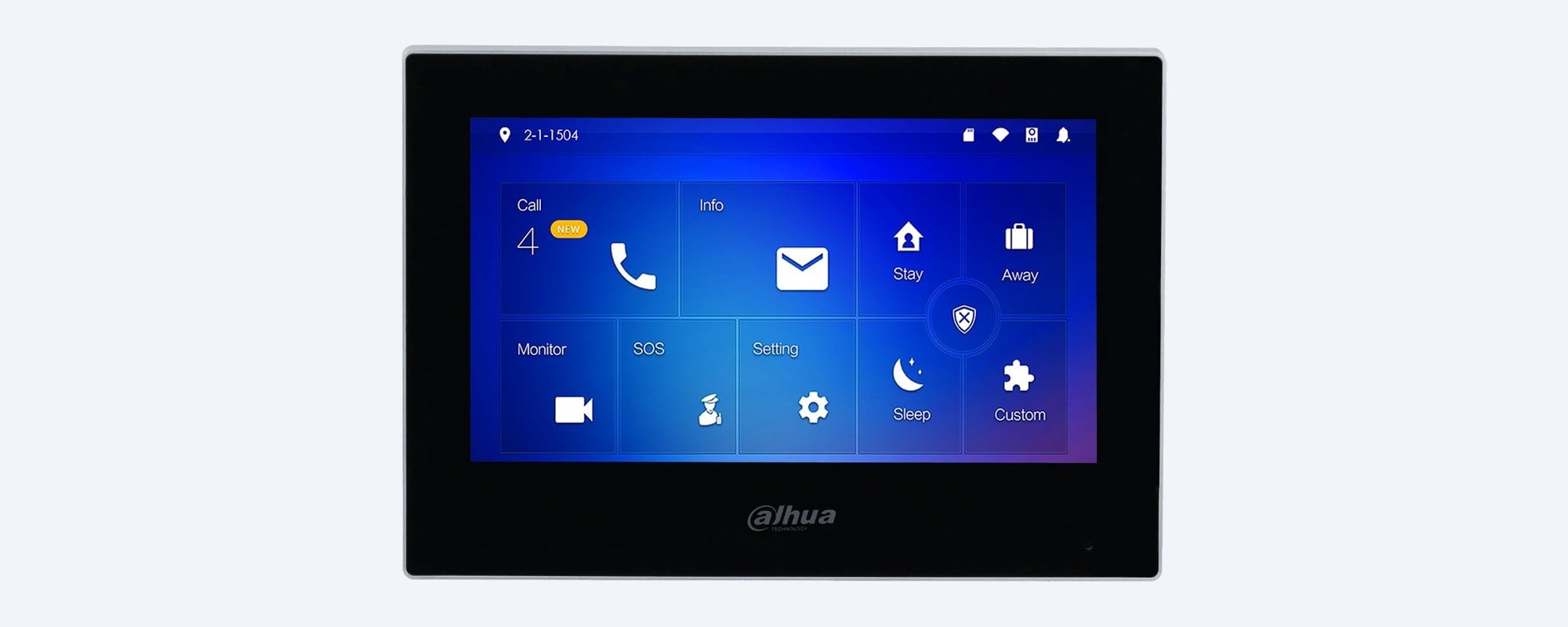
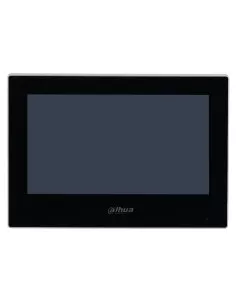
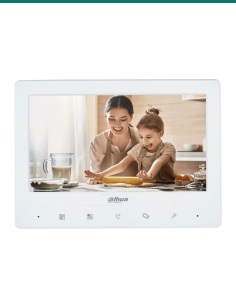
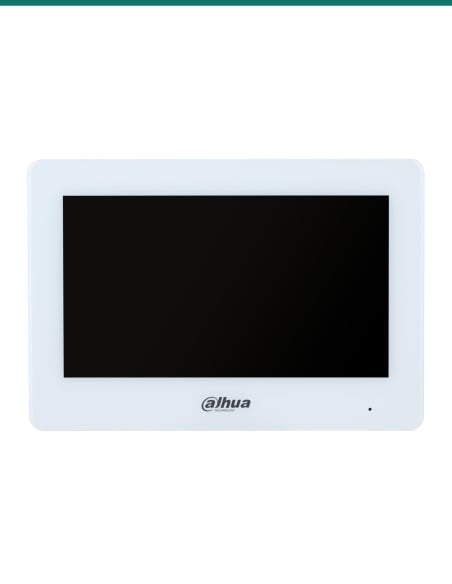
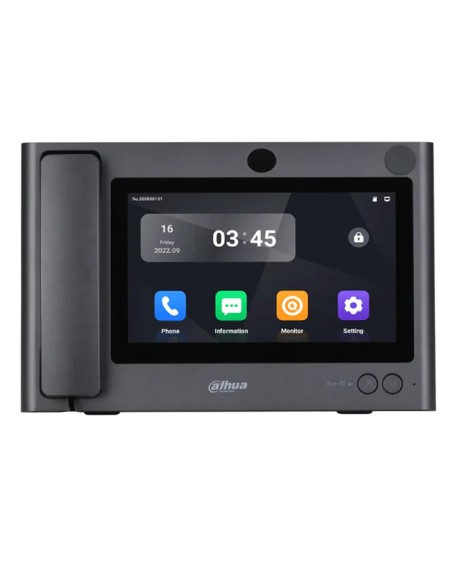
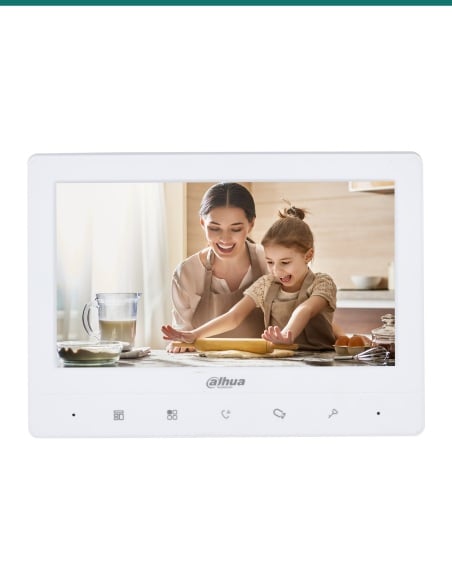
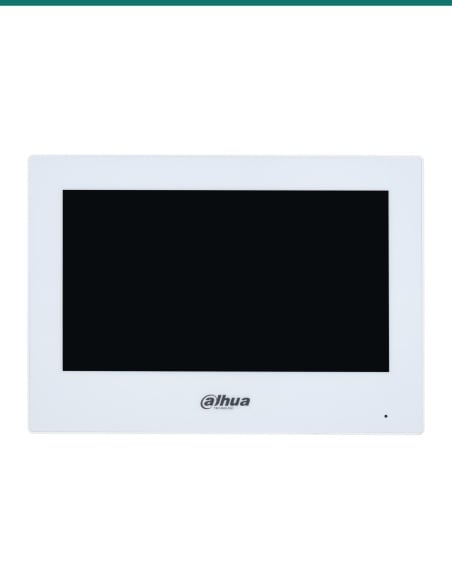
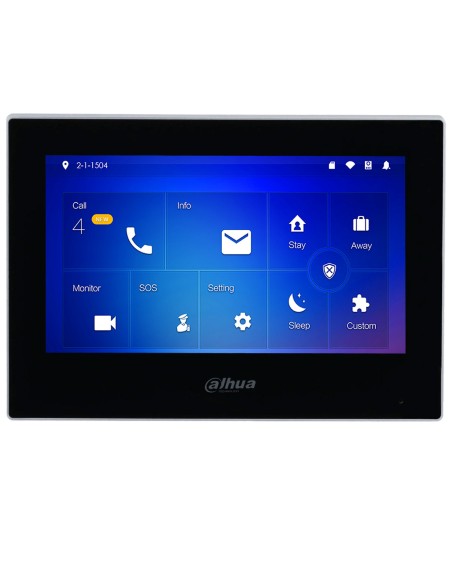
Dahua VTH2621G-P black 7-inch IP indoor monitor showing its touch-screen home menu

Indoor monitor

VTH2621G-P: 7-inch touch screen.

A 7-inch 1024 × 600 capacitive touch screen with two-way audio. It shows the door station and IP cameras, has 6 alarm inputs and 1 alarm output, a do not disturb mode, and runs on standard PoE or 12 V DC. It surface-mounts on the bracket in the box.

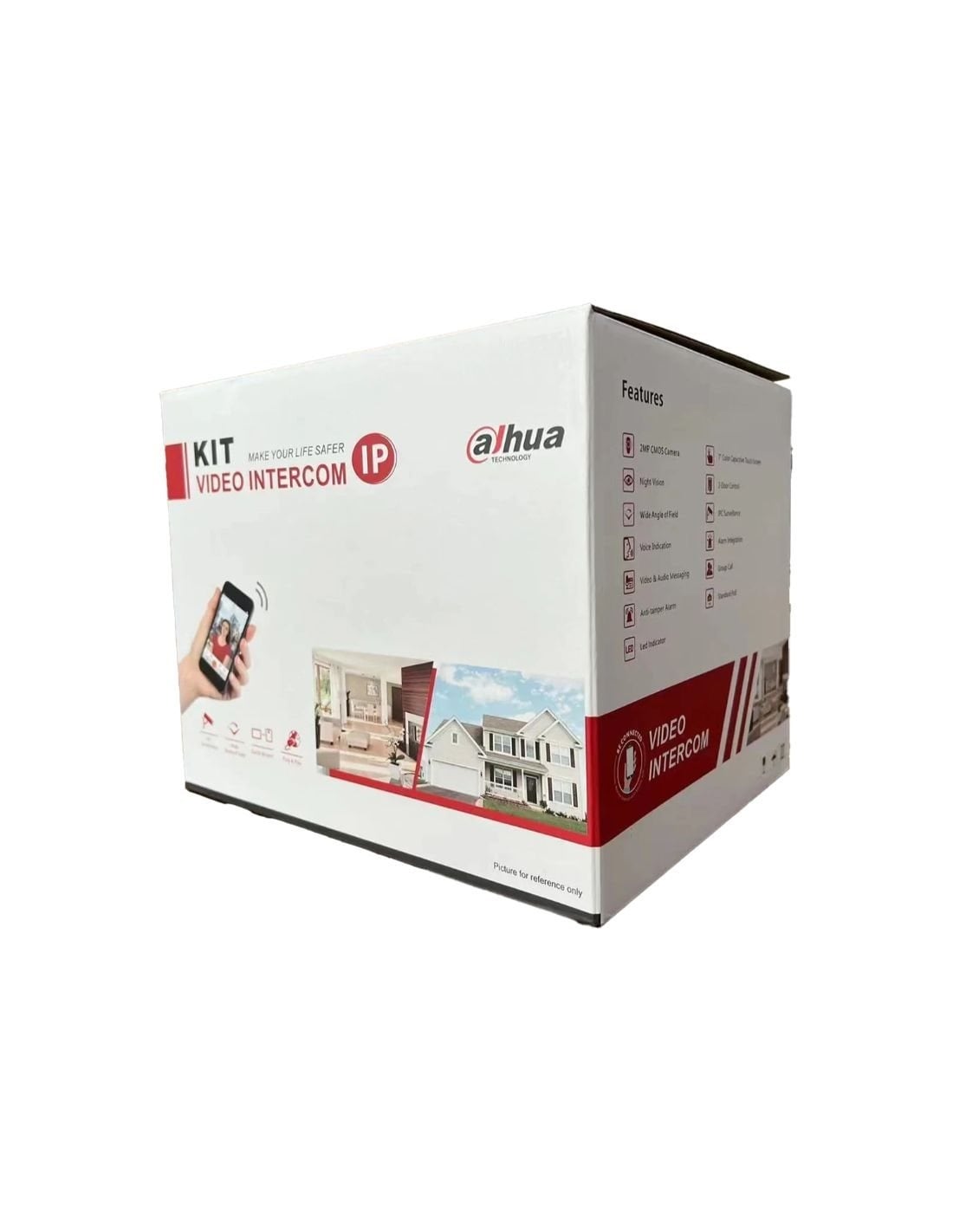
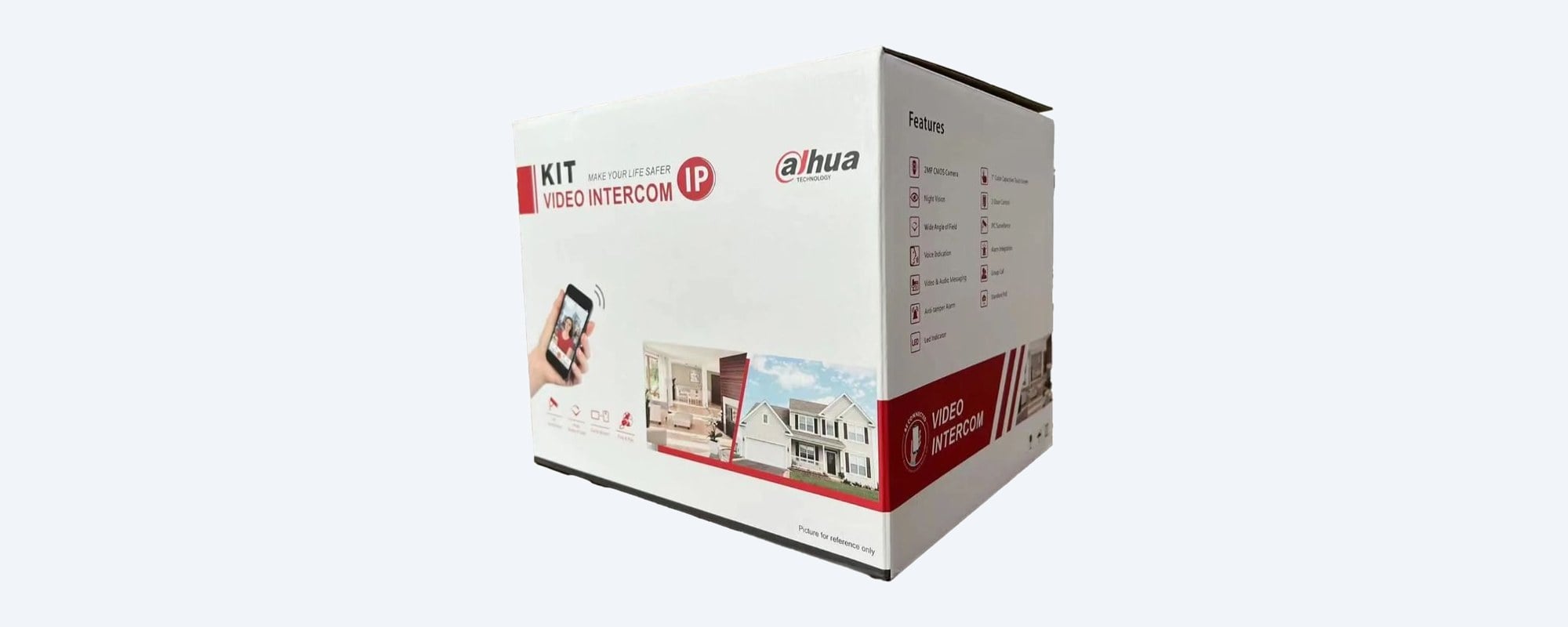
Dahua IP video intercom kit retail box

In the box

One Dahua kit box.

The door station with its rain cover and bracket, the monitor with its bracket, and the PFS3006-4ET-36 switch with 4 PoE ports and 2 uplink ports, all 10/100 Mbps. Add network cable and a lock.

How it goes in

From the box to the first call.

01

Run the cables

Run network cable from the switch position to the door station and to the monitor, and connect an uplink port to your router.

02

Mount the door station

Screw the bracket to the wall, connect the network cable and lock wiring to the ribbon cable, hang the VTO2111D and seal it to the wall with silicone.

03

Mount the monitor

Screw the VTH2621G-P bracket to the wall at eye level, connect the network cable and hang the monitor; PoE from the switch powers it.

04

Pair, add the app, test

Add the door station to the monitor, add it to the DMSS app, issue the IC cards, then make a test call and unlock.

Pair it with

What goes with it

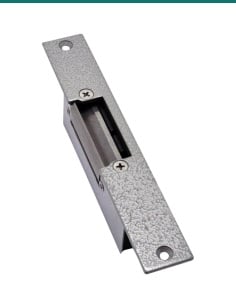
Lock

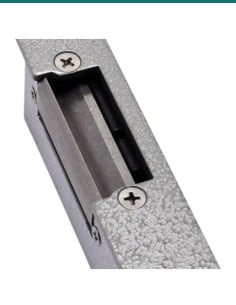
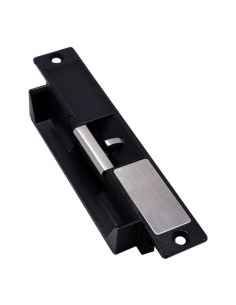
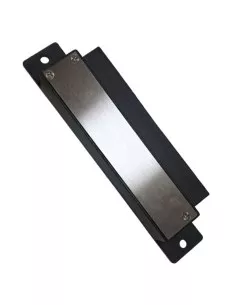
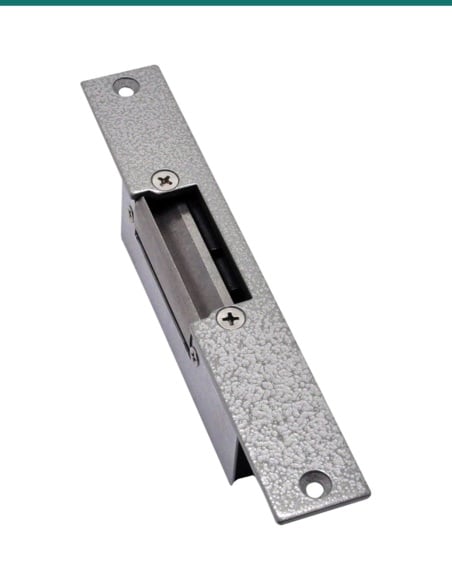
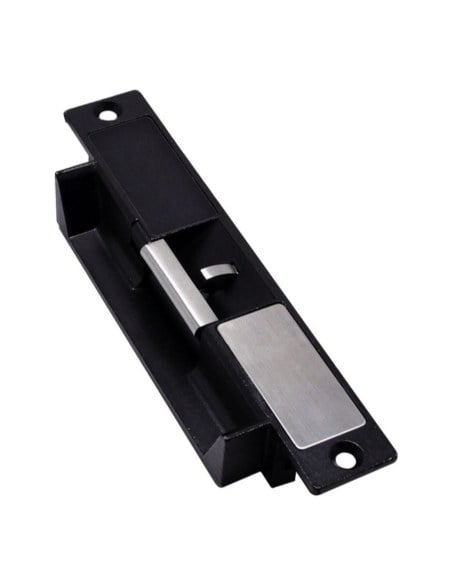
An electric door strike

Released by the door station's lock control from a card, the monitor or the app. Fail-secure stays locked in a power cut.

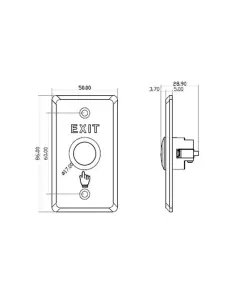
Exit

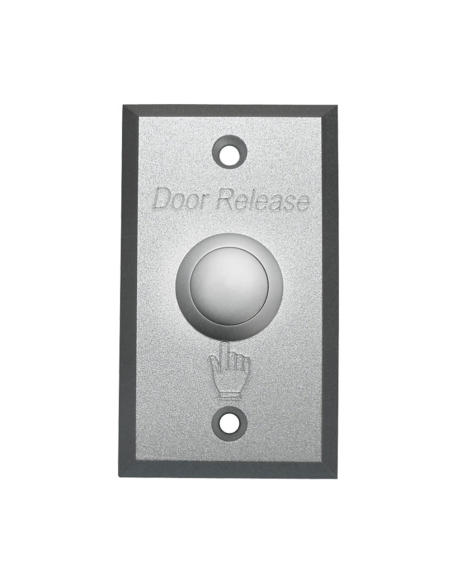
A door release button

Wires to the exit button input so people inside can open the door without the monitor.

Second room

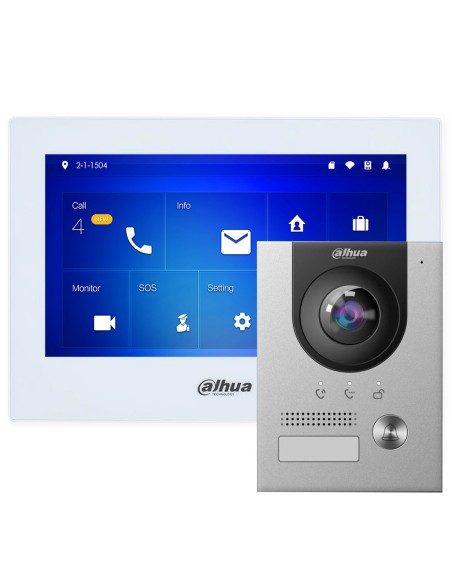
Dahua VTH2621G-P or VTH2621GW-P

Another 7-inch monitor, in black or white, on a spare port of the PoE switch.

Where it is used

Where this kit fits.

Houses

A front door intercom with a monitor in the hall and the app on every phone.

Keyless entry

Family members tap an IC card instead of carrying a key.

Small offices

Staff badge in with cards; visitors call the monitor at reception.

Granny flats

Answer the door from the main house on the app, or add a second monitor.

New builds

Network cable to the door and the monitor, both powered from one switch.

Homes with CCTV

The monitor can also show your IP cameras alongside the door.

The door station and the monitor

VTO2111D door stationVTH2621G-P indoor monitor
Main part2MP camera, 107° × 60°, auto IR7" touch screen, 1024 × 600
UnlockIC card, monitor or appUnlocks the door station
Network10/100 Mbps10/100 Mbps Ethernet
PowerStandard PoE or 12 V DC, 1 AStandard PoE or 12 V DC, 1 A
Power use≤ 1 W standby, ≤ 5 W working≤ 2 W standby, ≤ 6 W working
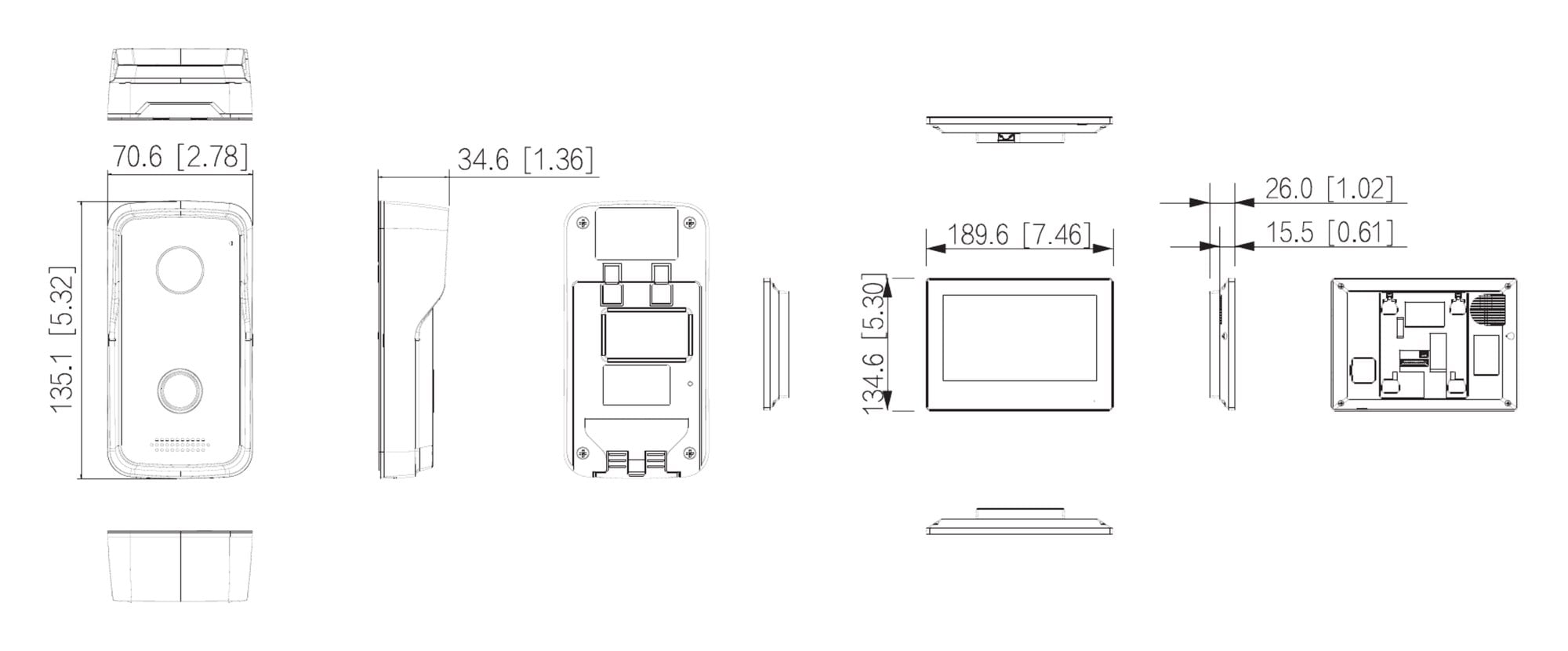
Size135.1 × 70.6 × 34.6 mm189.6 × 134.6 × 26.0 mm
Rating and rangeIP65, IK04, −30 °C to +60 °CIndoor, −10 °C to +55 °C

Both from Dahua's KTP03 kit datasheet. The PFS3006-4ET-36 switch is in the At a glance table.

Common questions

What is in the kit?

A black VTO2111D door station with rain cover and bracket, a black VTH2621G-P 7-inch monitor with bracket, and a PFS3006-4ET-36 PoE switch with 4 PoE ports and 2 uplinks. Network cable and a lock are not included.

Can I answer the door on my phone?

Yes. Add the door station to the Dahua DMSS app (iOS or Android) for video calls and remote unlocking. The switch must be connected to your router.

How do the cards work?

The door station reads IC cards held up to 4.5 cm away and stores up to 10,000. You can issue cards at the door station. Ask us which cards suit it.

How many locks can it open?

Dahua says the door station controls two locks. It has one lock control port (normally closed by default), plus RS-485, an exit button input and a door status input. Call us to plan a second lock.

Does it power the lock?

The door station has a 12 V 200 mA output, Most electric strikes draw more than that, so give the lock its own power supply.

Does it need a power point at the door?

No. The door station and the monitor both run on PoE from the switch, so only the switch needs a power point.

Does it record visitors?

Dahua lists visitor video messages with a microSD card in the indoor monitor. It is not a CCTV recorder.

Does it work at night?

Yes. The door station has auto IR and switches to black and white in the dark, and DWDR helps with a bright background.

Is the door station weatherproof?

It is rated IP65 when sealed to the wall with silicone, IK04, and runs from −30 °C to +60 °C. A rain cover is included.

Can I add another monitor?

Yes. Add a VTH2621G-P (black) or VTH2621GW-P (white) on a spare switch port. Dahua lists up to 9 extension monitors in a villa system.

Can the monitor show my CCTV cameras?

The VTH2621G-P can view IP cameras as well as the door station. Call us to check your camera model before you rely on it.

What does S2 mean?

It is a version of Dahua's KTP03 kit. Dahua's current KTP03 datasheet lists the VTO2111D-P-S3 door station; call us if you need a particular door station version.

Supported by InFront Technologies.

Help choosing a lock, cards or extra monitors: call 1300 736 970 or email [email protected]. The datasheets are on the Attachments tab.
Installation and safety

Low voltage. The door station and monitor run from PoE. The switch plugs into a power point. A new power point needs a licensed electrician.

Cabling. Concealed data cabling in a building should be run by a registered cabler.

Locks. Use a lock and power supply rated for the door. On exit doors, check fire and egress rules before fitting a fail-secure strike.

Privacy. Aim the camera at your own entry. Change the default passwords and keep the firmware up to date.

Figures. From Dahua's KTP03 kit datasheet (rev 002, 2024) and its drawings.

Type
Video Intercom Kit
INFRONTTECH Promotional Banner INFRONTTECH Promotional Banner INFRONTTECH Promotional Banner

Need help choosing?

Tell us about your property and we'll recommend the right cameras and recorder.

07 5609 4910

Sydney 02 8814 6008
[email protected]

Mon–Fri, 9am–5pm AEST

Saved to your wishlist Find it any time in your account. View list