1 / 3

Grandstream 8-Port PoE+ Managed Switch 2×2.5Gb SFP 130W – GR-GWN7801PPRO
SKU GR-GWN7801PPRO In stock
$237.30 inc GST

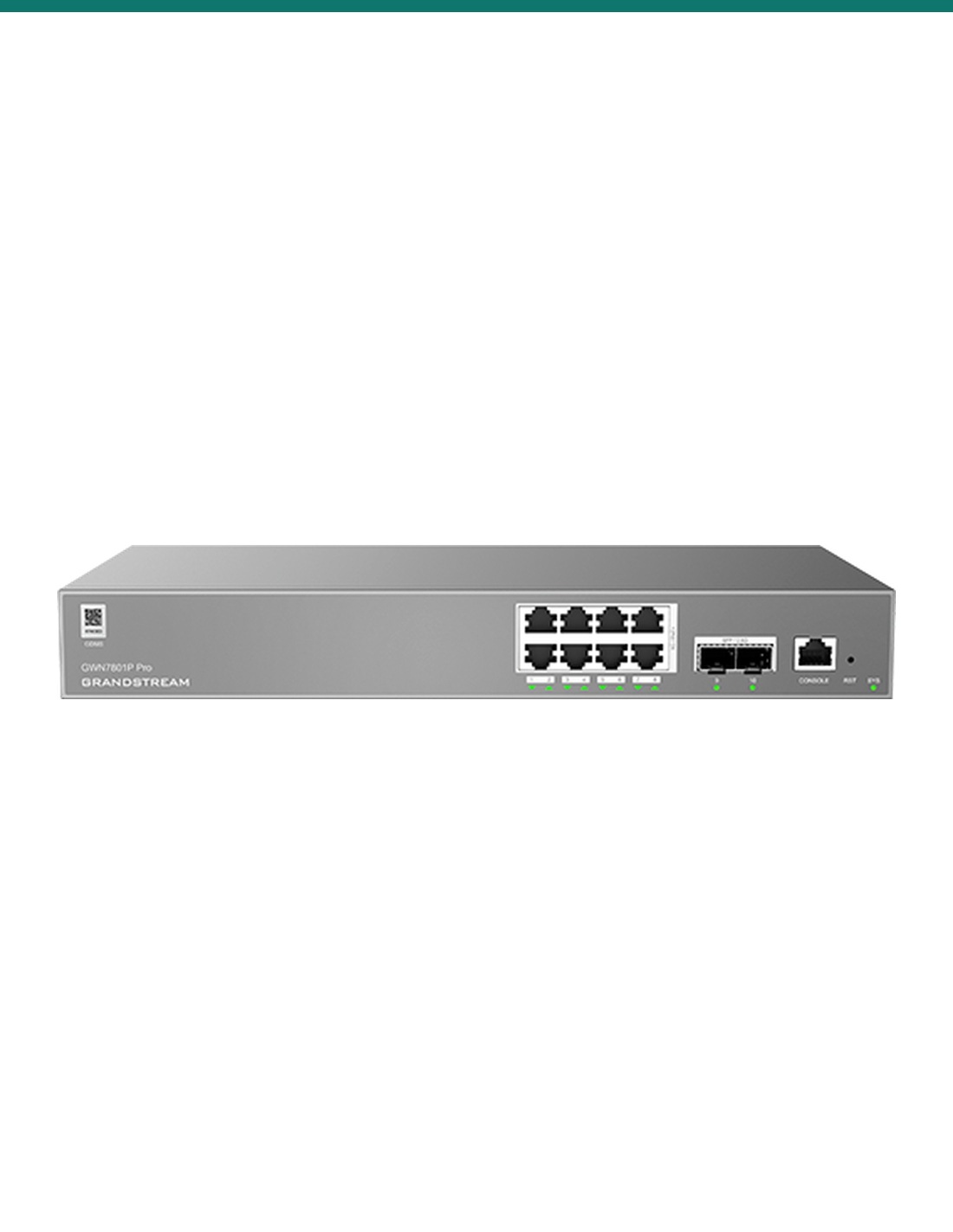
Grandstream GWN7801P Pro: a fanless 8-port Gigabit Layer 2++ managed switch with PoE+ on every port, a 130 W budget and 2 × 2.5G SFP uplinks.
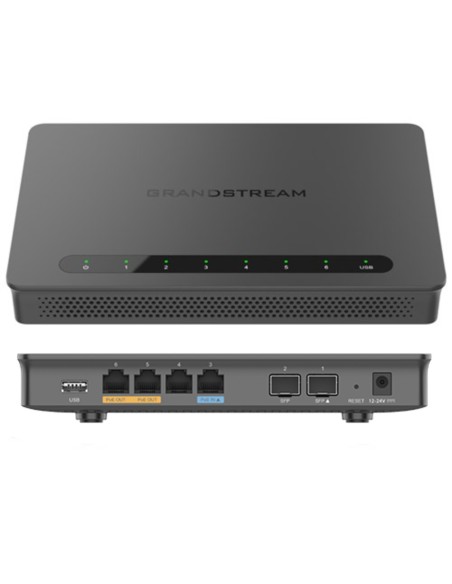
  • ✓8 × Gigabit PoE+ ports, 30 W per port
  • ✓130 W total PoE budget
  • ✓2 × 2.5G SFP uplinks, console port
  • ✓Layer 2++: VLANs, QoS, static routing, ACLs
  • ✓Fanless, built-in 100–240 V AC power supply
  • ✓GDMS Networking, GWN Manager and web management

 
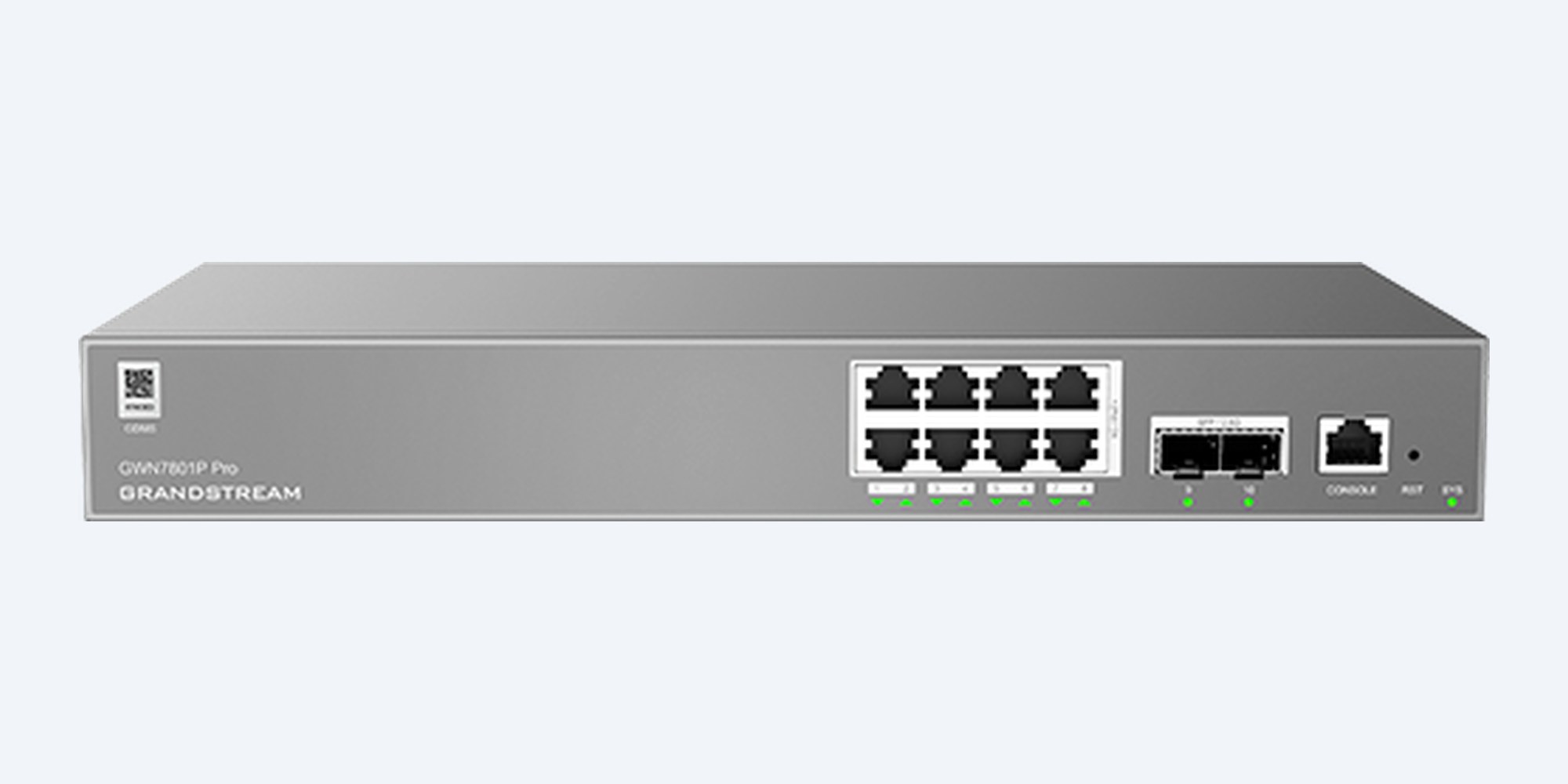
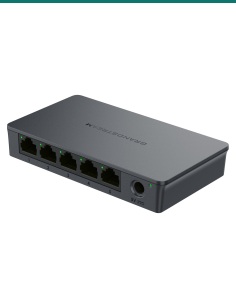
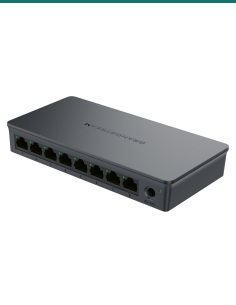
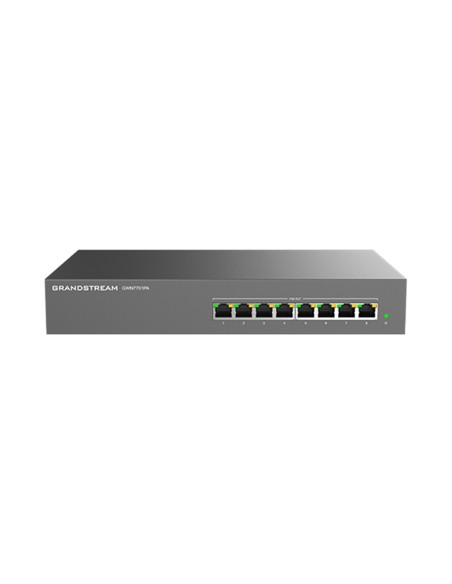
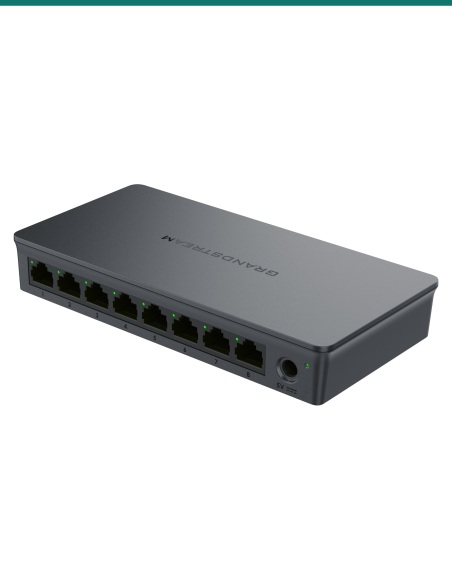
Grandstream GWN7801P Pro 8-port PoE+ managed switch, front panel with 8 ports, 2 SFP slots and console port
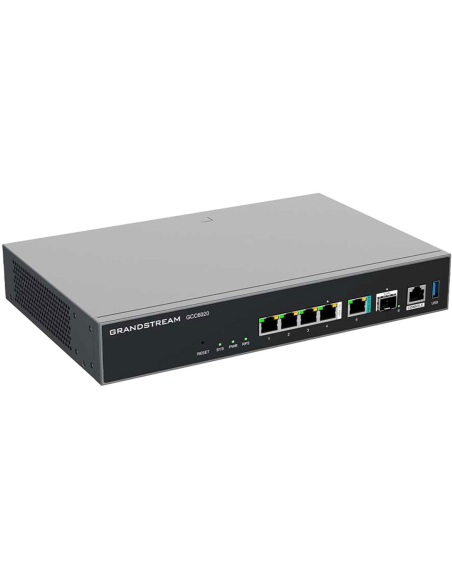
Grandstream · GWN7800 Pro Series · Layer 2++

Eight PoE+ ports, managed.
130 W budget and 2.5G SFP uplinks.

The GWN7801P Pro is a fanless Layer 2++ managed switch for small sites: 8 Gigabit PoE+ ports, 2 × 2.5G SFP uplinks, a 130 W PoE budget and free cloud or on-site management.
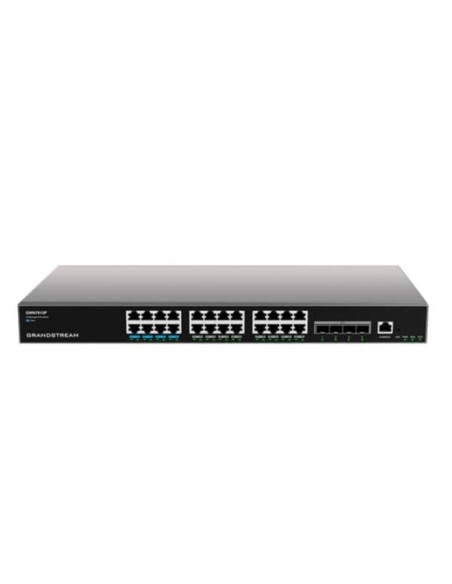
In one sentence: the Grandstream GWN7801P Pro is a fanless 8-port Gigabit Layer 2++ managed PoE+ switch with 30 W per port, a 130 W total PoE budget, 2 × 2.5G SFP uplinks, a console port and a built-in 100–240 V AC power supply.
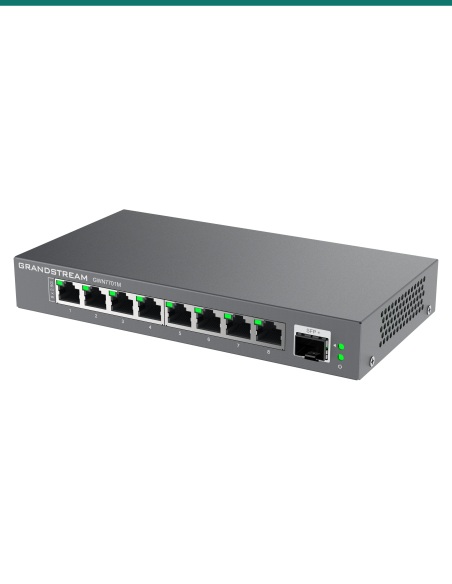
Switch only. Cables, SFP modules and powered devices are separate.
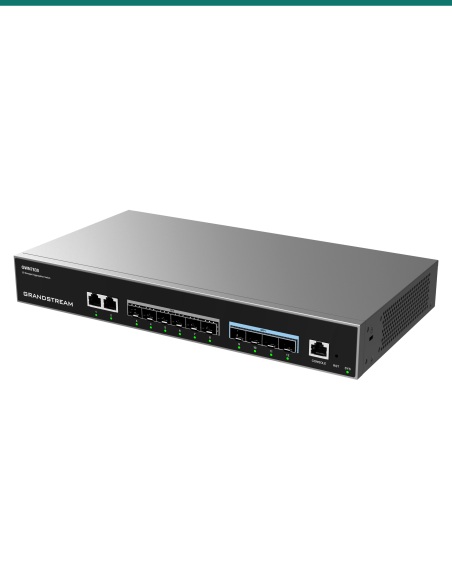
This listing is one GWN7801P Pro. The power supply is built in and the AC cable is in the box.

In the box
  • GWN7801P Pro switch
  • 1.2 m AC power cable and power cord anti-trip clip
  • 25 cm ground cable
  • Extended rack-mounting kit and 8 M3 × 6 mm screws
  • 4 rubber feet
  • Simplified quick installation guide and regulatory paper
You also need
  • Cat5e or Cat6 patch leads and cable runs
  • SFP modules or cables if you use the 2.5G SFP uplinks
  • A router or firewall for the internet connection

Power and manage a small site from one box.

Each of the 8 Gigabit ports supplies up to 30 W of 802.3af/at PoE, with 130 W shared across them. That runs Wi-Fi access points, IP cameras and IP phones without power packs. Set port priority and PoE schedules, and manage it all from GDMS Networking, GWN Manager or its own web page.

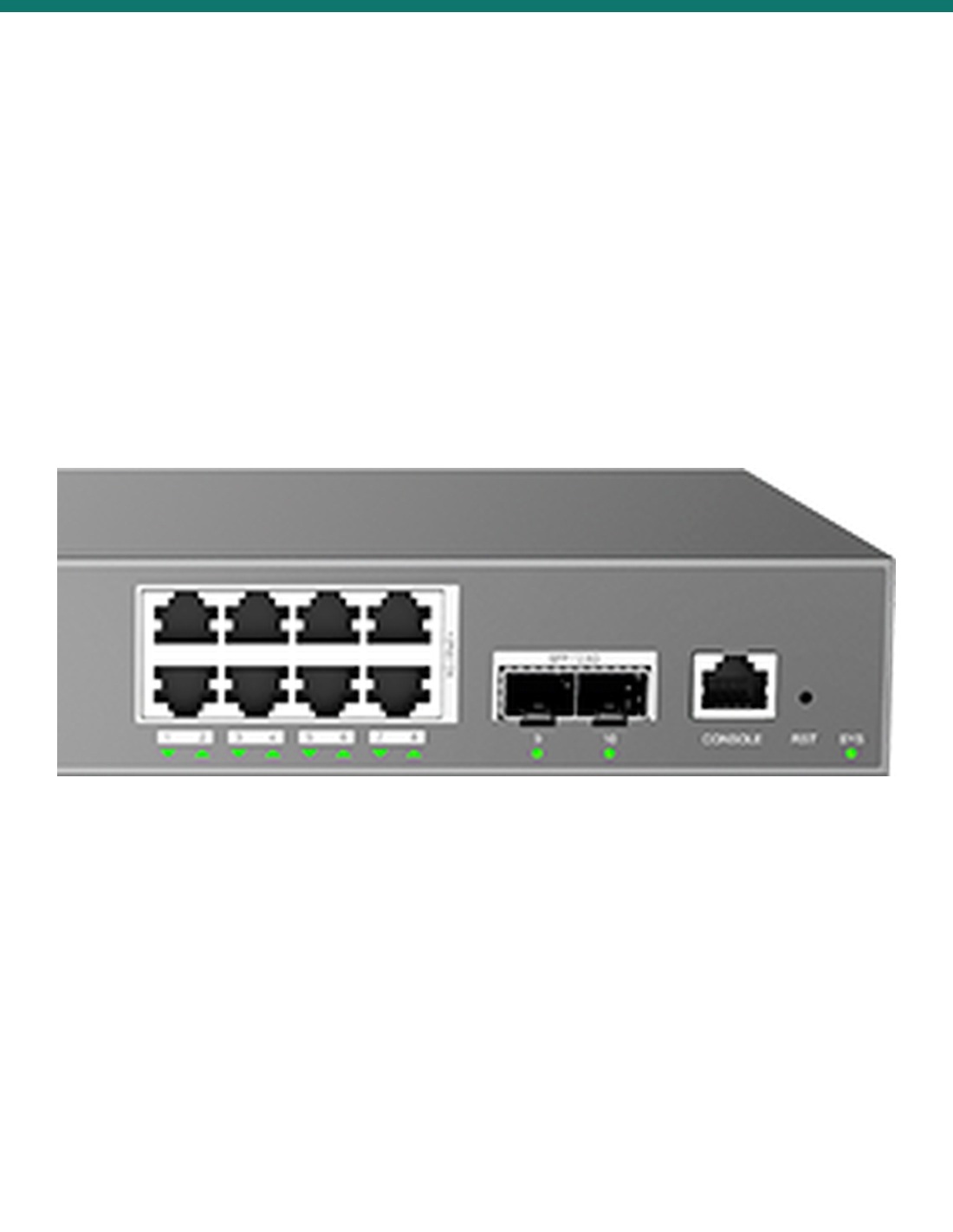
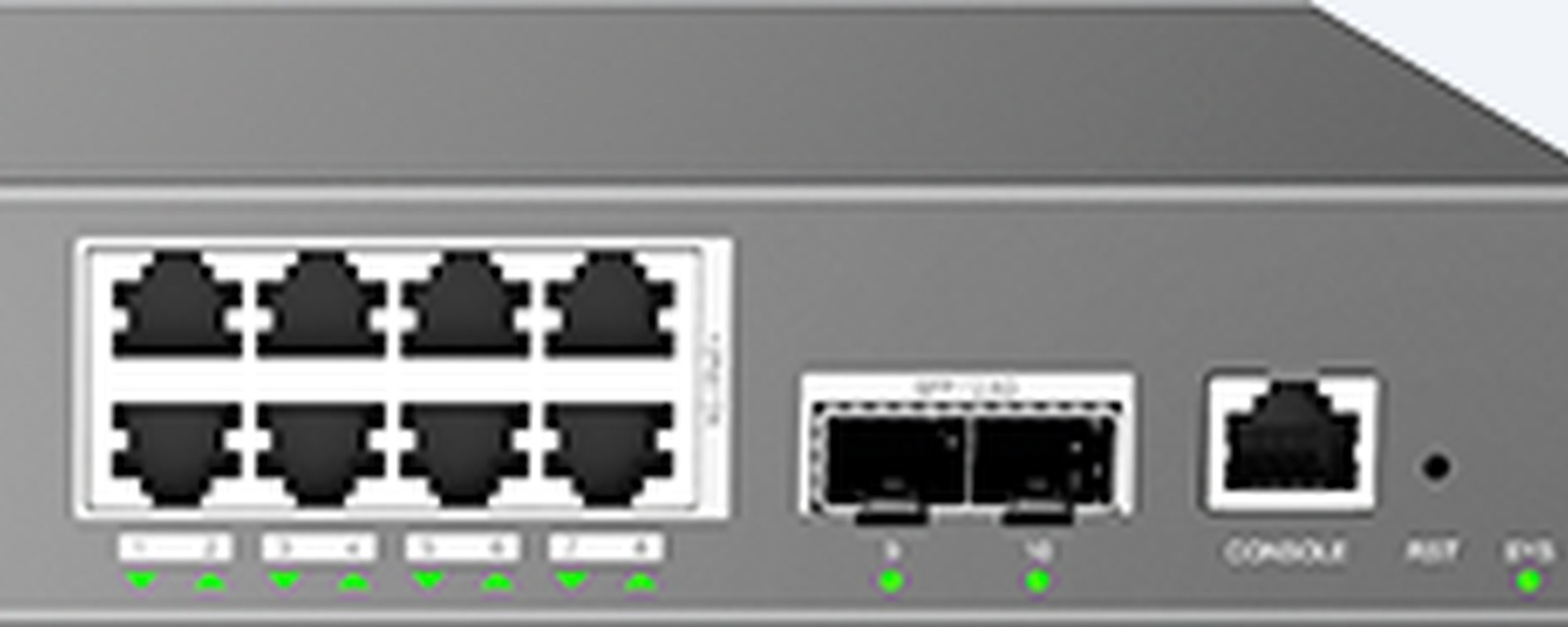
GWN7801P Pro close-up of the 8 Gigabit PoE+ ports, 2 SFP slots, console port, reset pinhole and system LED

Ports

8 PoE+ ports, 2 × 2.5G SFP.

Ports 1 to 8 are Gigabit RJ45 with PoE+ and a green data and yellow PoE light each. Ports 9 and 10 are 2.5G SFP for fibre or uplinks. On the right, the console port, the reset pinhole and the system LED.

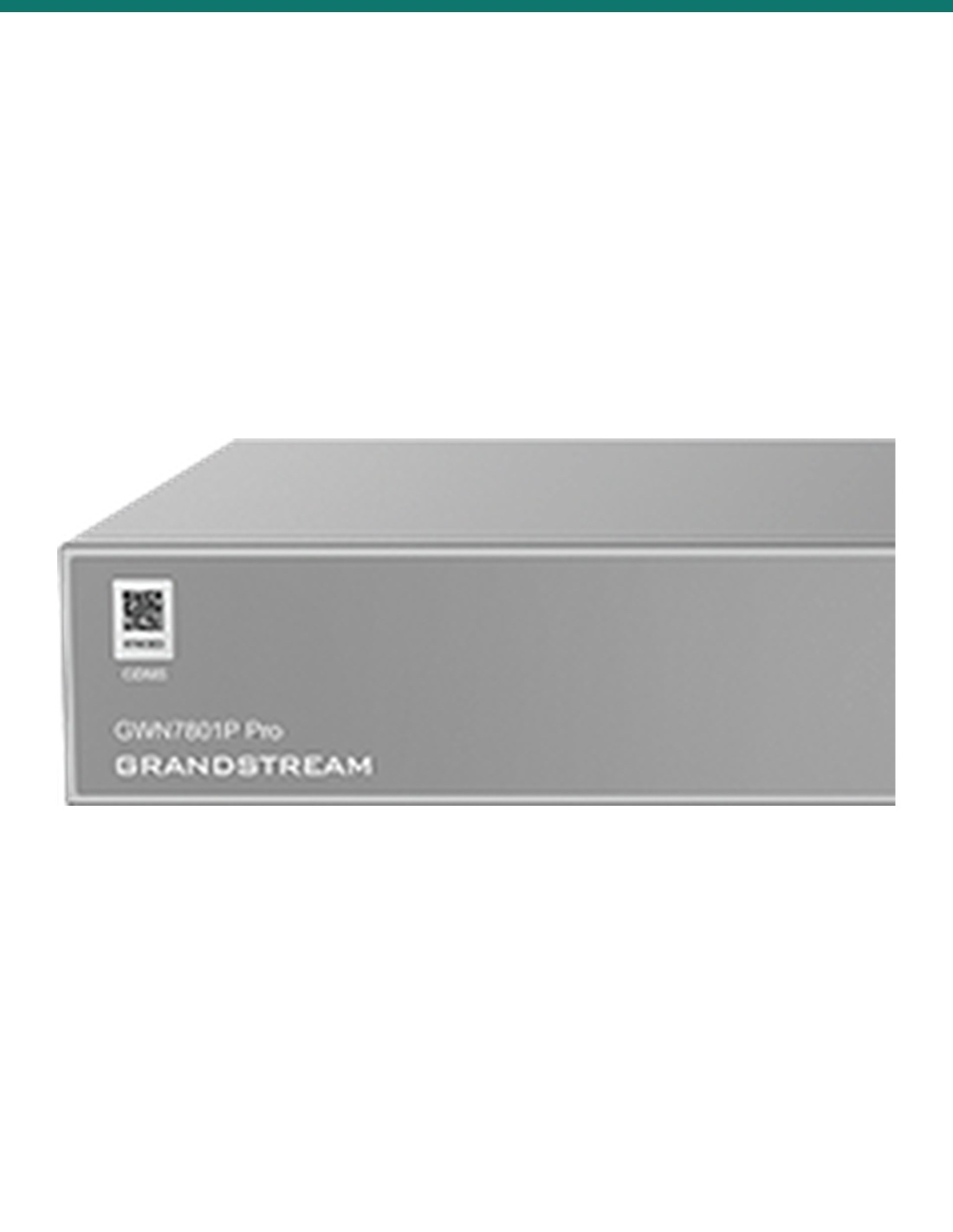
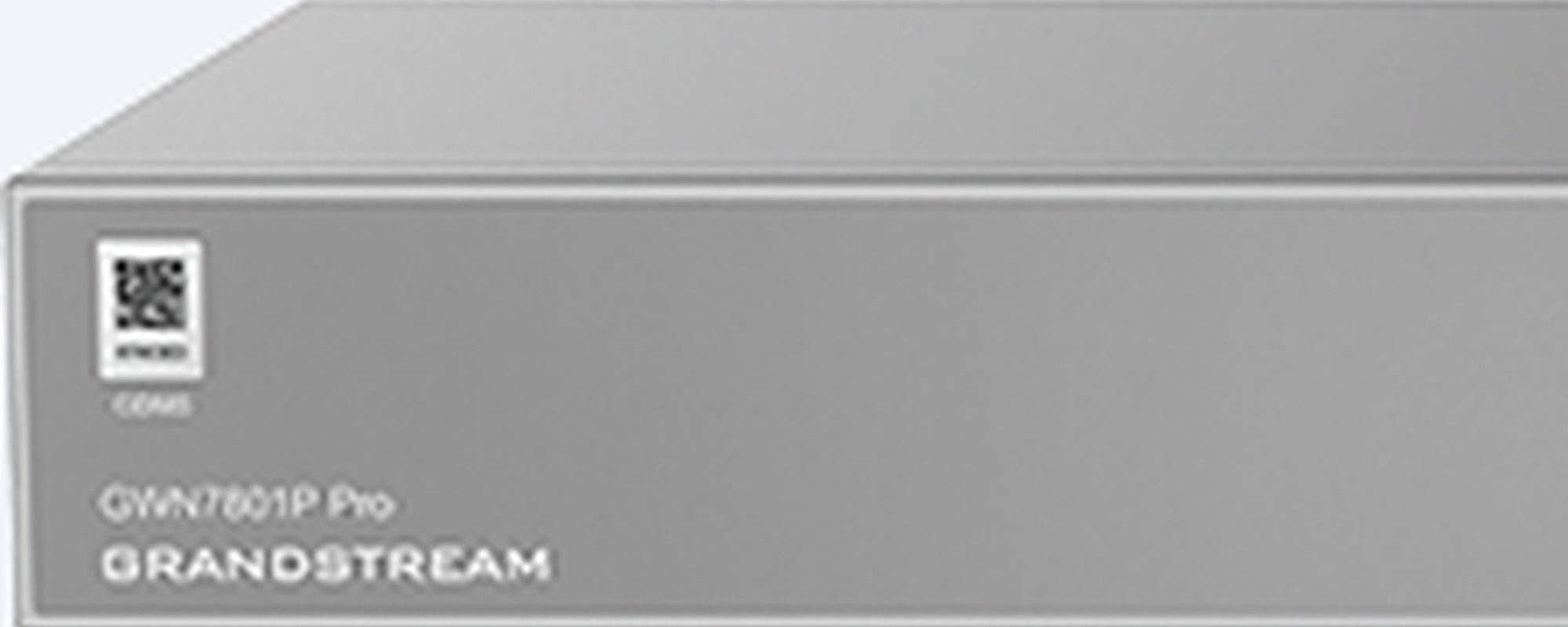
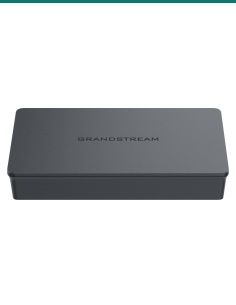
GWN7801P Pro close-up of the left of the front panel, model name, QR code and Grandstream logo

Chassis

Fanless metal box, 330 mm wide.

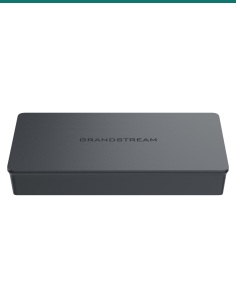
330 × 175 × 44 mm and 1.77 kg, with no fans, so it is quiet enough for an office. It sits on a desk, mounts on a wall or goes in a rack with the extended kit in the box. Scan the QR code on the front to add it to the GWN App.

How it goes in

From box to powered devices.

01

Place it

Stand it on the rubber feet, fix it to a wall, or fit the rack kit. Keep it between 0 °C and 45 °C.

02

Power and earth it

Connect the ground cable, then plug the AC cable into a 100–240 V outlet and clip the anti-trip on.

03

Connect the network

Uplink to the router on a Gigabit port or a 2.5G SFP port, then plug cameras, access points and phones into ports 1 to 8.

04

Manage it

Open the web interface or add it to GDMS Networking, GWN Manager or the GWN App, then set VLANs, PoE priority and schedules.

Pair it with

What this switch works with

Wi-Fi

Grandstream access points

PoE-powered GWN access points such as the GWN7662 (up to 16 W each) run straight off the switch.

Uplink

SFP modules

For fibre or long uplinks on ports 9 and 10. Ask us which module suits your link.

Cabling

Cat5e or Cat6 cable

One run per powered device, within the usual 100 m Ethernet limit.

Management

GDMS Networking or GWN Manager

Free from Grandstream, for one switch or a whole site of switches, routers and access points.

Where it is used

Where an 8-port PoE+ switch fits.

Small offices

Desks, IP phones and a couple of ceiling access points from one quiet, fanless box.

CCTV

Up to eight PoE cameras, with VLANs to keep video traffic apart.

Wi-Fi rollouts

Power and manage GWN access points together in GDMS Networking.

VoIP phones

Voice VLAN and QoS put calls ahead of other traffic.

Retail and hospitality

Point-of-sale, guest Wi-Fi and cameras on separate VLANs.

Meeting rooms and AV

Pro AV QoS and IGMP snooping for audio and video over the network.

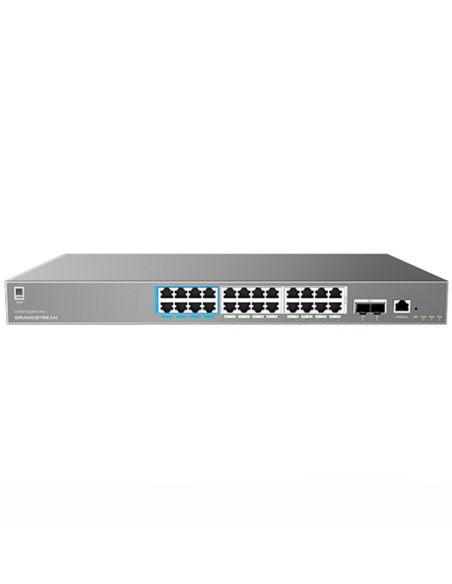
GWN7801P Pro or GWN7802P Pro

GWN7801P Pro (this switch)GWN7802P Pro
Gigabit PoE ports816
Uplinks2 × 2.5G SFP2 × 10G SFP+
PoE standards802.3af/at802.3af/at/bt
PoE per port30 W60 W on ports 1–4, 30 W on ports 5–16
Total PoE budget130 W250 W
Switching capacity26 Gbps72 Gbps
RAM128 MB256 MB
CoolingFanless2 fans
Size and weight330 × 175 × 44 mm, 1.77 kg440 × 200 × 44 mm, 2.9 kg

Both columns come from Grandstream's GWN7800 Pro Series datasheet (10.2026 v5).

Common questions

How much PoE power does it have?

130 W in total, shared across the 8 ports, with up to 30 W on any one port (802.3af/at PoE+).

Are all 8 ports PoE?

Yes. Ports 1 to 8 are all Gigabit PoE+ ports. Ports 9 and 10 are 2.5G SFP slots without PoE.

Does it support PoE++ (802.3bt)?

No. It supports 802.3af and 802.3at. For 60 W 802.3bt ports, look at the GWN7802P Pro.

Is the power supply built in?

Yes. It runs from 100–240 V AC and the 1.2 m AC cable is in the box. There is no redundant power option on this model.

Is it noisy?

No. The GWN7801P Pro is fanless, so it suits offices and shop counters.

Can it be rack-mounted?

Yes. An extended rack-mounting kit and screws are in the box. It can also sit on a desk or mount on a wall.

How do I manage it?

Through its web interface, Grandstream's free GDMS Networking cloud, GWN Manager on your own server, the GWN App, a GWN router, or the command line over console, Telnet or SSH.

Does it do VLANs and QoS?

Yes. 4K VLANs, voice VLAN, QinQ, 802.1p and DSCP priority mapping, rate limits and traffic shaping.

Can it route between VLANs?

It has Layer 2++ static routing: up to 32 IPv4 and 32 IPv6 static routes and 16 VLAN interfaces, plus a DHCP server and relay.

Can I schedule or prioritise PoE?

Yes. You can set PoE on and off times per port, port priority for when power runs short, and a maximum power per port.

What is the difference from the GWN7802P Pro?

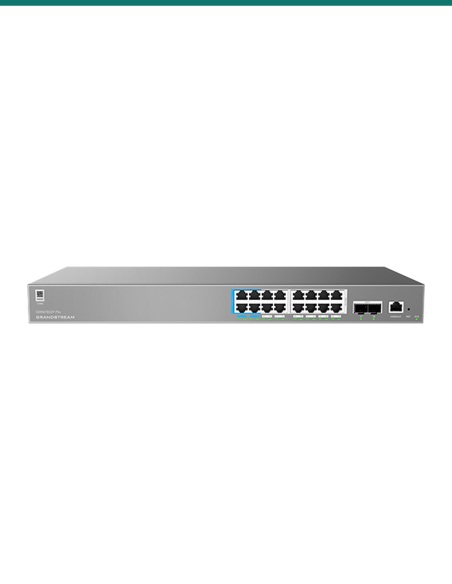
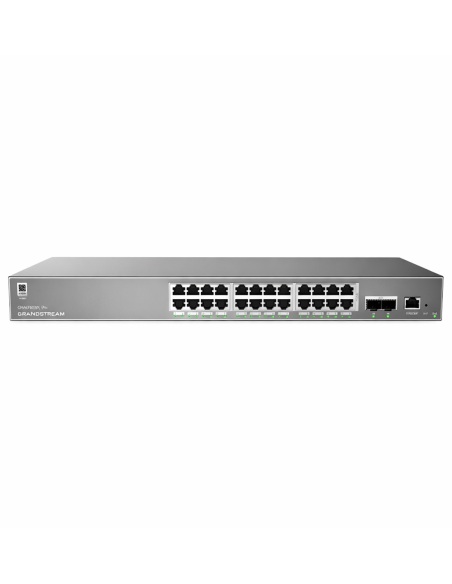
The GWN7802P Pro has 16 PoE ports, 10G SFP+ uplinks, a 250 W budget and four 60 W 802.3bt ports, but uses fans. The GWN7801P Pro has 8 ports, 2.5G SFP and is fanless.

Who can install the cable?

Concealed data cabling to cameras, access points and outlets is customer cabling under AS/CA S009 and needs an ACMA-registered cabler.

Supported by InFront Technologies.

Help sizing the PoE budget, choosing SFP modules or setting up VLANs: call 1300 736 970 or email [email protected]. The datasheet is on the Attachments tab.

Installation and safety

Mains powered. The switch plugs into a 100–240 V AC outlet with the supplied cable. Connect the ground cable. A new power point needs a licensed electrician.

Cabling. Concealed data cabling is customer cabling under AS/CA S009 and needs an ACMA-registered cabler.

Ventilation. It is fanless, so leave space around it and keep it within 0 °C to 45 °C.

What it does not do. No 802.3bt PoE++, no 10G uplinks, no redundant power supply and no stacking.

Figures. From Grandstream's GWN7800 Pro Series datasheet, GWN7801P Pro column (10.2026 v5).

INFRONTTECH Promotional Banner INFRONTTECH Promotional Banner INFRONTTECH Promotional Banner

Need help choosing?

Tell us about your property and we'll recommend the right cameras and recorder.

07 5609 4910

Sydney 02 8814 6008
[email protected]

Mon–Fri, 9am–5pm AEST

Saved to your wishlist Find it any time in your account. View list