There are no more items in your cart

In Stock - Ready to Ship


Dahua DH-AC-PFT1300: a 3-port PoE extender that, with the DH-PFT1200 Hi-PoE midspan, cascades two levels to run up to three IP cameras over 300 m.
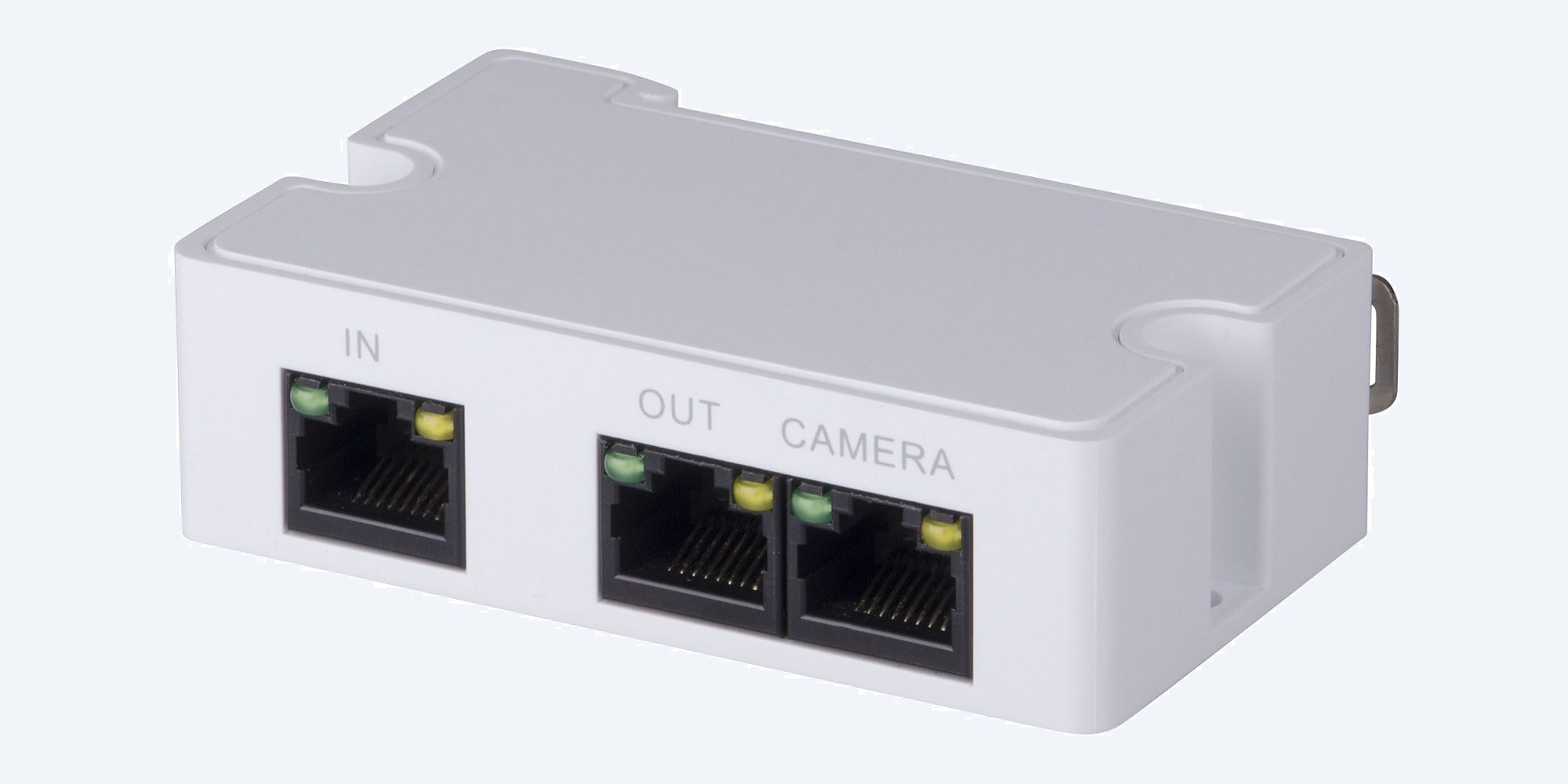
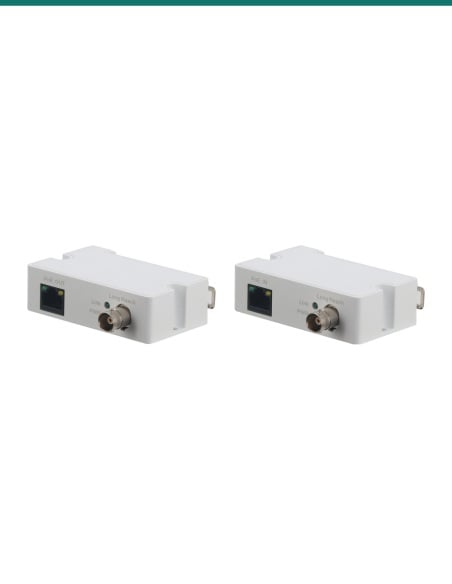
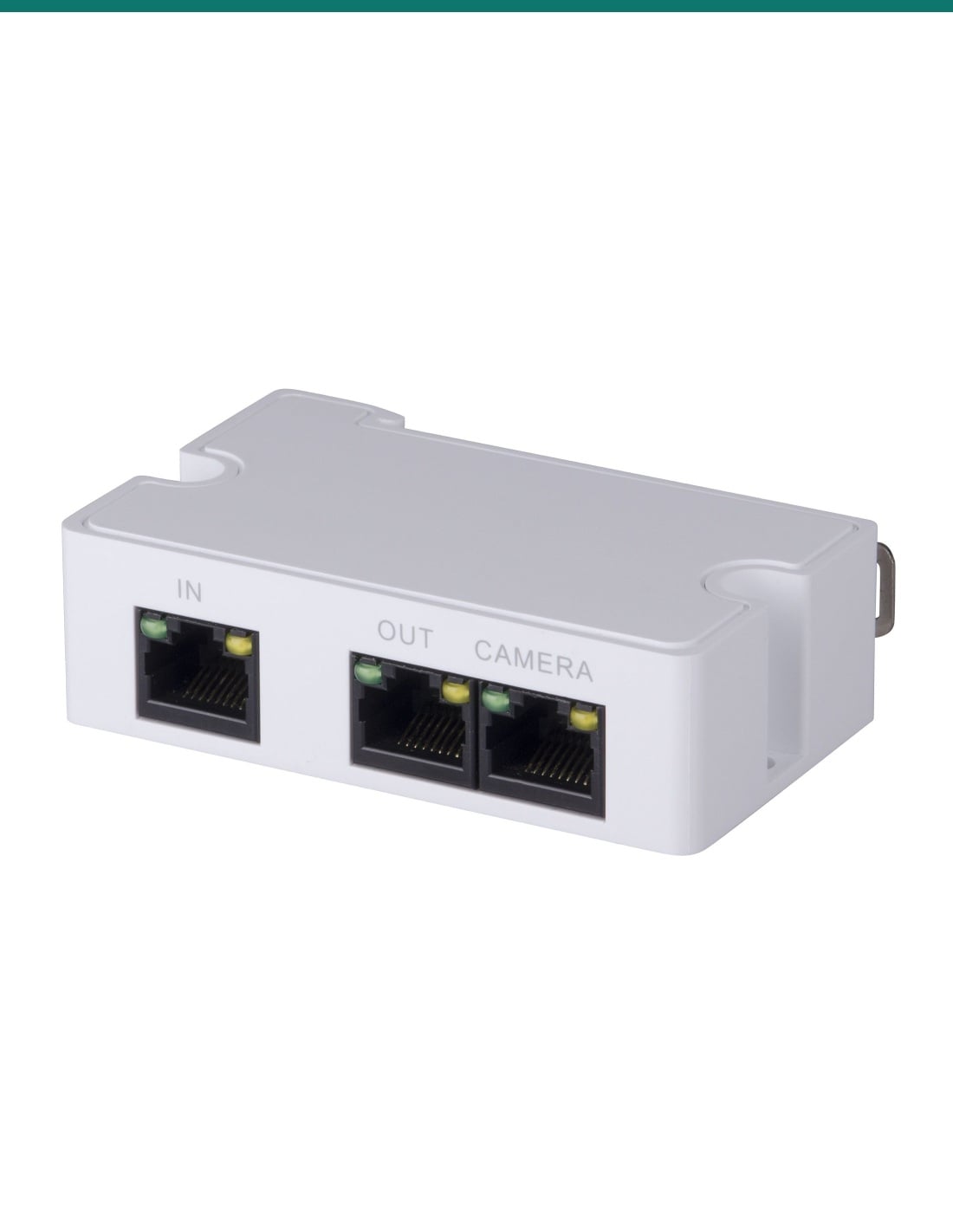
The DH-AC-PFT1300 is a small 3-port PoE extender. It takes PoE and data in on one port, powers a camera on the second and feeds the next extender on the third, so you can reach cameras well past the usual 100 m.
In one sentence: the DH-AC-PFT1300 is a Dahua 3-port 10/100 Mbps PoE extender with one PoE input and two PoE outputs that, fed by the DH-PFT1200 Hi-PoE midspan, cascades two levels to run up to three IP cameras over 300 m.
Extender only. It needs the PFT1200 midspan to work as Dahua specifies.
Dahua's 300 m, three-camera figure is for the PFT1300 fed from the DH-PFT1200 Hi-PoE midspan. The extender has no power socket of its own: all its power arrives on the IN cable.
A normal PoE run stops at 100 m. The PFT1300 sits at the end of that run and starts a new one. Two of them in a row, fed from the PFT1200 midspan, take power and 10/100 Mbps data out to 300 m, with a camera on the first extender and two on the second. Dahua rates the three cameras at 8 W or less each and 25 W or less in total.
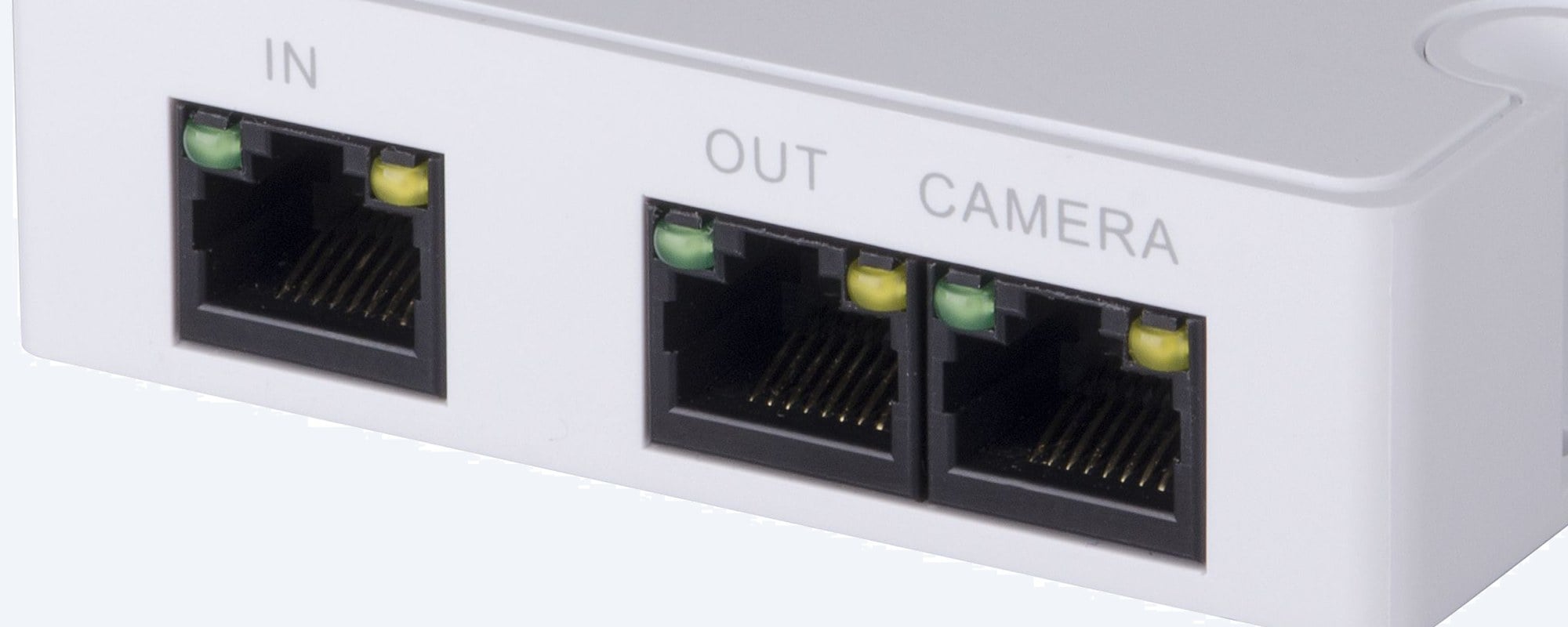
Ports
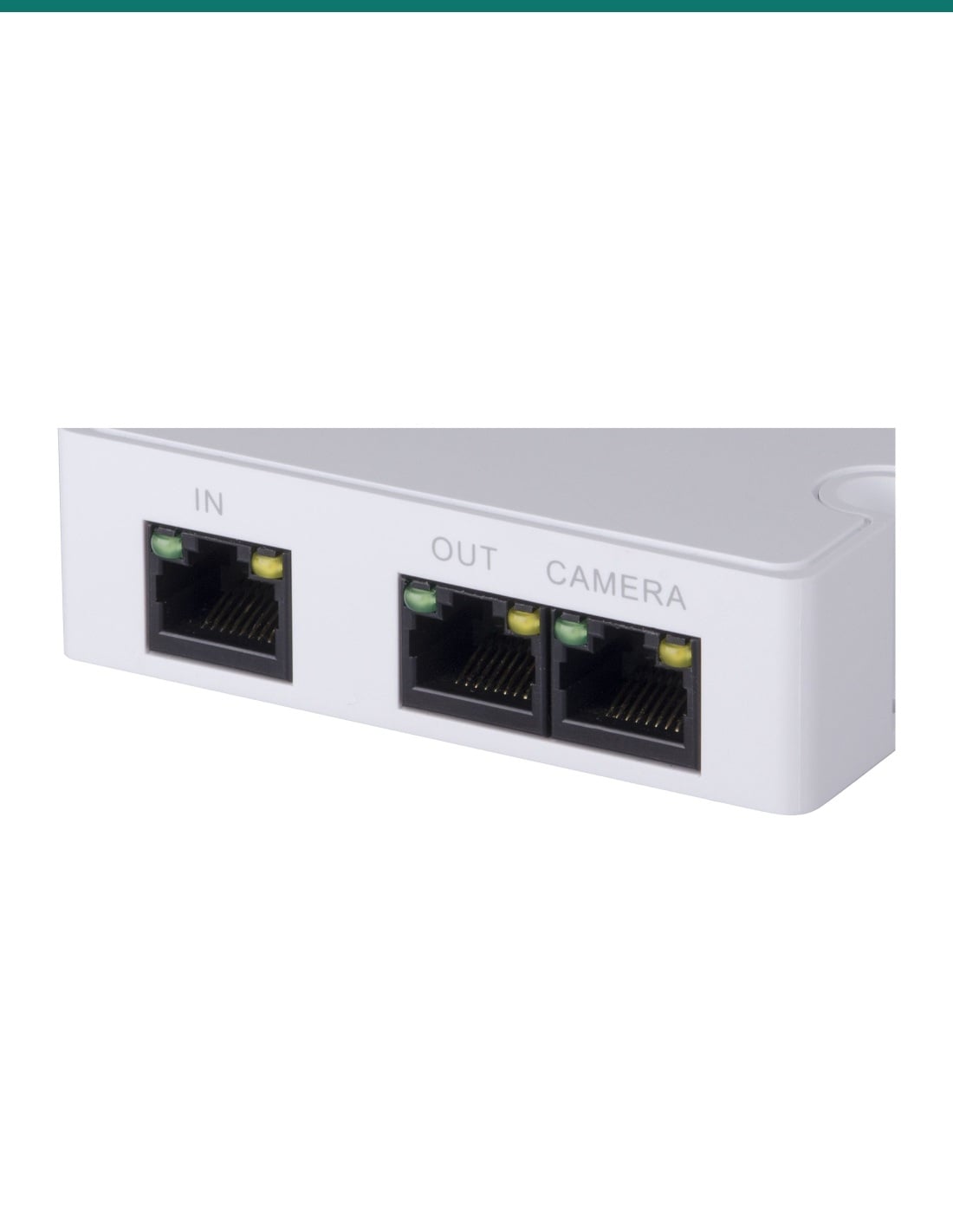
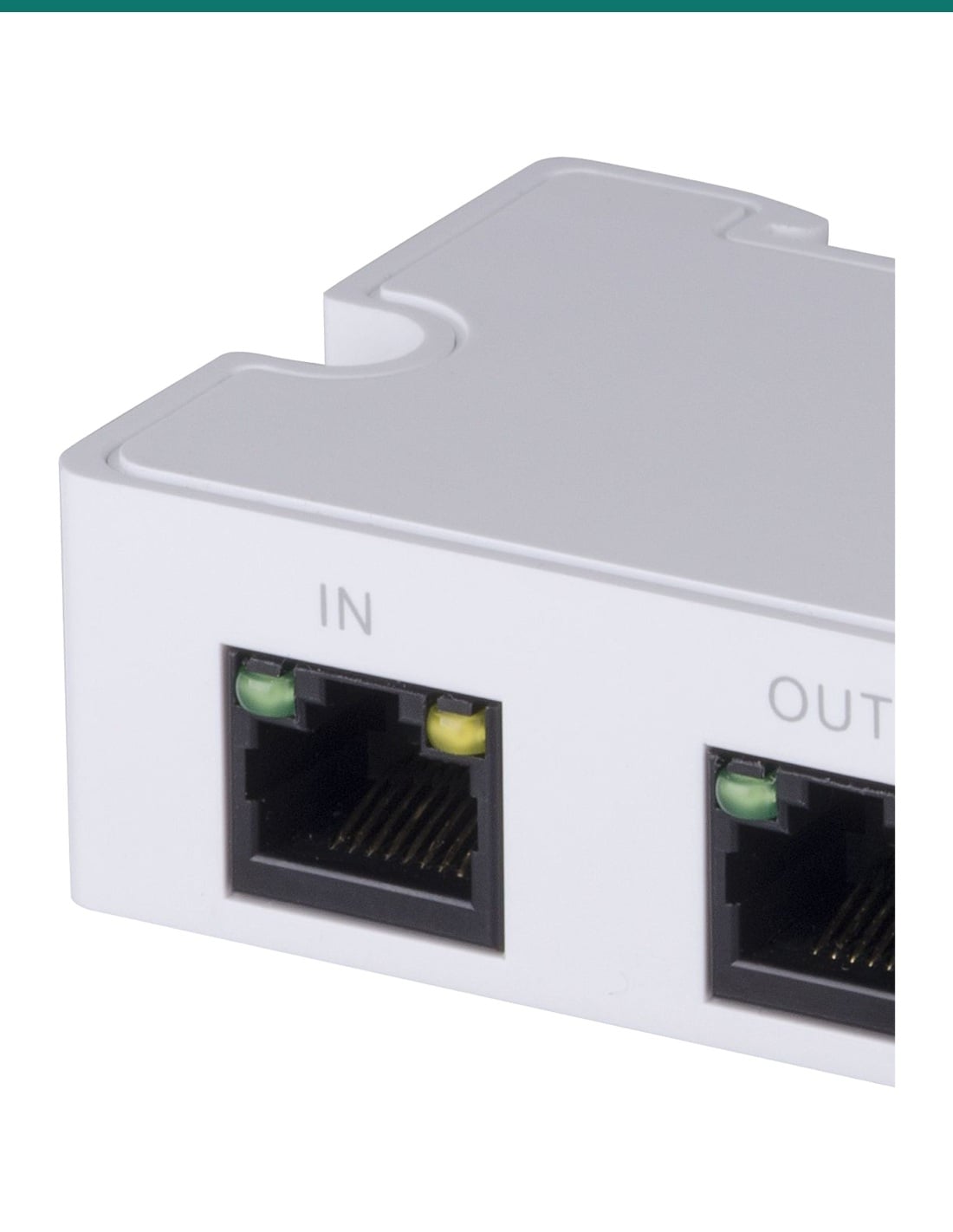
IN takes PoE and data from the midspan or the extender before it. CAMERA powers one IP camera. OUT powers the next PFT1300 in the chain. All three are 10/100 Mbps RJ45. On each port a yellow LED shows link and a green LED shows activity.
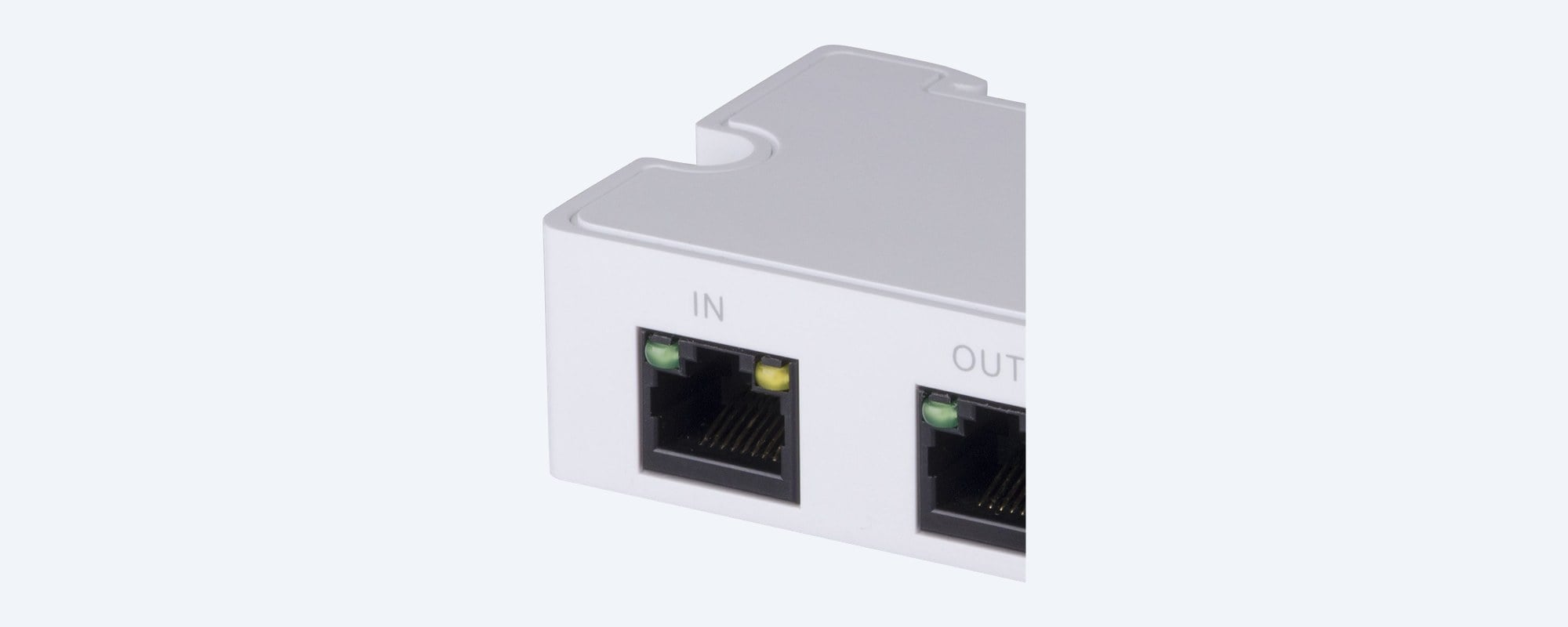
Mounting
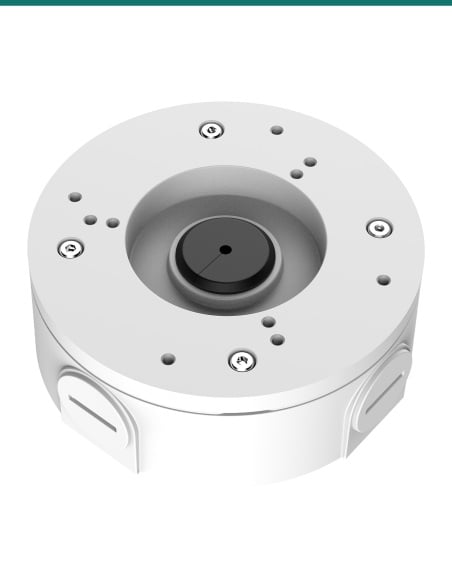
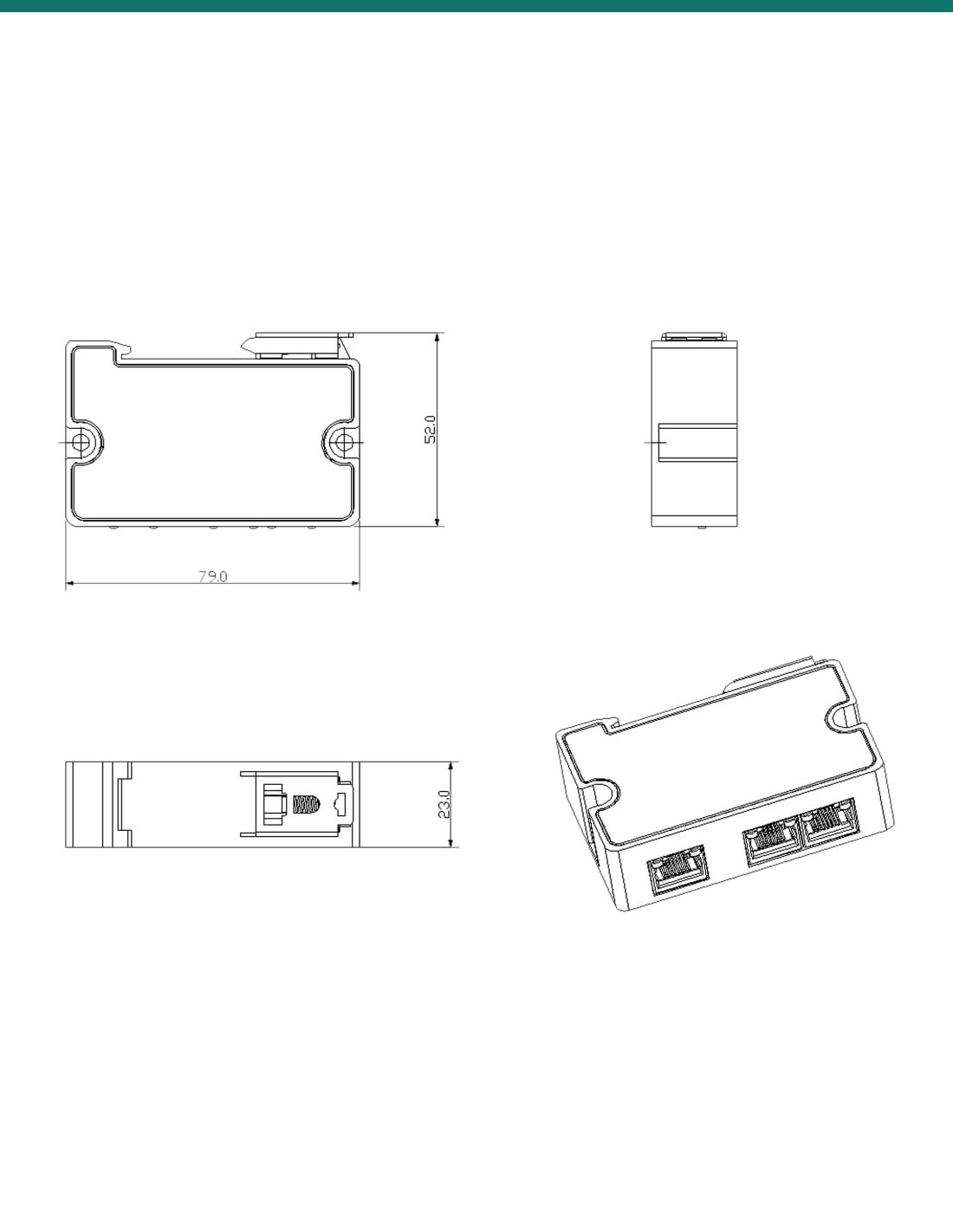
The two screw ears fix it inside a camera junction box, so the extender hides behind the camera. A clip on the back lets it snap onto a DIN rail in a cabinet. It is 79 × 52 × 23 mm and weighs 57 g.
How it goes in
01
Connect the switch to the DH-PFT1200 Hi-PoE midspan and run Cat5e or Cat6 up to 100 m from its PoE port to the first PFT1300.
02
Plug that cable into IN. Mount the extender in a junction box or on a DIN rail. Connect one camera to the CAMERA port.
03
From OUT, run up to 100 m to the second PFT1300's IN port. Connect one camera to its CAMERA port and one to its OUT port.
04
Yellow means link, green flashes with traffic. Keep each camera at 8 W or less and all three at 25 W or less in total.
At a glance
Show specs
Type
3-port PoE extender: 1 PoE in, 2 PoE out
Ports
IN: 1 × RJ45 10/100 Mbps, PoE power in; CAMERA: 1 × RJ45 10/100 Mbps, powers an IP camera; OUT: 1 × RJ45 10/100 Mbps, powers the next extender
Cameras
IEEE 802.3af/at standard PoE IP cameras
Cascade
With the DH-PFT1200 Hi-PoE midspan: 2 extenders, up to 3 cameras (1 on the first, 2 on the second)
Distance
Up to 300 m in total, in runs of up to 100 m
Camera power
8 W or less per camera, 25 W or less in total
Power
Passive PoE in on the IN port; no separate power input
Own consumption
3 W or less
Indicators
Per port: yellow link, green activity
Mounting
Inside a junction box, or DIN rail
Operating temperature
−30 °C to 65 °C
Humidity
10% to 90%
Size
79 × 52 × 23 mm (W × D × H)
Weight
57 g
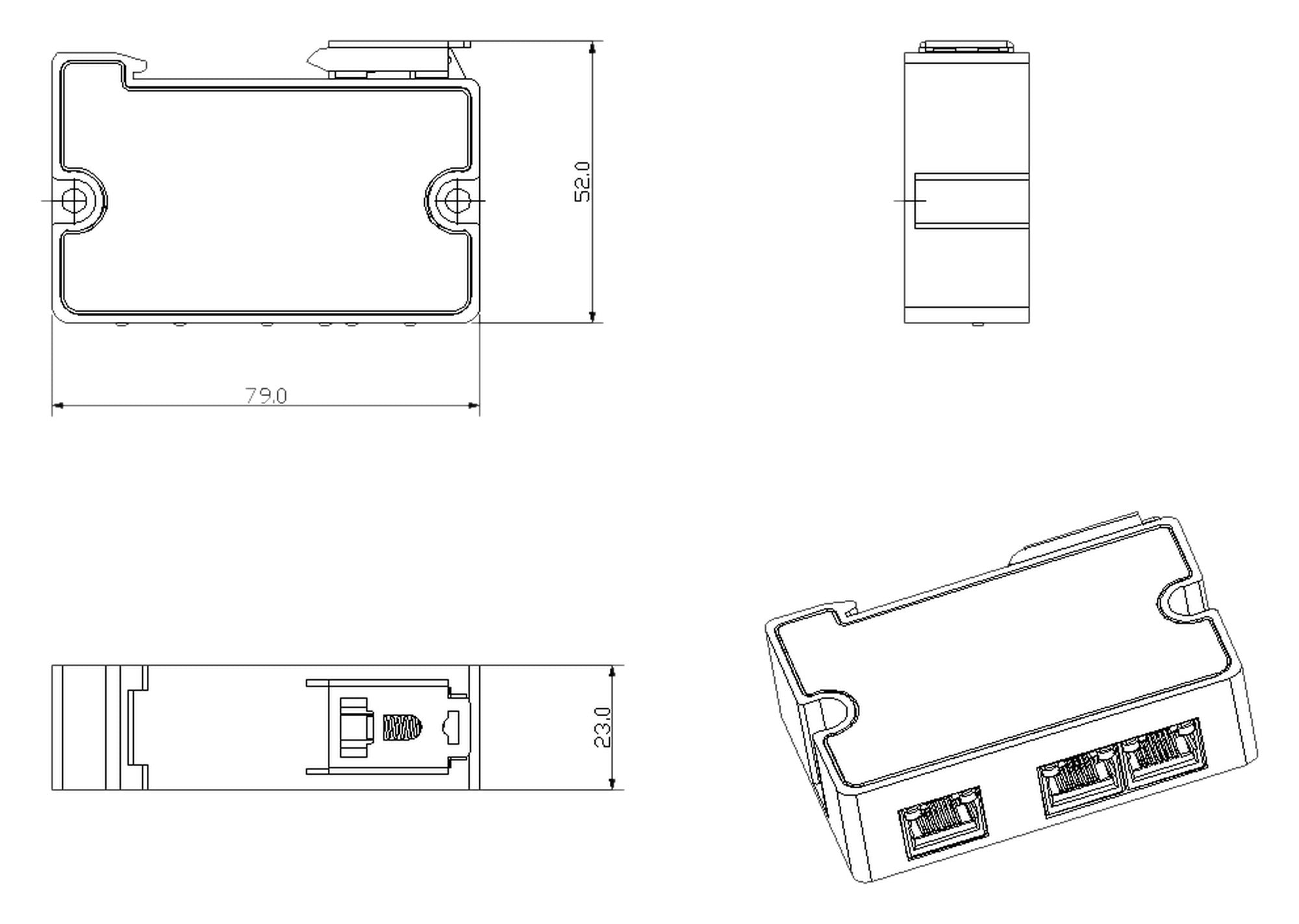
79 × 52 × 23 mm. Units mm. Drawing from Dahua's PoE extender user's manual.
Pair it with
Required
Sits between the switch and the first extender. Dahua's 300 m, three-camera figure is for the PFT1300 with this midspan.
Cameras
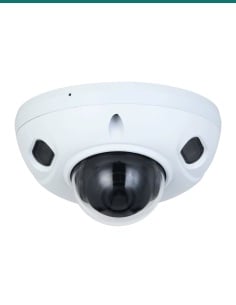
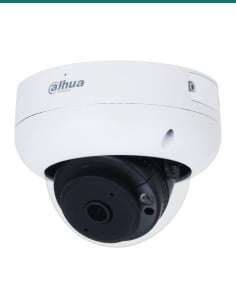
802.3af cameras drawing 8 W or less, such as the DH-IPC-HDBW3466FP-AS-AUS (up to 7.2 W on PoE) or DH-IPC-HDBW3466R-AS-P (up to 7.7 W).
Cabling
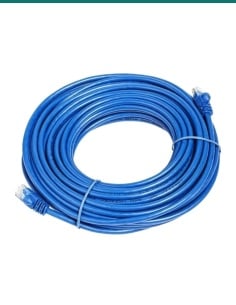
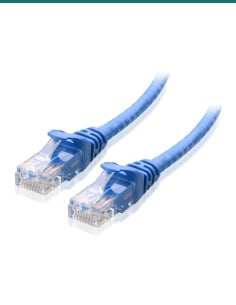
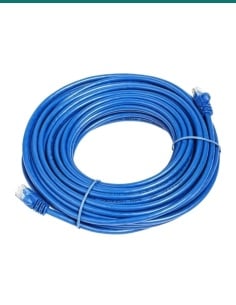
One run of up to 100 m for each hop: midspan to extender, extender to extender, extender to camera.
Mounting
Screw the extender inside the junction box under the camera, or clip it to a DIN rail in a cabinet.
Where it is used
Cameras at the front gate, well past 100 m from the house.
Cover a machinery shed and its yard from the one cable run.
Light poles at the far end of the car park, cascaded from the building.
Long building runs where a switch in the middle has no power point.
Cameras spaced along a fence line on one cable.
Outbuildings and walkways away from the comms room.
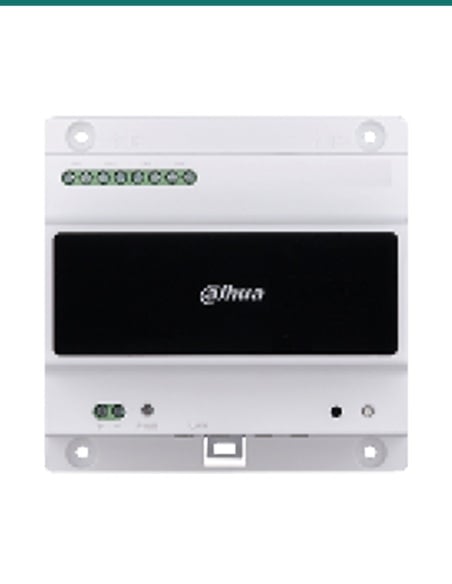
| DH-AC-PFT1300 (this extender) | DH-PFT1200 midspan | |
|---|---|---|
| Job in the chain | Repeats PoE and data, powers a camera | Injects power at the switch end |
| Ethernet ports | 3 × 10/100 Mbps (1 in, 2 PoE out) | 2 × 10/100/1000 Mbps (1 data in, 1 PoE out) |
| Power | From the IN cable | AC powered (per Dahua's application drawing) |
| Mounting | Junction box or DIN rail | Wall mount |
| Size and weight | 79 × 52 × 23 mm, 57 g | 150 × 70 × 39 mm, 390 g |
| Operating temperature | −30 °C to 65 °C | −30 °C to 65 °C |
From Dahua's PFT1300 and PFT1200 datasheets (Rev 002, 2023). The two are designed to be used together; the 300 m figure needs both.
Up to 300 m. Dahua's figure is two PFT1300 extenders cascaded from a DH-PFT1200 midspan, in runs of up to 100 m each.
Up to three in Dahua's cascade: one on the first extender's CAMERA port, and one each on the second extender's CAMERA and OUT ports.
8 W or less per camera, and 25 W or less for all three. Check the camera's PoE figure on its datasheet before you plan the run.
Yes, for Dahua's rated setup. The datasheet pairs the PFT1300 with the DH-PFT1200 Hi-PoE midspan. Feeding it straight from an ordinary PoE switch is not covered, so ask us first.
No. It has no power socket. All of its power comes in on the IN cable, and it uses 3 W or less itself.
10/100 Mbps on all three ports. That suits IP cameras; it is not a gigabit extender.
IEEE 802.3af/at standard PoE IP cameras drawing 8 W or less. High-power PTZ cameras need more power than the cascade allows.
Inside a camera junction box using its two screw ears, or clipped onto a DIN rail in a cabinet.
Only inside a junction box or enclosure. It runs from −30 °C to 65 °C and 10% to 90% humidity, but no weather rating is given for the extender itself.
Each port has two LEDs. Yellow shows the link is up, green shows network activity.
79 × 52 × 23 mm and 57 g, small enough for most camera junction boxes.
Concealed data cabling is customer cabling under AS/CA S009 and needs an ACMA-registered cabler. Plugging patch leads into existing outlets does not.
Planning a long run? Send us the distances and camera models and we will check the power budget. Call 1300 736 970 or email [email protected]. The datasheet is on the Attachments tab.
Low voltage. The extender runs on PoE from its IN cable. The PFT1200 midspan plugs into a power point; a new power point needs a licensed electrician.
Cabling. Concealed data cabling is customer cabling under AS/CA S009 and needs an ACMA-registered cabler. Keep each run to 100 m or less.
Power budget. Keep each camera at 8 W or less and all three at 25 W or less in total, or the far cameras may not start.
What it does not do. No gigabit, no mains or DC input, no weatherproof housing, and it does not boost a camera that needs more than the cascade supplies.
Figures. From Dahua's PFT1300 and PFT1200 datasheets (Rev 002, 2023) and the PoE Extender user's manual V1.0.3.




Need help choosing?
Tell us about your property and we'll recommend the right cameras and recorder.
07 5609 4910Sydney 02 8814 6008
[email protected]
Mon–Fri, 9am–5pm AEST
20 related items