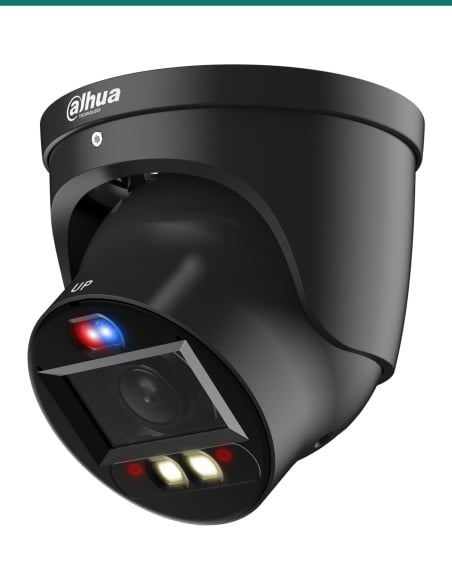
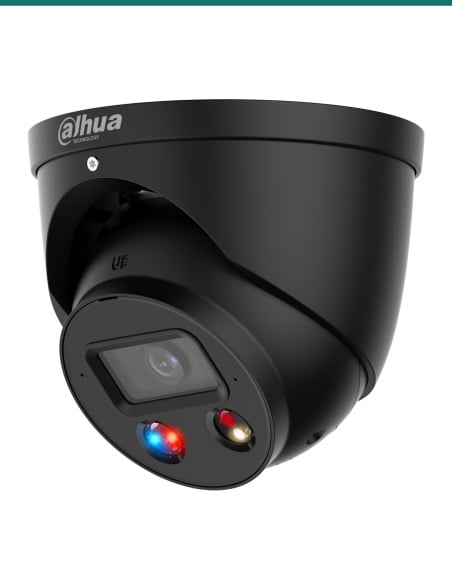
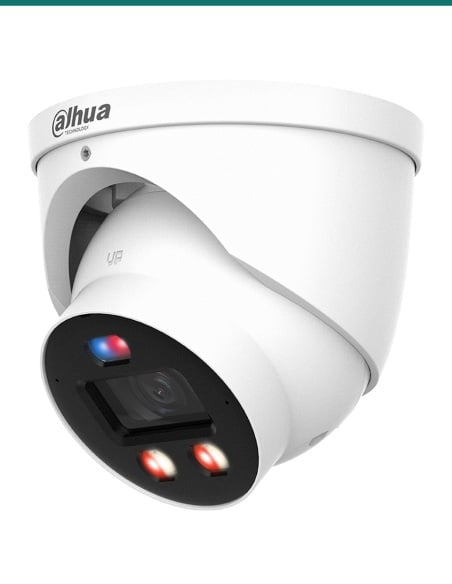
There are no more items in your cart
In Stock - Ready to Ship


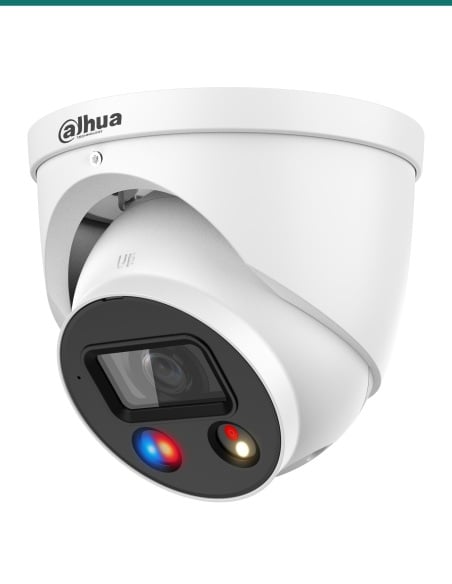
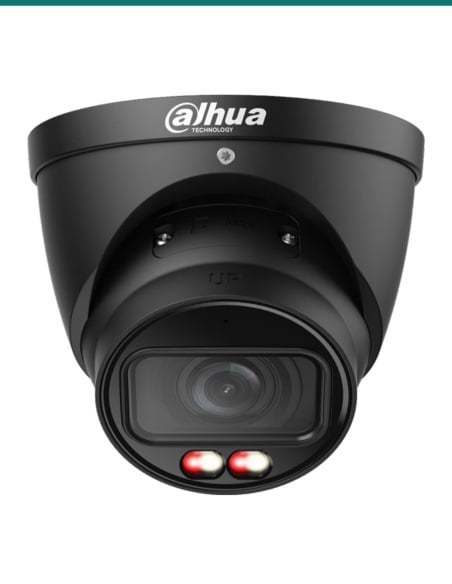
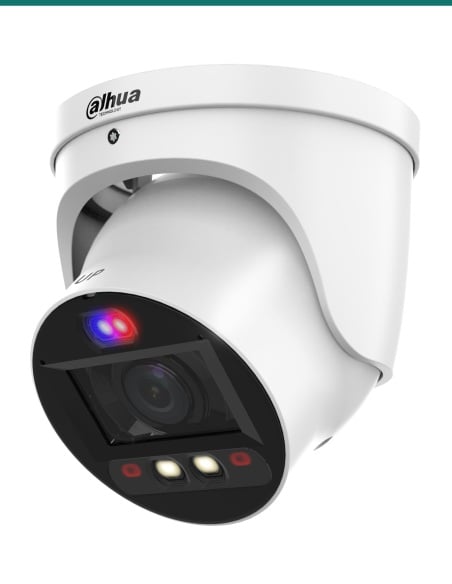
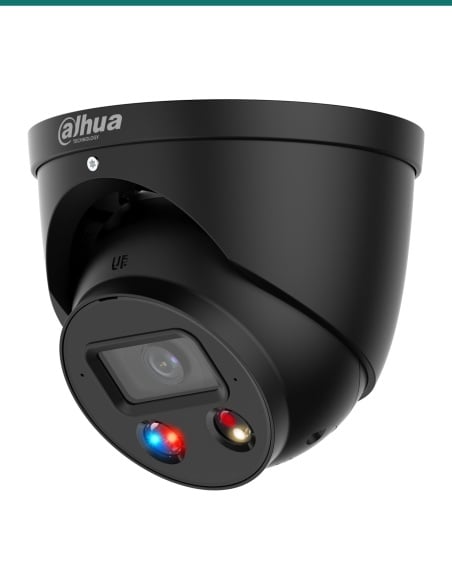
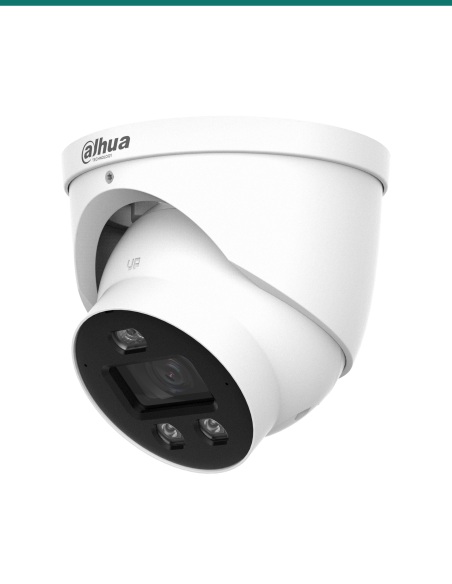
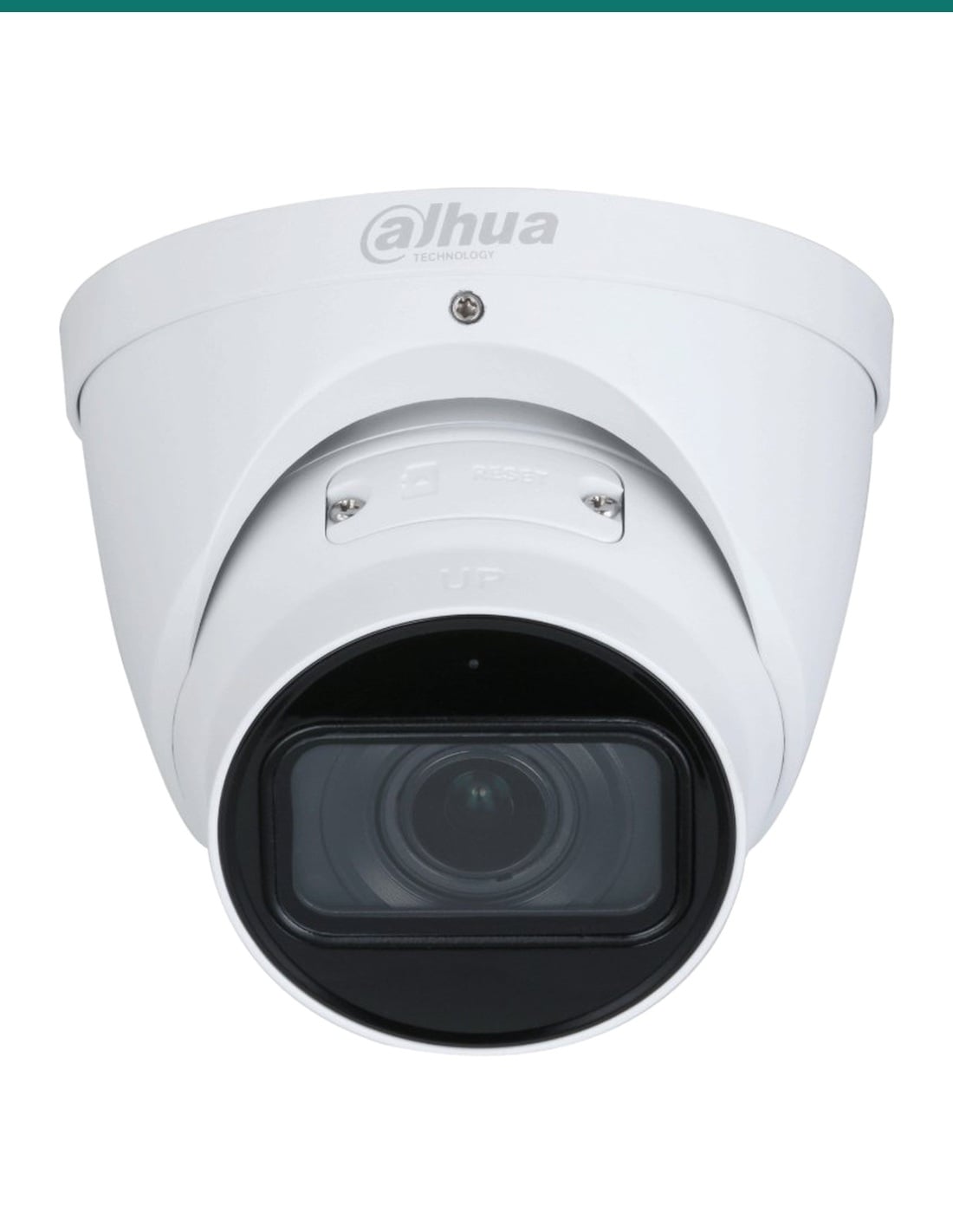
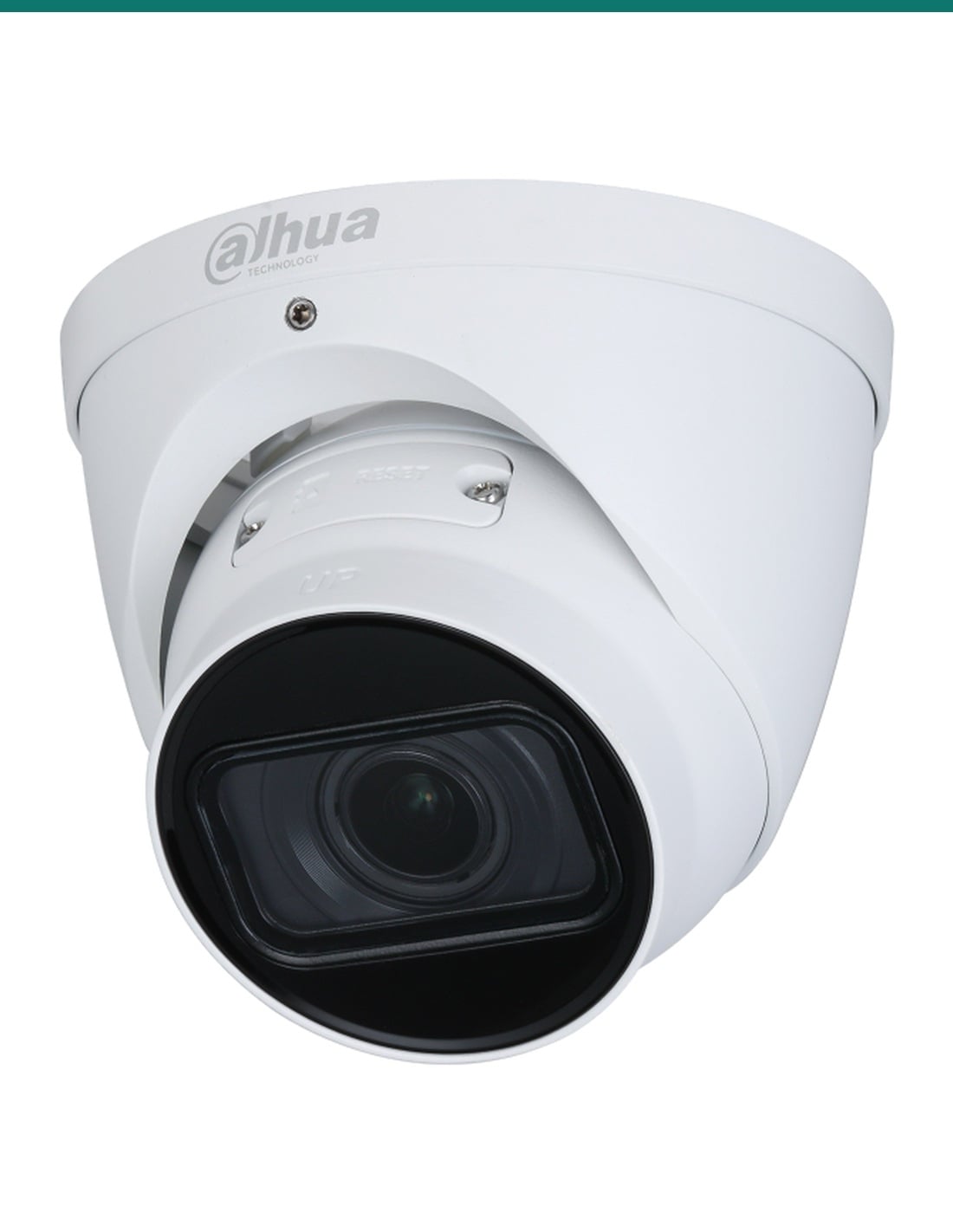
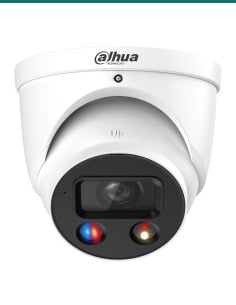
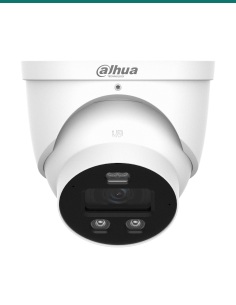
Dahua DH-IPC-HDW3666TP-ZS-AUS: a 6MP WizSense eyeball with a 2.7–13.5 mm motorised lens you zoom and focus from the app, 40 m IR and SMD 4.0 human and vehicle detection.
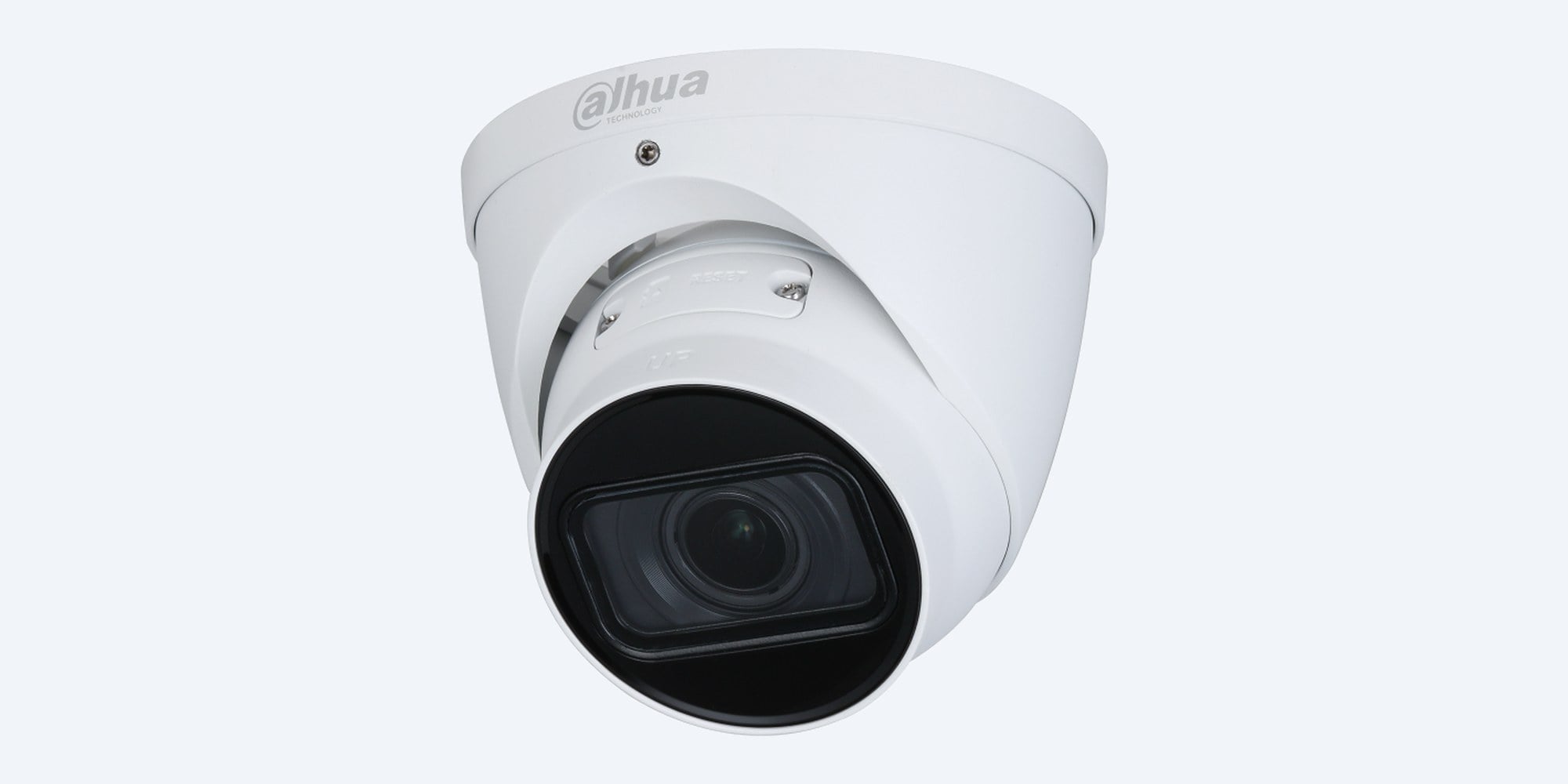
A compact 6MP WizSense eyeball with a 5× motorised lens: zoom and focus from the recorder or the app to frame a wide room or a single door, with human and vehicle detection built in.
In one sentence: the DH-IPC-HDW3666TP-ZS-AUS is a Dahua WizSense 3 Series 6MP IR eyeball with a 2.7–13.5 mm motorised vari-focal lens, 40 m IR, SMD 4.0, AI SSA, a built-in microphone, IP67 and 802.3af PoE.
Camera only. Recorder and cabling are separate.
This listing is one camera. It needs PoE or a 12 V supply for power and somewhere to store the footage. The lens is motorised, so zoom and focus are set from the recorder, the web page or the app after it is mounted.
With a motorised 2.7–13.5 mm lens you do not need to pick the field of view before you buy. Mount the eyeball, then zoom from 99° wide to 28° tight and set the focus from your desk. SMD 4.0 sorts people and vehicles so the alerts you get are worth opening.
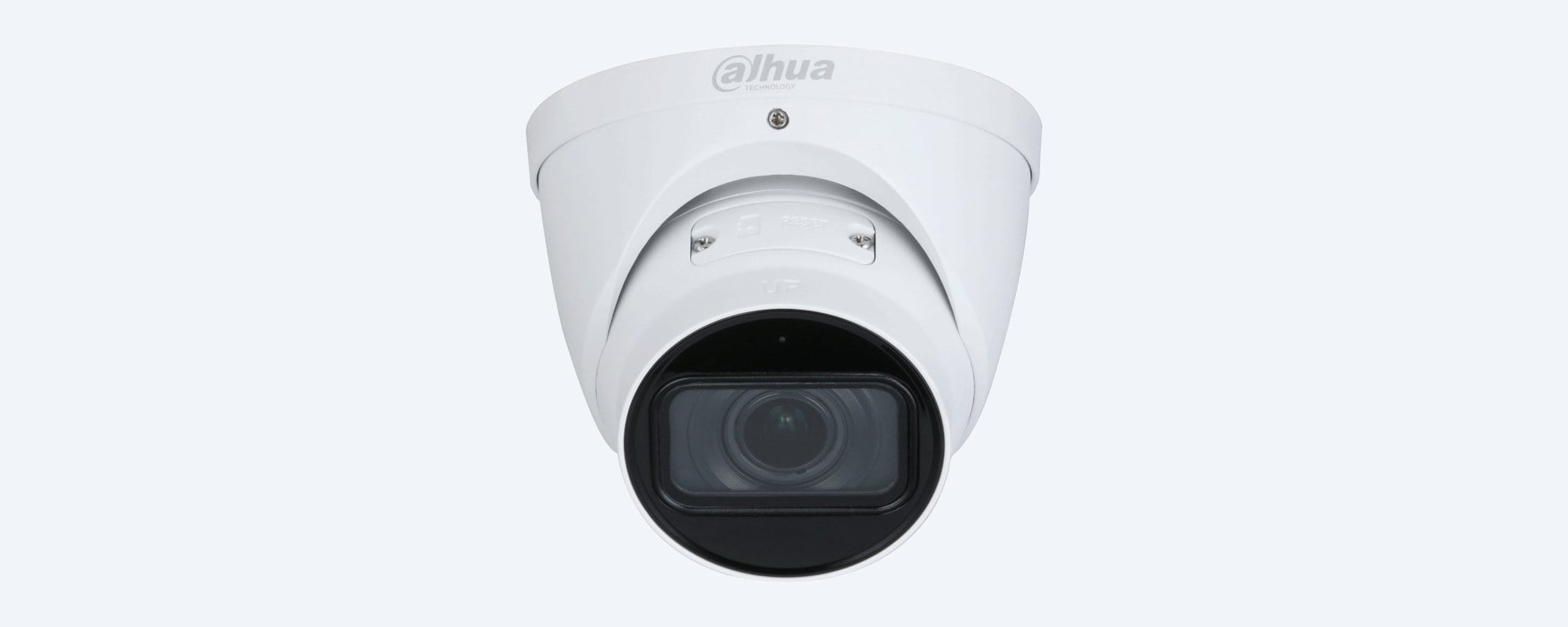
Housing
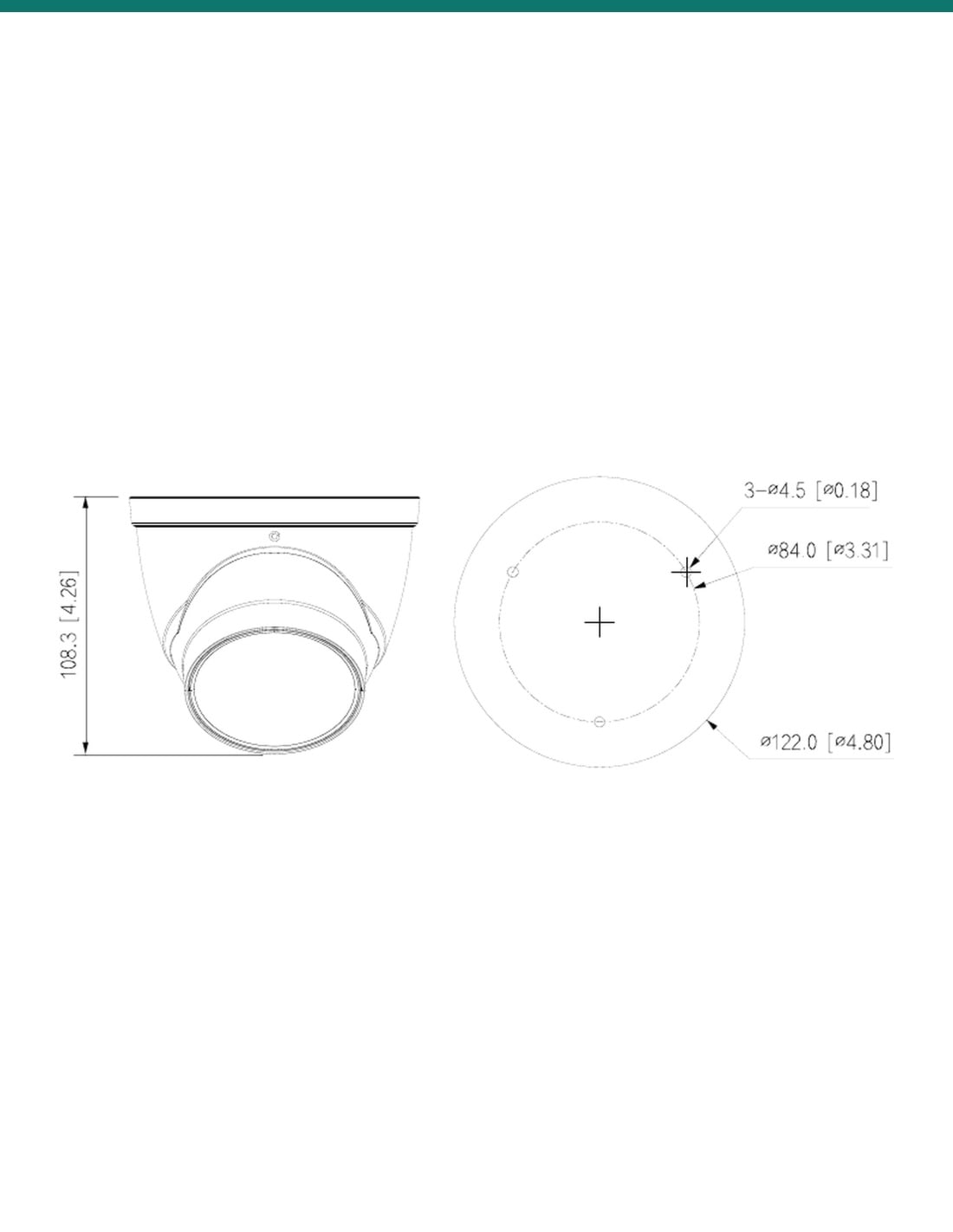
108.3 mm high, Ø 122 mm and 715 g. The ball pans 360°, tilts 0–78° and rotates 360°. Rated IP67, −30 °C to +60 °C, with ±30% input voltage tolerance.
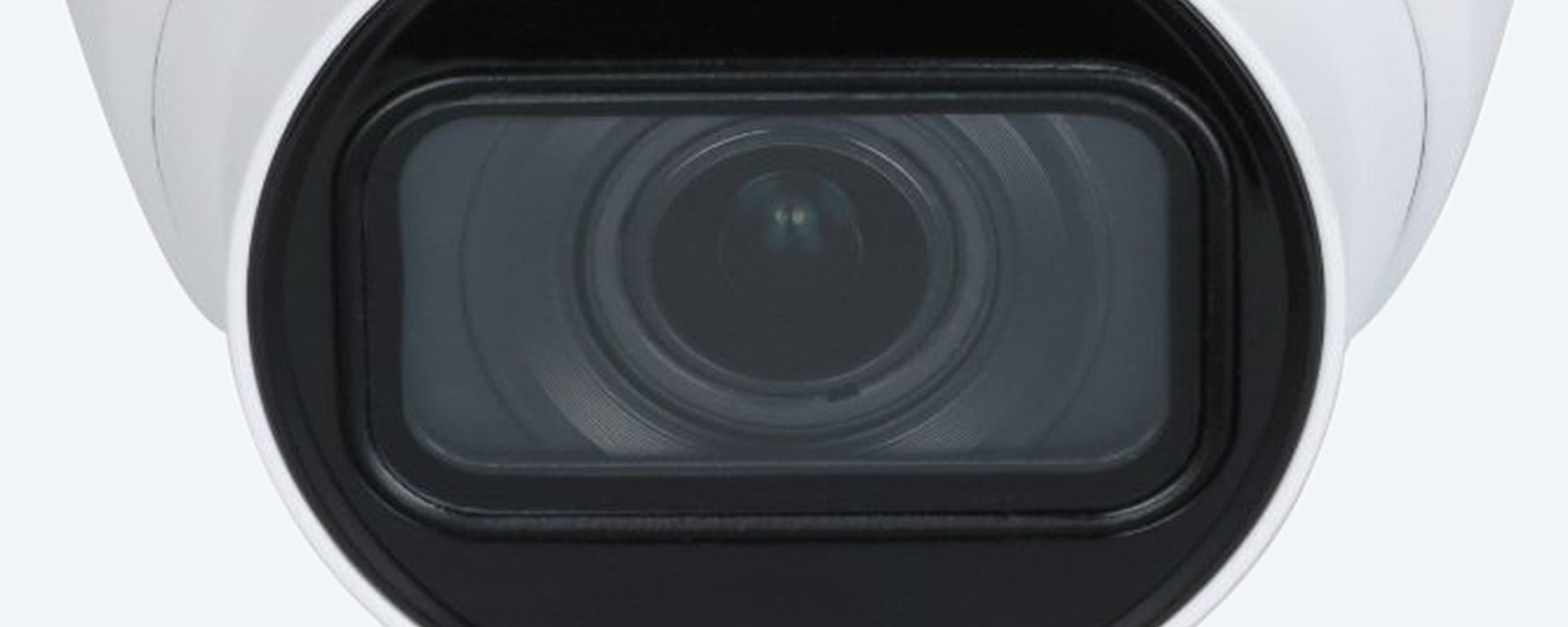
Lens
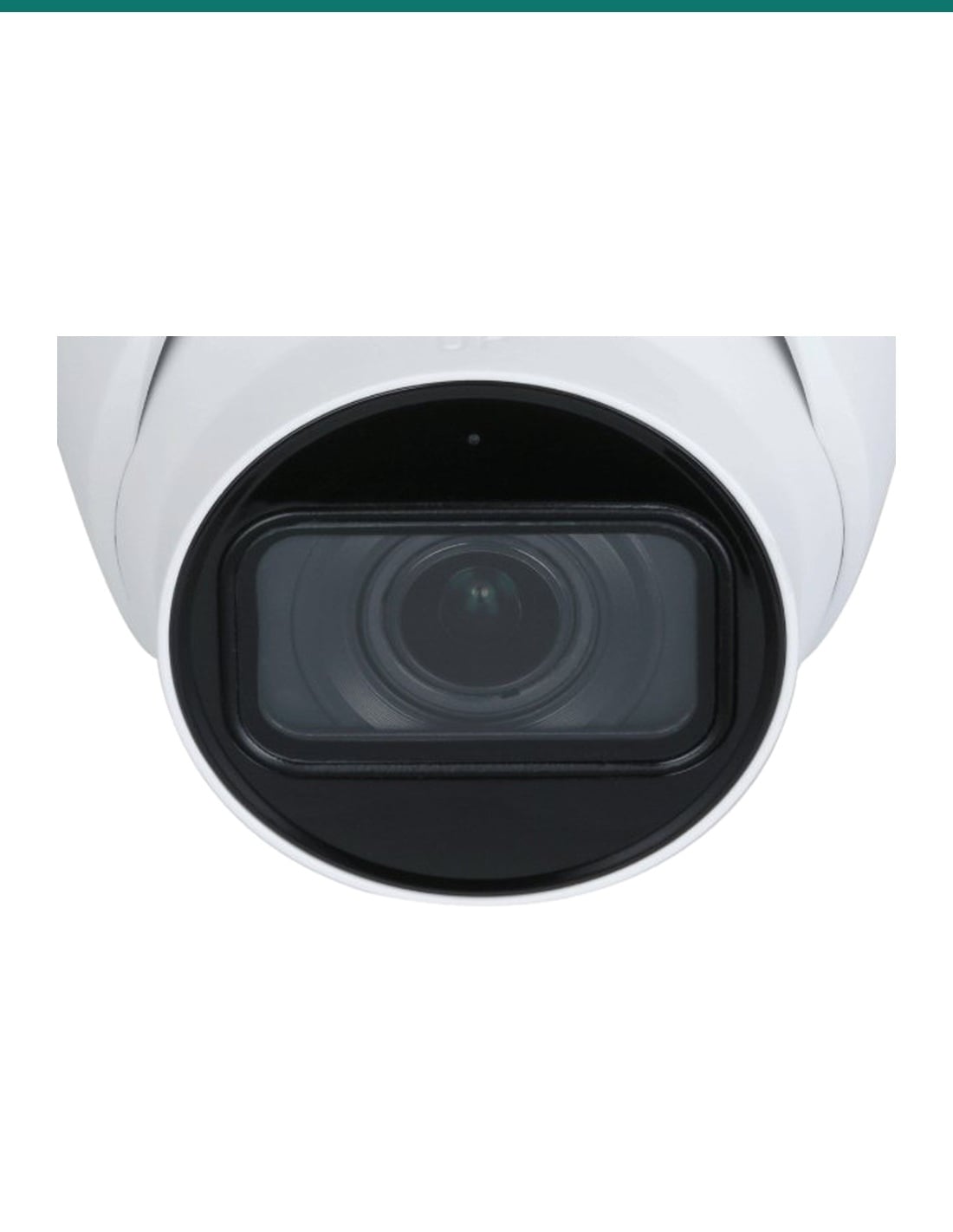
2.7–13.5 mm, 99° to 28° across. Colour holds down to 0.005 lux at F1.5, and two IR LEDs light the scene up to 40 m at night.
How it goes in
01
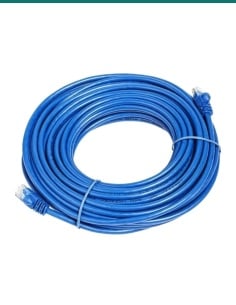
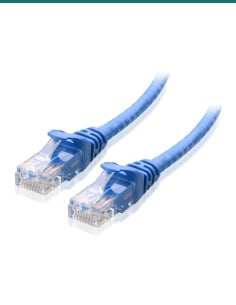
Cat5e or Cat6 to a PoE NVR or an 802.3af PoE switch. The camera draws up to 10.2 W on PoE. A 12 VDC supply also works.
02
Screw the Ø 122 mm base to the ceiling, eave or wall through its three Ø 4.5 mm holes on an 84 mm circle, then aim the ball roughly.
03
Add it to a Dahua NVR, Smart PSS, DSS or DMSS, then zoom between 2.7 and 13.5 mm and set the focus from the screen.
04
Draw tripwire or intrusion zones, tick human and vehicle, and turn on SMD 4.0 for filtered motion alerts.
At a glance
Show specs
Resolution
6MP, 3072 × 2048 at up to 25/30 fps
Lens
Motorised vari-focal 2.7–13.5 mm, F1.5
Field of view
99° to 28° horizontal, 134° to 35° diagonal
DORI (detect)
64 m wide, 210 m tele
Image sensor
1/2.7" progressive CMOS
Low light
Colour 0.005 lux, B/W 0.0005 lux at F1.5; 0 lux with IR on
IR
2 IR LEDs, up to 40 m
Smart detection
SMD 4.0; tripwire and intrusion with human and vehicle sorting
Search
Quick Pick with a Dahua AI NVR, Smart Search with a smart NVR
Image
120 dB WDR, AI SSA, EIS, BLC, HLC, 3D NR, defog
Compression
H.265, H.264, Smart H.265+/H.264+, AI H.265/H.264; MJPEG on the sub stream
Audio
Built-in microphone (no audio or alarm ports)
Storage
microSD up to 256 GB, NAS, FTP/SFTP
Network
1 × RJ45 10/100; ONVIF Profile S, G and T, Milestone, Genetec
Power
12 VDC or PoE (802.3af); up to 8.9 W (12 V) or 10.2 W (PoE)
Protection
IP67, metal casing
Size and weight
108.3 × Ø 122 mm, 715 g
Operating range
−30 °C to +60 °C, humidity under 95%
Software
DMSS (iOS, Android), Smart PSS, DSS
Warranty
Dahua 3-year (36-month) warranty for 3 Series cameras, handled in Australia through InFront
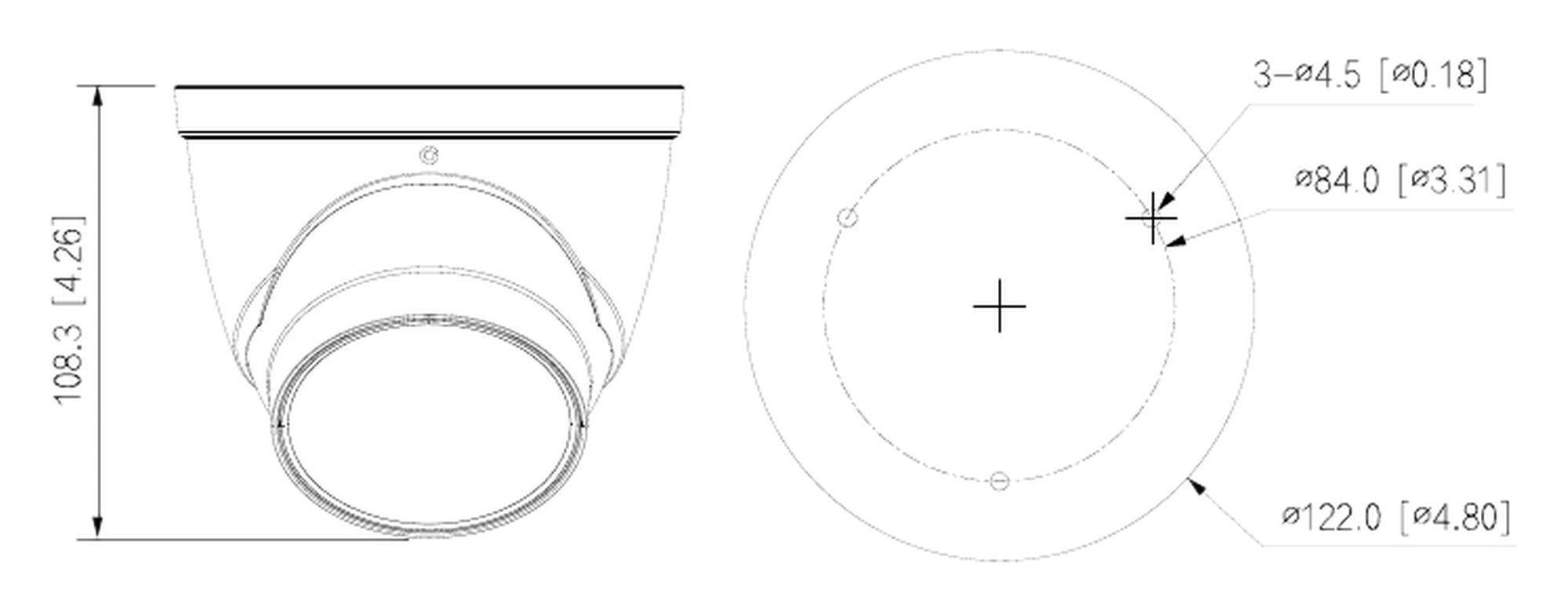
108.3 × Ø 122 mm. Three Ø 4.5 mm fixing holes on an Ø 84 mm circle. Units mm [inch].
Pair it with
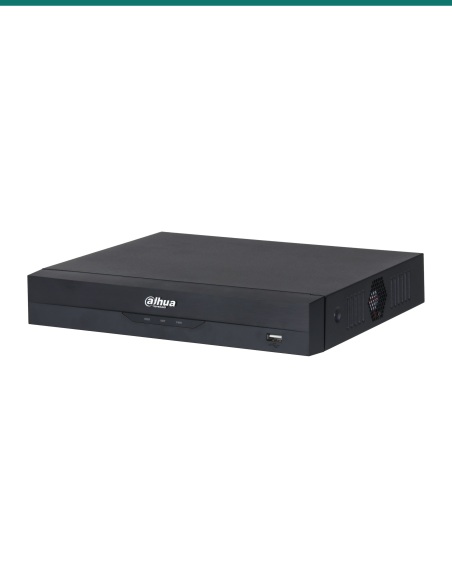
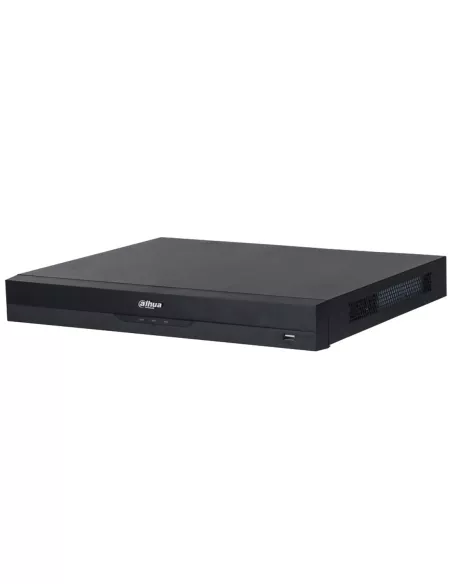
Recorder
Powers and records the camera on one cable, controls the zoom, and adds Quick Pick search on an AI NVR.
Power
If the recorder has no free PoE ports. Allow 10.2 W for this camera.
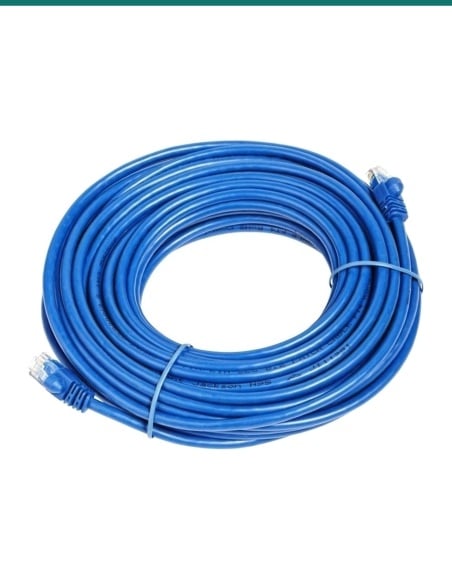
Cabling
One run per camera, up to the usual 100 m Ethernet limit.
Mounting
Dahua's optional box for this eyeball. It hides the cable tail. Dahua also lists the PFB205W-E wall mount and PFB220C ceiling mount.
Where it is used
Zoom in on the till or out to cover the whole floor.
Frame the door tight enough to identify faces.
A discreet eyeball under the eave that still reaches the gate.
Aisles and roller doors, re-framed later without a ladder.
Corridors and reception, with sound from the built-in microphone.
Entry lanes and bays, with human and vehicle sorting.
| 2.7 mm (wide) | 13.5 mm (tele) | |
|---|---|---|
| Horizontal view | 99° | 28° |
| Diagonal view | 134° | 35° |
| Detect (DORI) | 64 m | 210 m |
| Observe (DORI) | 25.6 m | 84 m |
| Recognise (DORI) | 12.8 m | 42 m |
| Identify (DORI) | 6.4 m | 21 m |
Both ends of the same motorised lens, from Dahua's DH-IPC-HDW3666TP-ZS-AUS datasheet. You can set any point in between.
The lens zooms from 2.7 mm to 13.5 mm and is focused by motor, controlled from the recorder, the web page or the DMSS app. You do not have to adjust it by hand at the camera.
An eyeball (turret): the ball sits in an open base and is not behind a dome cover, so there is no IR glare off a bubble.
No. This listing is the camera only. It records to a Dahua NVR, a NAS, FTP or a microSD card of up to 256 GB.
By 802.3af PoE or 12 VDC. It draws up to 10.2 W on PoE or 8.9 W on 12 VDC.
Up to 25/30 fps at the full 6MP (3072 × 2048).
Two IR LEDs reach up to 40 m. In colour it works down to 0.005 lux at F1.5.
At the tele end Dahua's DORI figures are 210 m to detect, 42 m to recognise and 21 m to identify. At the wide end they are 64 m, 12.8 m and 6.4 m.
Smart Motion Detection classifies what caused the motion and filters out things that are not people or vehicles, such as animals, so you get fewer false alerts.
Yes, through its built-in microphone. It has no audio or alarm ports and no speaker; the DH-IPC-HFW3666TP-ZAS-AUS bullet has them.
It supports ONVIF Profile S, G and T and works with Milestone and Genetec. Zoom control over ONVIF depends on the recorder; Quick Pick and Smart Search need a Dahua NVR.
Dahua gives its 3 Series network cameras a 3-year (36-month) manufacturer warranty under Dahua Australia's warranty policy. Claims are handled in Australia through InFront Technologies: call 1300 736 970 or email [email protected].
Concealed data cabling to the camera is customer cabling under AS/CA S009 and needs an ACMA-registered cabler. Plugging a patch lead into an existing outlet does not.
Help choosing the recorder, switch or mounting: call 1300 736 970 or email [email protected]. The datasheet is on the Attachments tab.
Low-voltage camera. PoE (802.3af, up to 10.2 W) or 12 VDC (up to 8.9 W). There is no mains connection on the camera. A new power point for a 12 V supply needs a licensed electrician.
Cabling. Concealed data cabling is customer cabling under AS/CA S009 and needs an ACMA-registered cabler.
Audio. Recording conversations is covered by state and territory surveillance laws. Check them, and use signage, before you switch the microphone on.
What it does not do. No Wi-Fi, no speaker or siren, no warm light, no audio or alarm ports and no face recognition.
Figures. From Dahua's DH-IPC-HDW3666TP-ZS-AUS datasheet (Rev 002).



Need help choosing?
Tell us about your property and we'll recommend the right cameras and recorder.
07 5609 4910Sydney 02 8814 6008
[email protected]
Mon–Fri, 9am–5pm AEST
20 related items