There are no more items in your cart
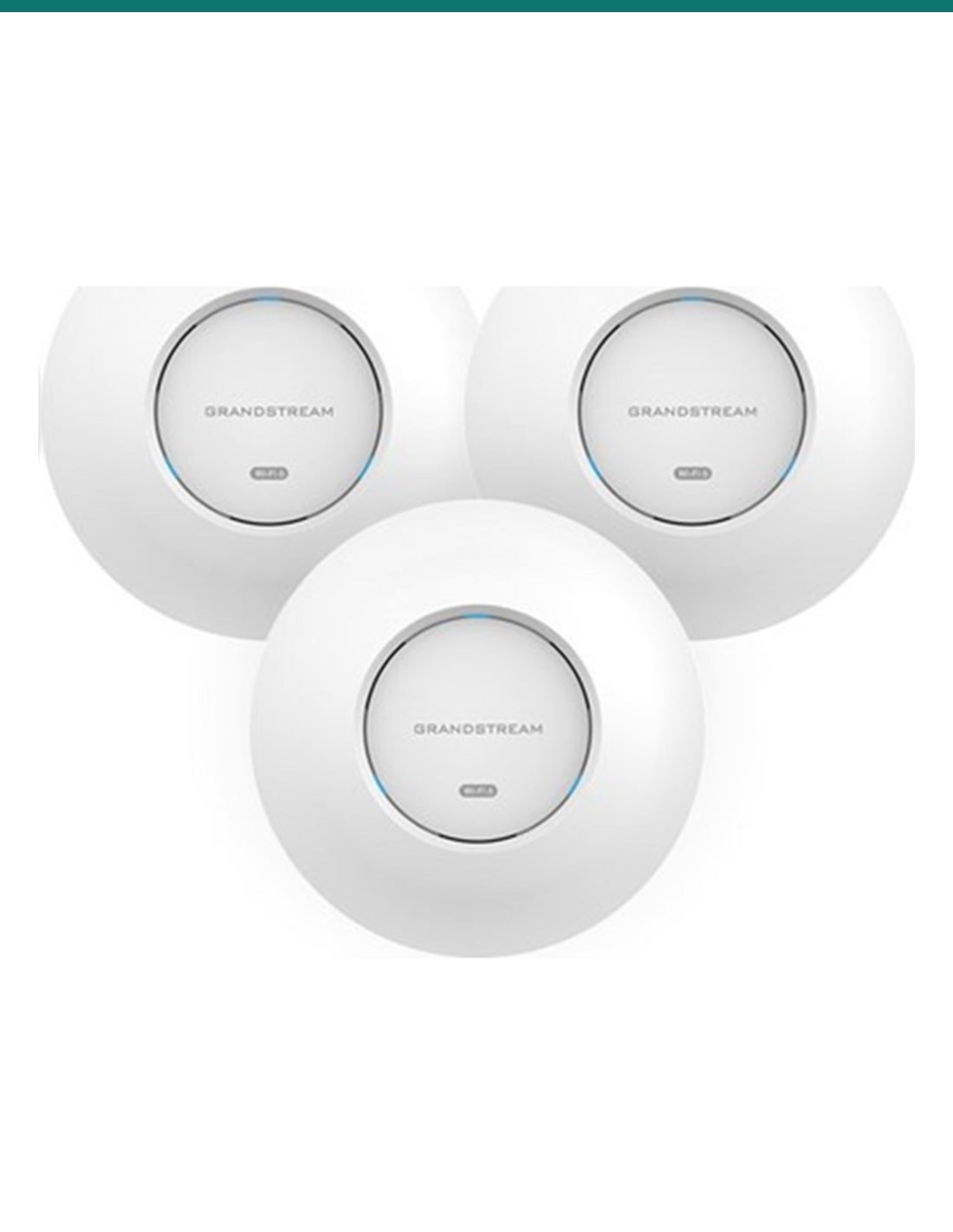
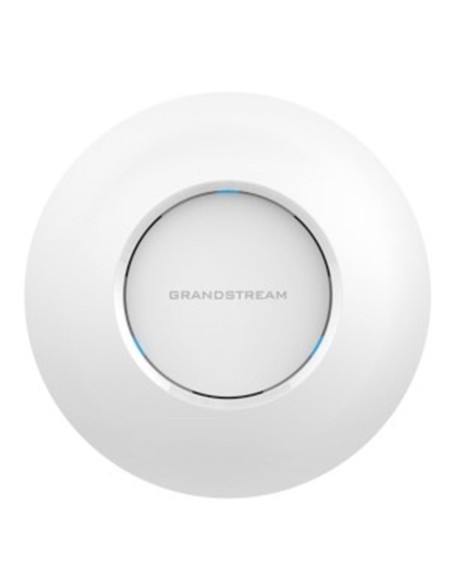


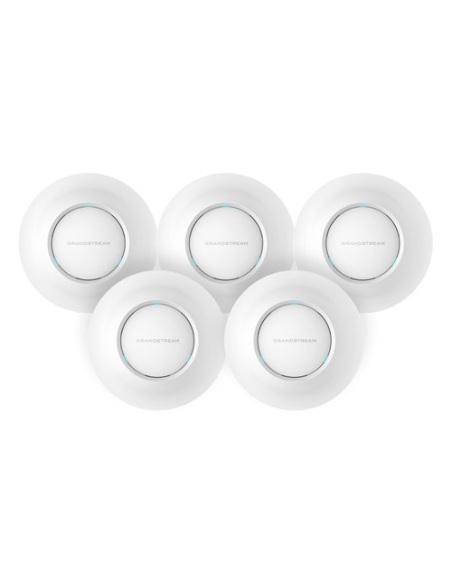
HYBRID 802.11AX WI-FI 6 AP AX3000 2X2 2.4 GHZ 3X3 5.0 GHZ KITS
Grandstream GWN7660E-3PACK — SIP / UC hardware for enterprise and hospitality deployments.
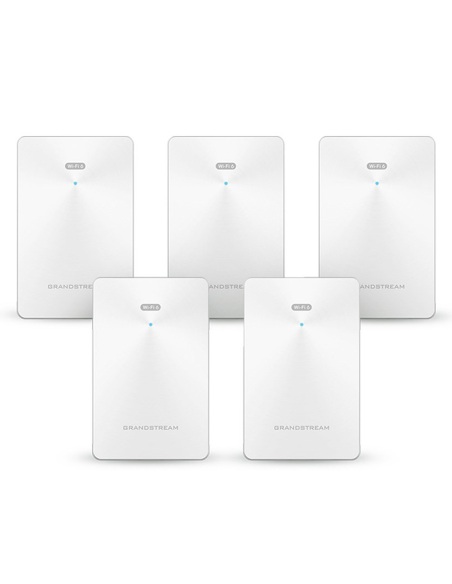
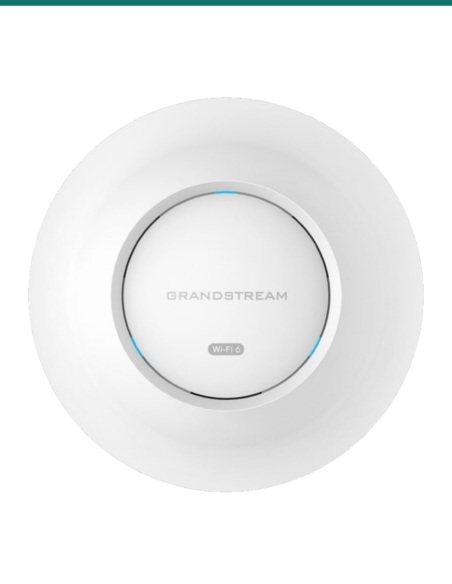
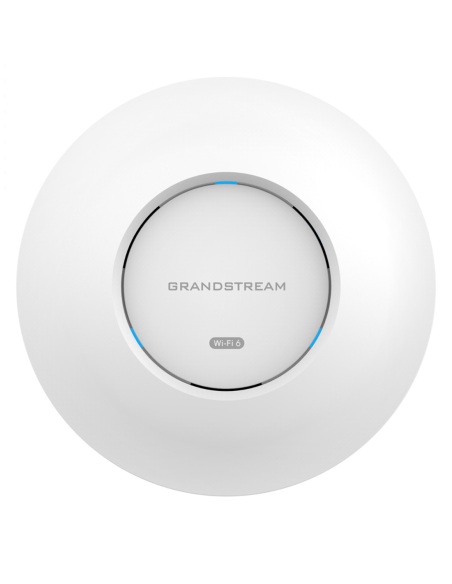
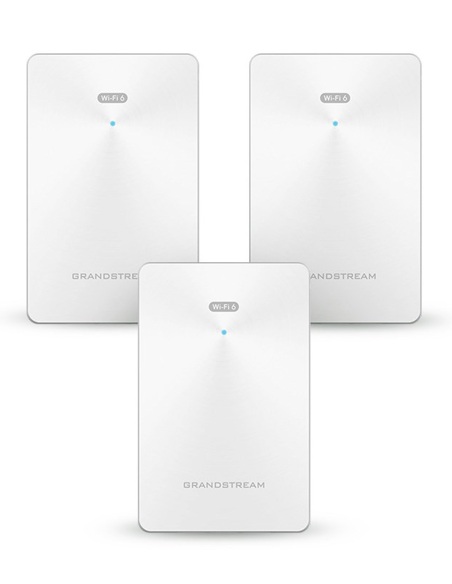
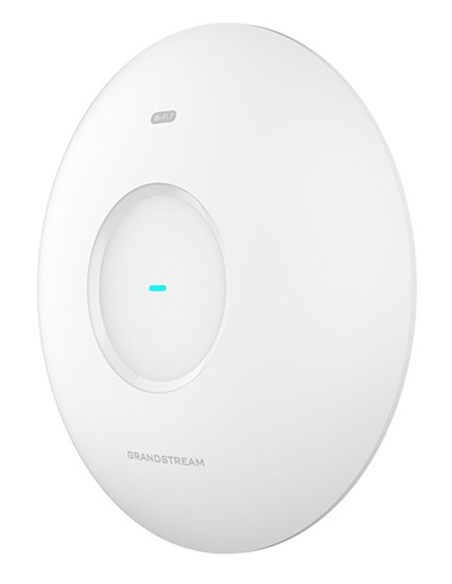
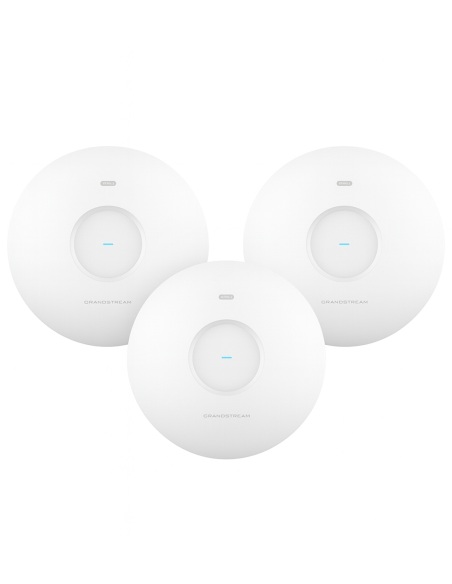
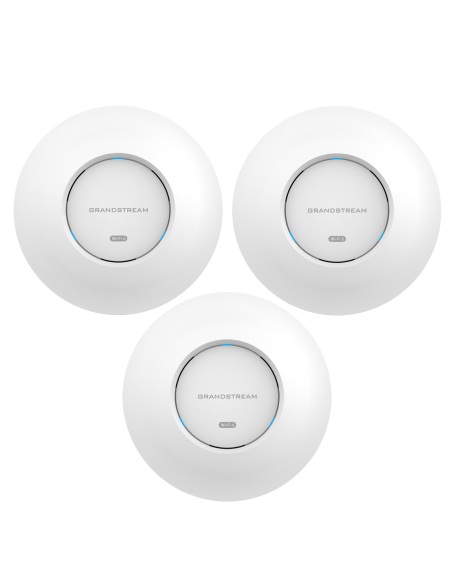
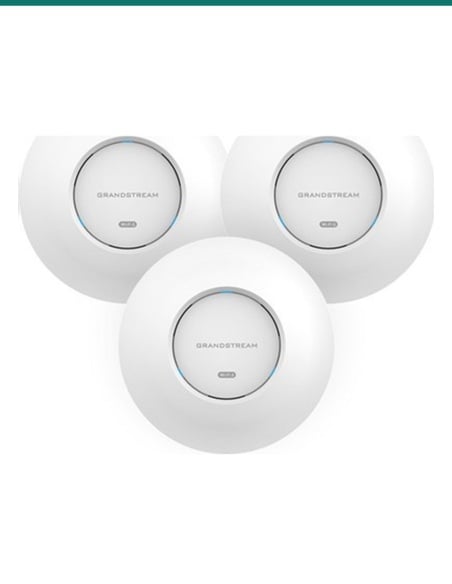
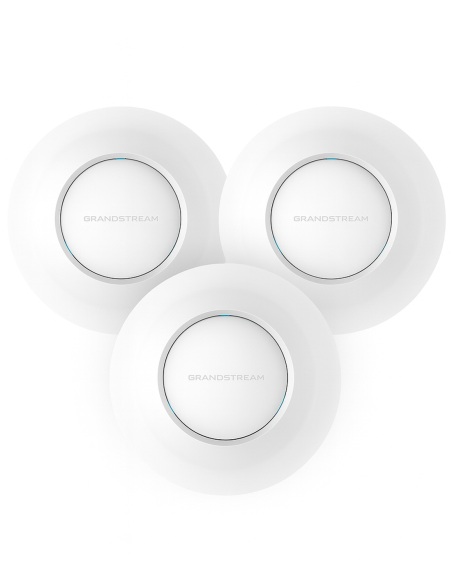
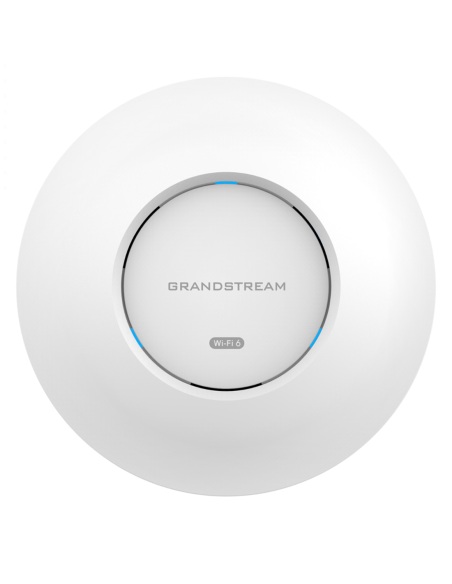
The GR-GWN7660E-3PACK bundles three indoor Grandstream Wi‑Fi 6 access points for structured business deployments that need modern client capacity, integrated controller management and predictable dual-band performance. Each AP combines 802.11ax radios with 2x2 MIMO on 2.4GHz and 3x3 MIMO on 5GHz, making this kit suitable for offices, education spaces, hospitality floors, medical consulting rooms and light commercial environments where roaming, airtime efficiency and central visibility matter.
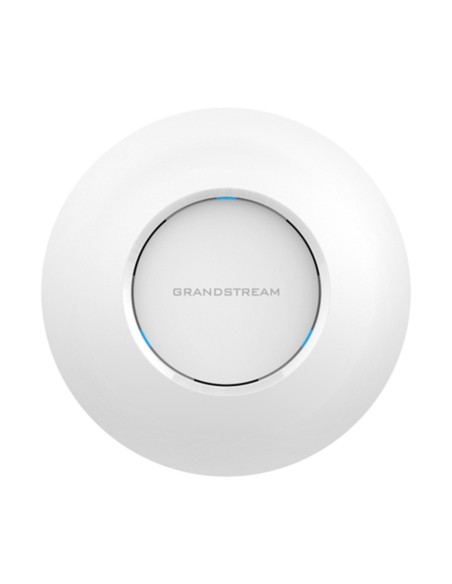
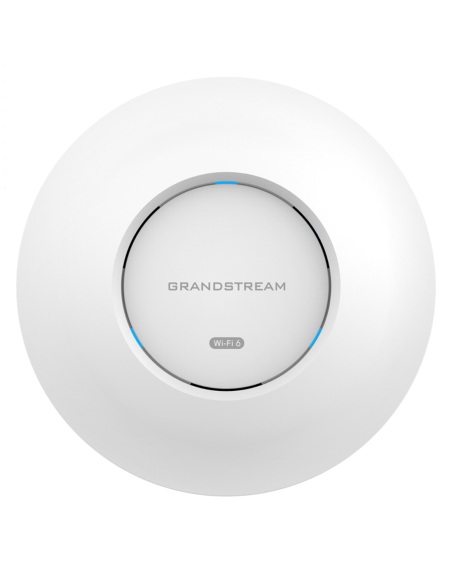
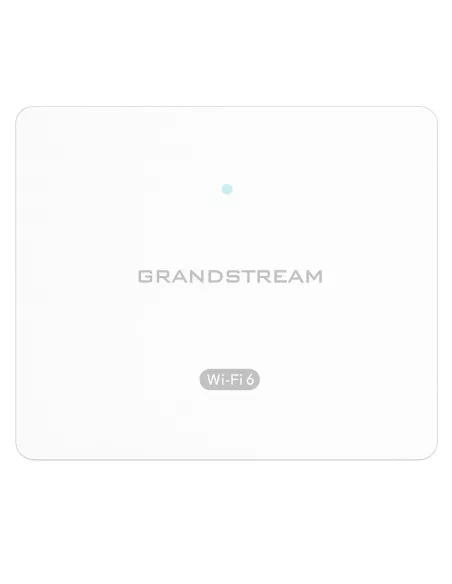
Product shot may differ from supplied regional packaging or mounting accessories.
A three-pack format changes the deployment conversation from single-room wireless to coordinated site coverage. Instead of stretching one radio cell across multiple offices or trying to force 2.4GHz to carry the load, installers can place APs closer to users, reduce co-channel contention, encourage 5GHz association and build a cleaner roaming experience across meeting rooms, open plan work areas, reception spaces and corridors. With AX3000 aggregate throughput, a 2x2 2.4GHz radio and a higher-capacity 3x3 5GHz radio, the GWN7660E platform is aimed at environments where modern laptops, phones, tablets and VoIP endpoints need efficient airtime scheduling rather than headline speed alone.
For Australian business deployments, Infront Technologies Australia can help align this kit with switching, PoE budgeting, VLAN design, gateway selection and site layout so the wireless layer integrates properly with the rest of the network rather than being treated as a standalone add-on.
This pack is intended for distributed indoor coverage. By placing three access points in sensible positions, installers can reduce dead zones, keep received signal strength healthier at the client edge and limit the temptation to overdrive transmit power. The practical advantage is improved modulation stability, more reliable upstream traffic and better behaviour for latency-sensitive applications such as cloud calling, video meetings and wireless POS.
The radio split matters as well: 2x2 on 2.4GHz supports legacy and longer-range association, while 3x3 on 5GHz gives the preferred band extra spatial capacity for current client fleets. In sites with many concurrent users, that 5GHz emphasis helps move the workload away from the narrower, more interference-prone 2.4GHz layer.
802.11ax is not just a faster badge. In real business networks it improves how airtime is scheduled, particularly when many mixed client types are competing for transmission opportunities. That means the GWN7660E platform is better suited than older-generation APs for sites carrying notebook traffic, smartphones, guest devices, tablets, printers, scanners and IoT endpoints all at once.
The AX3000 class gives installers a useful shorthand for overall radio capability, but the more relevant planning figures here are dual-band operation, 2x2 at 2.4GHz, 3x3 at 5GHz and the fact that you are deploying three coordinated units. In practice that lets you separate users across cells, tune channels more deliberately and preserve throughput consistency during peak occupancy periods.
The short description identifies integrated controller support, which is significant for installers managing more than a single AP. Central visibility makes it easier to stage SSIDs, security policy, radio parameters and client monitoring across all three units. That reduces configuration drift and gives support teams a cleaner path to diagnosing roaming behaviour, channel overlap, overloaded cells or guest network complaints.
For branch offices and growing sites, that controller-led approach is also a practical scaling advantage. You can begin with a three-AP footprint, map the coverage outcome and then extend the wireless estate with compatible switching, uplink and segmentation decisions already in place. For the installer, that means less rework and fewer ad-hoc fixes once real client density shows up.
A three-pack AP kit performs best when treated as part of the network design, not as isolated hardware. These four steps reflect a typical installer workflow for business Wi‑Fi.
Identify wall density, room usage, ceiling heights, likely client counts and uplink locations. Decide whether coverage priority is general office access, guest Wi‑Fi, voice roaming or dense collaboration areas.
Use the three included units to shorten client-to-AP distance rather than blasting signal from a single point. This improves 5GHz usability and supports cleaner cell boundaries for roaming.
Confirm PoE availability, trunking, management access, DHCP scope design and guest isolation before commissioning. Wireless performance depends on the wired side being properly provisioned.
After installation, test roaming, band steering behaviour, signal overlap and throughput in occupied areas. Fine-tune channel planning and power settings to suit the actual client mix.
Verified specifications from the supplied product context are summarised below for quick project scoping.
Common wireless terms that matter when specifying and commissioning business access points.
Physical dimensions were not provided in the verified product context. For rack room planning, ceiling layouts or carton consolidation, confirm unit size, mounting footprint and packed weight from the current Grandstream documentation before final sign-off.
Typical infrastructure categories to consider alongside a three-AP business wireless kit.
Choose a managed switch with adequate PoE budget, VLAN support and enough uplink capacity to backhaul all three APs cleanly.
Use a gateway that can handle guest isolation, VPN, QoS and bandwidth policy so wireless traffic is segmented and prioritised correctly.
Install quality horizontal cabling to each AP position with tested terminations and labelled patching for easier support and future moves.
Plan separate staff, voice, guest and device networks where required, using controller-based templates to keep all APs consistent.
It is a 3-pack indoor access point kit. The supplied context identifies three units intended for business Wi‑Fi deployments rather than a single standalone AP.
AX3000 is the aggregate Wi‑Fi class across both radios. Real user throughput depends on client capability, spectrum conditions, channel width, AP placement and the number of active devices.
That radio balance prioritises capacity where modern business clients should ideally operate. 2.4GHz remains available for compatibility and wider reach, while 5GHz is better equipped for performance-oriented traffic.
Yes. The product context specifies integrated controller support, which is important for consistent configuration, monitoring and scaling across multiple APs.
It suits sites that need coverage across several rooms or zones, such as offices, clinics, classrooms, cafés, retail floors or reception-plus-back-office layouts.
Confirm PoE method, switch budget, mounting positions, VLAN design, internet gateway suitability, cabling routes and any current Grandstream documentation for dimensions and included accessories.
Final wireless performance depends on site construction, RF noise, client capabilities, channel planning, cabling quality, PoE provisioning and correct installer configuration.


Need help choosing?
Tell us about your property and we'll recommend the right cameras and recorder.
07 5609 4910Sydney 02 8814 6008
[email protected]
Mon–Fri, 9am–5pm AEST
20 related items