There are no more items in your cart
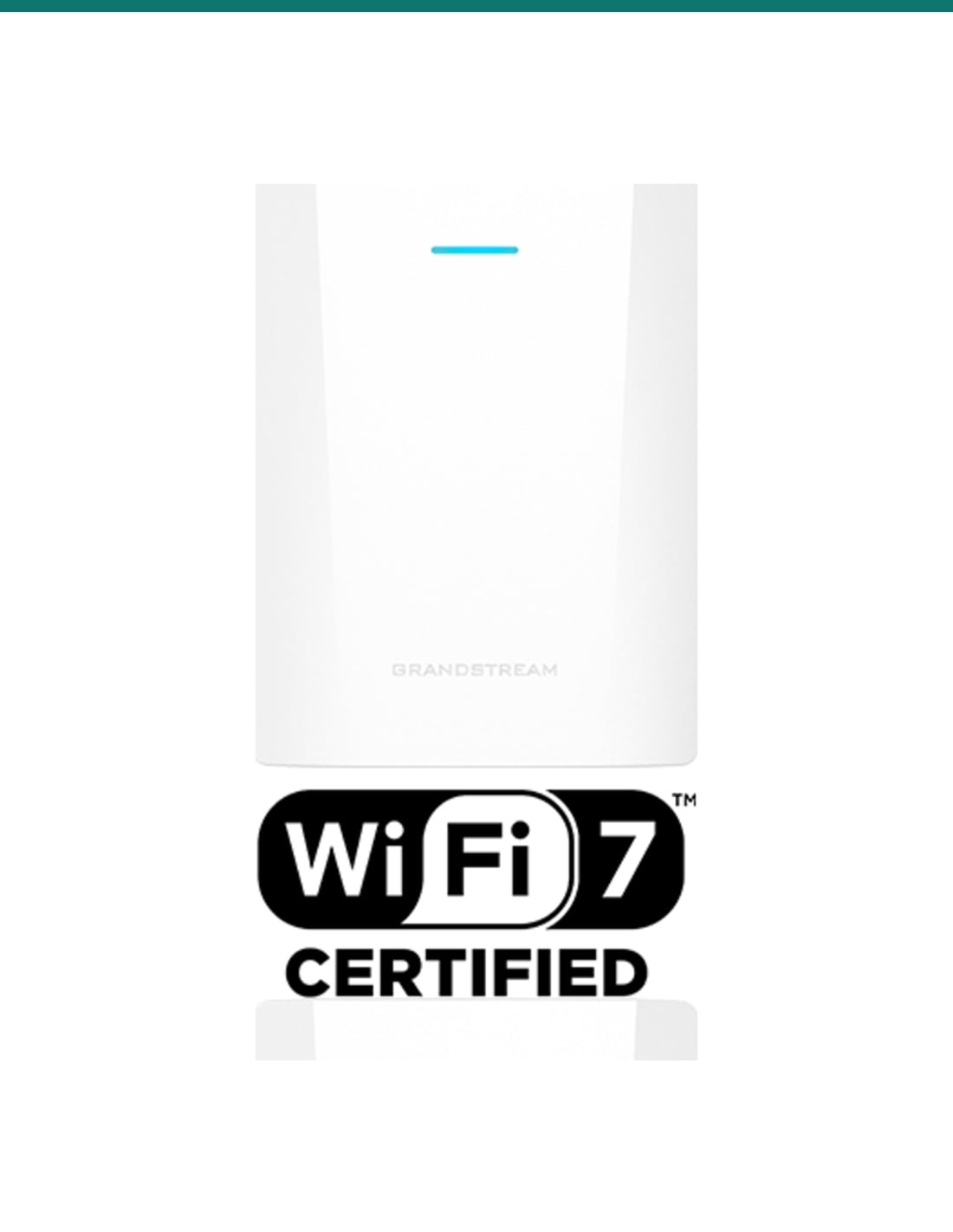


2X2X2 TRI-BAND WI-FI 7 IN-WALL AP 1 X 5 GIGE
Grandstream GWN7672WM — SIP / UC hardware for enterprise and hospitality deployments.
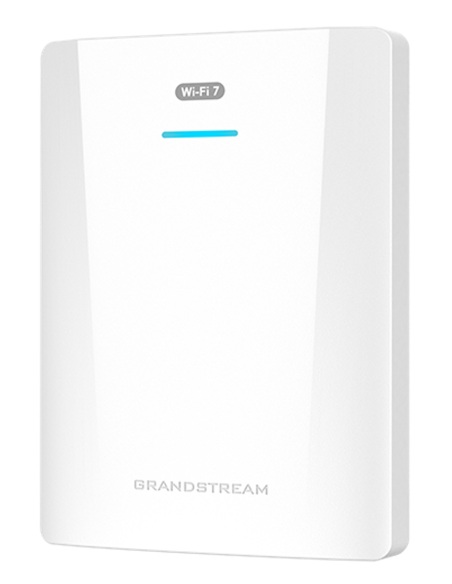
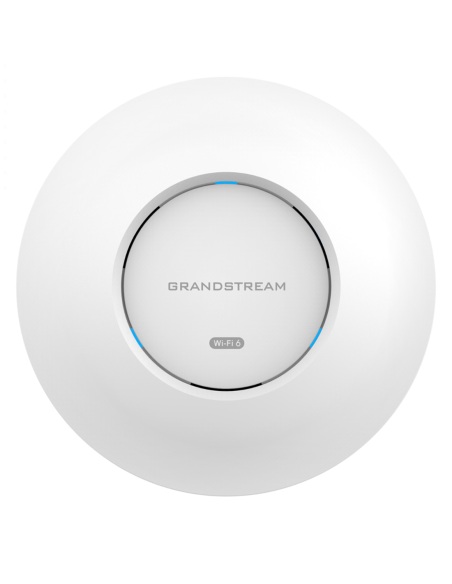
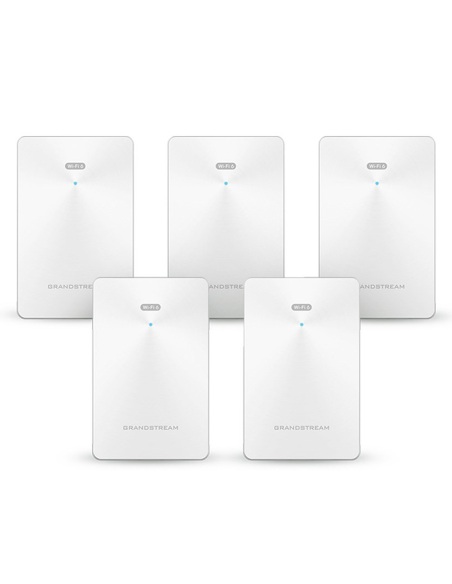
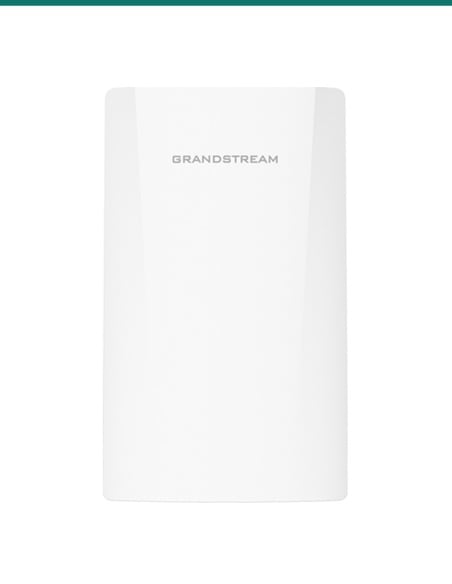
The Grandstream GWN7672WM is a business-grade in-wall wireless access point designed for room-by-room, corridor, hospitality, education and multi-dwelling deployments where discreet mounting, modern Wi-Fi capacity and clean cable presentation matter. It combines tri-band Wi-Fi 7 operation, 2x2:2 MIMO radio design across all three bands, and a 5 Gigabit Ethernet uplink for higher-capacity backhaul into current multi-gig switching environments.
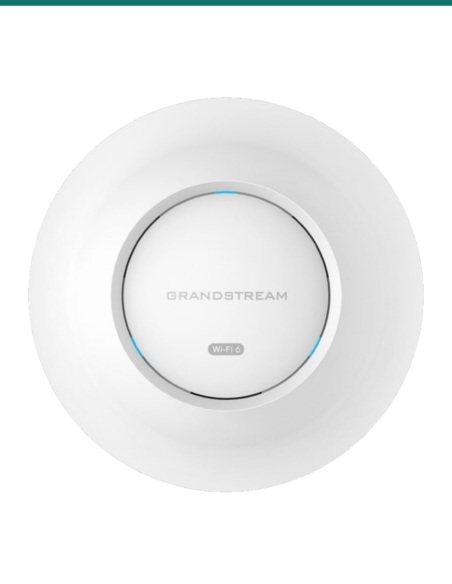
Product shot may differ from final regional hardware revision or wall-plate finish.
For guest rooms, serviced apartments, classrooms, consulting rooms and retrofit commercial spaces, an in-wall AP reduces visual impact while placing Wi-Fi close to users. The GR-GWN7672WM uses a tri-band Wi-Fi 7 architecture with 2x2:2 MIMO on each band, enabling efficient client distribution across 2.4GHz, 5GHz and 6GHz where spectrum availability and device compatibility allow. The integrated 5GbE uplink is especially relevant for dense wireless designs that would otherwise bottleneck on legacy 1GbE edge links.
Infront Technologies Australia can assist with specification alignment, switching compatibility, PoE planning, controller strategy and rollout advice for Grandstream business Wi-Fi deployments, whether you are refreshing a single level or standardising access across a larger property portfolio.
The key technical advantage here is not simply that the unit is Wi-Fi 7, but that it spreads service across three bands with 2x2:2 MIMO available on each. In practical design terms, that means older 2.4GHz IoT and low-throughput clients do not have to crowd the same airtime used by 5GHz laptops and handsets, while compatible 6GHz-capable devices can be moved into cleaner spectrum with less legacy overhead and reduced contention.
For installers working in hospitality rooms, offices with many enclosed spaces, and education accommodation areas, that tri-band split can improve roaming behaviour, channel reuse planning and client experience when compared with basic dual-band wall APs. The 2x2:2 architecture is also easier to design around than consumer-style headline rates because it reflects the per-band spatial stream structure that drives actual client association patterns.
A tri-band Wi‑Fi 7 AP can only deliver its potential when the wired side is dimensioned correctly. The GR-GWN7672WM includes a 5 Gigabit Ethernet uplink, making it suitable for attachment to multi-gig access switches where aggregate wireless demand would exceed standard Gigabit capacity. That matters in high-occupancy guest accommodation, meeting floors, or any design where several modern clients may be active in parallel on high-throughput applications.
From a deployment perspective, a 5GbE edge also adds headroom for future client refresh cycles. Even if every room or office does not saturate the link today, selecting a multi-gig AP uplink at the fit-out stage reduces the chance of an expensive recable or switch replacement later. It is a cleaner long-term choice for structured cabling environments already moving toward Cat6-class multi-gig access layers.
An in-wall access point changes the physical design approach. Instead of relying on corridor ceiling propagation through multiple partitions, coverage is delivered closer to the user position, often improving consistency inside individual rooms and reducing aesthetic objections in premium or refurbished spaces. This format is particularly useful where heritage finishes, concrete slab constraints or tenancy restrictions make new ceiling pathways difficult.
Because this is a Grandstream managed AP, it also aligns with centralised administration strategies across multi-site estates. That means easier SSID standardisation, radio tuning, firmware maintenance and monitoring compared with standalone consumer hardware. For Australian integrators, that translates to less truck-roll overhead and more predictable support outcomes after handover.
Install the AP in-wall at room or zone level to place wireless coverage near users rather than forcing signal through multiple walls from a corridor or distant ceiling location.
Connect the AP to a suitable switching layer using the 5GbE uplink so tri-band traffic aggregation has a wired path sized for modern client density and peak demand.
2.4GHz can service legacy and low-bandwidth endpoints, 5GHz can carry mainstream business traffic, and 6GHz can support compatible Wi‑Fi 6E/7 clients in cleaner spectrum.
Apply policy, monitor radio health, maintain firmware and expand coverage in a structured way rather than treating each room AP as an isolated device.
Verified product attributes from the provided source context.
Useful terms for planners, installers and IT teams reviewing wireless infrastructure.
Exact physical dimensions were not supplied in the provided source material. For wall-box fit, faceplate coverage and clearance confirmation, final installation planning should be checked against the official Grandstream technical documentation and the target wall bracket or back-box standard before site rollout.
This is particularly important in accommodation refurbishments and mixed legacy construction where recess depth, conduit entry and plate geometry may vary between rooms.
Typical companion infrastructure to build out a complete wireless edge.
Best paired with a managed edge switch that can present suitable PoE and 2.5GbE/5GbE-class access ports so the AP uplink is not constrained to Gigabit.
A sensible match for 5GbE edge links, especially in new works or recabling projects where preserving multi-gig capability is a design goal.
Use with the appropriate Grandstream management workflow so firmware, SSIDs, security policy and monitoring remain consistent across the access layer.
The 6GHz and Wi‑Fi 7 benefits are most visible when paired with compatible notebooks, handsets and specialist wireless devices on a modern access network.
It is positioned as a business wireless access point. The in-wall format, central management orientation and multi-gig uplink make it more suitable for structured commercial or multi-room deployments than ad-hoc consumer mesh placement.
In-wall APs are useful where you want discreet room-level coverage, easier retrofit into existing spaces, and less visual impact. They are common in hotels, apartments, student accommodation and partitioned office layouts.
It means each of the three radios uses a two-stream MIMO design. That tells you the AP has a balanced per-band architecture rather than simply a marketing total aggregated across unrelated radio configurations.
The AP can be integrated according to network design, but to realise the value of the 5GbE uplink you should pair it with appropriate multi-gig switching and cabling. Otherwise the wired side may become the limiting factor.
6GHz relevance depends on client capability, local regulatory settings and the broader network design. Where supported, it can provide cleaner spectrum for compatible devices and help offload busy 5GHz channels.
It is a strong fit for hospitality rooms, serviced apartments, classroom accommodation, consulting suites, aged-care rooms, and retrofit commercial spaces that need tidy wall-mounted business Wi‑Fi with a modern wired uplink.
Final compatibility, PoE requirements, mounting suitability, regional wireless settings and 6GHz availability should be confirmed against official Grandstream documentation and the target Australian network environment before procurement or installation.


Need help choosing?
Tell us about your property and we'll recommend the right cameras and recorder.
07 5609 4910Sydney 02 8814 6008
[email protected]
Mon–Fri, 9am–5pm AEST
20 related items